Week 3 Challenge : CFD meshing on Turbocharger
Objevtive :-CFD meshing on Turbocharger .
Theory:-
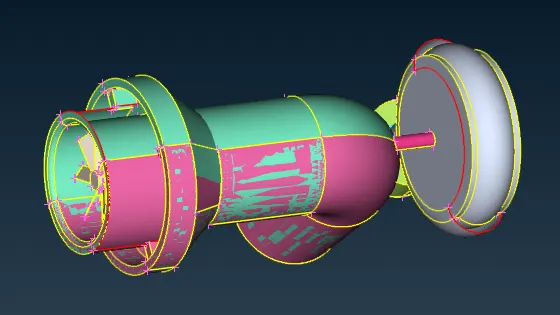
Here the degine have 1-overlap PID
2-Intersection error
3-Geometrical error
To clear the overlap check all PID one b one delete the extra PID .
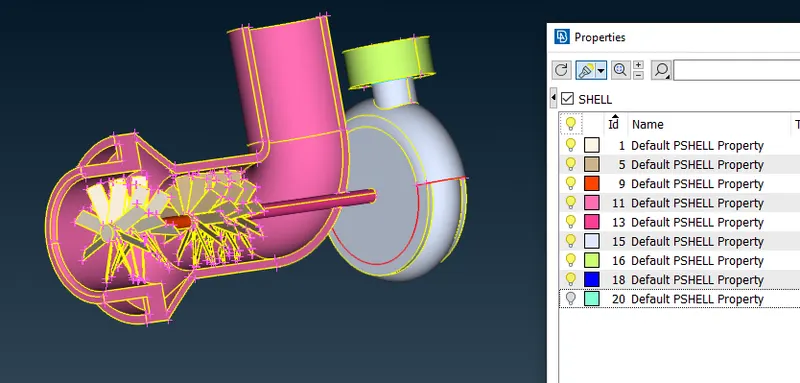
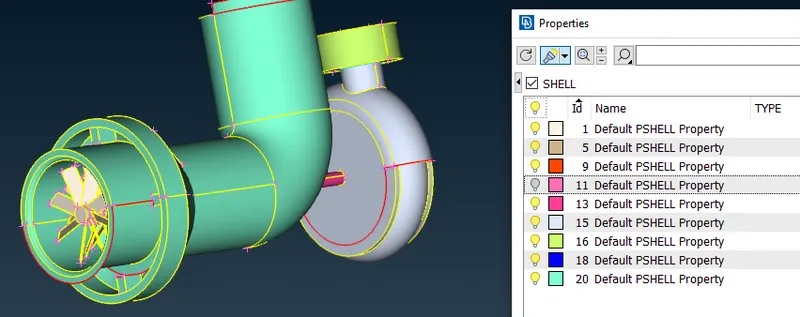
Here PID 20 and PID 11 was overlaps .
So delete the Unnecessary PID
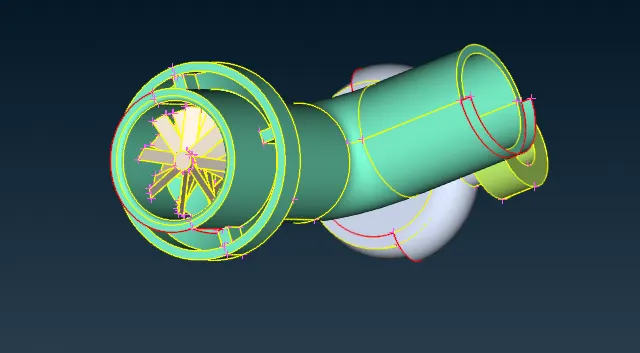
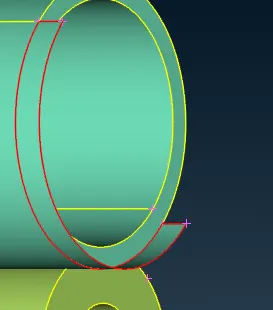
Here we have to delete the extra Part of the face .
So Delete the Whole face and creat new face .
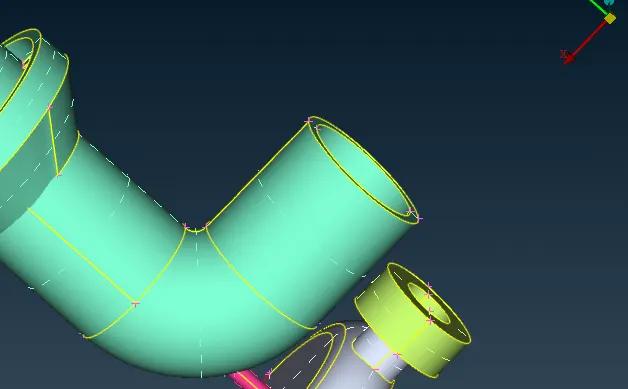
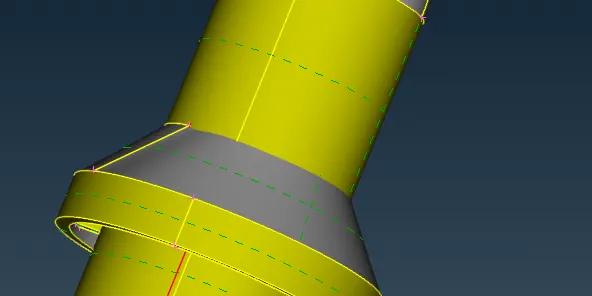
Here intersection of two face is there
So delete the intersection parts
Face(Intersection)>>Delete the intesection part
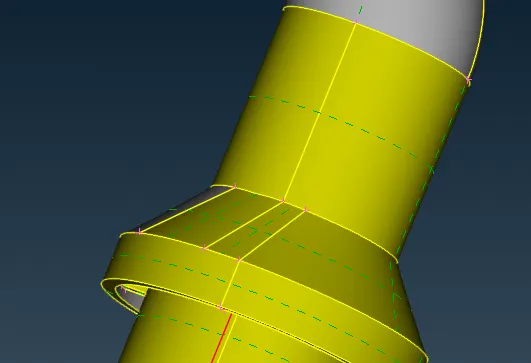
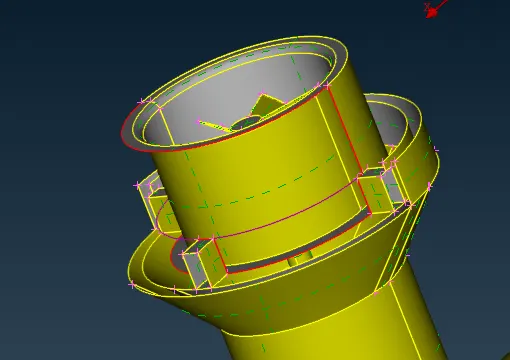
To trasfer the clear the geometrical error we have to trasfer the curve .
transfer(curve)>>select the curves and the hot points where have to transfers.
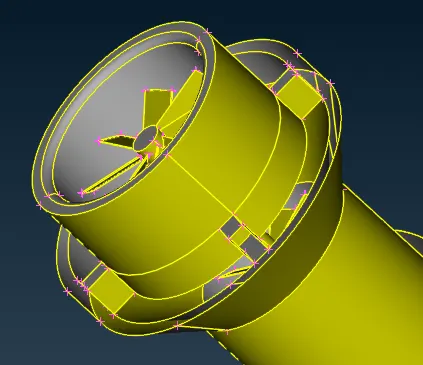
Now the geometrical error was clear by useing
Face>>New>>Cones
After creation of the surface delete the curve .
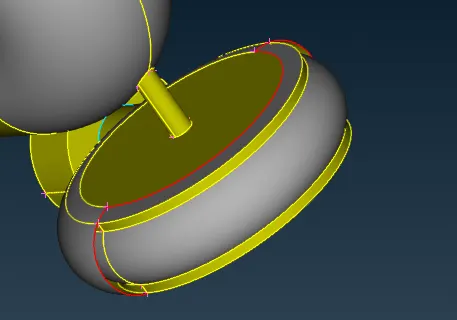
Now the face was missing .
Here we can creat the symetric face.
Transfer(Utilities)>>copy>>Entites>>symetric>>3-point selection>>then generate the surfaces
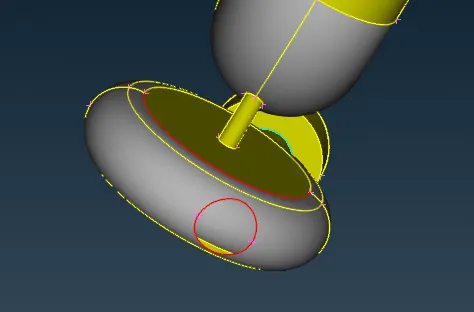
Fill the hole useing fill hole
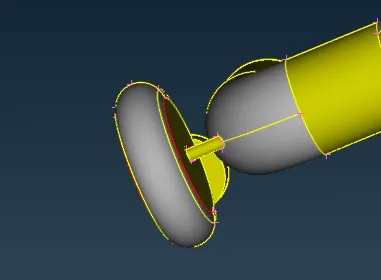
To clear the single cones use TOPO(Face)
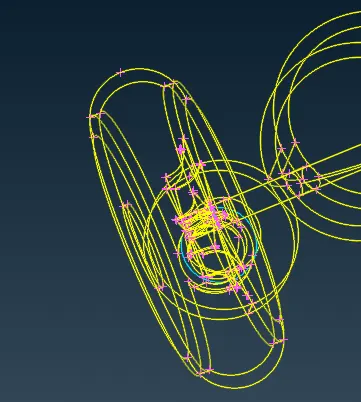
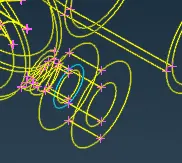
here tripule cone was present for the.
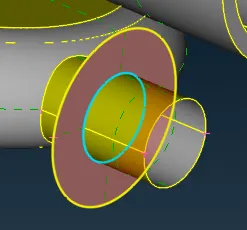
This tripule conr was not avoidable.
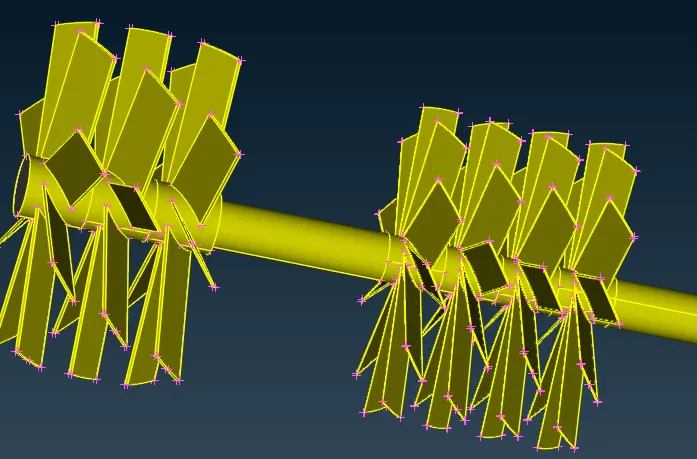
We have to treat the whole shaft as one volume so we have to do the topo on the shaft
This tripule conr was not avoidable.
We have to treat the whole shaft as one volume so we have to do the topo on the shaft.
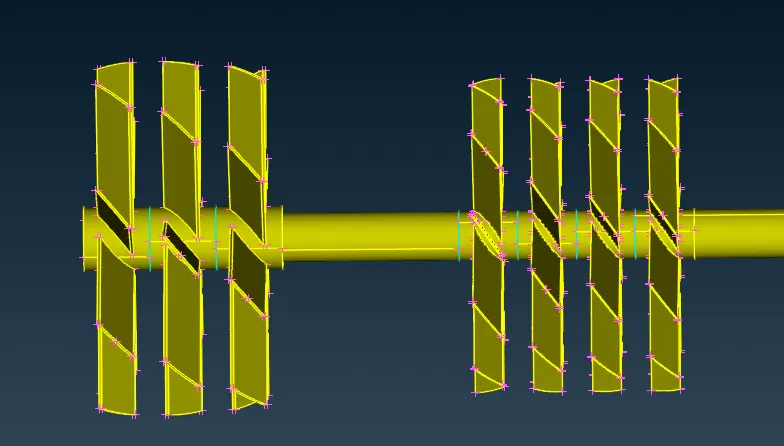
Here Ttipule cones are arise .
Here Ttipule cones are arise ,so we have to clear all the tripule cone ,to get the singile volume.
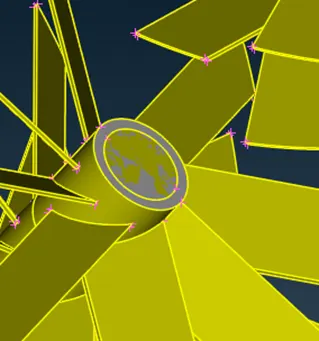
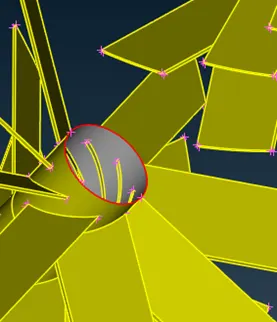
here overlap PID are present.so delete the overlap face .
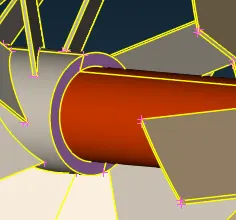
Now creat a face to close face.
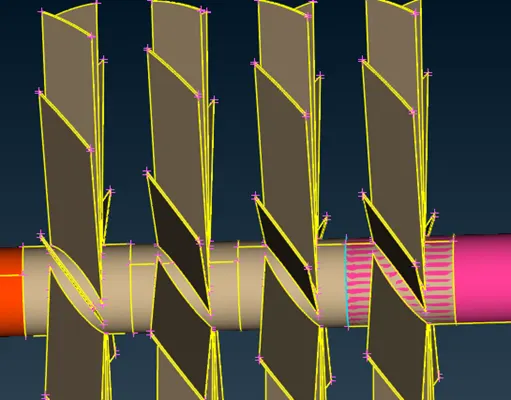
Here turbine and shaft planes are PID overlap is present.
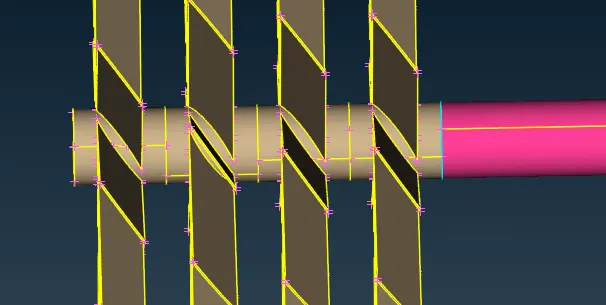
Geometrical intersection error was clear.
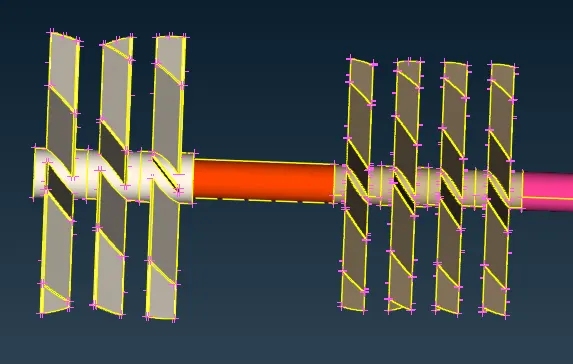
Now clear all the faces inside the shaft.
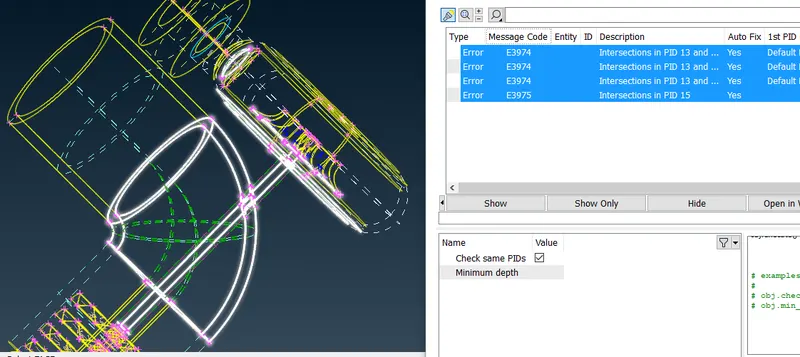 Now 4 intersection error was present .
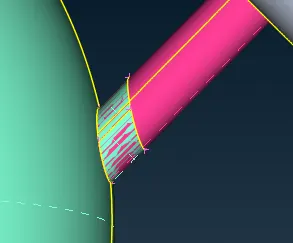 This is the overlap PID face .
Then delete the intersection face and project the cones on the shaft and delete the shaft part inside the cashing.
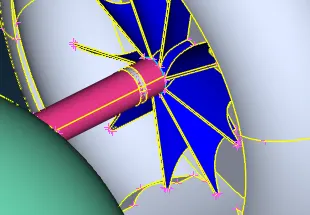 Here overlap PID error was present.
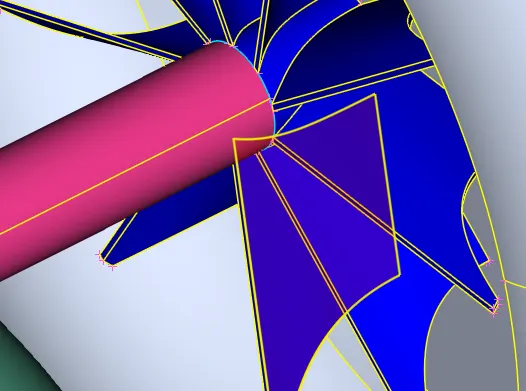 Now intersection surface was deleted but single cones are arise.so delete the shaft inside the intersection part ,by projecting the single cones inside on the shaft.
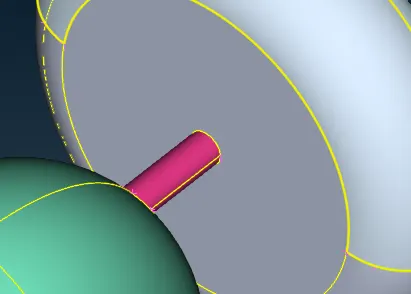
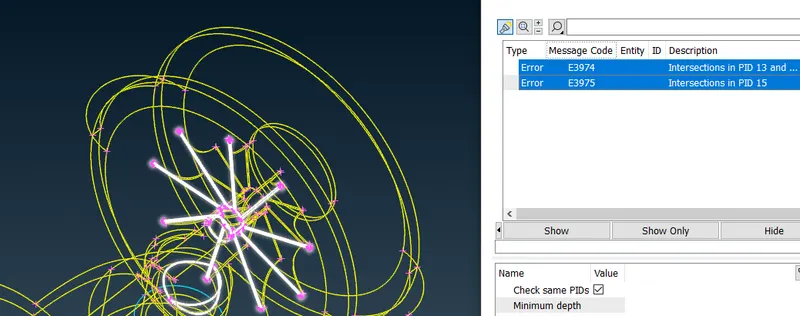 Now two intersection error present
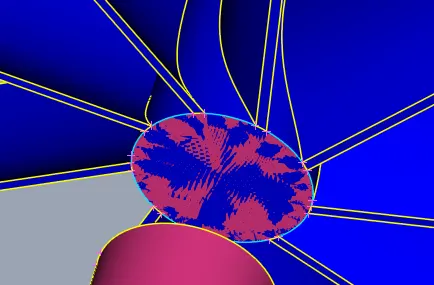 Here the overlap PID face.
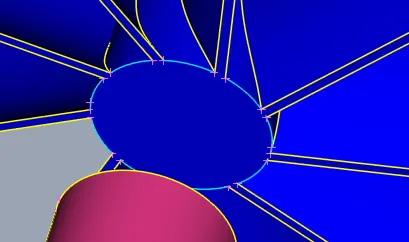 Here overlap face was deleted but tripule cone was present.to clear the tripule cone, we have to delete the face ,if i will delete the face the compressor blade face will delete .so project the cone on the surface then delete the face.
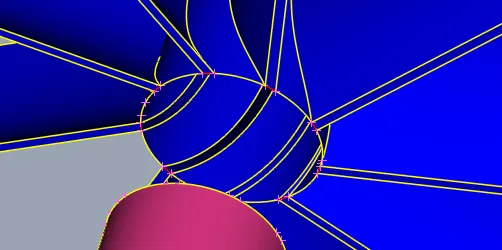 now tripule cone was clear.
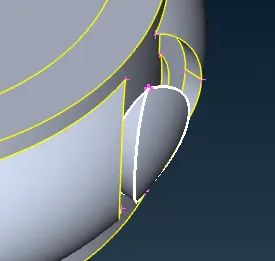 This is the intersecton error .
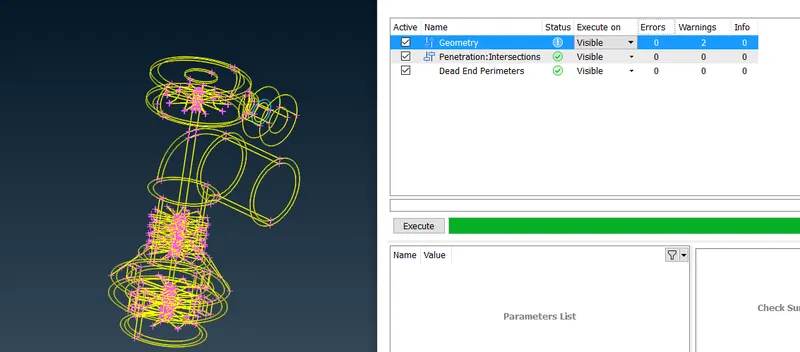 Now all the geometrical error was clear.
We have to do the volume metric flow analysis so we hve to do the create the close volume.
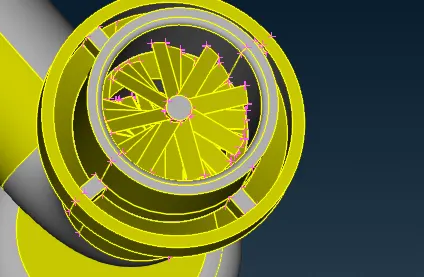
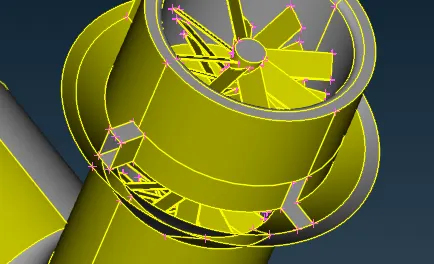
Now fill the surfaces
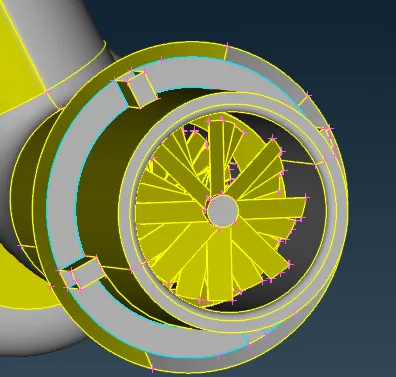
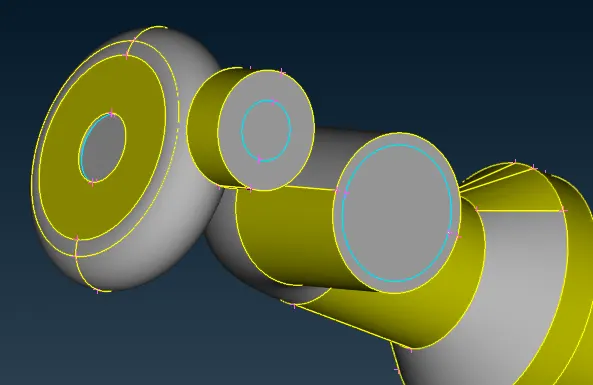
Now close all the open places .
The tripule cones are arise aftter close the faces,but all the tripule cones can not be avoid.
Mashing:
Now we have do the mash in the given value.
we have to PID as per this.
- Blade stage-1 = 1 mm
- Blade stage-2 = 1 mm
- Impeller = 2 mm
- Shaft rotor = 1 mm
- Turbo casing = 5 mm
- Compressor casing = 5 mm
- Inlet casing cover = 5 mm
Now set the PIDS as per this.
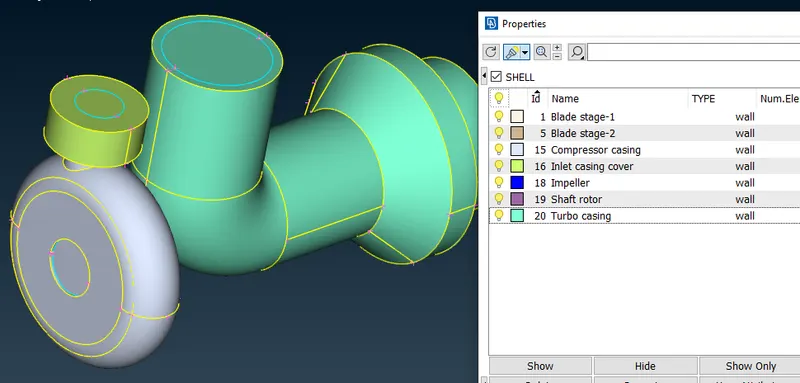
Blade stage 1 , blade stage 2 and shaft rotor was mashlength 1mm , so isolate these and do the mashing .
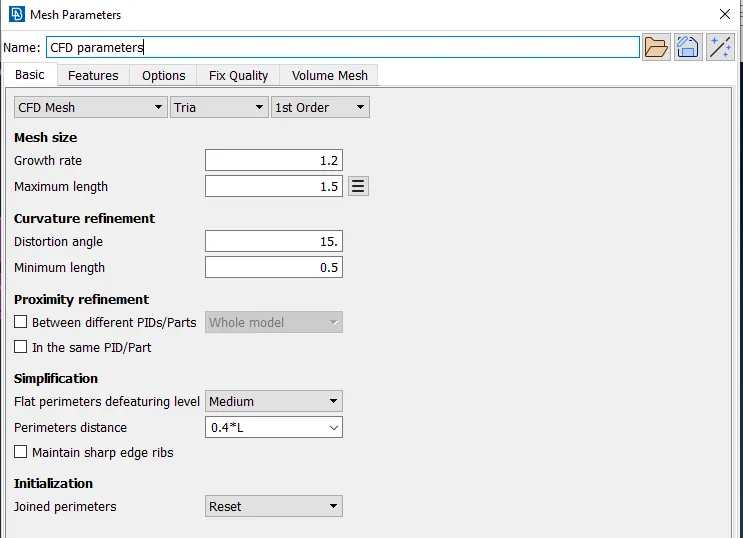
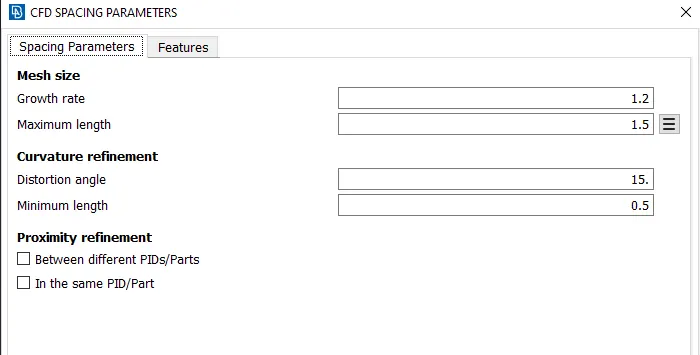
set mashlength using mash parameter.
set spaceing of parameters and marcos.
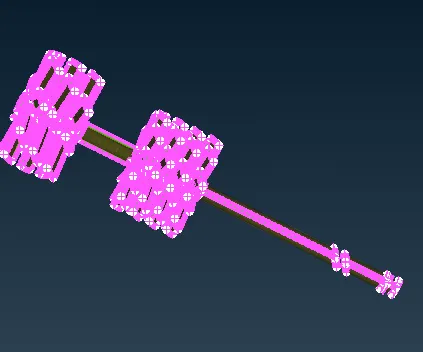 Then do the CFD meshing .
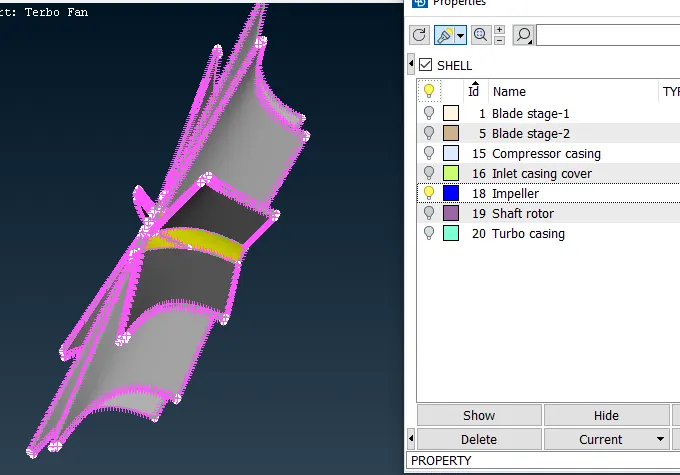
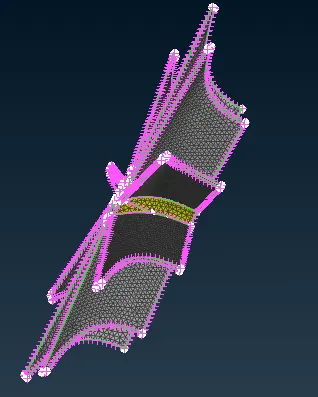
Impellor have to do the 2mm mashing.
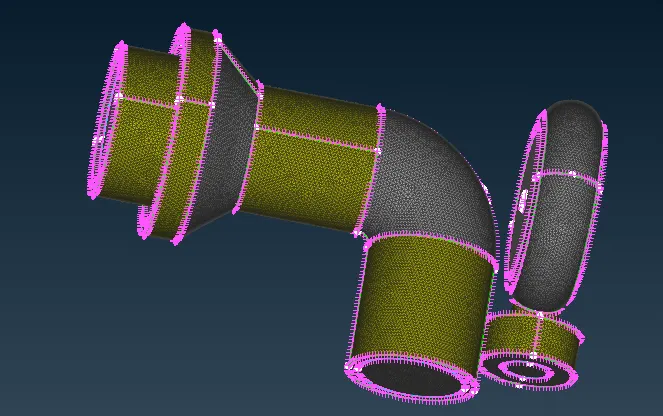
Compressor casing,Inlet casing cover,Turbo casing do the mashing of 5mm.
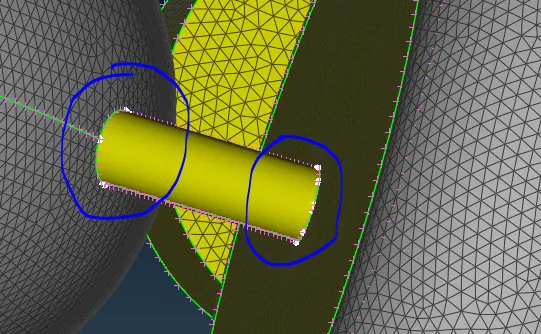
Here this shaft part was not mash was not present,because in circled cones is two different mash length are present.
To avoid the this we have to follow the following way.
process 1:
So we can use free mash for that.
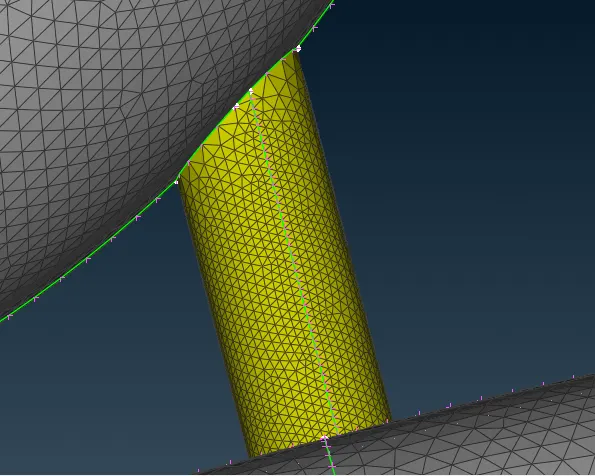
Here some mash of mashlength more then 2.5mm.
Process 2:
We can frezze the mashing affter do the mashing.
syntax for freeze:Freeze(macros)>>select the element
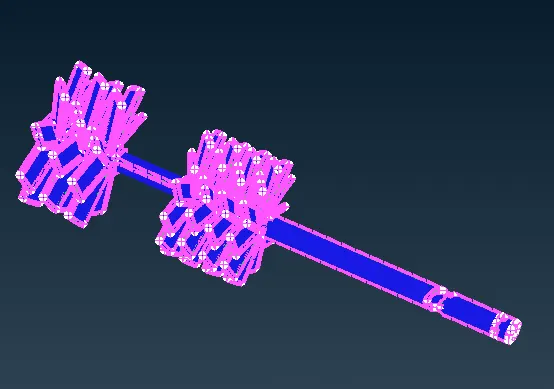
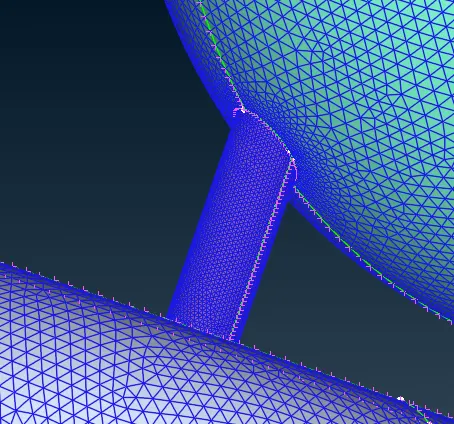
Here we get proper mesh.
Volume metric mash:-
volume>>difine
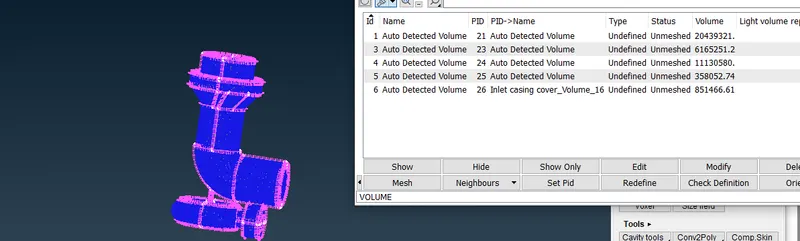
Then delete the external volume
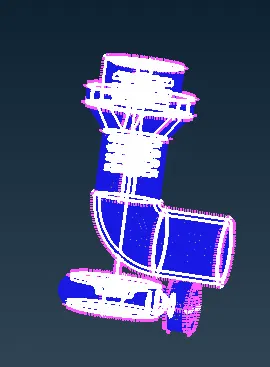
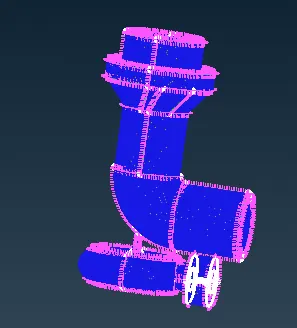
syntax:list(volume)>>select the volume(right click)>>delete.
or
delete(volume)>>select the volume
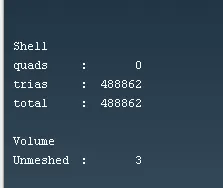
give mash property:
syntax:select the volume>>take the mouse to type>>then select the mash types(tatra CFD)
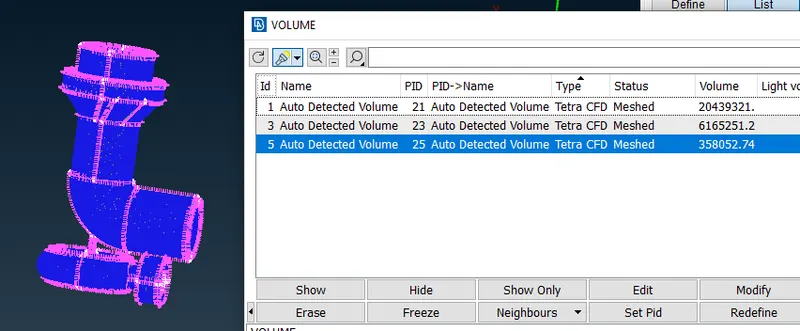
In this way we can define all 3 volume mash type.
Then Mash the 3 volume by useing remash
or
Unstructured mash>>tatra CFD>>select the volume>>middle click
Conclusions:
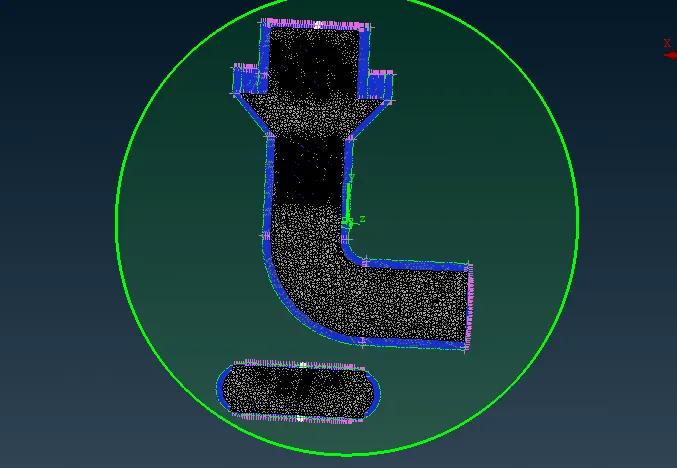
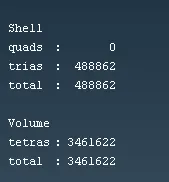
This is the crossection view of volumetric mashing.