Week 3 Challenge : CFD meshing on Turbocharger
The aim of this exercise is to perform meshing on a given model of a turbocharger. Along with geometry clean up, surface meshing, it is required to perform volumetric meshing as well.
For this, we have to first import the model of the turbocharger into ANSA. Then, to perform geometry clean up, we have to identify the duplicate surfaces and coons that are present while observing any chances of unnecessary single and triple coons.
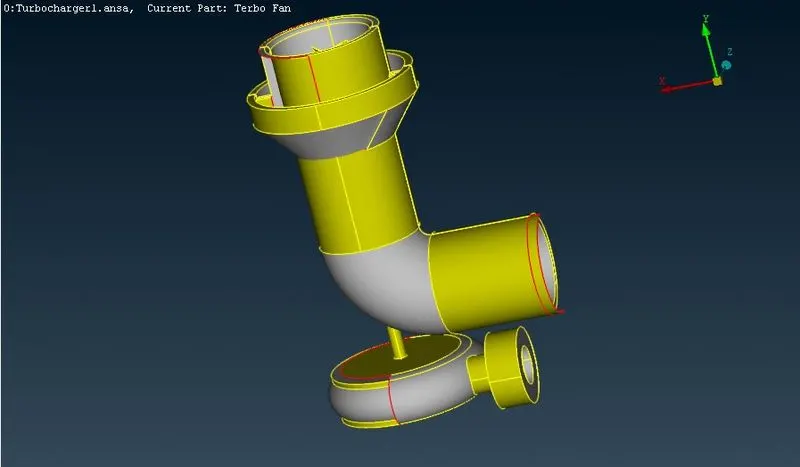
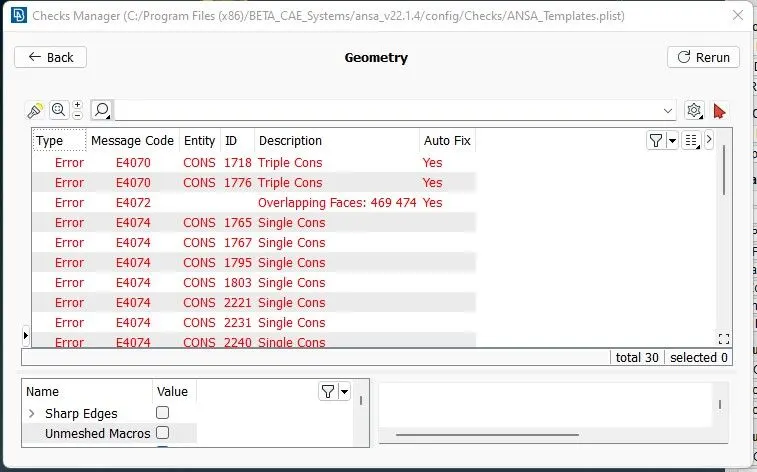
After cleaning all the geometries and surfaces, all we are left with are some triple coons which are required since the coons are on the interface of 3 surfaces joining at the intersection.
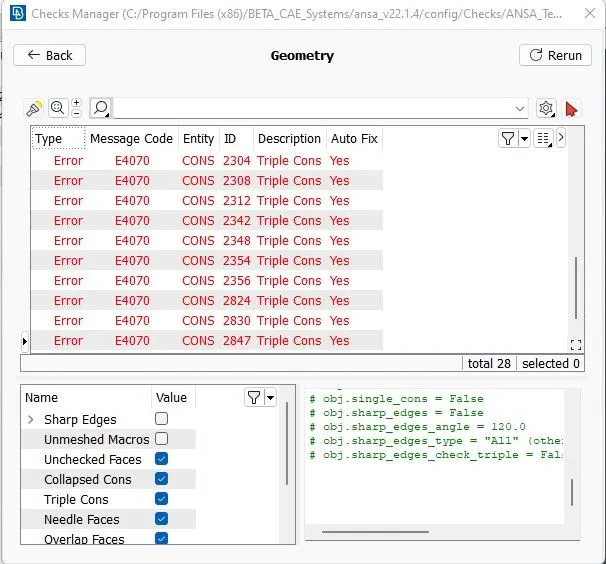
We delete the non-required surfaces and then we create new surfaces where required. We also use the cut and extend options to adjust the interfaces of surfaces wherever required.
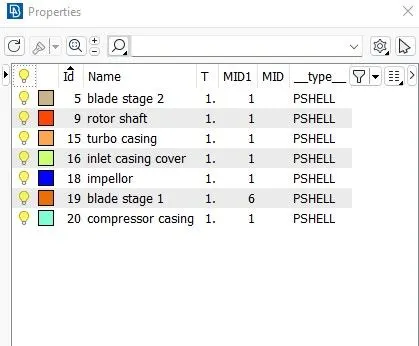
Now after all the geometry clean up and new surfaces and pid assignments have been added, we can move on to meshing.
First, before volumetric meshing, we have to perform surface meshing. SO, we can choose surface meshing and then first assign the mesh quality parameters and mesh parameters as well as perimeters and macros in length for the individual surfaces accordingly.
For the 1st stage, 2nd stage blades and the rotor shaft, we assign the target length as 1mm. For the impellor blades, we assign the length as 2mm. For the rest of the larger components, target length is assigned as 5mm.
While performing meshing for surfaces where 2 mesh lengths overlap, it is recommended to cehck the perimeters and macros for the value required withing the given range and then perform spot meshing so that the mesh overlap each other at the intersection. It is also recommended to check for unmeshed surfaces and remesh them accordingly and delete duplicate surfaces to avoid any errors.
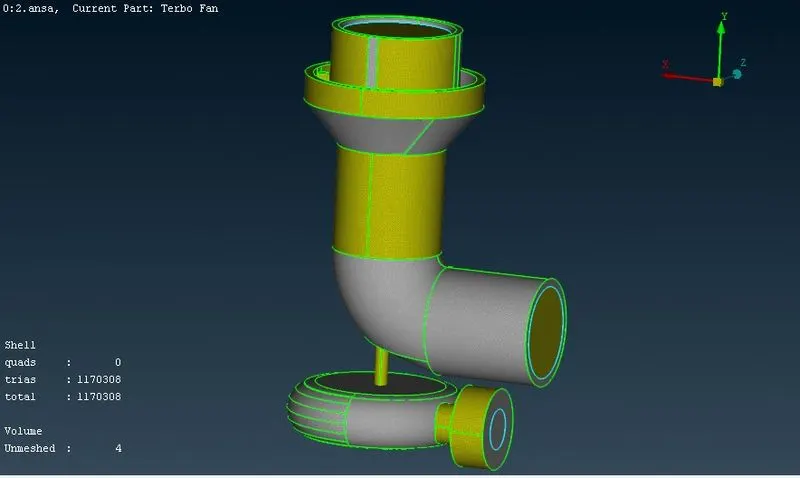
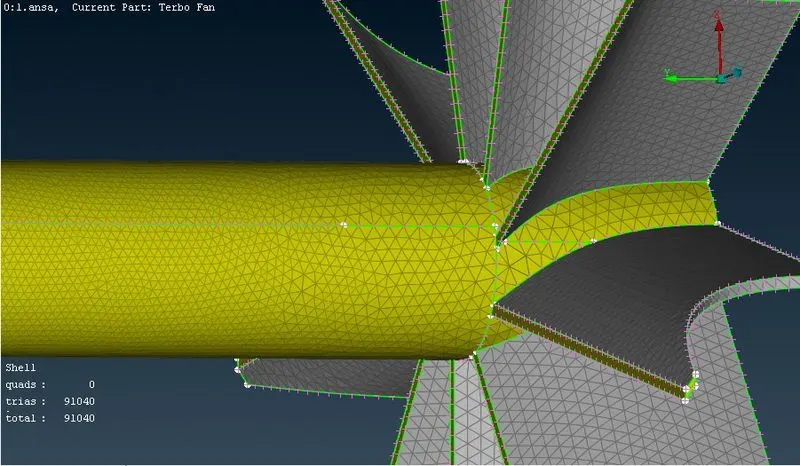
After performing surface meshing, we move to volumetric meshing and select define and whole database. In there, the software recommends us the unmeshed geometries automatically. From there, we can first check for all the surfaces and delete the unwanted surfaces that may represent the thickness components or may be the inside volumes.
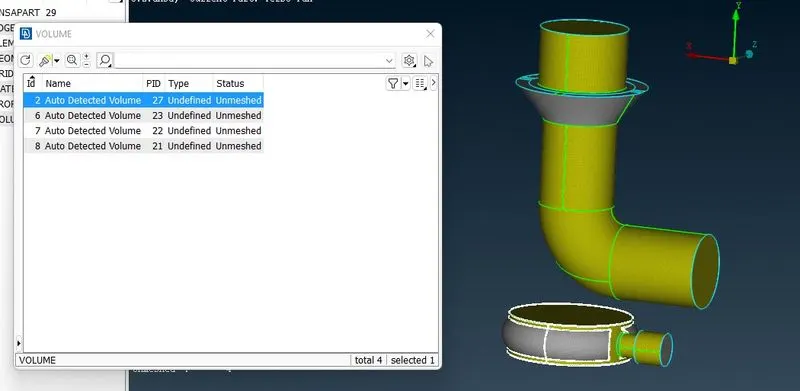
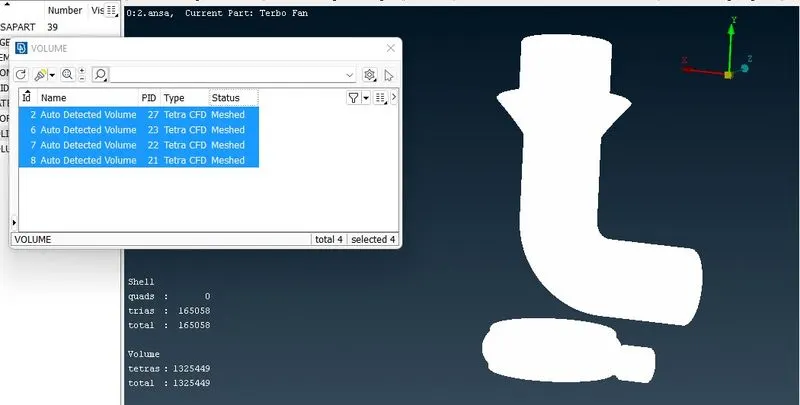
Finally, we can select the geometries required and then right click, select tetra cfd option and perform remesh. Now, we can use the not options to obtain sections for the geometries and finally analyse the geometries.
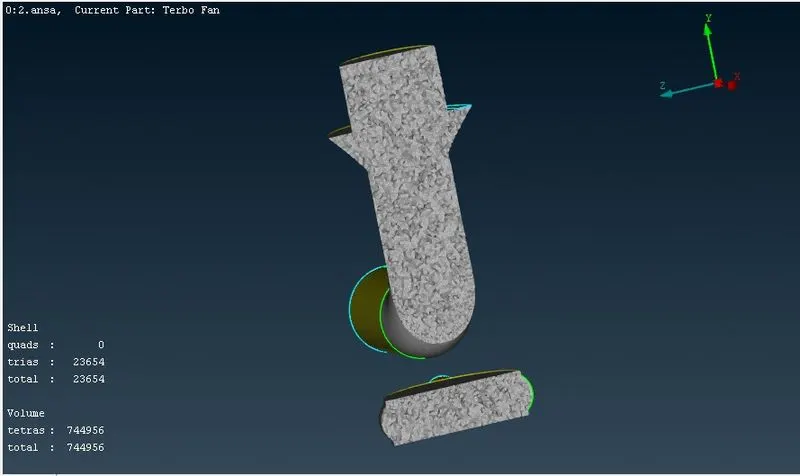
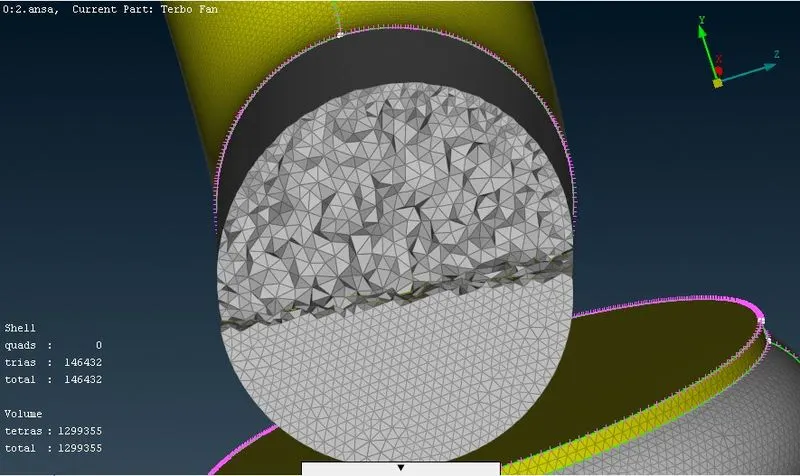
It can be analysed that the region where mesh sizes of 2 different lengths meet, there can be some errors and the mesh can go missing. So we have to define the mesh in such a range that it can match with both the surfaces with different lengths.
Also, only after performing the surface meshing, the volumetric meshing option can be performed. This can be achieved only by cleaning the geometry with surfaces and single coons. Presence of some triple coons are not problematic as some of the coons actually share 3 surfaces and hence are necessary.