Week 3 Challenge : CFD meshing on Turbocharger
AIM/OBJECTIVE
To perform the volumetric mesh of the given model for a target length given below. Check for the geometrical error and perform topology cleanup accordingly. Use the element type tria. Also create and assign PIDs
- Blade stage-1 = 1 mm
- Blade stage-2 = 1 mm
- Impeller = 2 mm
- Shaft rotor = 1 mm
- Turbo casing = 5 mm
- Compressor casing = 5 mm
- Inlet casing cover = 5 mm
PROCEDURE
Step-1 : Load the given file in ANSA software
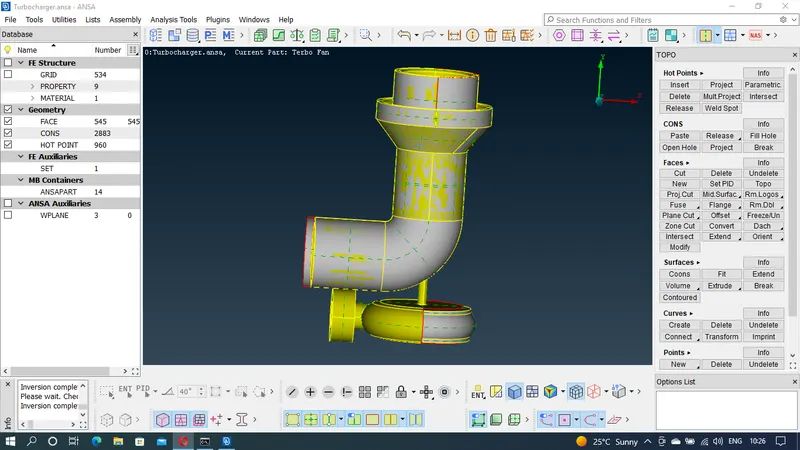
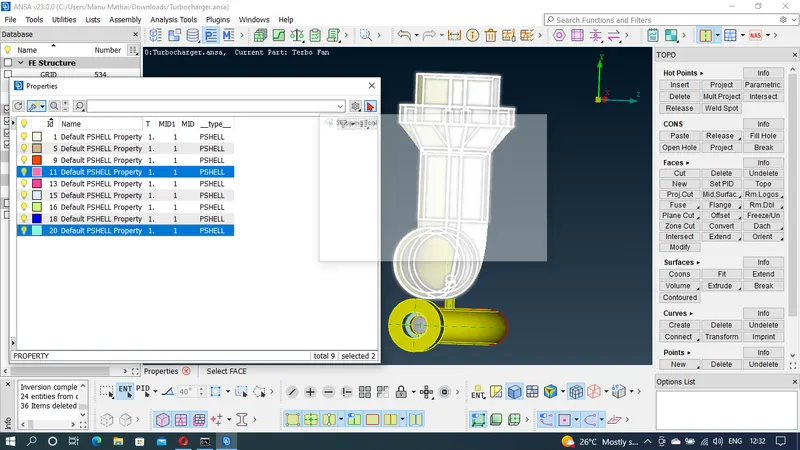
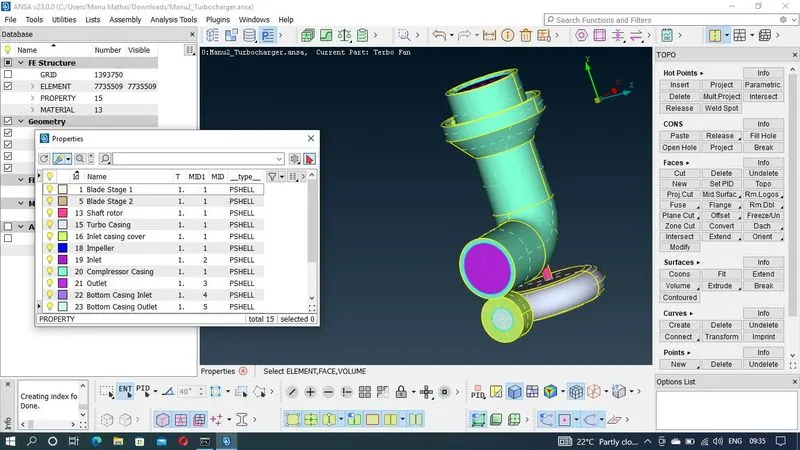
Step-2 : Check the PIDs in property manager and delete the unwanted PIDs
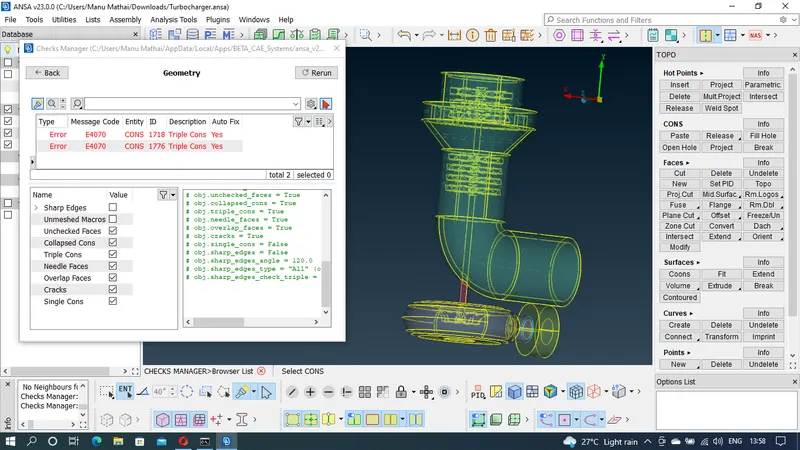
Step-3 : Check for single cons and rectify it.
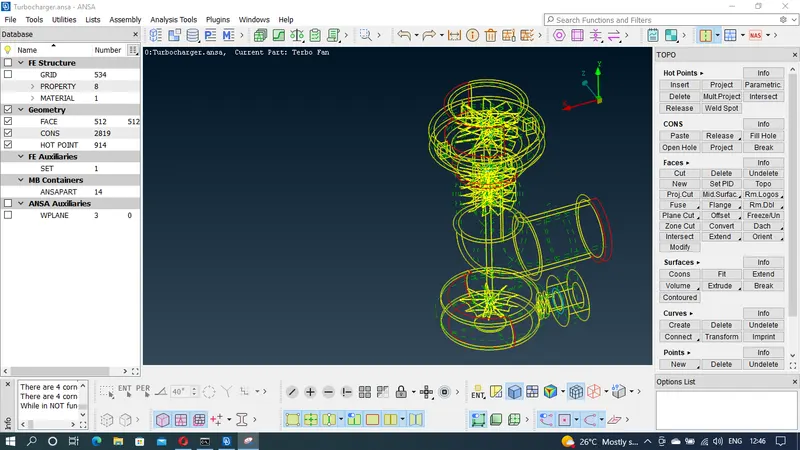
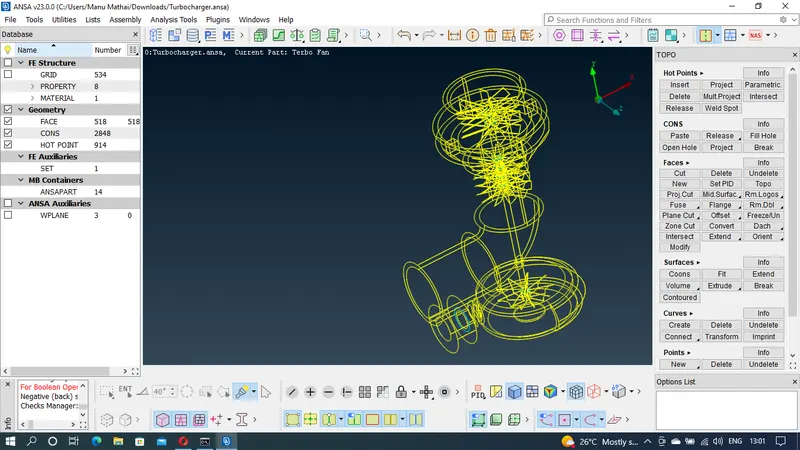
Step-4 : Check the geometry again for any tripple cons and rectify it if necessary
Step-5 : Open portions of the models are closed using new faces. PIDs are created, assigned and renamed
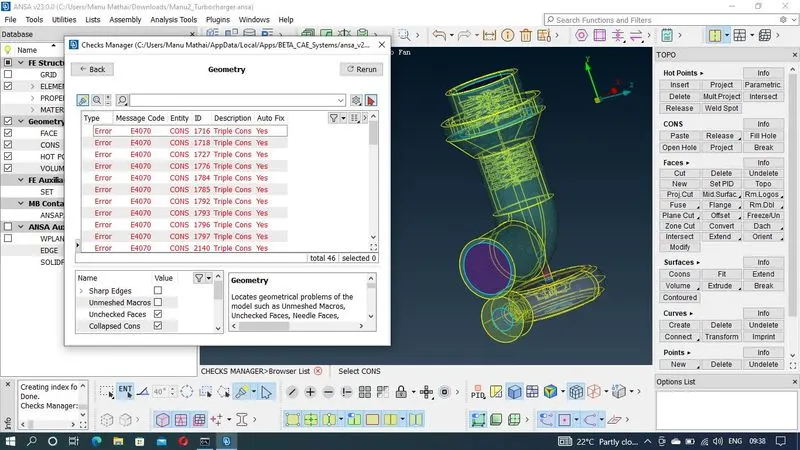
Step-6 : Again check for geometrical errors using checks manager and rectify if needed
Step-7 : The given model is surface meshed with different mesh length for various parts. Tria element is used for meshing.
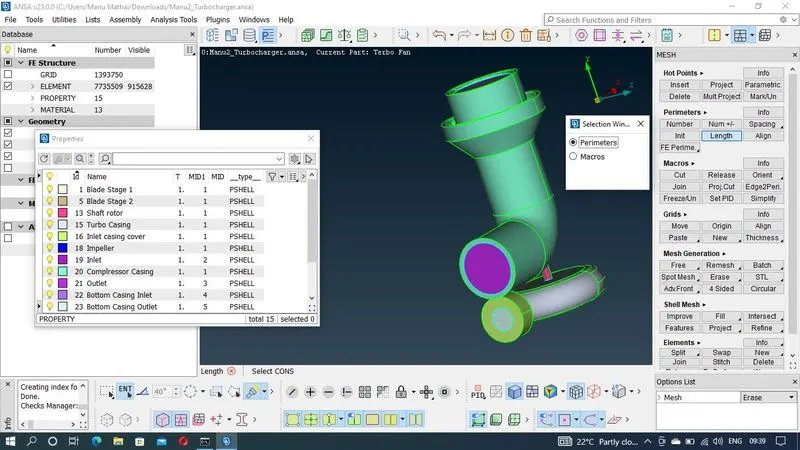
Step-8 : Obtained surface mesh is examined for any errors or discontinuity and rectify accordingly
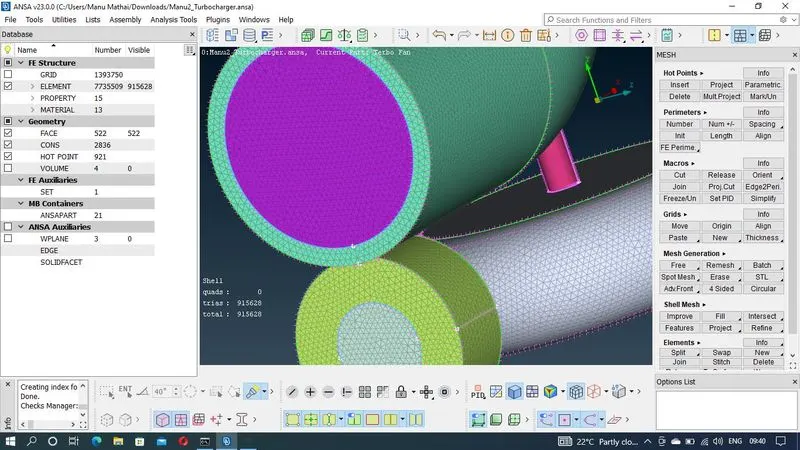
Step-9 : Once he surface mesh is done then the volume is defined for the volumetric meshing. Define button under volumes is used to auto detect the volumes in the given model. Examine the obtained volumes and delete the unwanted volumes.
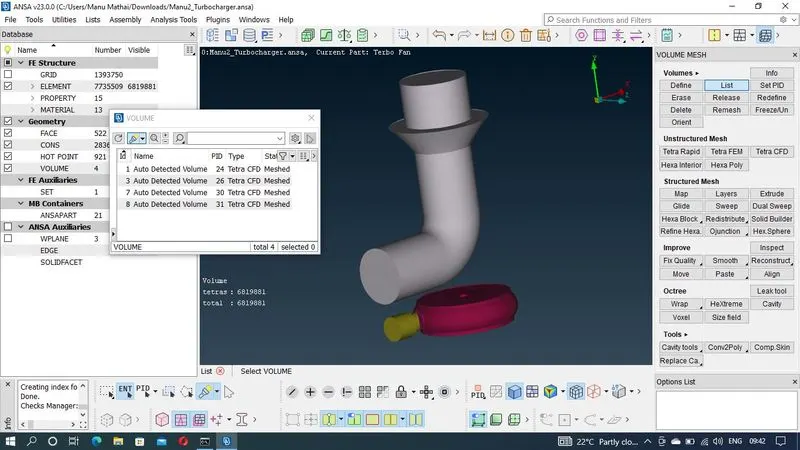
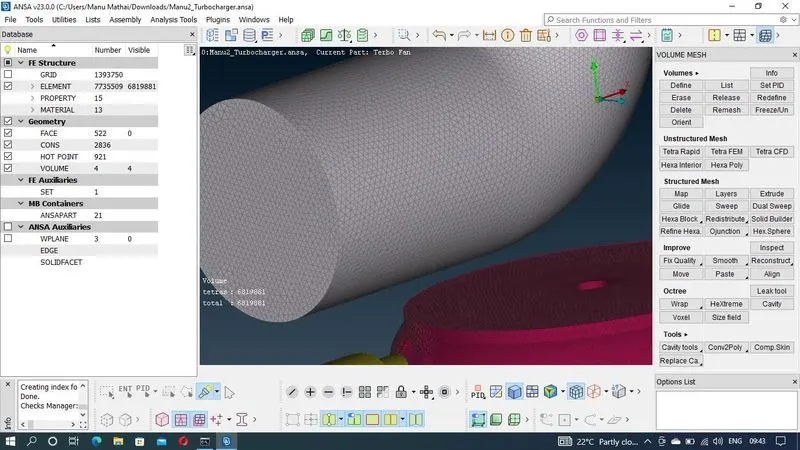
Step-10 : Volumetric meshing is done using Teter CFD element type.
LEARNING OUTCOMES
By doing the above meshing of the model following tools were able to practise and understand
1. Geometry checks manager to check the errors
2. Creating new faces and surfaces using fill hole and faces new tool
3. Removing small and unwanted surfaces using face cut tool
4. Assigning PIDs to the various parts of the model
5. Surface isolating tools sunch as OR, AND, NOT, !NOT, ALL, INVERT, LOCK, NIEGHB was used
6. Visibilty tools such as Macros, Cross etc are used in the process
7. Various other tools such as ENT, PID, SHADOW, WIRE etc were also used in the excercise
8. Meshing tool were used for meshing the parts of the model using different mesh length.
9. Volumetric tool is used to define the volume of the given model and TeraCFD elemt type is used to mesh the volumes.
RESULT
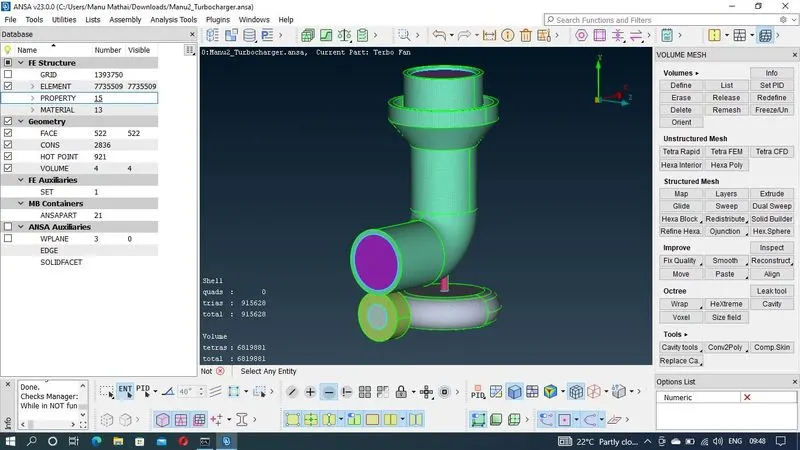
These are the meshing result
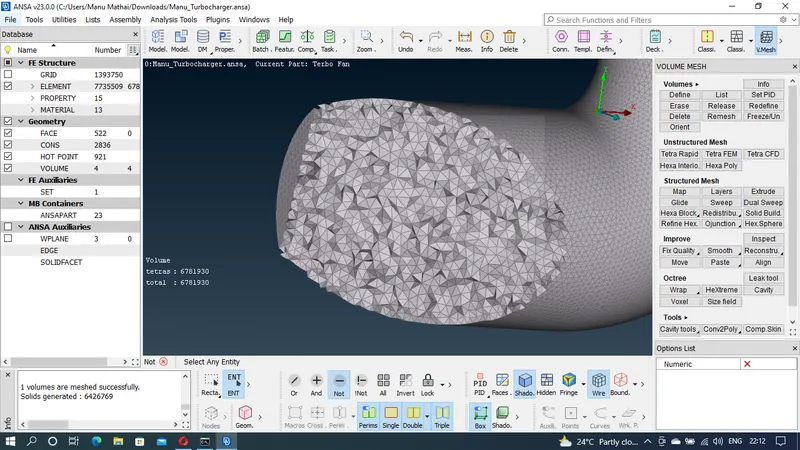
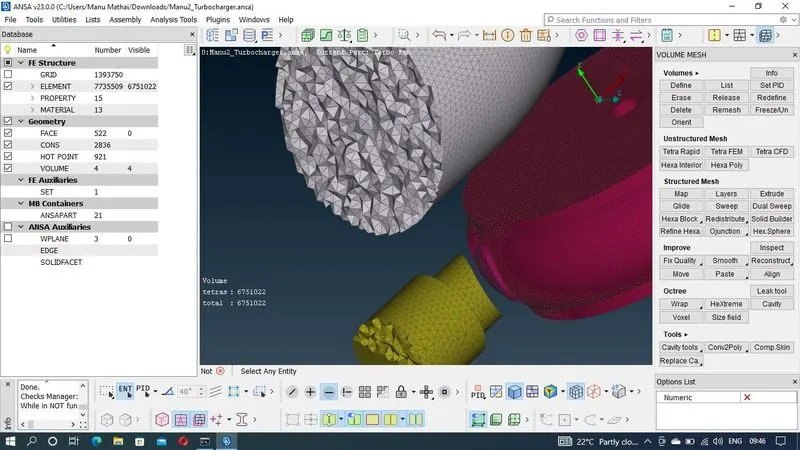
CONCLUSION
Volumetric meshing of the given model was carried out using the tetra CFD element. Surface mesh of the given model is performed parts by parts with different mesh length. PIDs were assigned for ease of identification and understanding.