Week 5 Challenge : Surface wrap on Automotive Assembly
AIM/OBJECTIVE
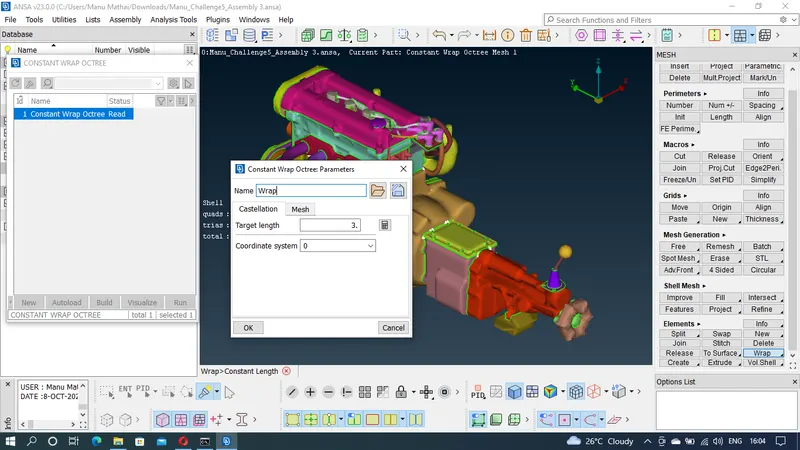
To perform the surface wrap of the given model of engine, gearbox & transmission for a target length of 3mm. Check for the geometrical error and perform topology cleanup accordingly. Use the element type tria. Also create and assign PIDs
PROCEDURE
Step-1 : Load the given engine file in ANSA software
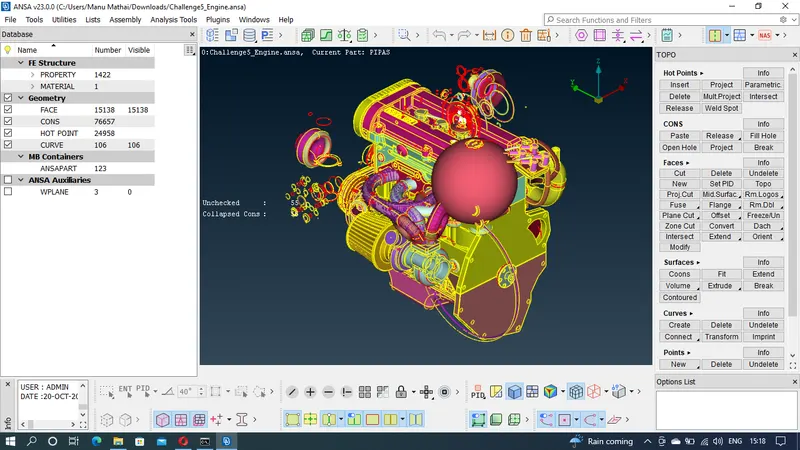
Step-2 : Check the model. Delete the unwnated surfaces in the engine.
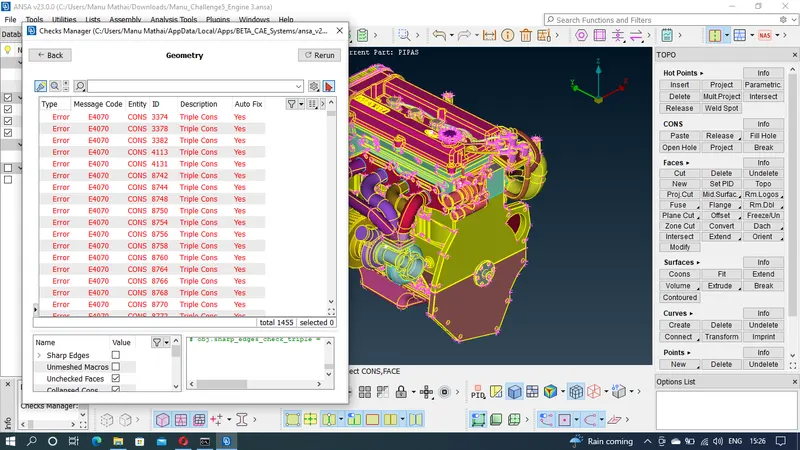
Step-3 : Check for errors in geometric checks and rectify it. Since we are doing surface wrap inside components is of no significance. Outside surface is modified accordingly.
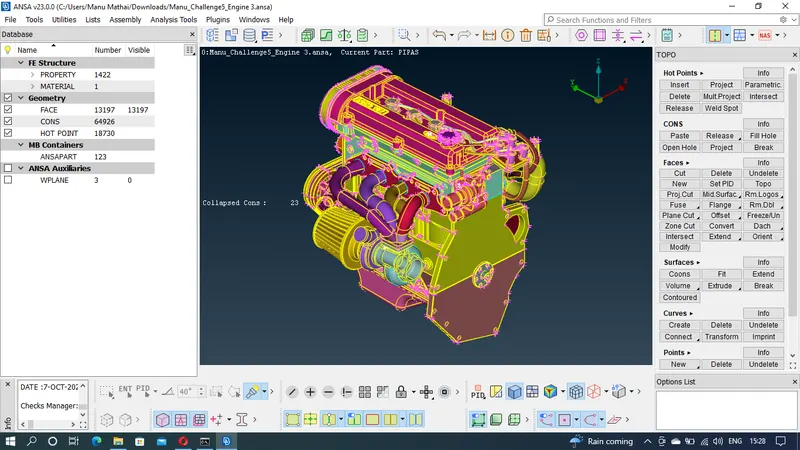
Step-4 : Load the given gearbox file in ANSA software
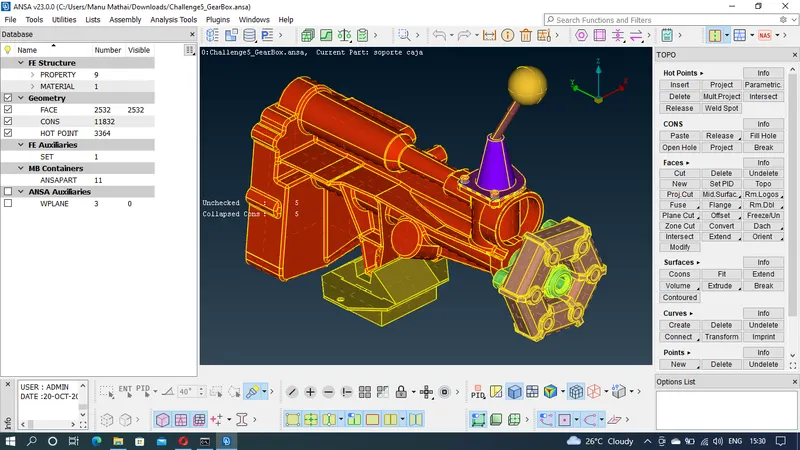
Step-5 : Check the model. Delete the unwnated surfaces in the gearbox.
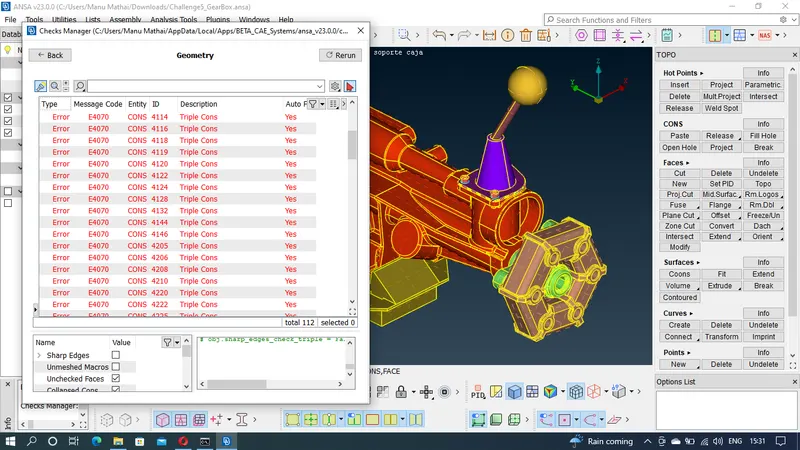
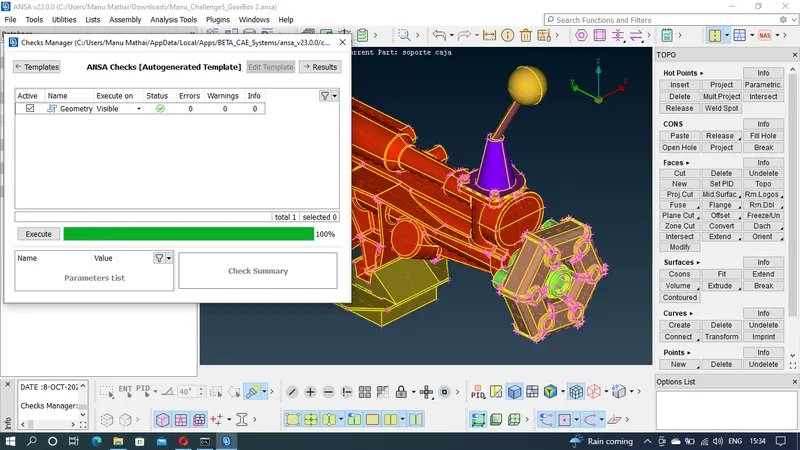
Step-6 : Check for errors in geometric checks and rectify it. Since we are doing surface wrap inside components is of no significance. Outside surface is modified accordingly.
Step-7 :Load the given transmission file in ANSA software
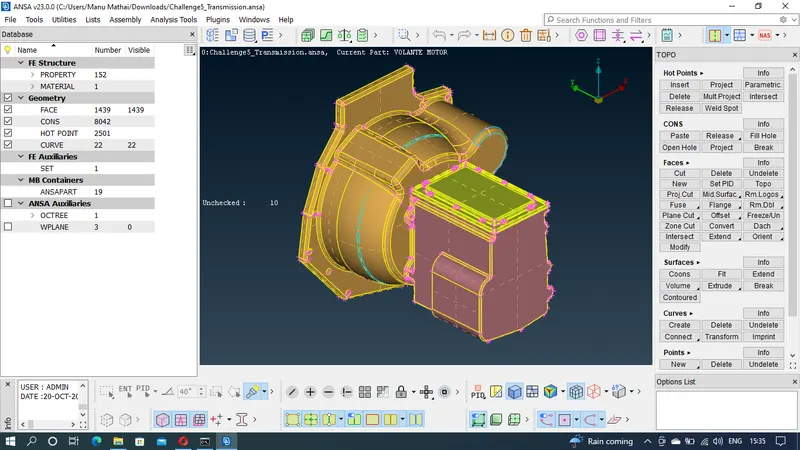
Step-8 : Check the model. Delete the unwnated surfaces in the transmission.
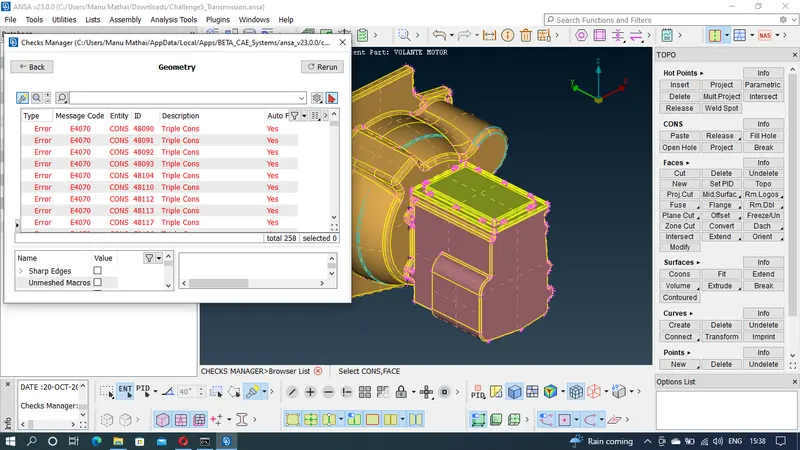
Step-9 : Check for errors in geometric checks and rectify it. Since we are doing surface wrap inside components is of no significance. Outside surface is modified accordingly.
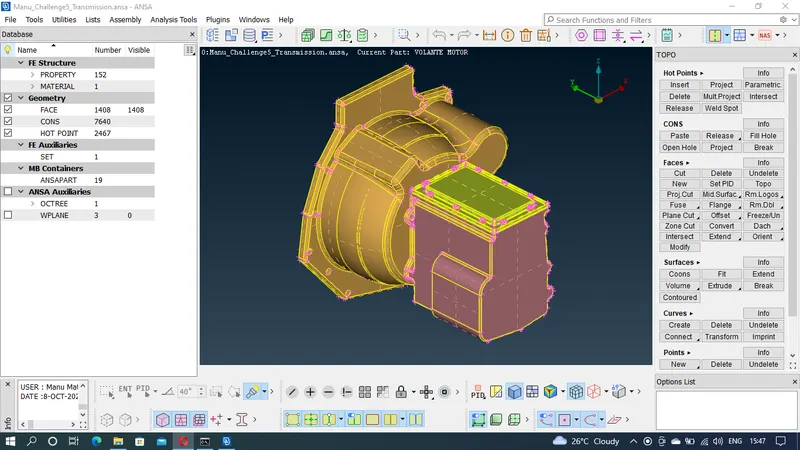
Step-10 : Combine all the three models in a single file by merge option.
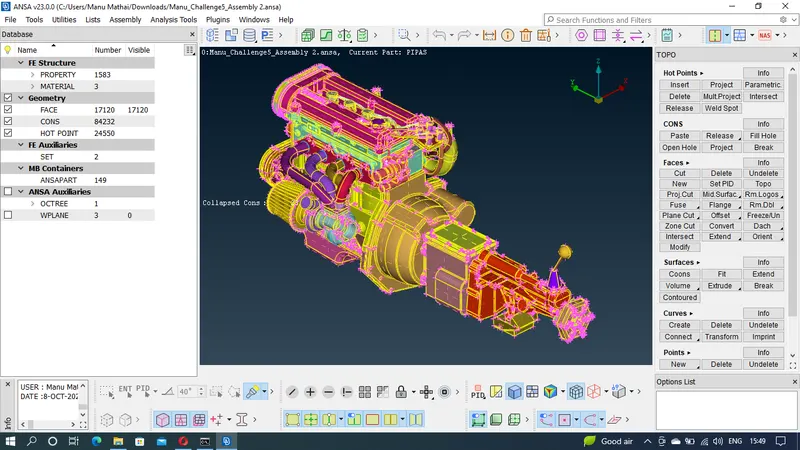
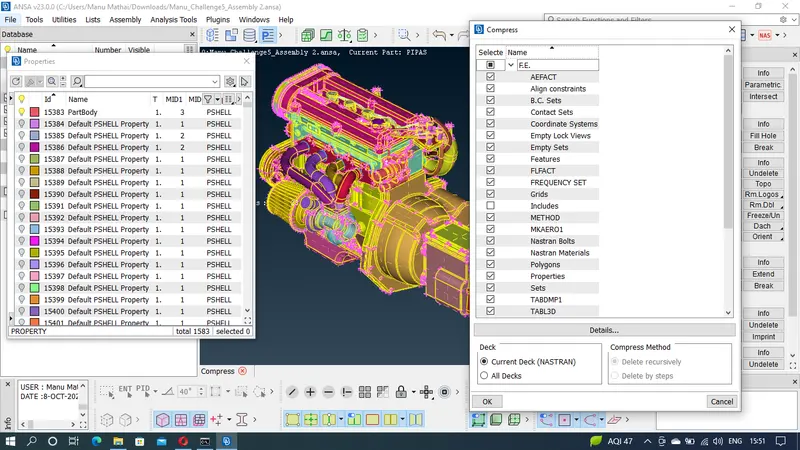
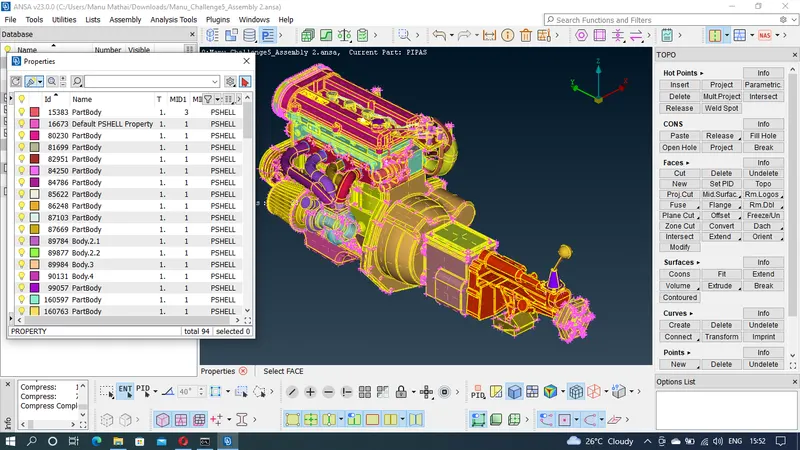
Step-11 : Delete all the unwanted PIDs
Step-12 : Close all the open areas in the model by creating surfaces to ensure good quality surface wrap.
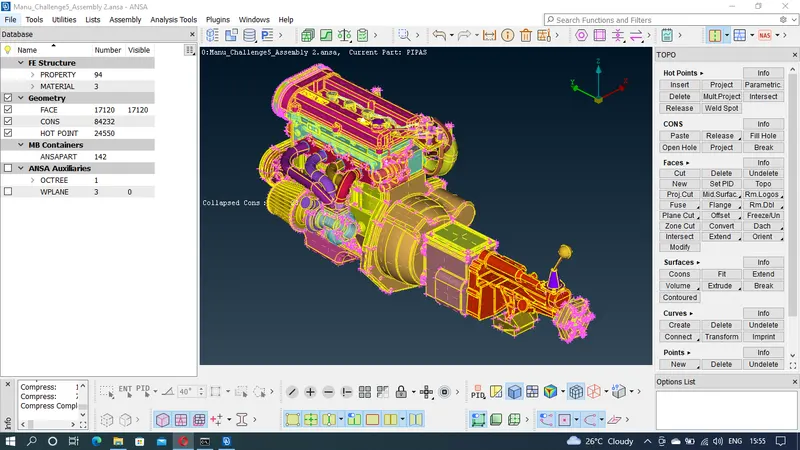
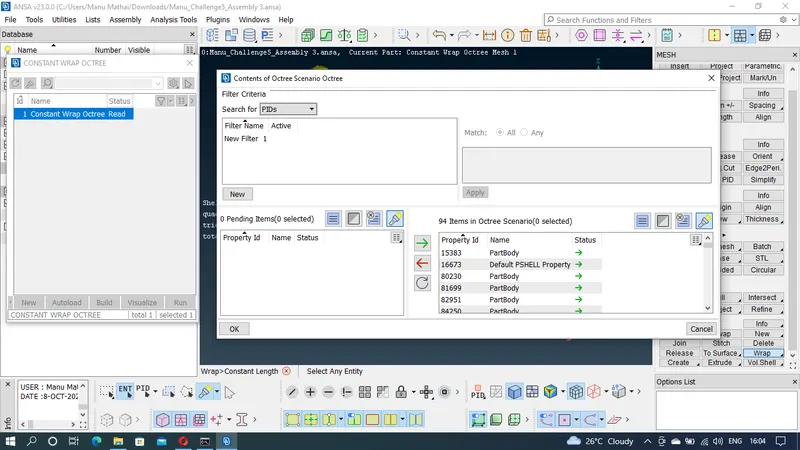
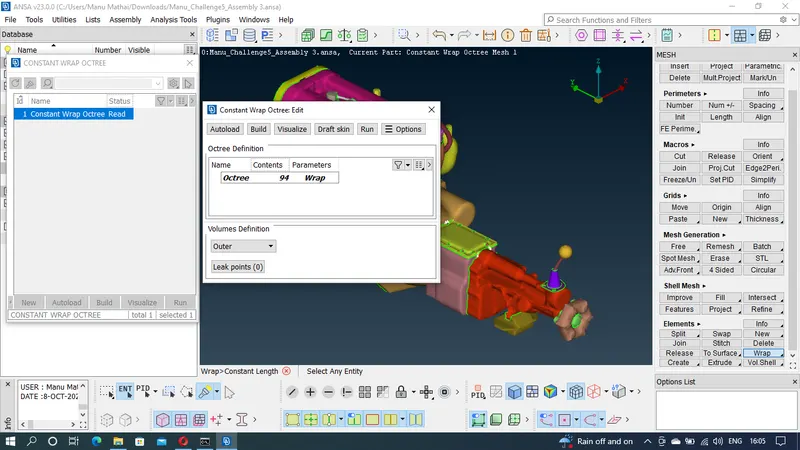
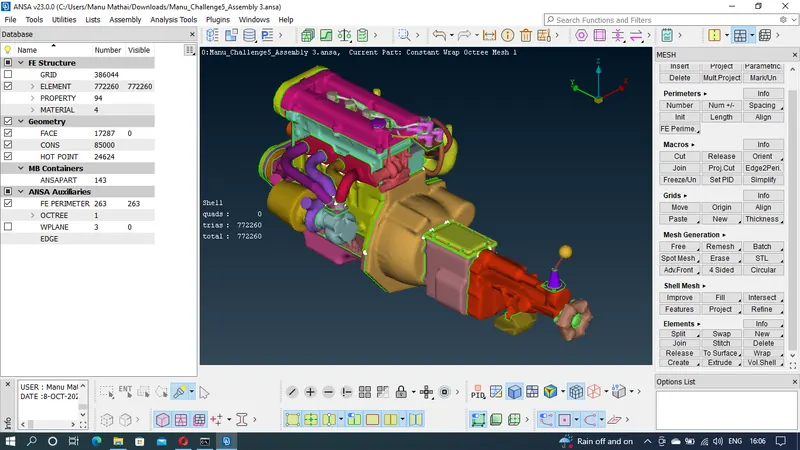
Step-13 : Surface wrap is applied to the model.
LEARNING OUTCOMES
By doing the above meshing of the model following tools were able to practise and understand
1. Geometry checks manager to check the errors
2. Creating new faces and surfaces using fill hole and faces new tool
3. Removing small and unwanted surfaces using face cut tool
4. Assigning PIDs to the various parts of the model
5. Surface isolating tools sunch as OR, AND, NOT, !NOT, ALL, INVERT, LOCK, NIEGHB was used
6. Visibilty tools such as Macros, Cross etc are used in the process
7. Various other tools such as ENT, PID, SHADOW, WIRE, HIDDEN etc were also used in the excercise
8. Grids tool is used to adjust the mesh grids to remove the errors such as skweness, min length & max length.
9. Points and curve tools are used to create new surfaces.
10. Merge option was used to combine one or two components.
11. Compress is used to delete the unwanted PIDs in the property manager.
12. Surface wrap is used to create a outer layer single surface of the model assembly.
13. Extend face tool was used in extending the face to the next surface.
RESULT
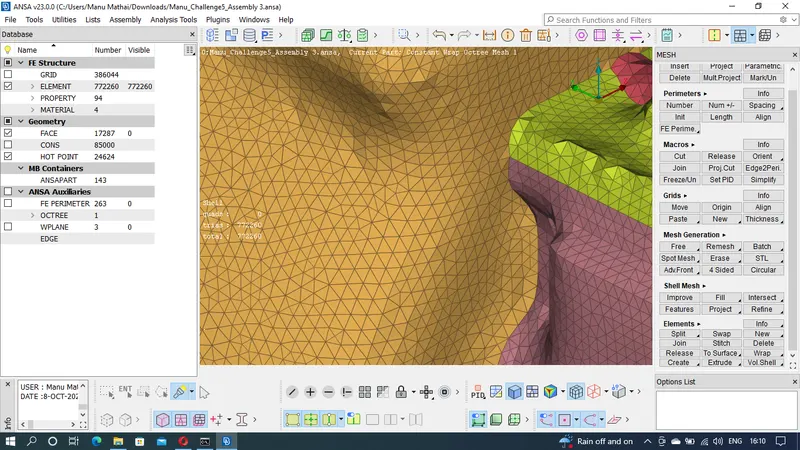
Surface wrap for a target length was obtained
CONCLUSION
Surface wrap of the given engine assembly was obtained. Tria element with a target length of 3mm was used. For meshing it will be easy if we do surface wrapping rather than meshing all the parts of the model. A lot of time in meshing and geometry cleanup can be saved by wrapping the surface.