Week-3 Challenge: ADVISOR Tool
ADVISOR :
ADVISOR was created in the MATLAB/Simulink environment. MATLAB provides an easy-to-use matrix-based programming environment for performing calculations while Simulink can be used to represent complex systems graphically using block diagrams.ADVISOR uses three primary graphical user interface(GUI) screens to guide the user through the simulation process. With the GUIs, the user can iteratively evaluate the impacts of vehicle parameters and drive cycle requirements the vehicle performance, fuel economy, and emissions. The GUIs facilitate interaction with the raw input and output data that is present in the MATLAB workspace. The vehicle model is depicted graphically using Simulink block diagrams to define the connections between components. The model then reads the input data from the MATLAB workspace during the simulation and outputs the results to the
workspace to be viewed in the results window.
1. For the EV_defaults_in file, if cargo mass is 500 kg with all other default conditions, can the vehicle travel for 45 km with an FTP drive cycle? Conclude your observations.
- First, open the model and change the cargo mass 500kg
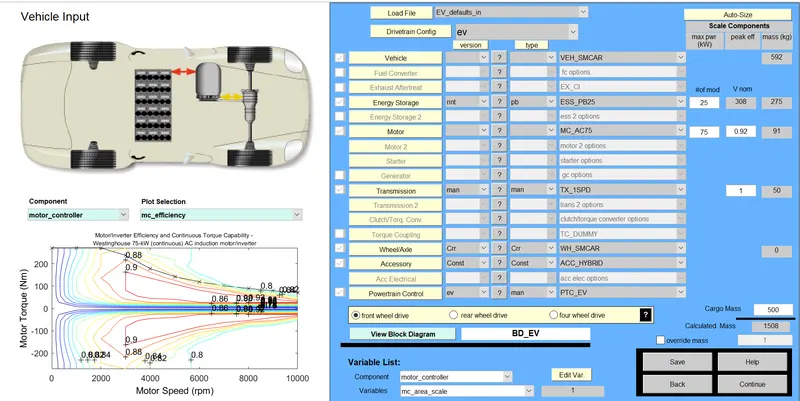
-
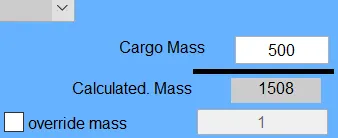
- continue the model by default values
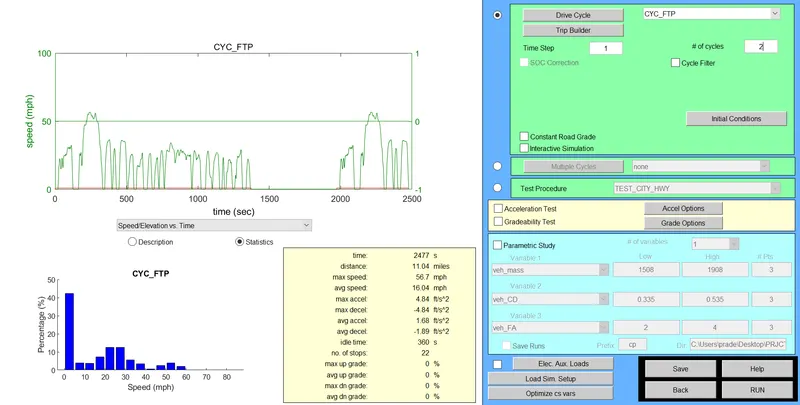
- Change the cycle to run the model with FTP drive cycle
- The vehicle takes 2477sec for 1 cycle cover 11.04 miles/17.7 kilometers.
- speed range is 16.o4 to 56.7mph
- run the model with 2 cycles
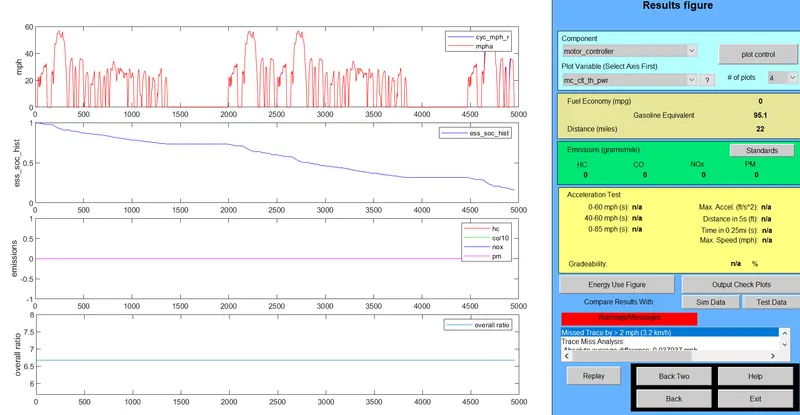
- Thus the vehicle run 2 cycles vehicle can run only 22miles only or 35.4 kilometers fro the condition increases the number of cycles then the vehicle can run above 45 kilometers.
2. In the above case, try changing the battery capacity and repeat the simulation.
- Change the battery modules 25 to 40 modules then we do simulation
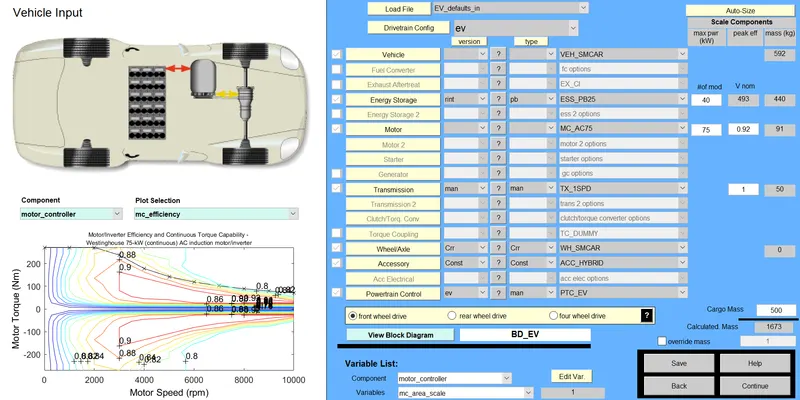
- Run the simulation after increase the battery capacity.
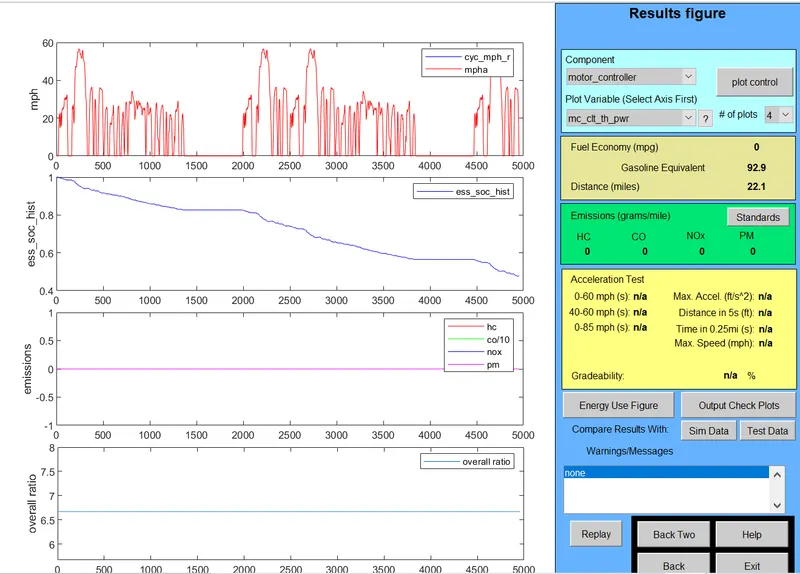
- We can see the results after battery capacity increase vehicle runs 35.5 kilometers in the same number of cycles. As well as then decrease the battery capacity vehicle runs lesser distance.
3. Perform gradeability test with PRIUS_Jpn_defaults_in file
Compare your results in a table and conclude.
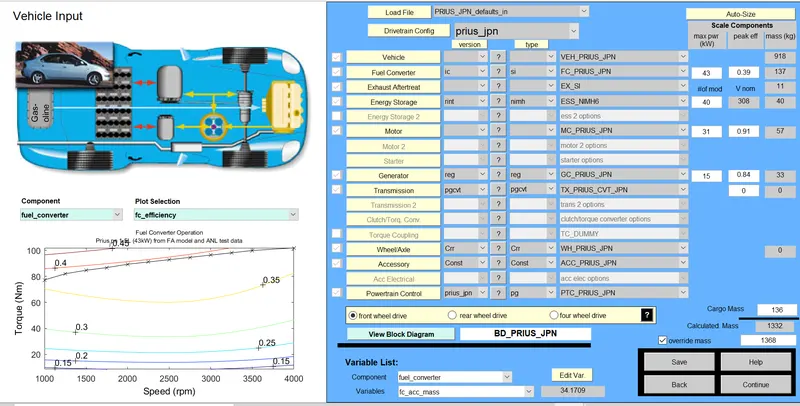
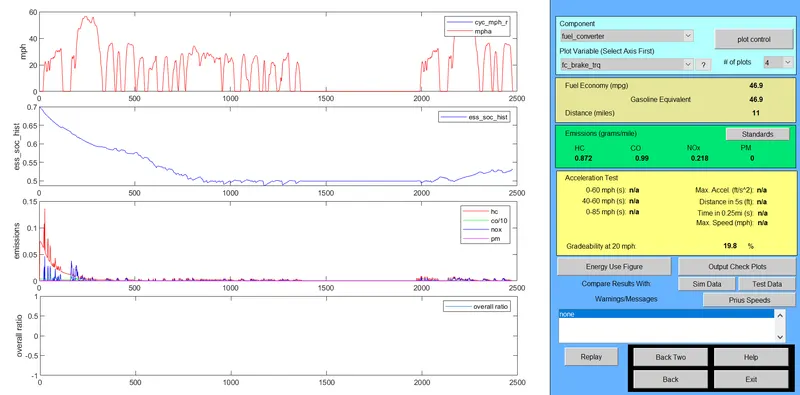
Speed: At 20mph
Gradability is 19.8%
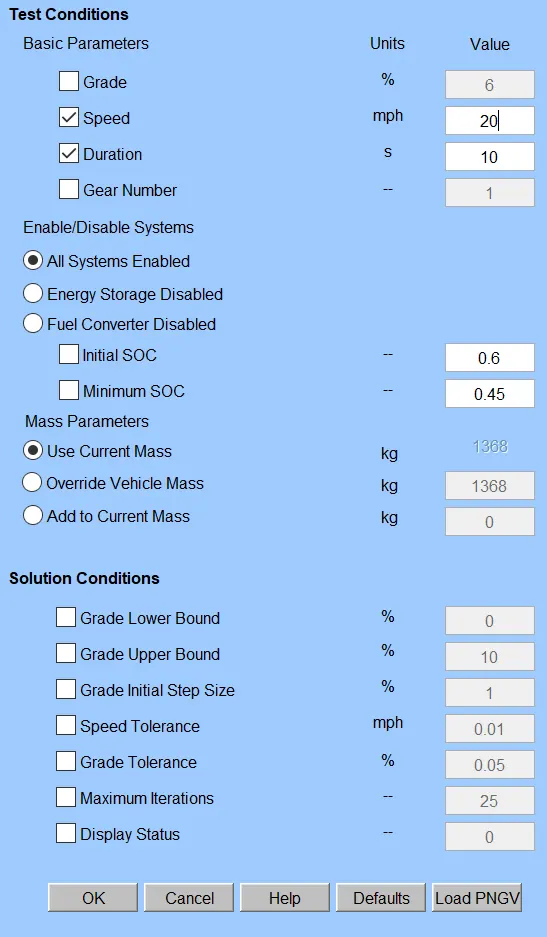
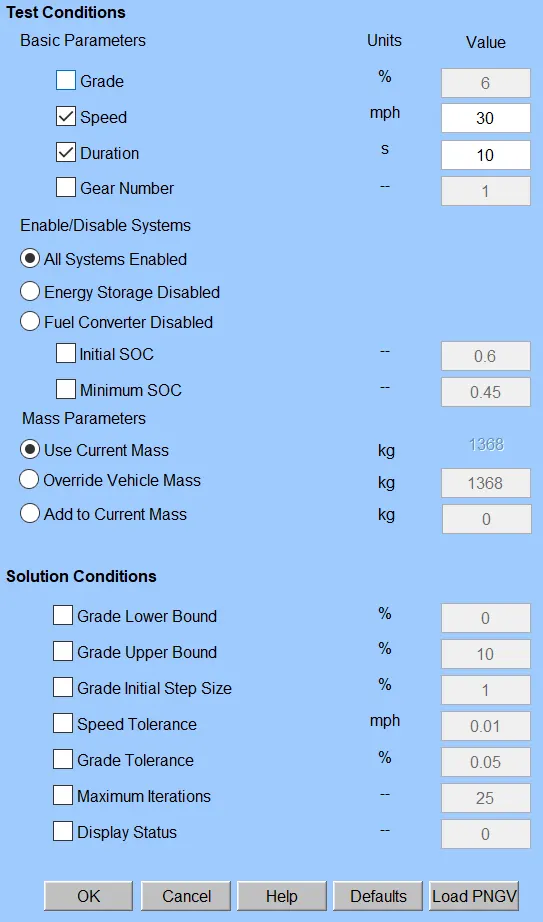
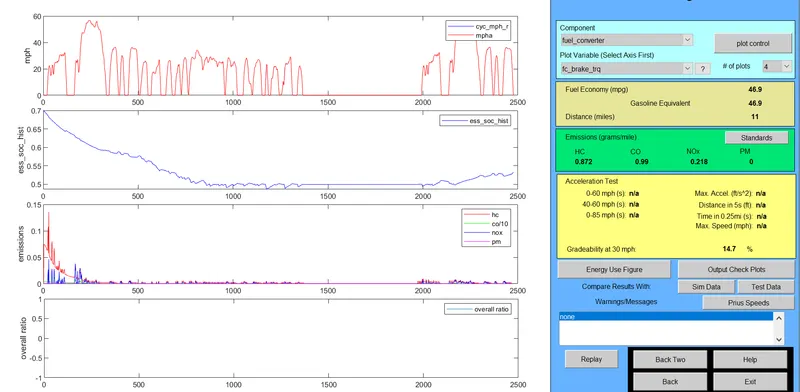
At 30mph speed:
Gradability is 14.7%
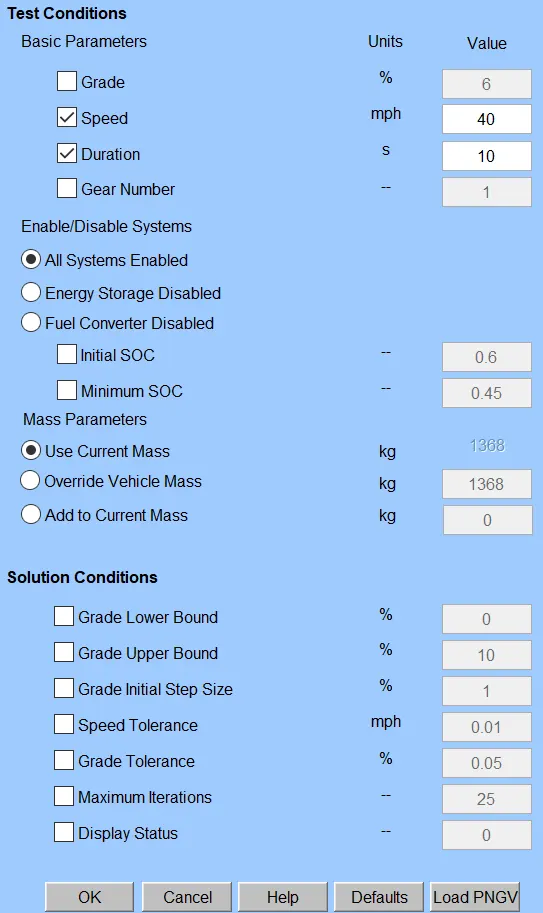
At 40mph speed:
gradability is 11.7%
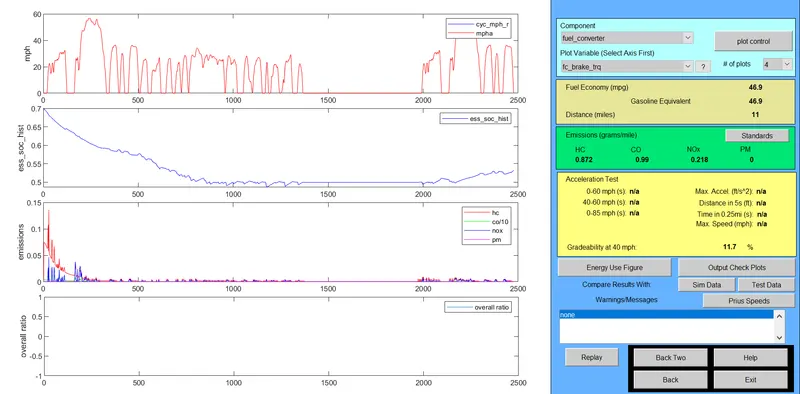
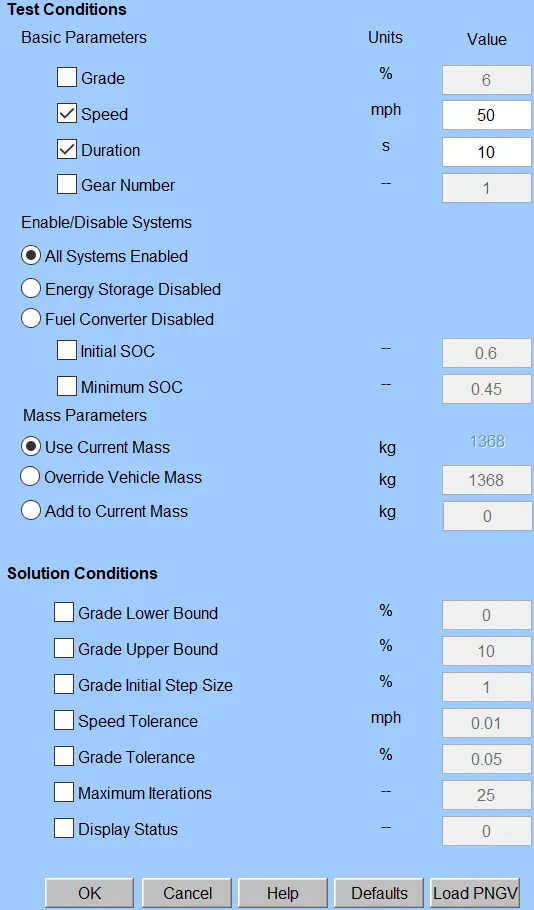
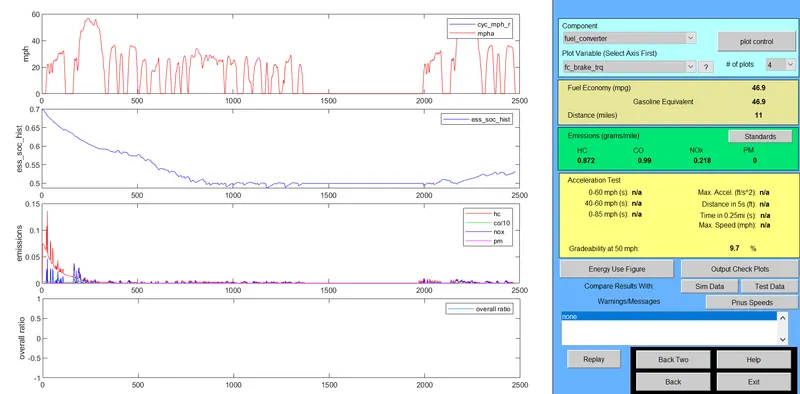
At 50mph:
Gradability is 9.7%
| SPEED | GRADABILITY |
|
1. SPEED AT 20MPH 2.SPEED AT 30 MPH 3.SPEED AT 40MPH 4.SPEED AT 50MPH 5.SPEED AT 60MPH |
19.8% 14.7% 11.7% 9.7% 8.1% |