Week 3 - 2D meshing for sheet metal
Aim:
To create a meshing of Hood check for the geometrical errors and mesh with the given element Quality criteria. After meshing the component the thickness has to be assigned.
Procedure:
1. Open the model in Ansa before assigning the quality check for geometry issues and fix them.
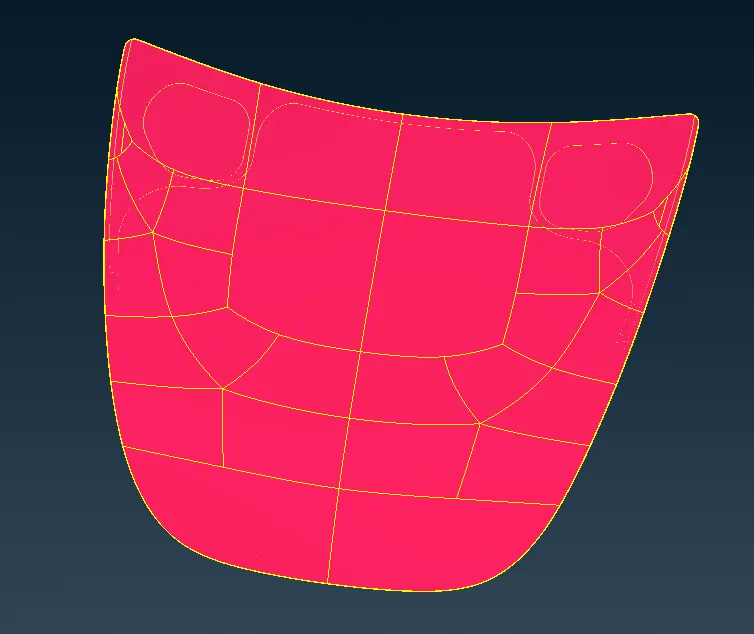
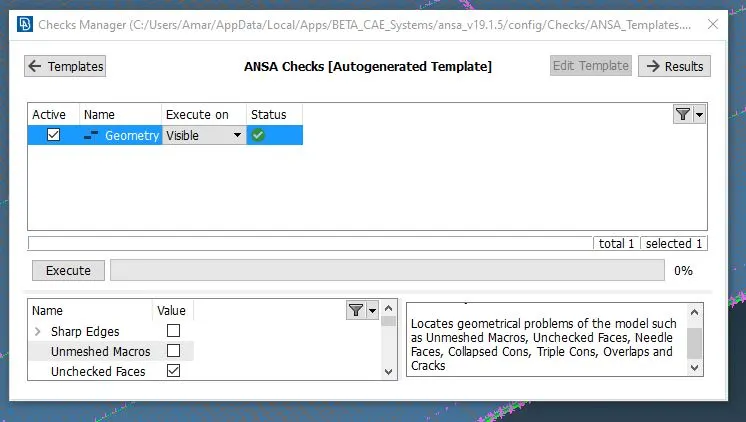
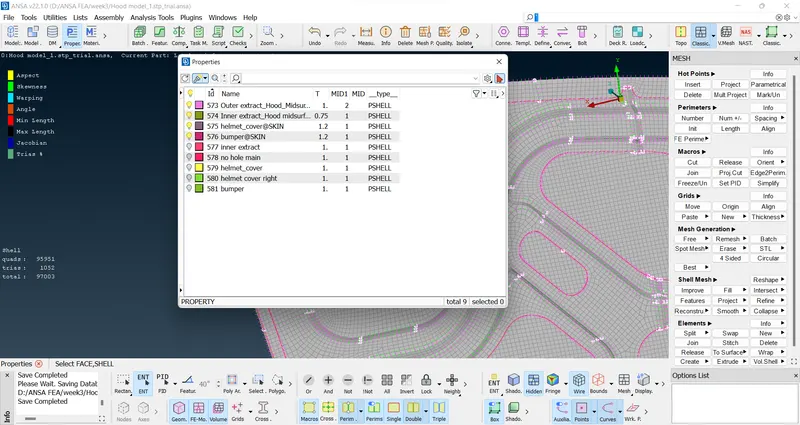
2. After geometry check extract mid surface for each part in the hood in the current model
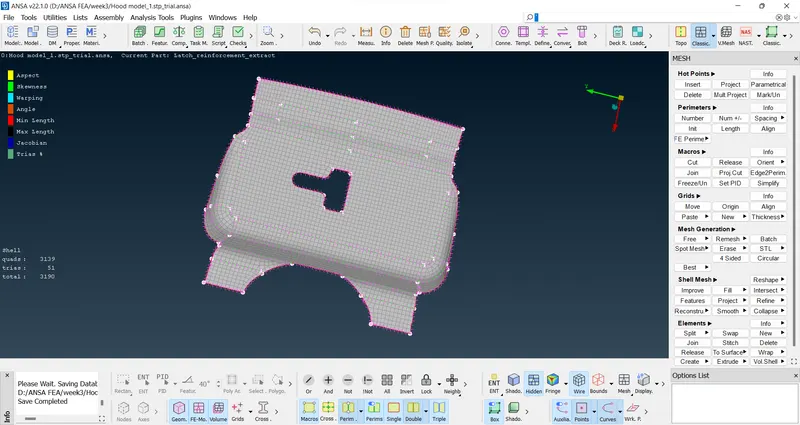
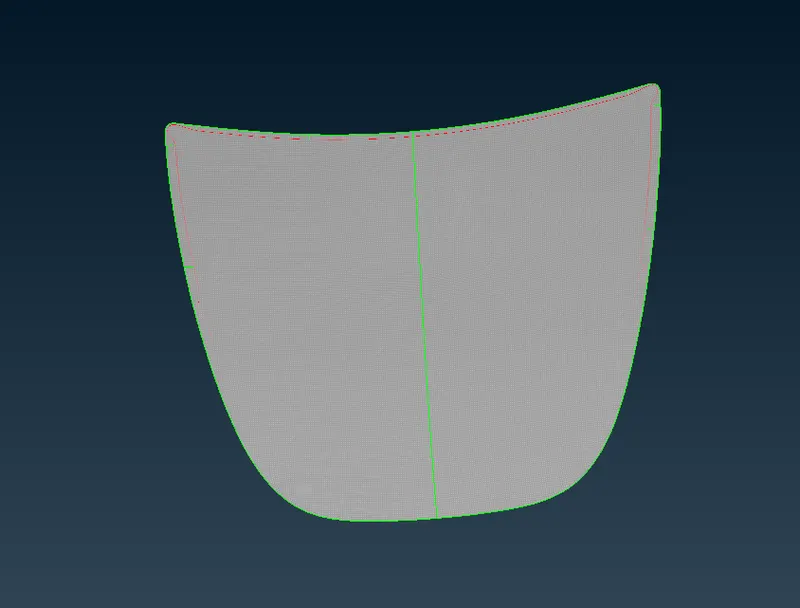
3. Cut the hood into 2 parts so as to get symmetrical part so that it will be easy for meshing. After that use transform option, to reflect it to the other side.
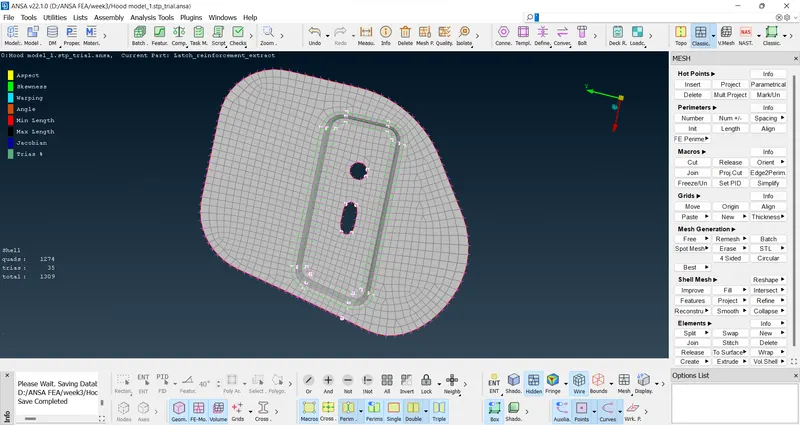
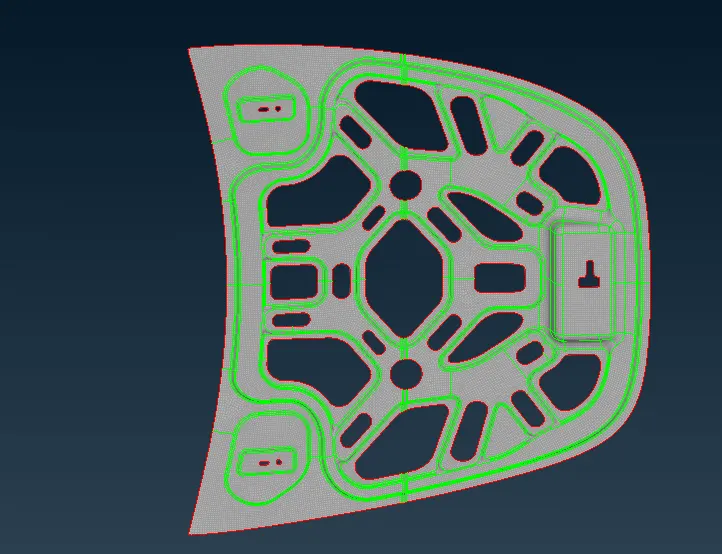
4. After meshing the hood mid surface, it looks like this as shown below
There are a few ways to handle the mesh flow:
The Tria elements should never be opposite to each other
No Tria elements should be connected back to back
No Tria elements should be on the edge of the geometry
No Tria elements should be near the holes
No Tria elements should be on the feature and the fillets.
There should be less Tria concentration, i.e., there should be a considerable distance between Tria elements.
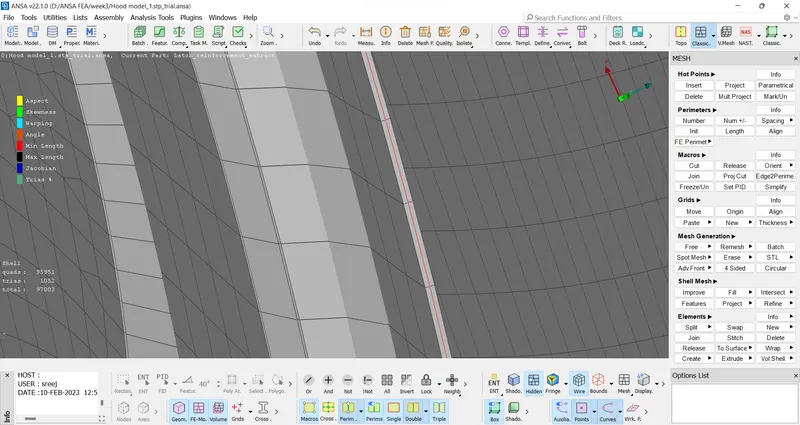
The mesh is done without off elements are shown below
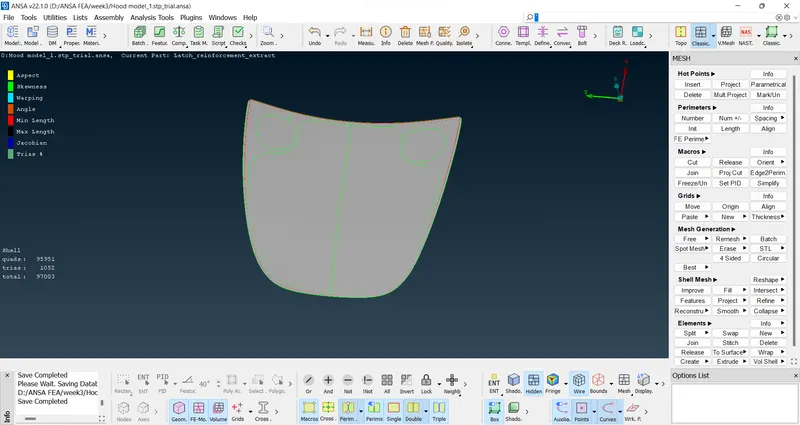
The quality criteria is shown below
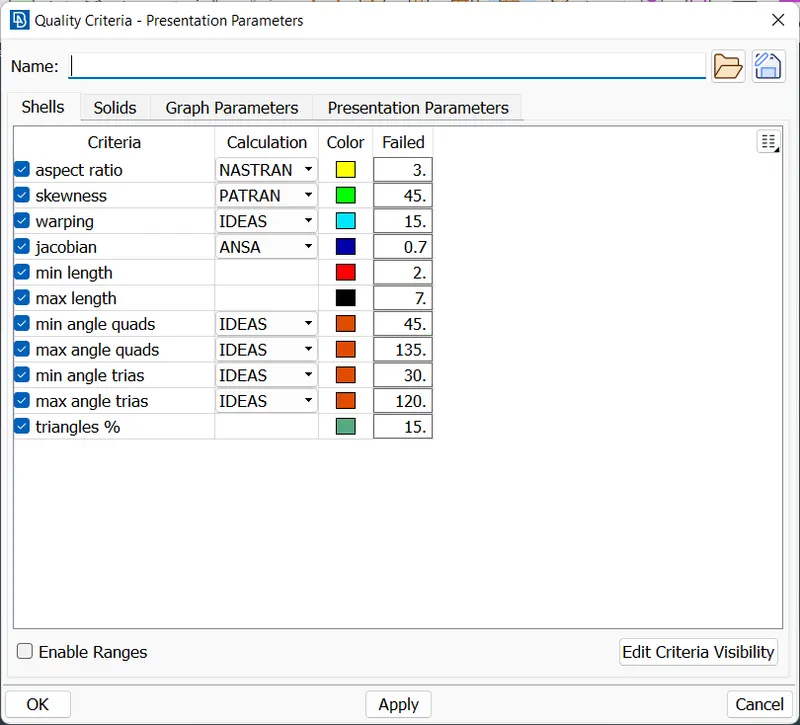
Mesh parameters are shown below
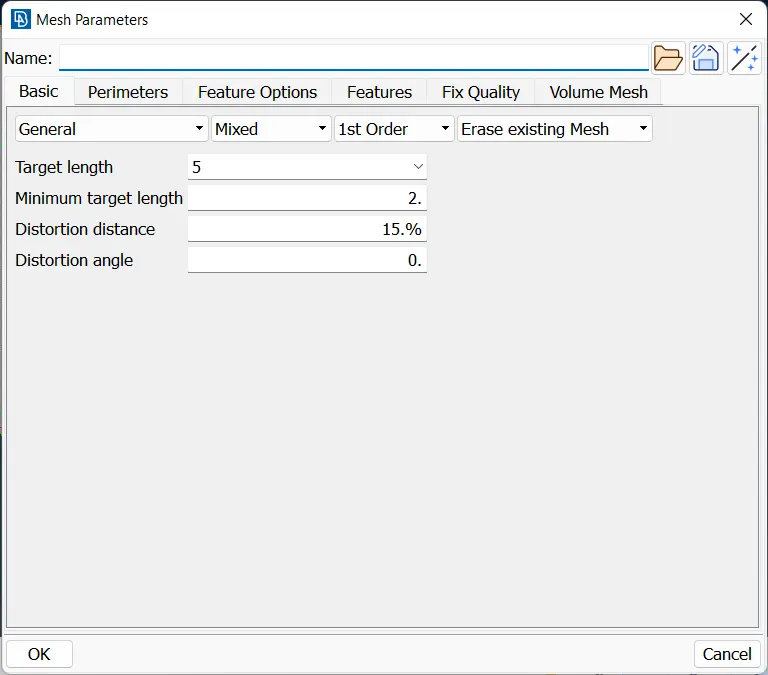
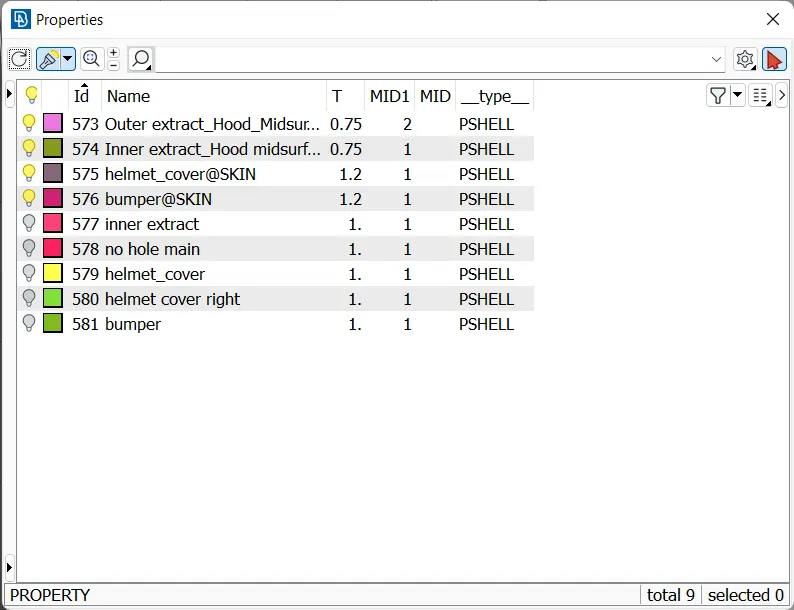
Assign proper thickness to the mid surface same as the thickness of original parent geometry and then enable it in quality criteria as shown below
Conclusion:
The given Hood Model has undergone geometry clean up, mid surfacing and mesh flow with the given quality criteria. The Best and 4 sided mesh is used for better accuracy and flow.
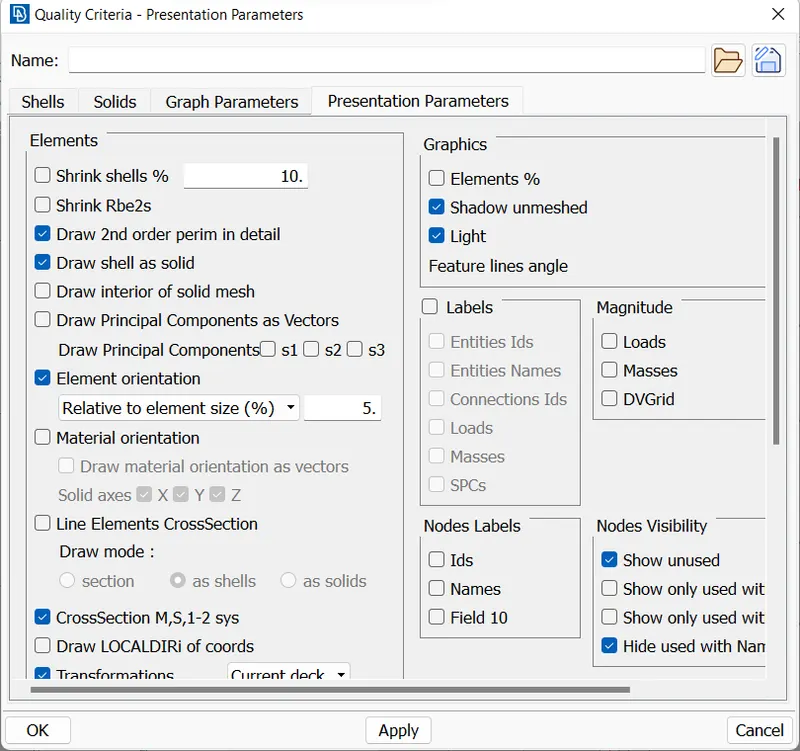
The model and quality criteria attached is shown below