Week 3 - 2D meshing for sheet metal
Aim:-
For the given Hood model, Take the mid surface for all the components after checking the geometrical errors and mesh the mid surface with the given element Quality criteria.
Quality Criteria:-
|
1 |
Target/Average length |
5 |
|
2 |
Minimum Length |
2 |
|
3 |
Maximum Length |
7 |
|
4 |
Aspect |
3 |
|
5 |
Warpage |
15 |
|
6 |
Skewness |
45 |
|
7 |
Jacobian |
0.7 |
|
8 |
Minimum Quad Angle |
45 |
|
9 |
Maximum Quad Angle |
135 |
|
10 |
Minimum Tria Angle |
30 |
|
11 |
Maximum Tria Angle |
120 |
|
10 |
Tria Percentage |
15 |
Procedure:-
1.import the step file into ANSA by following steps
FILE-OPEN -(Go to location)-click open
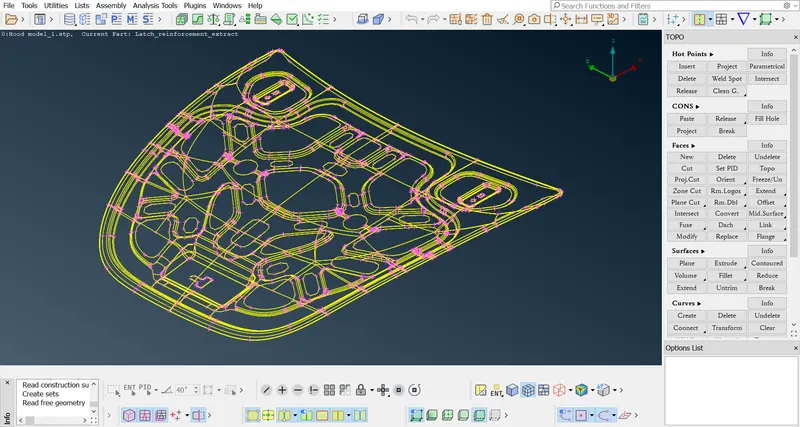
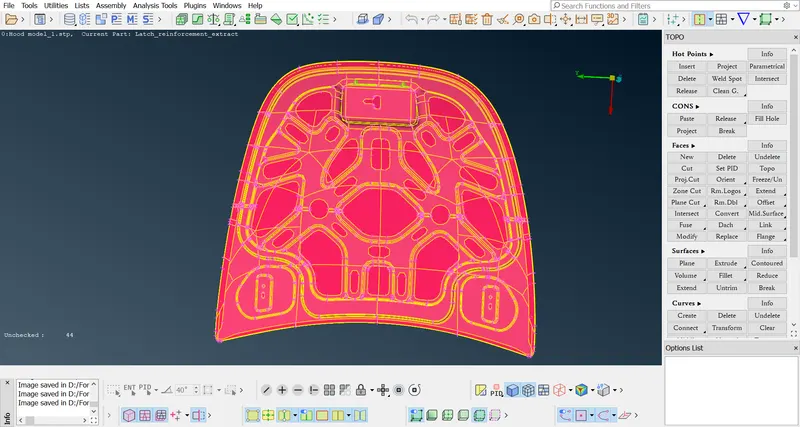
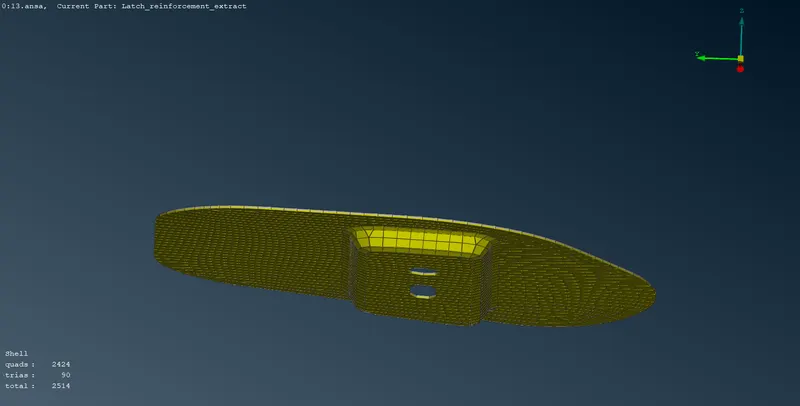
2.by observing model closely we get the car hood which is in sheet metal
having child parts like inner hood, latch, left and right latch
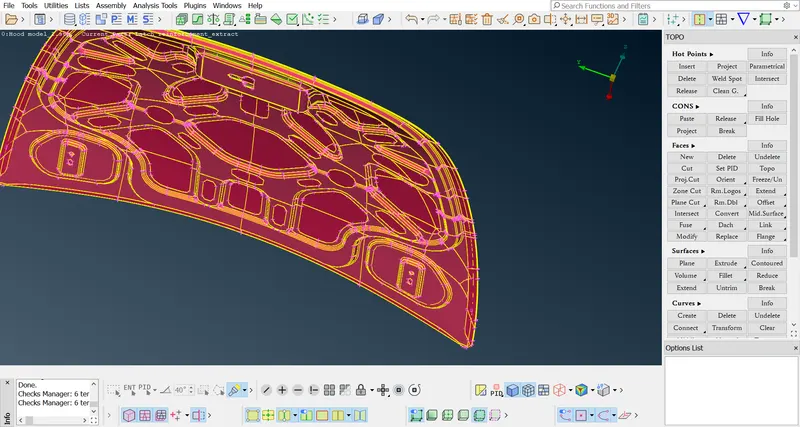
3.now assign PID as convenient name. And perform geometry checks against model
we having some errors by fixing them by automatically we get clear parts which are
free from errors.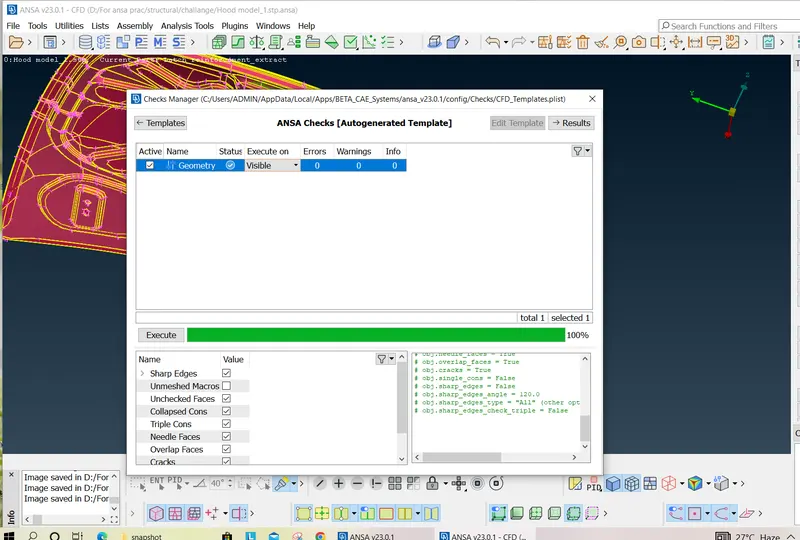
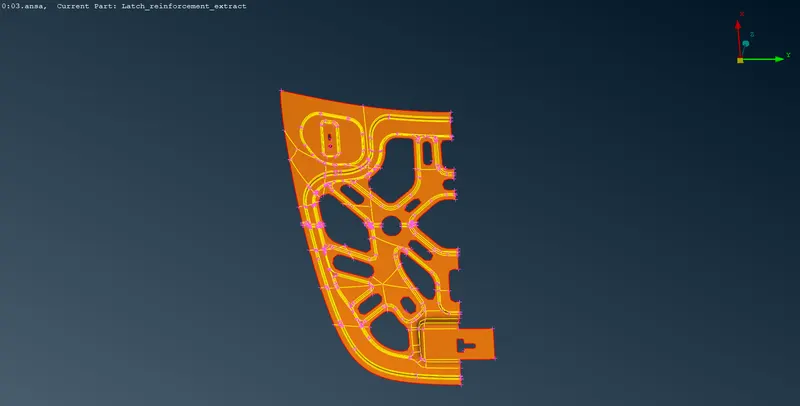
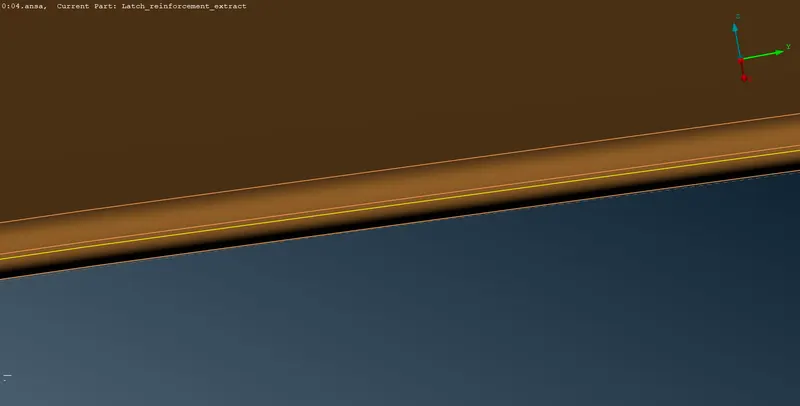
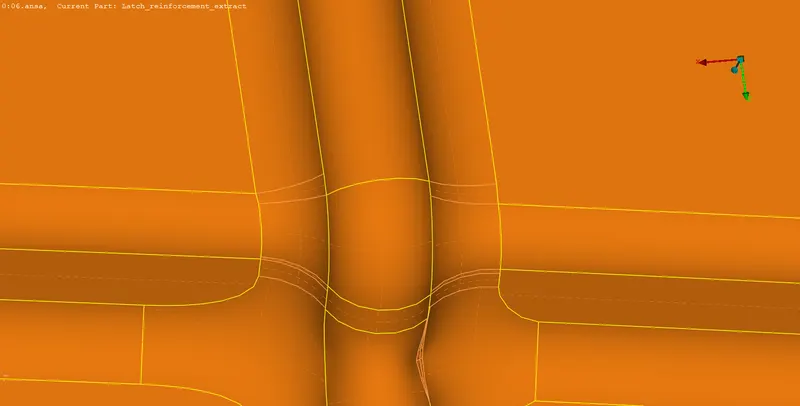
4.now by isolating one by one do needed geometry clen-up on surface which is
removing close distance cons. remove sharp edges which is cause of fail the elements.
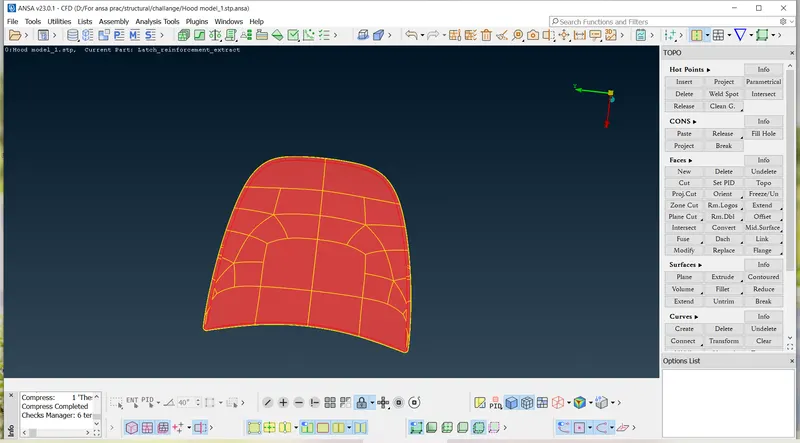
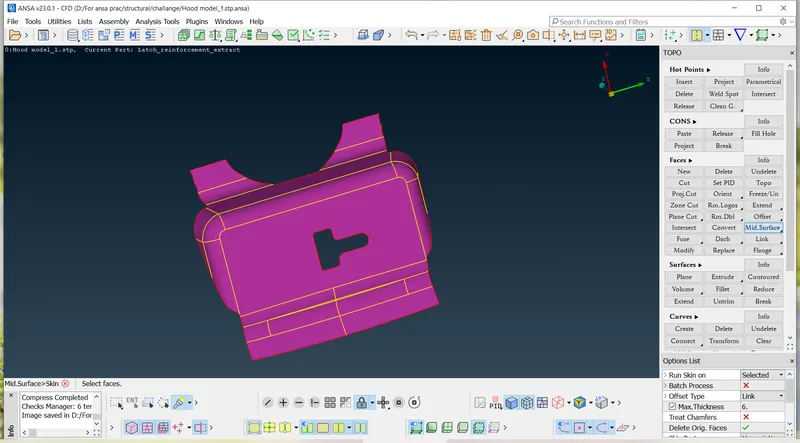
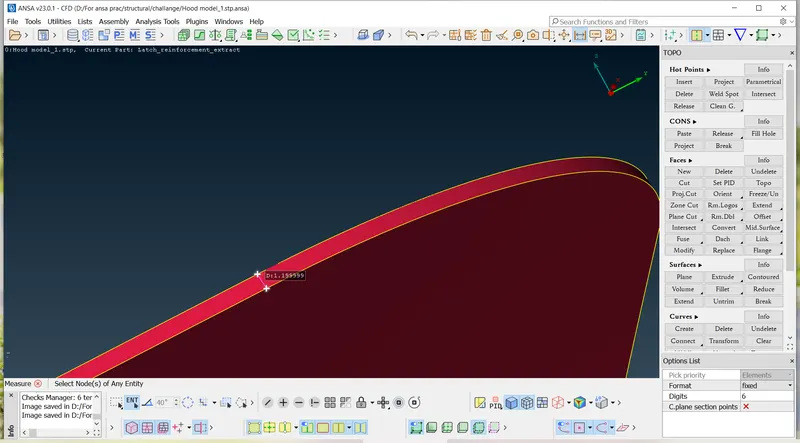
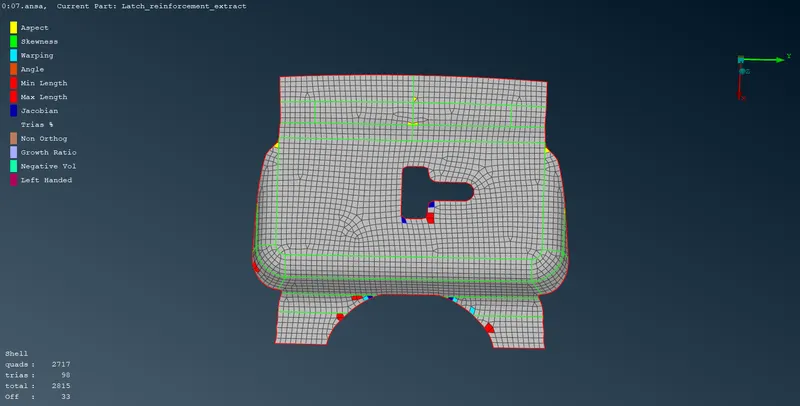
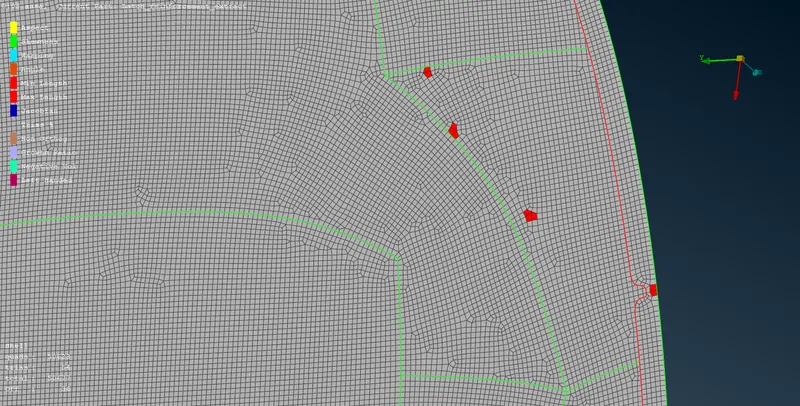
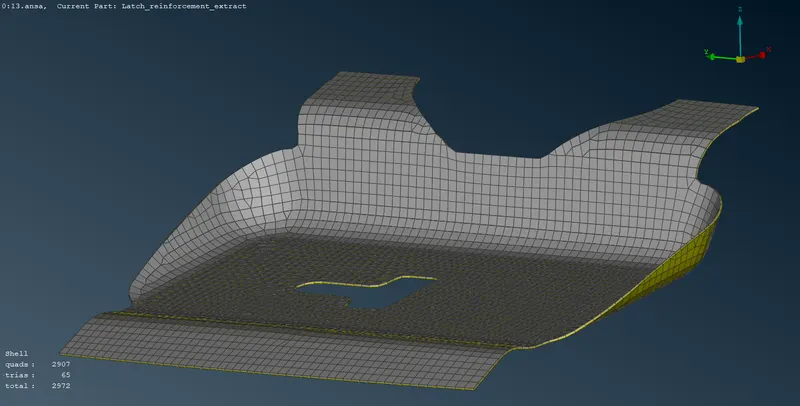
5.for the inner hood take a section, mesh one side and mirror on the other side this is the
convenient way for meshing symmetry parts.
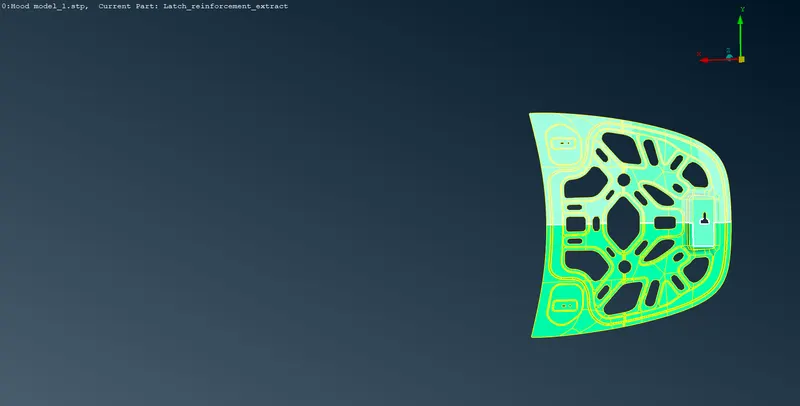
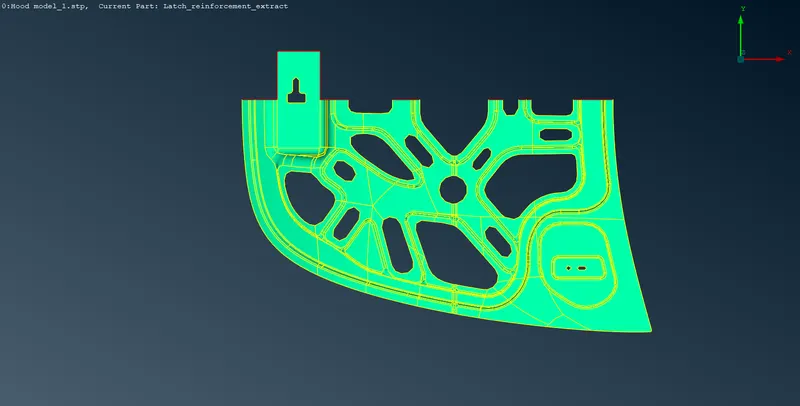
6.now one by one ready all PID for meshing .
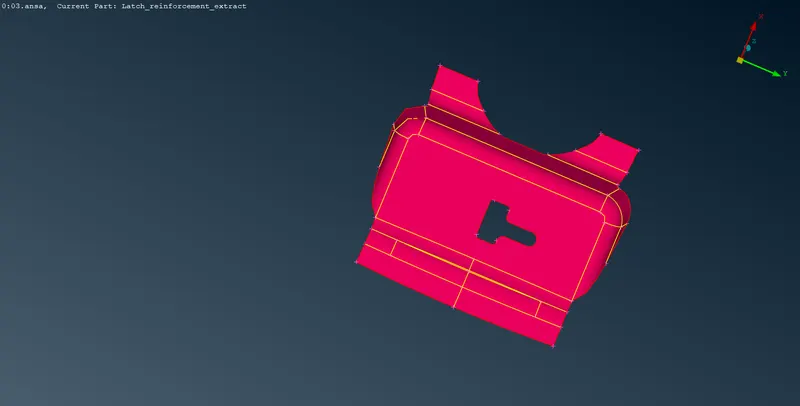
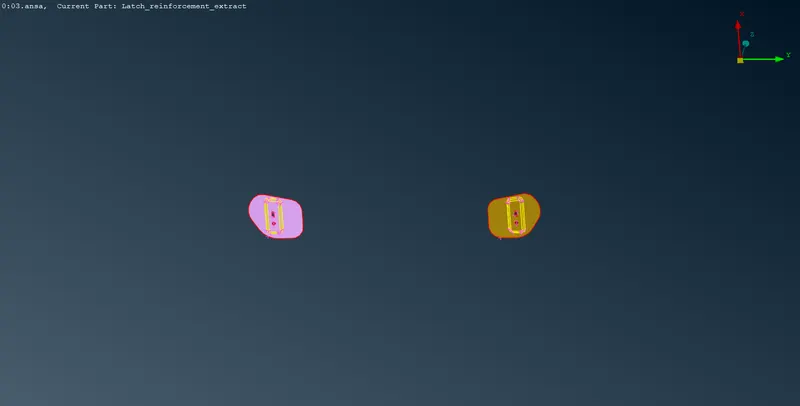
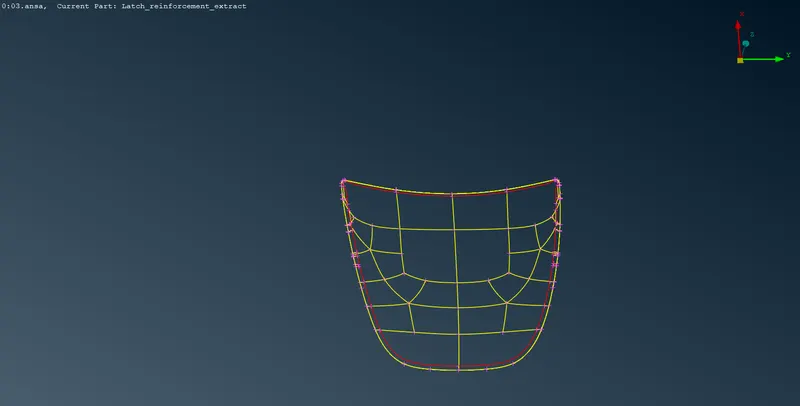
7.before meshing we have to giving the quality Criteria as below
|
1 |
Target/Average length |
5 |
|
2 |
Minimum Length |
2 |
|
3 |
Maximum Length |
7 |
|
4 |
Aspect |
3 |
|
5 |
Warpage |
15 |
|
6 |
Skewness |
45 |
|
7 |
Jacobian |
0.7 |
|
8 |
Minimum Quad Angle |
45 |
|
9 |
Maximum Quad Angle |
135 |
|
10 |
Minimum Tria Angle |
30 |
|
11 |
Maximum Tria Angle |
120 |
|
10 |
Tria Percentage |
15 |
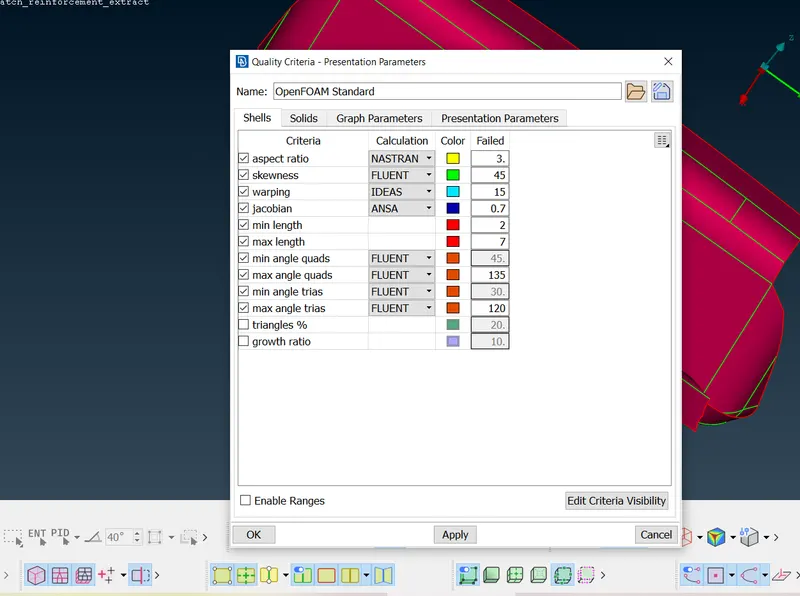
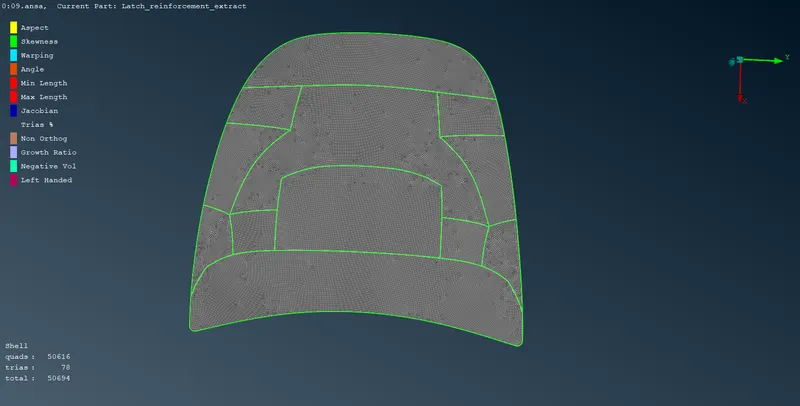
9. now by using copy option mirrior this inner hood to other side.
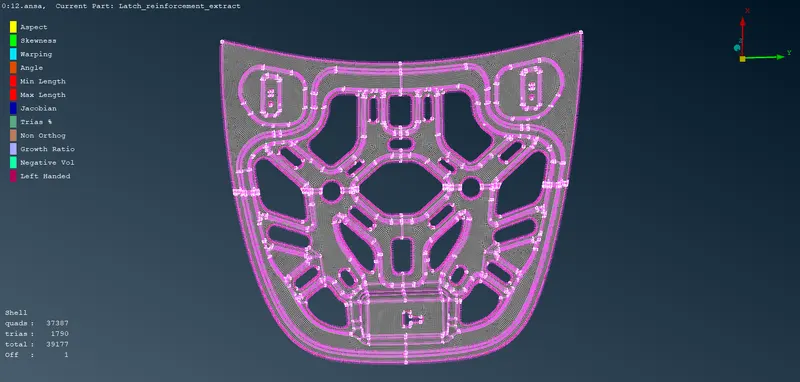
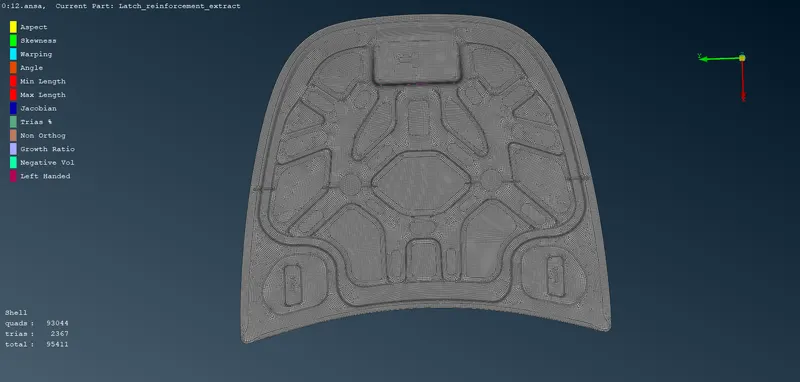
10.how we have to give thickness to this component for that go to set PID in mesh mode
then select PID hit edit option and give the thickness which is before meshing we have
by clicking ok we see there is no thickness applied even we giving .for this go to quality
Criteria in that presentation go to draw to shell option. Doing this we can see the thickness in component
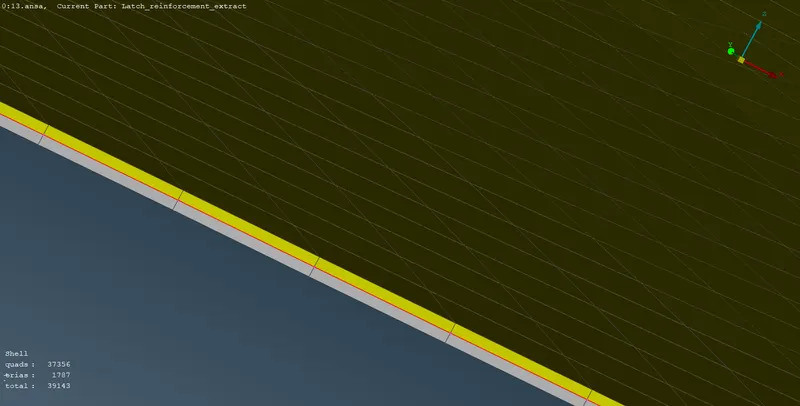
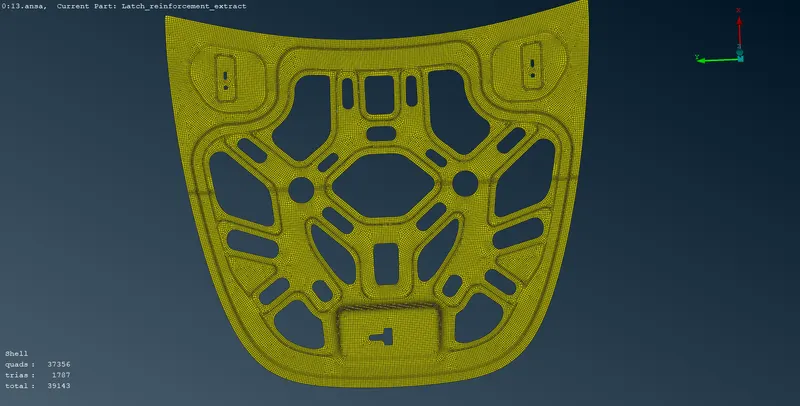
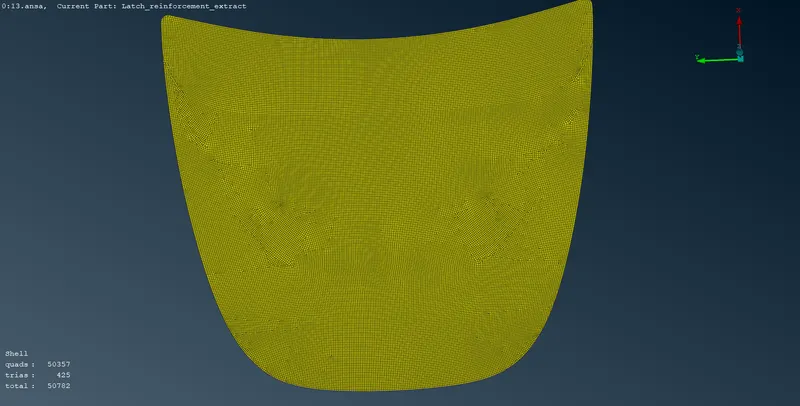
what I learn from this challenge
1.import of model
3.assign PID for diffrent region
4.set mesh parameter
5.set quality criteria
6.deploy mesh
7.various isolating options
8.hide options
9.topo clean-up
10.surfacemesh
11.mid surface
12.set PID for thickness
13.how to clear off elements
14.applying thickness
https://drive.google.com/file/d/11EuJxxNwaVQVJNIrvPHdMIG5xikjOHl6/view?usp=drivesdk