Week 3 - 2D meshing for sheet metal
Objective: To take the mid surface for all the components of the hood and checking for geometrical errors. To mesh the mid surface with the given element Quality criteria.
Procedure:
1. Latch:
- Take midsurface for the latch (Topo Module - Mid surface - Skin)
- Change the element criteria as per the given problem (F11 for quality criteria)
- Change the element parameter (Mesh Parameters from Utilities toolbar)
- Toggle the unwanted edges (Topo Module - Faces - Cut right click)
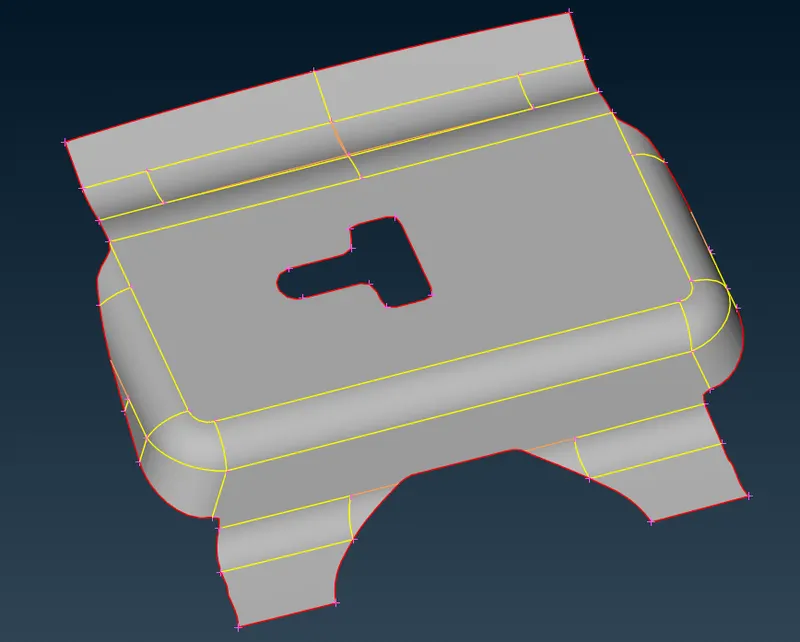
- Go to classic mesh module and generate mesh on all surface (4 sided and best)
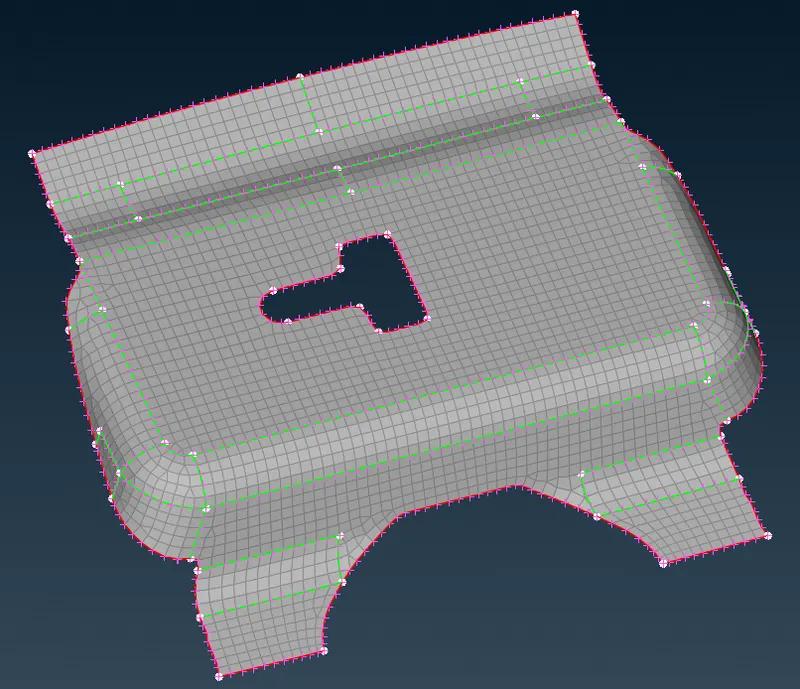
- Check and fix for off elements from hidden view
2. Hinge:
- Since two hinges are symmetrical, take midsurface for only one of the hinge (Topo Module - Mid surface - Skin)
- Go to classic mesh module and generate mesh on all surface (4 sided and best)
- Check and fix for off elements from hidden view
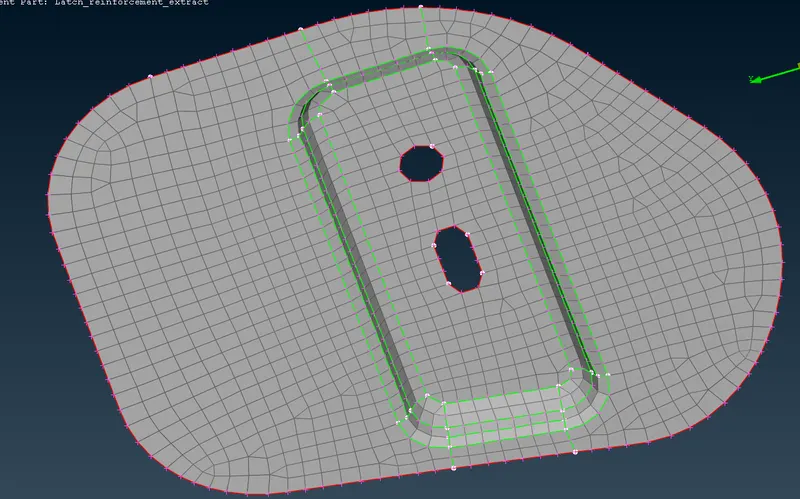
- Reflect the outer hinge ( Utilities toolbar - Transform - Copy - Symmetry - Default symmetry plane). Select any other component along with hinge for inspection.
4. Outer Panel:
- Since the outer panel is symmetrical, take midsurface for only of the side (Topo Module - Mid surface - Skin)
- Divide the panel into smaller areas by cut into rectangular areas
- Go to classic mesh module and generate mesh on all surface (4 sided and best)
- Check and fix for off elements from hidden view
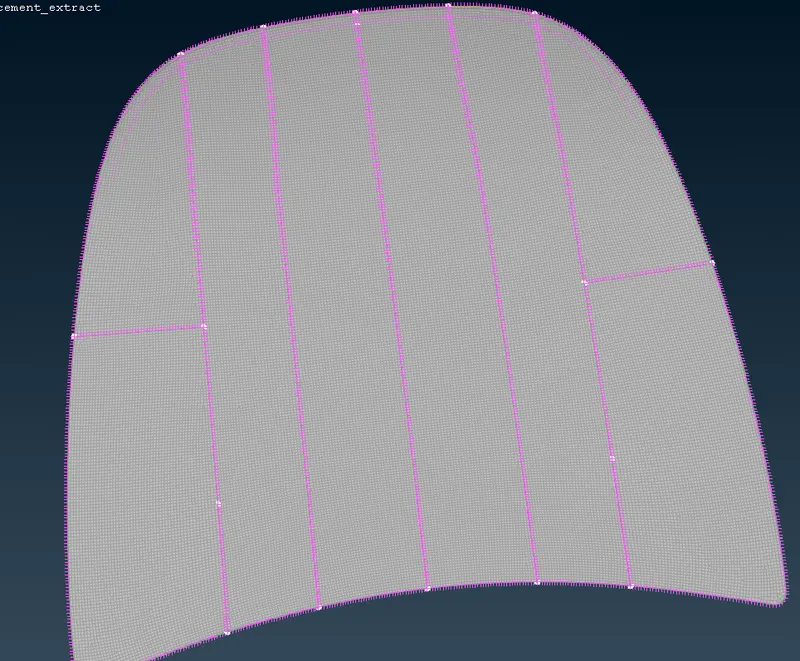
- Reflect the other side ( Utilities toolbar - Transform - Copy - Symmetry - Default symmetry plane).
4. Inner Panel:
- Since the inner panel is symmetrical, take midsurface for only of the side (Topo Module - Mid surface - Skin)
- Divide the panel into smaller areas by cut into rectangular areas and for proper mesh in the critical areas
- Go to classic mesh module and generate mesh on all surface (4 sided and best)
- Use zone cut option to create washer and Macros - Freeze to washer to mesh around the washer
- Check and fix for off elements from hidden view
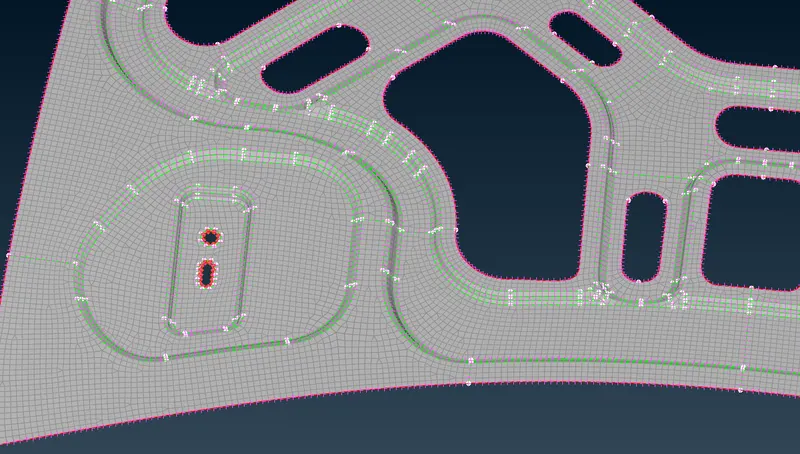
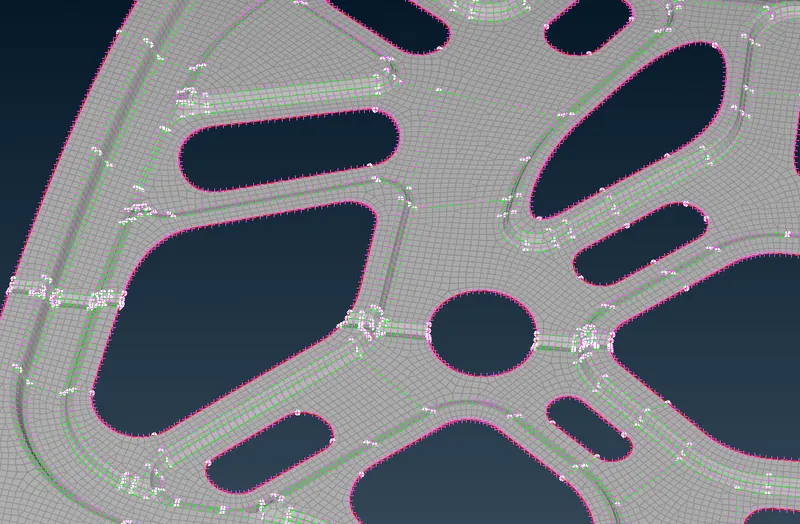
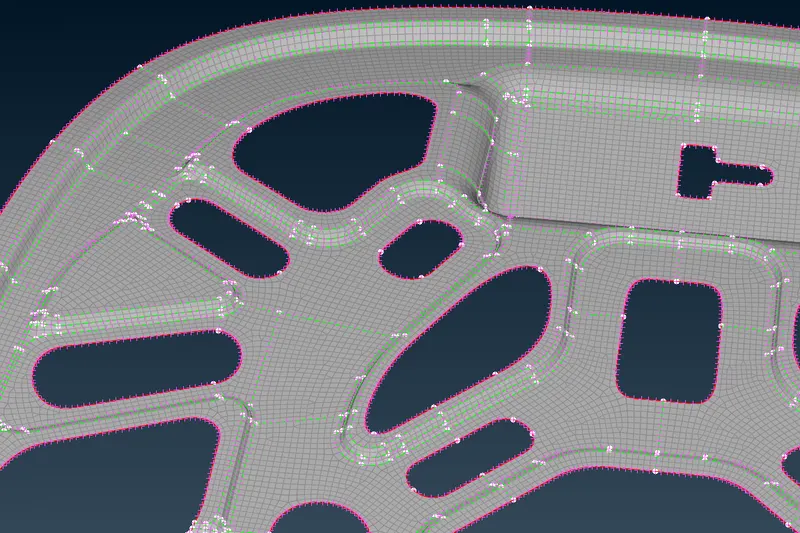
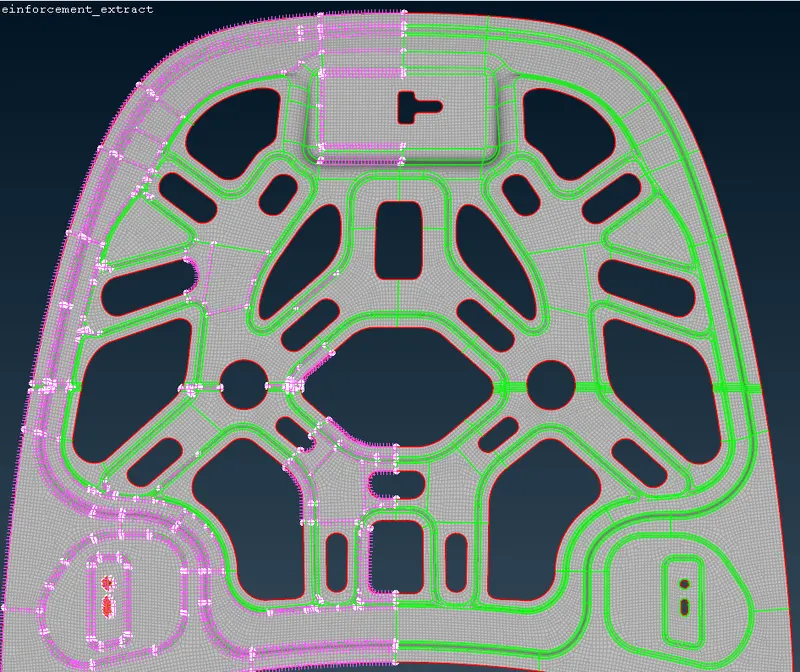
- Reflect the other side ( Utilities toolbar - Transform - Copy - Symmetry - Default symmetry plane).
- Fix the unconnected nodes after symmetry by topo on the edges (elements will be deleted) or use edge to perimeter on the adjacent sides of elements and mesh only the deleted region.
- Right click on the tool bar and presentation parameteres - Switch on shell as solid.
Conclusion: The midsurface has been extracted for the given components and the meshing has been done.