Week 3 - 2D meshing for sheet metal
Week 3 - 2D meshing for sheet metal
ANSA Live July Batch 1
Aim:
In this Hood model we have to create the midsurface after checking the geometry errors and mesh the component with the given quality criteria and after that assign the thickness.
Given :
|
S.No |
Quality Criteria |
Value |
|
1 |
Target/Average length |
5 |
|
2 |
Minimum Length |
2 |
|
3 |
Maximum Length |
7 |
|
4 |
Aspect |
3 |
|
5 |
Warpage |
15 |
|
6 |
Skewness |
45 |
|
7 |
Jacobian |
0.7 |
|
8 |
Minimum Quad Angle |
45 |
|
9 |
Maximum Quad Angle |
135 |
|
10 |
Minimum Tria Angle |
30 |
|
11 |
Maximum Tria Angle |
120 |
|
10 |
Tria Percentage |
15 |
Stepwise procedure of hood model :
- First have to Import the CAD model. Go to file >> open >> select model >> open.
- After that we go for Cons resolution for that go to Mesh module > perimeters > length > select surface > give length > assign.
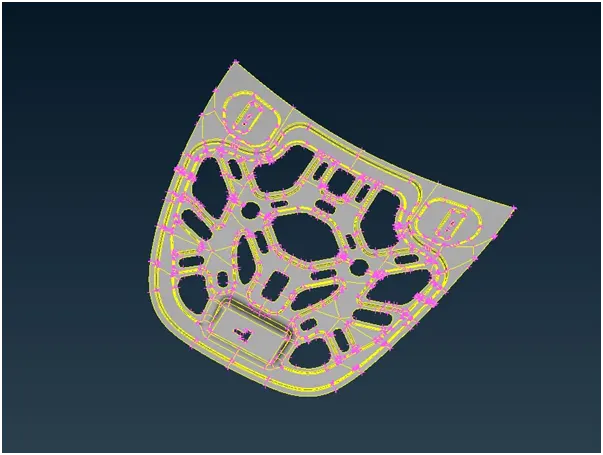
- After the cons resolution we have must do Go to Topo module > faces > orient.
- The next step is to check geometry. Go to Checks > Geometry > Execute.
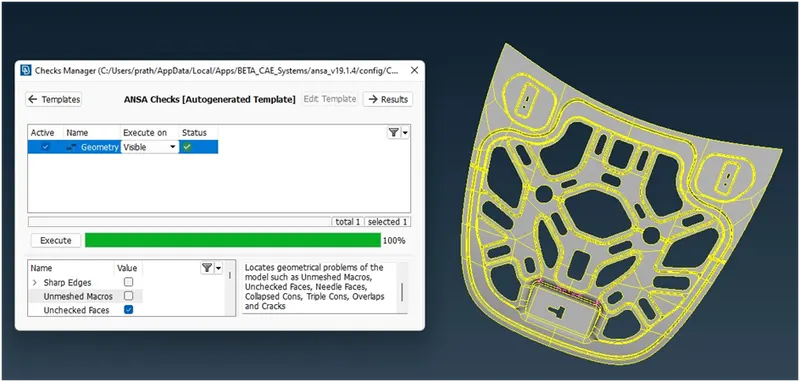
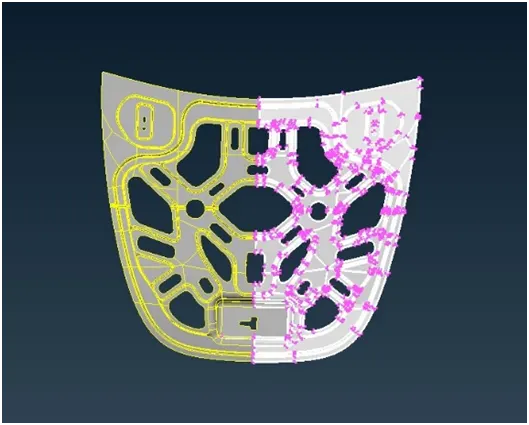
- The hood component is symmetric we are going to delete the another half part and then going to mesh and will transform tool.
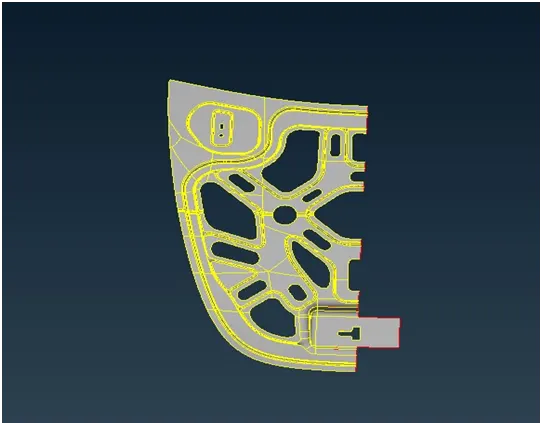
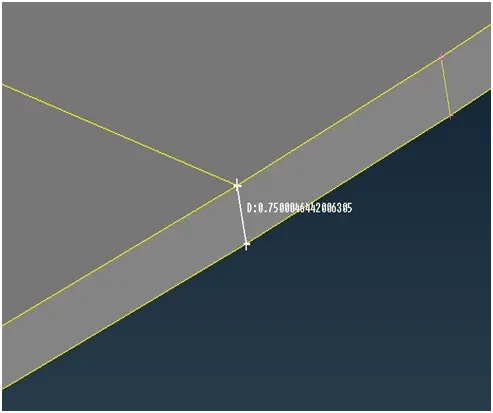
- Then measure the thickness for extracting mid surface of component.
- Extract the midsurface using offset tool. For that go to topo module > offset > select the surface by feature > middle mouse > enter the thickness > hit middle mouse.
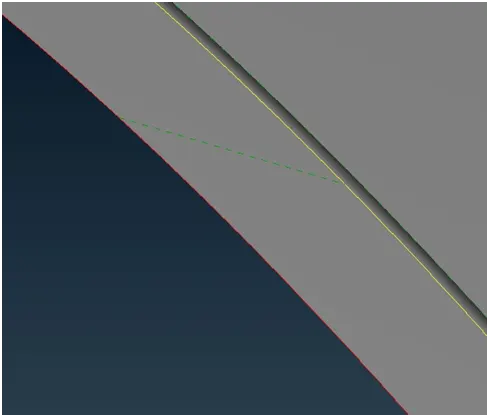
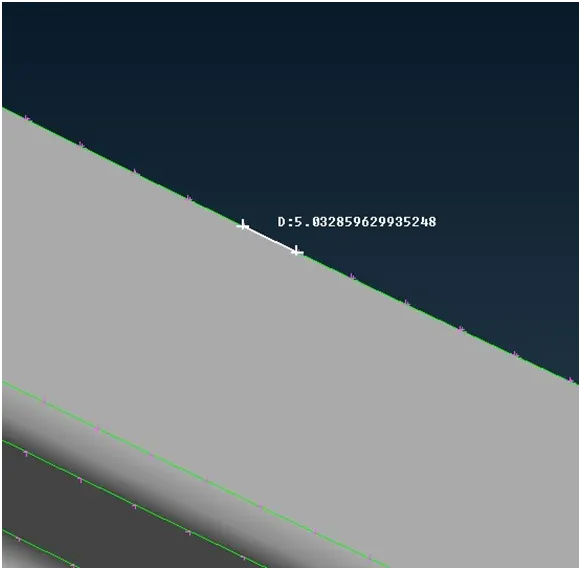
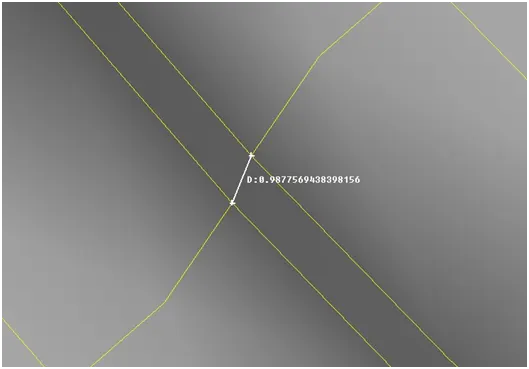
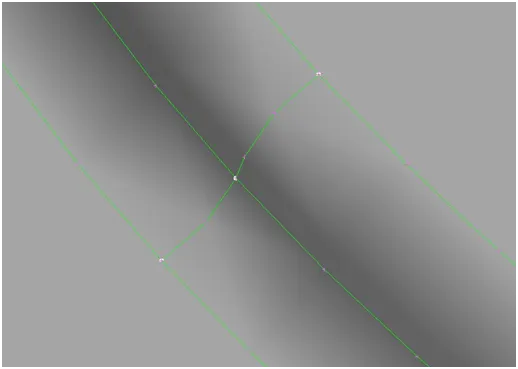
- Before start meshing we have to measure the distance between two line if they come under the minimum length criteria we have to join them or delete them.
- Fill the quality criteria and parameters for it.
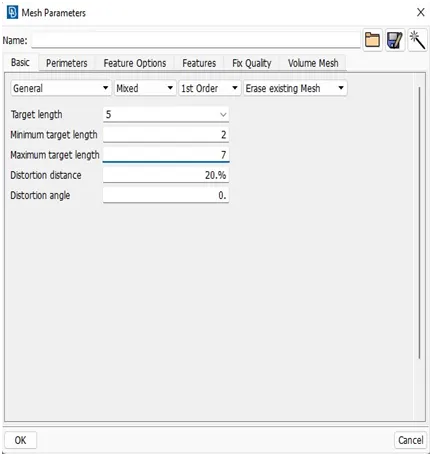
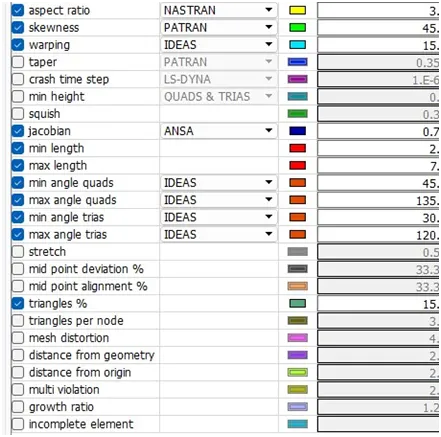
- We can go for the mesh the mesh. For that go to mesh module > mesh generation > best.
- To hide another surfaces we can use or option and select one surface.
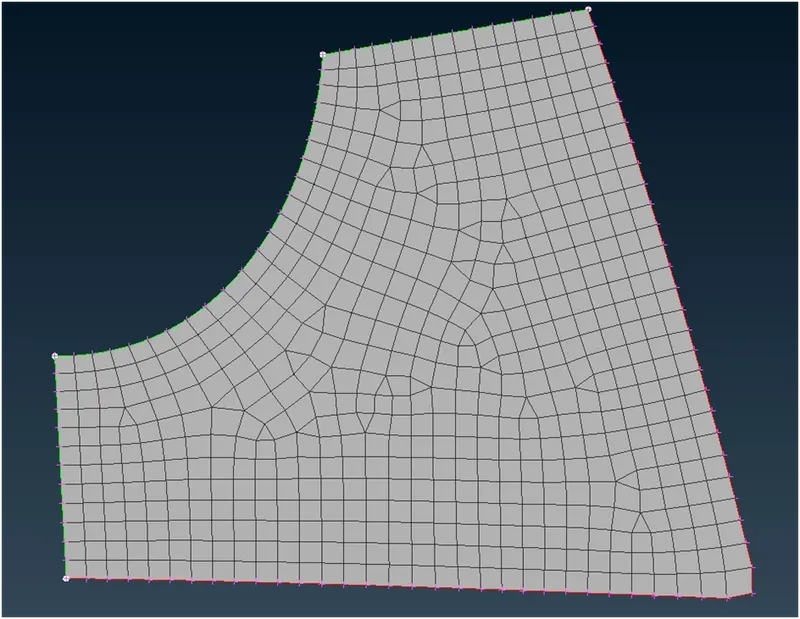
- We can see the flow of element and trias that are back to back, opposite and rotating quadsso we can use reconstruction
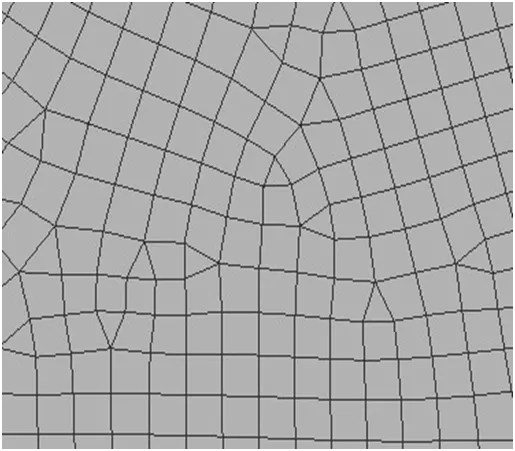
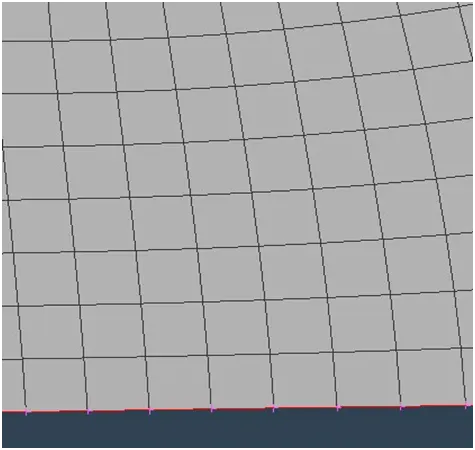
- There are some element fail to satisfy quality criteria after meshing
- We can fix the them by using some commands
- Paste, Swap , split, smooth, reconstruct.
- Minimum length and maximum length :
- If element having any small edge length than predefined min length then it will fail for min length .
- If element having any edge length more than predefined max length then it will fail for maximum length criteria .
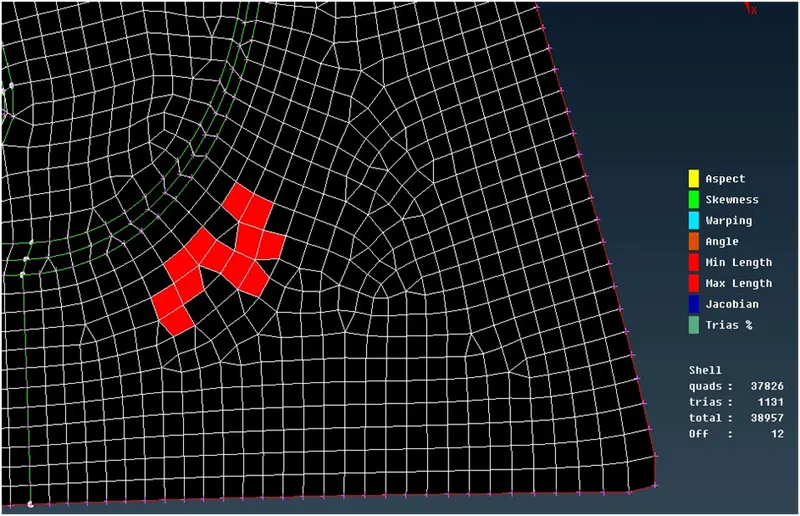
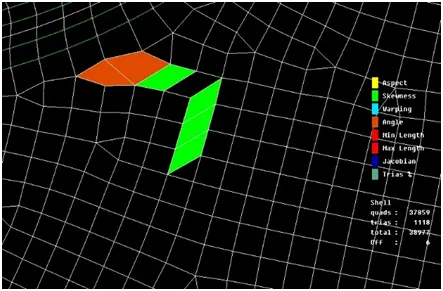
- Skewness :
- for quad element = 90 –(Ømin)
- Distorted element will have skew value other than 0
- Ideal element will have skew value equal to 0.
- For tria element = angle between the meridian line & the mid node line.
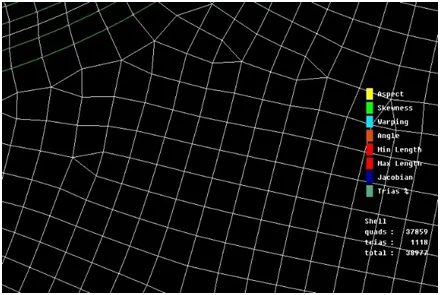
- Warping:
- Whenever quad element are sharing two different elements warpage error will occur.
- The angle between the normal of the bent element is known as warp angle .
- The quad element is bent along its diagonal i.e deviated from the plane .
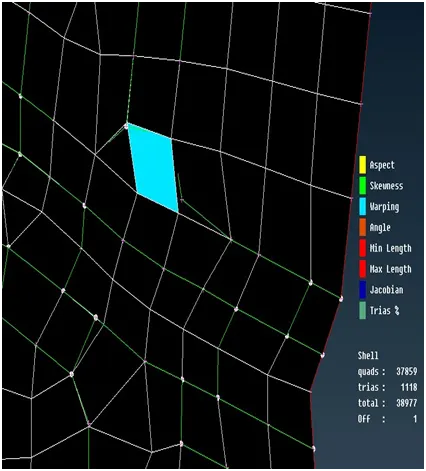
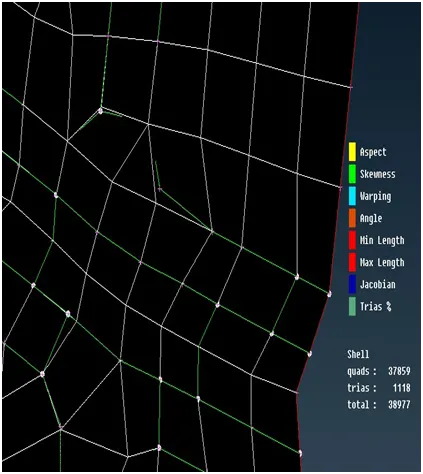
After element cleanup:
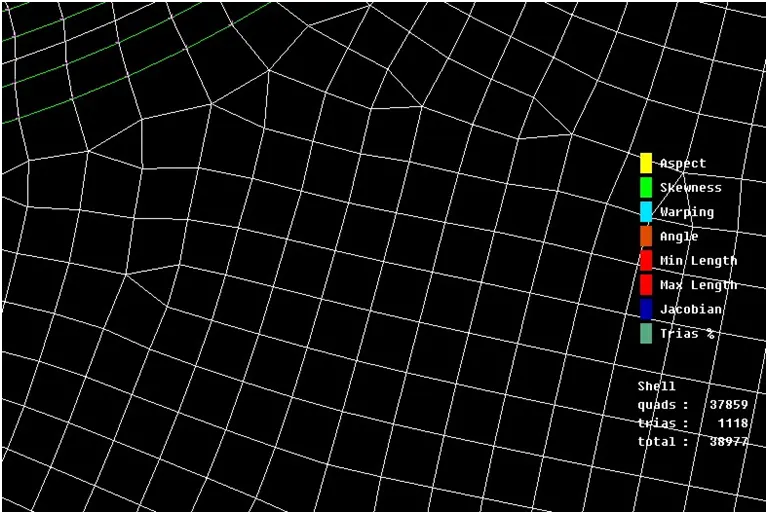
Completed meshed model:
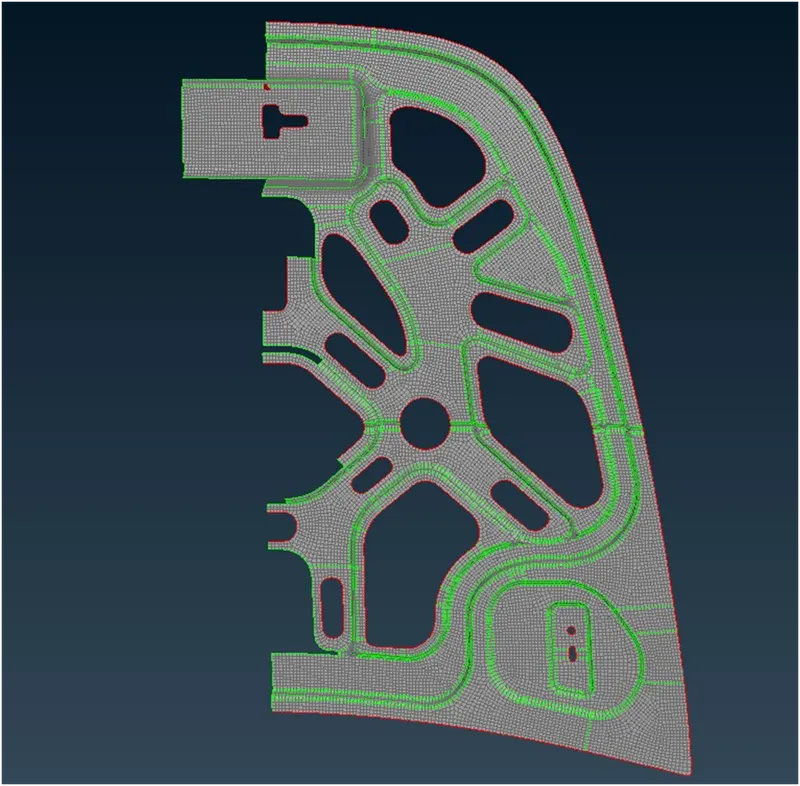
- After all mesh done and quality checks we have to use transform option for reflect the half portion to the another symmetry side.
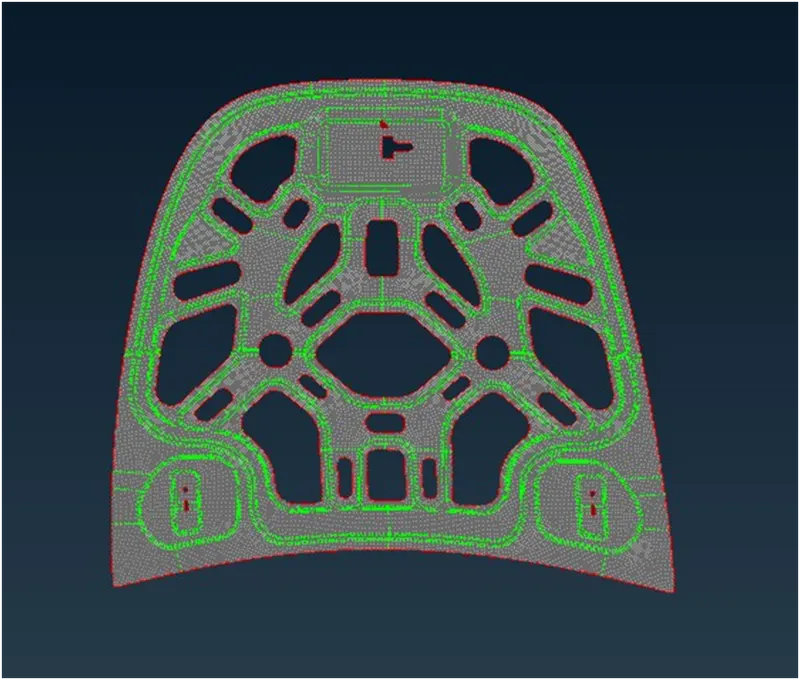
- And next step is to assign thickness by 0.75 mm.
Result:
Learning outcomes:
- We learn to perform basic opertions on any model like cons resolution , geometry check and correction.
- Meshing of surface using shell mesh tools.
- We learn to check quality criteria.
- How to fix off elements.
- We learn to deal with trias using spilt , paste , swap and join.
- How to assign thickness to surface
Conclusion:
- We meshed the given hood model manually.
- Manaully meshing gives more accurate result to satisfy quality criteria.
- Use of diiferent tools is Important to deal with meshflow , tria and