Week 3 - 2D meshing for sheet metal
ansa live batch july 2022
aim : For the given Hood model, extract the mid surface for the inner panel component and checking the geometrical errors and mesh the mid surface with the given element Quality criteria.
procedure :
for the given component is hood model in that we have to extract mid surface and mesh it for inner panel and explained in below .
step 1 . first import the model of the given format.
step 2. then Cons resolution is done by Length option in perimeters.
step 3. after the cons resulations we have to make oreint all the surfaces are in one normal direction.(TOPO Module> Faces > Orient).
step 4. then check for geometry error. and fix those error.
step 5. then measure thicknees of the component and generated the midsurface. if the below thickness 5 mm need to extract midsurface.
step 6. this component have uniform thickness so that skin option used for generating midsurface and unchecked for delete original surface.(topo module>faces>midsurface>skin)
step 7. after the creating the midsurface we need set mesh parameter and quality parameter.
step 8 . given model is symmetric format so that delete the half portion and work on remaining portion.
step 9. Cleaning the Midsurface extracted.
- If there are any unnecessary hotpoints is deleted by Delete option in Hotpoints group to avoid or we can use the insert option with right mouse click.
- If there are any construction lines are present and suppress it beacuse it will affect the mesh flow so we avoid them.
- If there are any two feature lines which are very near to each other and the distance between them is less than your minimum then you will be suppressing any one of the line.
- make the squre like cut and mesh on those region.
step 10. after cleaning the midsuface generate the mesh the component with given target element size. tool for mesh (mesh module>mesh generation>best)
step 11. check for element quality and if any fail element occurs and fix the those element.
step 12. failed elemet are fixed by reconstruction mesh and smooth option.
step 13. after completing the mesh and quality check so reflect the component. refelcet tool (utilities >transforms>copy>click middle mouse >symmetic)
step 14.assign thickness for the midsurface.
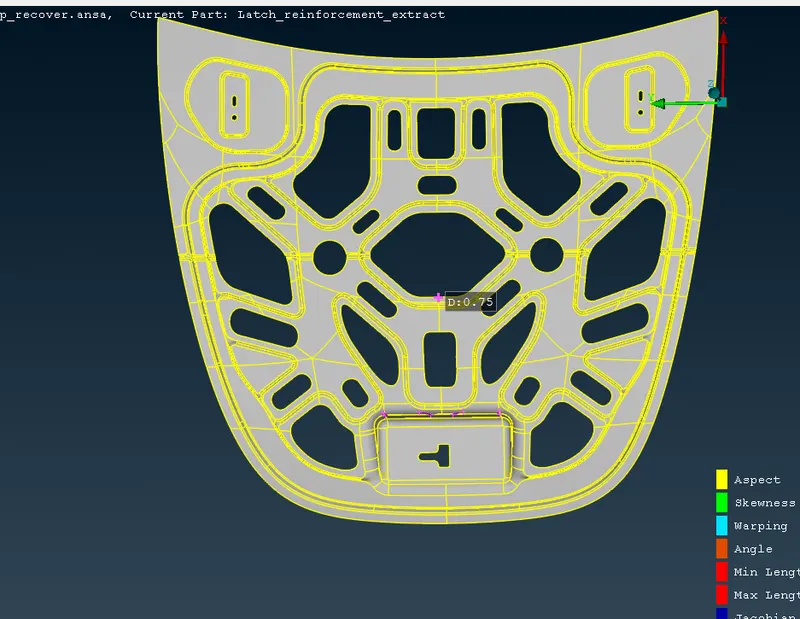
above picture shwon that mid surface of the components.
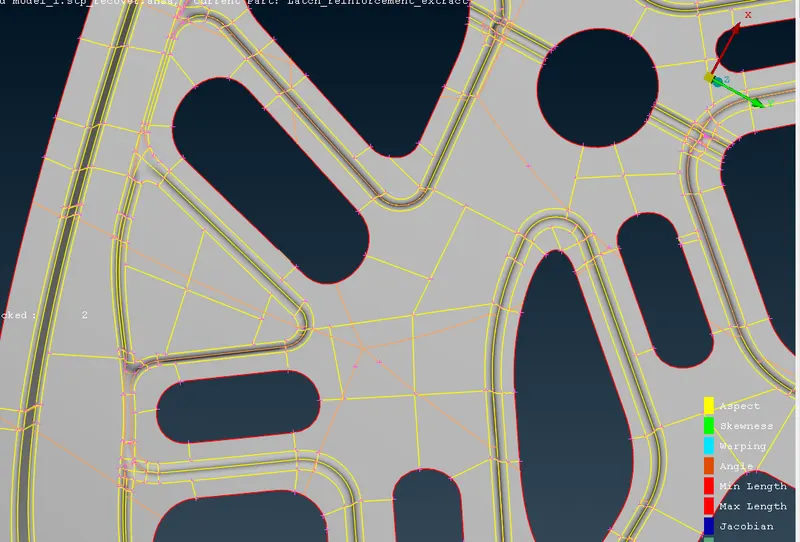
above fig 2 shown is that midsurface is cleaned for the better mesh flow.
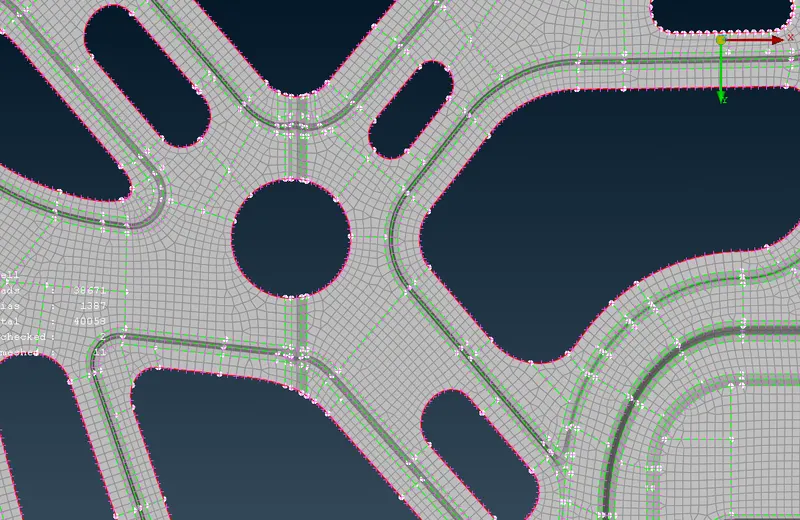
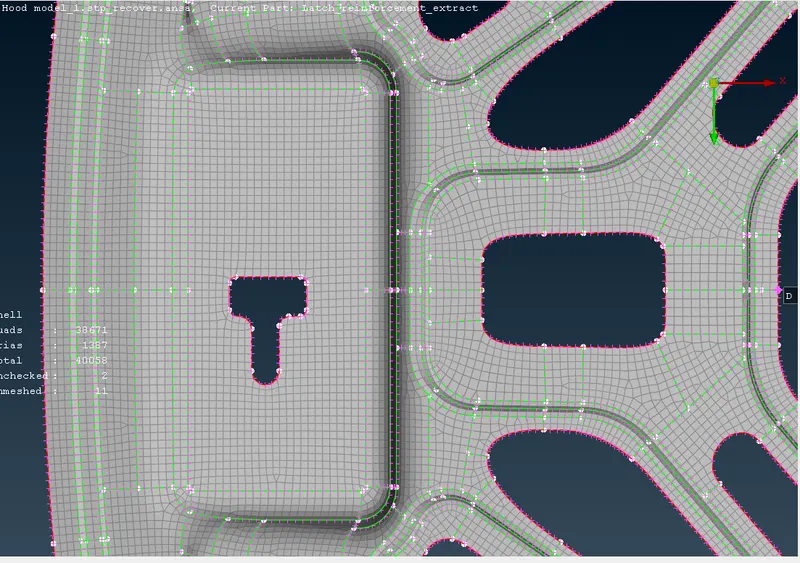
above fig. 3 and 4 is shwon that meshed region of the component.
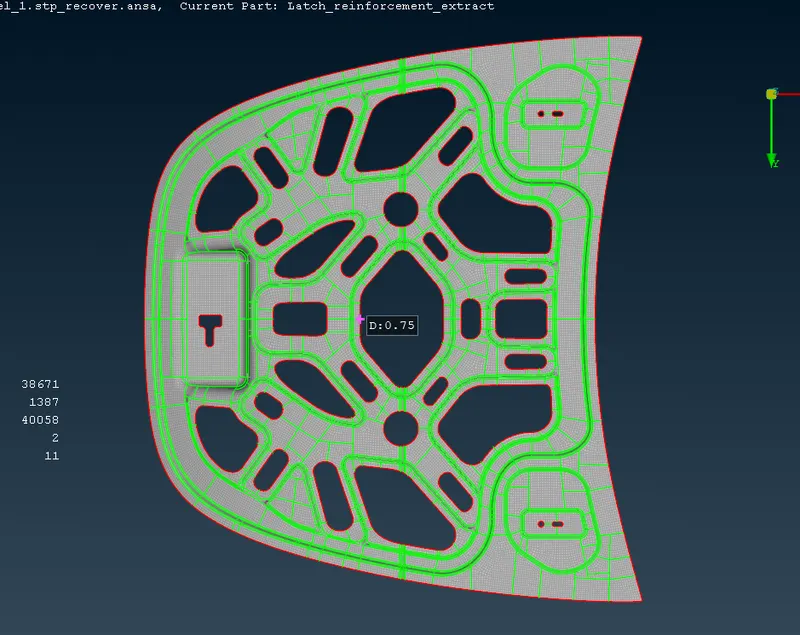
here is complete meshed component and assigned thickness for the given component.
learning outcomes:
- learned geometry clean up and generation midsurface
- learned how generate 2d mesh on the component.
- learned about quality crteria .
- learned some tools in ansa etc.
conclusion:
the given model is meshed and assigned thickness for the model.