Week 3 - 2D meshing for sheet metal
Aim:
To extract mid surface and mesh the given the hood components within the quality criteria using ANSA software.
Introduction:
What is a car hood panel?
A car hood panel is one of the most important components of the BIW (body in white), it is considered as the closure sheet-metal component. A hood panel consists of two panels that are hemmed together to form the automotive hood assembly.
Given data:
Car hood pannel it has four parts
1. outer part (0.75 mm)
2. Inner part (0.75 mm)
3.Latch part (1.2 mm)
4. Hinge part (1.2 mm)
Quality criteria:
S.No
Quality Criteria
Value
1. Target/Average length 5
2. Minimum Length 2
3. Maximum Length 7
4. Aspect 3
5. Warpage 15
6. Skewness 45
7. Jacobian 0.7
8. Minimum Quad Angle 45
9. Maximum Quad Angle 135
10. Minimum Tria Angle 30
11. Maximum Tria Angle 120
12. Tria Percentage 15
Following the steps to execute the Mesh the components
1. Geometry clean up
2. Mid surface creation
3. Create PID
4. Deafeaturing
5. Meshing
Procedure:
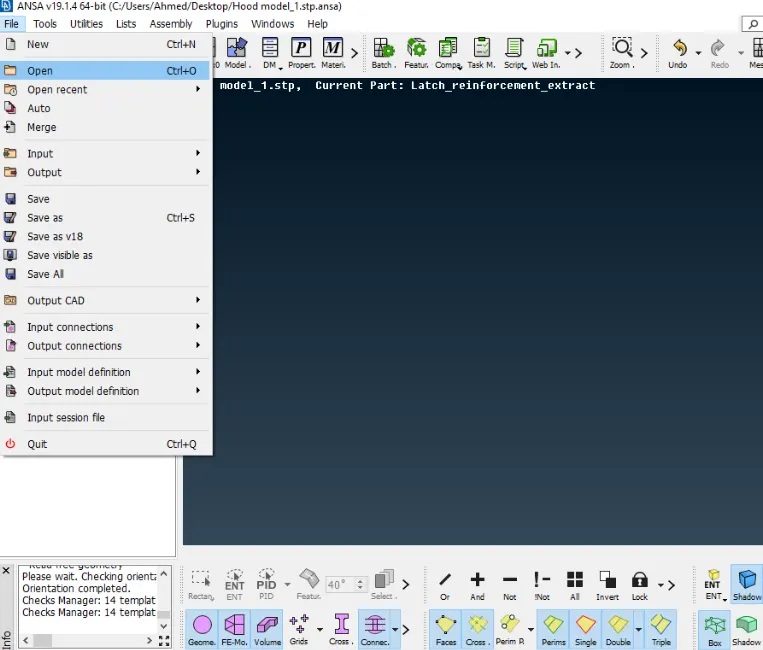
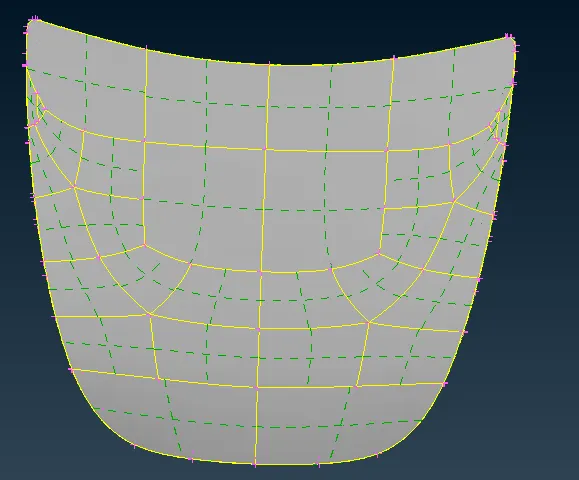
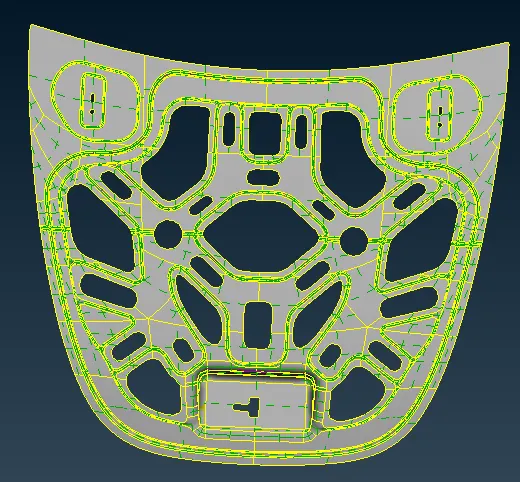
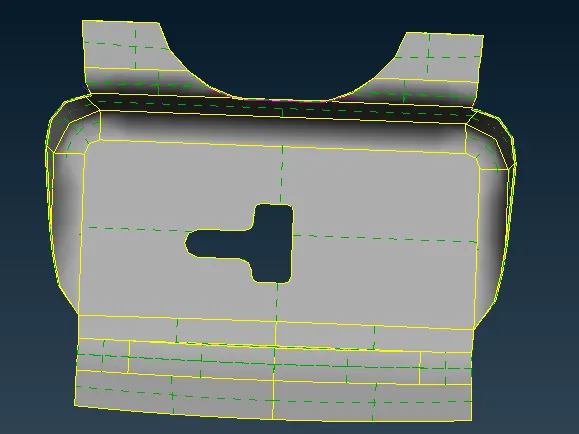
First if all open the file and import the geometry components into the ANSA interface.
1.Outer part
2. Inner part
3. Latch
4. Hinge
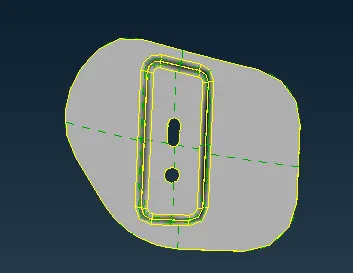
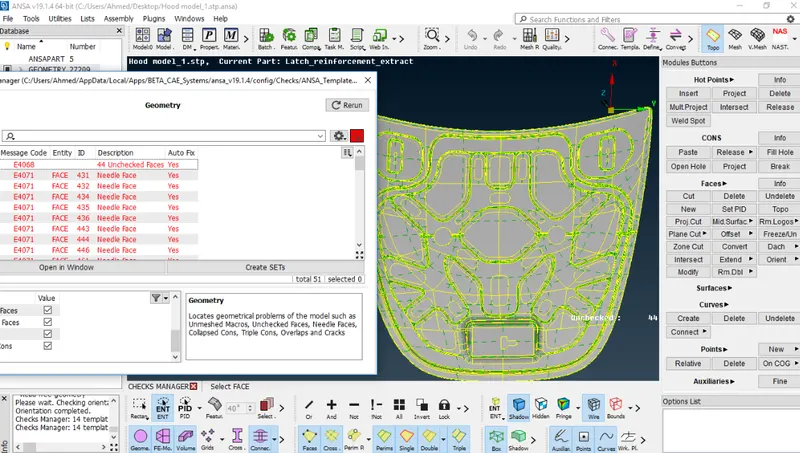
¬ Then go for geometry clean up Tool-check-Geometry
¬ Turn on single cons and execute the geometry check up
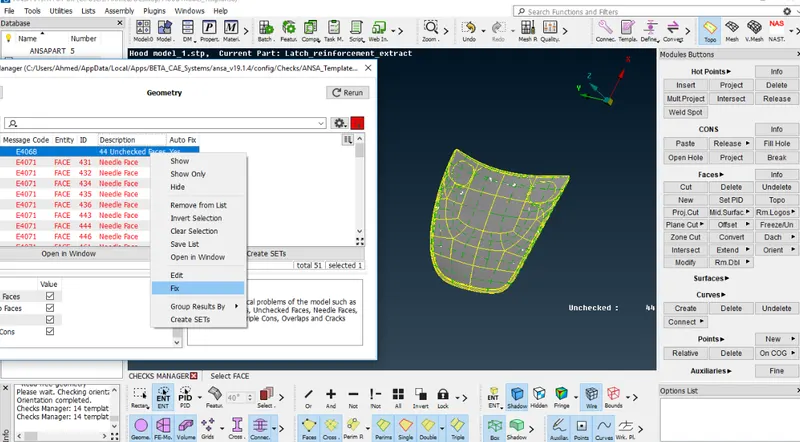
¬ Then fix all error - to right click on the error and click show only go to error and fix it or else just right click on the error and give to fix it.
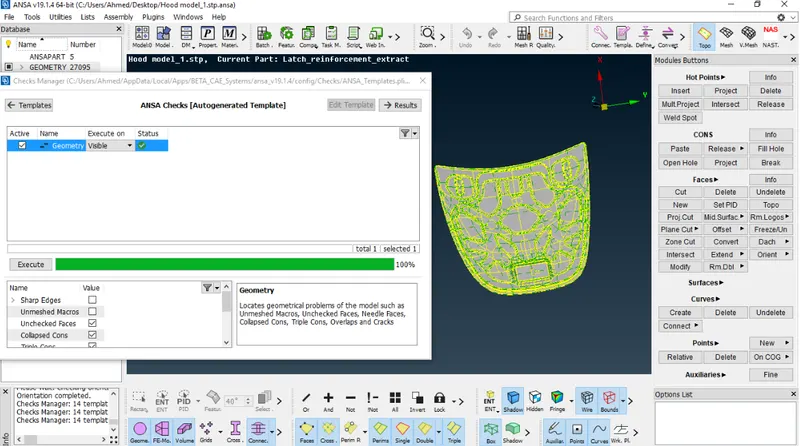
¬ Then check geometry after all the error fix , clear 100% error go for next step.
¬ Then go to check the Thickness of the every components
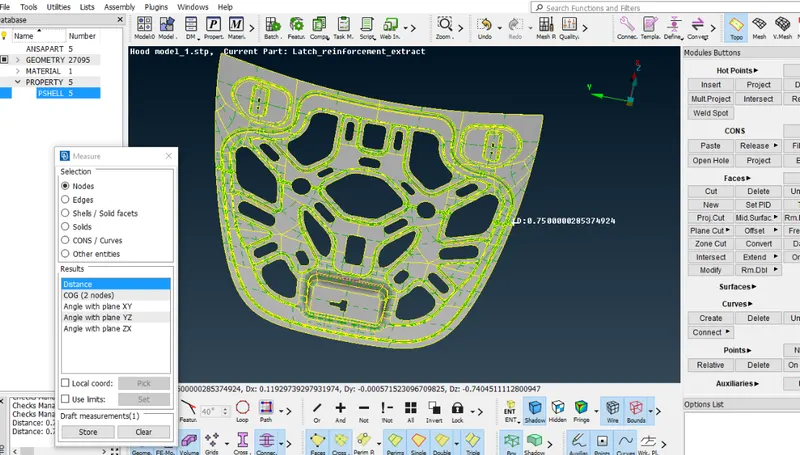
¬ After that we have extract the mid surface there are two method to get mid surface
1. Manual mid surface
2.Automated mid surface
Manual:
¬ In manual Mid surface extract method go to Topo-Faces-offset-faces, then select the faces which you want, click the mouse get the box and you give mid surface value before that you have to check which direction you want use (+,-) these sign helps to get mid surface extract at upwards or down.
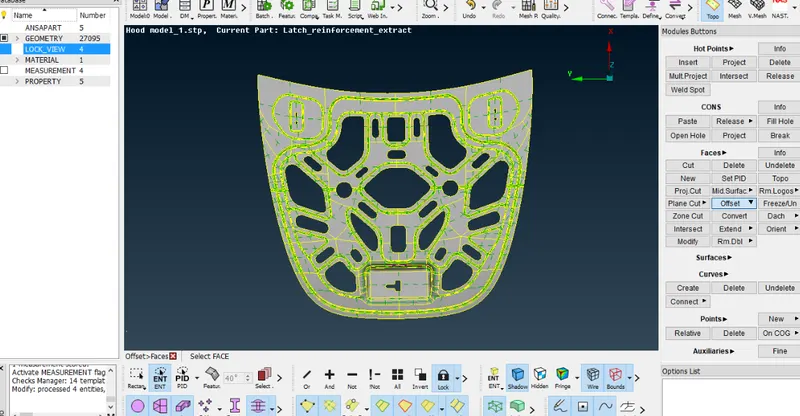
Automated :
¬ In Automated midsurface extraction using the TOPO-faces-midsurface-skin, then you ahve to select the entire components.
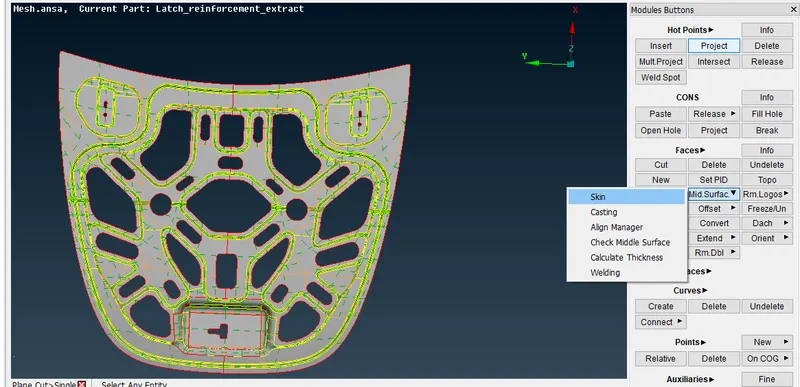
¬ Then mid surface created automatically when the components are fully closed. Fully closed object will be extract in automated method otherwise go for manual method.
¬ After craeting mid surface check the geometry Any error available or not.
Set PID:
¬ After completing the mid surface cretion using manual or automated method
¬ Go to properties press right click go to new-PSHELL- open new pshell , give the thickness of the components.
¬After creating PID check the properties click the created pshell with visible of PId mode.
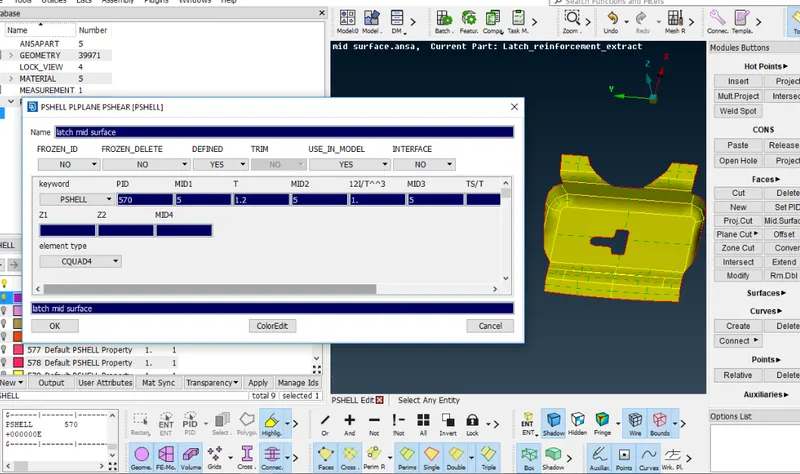
¬ once the geometry ready to meshing, then give quality criteria value as a given value.
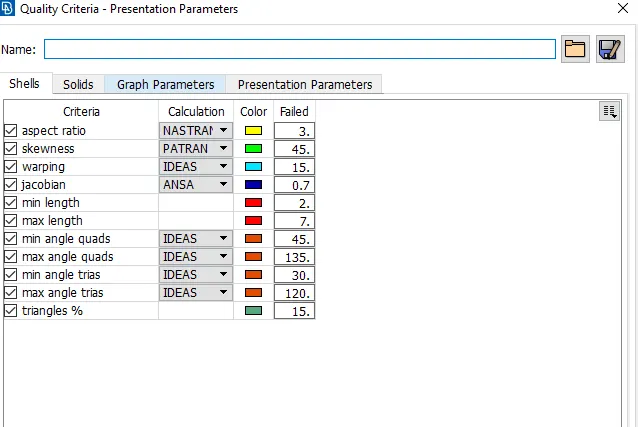
¬ After set quality criteria value, you have set perimeter value. setting perimeter to get better meshing and meshing is convert into small segments as given peri eter value.
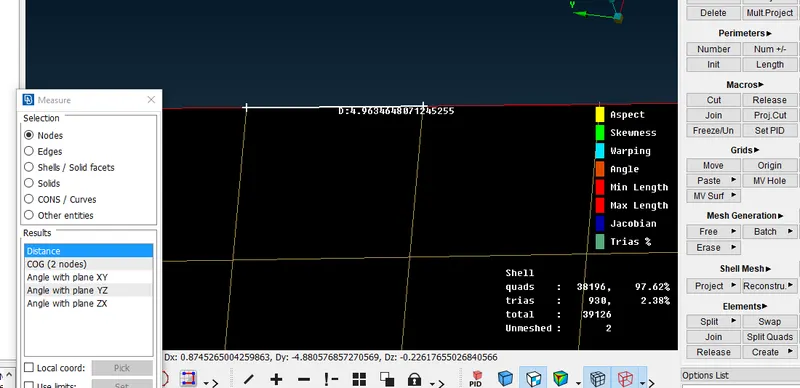
¬ Check geometry perimeter as given value .
¬Then deafeturing is to check the perimeter value in hemming region and fillet portion, check and rearrange the preimeter.
¬ In hemming section we have to supress the two line to avoid the quality creteria issues.
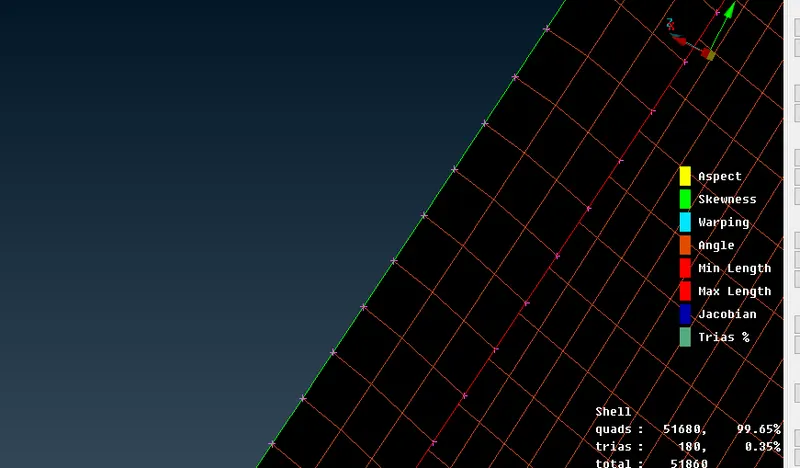
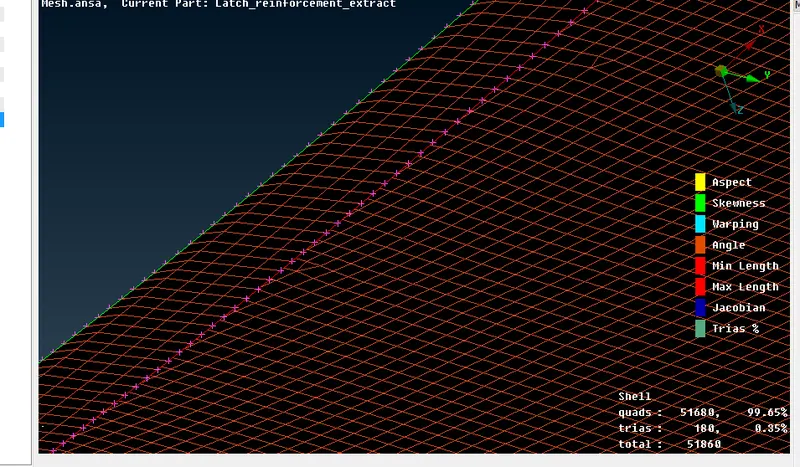
¬ clear all defeaturing issues before go to the meshing.
¬ Then go to meshing
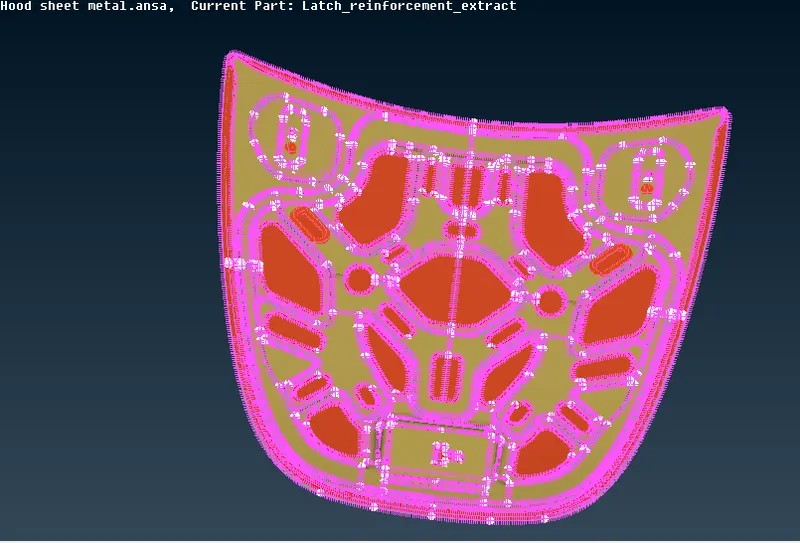
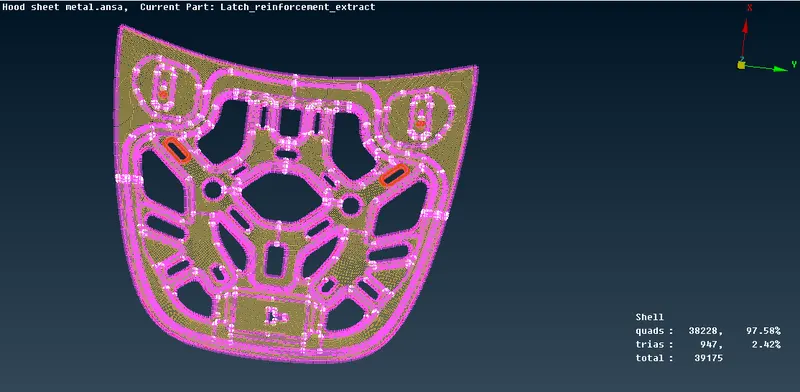
¬ Above part going to mesh, first this is symetry part, so we split into half portion and mesh it.
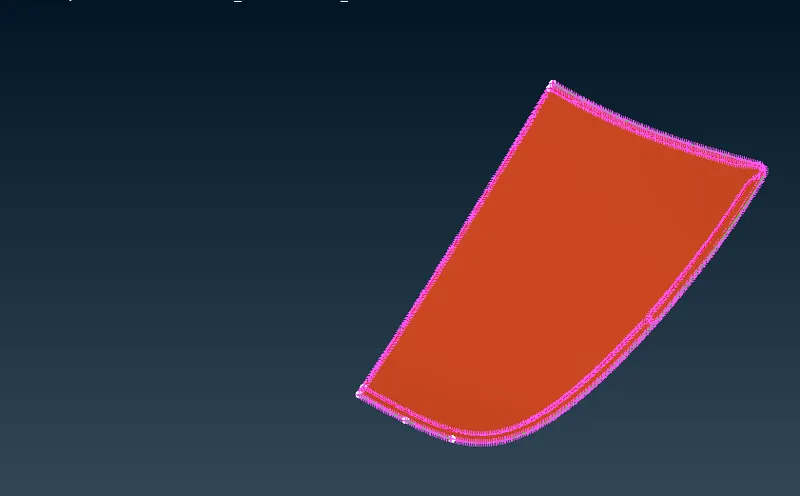
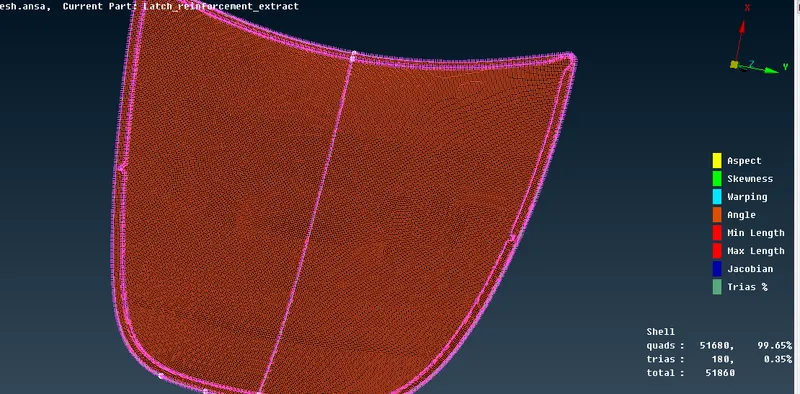
Outer part:
¬ Let start mesh this half portion and symtry after completed the mesh .
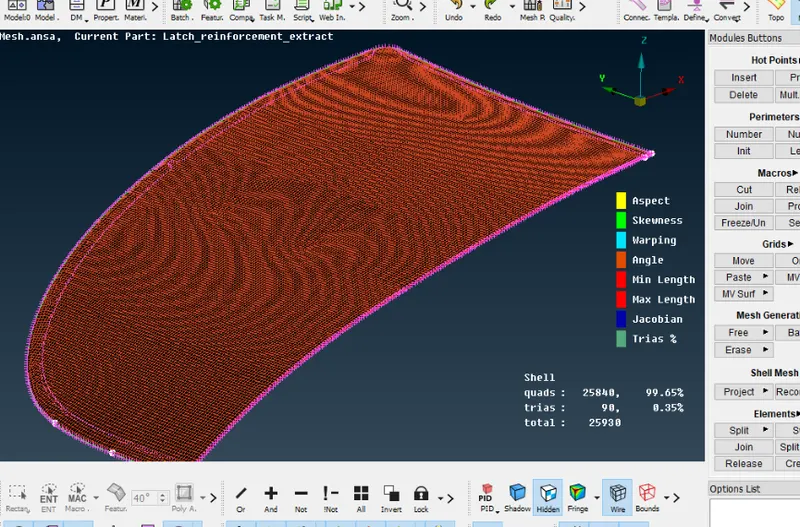
¬ Half portion would be meshed without any quality criteria error.
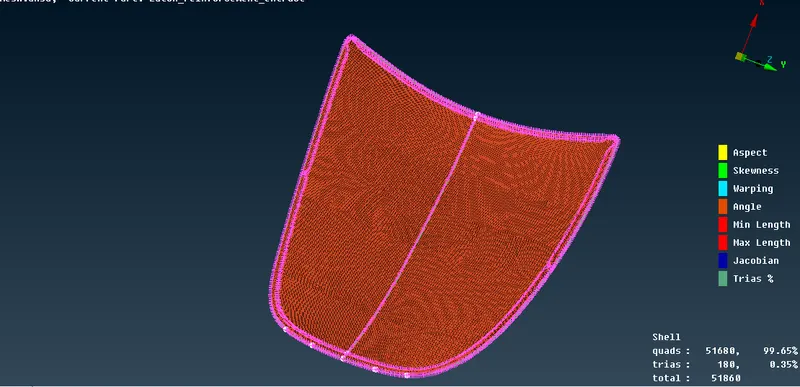
¬ Then we completly meshed the outer part of the components.
Inner part:
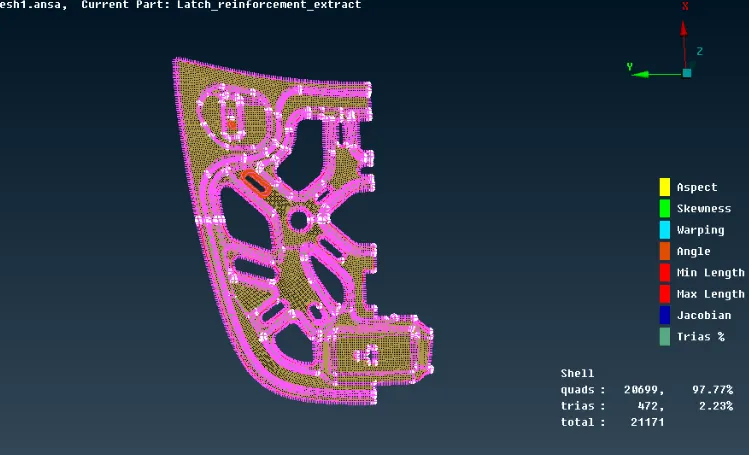
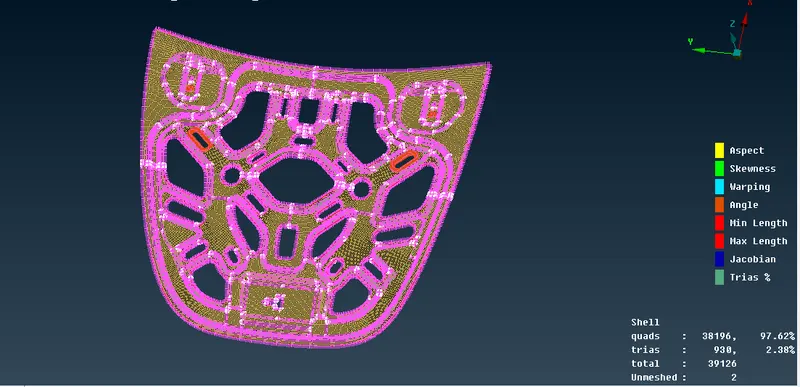
¬ Similary split the inner part of the portion and meshed as well no error getting in quality criteria.
Latch part:
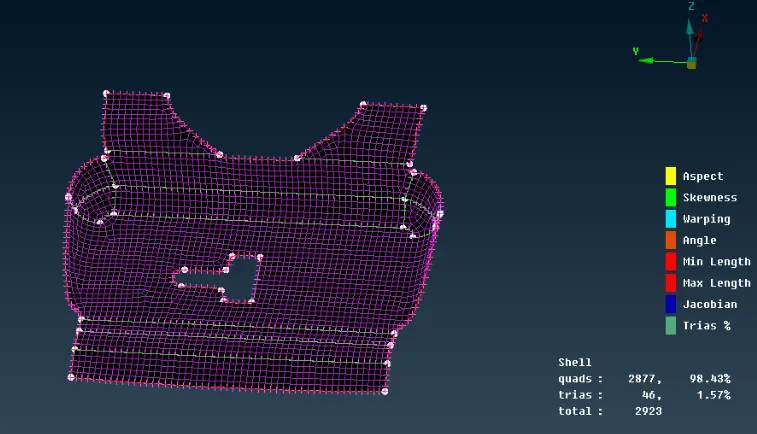
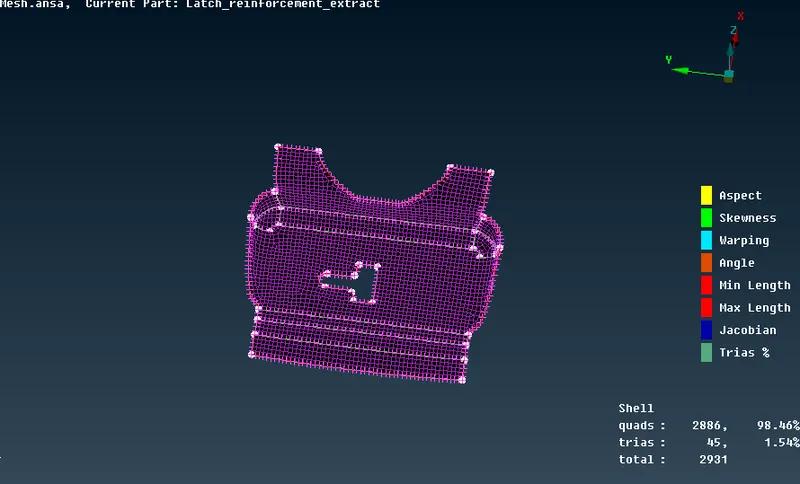
¬ similary mesh the latch part but we dont split this portion because its small portion .
Hinge part:
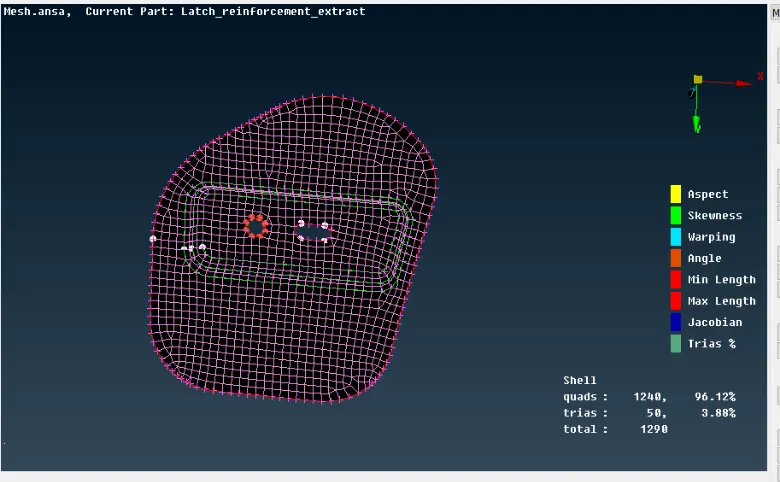
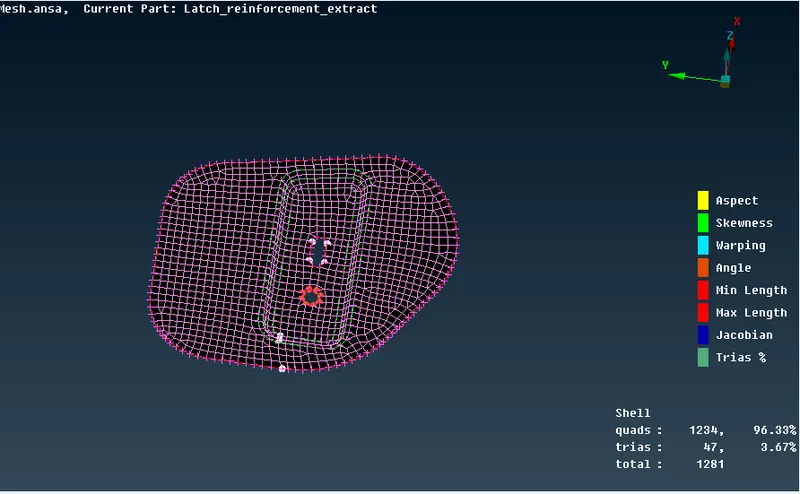
¬ This part also be meshed without gwtting any error.
Meshing:
Meshing is one of the most important steps in performing an accurate simulation using FEA. ... Meshing is the process of turning irregular shapes. Meshing is the important part in preprocessing, it helps to get accurate results while solving.
Results:
¬ After comnpletly meshing the components of hood sheet metal panel.
Fully Meshed inner parts:
Fully Meshed Outer parts:
Meshed Latch:
Meshed Hinge:
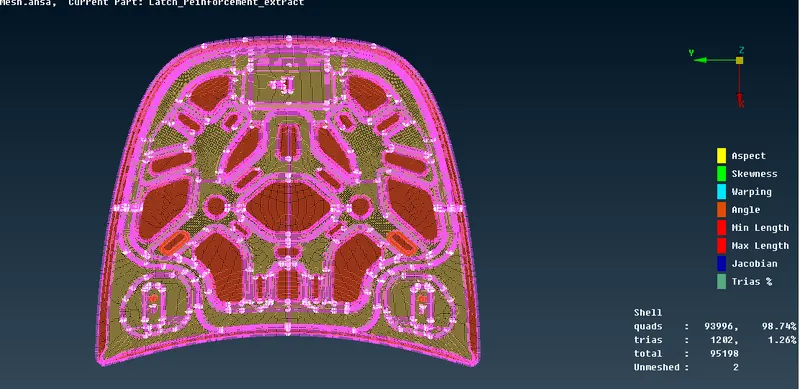
Fully Meshed combined parts:
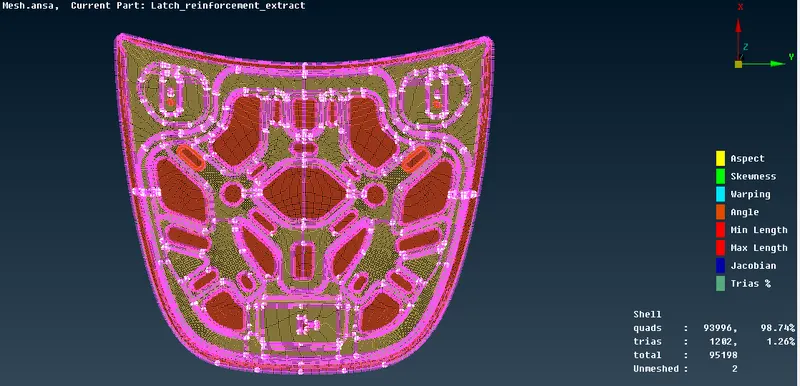
¬ Fully meshed combined all the parts in hood pannel.
Convert 2d into 3d:
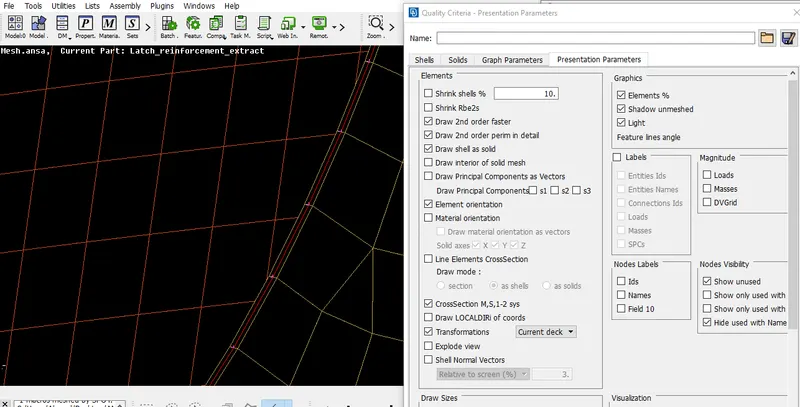
¬ Initially create mid surface it means 3d convert into 2d for fine meshing and better results, after complete the meshing we go to 3d surface by using -quality criteria- Elements option- choose Draw shell as solid, it take thickness of PID value.
Learning outcome:
¬ Learning this challange are to clear geometry cleanup, topology, cons create & release, Hot points project, perimeter, create mid surface, defeaturing, ceate PID as mesh.
¬ Meshing reduce trias using the split, swap, joint, cut options are helps.
¬ Importance of quality criteria.
Conclusion:
¬ The Hood metal components extract mid surface and mesh generation results smooth mesh flow with the
trias = 1.26%.