Week - 4 - 2D meshing for Plastic components
Aim:
To solve the given plastic bottle cap clear the geometrical errors and take the mid surface by suitable mid surfacing techniques with good mesh flow.
Given data:
|
S.No |
Quality Criteria |
Value |
|
1 |
Target/Average length |
1 |
|
2 |
Minimum Length |
0.5 |
|
3 |
Maximum Length |
3 |
|
4 |
Aspect |
3 |
|
5 |
Warpage |
15 |
|
6 |
Skewness |
45 |
|
7 |
Jacobian |
0.7 |
|
8 |
Minimum Quad Angle |
45 |
|
9 |
Maximum Quad Angle |
135 |
|
10 |
Minimum Tria Angle |
30 |
|
11 |
Maximum Tria Angle |
120 |
|
10 |
Tria Percentage |
15 |
Following Method to solve:
1. Import the geometry of Bottle cap in ANSA.
2. Checking the geomerty errors and clear it all.
3. Extracting the Mid-surface
4. Project, Extent & intersect option used to individual surface connect to mid-surface.
5. Assign the quality Criteria.
6. Meshing & improve the meshing.
Procedure:
Import the CAD geomerty in ANSA:
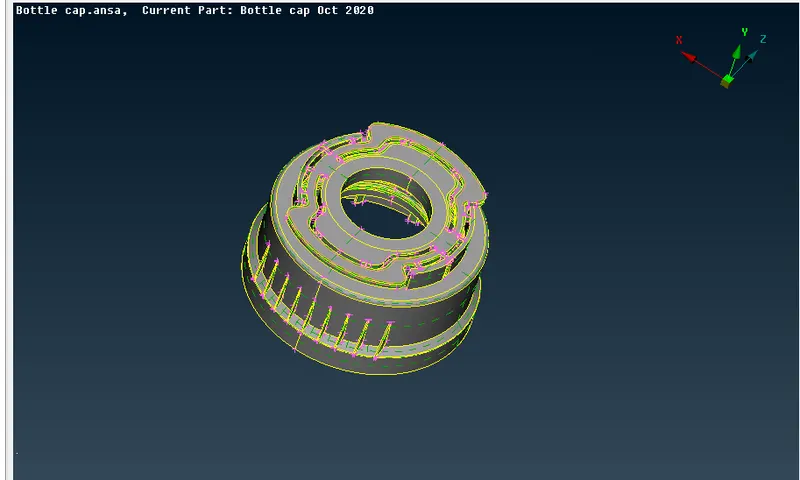
¬ After import the cad geometry, first if all going check the geometry errors.
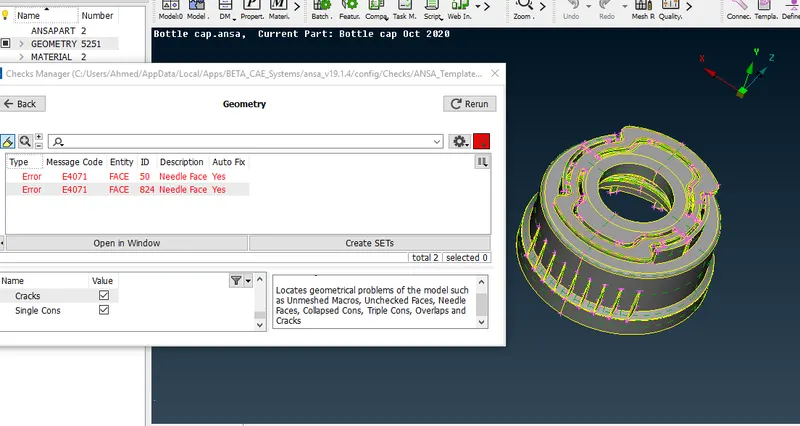
¬ There are some errors, give complete topology and fix the geometry errors.
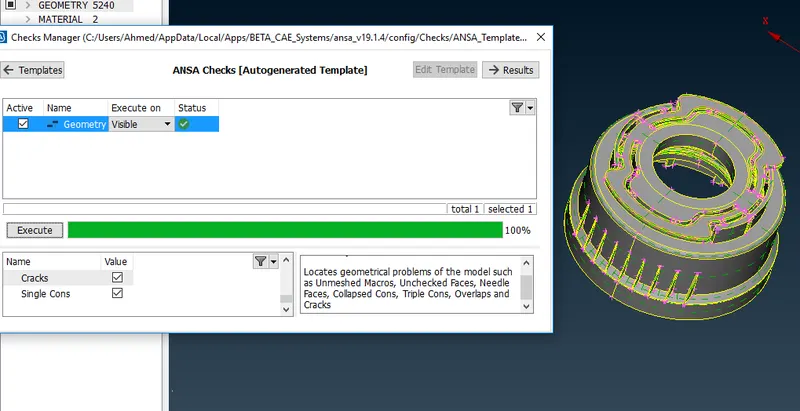
¬ Then geometry clean up sucessfully.
¬ In geometry model grey colour indicates positive & yellow color indicates negative.
¬ Give orient to complete grey color before going to extract mid surface.
Extracting the Mid-Surface:
¬ In order to meshing the components need to mid surface for all surface involved in the components, it means have to convert 3d to 2d the components is called mid surface.
¬ Here i used offset and middle option to extract the mid surface.
¬ Check the thickness of components.
¬ Then using Extent , intersect options are used to connect all the ribs into the components.
Measure the thickness:
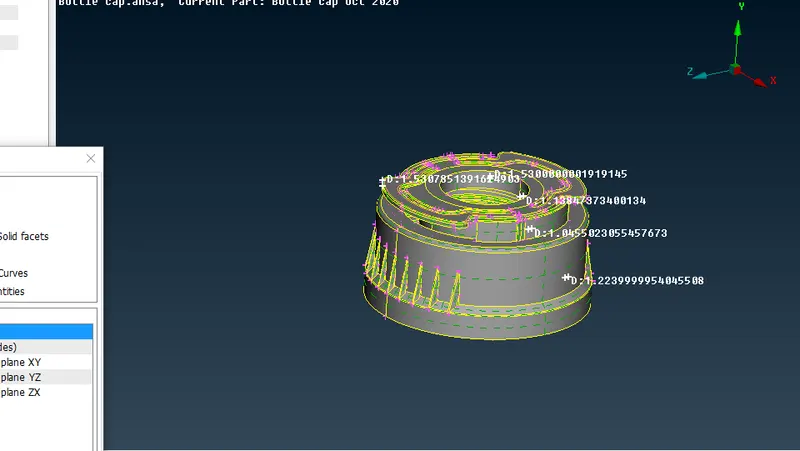
¬ Measure the thickness of all the parts of components.
Extract the Mid-surface:
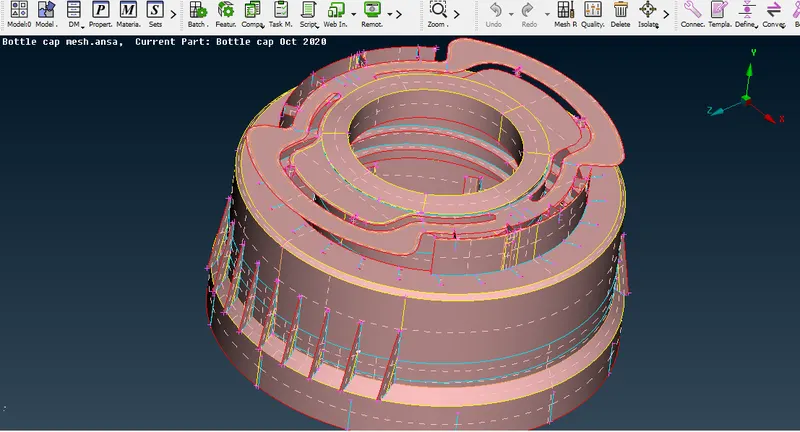
¬ Extract the complete mid surface offset, middle, project options are used to create it.
¬ After create mid surface check the geometry also.
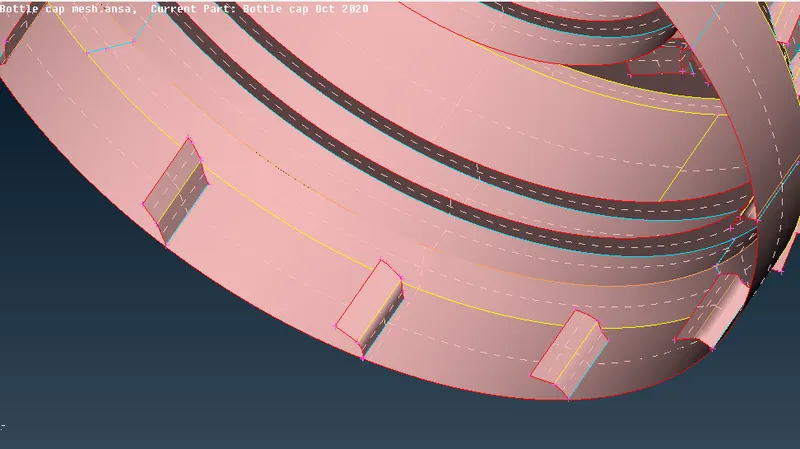
Extracting the Threads for mid surface:
¬ Using Middle option under the curve and select the two cons to create the mid curve between the selected two cons.
¬ Got the middle curve have to project the curve to mid surface, go for cons-select project options and select the curve and project in the mid surface.
¬ After project the curve on mid surface go to faces- new - create coons , select the curve and projected line then create the surface for the threads .
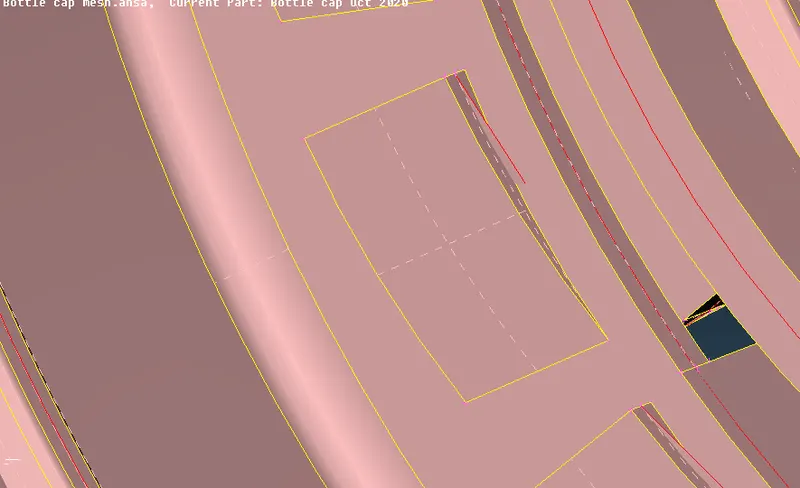
Extract the teeth:
¬ similar to the thread method usint the middle option under the curve and selected the two cons and create the mid curve.
¬ After that project the other end cons to the mid surface.
¬ Then go for faces- new- coons and create the surface.
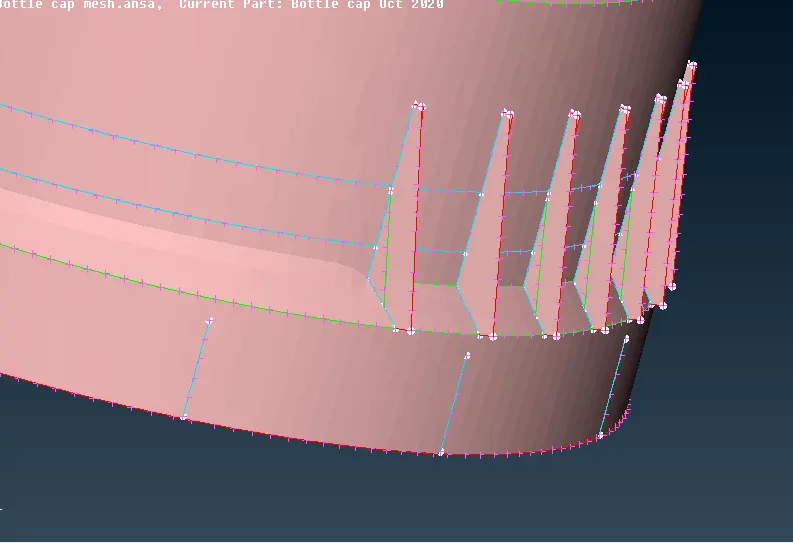
Extent and intersect the individual surface:
¬ First used middle option under the faces are take middle surface of the parts.
¬ Then this aprt are not connected mid surface, so have to use extent and interscet options are helps to connect to the mid surface.
¬ After connected the midsurface that cons change single into triple cons.
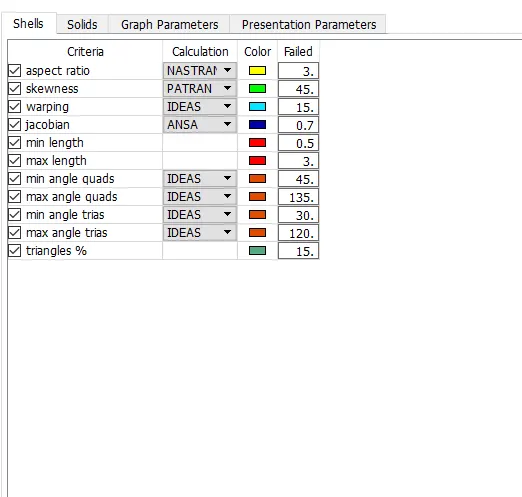
Assign the quality criteria:
¬ Complete the mid surface creation then move to meshing.
¬ Before start meshing set some quality criteria as given in question.
¬ Each element in the should qualify the given quality criteria.
¬ After assign the given quality criteria check the topology and clean up before go to mesh.
Meshing and improve Mesh quality:
Meshing:
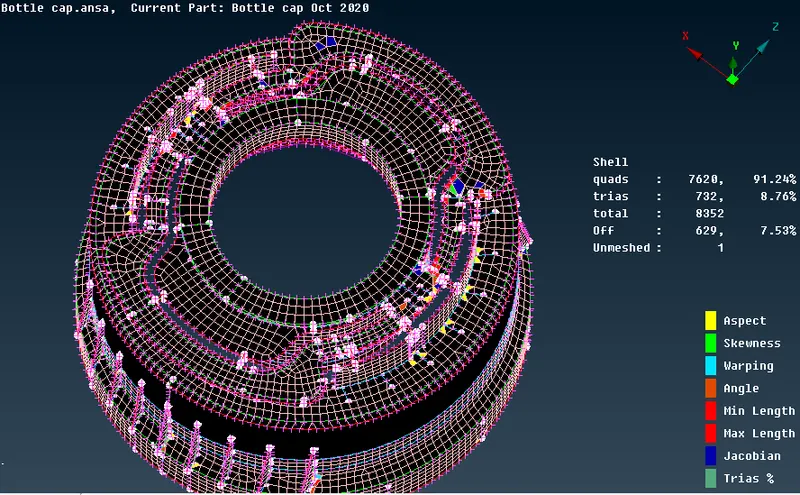
¬ After topology clean up strat meshing the each and every parts.
¬ There are lots of options are used , here using BEST mesh option to be meshed completely.
¬ Best mesh gives good mesh flow, its depends upon the perimeter value and decent mesh.
¬ once complete the mesh , then try to reconstruct the mesh, it hepls to get good mesh flow.
Imporove Mesh quality:
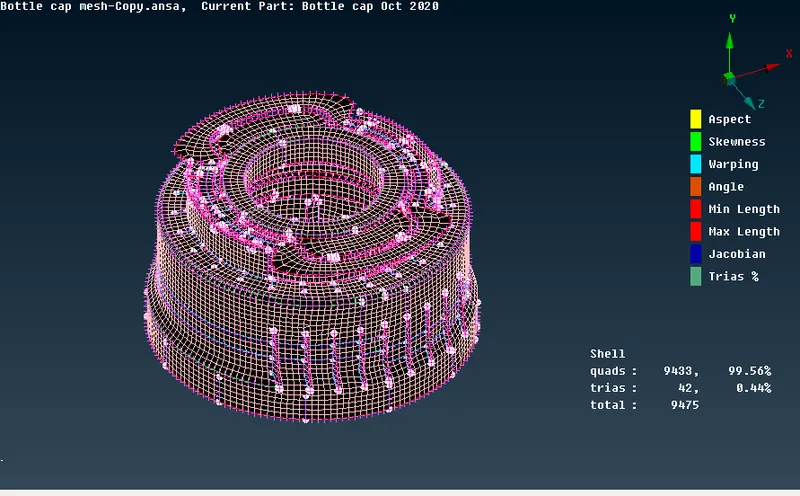
¬ To remove tria on edges, using split,swap option or else paste option are help to reduce tria.
¬ Off elements should be zero in order to achive the quality criteria.
¬ After complete meshing try clear the quality errors as well rotating tria remove all.
¬ give good mesh flow after complete the mesh
Conclusion:
¬ Completed the bottle cap meshed sucessfully.
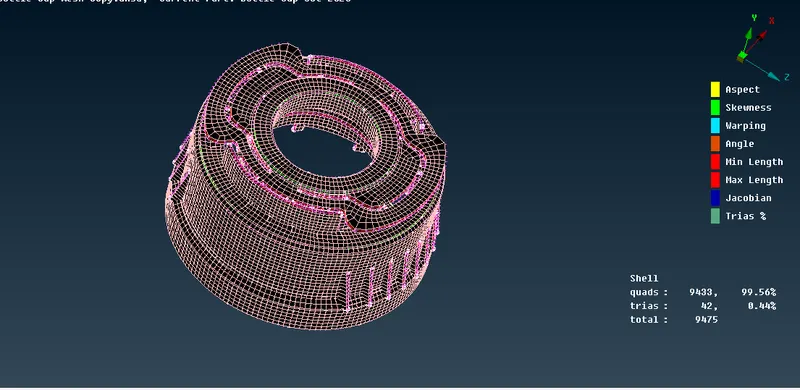
¬ First bottle cap in converted 3d into 2d surface by extracting mid surface with given quality criteria give good mesh flow as well improve the mesh quality.
¬ Finally completed the bottle cap and saved as draw shell as solid.
Results:
¬ Draw shell as solid:
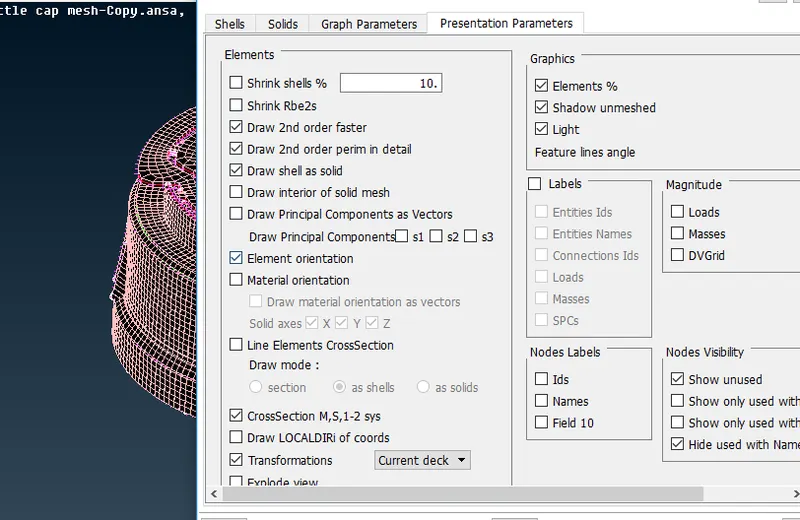
Final bottle cap model:
Learn out comes:
¬ Here learn analyze the model and extract mid surface for casted and plastic parts.
¬ Clear all geometry clean up as well complete topology.
¬ To assign quality criteria & check quality issues.
¬ Generate good mesh flow, as well improve the quality of mesh.