Week 3 - 2D meshing for sheet metal
Aim:
To create a 2 Dimensional Mesh on the Car Hood by following geometry cleanup, Mid-surface extraction, and different meshing processes to create a good mesh flow.
Methodology:
1. To clean up the given geometry.
2. Extracted the mid surface of the geometry.
3. Entering the given Quality Criteria.
4. Meshing the model.
5. Assigning the thickness.
Quality Criteria:
|
S.No |
Quality Criteria |
Value |
|
1 |
Target/Average length |
5 |
|
2 |
Minimum Length |
2 |
|
3 |
Maximum Length |
7 |
|
4 |
Aspect |
3 |
|
5 |
Warpage |
15 |
|
6 |
Skewness |
45 |
|
7 |
Jacobian |
0.7 |
|
8 |
Minimum Quad Angle |
45 |
|
9 |
Maximum Quad Angle |
135 |
|
10 |
Minimum Tria Angle |
30 |
|
11 |
Maximum Tria Angle |
120 |
|
10 |
Tria Percentage |
15 |
Theory:
ANSA (Automatic Net generation for Structural Analysis):
ANSA is a computer-aided engineering tool for Finite Element Analysis and CFD Analysis widely used in the automotive industry
It is developed by BETA CAE Systems.
ANSA maintains the association between CAD geometry and the Finite Element (FE) mesh. This means that the FE meshes are
better representations of their geometric parents. Also, it is easy to maintain and update any changes in the geometry by simply
reworking the updated area instead of recreating the FE from scratch. It carries several proprietary algorithms for meshing suitable
for both CFD and structural models.
The software takes a shell material to the solid geometry and converts it into finite elements so that the model can get accurate simulation results in a shorter time.
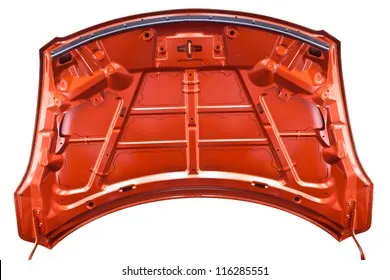
Hood:
The hood or bonnet is the hinged cover over the engine of motor vehicles that allows access to the engine compartment, or trunk
for maintenance and repair. It generally covers the engine and other essential accessories like battery, Radiator, electrical components, etc. of the car which are exposed outside. The hood release system is common on most vehicles and usually consists of an interior hood latch handle, hood release cable, and hood latch assembly. The hood latch handle is usually located below the steering wheel, beside the driver's seat, or set into the door frame.
Procedure:
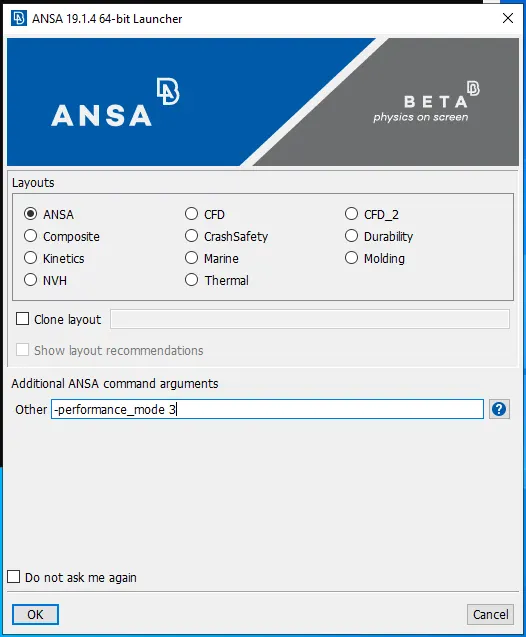
Firstly, open the software.

While opening the software enter -performance_mode 3 in the other dialog box.
Initially, open the model in the ANSA by using the open command or pressing Ctrl + O to open the file.
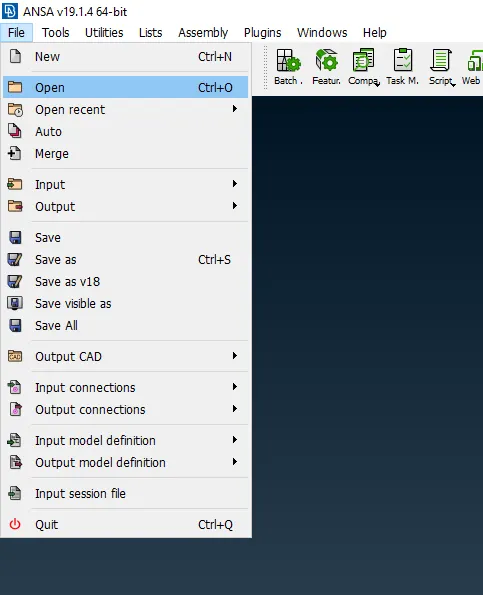
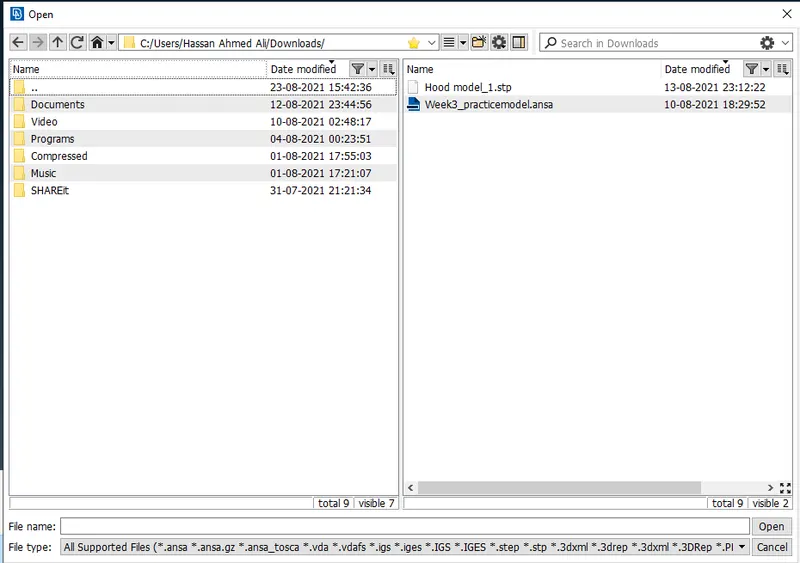
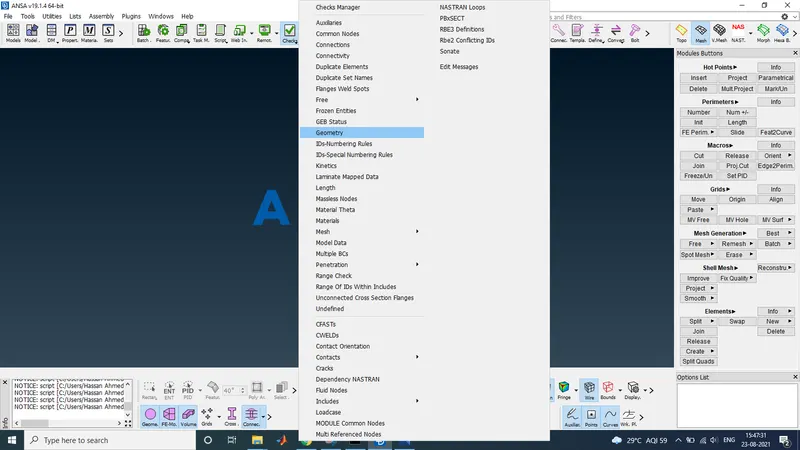
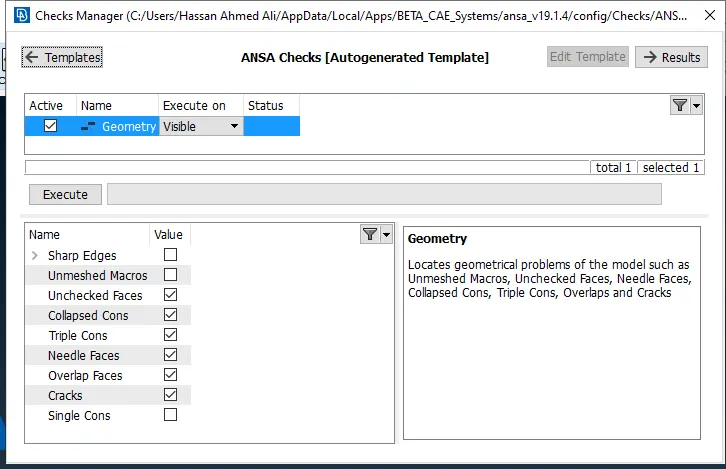
After opening the file check for the geometrical error if any.
Using the Check manager to check the geometry and fix it.
Assign the property card to different parts of the hood.
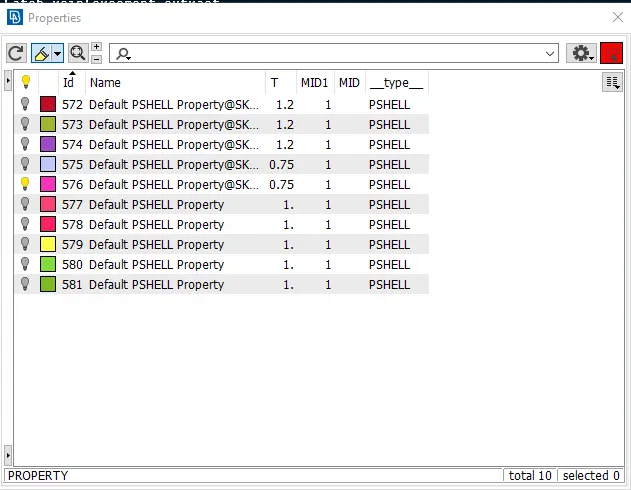
Extract the mid surface for the different parts of the hood.
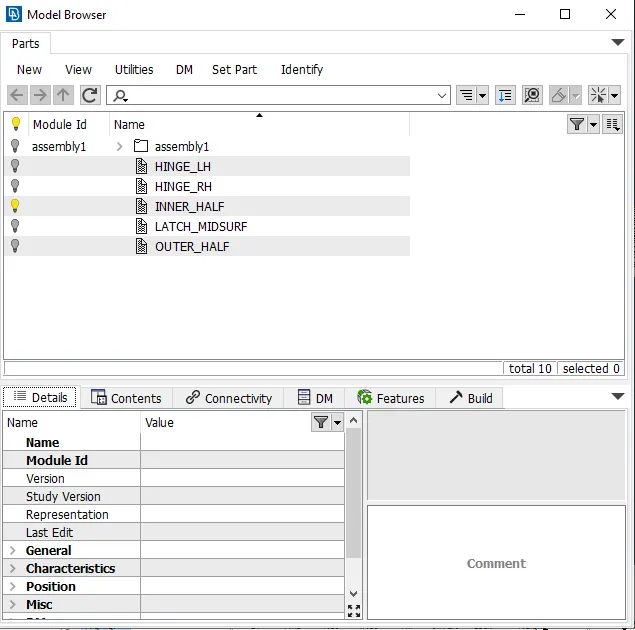
Check for the thickness of the part and offset it manually or using the mid-surface skin option.
Enter the quality criteria and save the file.
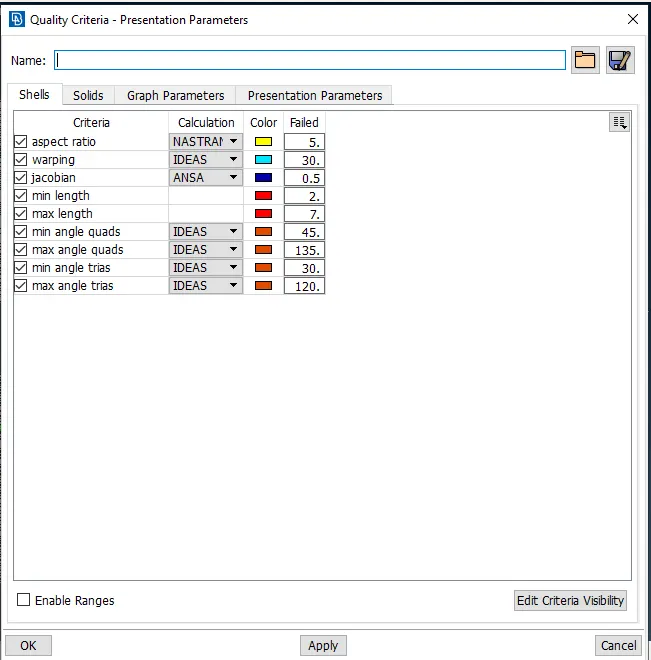
Similarly, Set the mesh parameters and save them.
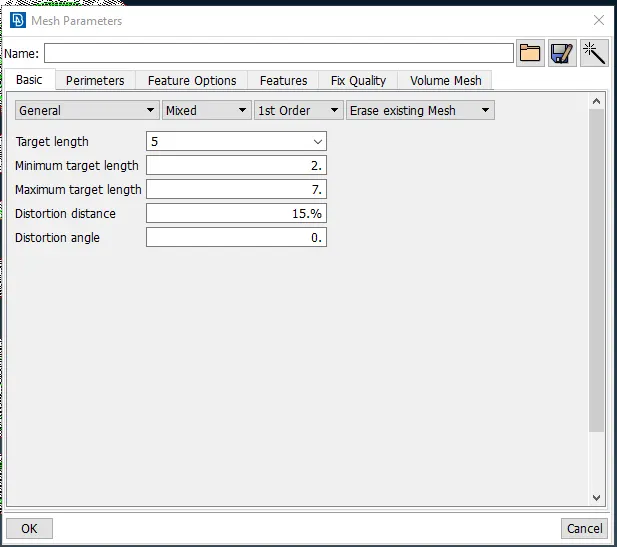
Set each part's perimeter as 5 mm and then mesh the model.
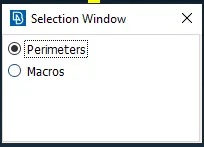
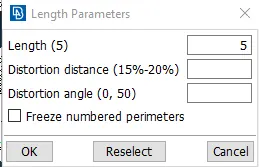
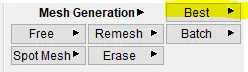
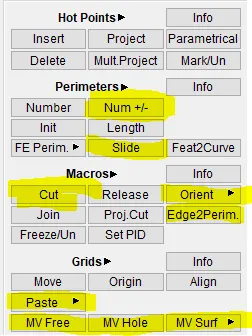
Mesh the model by using the best command in Mesh modules.
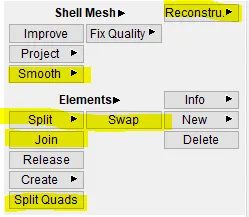
To Improve it use Reconstruct, split and Paste command.
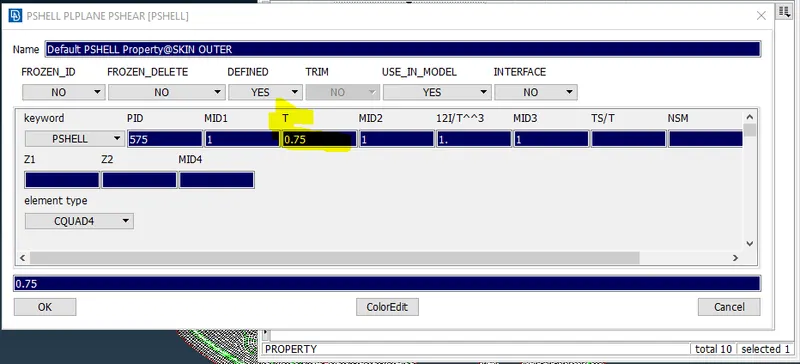
After clearing the quality criteria, assign the thickness to the model. By going to the property card, selecting the part, and assigning the thickness.
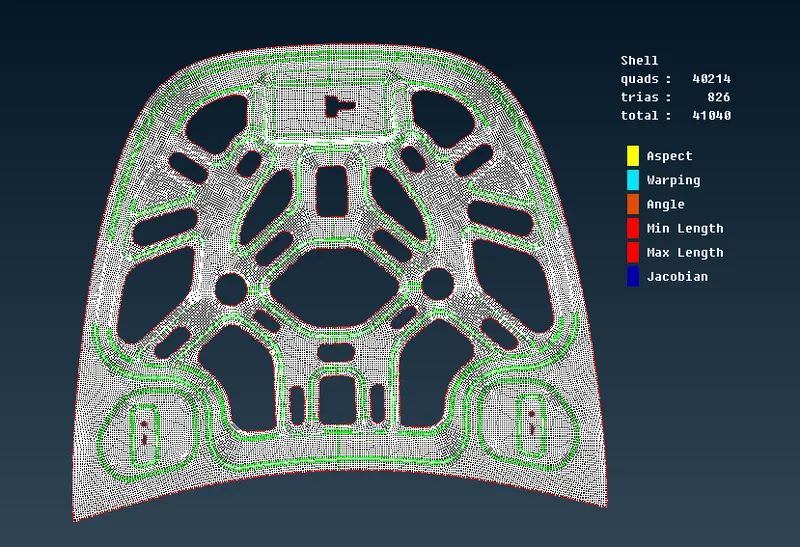
Results:
Outer panel:
Inner panel:
Hinges:
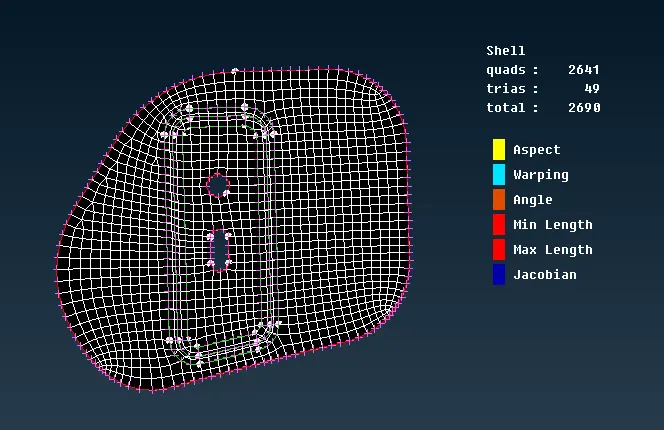
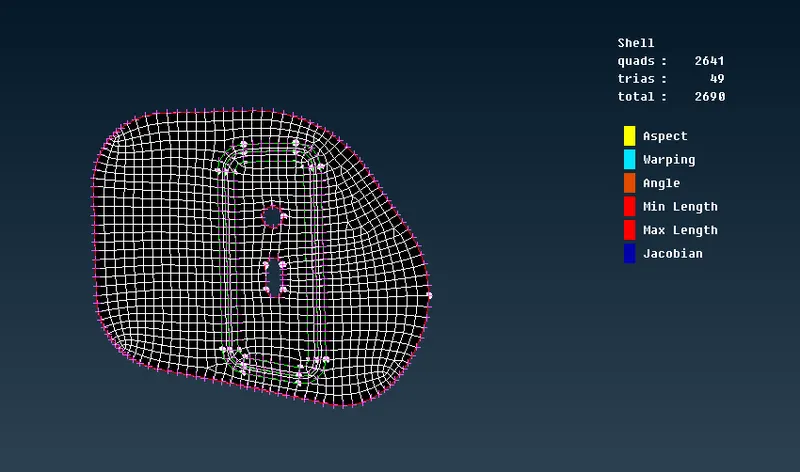
Latch:
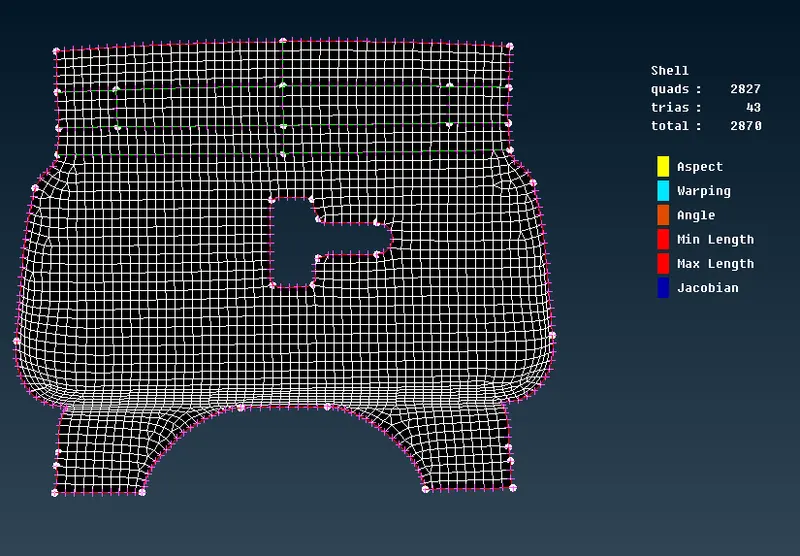
The thickness of the outer and inner panels is 0.75mm.
For hinge and latch the thickness is 1.2mm.
Tools used in ANSA: