Week 3.2 - 2R Robotic Arm Challenge
clear all
close all
clc

%inputs
l1=2;
l2=1;
theta1=linspace(0,90,10);
theta2=linspace(0,90,10);
ct=1;
for i=1:length(theta1);
    THETA1=theta1(i);
    for j=1:length(theta2);
        THETA2=theta2(j);
        x0=0;
        y0=0;

        x1=l1*cosd(THETA1);
        y1=l1*sind(THETA1);

        x2=x1+l2*cosd(THETA2);
        y2=y1+l2*sind(THETA2);

        %plotting
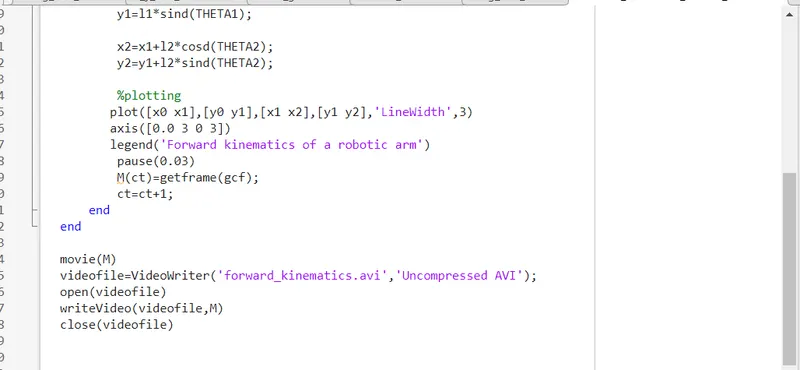
       plot([x0 x1],[y0 y1],[x1 x2],[y1 y2],'LineWidth',3)
       axis([0.0 3 0 3])
       legend('Forward kinematics of a robotic arm')
        pause(0.03)
        M(ct)=getframe(gcf);
        ct=ct+1;
    end
end

movie(M)
videofile=VideoWriter('forward_kinematics.avi','Uncompressed AVI');
open(videofile)
writeVideo(videofile,M)
close(videofile)
In robotic arm simulation we are trying to visualise the workspace of robotic arm with variation in linkage angles .
Here we have taken two links having length l1,l2 and making angle θ1 and θ2 with respective links .
we have taken the initial point of link 1 as (0,0). and as length of link 1 is l1 making angle θ1 then
x1=l1cosθ1 and y1=l1sinθ1
so new coordinates of x,y to describe the position of link1 is (x1,y1)=(l1cosθ1,l1sinθ1)
similarly ,to trace the position coordinates of link2 ,having length l2 and making angle θ2:
x2=x1+l2cosθ2 , y2=y1+l2sinθ2
so the position coordinates of link2 (x2,y2)=(x1+l2cosθ2,y1+l2sinθ2).
so our position coordinates going to vary with angle is [x0,y0],[x1,y1],[x2,y2]
Inputs in the code are:
l1=length of link1=2 m,(fixed)
l2=length of link2=1 m,(fixed)
As we know that our angle is going to vary for different positions of robotic arm,we will create an array for θ1 and θ2.using linspace command.
θ1=[0,10,20,30,40,50,60,70,80,90]
θ2=[0,10,20,30,40,50,60,70,80,90]
now as we want to check the position of link2 with each and every angle variation of link1,we will use nested loop i.e.
for i=1,θ1=0(let)
then inner for loop will take all the value of θ2 i.e. θ2=0 first then 10, then 20.....upto 90 degrees .
then the first for loop will be in picture again and for i=2,θ1=10
then again then inner for loop will take all the value of θ2 i.e. θ2=0 first then 10, then 20.....upto 90 degrees .
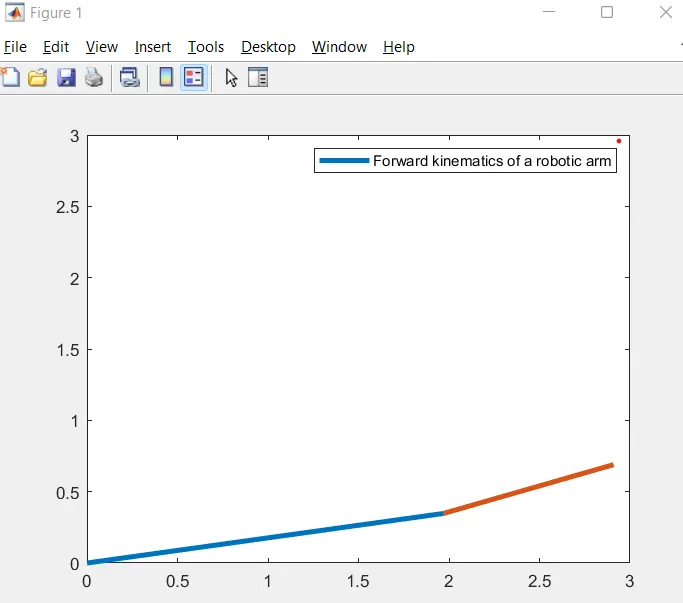
if we will not use for loop only single position for each angle will be shown as shown below.
also if we give an array of θ1 and θ2 without using for loop the figure is going to be like:
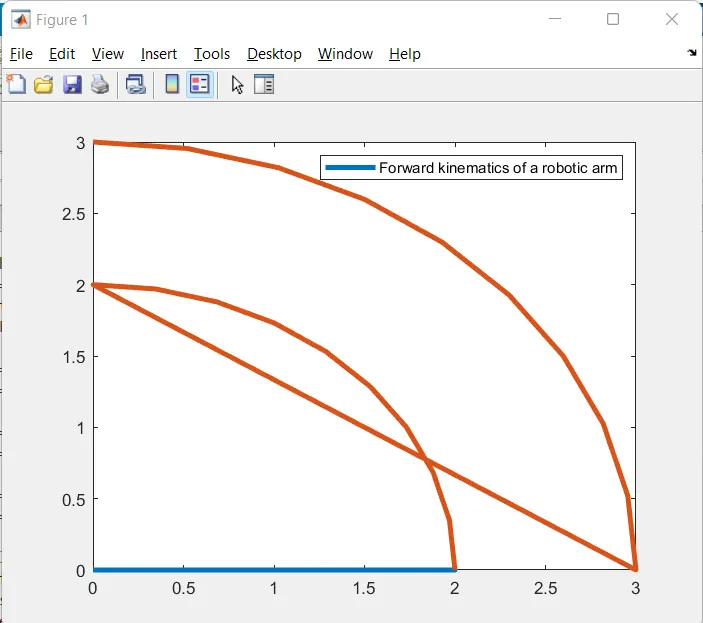
To fix this issue nested for loop is used and we were getting different positions of link2 for each and every angle of link1.
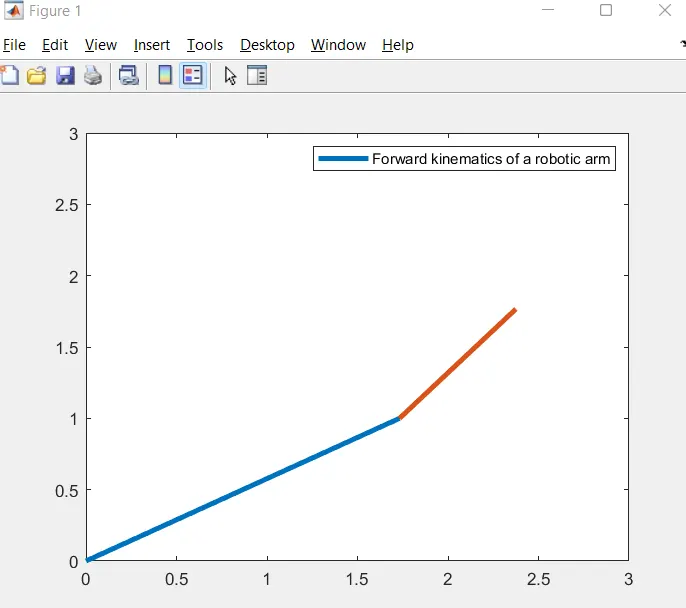
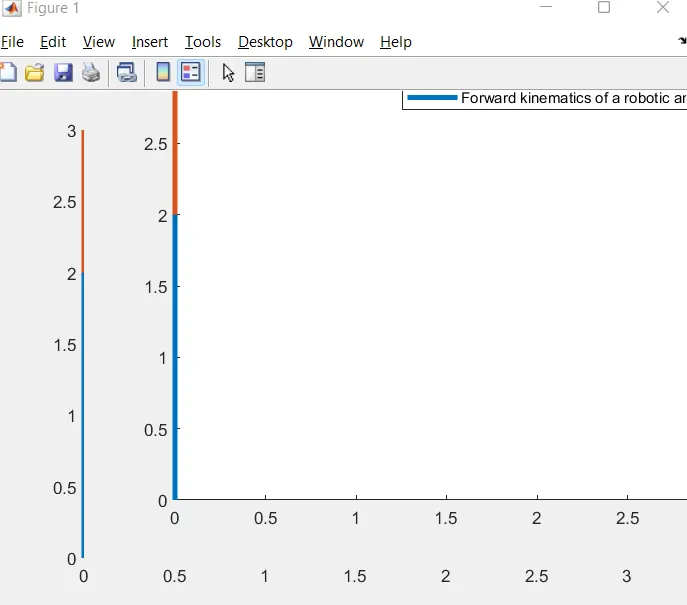
while plotting as the formatting of axises were not adwquate ,our link movements were not properly there in the graph .
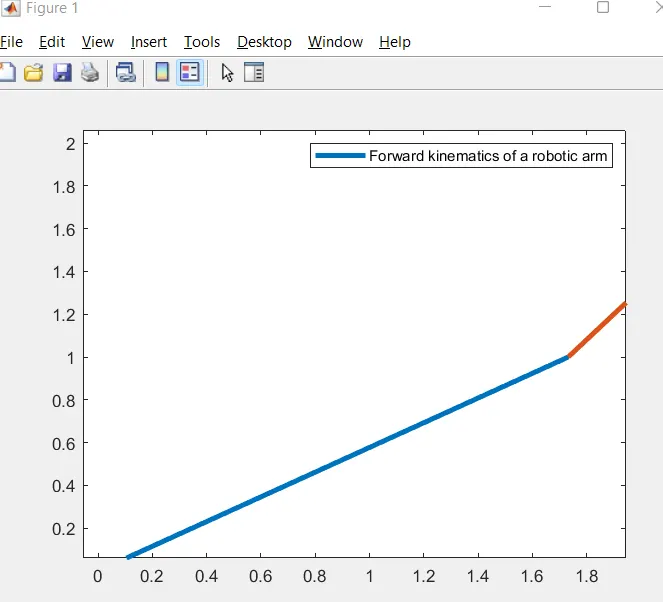
To resolve this issue axis is reset by using command;axis([0 3 0 3])
Next issue we faced is when i created the code to make a plot each and every movement of linkages i plotted it outside of the loop which gave me only the final position the in between positions were missing.
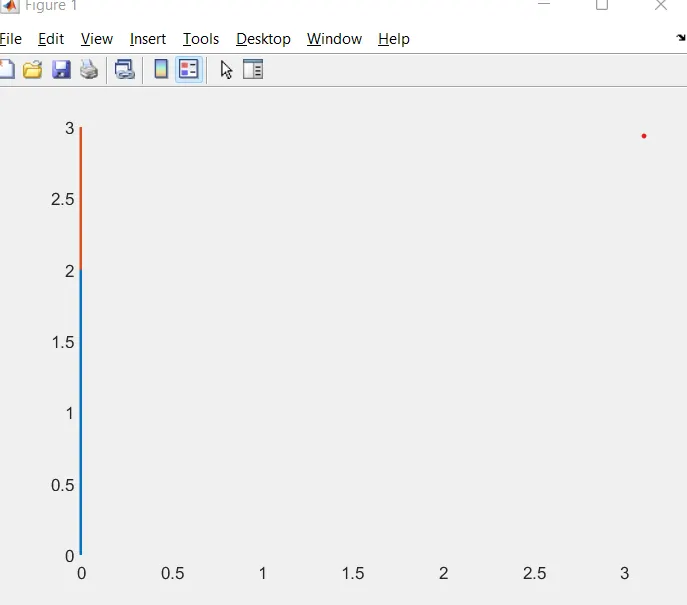
To resolve this issue i put that plot command in the nested loop and used command