Week 3.2 - 2R Robotic Arm Challenge
AIM: Write a program in Matlab to simulate the forward kinematics of a 2R Robotic Arm, creaty a animation by using matlab program.
OBJECTIVES: forward kinematics of a 2r Robotic arm by using matlab, make a animation in the program.
PROCEDURE:
1.First i have opean the matlab and i started the writing the program with the clear all,close all and clc to the to remove the last program commands in the memory.
2. then i given the input values in the program, i determine the theta 1 and theta 2, L1 and L2.
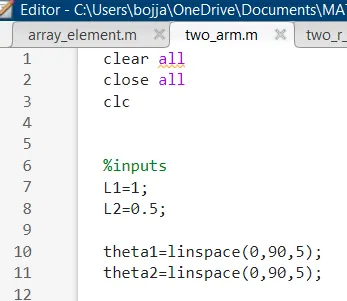
3. here the linspace (0,90, 5) in between 0 to 90 it divide into five equal parts.
4.here the L1 and L2 are the length of the arm one and two, theta1 and theta 2 are the angles of the arms.
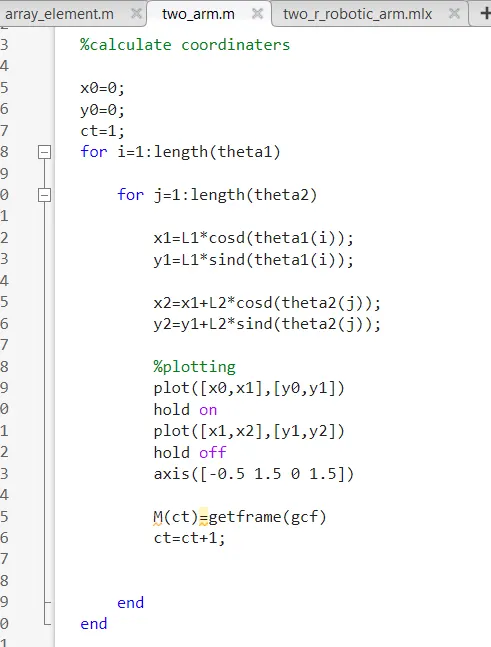
4. here i define the x0 ,y0 and ct and then i started the "for loop" to repeat the program for"i" for 5 times. to plot the graph for 50 times. then another for loop is started and i defined the value of "j" in the that loop it repeated for 5times for single angle of the L1.
5.i defined the value of x1,x2,y1 and y2 bin the program , here the "i" value is related to theta 1 and the "j" value is related to theta 2.
6.then i commented to plot the graph of the theta 1 and theta 2.
7.plot [x0,x1],[y0,y1] this is related to the link 1 and [x1,x2],[y1,y2]. here i used command "hold "on to give the both links plot at at time. then i used also "hold off" to show the single motion multiple times for each position of the link.
8. then i used the [axis (-0.5,1.5, 0,1.5) this command is used to fix the origin position of the joint one.
9.{M(ct)=get frame(gcf)
ct=ct+1} this command used to store the last position of the link.
10.then i end the both for loops. then i went to making the video command
{movie(M)
11.in this command i mention the name and position of the links.
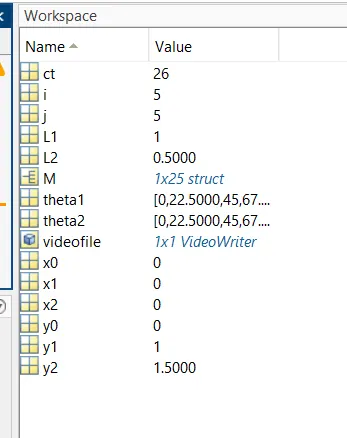
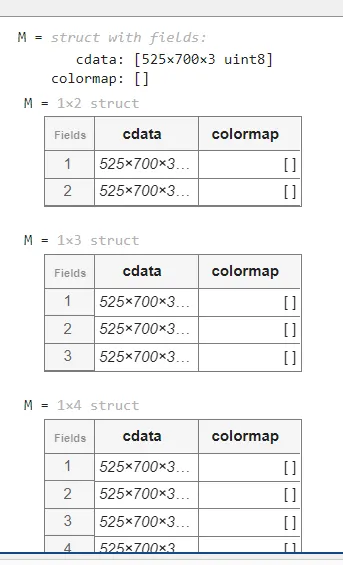
here workspace indicated the output values of the x,y theta1 and theta2.
ERRORS:
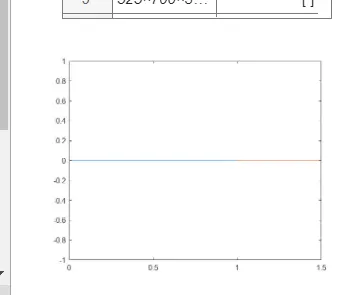
here the hold on command
here their is line mistake in the program.
And aslo i got some syntx error in the bracket using in the program.
OUTPUT:
here the output is in the video. the link motion of each angle.
RESULT:
hence the animation forward motion of the robotic arm i get it.
CONCULSION:
i learn the new loop that is using the two for loop at at time in the same program and the creation of the animation i done in the given program.