Week 2 Railwheel and Track
AIM: The aim of this week challenge is to perform a grid dependency test on track and rail for different earing loads and explain the result for various stress and strain plots.
PROCEDURE:
step 1: Open the ansys workbench module and select the static structural analysis.
step 2: right click the geomentry tab and select import geomentry --> browse --> select the file --> open.
step 3: After importing the model open the mechanical model in ansys
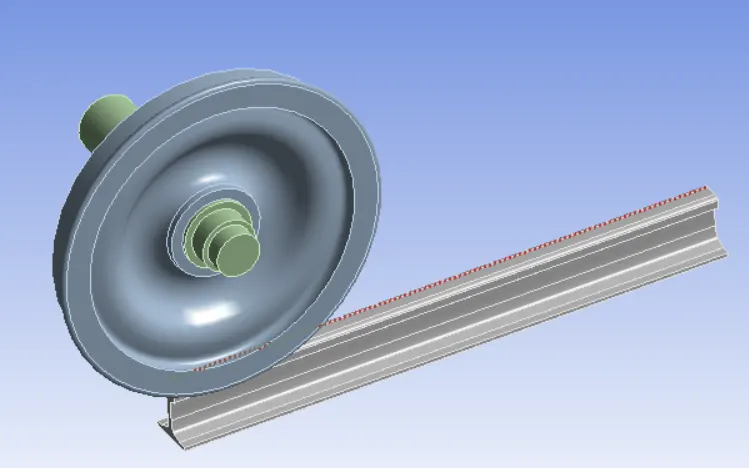
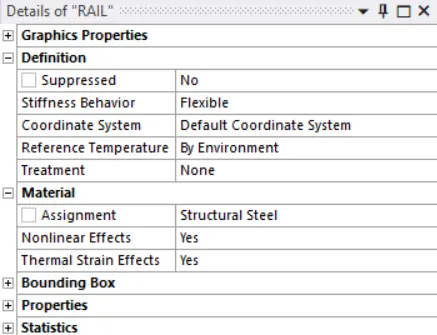
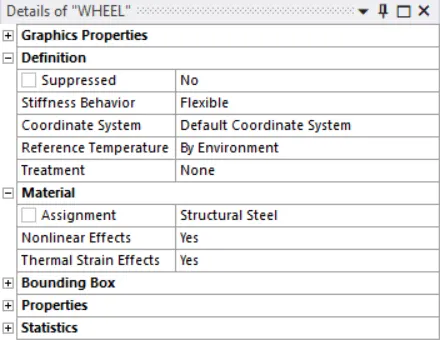
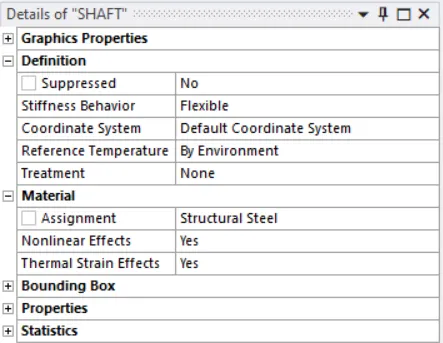
step 4: Now assign the material structural steel to both the gears.
step 5: Now change the mesh size of the element to 50mm and mesh the model.Add a mesh sizing to element that are going to contact in between the wheel and rail.
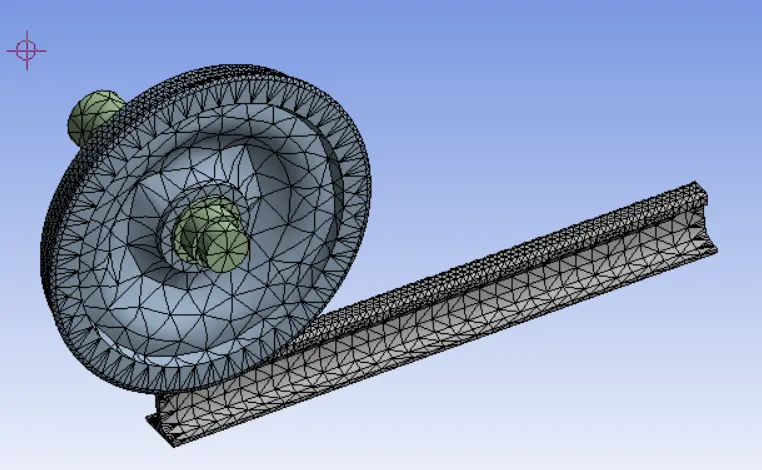
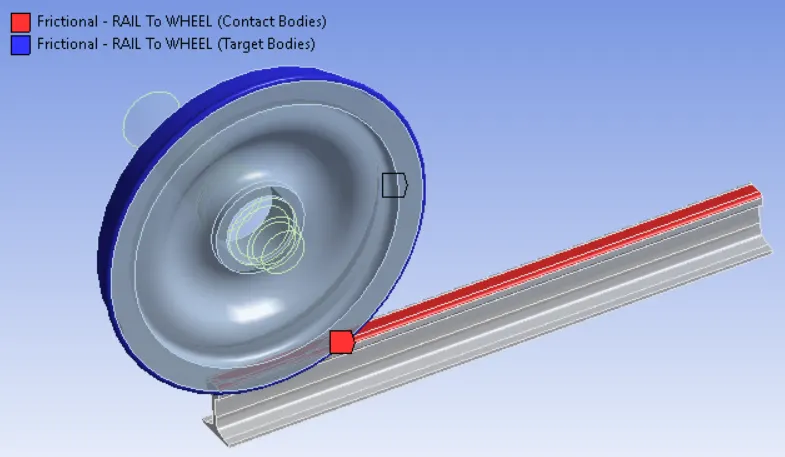
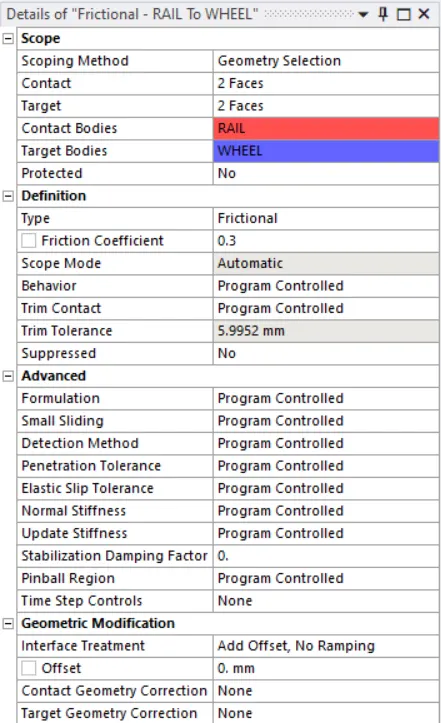
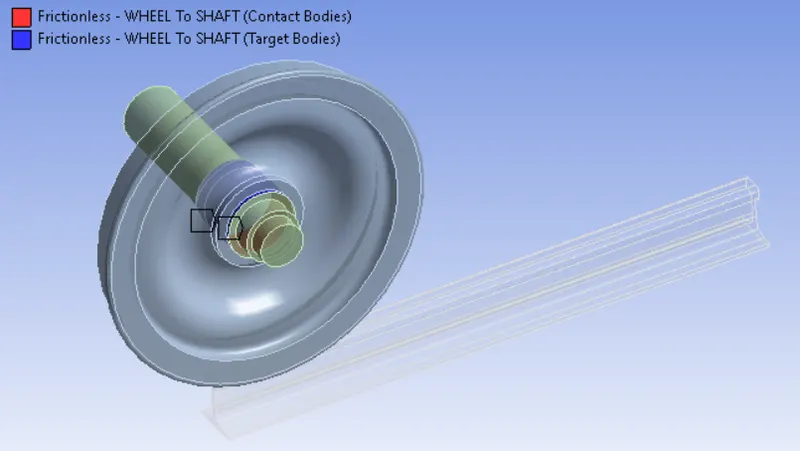
step 6: Now create the contact between rail and wheel, wheel and shaft.
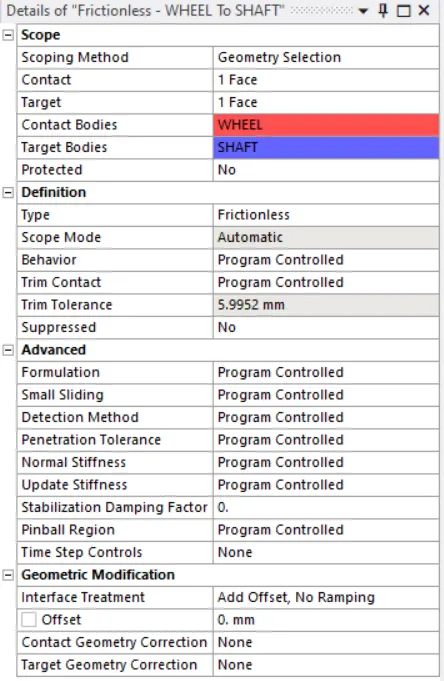
step 7: Now create three joint to create the translation motion.
1. Create a fixed joint for the rail.
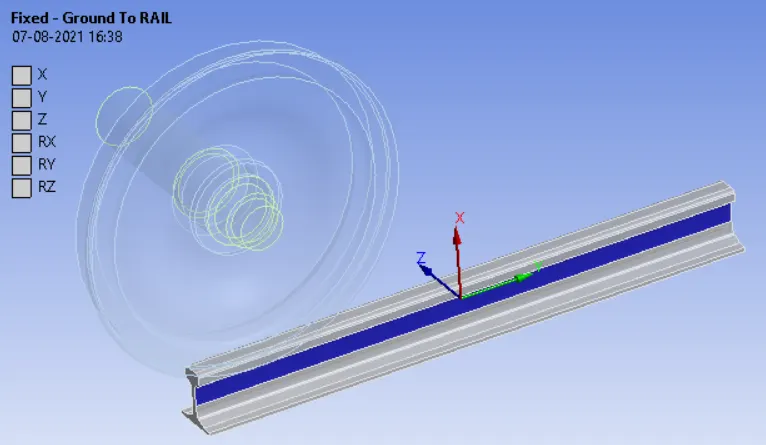
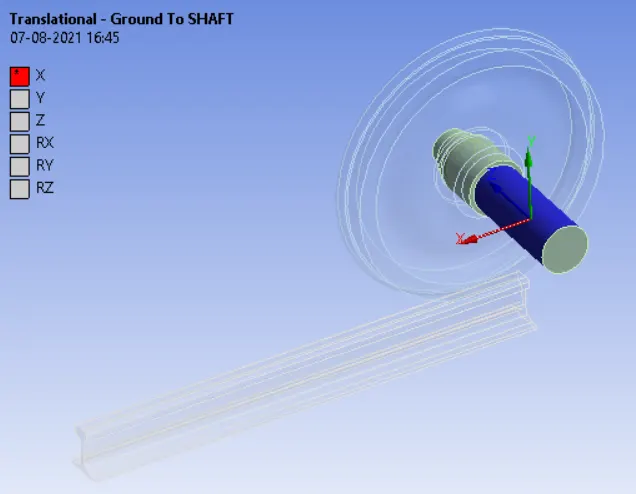
2. Translation joint to move the rail along x-axis for 500mm
3. Planar joint to move the wheel along the same plane.
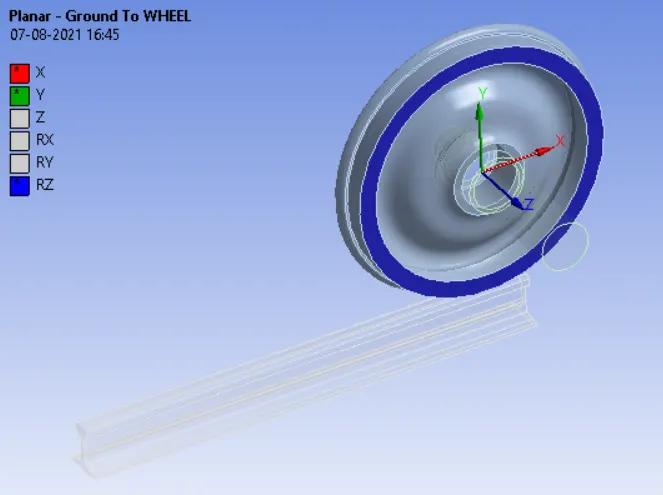
step 8:Now change the analysis settings and ON the large deflection.
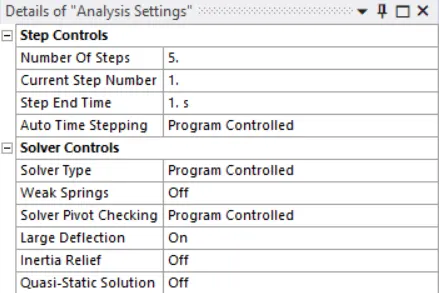
step 9: Now input the boundary condition for the analysis
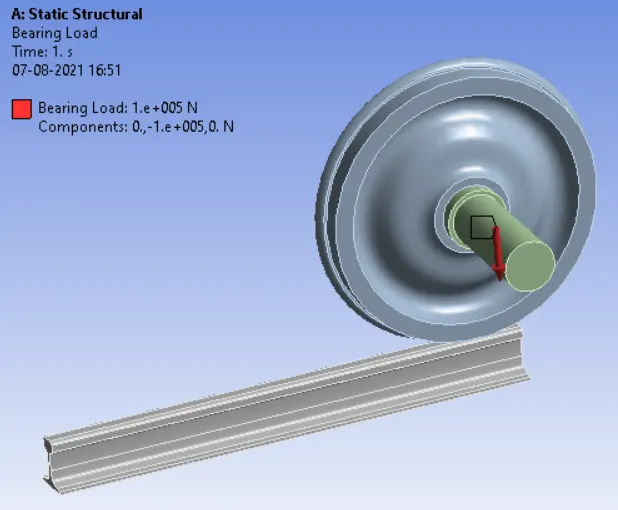
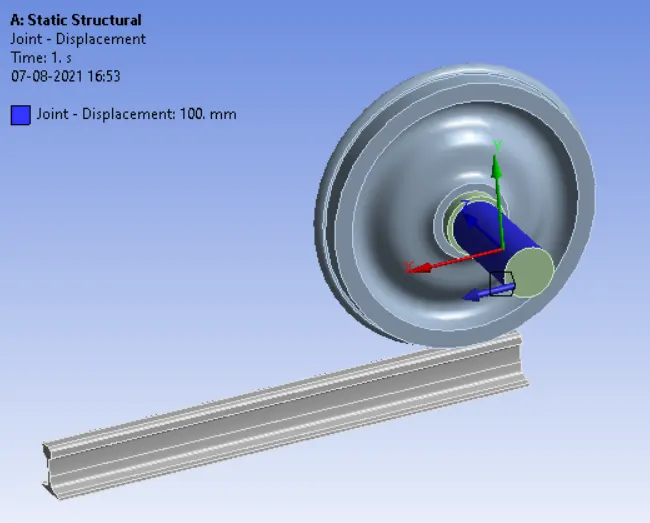
step 12: Now run the simulation.
step 13: Now include the total deformation,Equivalent stress and strain in output files.
step 14: Now increase the bearing load and run the simulation
Step 15: Compare the result plot and give a detailed explanation.
OUTPUT RESULT:
CASE 1: BEARING LOAD - 100000N
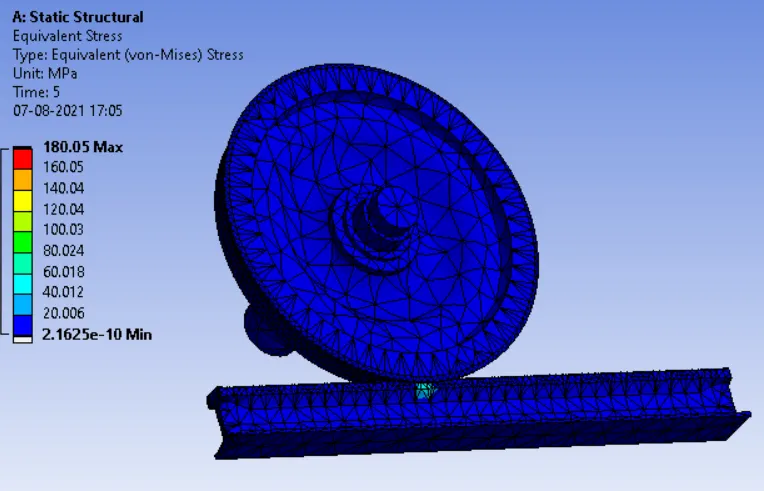
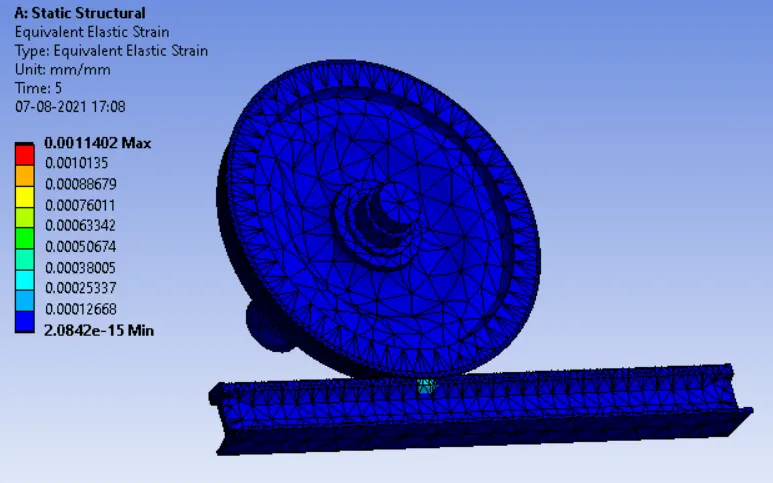
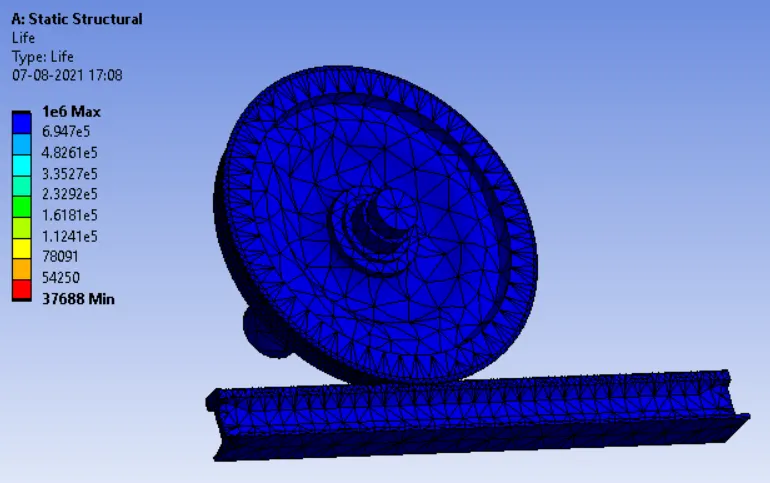
CASE 2: BEARING LOAD - 500000N
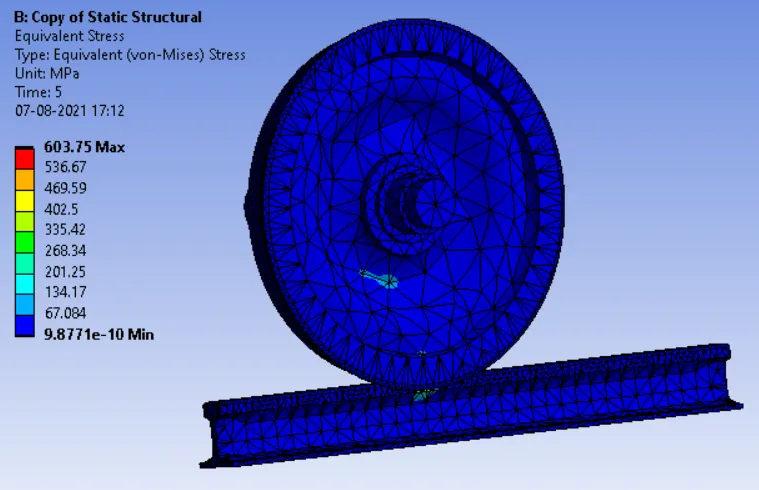
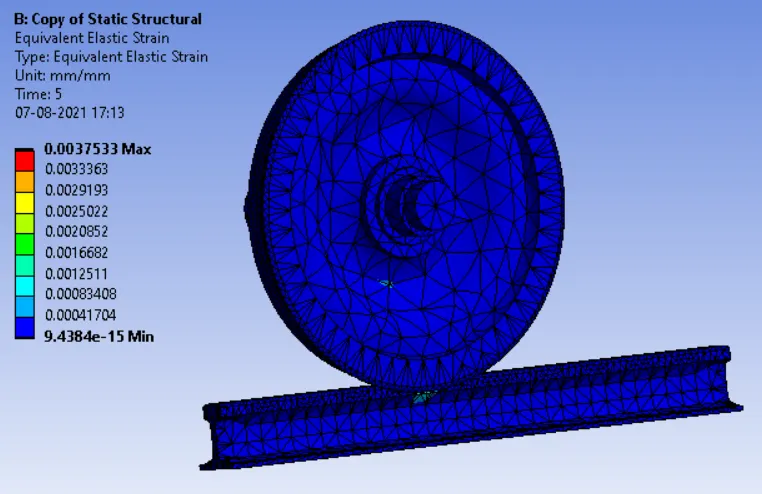
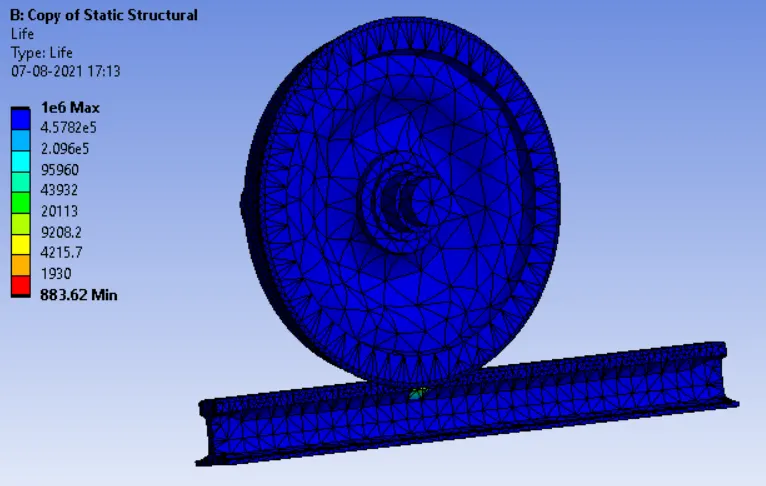
CONCLUSION:
Based on the simulation result, the stress are high more than three times when the load is increased to 500000N when compared to 100000N and the strain value is also increased on increasing the load. But the life is same in both the two cases.