Week 2 Railwheel and Track
Aim:Perform a static structural analysis on the Railwheel and Track setup
Procedure:
The analysis we are doing is a static structural analysis and Structural steel is taken as the material
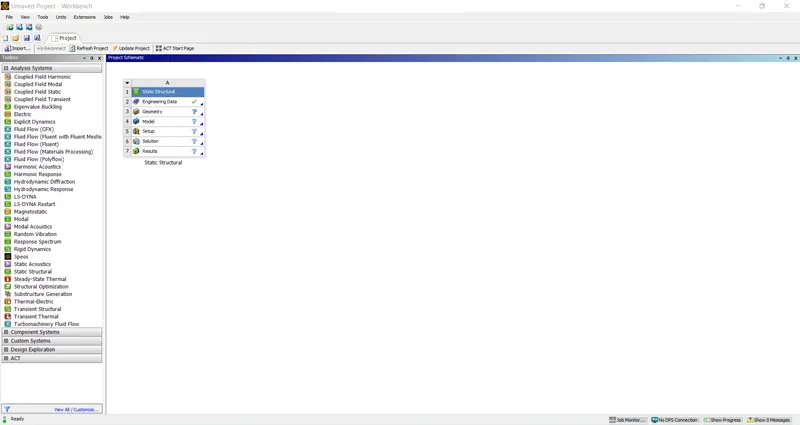
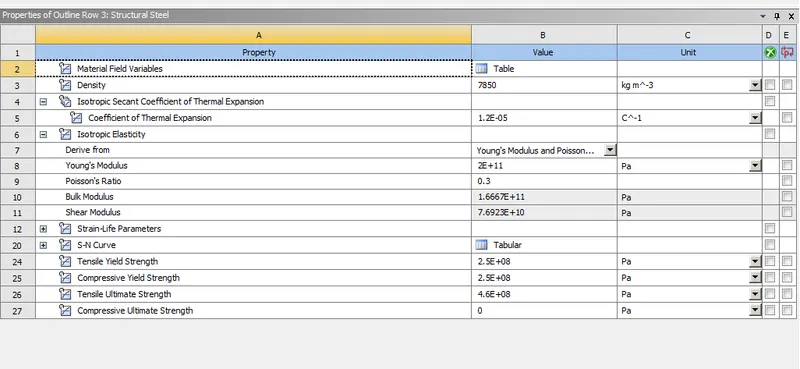
Before we can begin analysis we need to create a model with the given dimensions but since the model is already given it is imported using the import option in the geometry and the model is checked for any imperfections
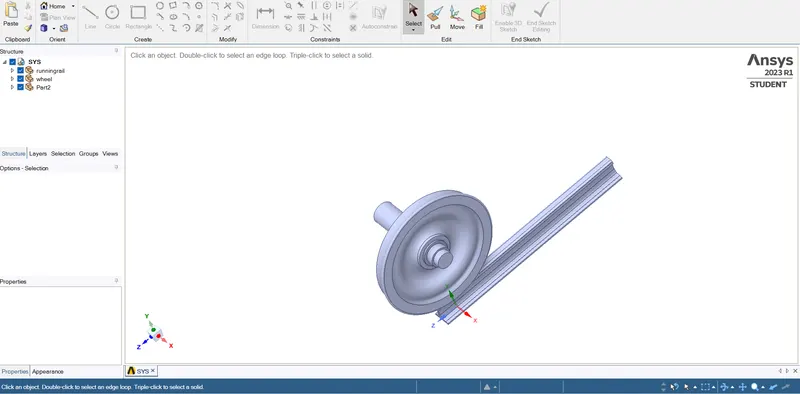
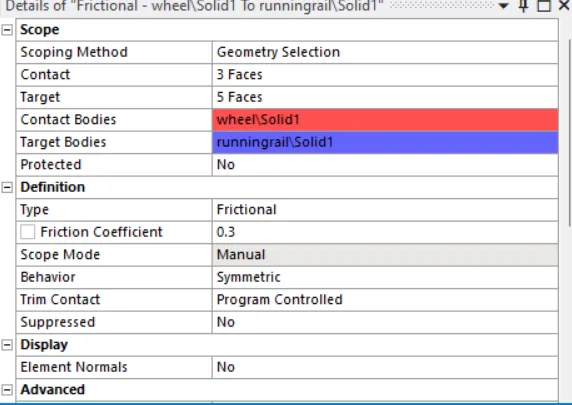
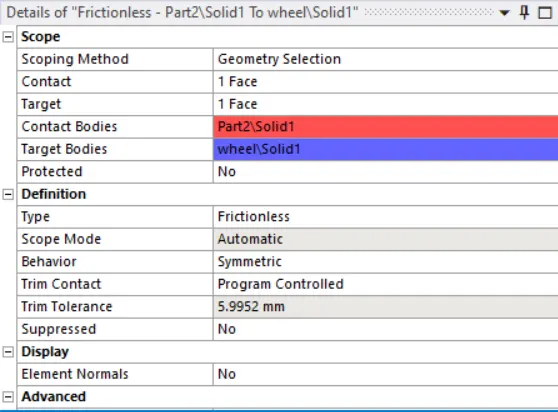
Once the model is updated, contacts have to be established Since these are plates welded together, there are two types of contacts one is contact between wheel and rail which are frictional and has coefficient of 0.2 and another contact is between wheel and rod which are frictionless and is given as shown below
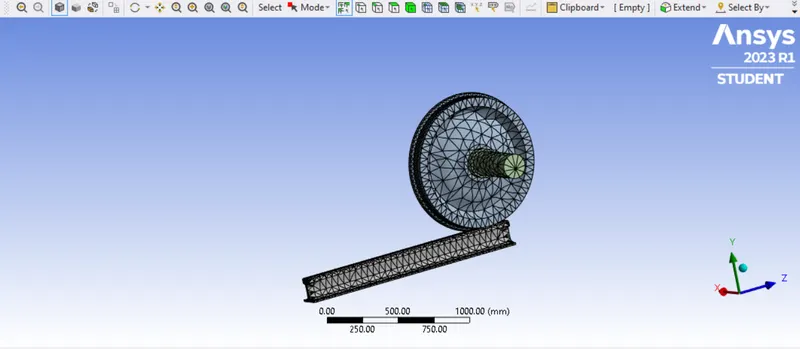
We have to perform mesh of different sizes over materials plates and ribs that have a finer mesh
After the analysis is done the model is set for boundary conditions
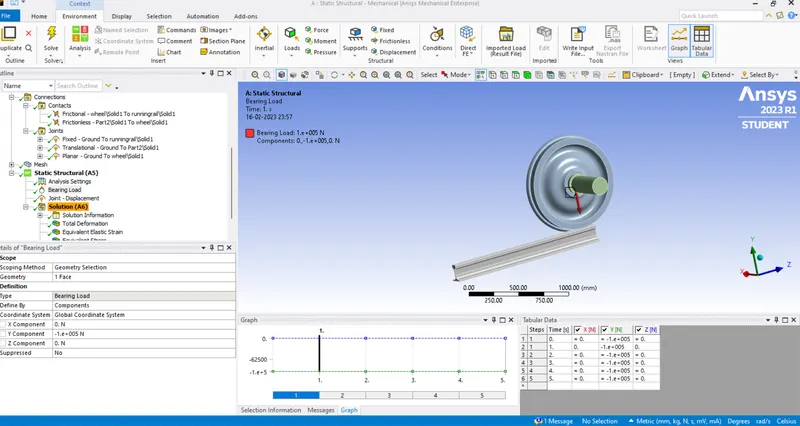
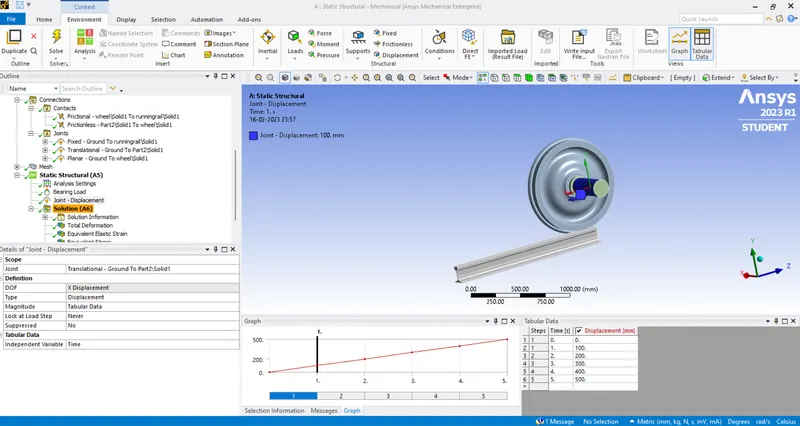
(Load of 100000N) (Displacement Step of 100)
Results:
1:Stress
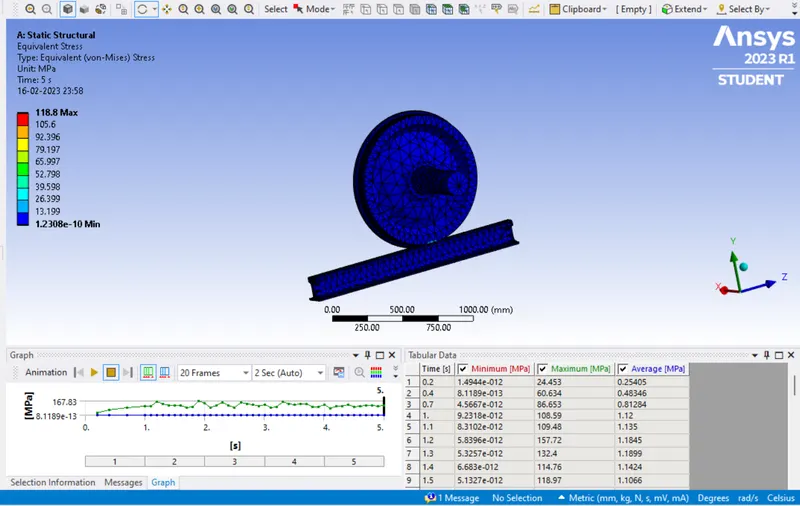
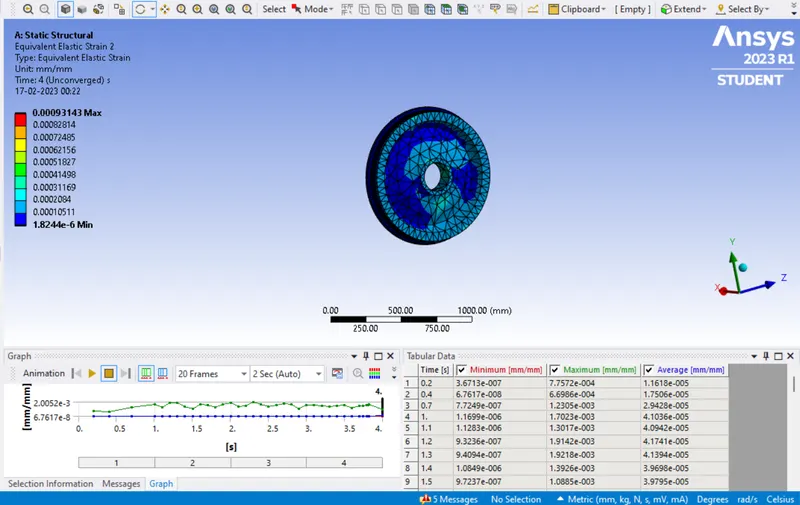
2:Strain
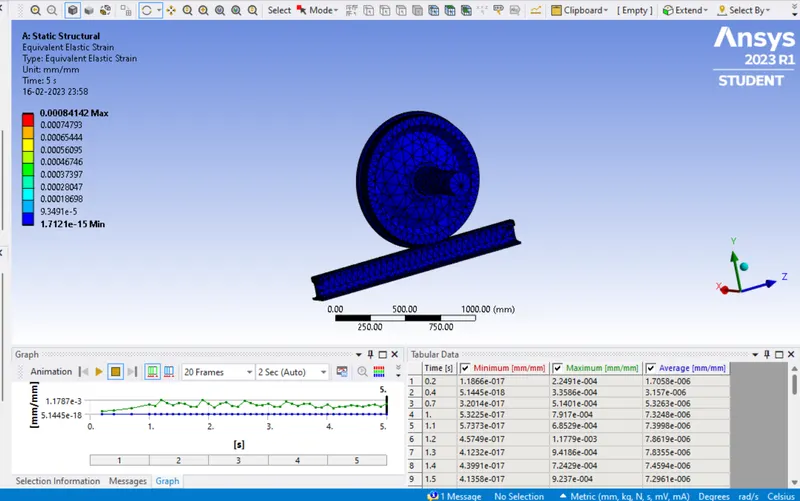
3:TotaL Deformation
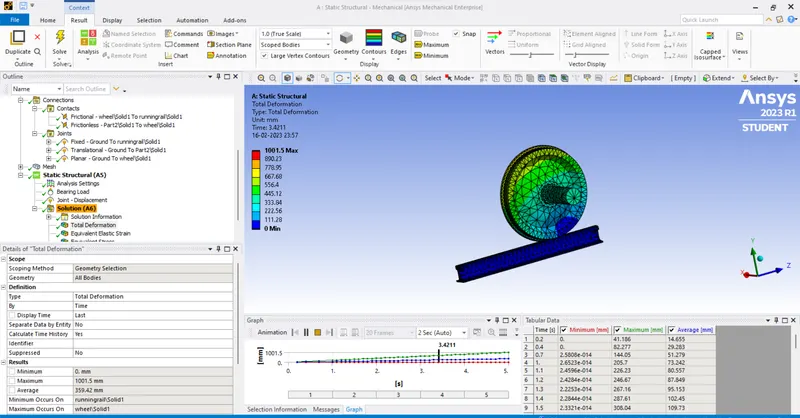
4:Stress on the wheel
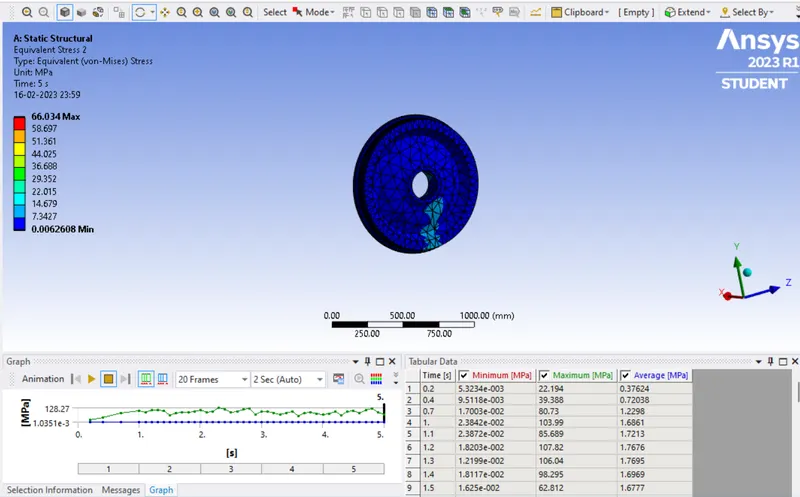
5:Strain on the wheel
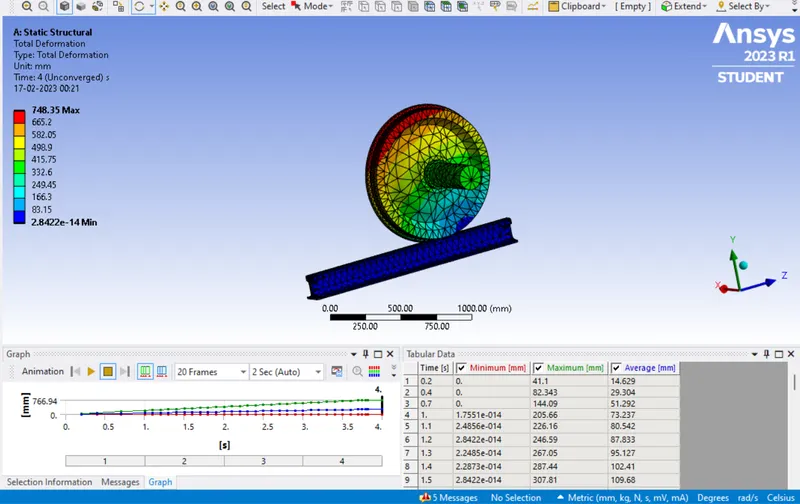
Case2:Implement a User-defined result and calculate the Total Deformation from this result and check if it is the same as that obtained by the inbuilt result by ANSYS for a load of 100000 N.
Result:
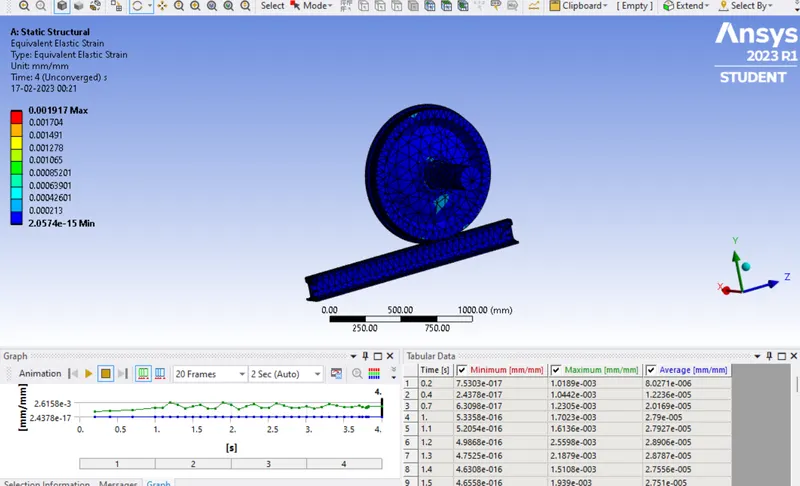
1:Strain
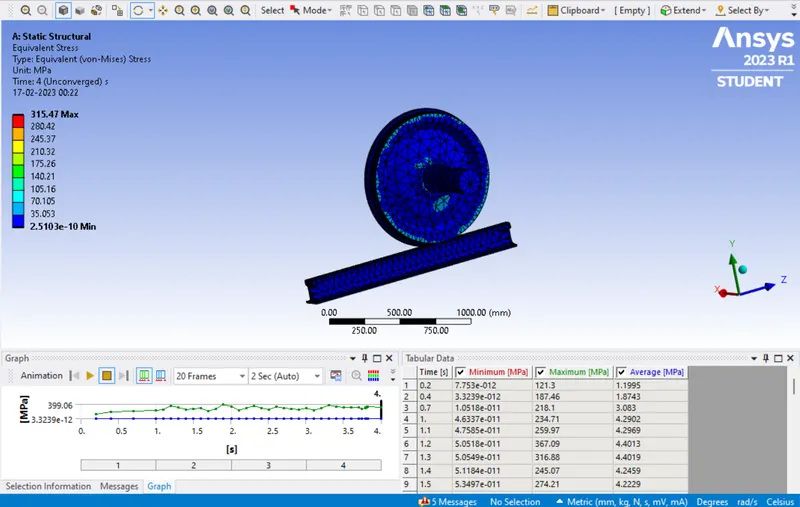
2:Stress
3:Total Deformation
4:Strees on the wheel
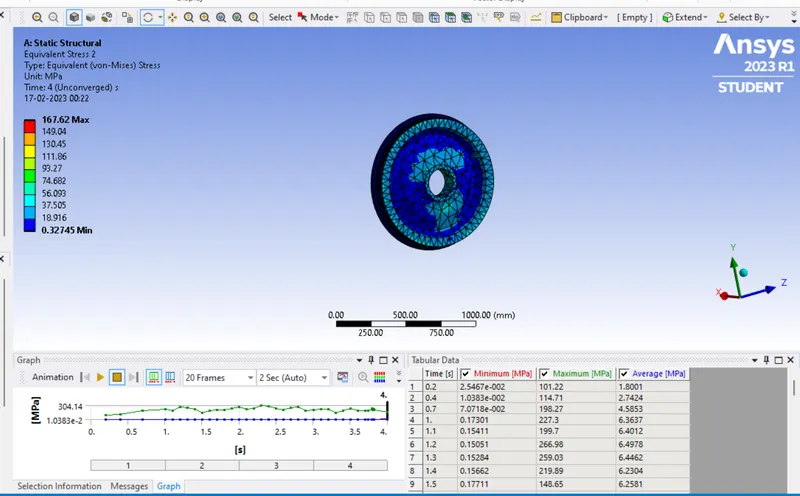
5:Strain on the wheel