Week 2 Railwheel and Track
Aim: To perform Static Structural Analysis on Rail wheel & Track with varying loads and compare the result.
Objectives:
- Create the contacts
- Insert the data for time steps
- Apply the load
- Evaluate the results required(Total deformation,Eq.Stress,Life)
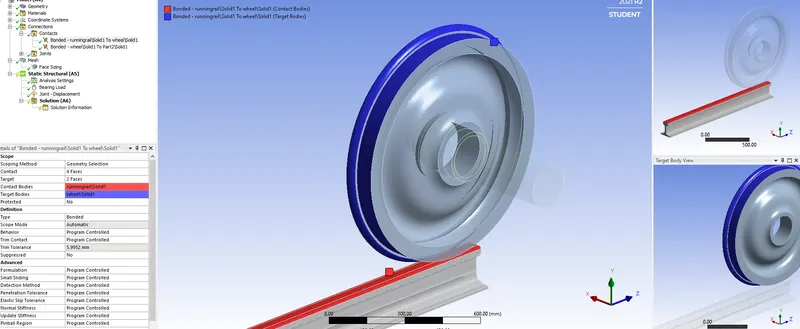
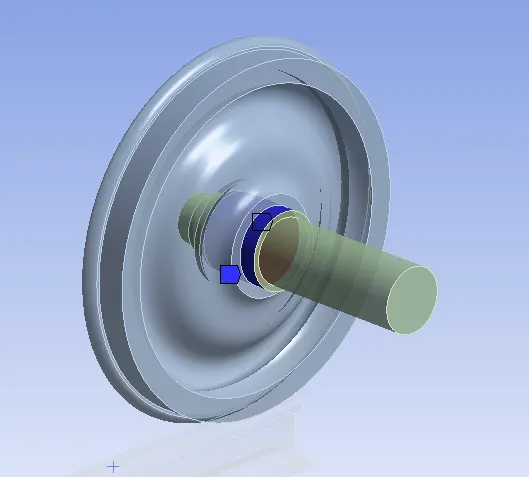
- Create the fixed joint and select both faces of the track, select the contact as body to ground and type as frictional with a coefficient of friction of 0.3.
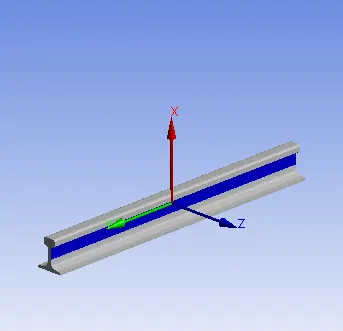
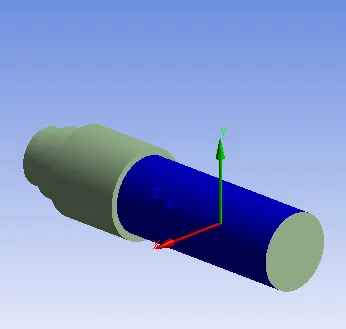
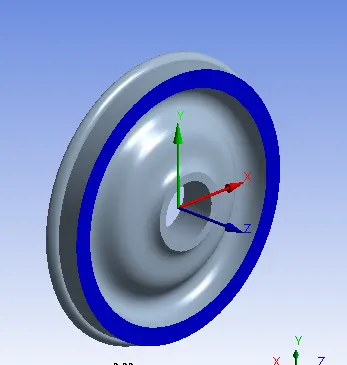
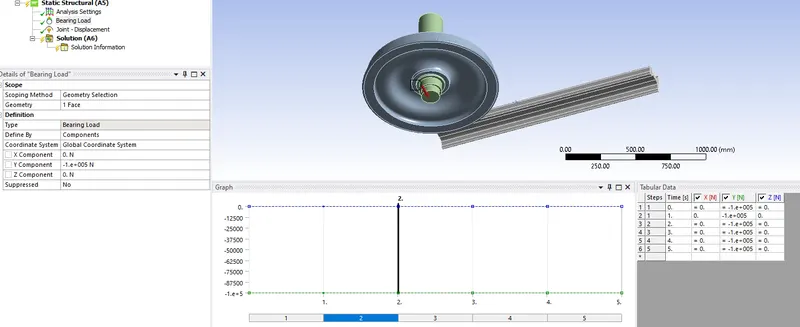
- Click on Analysis settings and insert the loads and joints with defined magnitude and direction.
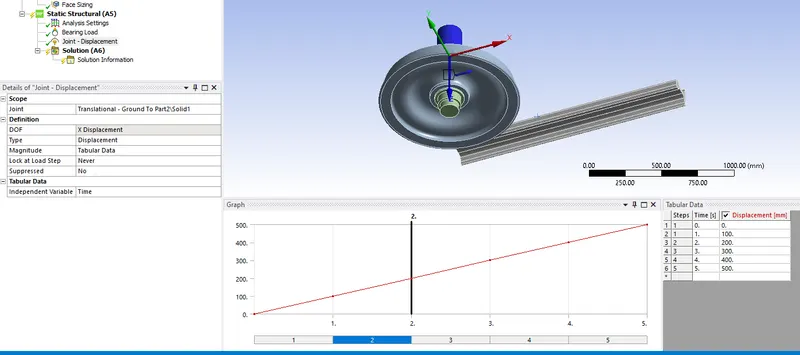
- Create a Joint of displacement type.
- Goto the Analysis Settings set the number of time steps to be 5 on a total displacement of 500mm each step for an increment of 100mm.
- Create a bearing load of 100000N in the downward direction.
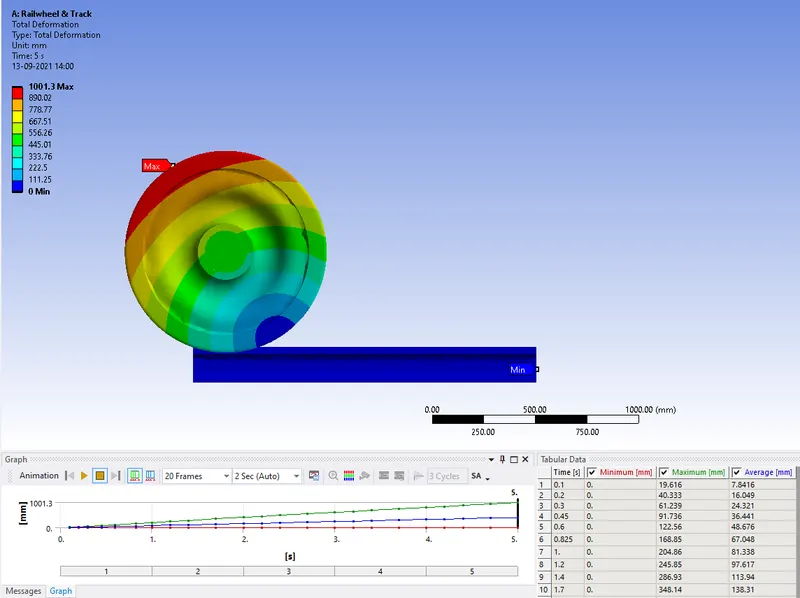
Total Deformation:
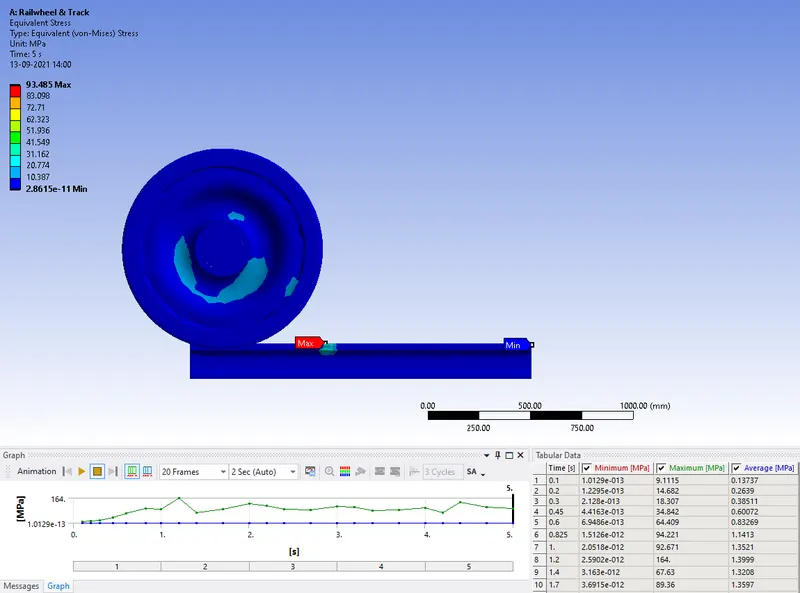
Equivalent Stress:
Life:
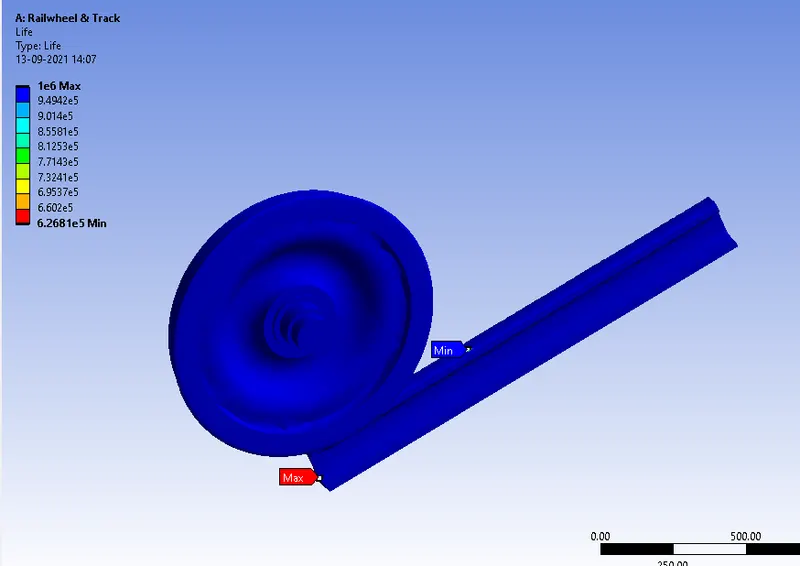
These are the results for 1,00,000N
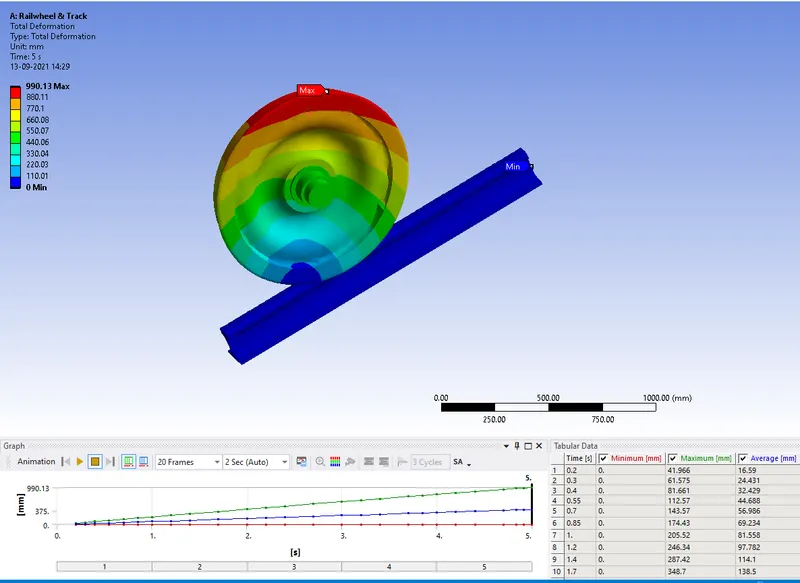
Now Change the load to 5 times i.e.,500000N
Total Deformation:
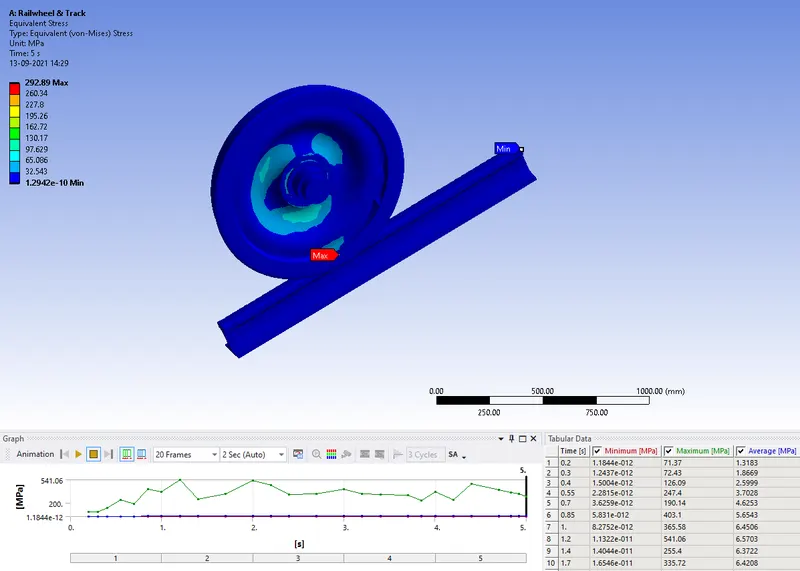
Equivalent Stress:
Life:
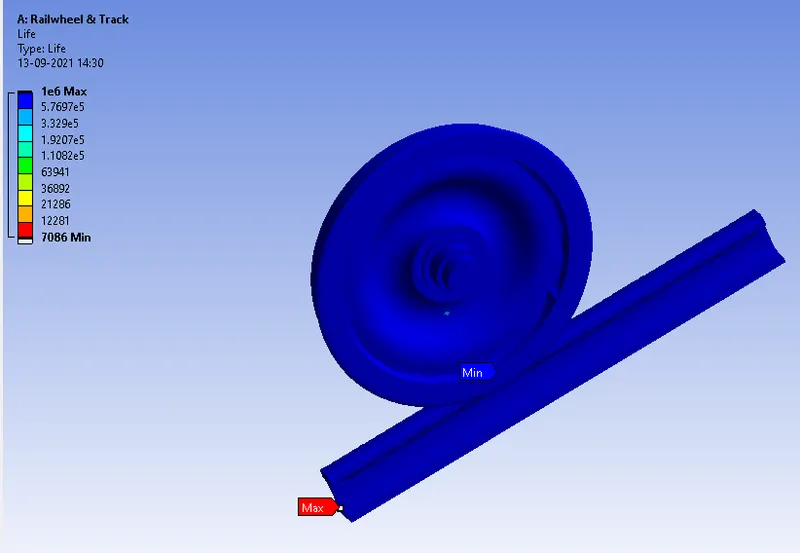
Comparison for the results of Different Loads:
| Varying Loads | Total Deformation (mm) | Eq Stress(MPa) | Life |
| 1e5(1,00,000N) |
Min:1001.3 Max:0 |
Min:2.8615e-11 Max:93.48 |
Min:6.2681e5 Max:1e6 |
| 5e5(5,00,000N) |
Min:0 Max:990.13 |
Min:1.2942e-10 Max:292.89 |
Min: 7086 Max:1e6 |
Case-2:
Right click on the solution insert the User defined Result.
Right click on solution, select the worksheet summary and selectr the expressions and click on evaluate results.
Userdefined Result:
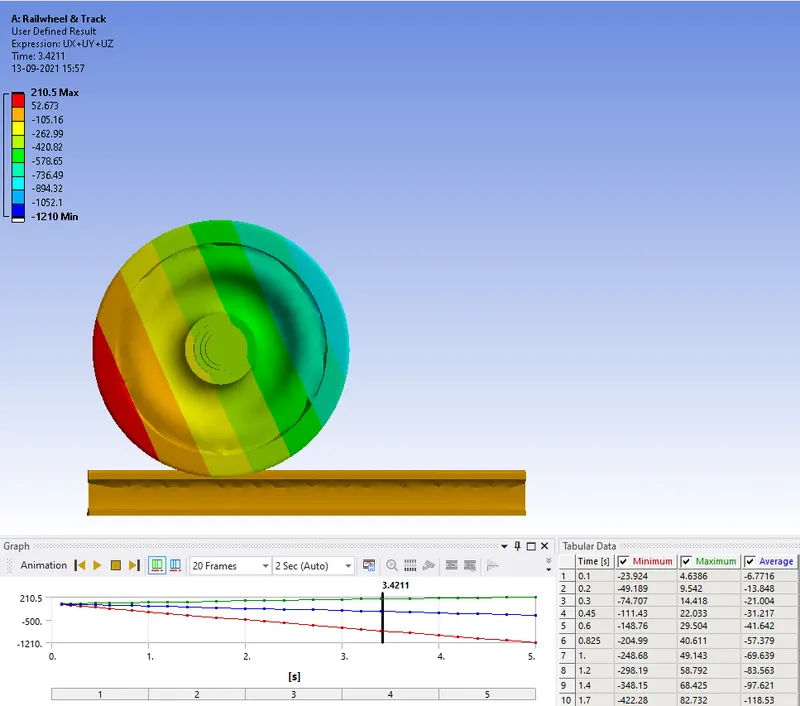
Total Deformation for the user defined is same as in the 100000N case.