Week 2 Challenge : Surface meshing on a Pressure valve
SURFACE MESHING ON A PRESSURE VALVE
Aim: To perform topological clean-up and surface meshing of the pressure valve model for three different cases.
Procedure:
-Import the pressure valve model to ANSA.
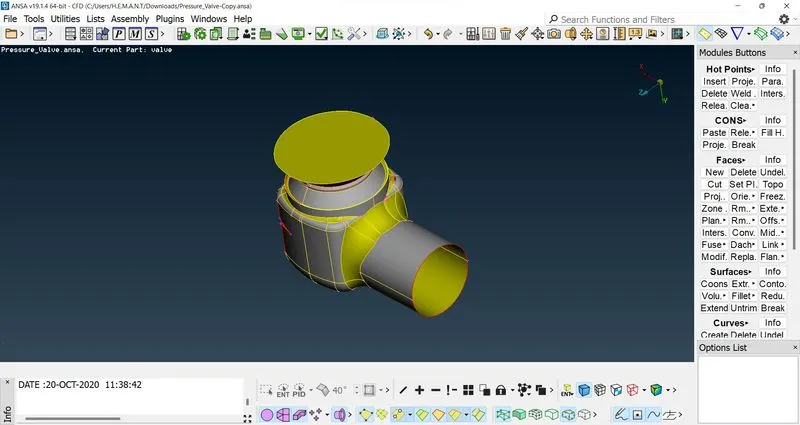
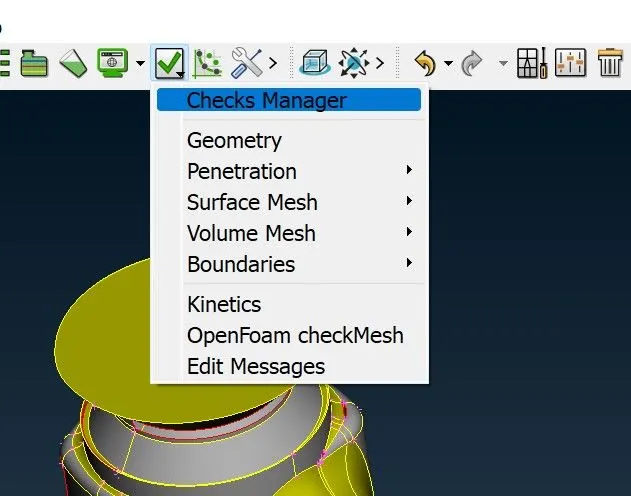
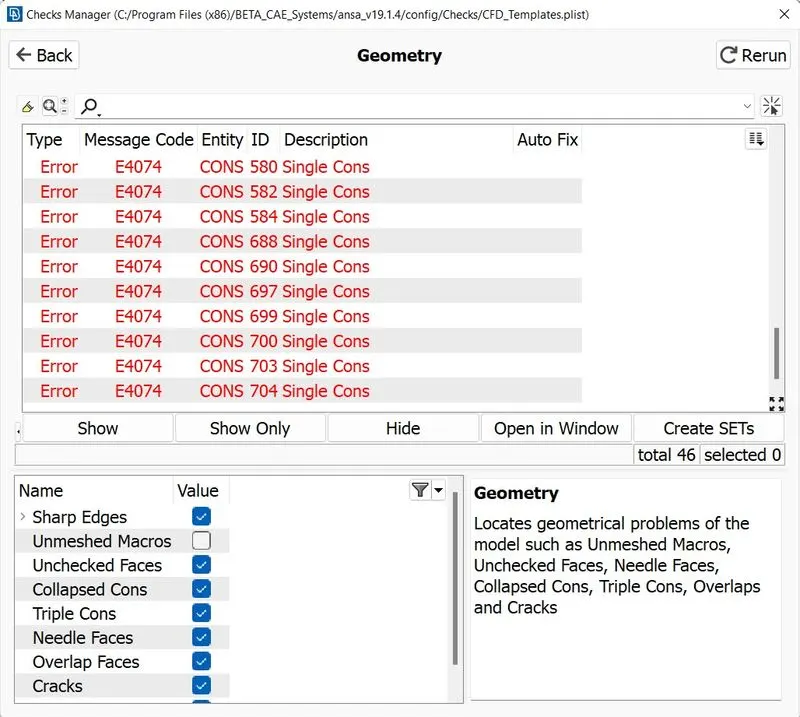
-Check for the geometrical error using the Check Manager option.
-For this model, geometrical errors are mostly due to single cons. Single cons are represented with red lines.
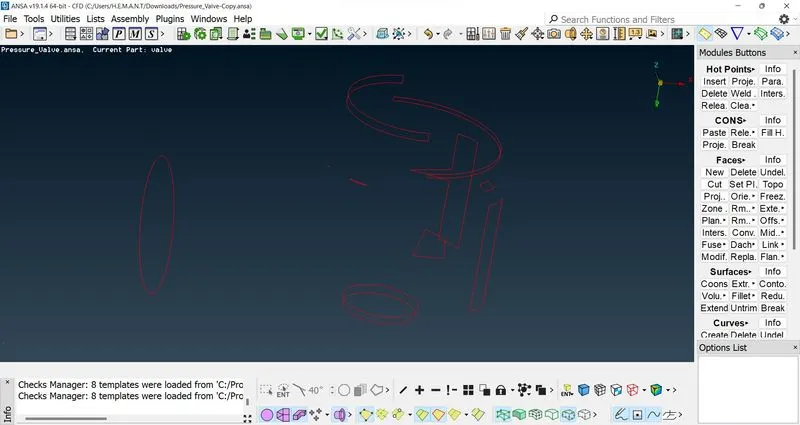
-To fix this geometrical error, we need to convert the single cons into double cons.
-For volumetric meshing, the geometric model must be watertight, so we need to close the open surfaces.
-Creating a face or surface over those single cons will convert them into double cons and also creates a watertight geometrical model.
-To create a new face, click on the New option in the Face module and select cons. Middle click to complete the process.
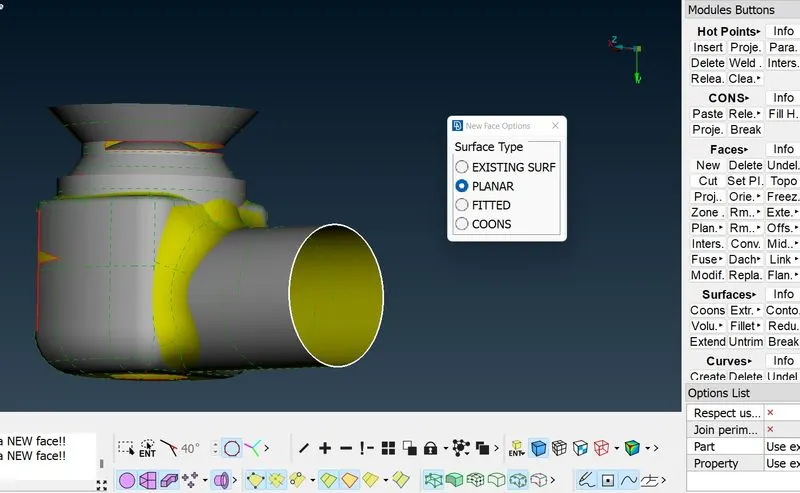
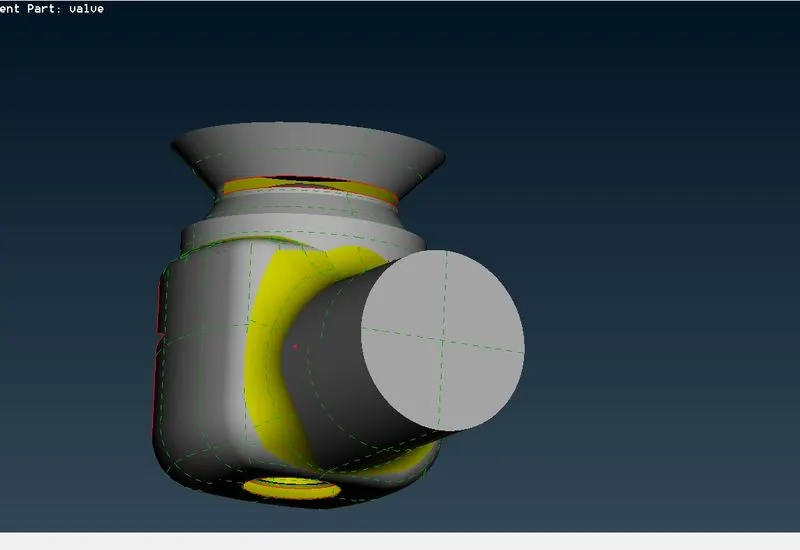
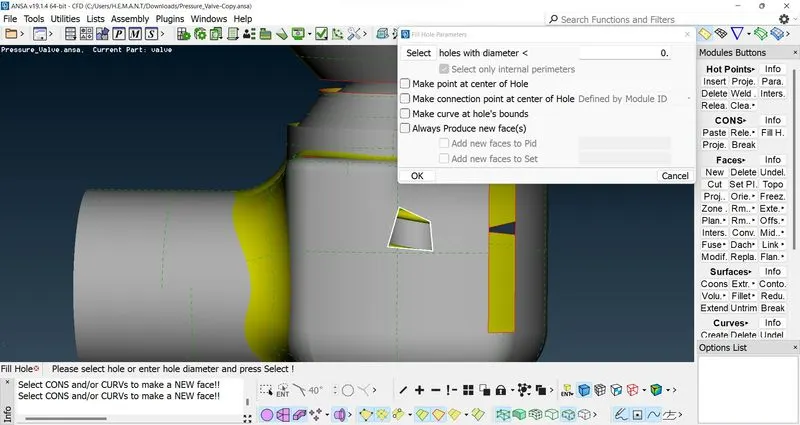
-Similarly, we can use the Fill Holes option present in Cons Module to cover single cons only.
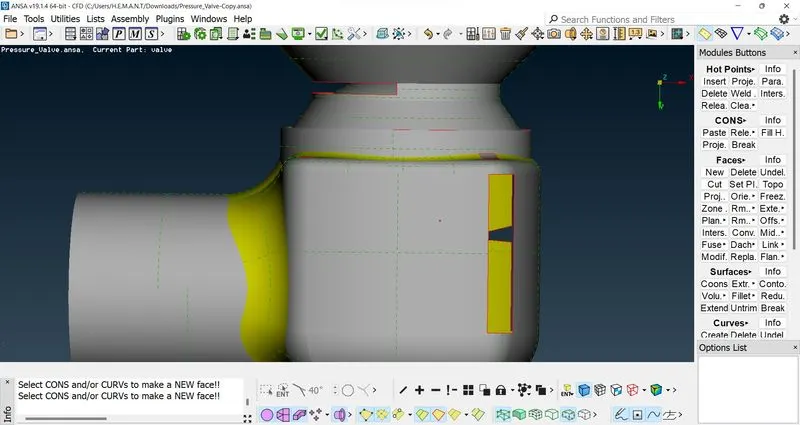
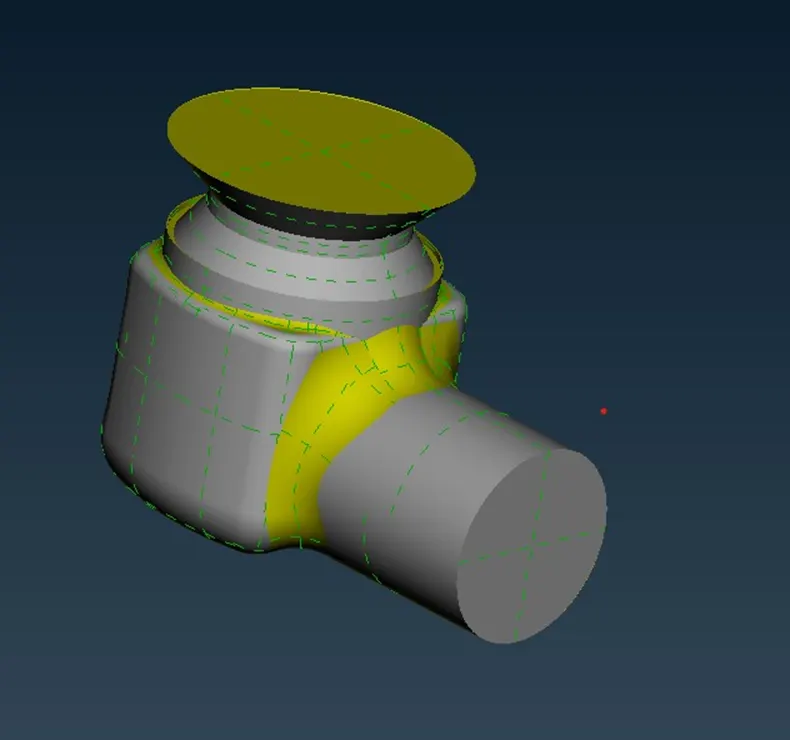
-Perform similar operations for all the single cons to eradicate the topological errors. Single cons are represented with red lines. There are no red lines in the below geometry.
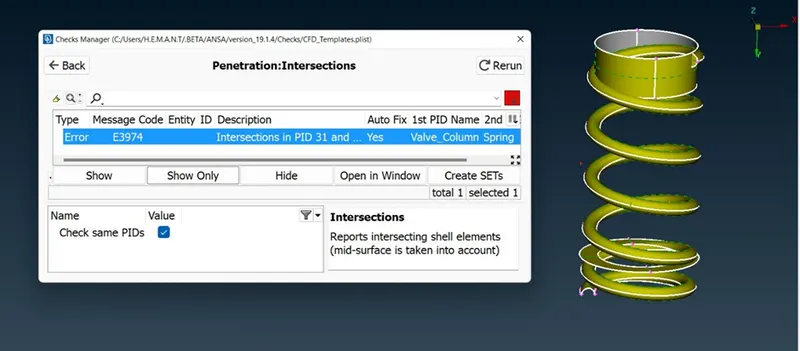
-We have an Intersection error in the spring and valve column geometry
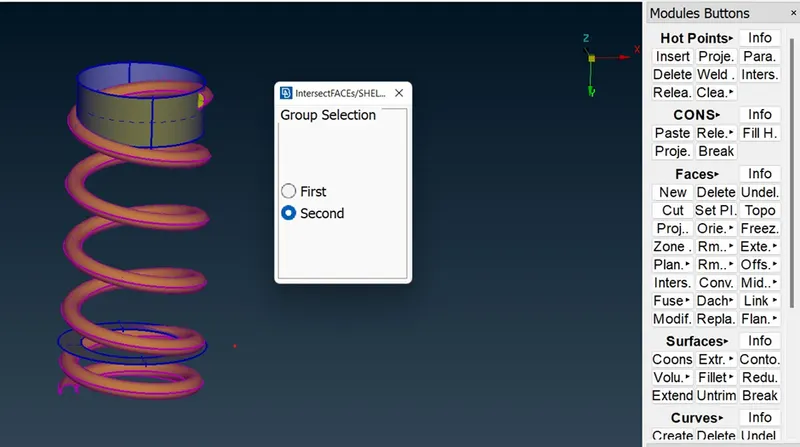
-To rectify this issue, click on the Intersection option in the Face module and select spring as first and valve column as the second. Middle click to complete the process.
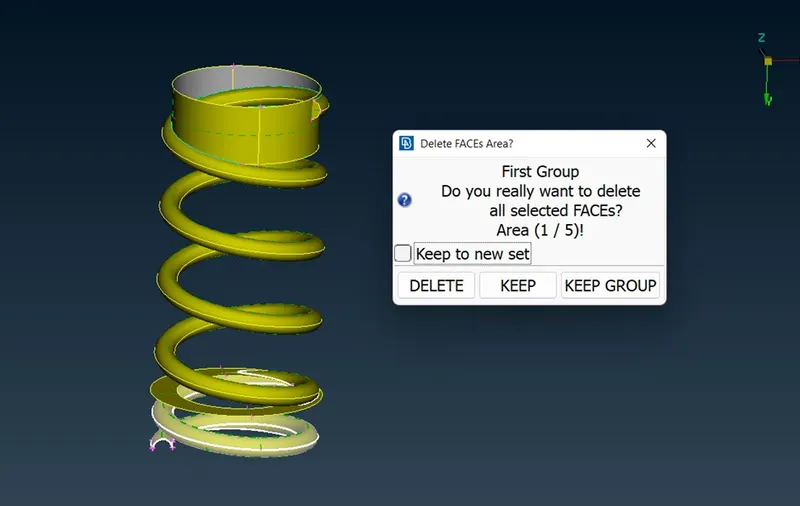
-Delete the spring surfaces that are inside the valve, and also the surfaces that cause the formation of triple cons.
-Assign different PIDs for the different components. Delete the empty PID or use The Compress option.
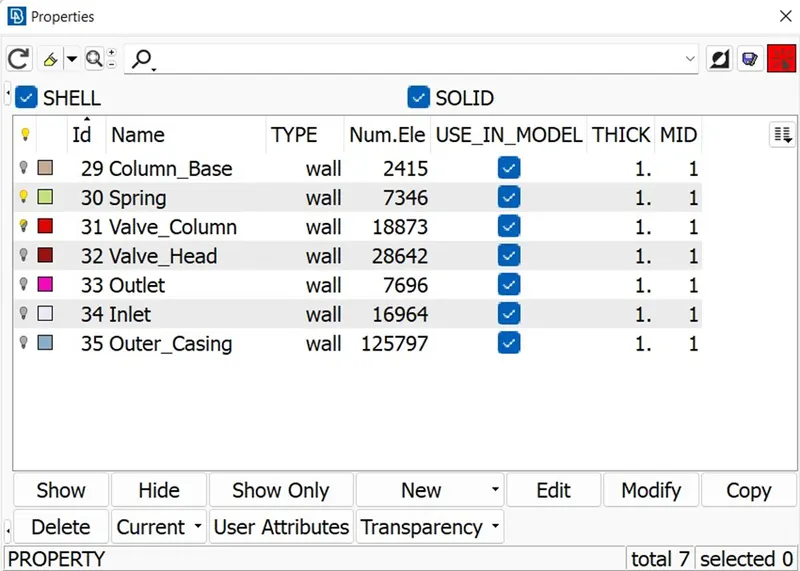
Surface Meshing
--For surface meshing of the cylinder, click on the Mesh deck and click on the Length option in the Perimeter module.
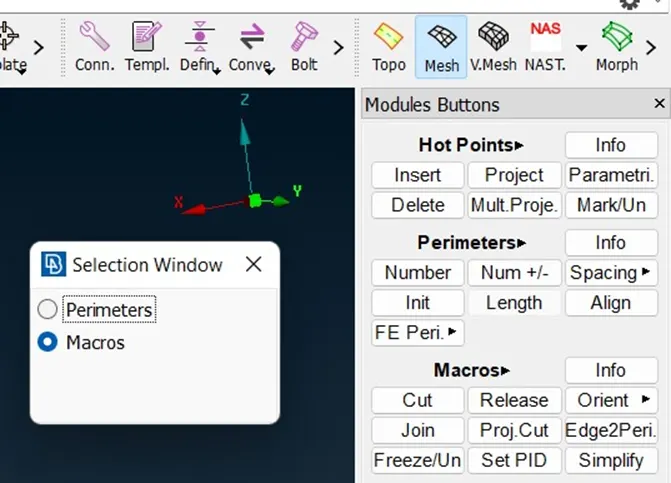
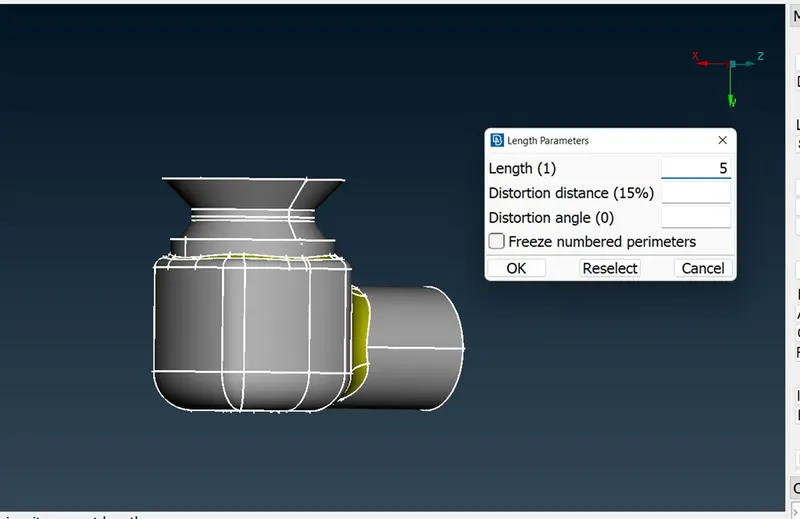
-Specify the Length as 5mm for Perimeter and Macros. Use box selection to select edges and faces for Perimeter and Macros.
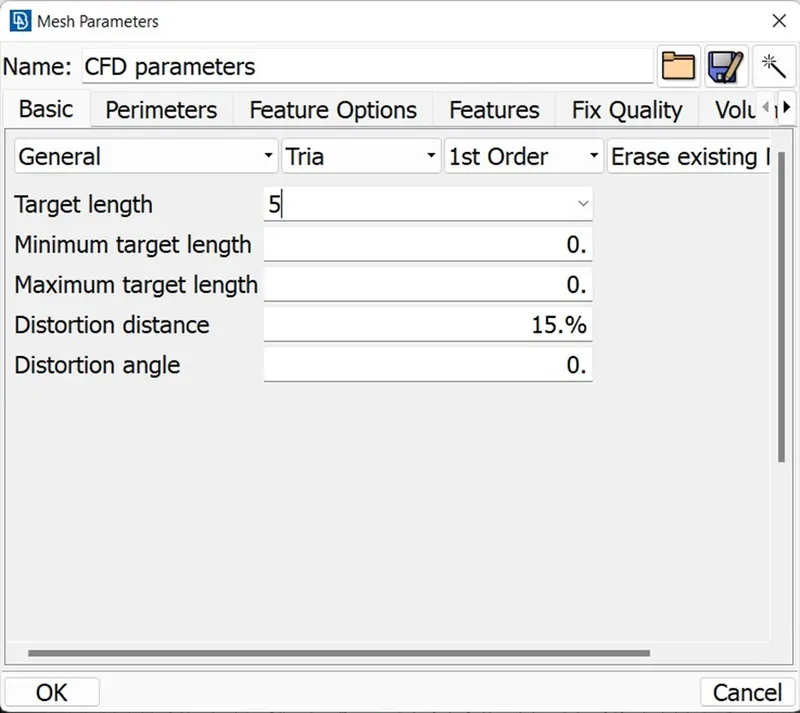
-In the Mesh parameter, specify the Target Length as 5mm with mesh type as Tria.
-Click on the Spot Mesh option in the Mesh Generation module to generate the mesh on the cylinder surface.
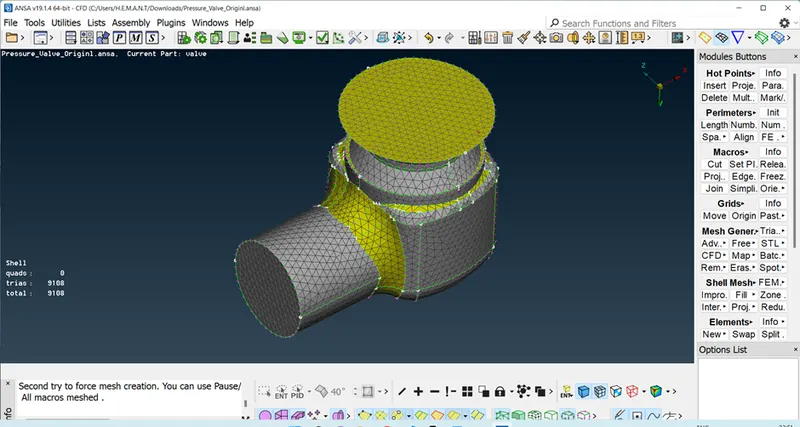
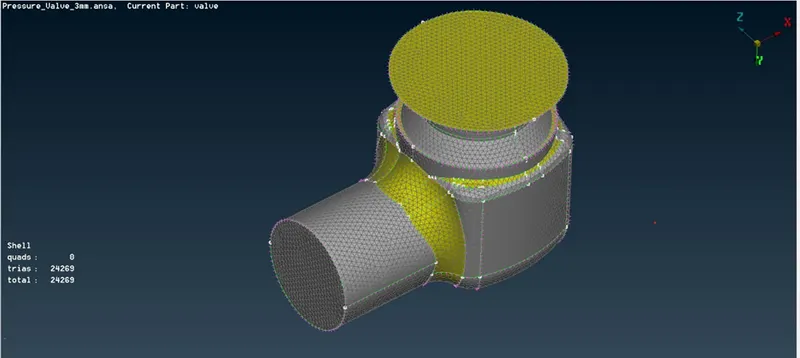
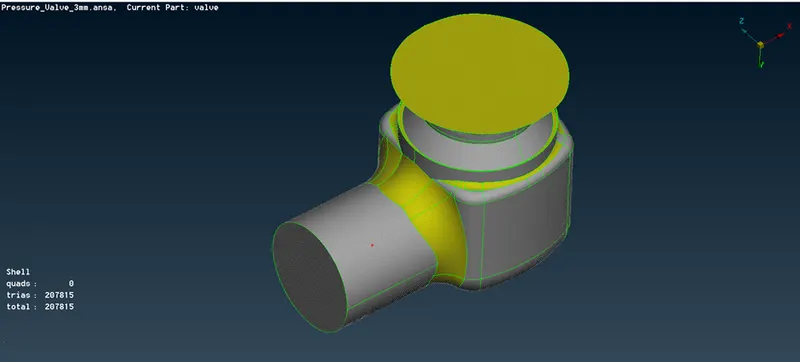
-Similarly, repeat the same process of surface meshing for mesh element size 3mm and 1mm.
Conclusion:
For the geometries which involve complex curves and small surfaces, coarse mesh deteriorates the shape of the geometry.
Finer mesh can capture the curvature of the geometrical model more accurately which provides a good result for the simulation.
In the present project, a 1mm mesh element gives a more accurate result when compared to a 3mm and 5mm mesh element size