Week 2 Challenge : Surface meshing on a Pressure valve
1.Aim:
- To create a surface meshing on a Pressure valve by using Ansa.
2.Objectives:
- Set target length and mesh the model.
Target length = 5mm,3mm,1mm
Element type = Tria
3.Procedure:
1.Open an ANSA software and import a Geometry.
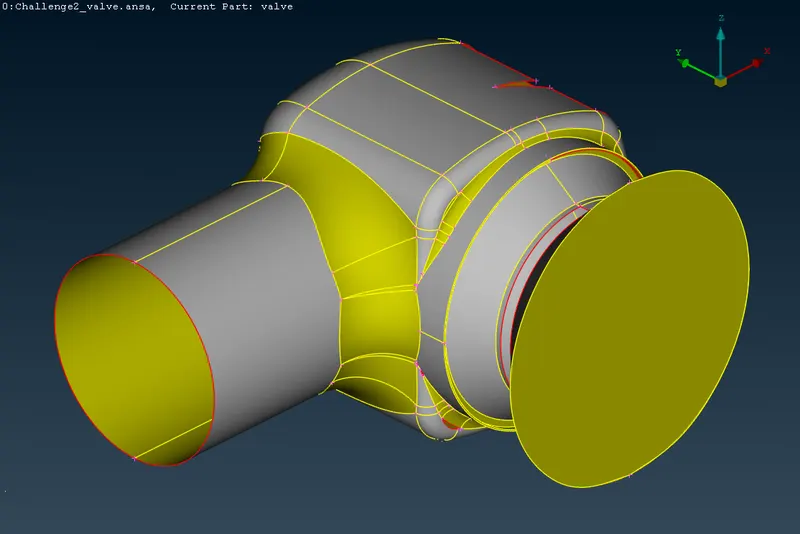
Fig: Imported Geometry
2.After Importing geometry, Check the geometry and its shows some error in topology.
- Checks>Geometry
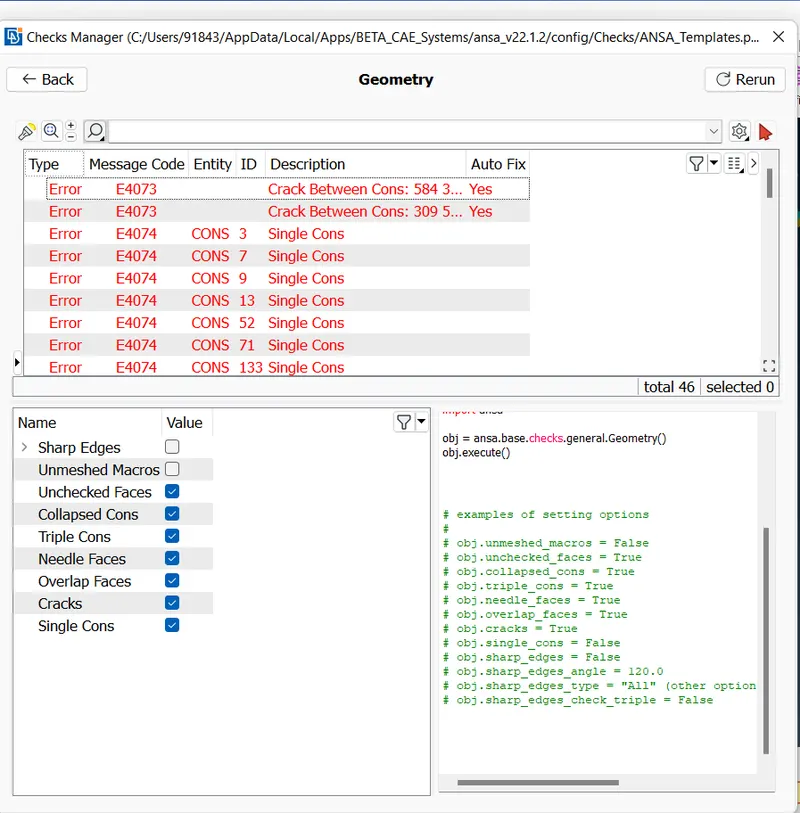
Fig:Geometry check
3.Now Started the topo cleanup and create a single cone into Double cone.
- Faces> New
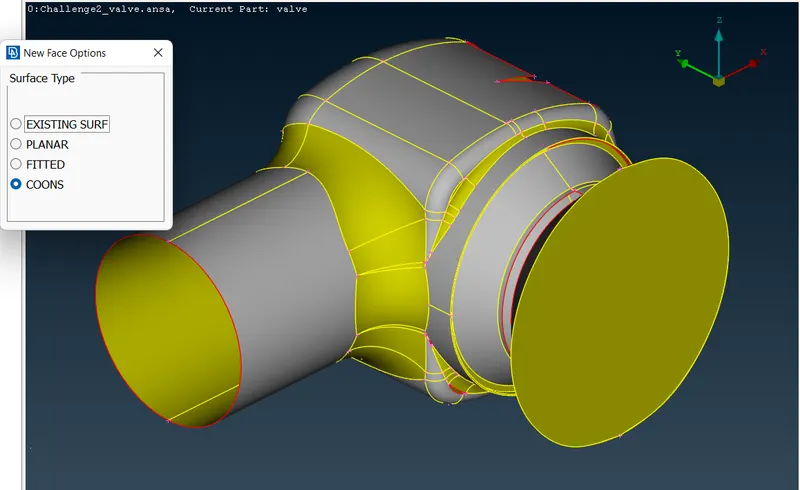
Fig: Create a new surface
- Cons>fillholes (fill the small holes in the surfce)
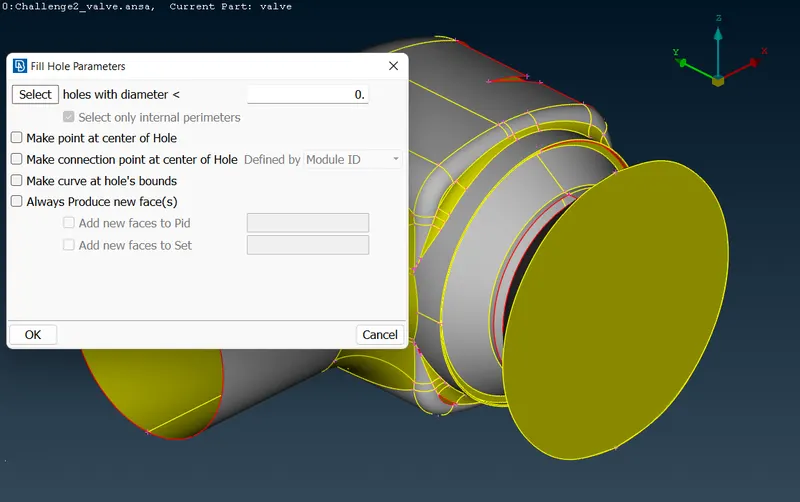
Fig:Fillholes
4.Now Topo cleaning was done and check the entire body was closed.
5.Before entering to the mesh hide the cut planes which is very nearer or else surface is less then 5mm.
6.Now create a properties gives names of these body.
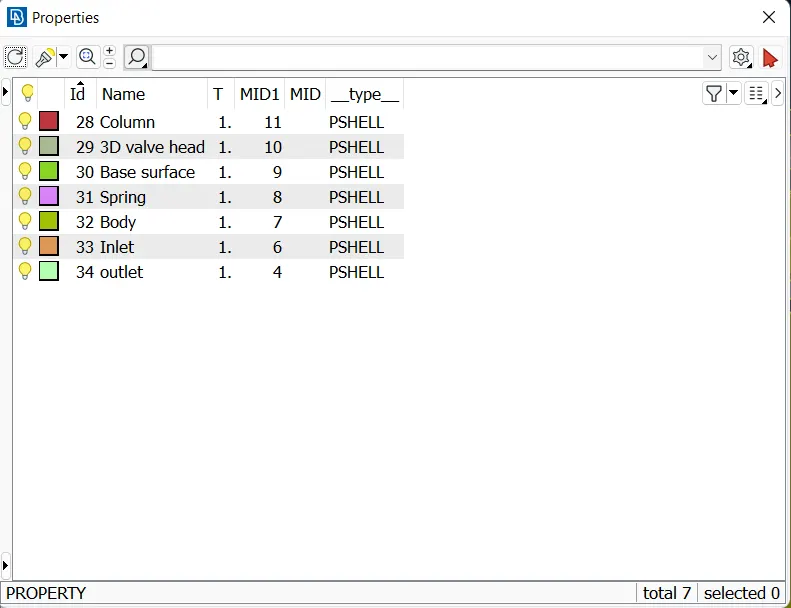
Fig: Properties
7.Now TOPO was completed next move to Mesh.
8.Select length option and gives the values of perimeter and macros
- Perimeters>Length
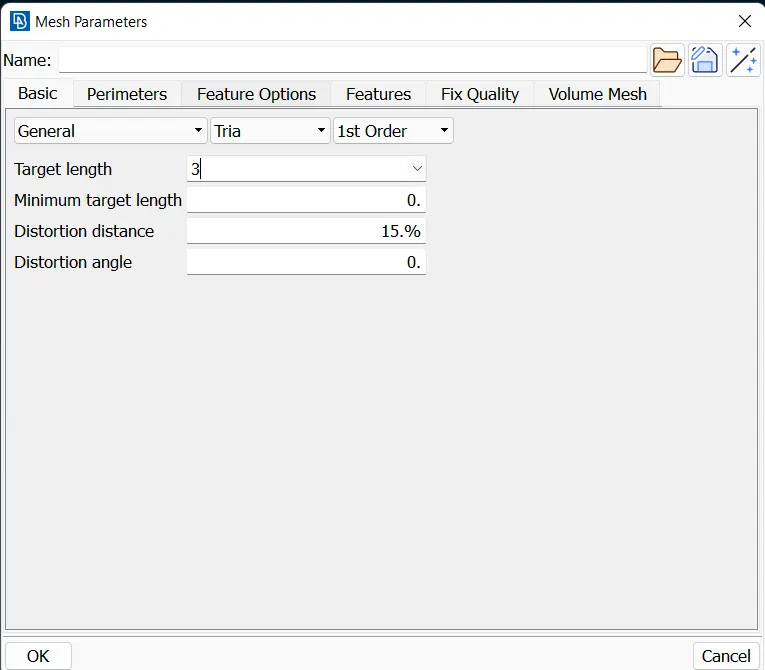
Fig:Length for Mesh
9.Now, select the spot mesh and create a Mesh
- Mesh Generation>spot mesh
4.Results:
- Target length = 5 mm
- Element type = Tria
Mesh
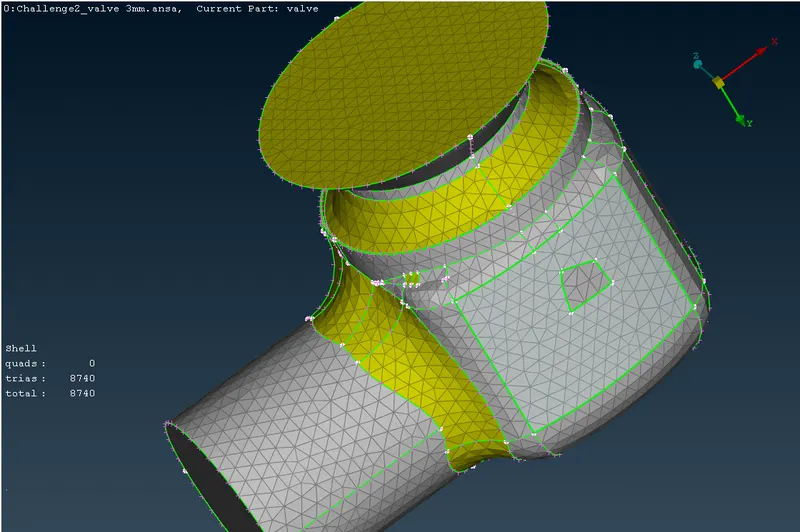
Inside body of Mesh
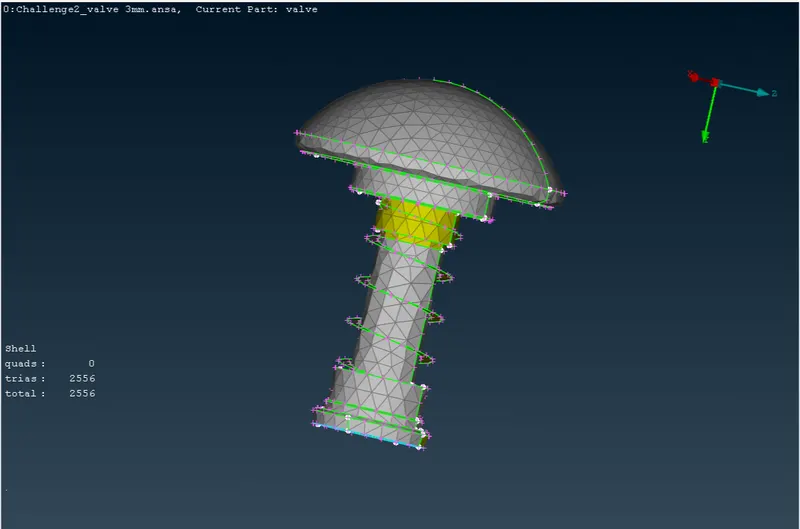
Spring
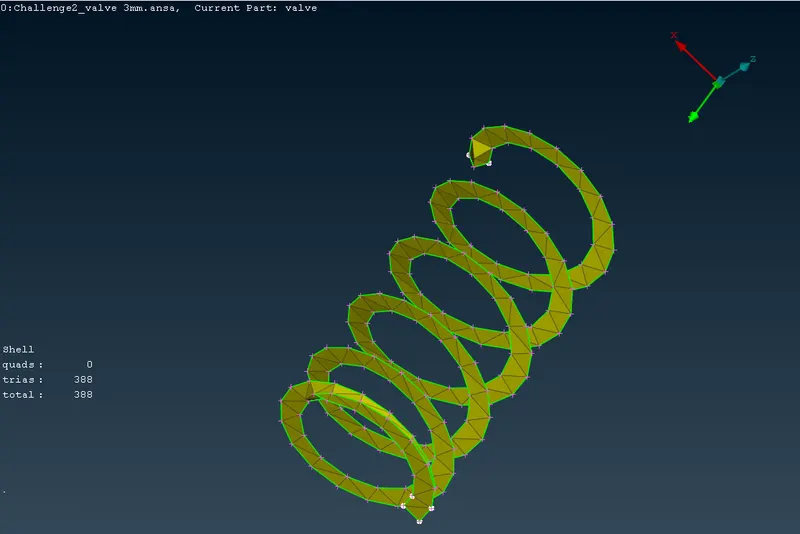
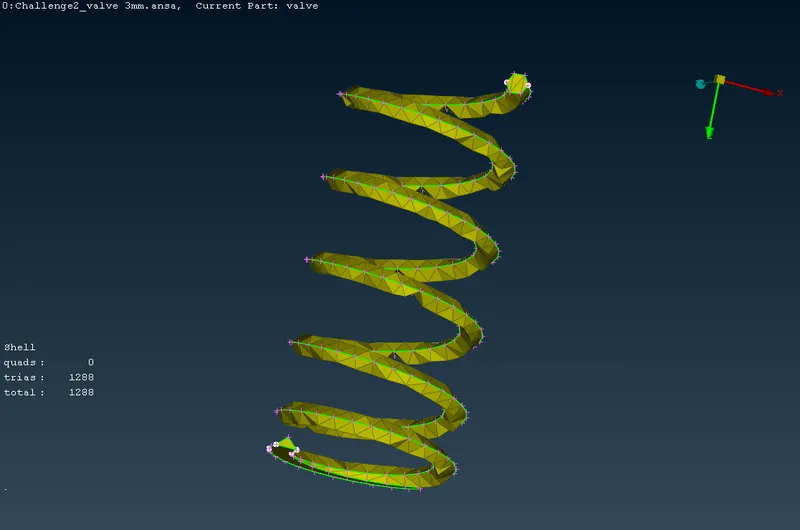
- Target length = 3 mm
- Element type = Tria
Mesh
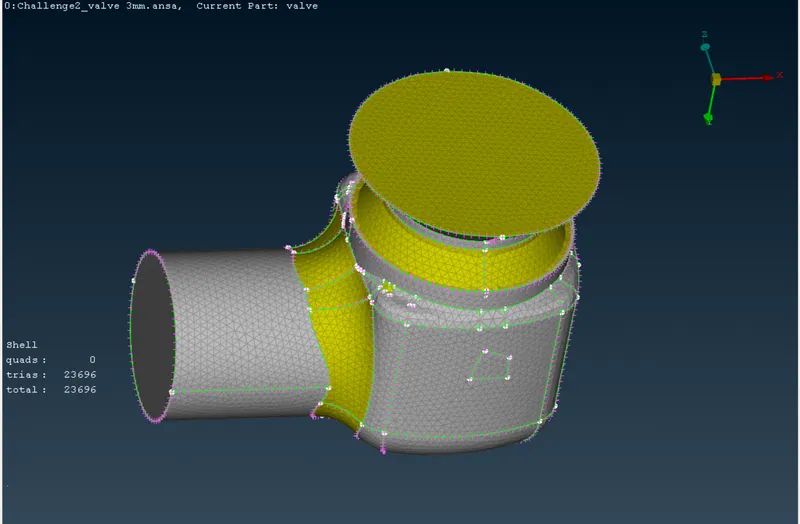
Inside body of mesh
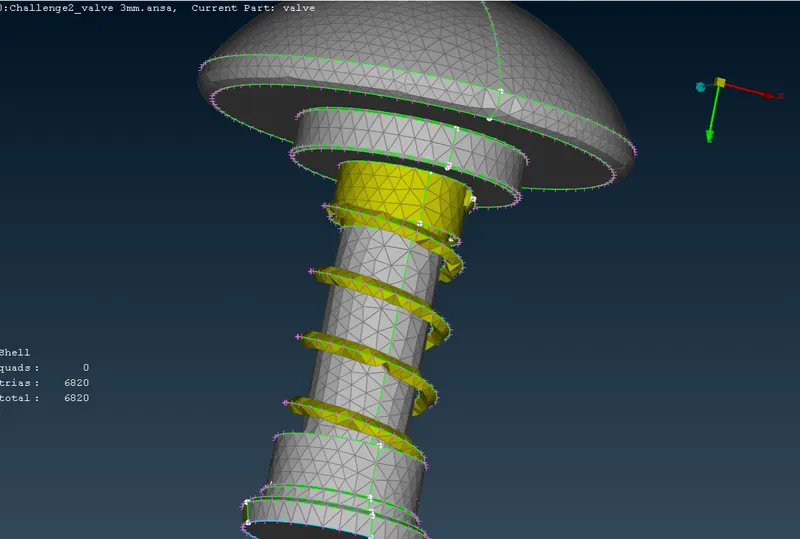
Spring
- Target length = 1 mm
- Element type = Tria
Mesh
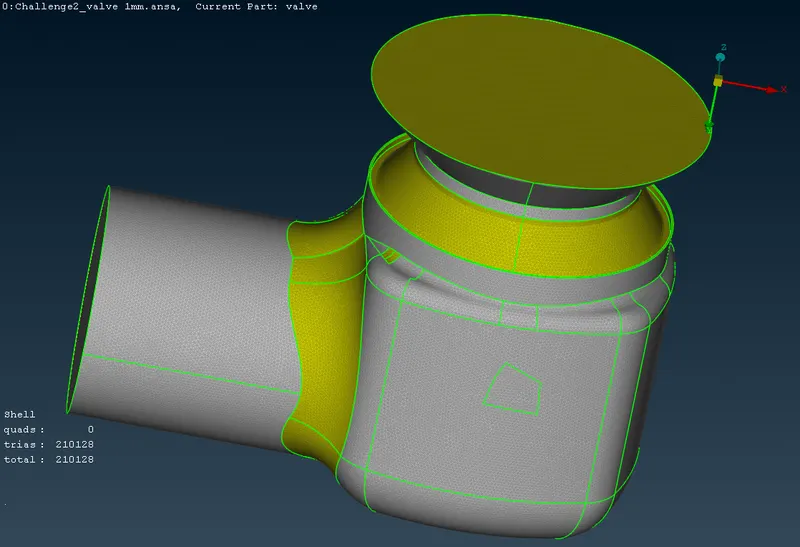
Inside body of mesh
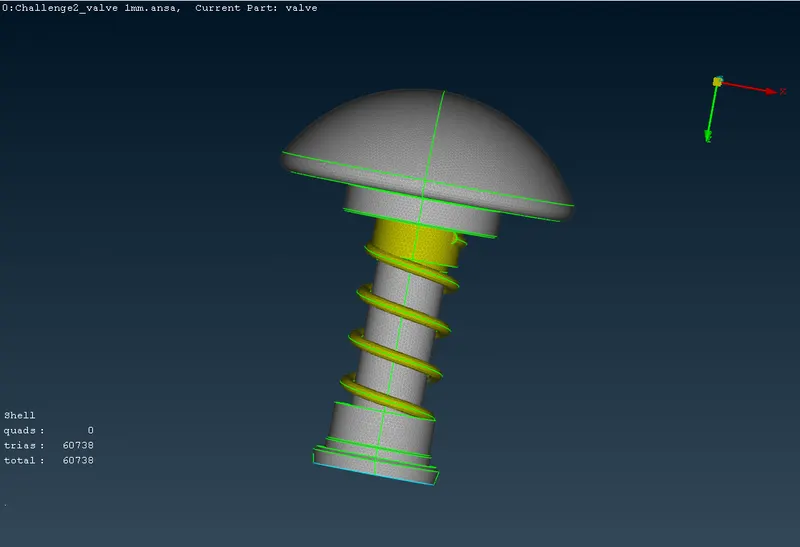
Spring
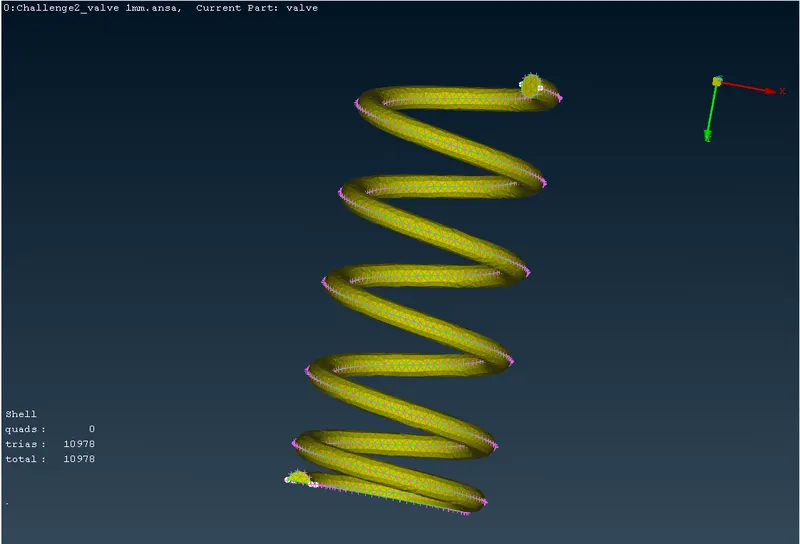
5.Conclusion:
- Creating a surface meshing on a pressure valve by using Ansa is done.
- For getting a fine mesh, to decrease the node length.
- In this case, Target length 1mm mesh is more accurate than Target length 3mm and 5mm.