Week 2 Challenge : Surface meshing on a Pressure valve
AIM:- Surface meshing on a Pressure valve
THEORY:-
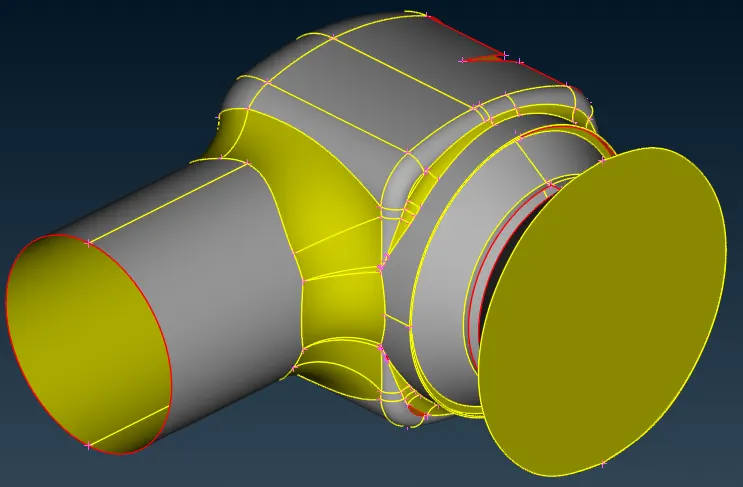
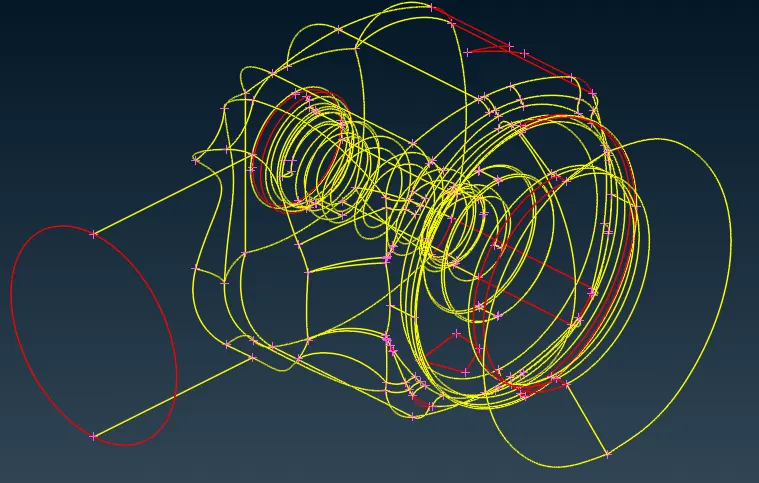
Degine is with the geometrical error Wire mash diagram
To check the geometrical error
TOOL>>CHECK>>CHECK MANAGERS>>GEOMETERY CHECK
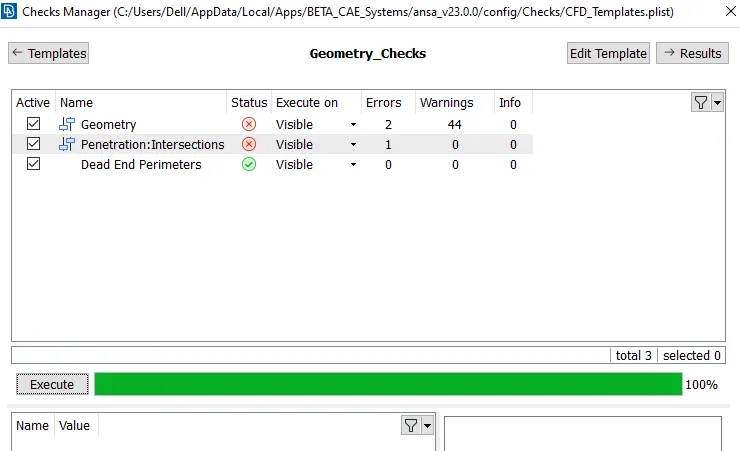
Found 44 Geometric error and 1 intersection error .
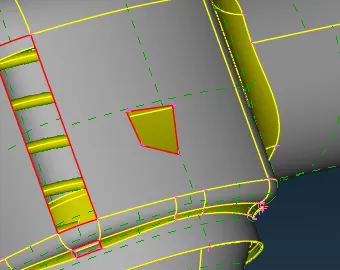
Hole on the face
TO clear the error we use
CONE>> FILL HOLE
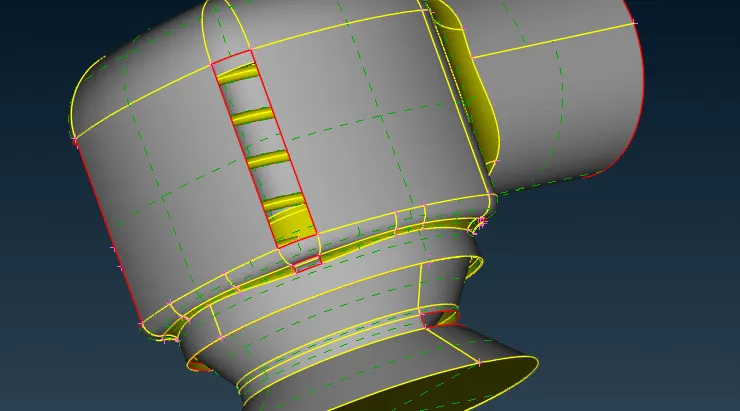
CONE>> FILL HOLE
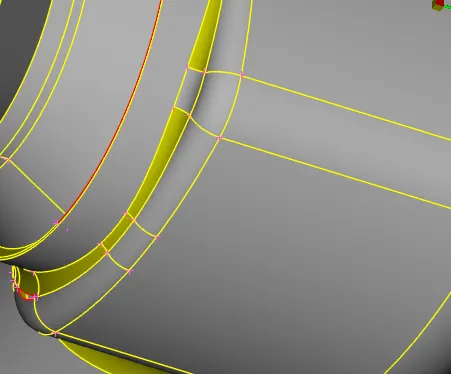
Then the next error
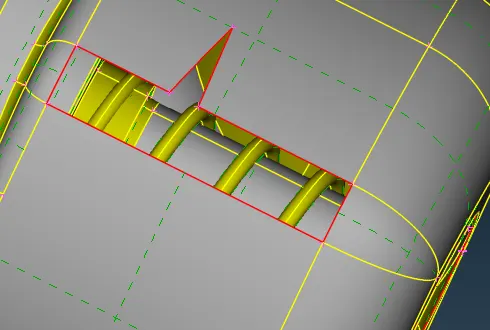
face>>NEW>>cons
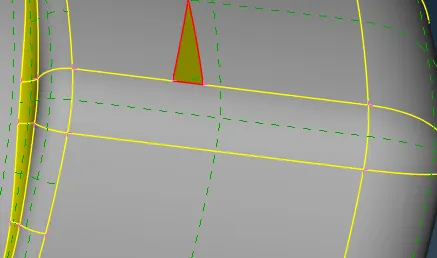
CONE>> FILL HOLE
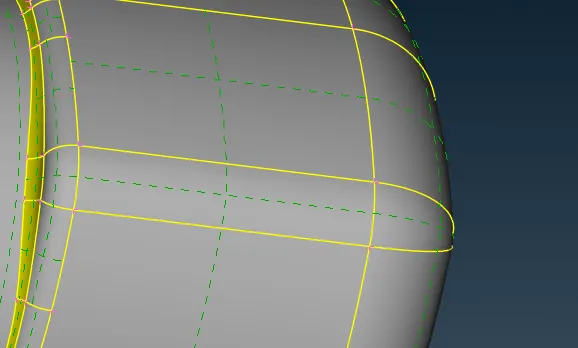
Then the next error
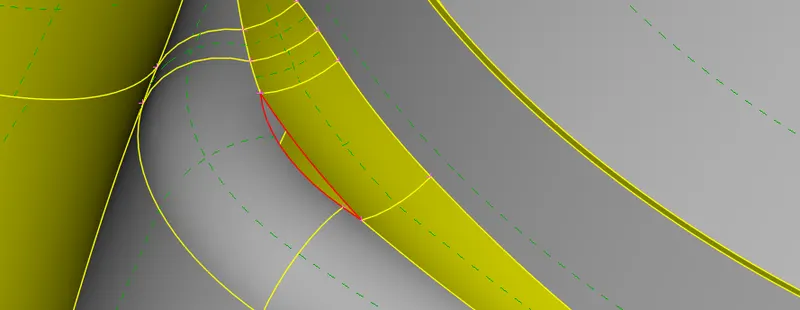
CONE>> FILL HOLE
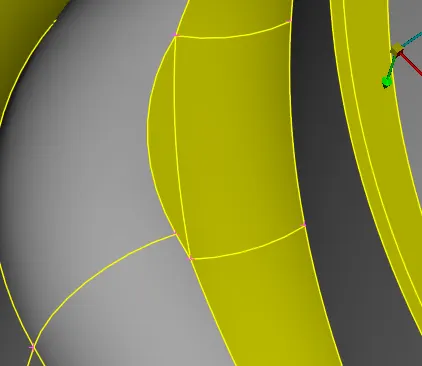
Then the next error
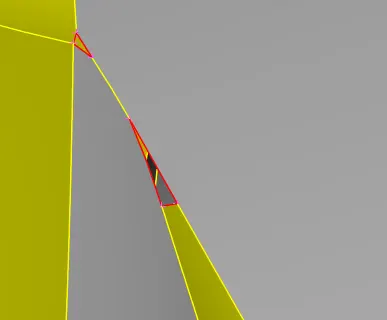
FACE>>Delete (Delete the adjacent face )
Creat anew face useing Face>>NEW>>coons
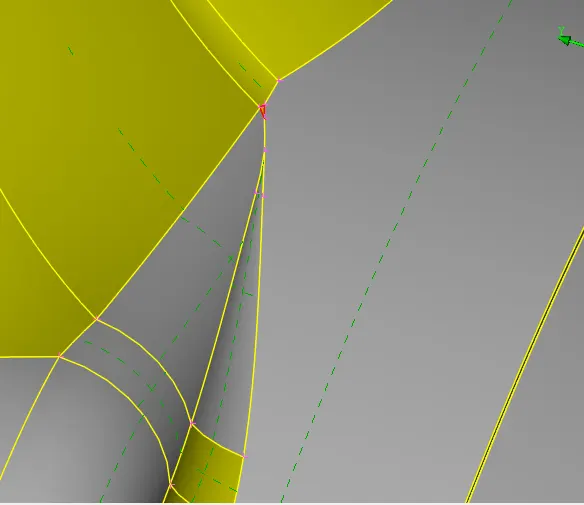
Face>>NEW>>coons
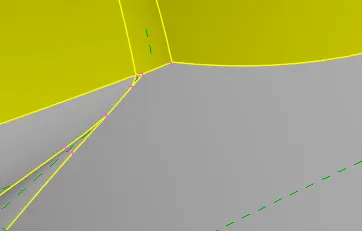
Then the next error
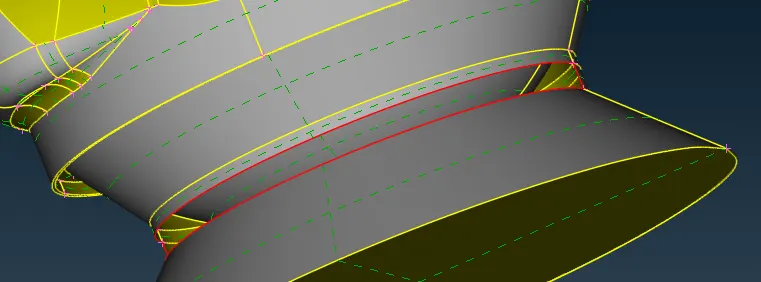
Face>>NEW>>coons
Wehave to close the face
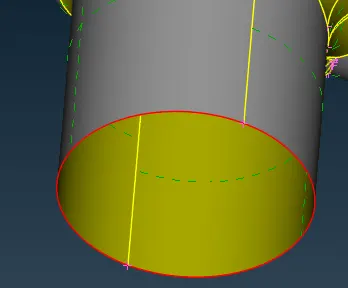
Face>>NEW>>planner
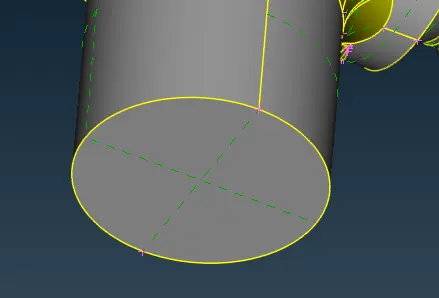
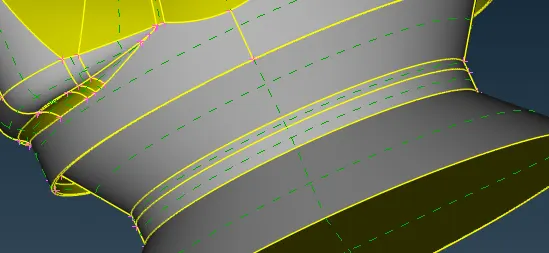
Then the next error
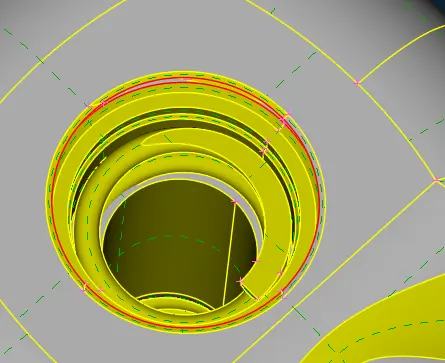
Wehave to close the face
Here it creat wrong surface.
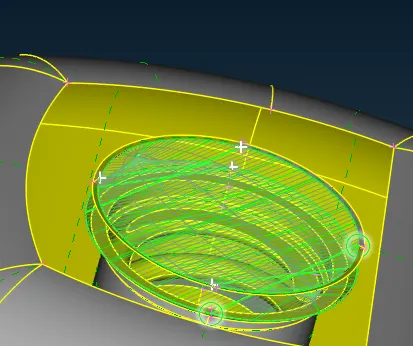
Then select the all the half cone of equal length
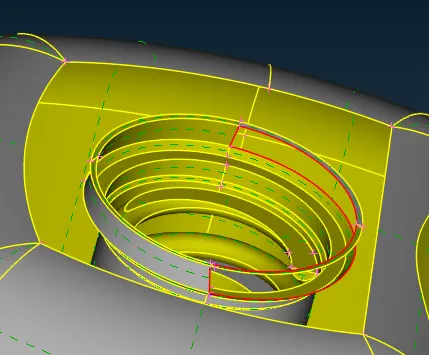
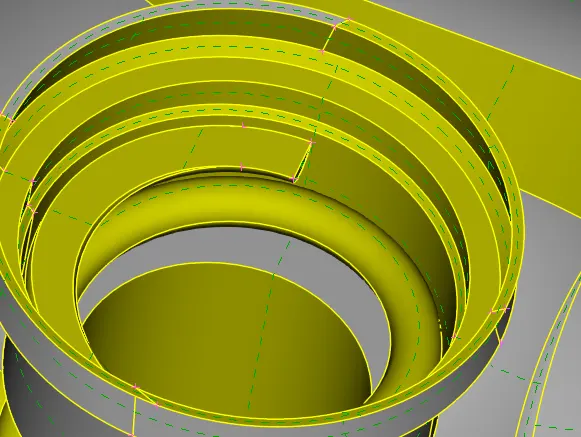
Now check for any geometrical error found no geometrical error.
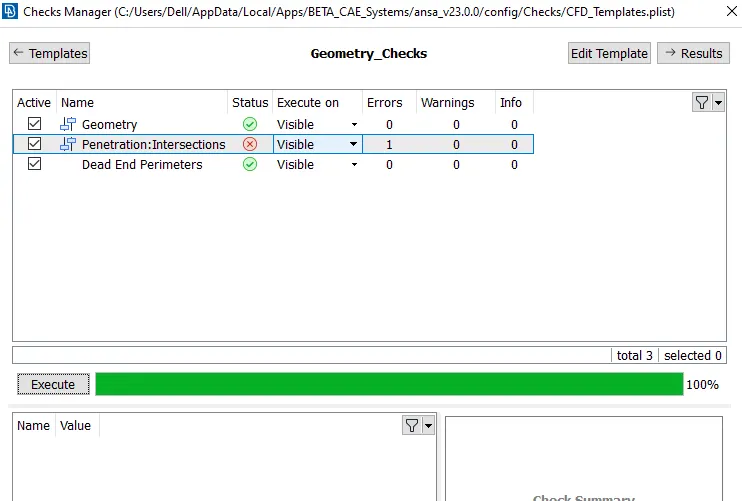
Here only one intersection error .
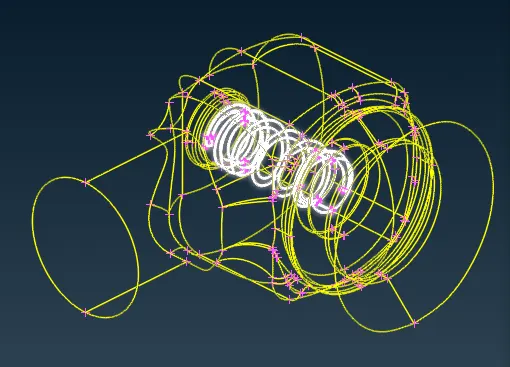
To Clear the intersection error we have to give different PID(property ID).
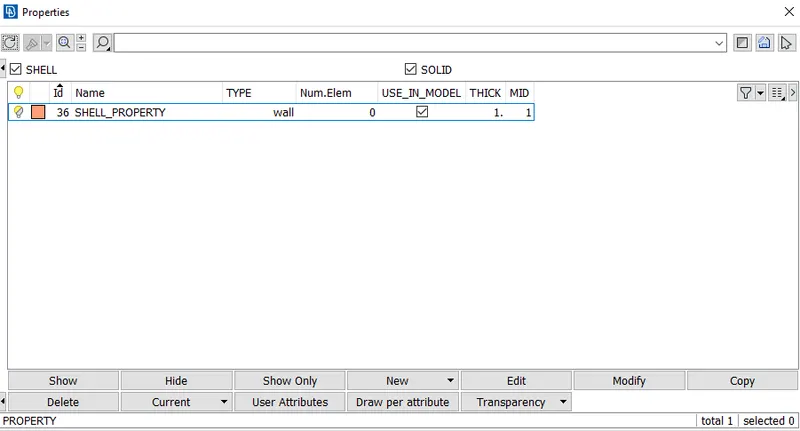
Then have to separate the spring to creat the separate PID
In Focuse(inot)>>In feature section(PID(PID region mode)>>then select spring and middle click two time .
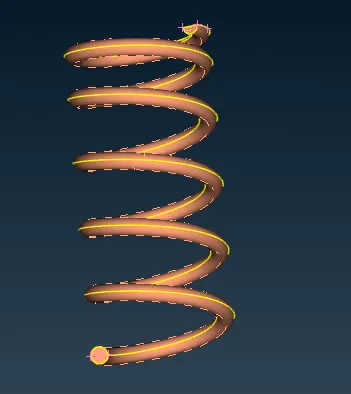
To Set the PID
Set PID>>shell Property>>Select the spring >>New
Then set PID to spring suport .
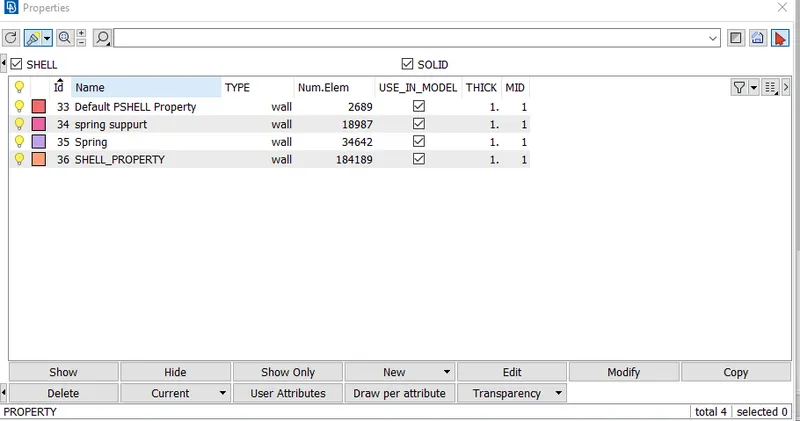
Face(Intersect)>>Feature (PID)>>first select the spring section and then select the all
Then select the intersected face to delete
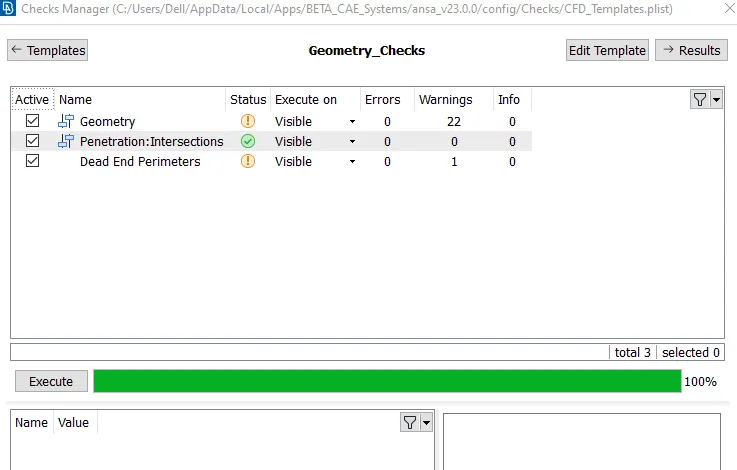
For surface mashing we have to close the hole .
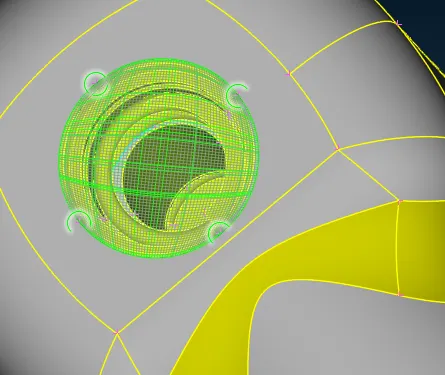
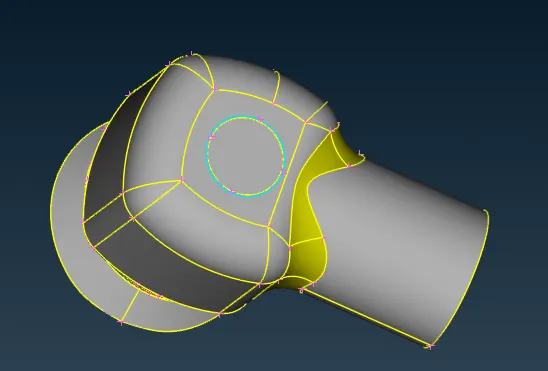
Now do the 5MM mashing
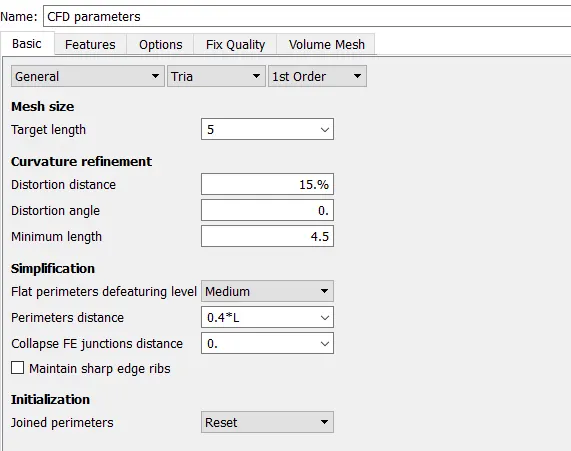
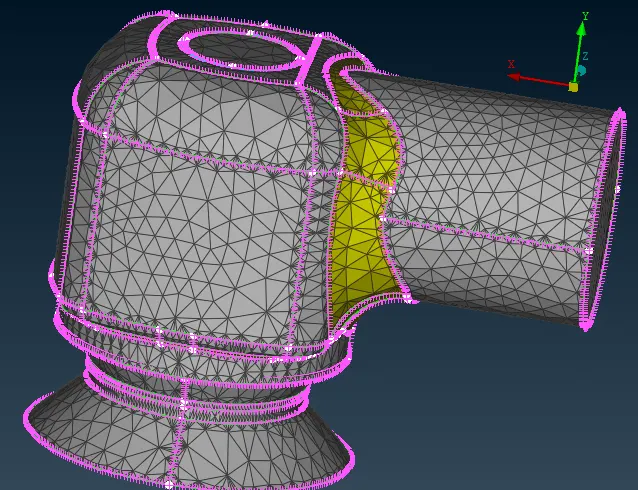
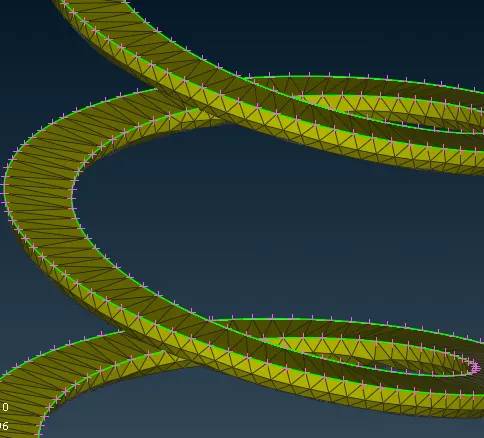
Here we unable to get proper mashing because Mash length more then the radios is less .
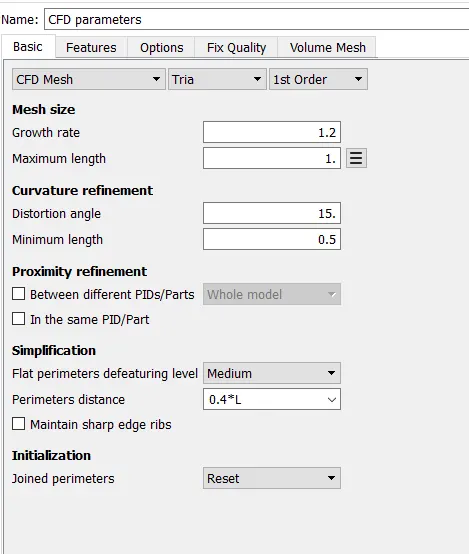
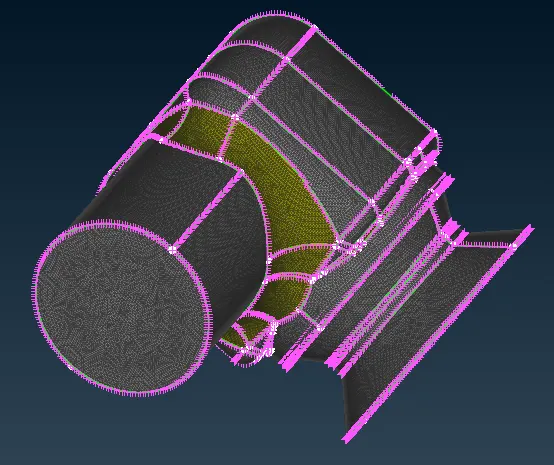
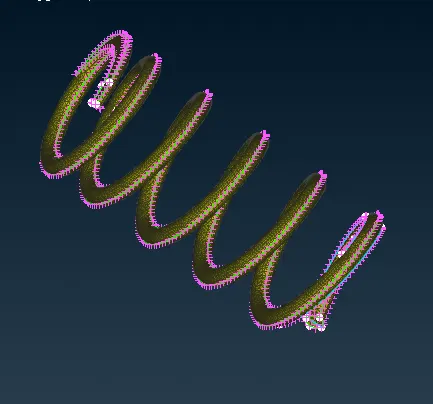
Here we get proper mashing as per the degine given
Conclusion:
We have to decide the mash length as per the geometry.