Week 2 Challenge : Surface meshing on a Pressure valve
MODEL
Pressure Valve
OBJECTIVE
- Check the geometrical errors, perform Topology cleanup and Surface meshing on the Pressure valve.
- Set three different target lengths as three different cases and mesh the model.
PROCEDURE
Topology Clenup
- Import the model into ANSA
- Find out the geometrical errors with geometry check option (Checks`rarr`Geometry`rarr`Execute)
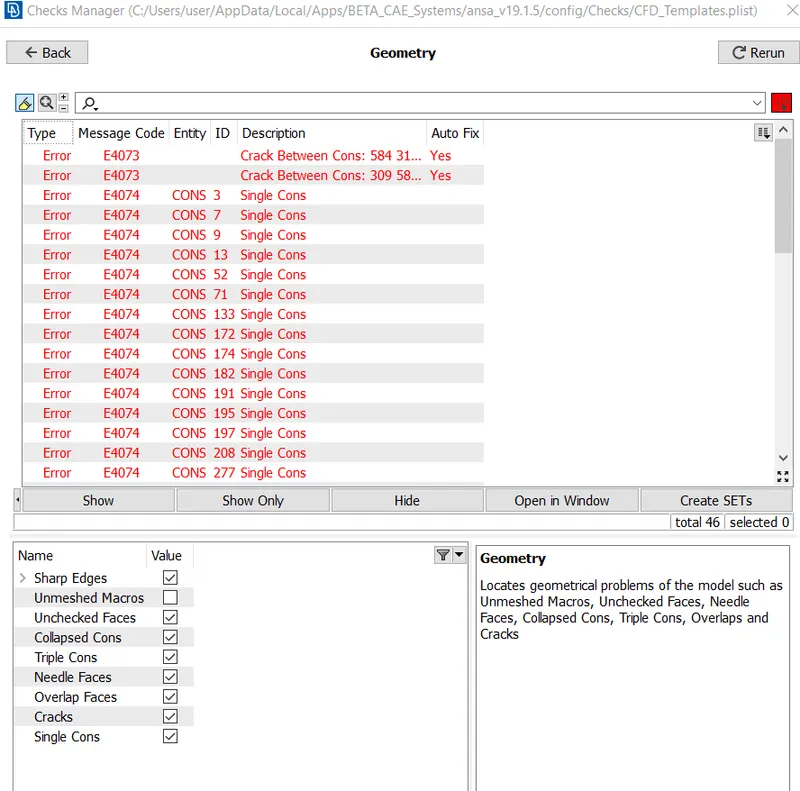
- Since the errors are caused by single cons, make them into double cons and triple cons( at the bottom side of the model ) by doing patch works on the model by using the options like Fill hole and Faces`rarr`New
- Delete small surfaces which less than the target length, inorder to achieve good meshing. To delete a surface, follow the steps. Faces`rarr`Cut`rarr`Right click on the cons of the surface which we want to delete
Creating and Assigning PIDs
- Open Properties Manager
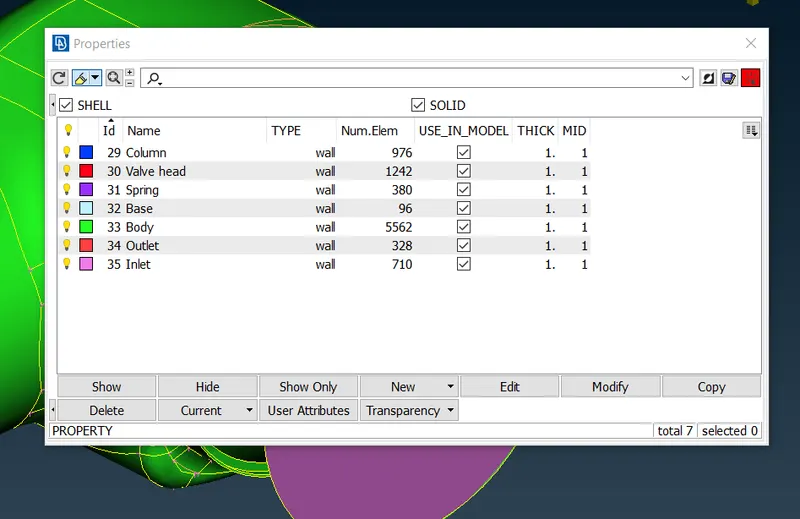
- Create new PIDs such as Inlet,Outlet,Body,Base,Spring,Valve head and Column. (Right click`rarr`new`rarr`SHELL_PROPERTY`rarr`Naming the PID`rarr`Ok)
- Assign the PIDs. (Select any PID on Properties Manager`rarr`Right click`rarr`Apply`rarr`Select the particular part on the model buy using selection tools [ENT,PID,`PID_(REG)`]`rarr`Middle click)
Meshing
- Change Topo mode to mesh mode.
- Select Length tool to set mesh length
- Select Perimeters
- Select the whole model by using box select
- Middel click
- Enter Target length (1mm or 3mm or 5mm)
- Click Ok
- Select Macros
- Select the whole model by using box select
- Middel click
- Enter Target length (1mm or 3mm or 5mm)
- Click Ok
- Select Mesh parameters
- Change CFD mesh to General
- Change target length from local to average
- Set target length (1mm or 3mm or 5mm)
- Set minimum and maximum target length
- Check the elemet type (Tria)
- Click Ok
- Select Quality Criteria
- Set minimum and maximum target length
- Click Ok
- Select Spot Mesh from Mesh Generation
- Select the surfaces PID wise.
- Long left click on Spot Mesh and select Visible
- The mesh will be shown in the model
RESULT
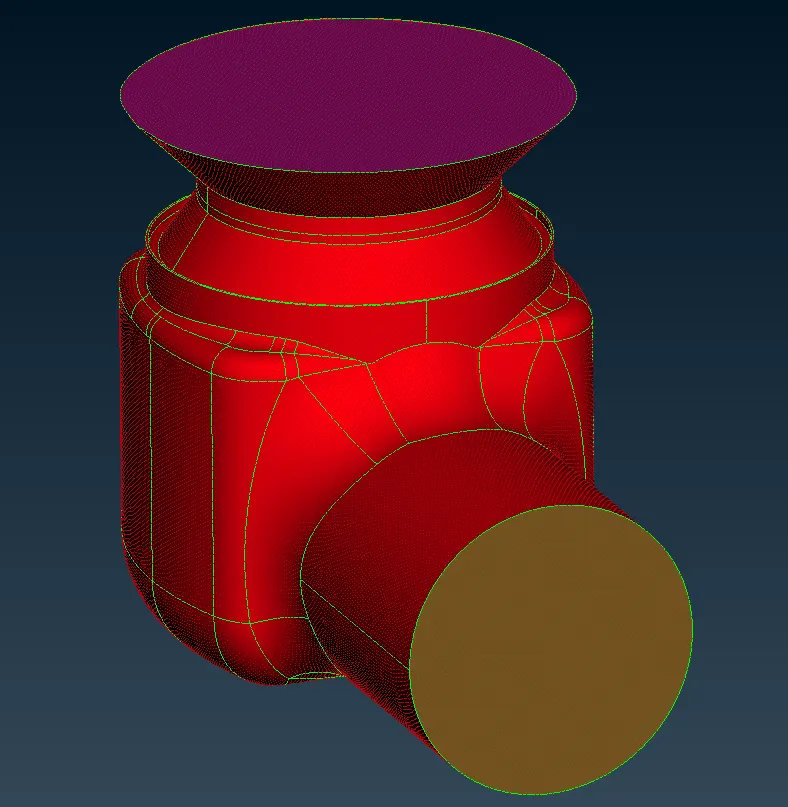
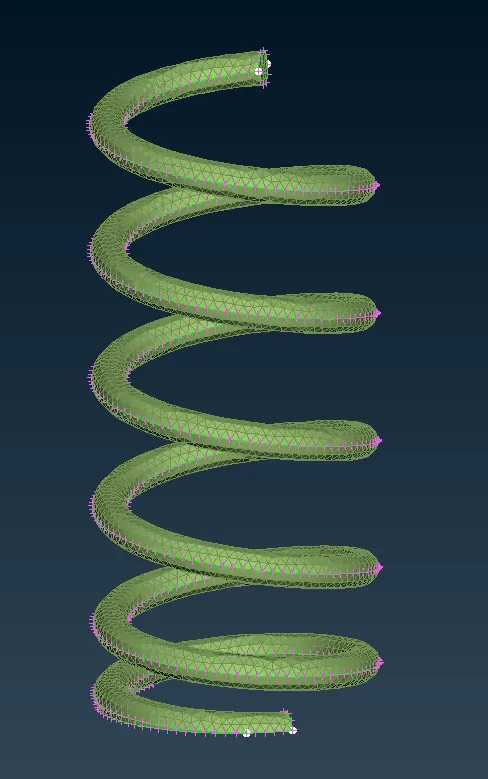
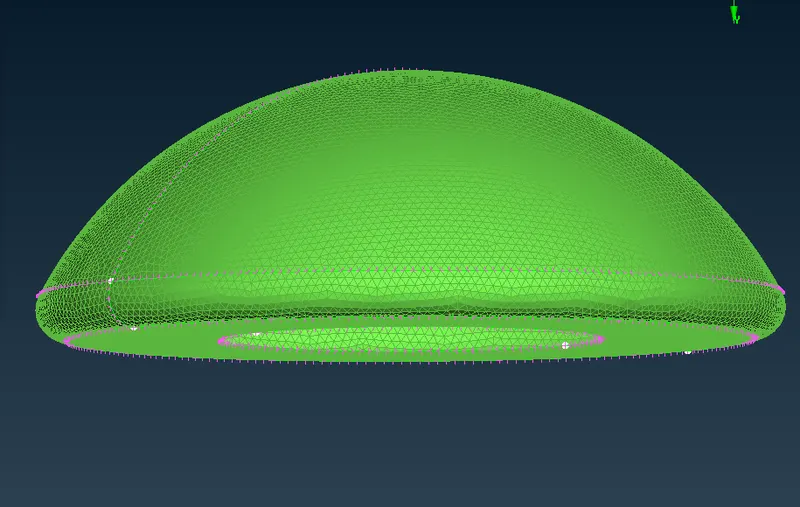
CASE 1 - TARGET LENGTH = 1mm
- Full model
- Valve head-Spring-Column Assembly
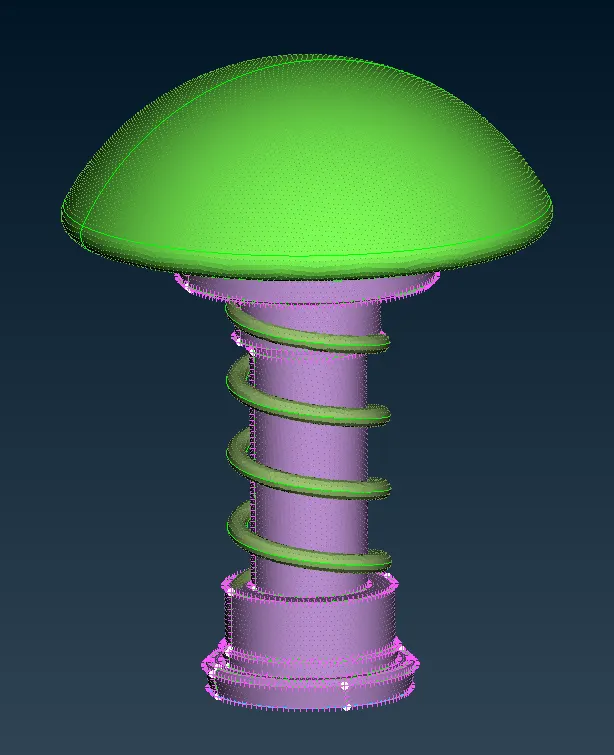
- Spring
- Valve head
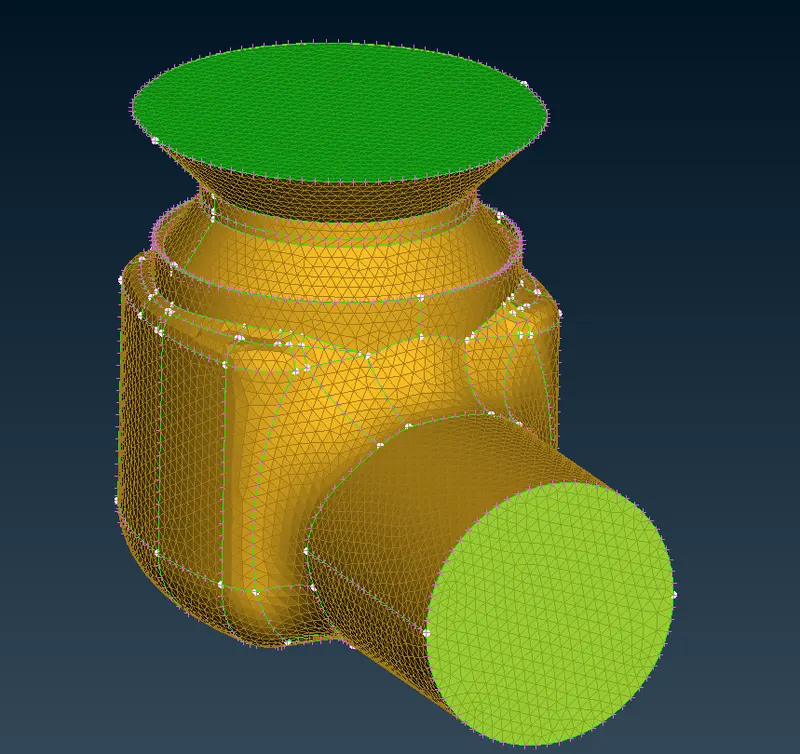
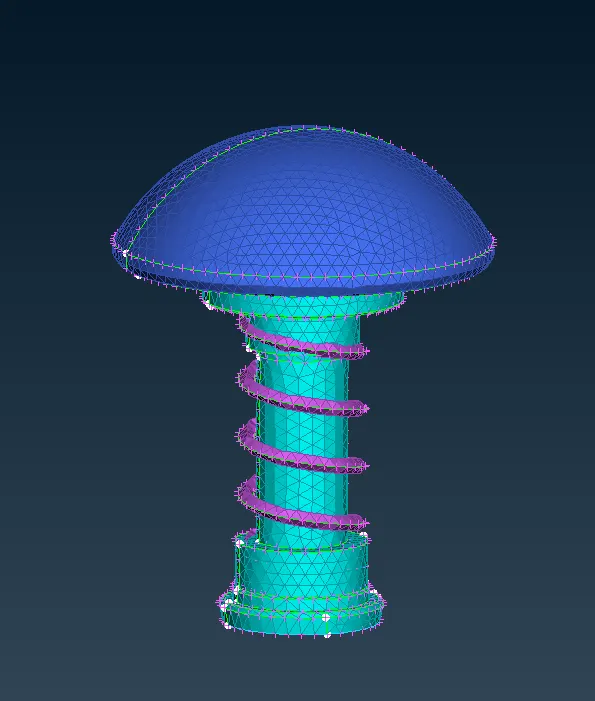
CASE 2 - TARGET LENGTH = 3mm
- Full model
- Valve head-Spring-Column Assembly
- Spring
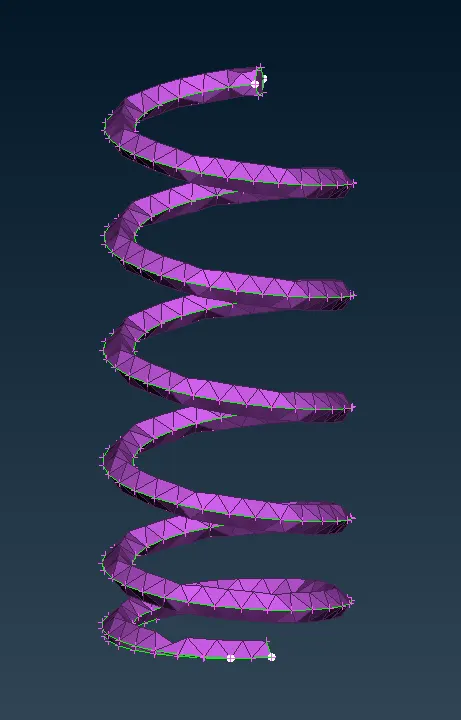
- Valve head
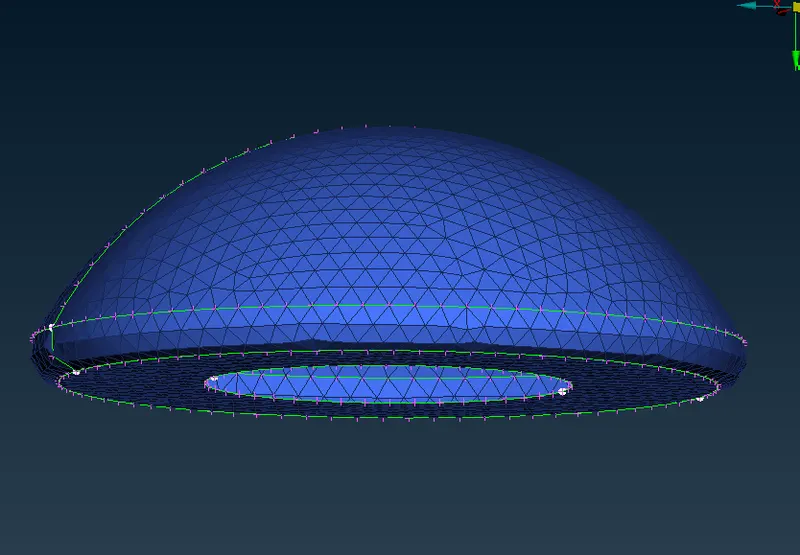
CASE 3 - TARGET LENGTH = 5mm
- Full model
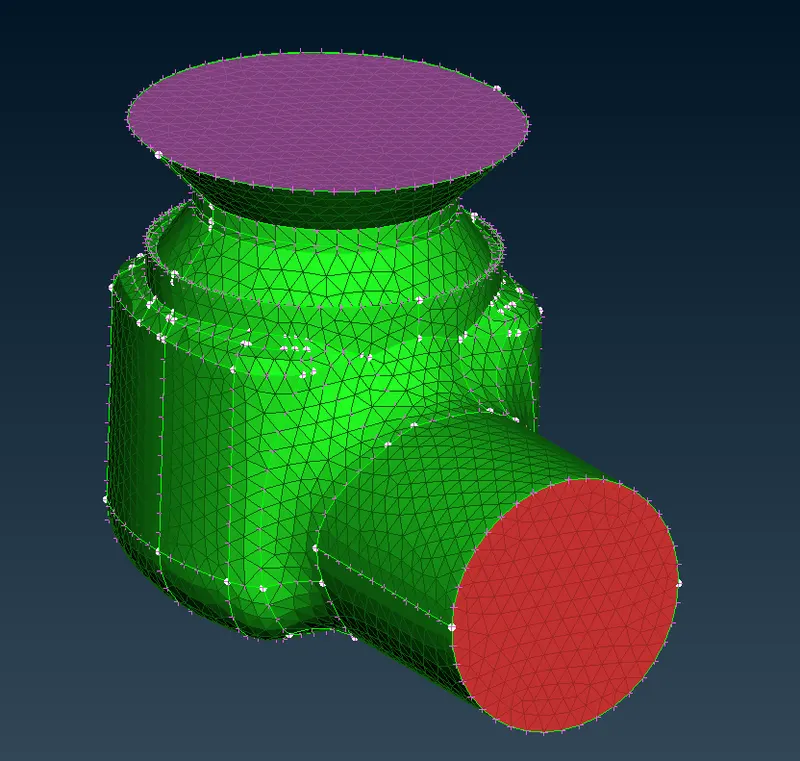
- Valve head-Spring-Column Assembly
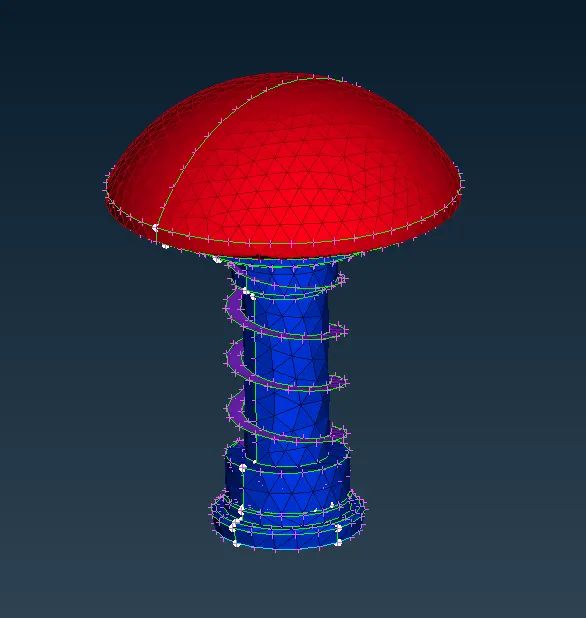
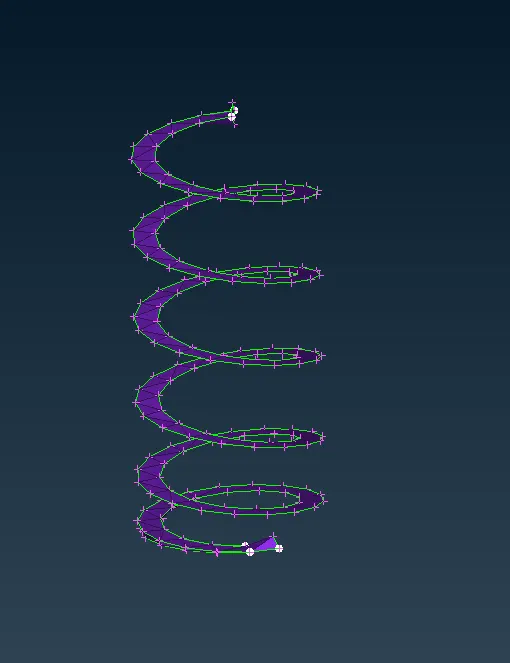
- Spring
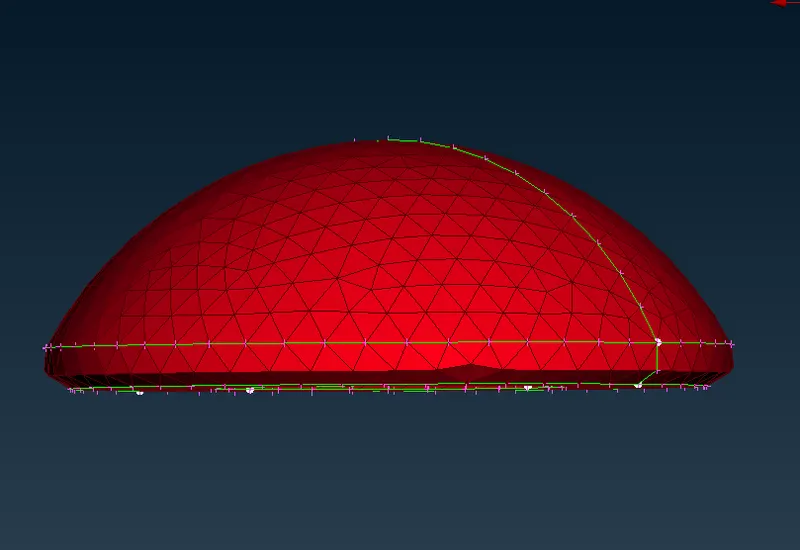
- Valve head
CONCLUSION
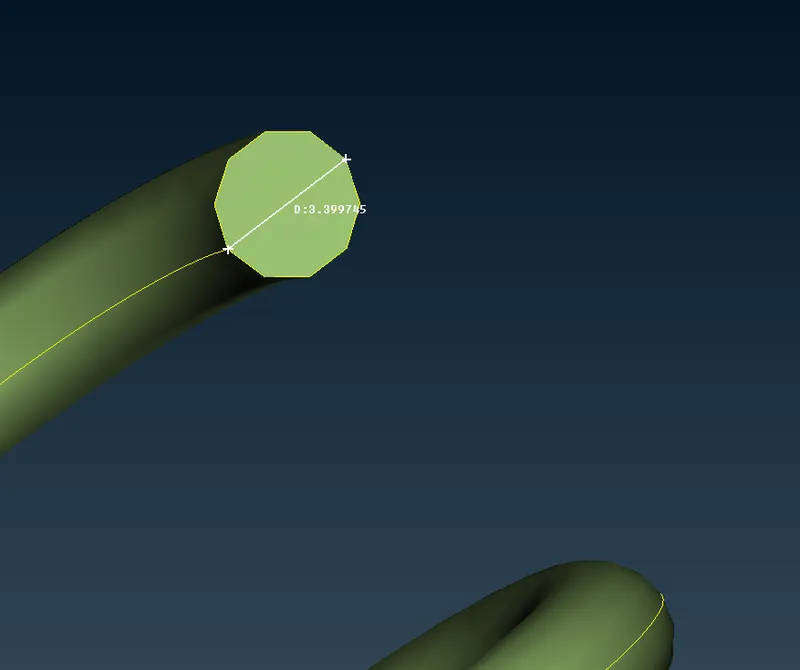
From these 3 cases we understand target length depends the meshing of the geometry differently. In the 3rd case, we can see that the accuracy of the model is less than the other two. Taking the case of the spring alone for the 3rd case, we can see that the shape of the spring is completely getting messed up. Because in that case the target length is 5mm, which is less than the diameter of the spring(3.39mm). So it is impossible to mesh there without losing the shape of the geometry.
- Diameter of the spring
But for the other two cases, the mesh looks good. The first case (target length=1mm) is the best among these 3 cases.