Week 2 Challenge : Surface meshing on a Pressure valve
Aim:
To check for geometrical errors, perform topology cleanup and generate surface meshing on the pressure valve.
Working Methodology :
The working methodology that is followed to generate mesh on any geometry is :
1. Import the geometry.
2. Check for geometrical errors.
3. Geometry cleanup.
4. Assigning relevant PIDs.
5. Meshing.
step-1: Import the geometry
First, the pre-designed geometry of the pressure valve is imported into the ANSA.
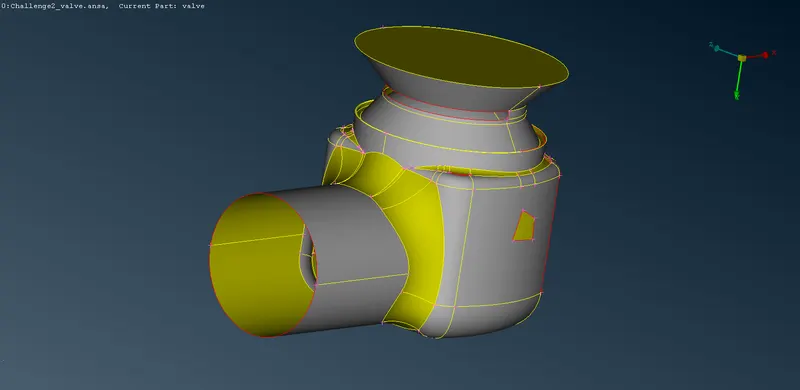
step-2: Check for geometrical errors
The Checks tool is used to check for geometrical errors like cracks, single CONS, etc
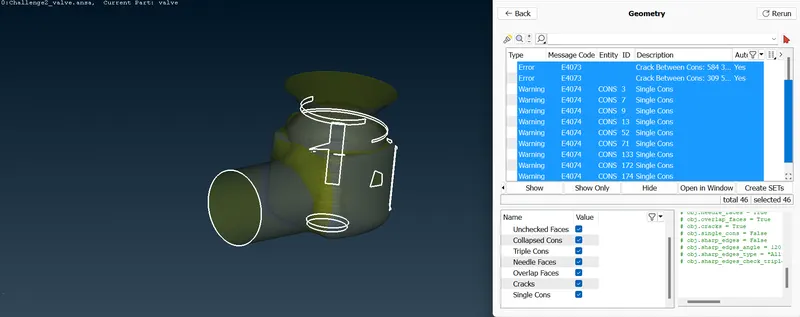
image showing the highlighted errors
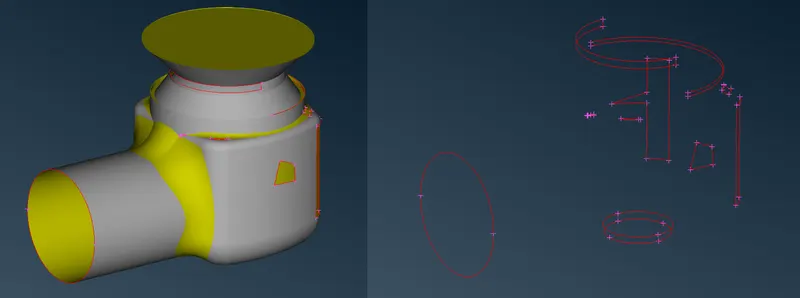
single CONS present in the geometry
Step-3: Geometry cleanup
1. Creating a face using the new face tool.
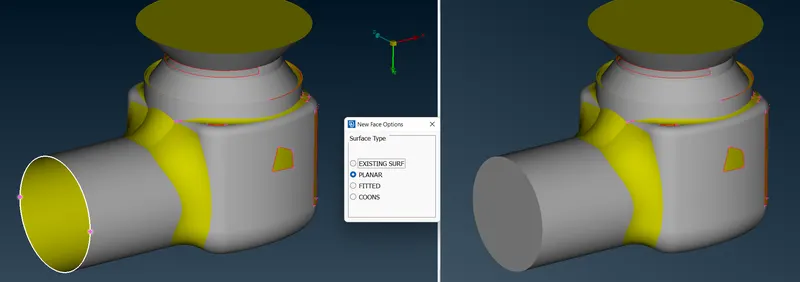
2. Filling the hole using the fill hole tool.
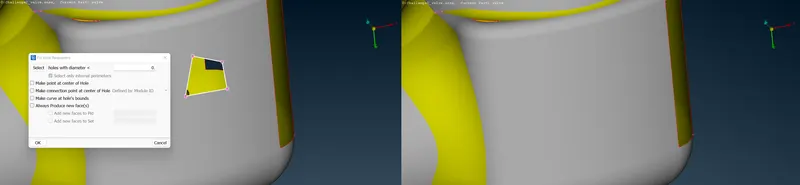
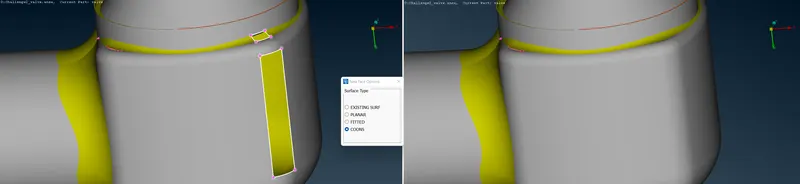
3. Creating faces, using COONS method in the new face tool.
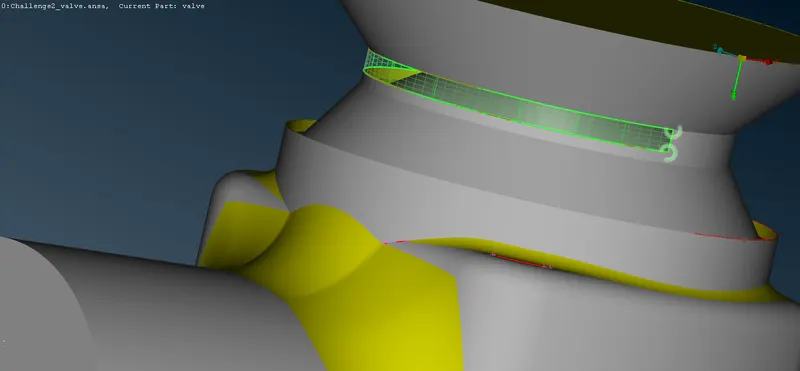
4. Repairing the cracks using the fill hole tool.
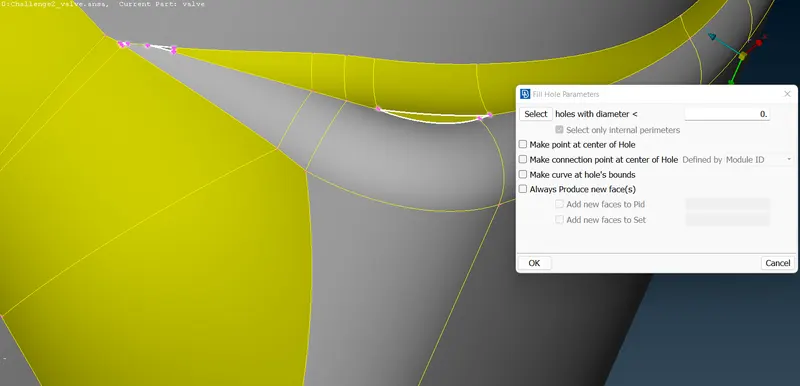
5. Patching the face using the COONS method.
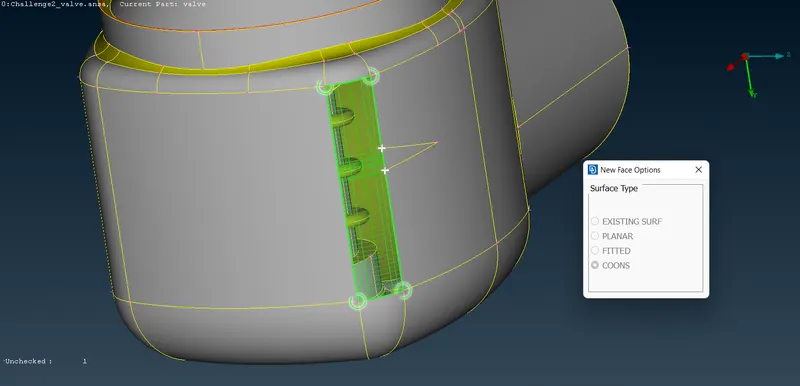
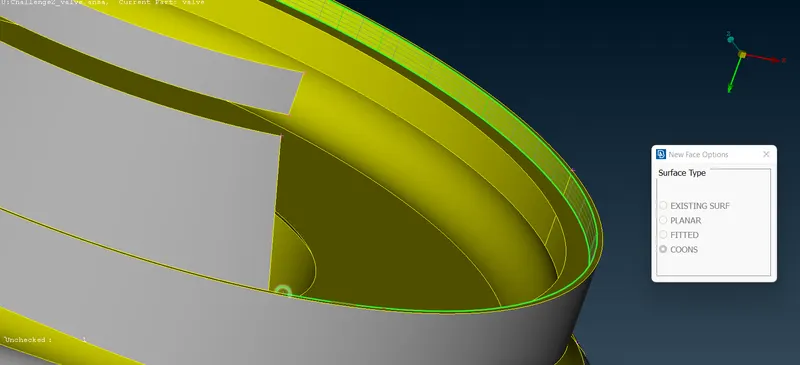
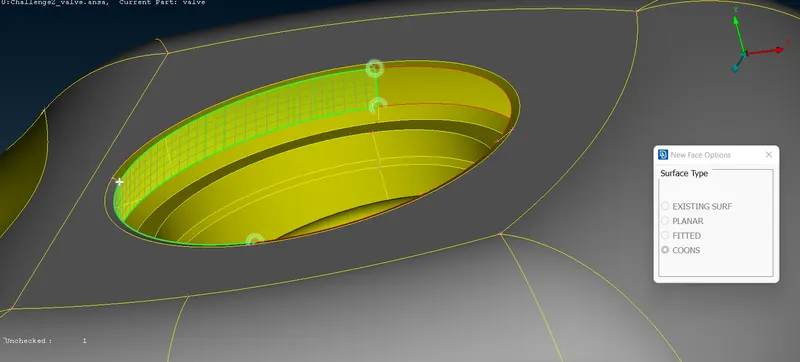
6. Creating a surface at one of the openings using Planar method.
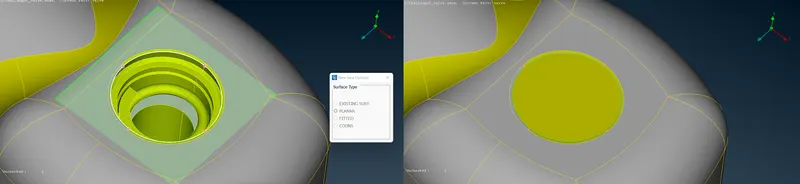
step-4 Assigning relevant PIDs
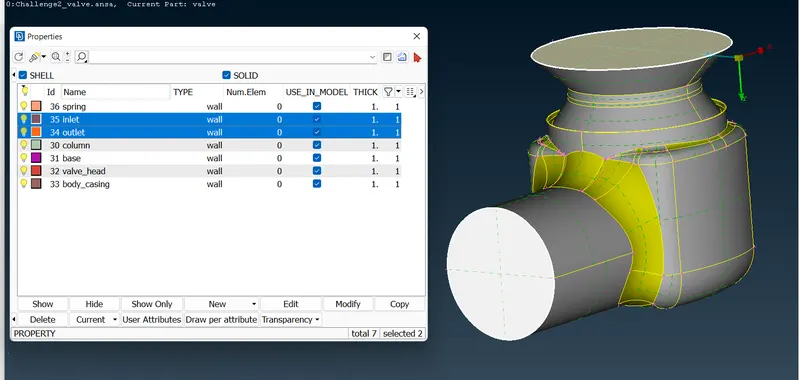
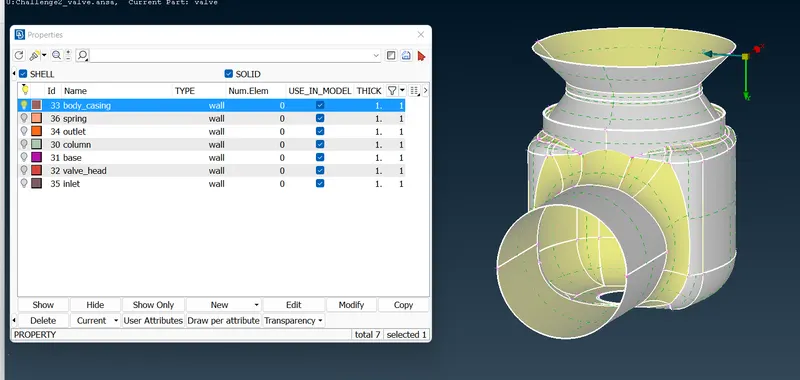
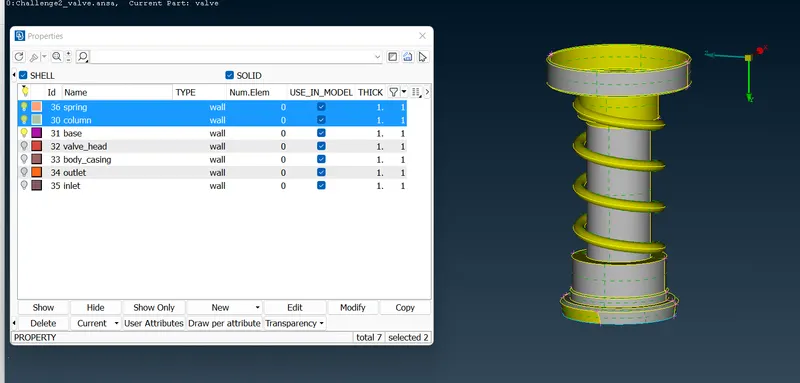
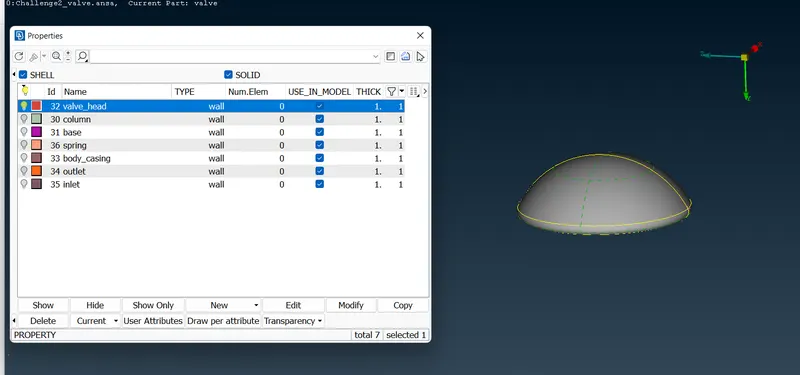
step-5 Meshing :
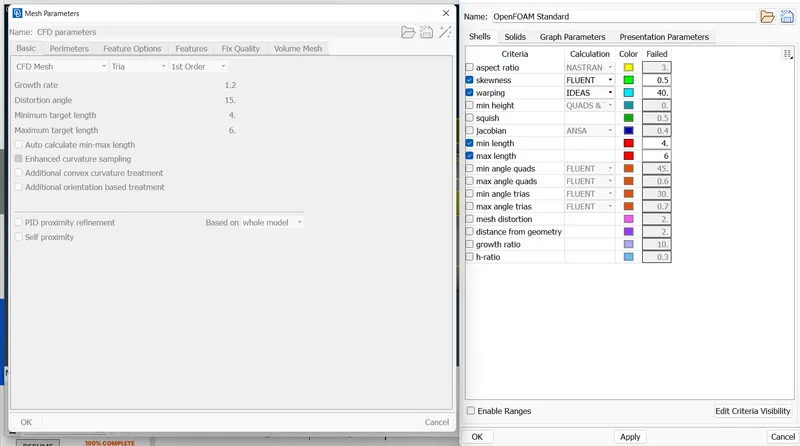
After assining different PIDs to different parts, we can proceed further to generate the mesh. The mesh parameters like minimum and maximum target length,etc are specified.
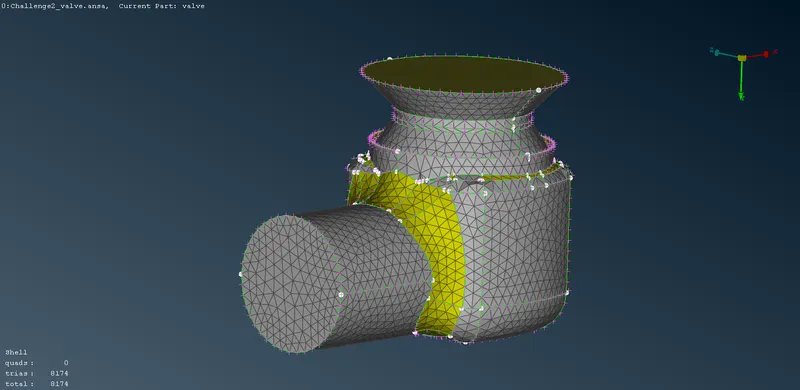
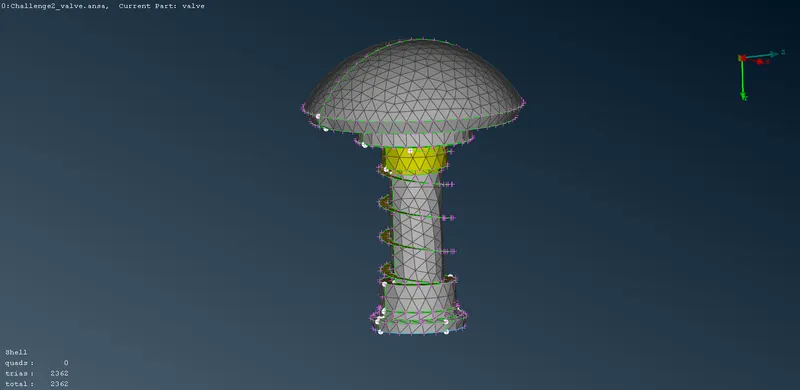
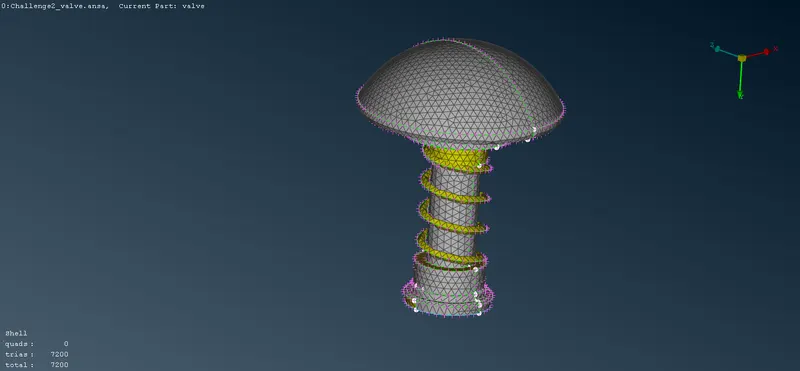
case-1 Element size-5mm
case-2 Element size-3mm
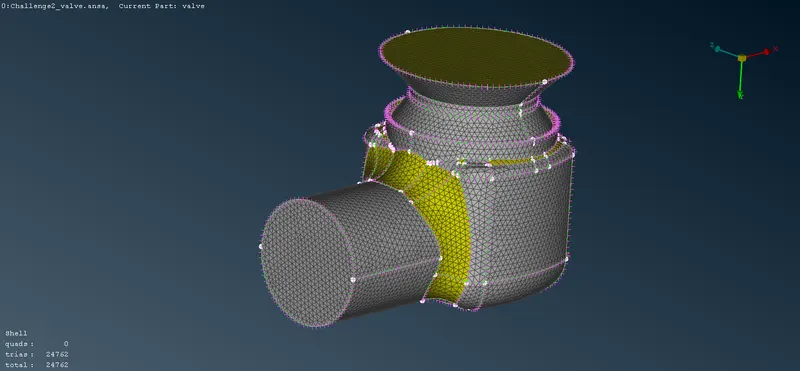
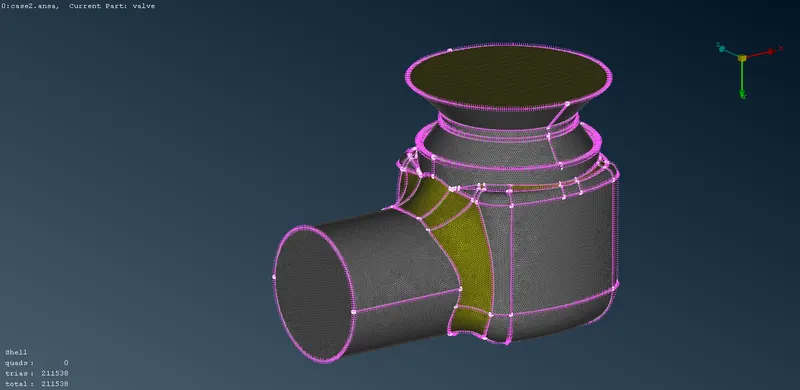
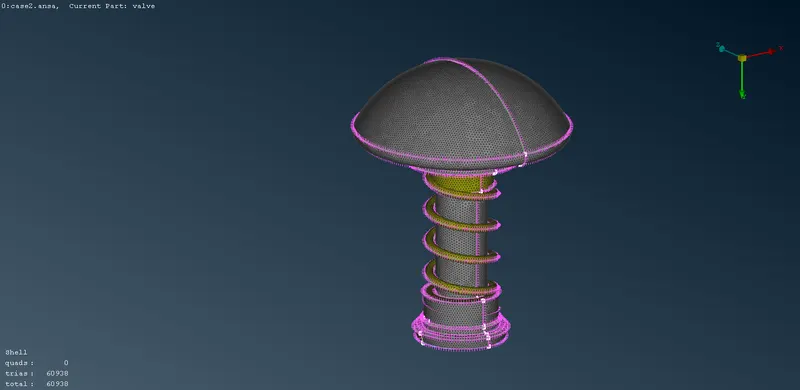
case-3 Element size-1mm
ANSA file drive link - https://drive.google.com/drive/folders/1mDTq_KKiyCWhBgh4HGbJ0PpYTupukRdq?usp=sharing
Conclusion :
1. When the element size is decreased, more number of elements are generated. As the elements increase, the computation time also increases.
2. When the element size is decreased, geometry is captured accurately i.e, In case1, the spring couldn't be captured properly, as the size of the mesh element is greater than the dimension of the components. On the other hand, in case3, the spring component is captured accurately.
3. To get accurate results, fine mesh is preferred.