Week 2 Challenge : Surface meshing on a Pressure valve
For the given model, check for the geometrical errors and perform Topology cleanup accordingly. Set three different target lengths as three different cases and mesh the model.
- Target length = 1mm, 3 mm and 5 mm (i.e. 3 cases)
- Element type = Tria
Objective
Hear the mesh has to generate with the given model with a target length of5mm,3mm and 1mm. the mesh has to be developed with the CFD mesh
Mesh has been created by following the steps
step1:Initially, the model is imported into ansa and checked for geometric clearance and cones present in the given model have been analysed and make a copy of three ansa files to create three mesh with the given target length
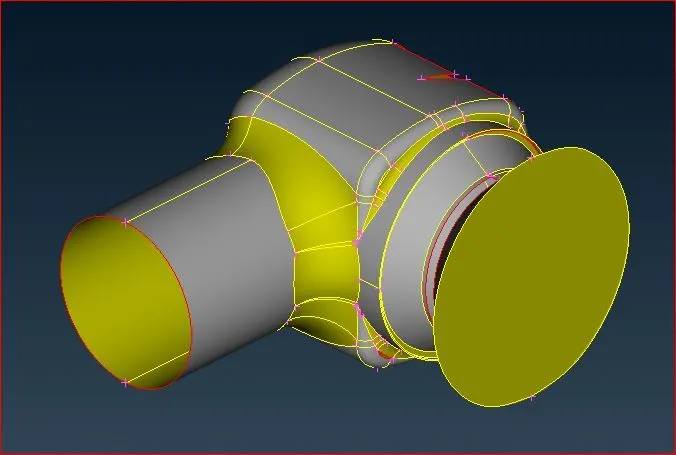
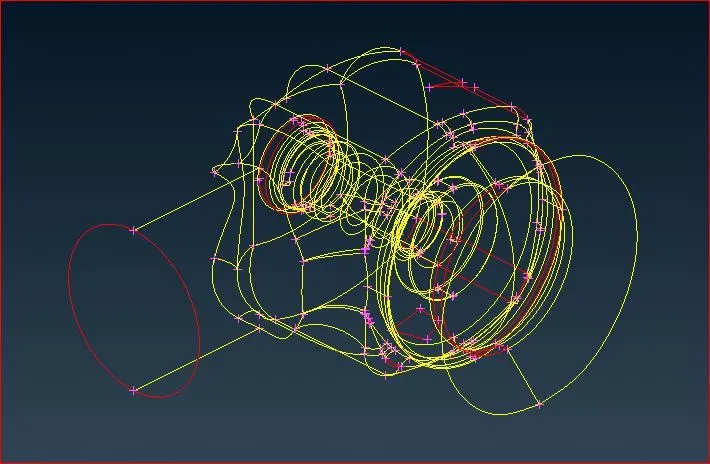
step2:From the imported file it will be apparent that the model has some red cones and intersection errors. To find the errors we can manually find or we can find them using checks`->` checks manager`->` geometric check in it we can evaluate the geometric part we need to evaluate
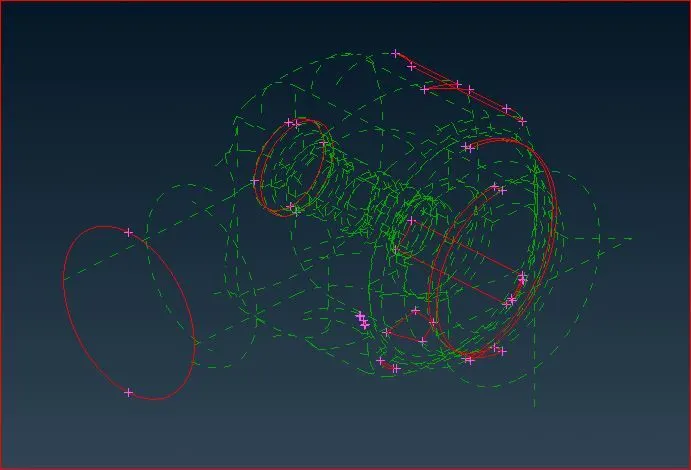
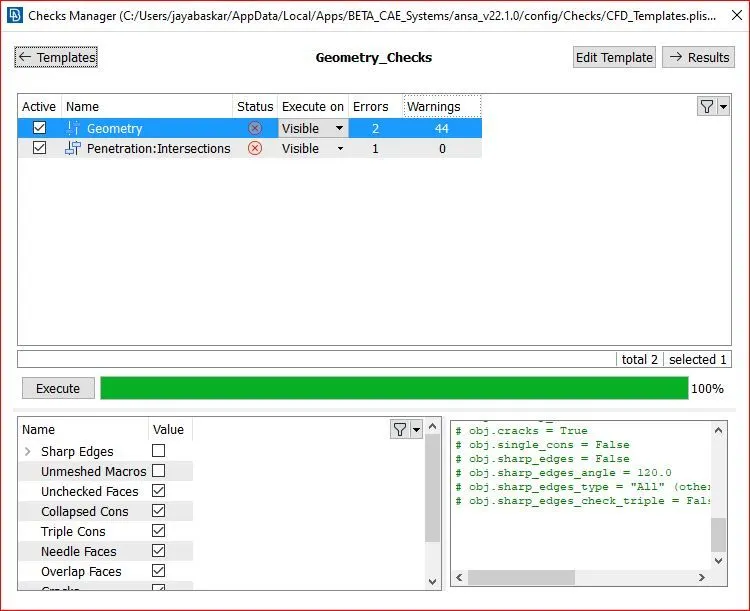
step3:After finding the present cons we need to clear those cons and the missing surface has to be created make sure the created surface did not create any error in the model shown below
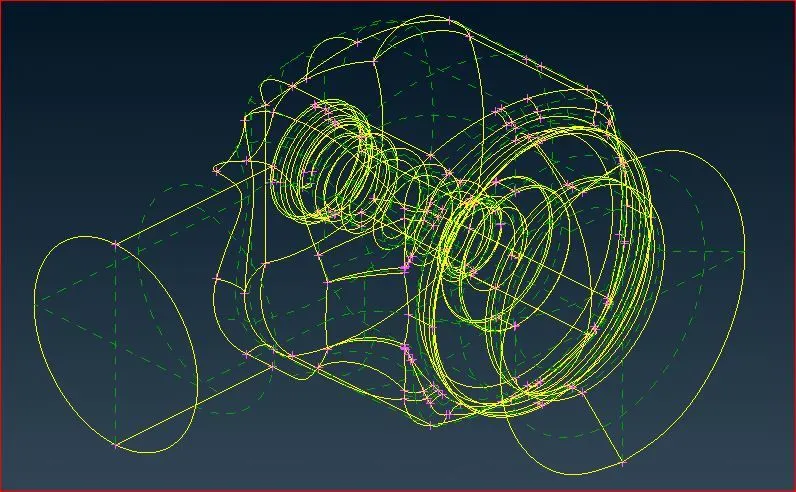
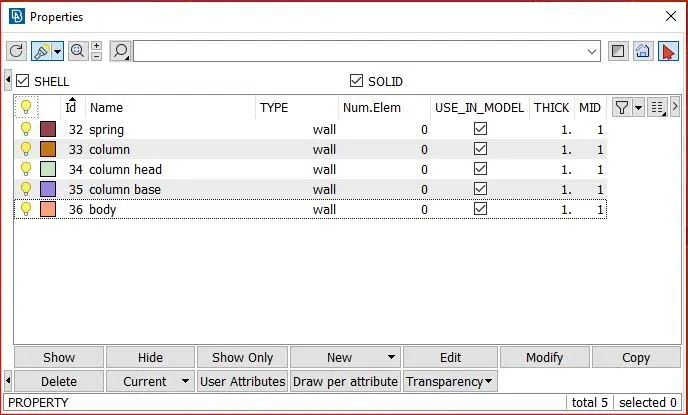
step4:In this step the PID has been applied to the model to separate the design as we want to mesh it with different sizes but here we use only standard target length and it also helps to select and make changes with the separate part of the model
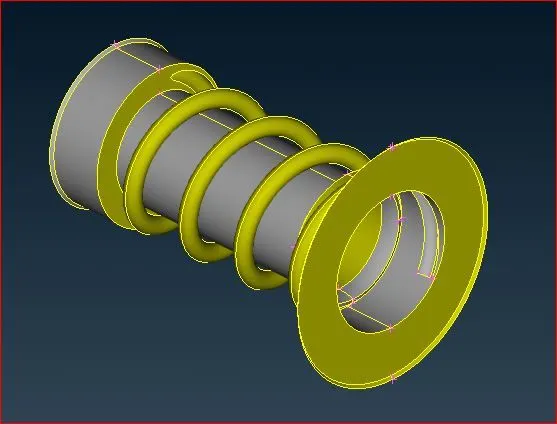
To do that I use boolean operators to hide all other unwanted regions. The below image shows the column and spring present in the model
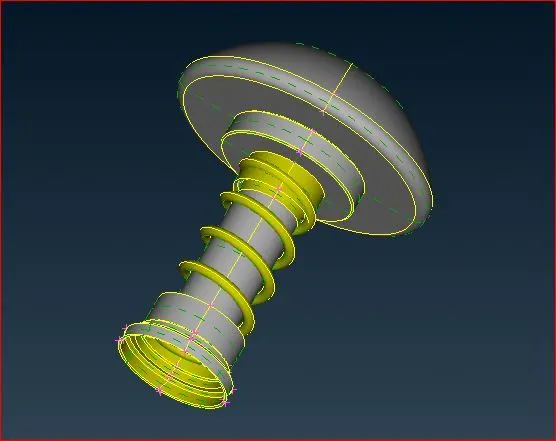
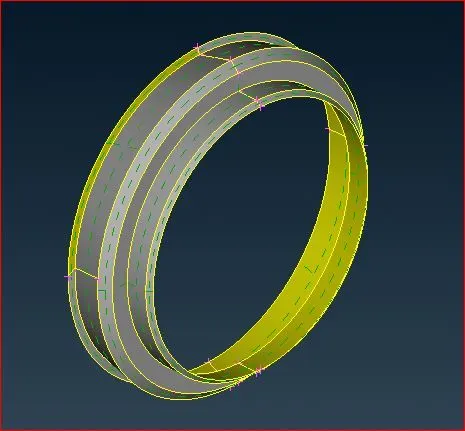
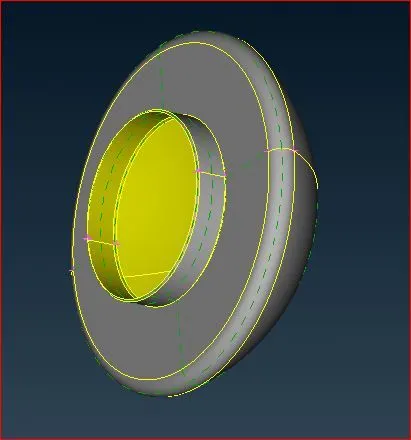
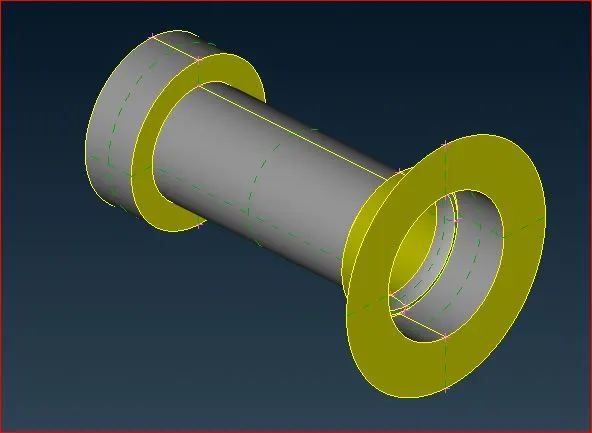
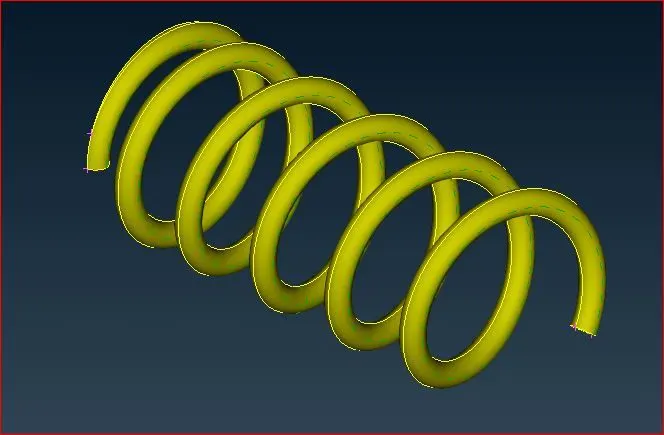
the above image shows the column base, column head, column body and spring presented in the model and the separate PID applied for the objects
step5:In this step the intersection error between the column and spring has been solved by using intersect option
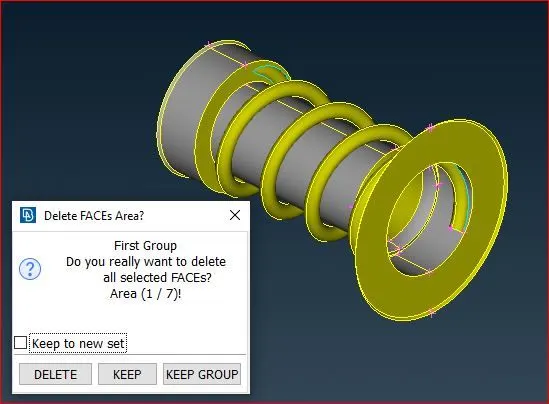
The intersection of faces asks which surfaces need to keep we need to choose the surface manually and delete the unwanted surfaces
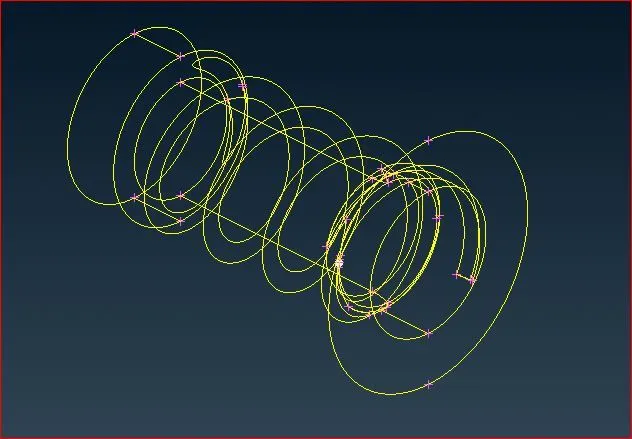
After cleaning all the geometric errors we once again check the geometric check to evaluate and make sure the geometry is clear
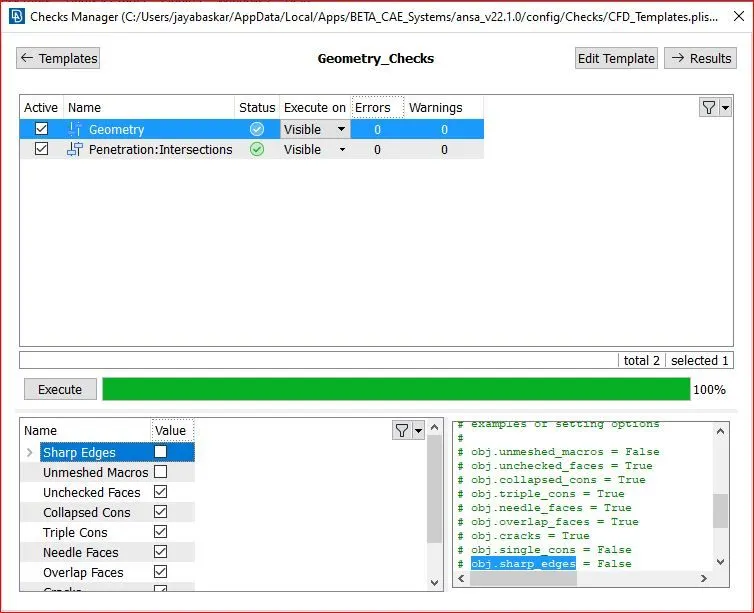
after cleaning those geometric cons we need to check the small surface present in the model. The small surfaces affect the mess generation because when the surface is smaller than the target length it inter fear the mesh and affects the mesh quality so we don't delete the surfaces but we need to join the surfaces to another one to make the surface big by using cut option
step6:After completing the topological clearance the meshing has been obtained by specifying the perimeter length of the surface has been assigned and macros have been assigned concerning the required target length. Finally, the mesh parameters have been checked and generated a mesh with the CFD mesh options in the mesh`->` mesh generation
output
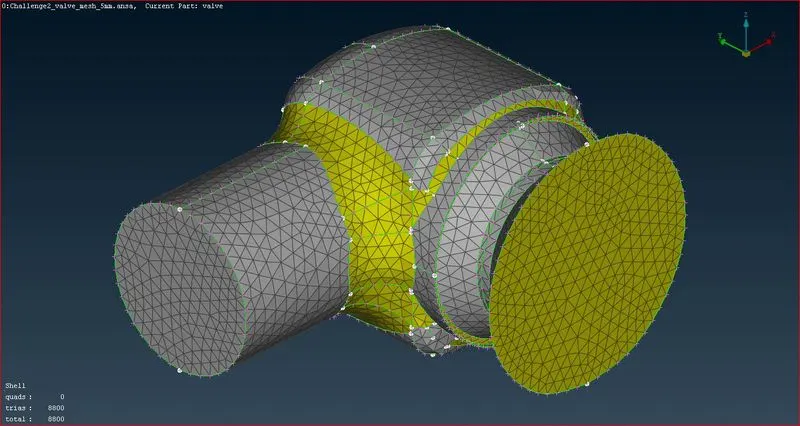
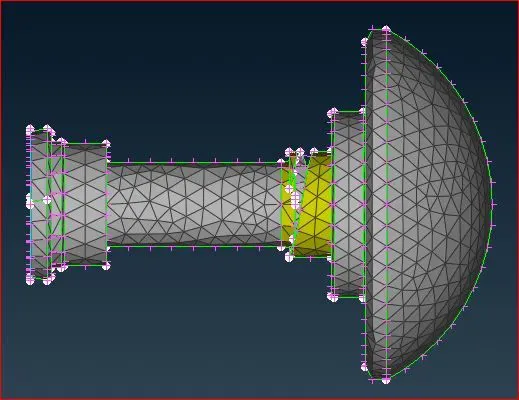
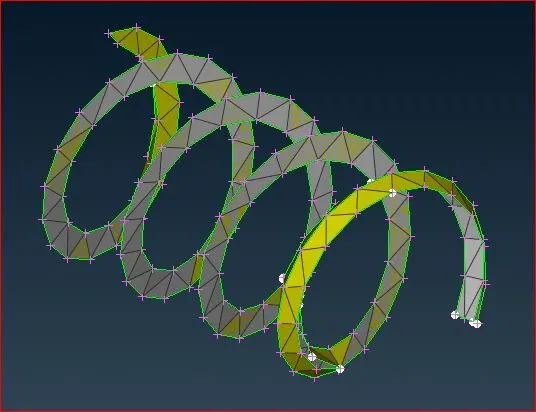
For the 5 mm Target length
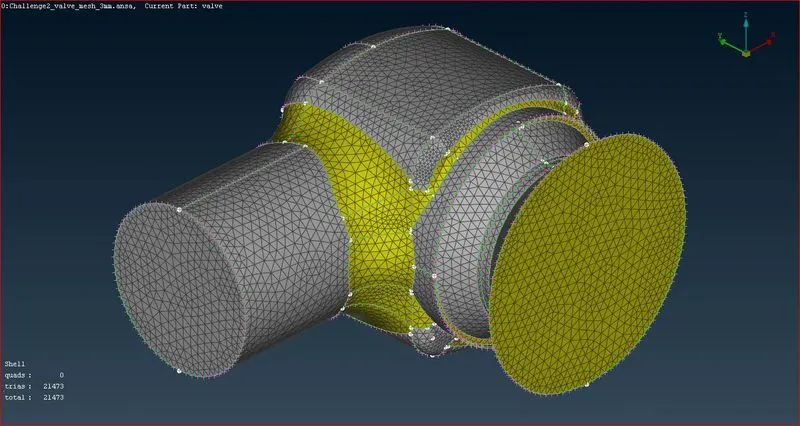
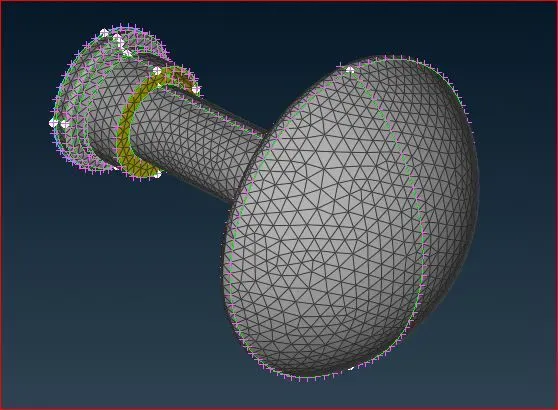
For the 3 mm Target length
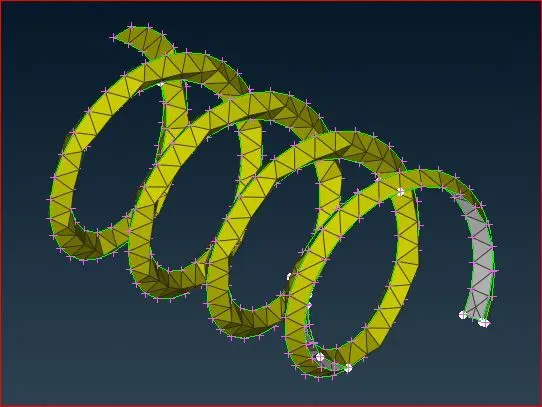
For the 1 mm Target length
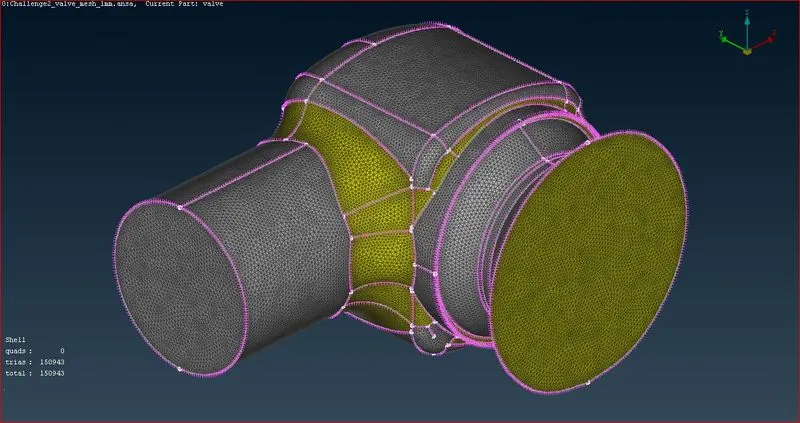
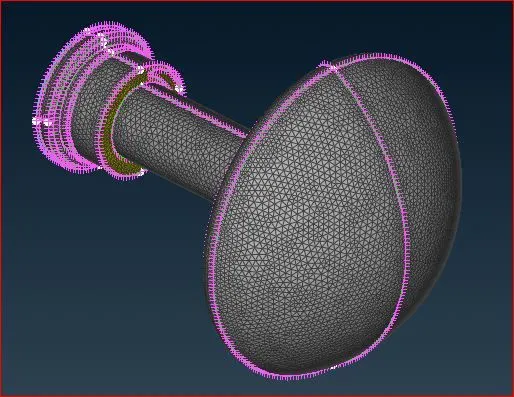
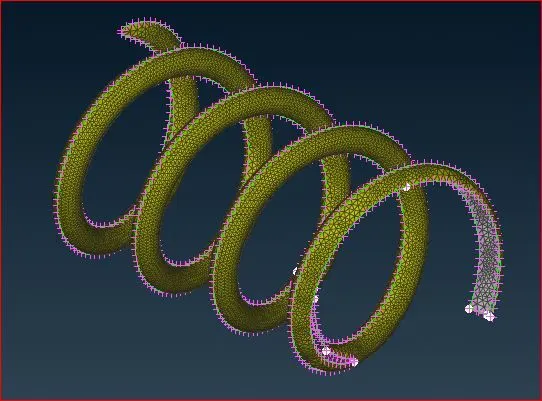
Result Discission
1 For a 5 mm mesh, it generates 8800 elements to create a mesh. in the mesh, the body of a model gives proper mesh and satisfy but the columns are ok but need more mesh element for proper mesh and the spring mesh gets weird because of the large target length
2 For a 3mm mesh, it generates 21473 elements to create a mesh. in the mesh, the body and column of a model give proper mesh and the spring mesh shows the mesh needs to reduce mesh size for proper mesh
3. For a 1 mm mesh the mess generated is more accurate compared to the previous and it is generated with the 150943 elements in this mesh the spring gets its shape
conclusion
By decreasing the target length we can get a more accurate mesh but decreasing the target length increases the mesh element so we need to choose the proper target length for the different objects. from the results it is clear that 1mm mesh is suitable for spring,3mm mesh is suitable for column and 5 mm mesh is suitable for body