Week 2- 2R Robotic Arm Challenge
Aim : Write a code in Matlab to simulate the forward kinematics of a 2R Robotic Arm, as shown in the video. Create an animation file and upload google drive.
Objective : In this challenge we learn how to fined different angle or conditions robotic arm coordinate i.e we simulate degree of freedom of arm and also find thire coordinates according to its angle and crate a animation file by using various matlab commands.
Description :
here is we write a code for 2 link or arm robotic arm and create animation video
before writting the code predifend the initial inputs such as link length, angle etc.
two link arm so we select 2 length for two arm
inputs
select link length
link1 = L1=0.8 m
link2 = L2=0.6 m
after selecting link length we define angle here is we simulate the forward kinematic of 2R robotic arm for diifernt angle so we select 0 to 90 degree in matlab 'd' is represent degree so after sin or cos we noted d (sind or cosd ) otherwise result get in radiant and `theta`symbol not insert in code so we insert as theta in the code we get differnt angle 0 to 90 10 value it is represent as below
theta1 = linspace(0,90,10)
theta2 = linspace(0,90,10)
so we get two angle for two link we select same value for two links
after that we select initial coordinates
x0 = 0
y0 = 0
done this input and type as per matlab coding languge
after that we used 2 for loop for two angle selection theta1 and theta 2 and put this value in formula for finding length of link
by use i and j variable complete the for loop as show in below
for i = 1:length(theta1)
THETA1 = theta1(i)
for j = 1:length(theta2)
THETA2 = theta2(j)
here is we find x1 link and x2 also y1 and y2
formula
link1 x and y coordinate
x1 = L1*cosd(THETA1)
y1 = L1*sind(THETA1)
link2 x and y coordinate
x2 = x1 + L2*cosd(THETA2)
y2 = y1 + L2*sind(THETA2)
for link two we only change just add x1 and y1 values
after comolete aove all thik we using plot command and creat a animation and also used videowriter command and save video
plot([x0 x1],[y0 y1],[x1 x2],[y1 y2],'LineWidth',3,'color','r');
axis([-0.1 1.5 0 1.5])
pause(0.03);
M(ct) = getframe(gcf)
ct = ct+1
end
end
by using two end we close both for loop after that type code for saving video file in .avi format
movie(M)
videofile=VideoWriter('robotic_arm.avi','Uncompressed AVI')
open(videofile);
writeVideo(videofile,M);
close(videofile);
Details Code
clear all
close all
clc

% Robotic arm two link

% inputs
% select link length
L1=0.8;
L2=0.6;
theta1 = linspace(0,90,10)
theta2 = linspace(0,90,10)

% initial coordinates
x0 = 0;
y0 = 0;

ct=1;
for i = 1:length(theta1);
    THETA1 = theta1(i);
    for j = 1:length(theta2);
        THETA2 = theta2(j);
        x1 = L1*cosd(THETA1);
        y1 = L1*sind(THETA1);
        x2 = x1 + L2*cosd(THETA2);
        y2 = y1 + L2*sind(THETA2);


%plotting
plot([x0 x1],[y0 y1],[x1 x2],[y1 y2],'LineWidth',3,'color','r');
axis([-0.1 1.5 0 1.5])
pause(0.03);
M(ct) = getframe(gcf)
ct = ct+1
    end
end


movie(M)
videofile=VideoWriter('robotic_arm.avi','Uncompressed AVI')
open(videofile);
writeVideo(videofile,M);
close(videofile);
Result
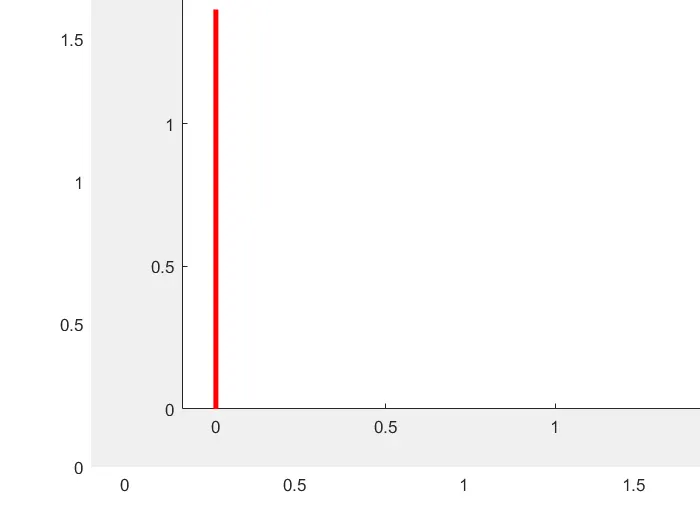
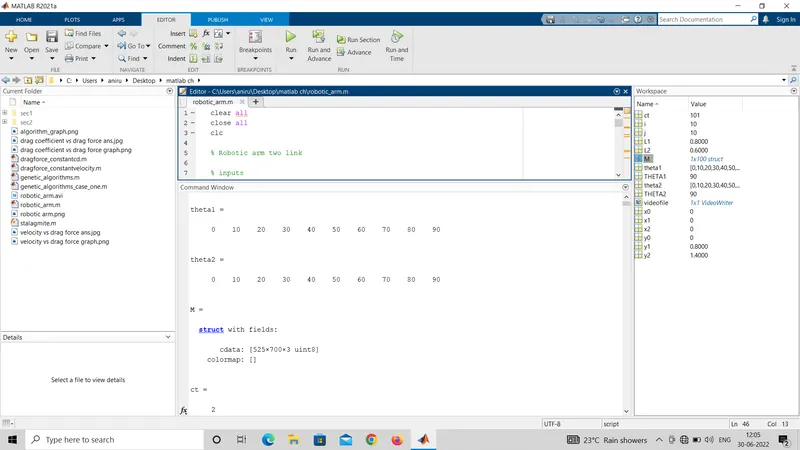
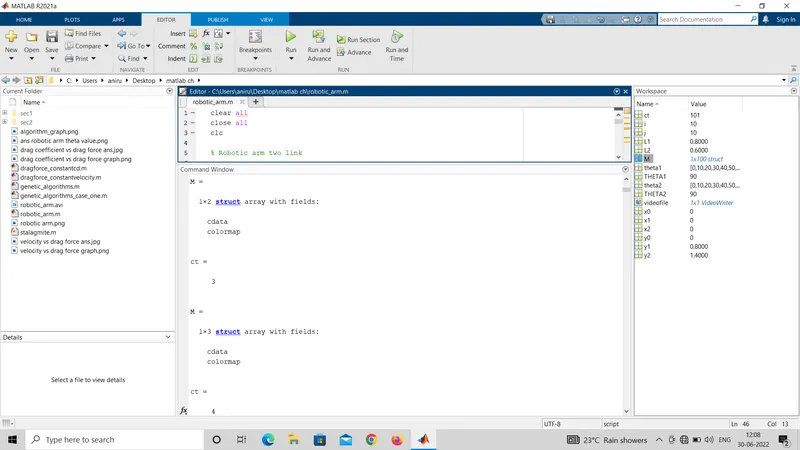
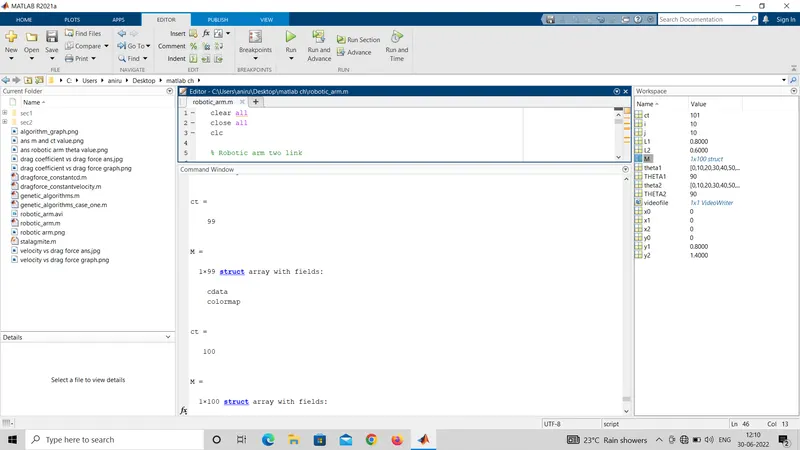
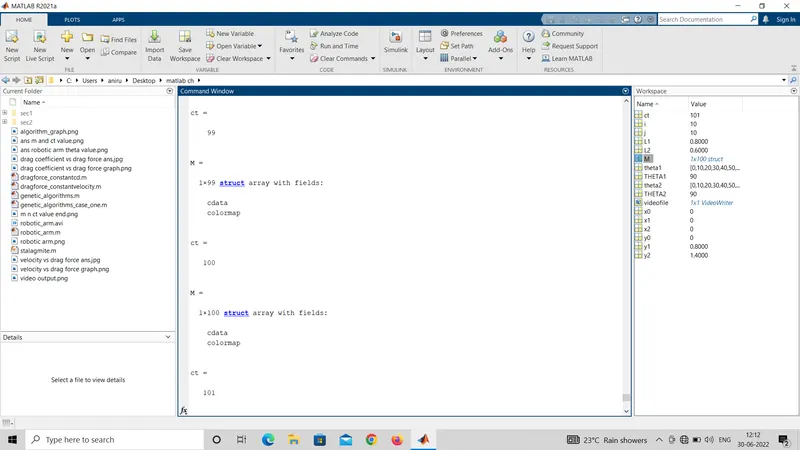
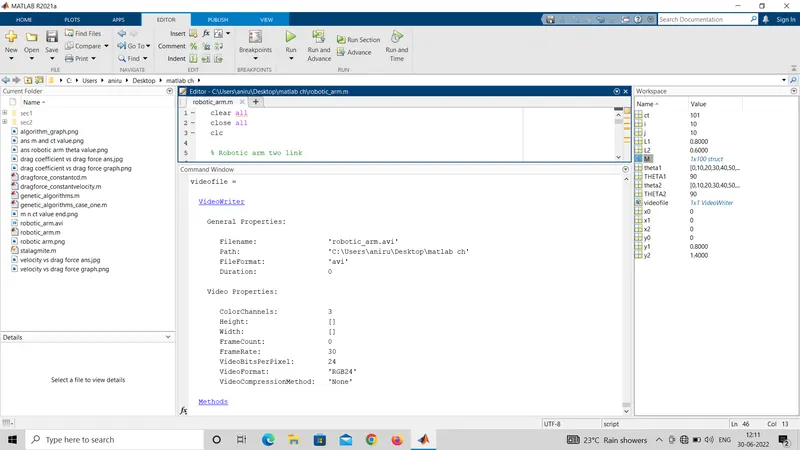
animation video link
https://drive.google.com/file/d/1RW15PINBUeZaghlCdboYrDI-iqKjtnDp/view?usp=drivesdk
Error during cration of code
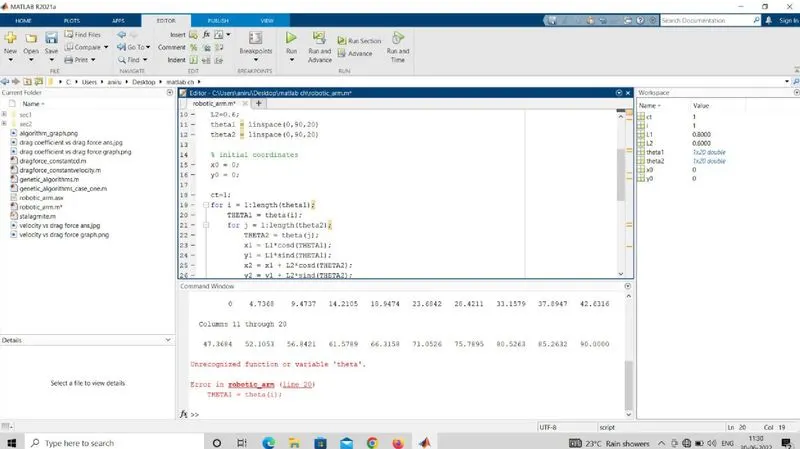
1. unrecognised function or variable 'theta'
this error is shown in command window during 1st time run the the program in line 20 they show
THETA = theta(i)
this error occurce due to wrong typing we correct it show in below
instead of only theta(i) we write a theta1(i) and also theta2(j) and solve this error
screenshot of error
2. the specified profile is not valid
this error show in command window in line 44 this error cause of i write instead of .avi write a MP4 so matlab so this error so i was type a .avi in MP4 athan slove this error
screen shot of error
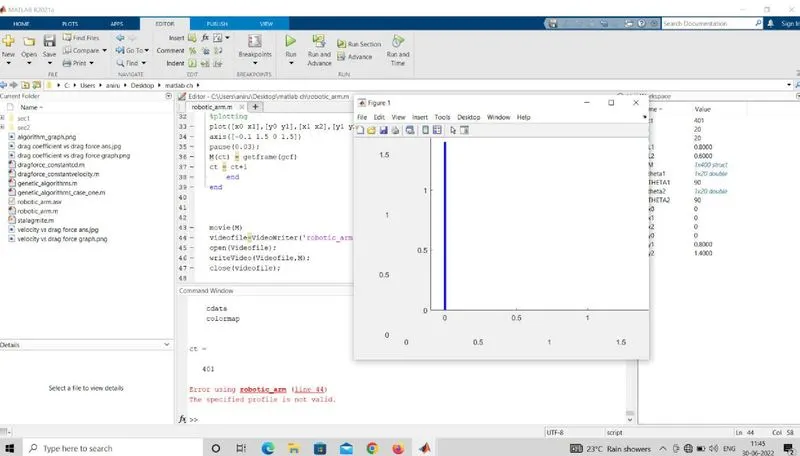
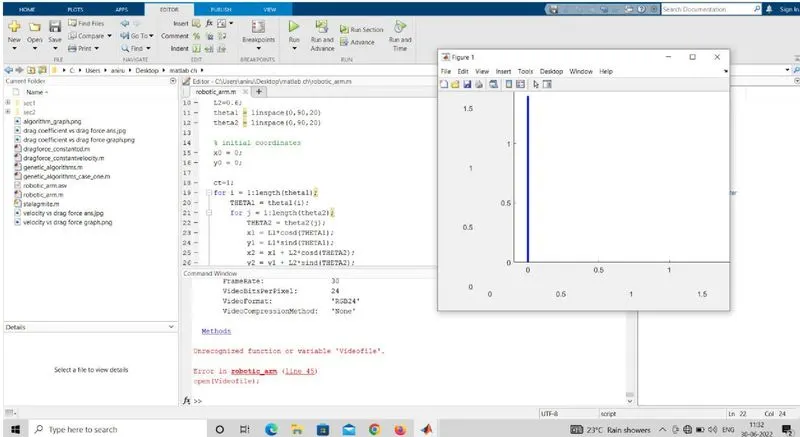
3. unrecognised function or variable 'Videofile'
this error in line 45 this error due to in word of 'Videofile' v is small letter is required i was type capitale letter so this error occurce
screen shot of error