Week 2- 2R Robotic Arm Challenge
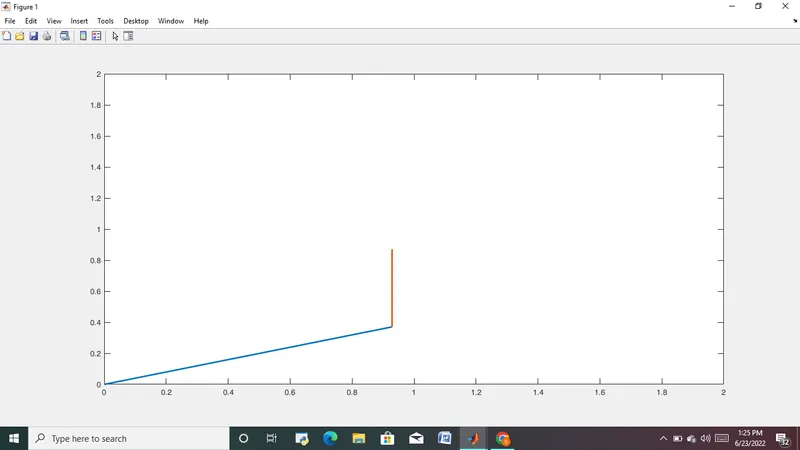
AIM: Simulate the forward kinematics of a 2R Robotic Arm and creating an animation of the plot
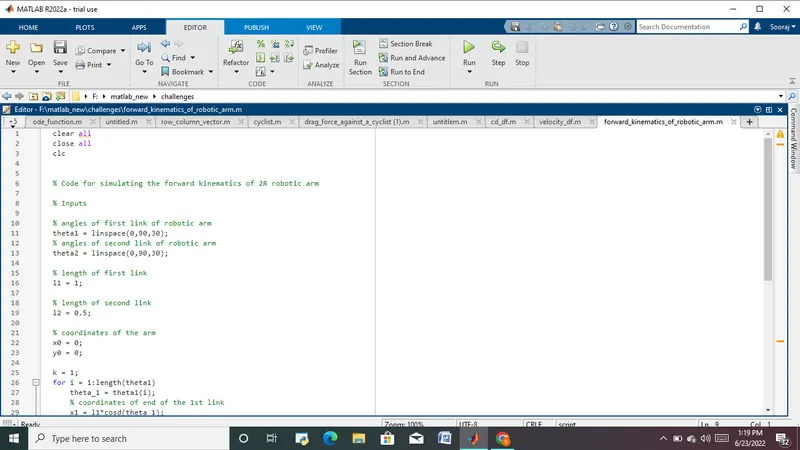
clear all
close all
clc
% Code for simulating the forward kinematics of 2R robotic arm
% Inputs
% angles of first link of robotic arm
theta1 = linspace(0,90,30);
% angles of second link of robotic arm
theta2 = linspace(0,90,30);
% length of first link
l1 = 1;
% length of second link
l2 = 0.5;
% coordinates of the arm
x0 = 0;
y0 = 0;
k = 1;
for i = 1:length(theta1)
theta_1 = theta1(i);
% coordinates of end of the 1st link
x1 = l1*cosd(theta_1);
y1 = l1*sind(theta_1);
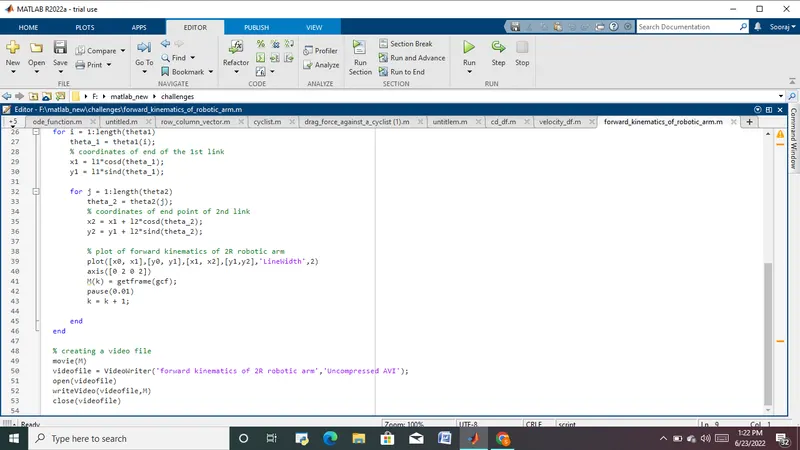
for j = 1:length(theta2)
theta_2 = theta2(j);
% coordinates of end point of 2nd link
x2 = x1 + l2*cosd(theta_2);
y2 = y1 + l2*sind(theta_2);
% plot of forward kinematics of 2R robotic arm
plot([x0, x1],[y0, y1],[x1, x2],[y1,y2],'LineWidth',2)
axis([0 2 0 2])
M(k) = getframe(gcf);
pause(0.01)
k = k + 1;
end
end
% creating a video file
movie(M)
videofile = VideoWriter('forward kinematics of 2R robotic arm','Uncompressed AVI');
open(videofile)
writeVideo(videofile,M)
close(videofile)
Explanation:
Code for simulating the forward kinematics of 2R robotic arm is written above. The robotic arm consist of 2 links. 1st link is fixed to a surface ,x0 and y0 is the cordinates of one end iof the 1st link and is assumed to be fixed at coordinates (0,0). Other end of the 1st link moves at an angle theta1, theta1 is an array containing different 30 different angles link 1 makes with respect to x axis and for getting different angles we use linspace(0,90,30) command.Similarly, theta2 is an array consisting of angles link 2 makes with respect to x axis. we use for loop for simulating various positions the arm make with varying angles. the coordinate of the other end of the 1st link is calculated using equations
x1 = l1*cosd(theta_1);
y1 = l1*sind(theta_1);
and coordinates of end of 2nd link is calculated for varying angles using equation
x2 = x1 + l2*cosd(theta_2);
y2 = y1 + l2*sind(theta_2);
then we use plot command to plot the forward kinematics. To make a animation of the plot we make an array storing frames made during looping
M(k) = getframe(gcf);
and then an animated file is made using the below code
movie(M)
videofile = VideoWriter('forward kinematics of 2R robotic arm','Uncompressed AVI');
open(videofile)
writeVideo(videofile,M)
close(videofile)
Output:
youtube video link : https://youtu.be/k3qvspnzBm0
code:
Output screenshot: