Week 2- 2R Robotic Arm Challenge
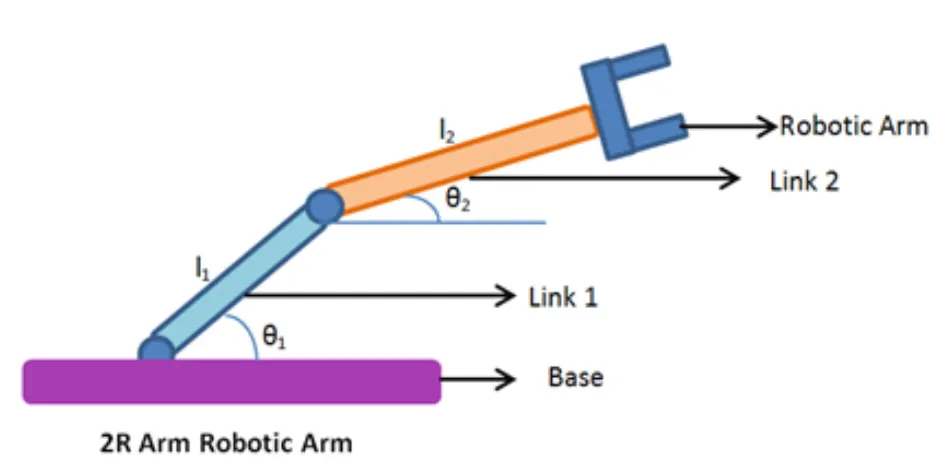
AIM:- To simulate Forward Kinematic of a 2R robotic arm.
OBJECTIVE:-
- Write the code to simulate forward kinematic of a 2R robotic arm.
- Show the animetion of the moving robotic arm from the program.
INTRODUCTION:-
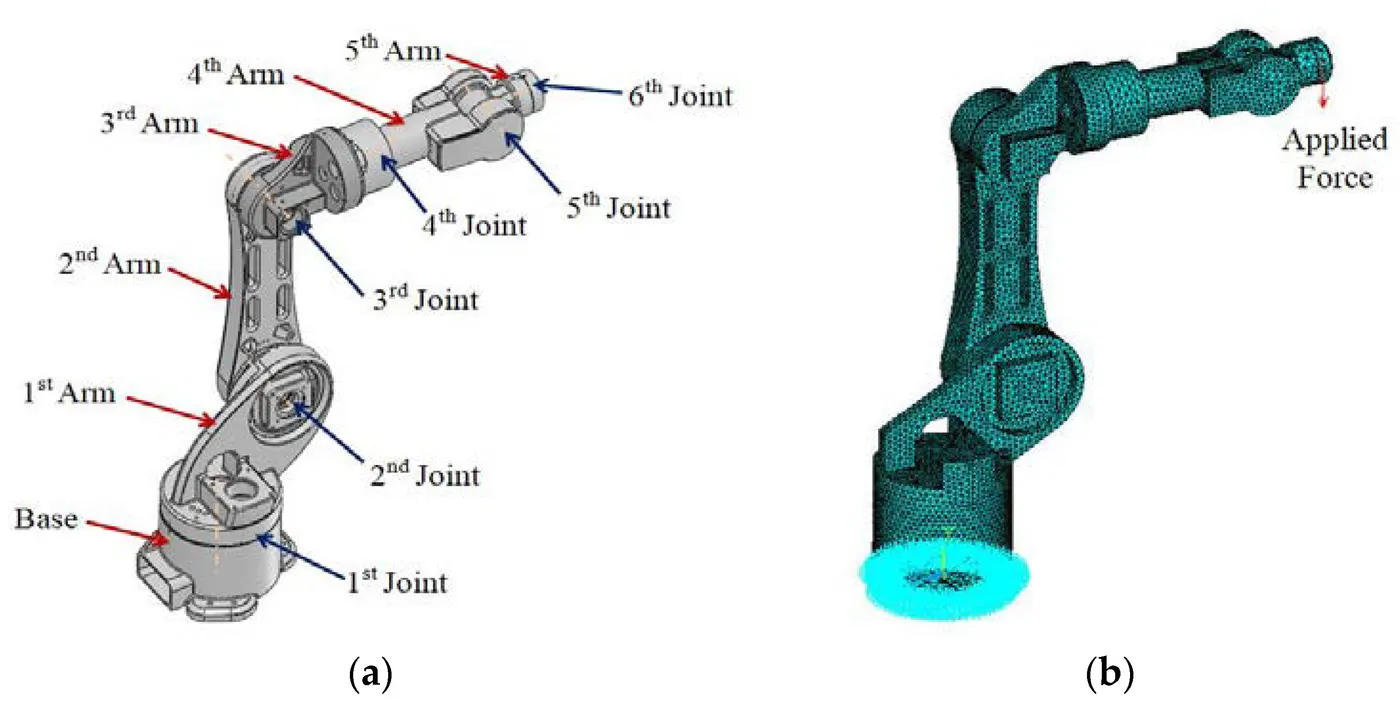
A robotic arm, sometimes referred to as an industrial robot, is often described as a ‘mechanical’ arm. It is a device that operates in a similar way to a human arm, with a number of joints that either move along an axis or can rotate in certain directions. In fact, some robotic arms are anthropomorphic and try and imitate the exact movements of human arms. They are, in most cases programmable and used to perform specific tasks, most commonly for manufacturing, fabrication, and industrial applications. They can be small devices that perform intricate, detailed tasks, small enough to be held in one hand; or so big that their reach is large enough to construct entire buildings. Robotic arms were originally designed to assist in mass production factories, most famously in the manufacturing of cars. They were also implemented to mitigate the risk of injury for workers, and to undertake monotonous tasks, so as to free workers to concentrate on the more complex elements of production.
MATLAB Code:-
%Forward kinematic of 2R Robotic arm
l1 = 1;
l2 = 0.5;
theta1 = linspace(0,90,10);
theta2 = linspace(0,90,10);
Ct = 1;
for i = 1:length(theta1)
    THETA1=theta1(i);
    for j = 1:length(theta2)
    THETA2 = theta2(j);
    %Coordinates of starting point of first arm
    x0 = 0;
    y0 = 0;

    %Coordinates of ending point of first arm and second
    x1 = l1*cosd(THETA1);
    y1 = l1*sind(THETA1);

    %Coordinates of ending point of second arm
    x2 = x1+l2*cosd(THETA2);
    y2 = y1+l2*sind(THETA2);

    plot([x0 x1],[y0 y1],[x1 x2],[y1 y2],'linewidth',3);

    %Limit of X-axis and Y-axis
    axis([-0.1 1.5 0 1.5]);
    pause(0.1);

    %Creation of movie or animation of robotic arm moving
    M(Ct) = getframe(gcf);
    Ct=Ct+1;
    end
end
movie(M)
videofile = VideoWriter('robotic_arm.avi','Uncompressed Avi');
open(videofile)
writeVideo(videofile,M)
close(videofile)
Explanation of Code:-
- First we define the length of Arm1(l1) and Arm2(l2).
- Then set the value of theta1 and theta2 by linspace comand.
- Then start the for loop to run the comand again andagain in loop until the arm1 and arm2 come to 90 degree angle.
- Define all the cordinate of Arm1 and Arm2.
- Then plot all the cordinate of Arm1 and Arm2.
- The pause comand is used for pausing the comand for a certin time of o.1 sec.
- After ploting then create a movie of the robotic arm by saving it in avi format.
The link of Robotic arm animation is given bellow