Week 14 challenge
AIM
To assemble and apply GD&T to the butterfly valve assembly drawing.
REPORT
1. First we open NX and click on new
2. We select assembly and name the assembly as Butterfly Valve. and then select the directory.
3. Then on the assemble page we click open and select all the models we created before and click ok.
4. We click on the assemblies option and select the move component.
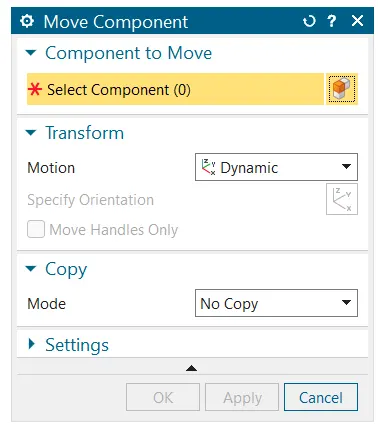
5. First we move the discplate to the shaft.
6. We select assembly contraints option and first select orientation along axis of the centre axis of discplate and centre axis of the shaft.
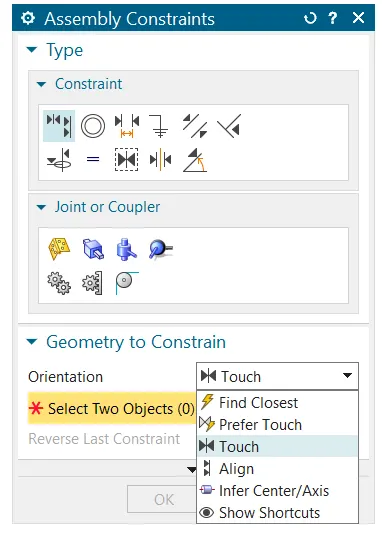
7. Once that is complete, we select the touch constrint and select the point of contact of discplate and then the point of contact of the shaft. This makes the discplate to fall in its place on the shaft.
8. After this we contraint the screws on the discplate and shaft.
9. Then move move the shaft and discplate unit towards the main body and then constrain to it.
10. After that the lever is constrained to the main body using infer/axis, align and touch constriants.
11. Then we constrain the retainer to the body and then place the three screws on them using axis and touch constraints.
12. And finally we constrain the nut to the body to complete the assembly.
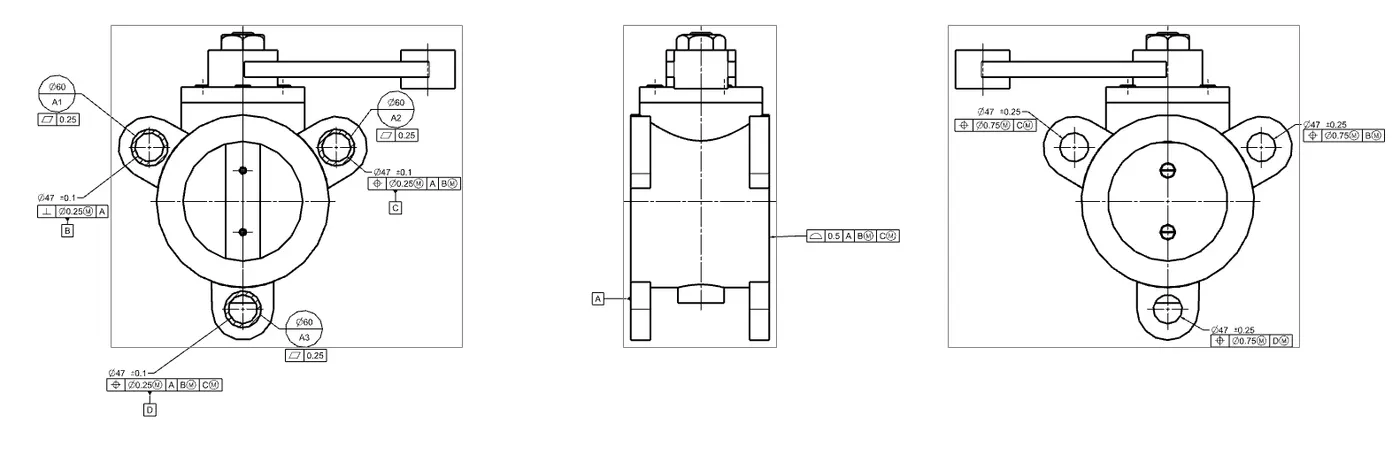
13. After this we open drafting from applications and apply GD&T to the drawing of the assembly
RESULT
The butterfly valve is assembled
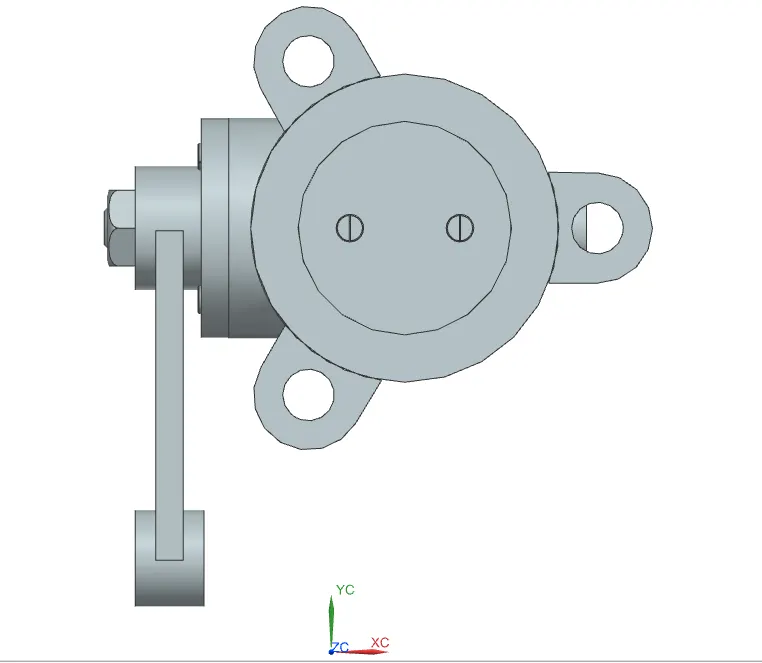
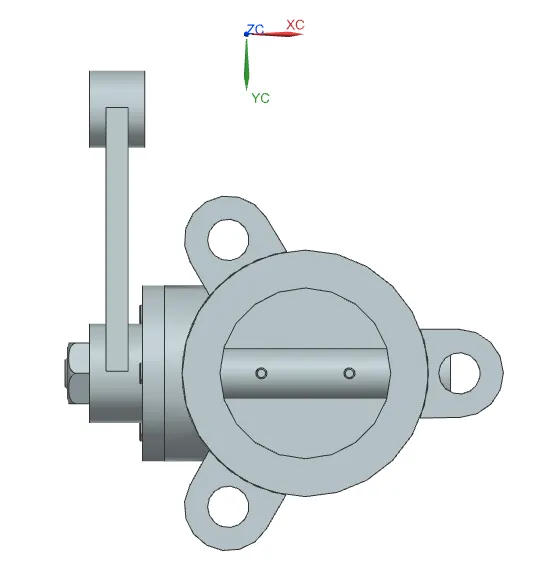
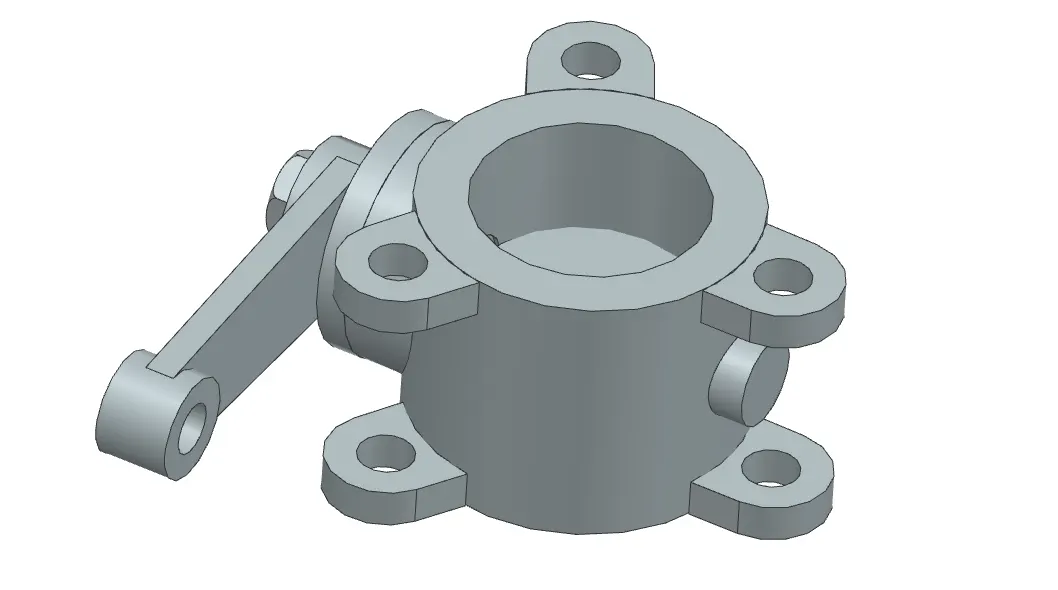
GD&T is applied to the drawing of the assembly