Week 12:Project 2-Meshing of Rear Wheel Holder challenge
Aim - The given component have thickness, extract midsurface by assign the quality criteria and thickness for the component.
Procedure
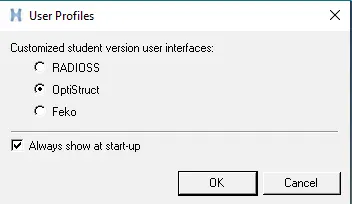
Choose the user profiles as OptiStruct and selelct ok.
The downloaded component is Import from the downloaded file. Select the file and import it.
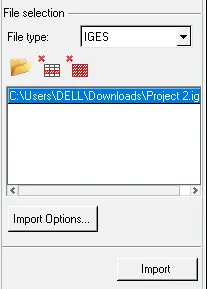
The given component is as shown in below.
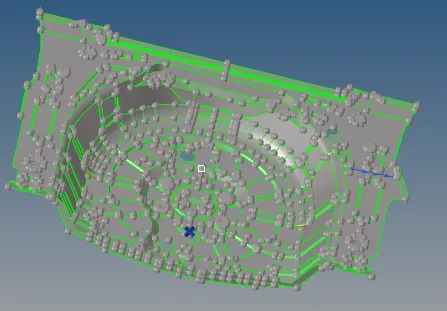
By importing the model the component has to check for the geometrical cleanup for the component.
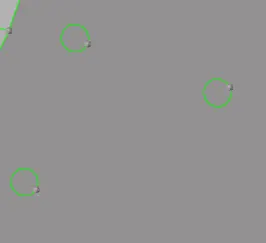
Similarly the commponent is having the small pinholes on the surface, remove that pinholes in to flat surface as shown in below.
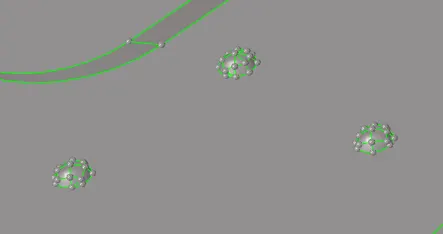
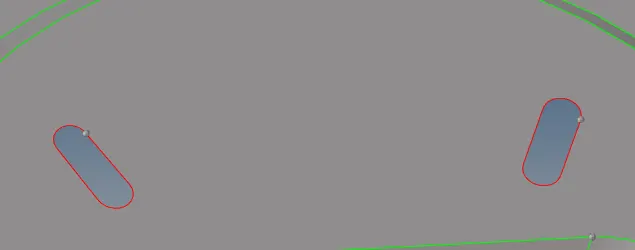
Similarly these kind of forming surface fail to do meshing on that region so, make it flat surface as shown in below.
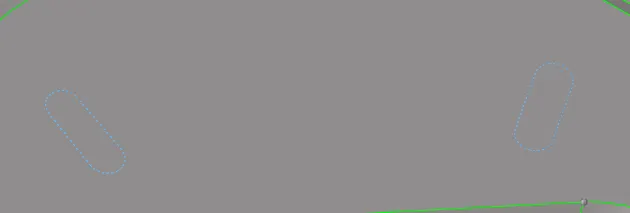
Make that surface created line shouid be toggle it.
Extract midsurface from the given component.
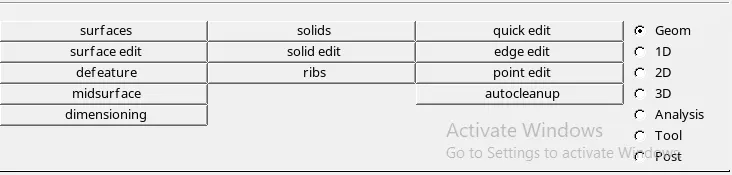
Extract midsurface from the geometry and choose the extraction option as offset.

Select the surface and select the extraction for the component.

The component has been extracted has as shown in below.
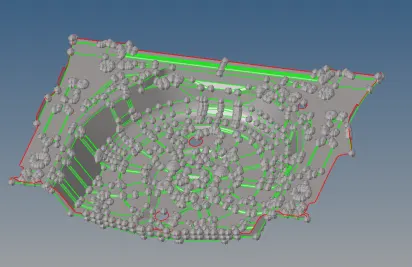
Check that midsurface as proper or not.
Also assign the quality criteria file setting as per the given parameters.
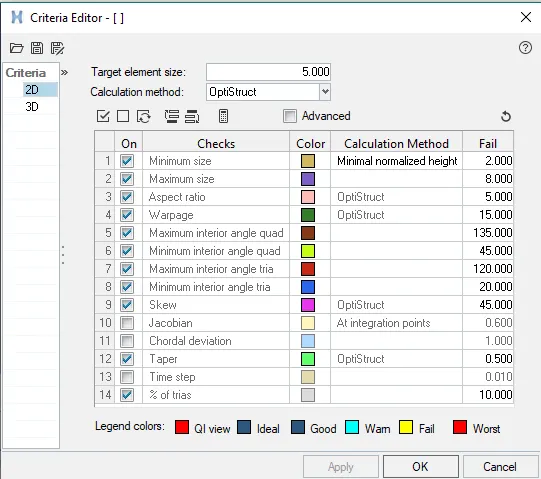
Assign the quality parameters and apply, select ok.
Now the component is ready for the 2D meshing.
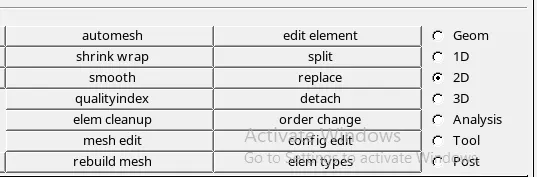
Select the autumesh assign the element size and mesh type for meshing.

While doing meshing some regions will gets will element will gets fail for min length, by using the translate option.
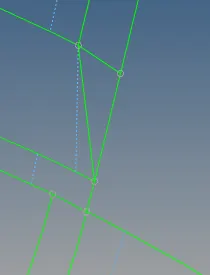
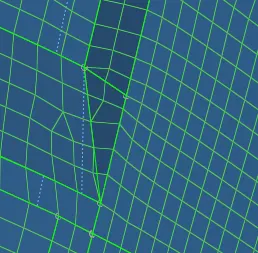
Similarly for this kind of region should have been used as shown in below.
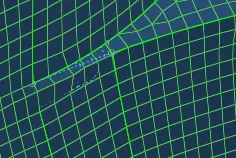
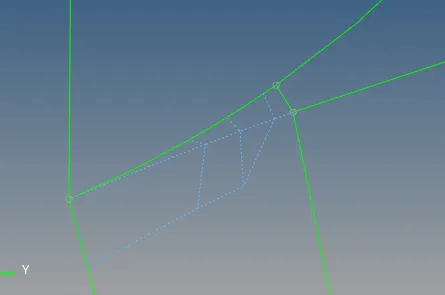
The final meshing will seems to be as shown in below.
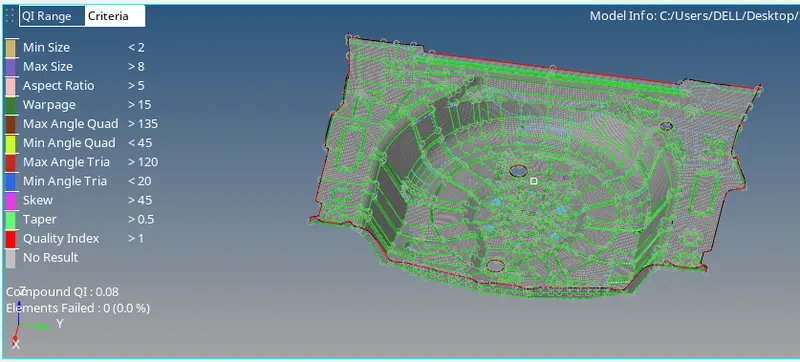
After done the meshing needs to check for the quality index select from the 2D.
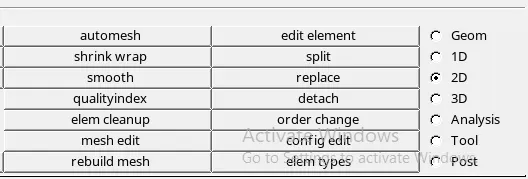
Checked for the % of failed elements by using the tools quality index tools.

The final component is free from the quality check as shown in below.
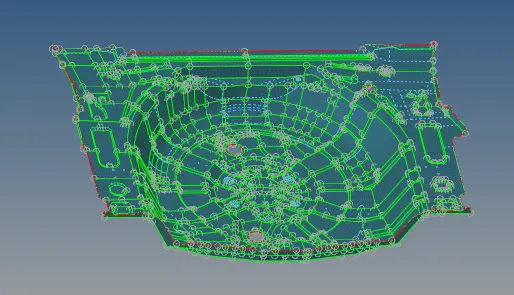
After meshing the component assign the thickness property for the meshed component.
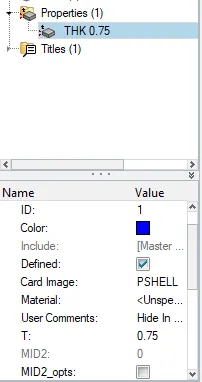
Create the property and assign the thickness of 0.75 units.
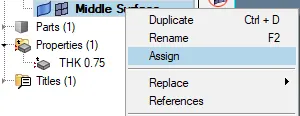
Make the meshing collector should be make it current and assign the property for the component.
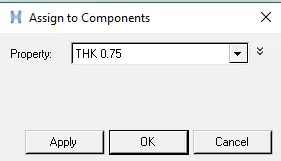
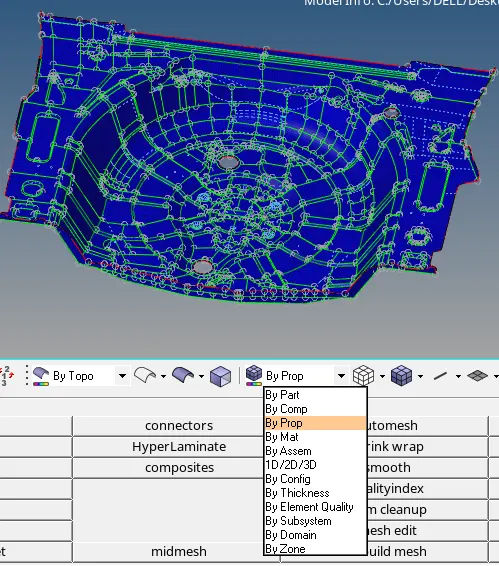
Assigning the thickness value check it is in property as colour has been changed by selecting the by prop.
Conclusion
By doing this meshing concluded that how to take the meshing in corner surfaces and how to make them in to proper mesh over the component. Also how to assign the property for component.