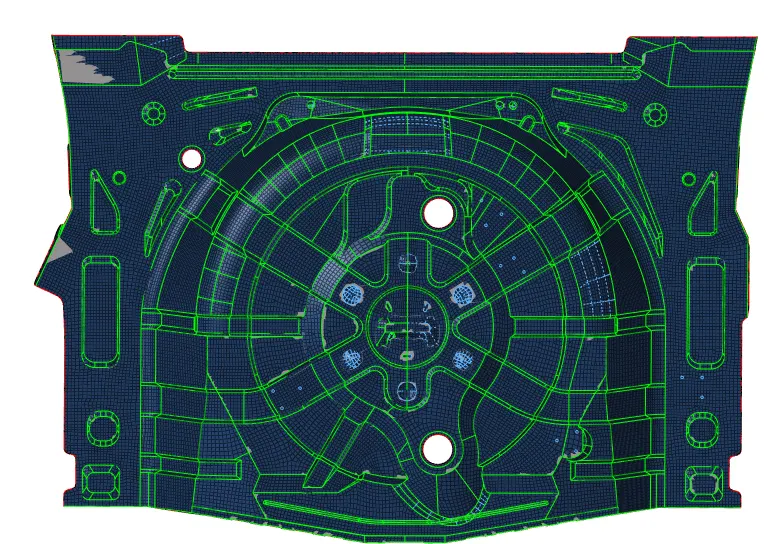
Week 12:Project 2-Meshing of Rear Wheel Holder challenge
PROJECT 2: Meshing of Rear Wheel Holder challenge
| S.N | Quality Criteria | Value |
| 1 | Aspect Ratio | 5 |
| 2 | Skewness | 45 |
| 3 | Warping | 15 |
| 4 | Taper | 0.5 |
| 5 | Min. Length | 2 Units |
| 6 | Max. Length | 8 Units |
| 7 | Min angle Quad | 45 |
| 8 | Max angle Quad | 135 |
| 9 | Min angle Tria | 20 |
| 10 | Max angle Tria | 120 |
| 10 | Tria % | 10 |
PROCEDURE:
1) Importing the given component.
2) Deleting the solids and organizing the components using organize panel from tools section.
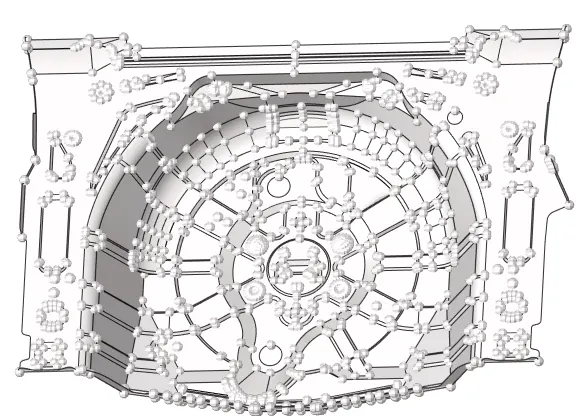
3) We need to get a midsurface of this component so we first check for topological errors in the model.
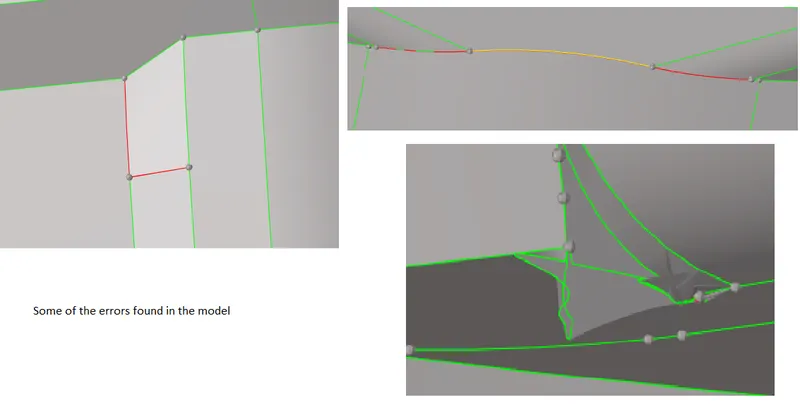
4) We find errors which can be corrected by using quick edit panel from geometry section.
5) To get a midsurface of the model we use the offset option from the surface edit panel. Offsetting the duplicate surface by 0.375 as the thickness of the model throughout is about 0.75 .

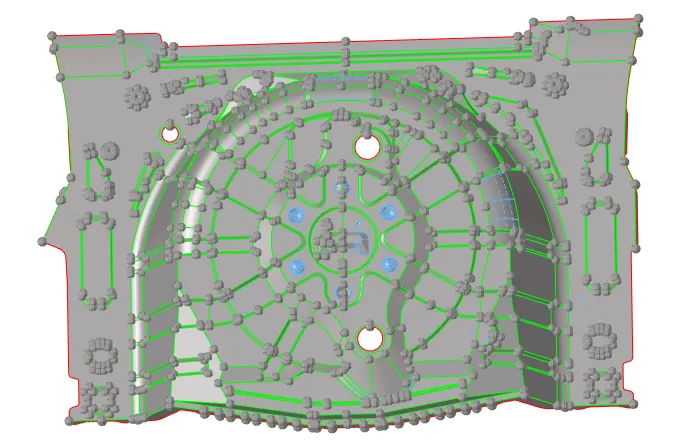
6) Also toggling some surfaces to get a better mesh.
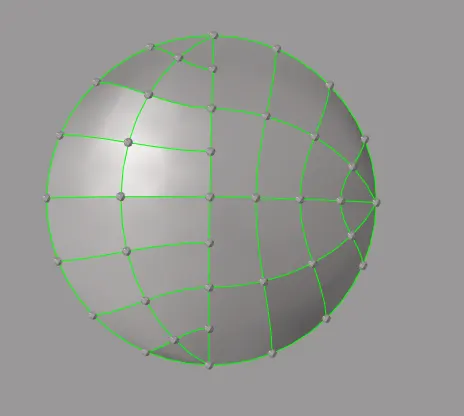
7) We perform meshing using automesh panel with target element size of 5. The mesh we get doesn't satisfy the quality criteria.
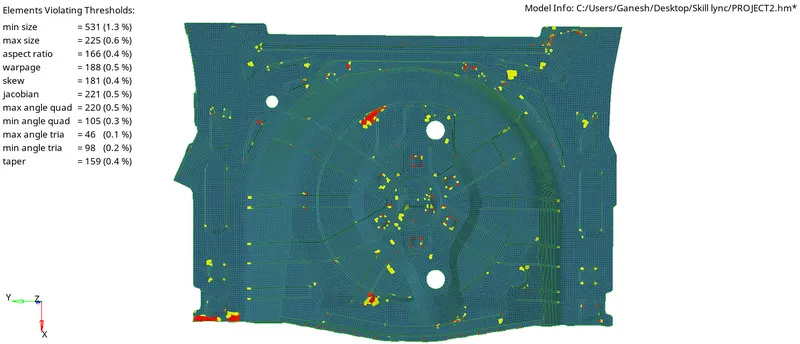
8) To satisfy the quality criteria we remesh the components using element cleanup and also do manual tria removal by remeshing again.
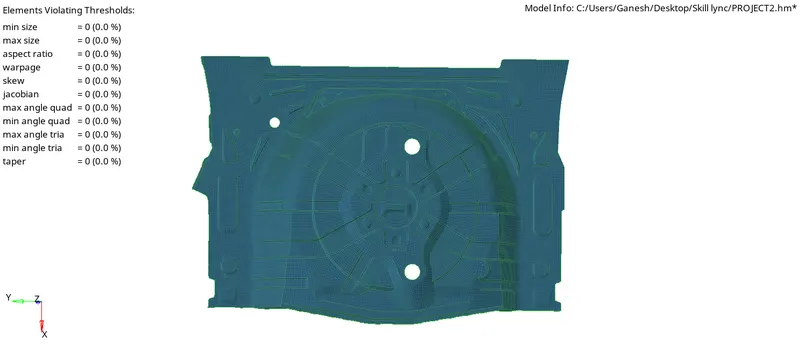
9) We check for edges using edges panel from tool section. If we find any unwanted edges we can choose the equivalence option from edges panel or do manual equivalencing by replacing nodes.
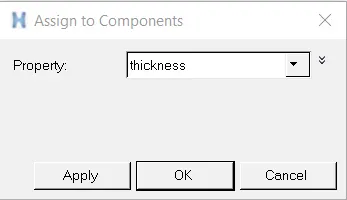
10) To assign thickness to elements we create a property in model browser and give thickness of 0.75mm.
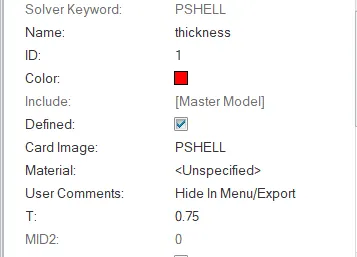
11) We thickness to component by assigning the property to it.
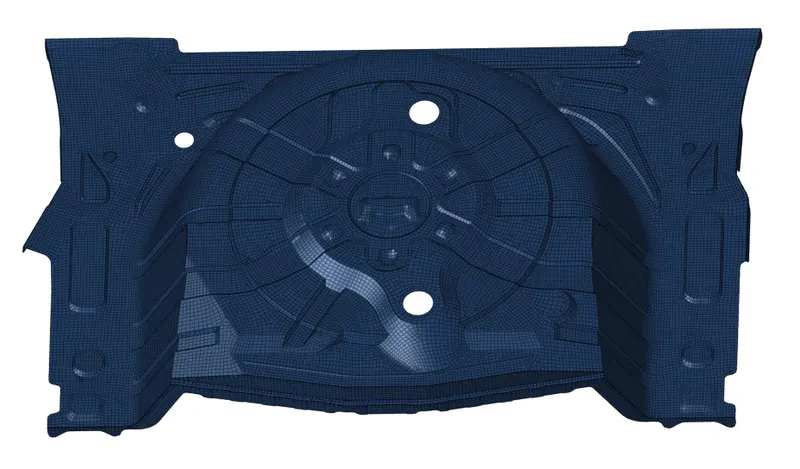
12) We have created a suitable mesh with appropriate thickness.
CONCLUSION:
- Successfully completed the meshing of given rear wheel holder model along and also assigned the thickness to elements of the mesh.