Week 12:Project-1-Meshing of Door Inner Panel Challenge
PROJECT 1- MESHING OF DOOR INNER PANEL
AIM: To mesh the door inner panel and provide appropriate thickness to elements. Also satisfy the given quality criteria.
| S.N | Quality Criteria | Value |
| 1 | Aspect Ratio | 5 |
| 2 | Skewness | 45 |
| 3 | Warping | 15 |
| 4 | Taper | 0.5 |
| 5 | Min. Length | 2 Units |
| 6 | Max. Length | 6 Units |
| 7 | Min angle Quad | 45 |
| 8 | Max angle Quad | 135 |
| 9 | Min angle Tria | 20 |
| 10 | Max angle Tria | 120 |
| 10 | Tria % | 10 |
PROCEDURE:
1) Import the given file to retrieve the model.
2) After importing the model divide the model into segments, so that it is easy to perform a geometry cleanup and to get a good midsurface.
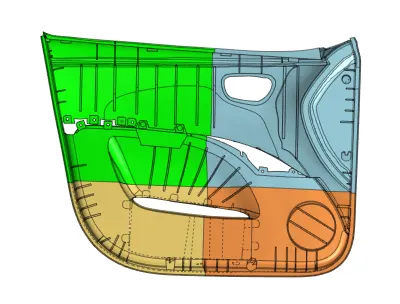
3) After dividing the component we perform geometry cleanup and get a midsurface of the components using offset option from surface edit panel. To get a midsurface we used the back side of the component as it had less complex geometry.
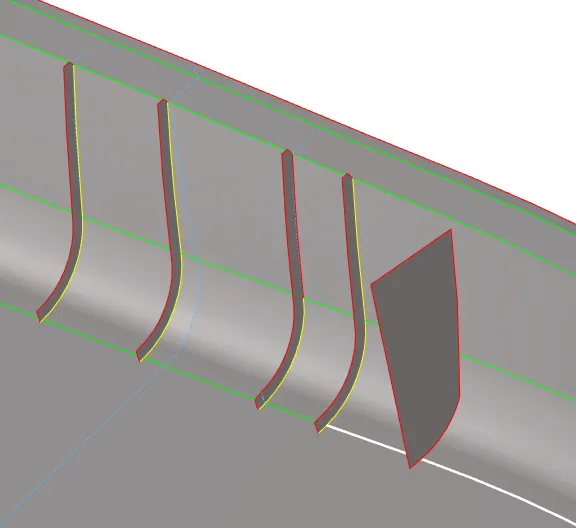
4) We also defeature the fillets and ribs using defeature panel.

5) For some fillets and ribs the thickness was uneven so we had to create a midline using lines panel and create a surface using those midlines. Also for some fillets we get only 1 side defeatured so we used that surface to get midsurface of the fillet.
6) We used extend option to connect the ribs to the midsurface of the main component. Sometimes the geoemetry would get distorted using this option so I kept the surface disconnected and later dealt with problem after meshing using replace panel to connect the components.
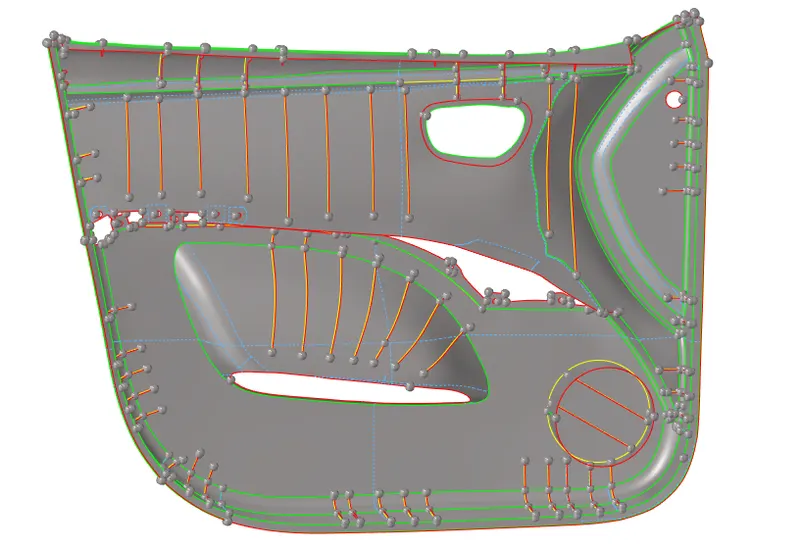
7) We mesh the surfaces using automesh panel with target length 4.
8) We change criteria file according to the given criteria and check for the quality.
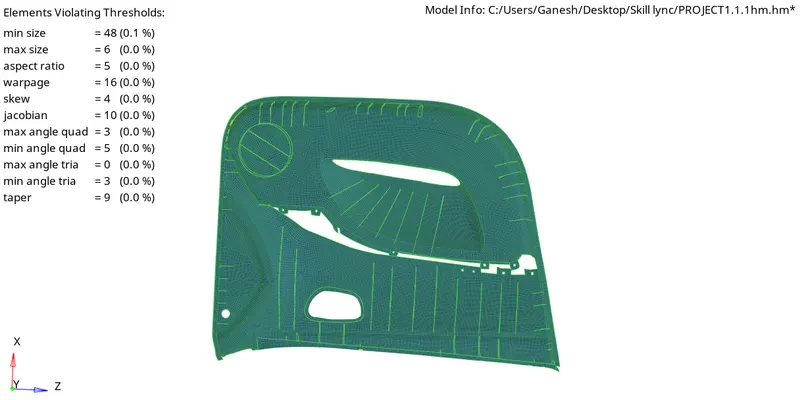
9) For all the failed elements we use the cleanup tools to rectify the failed elements. If that doesn't work then we tried remeshing the elements until we get satisfy the given criteria.
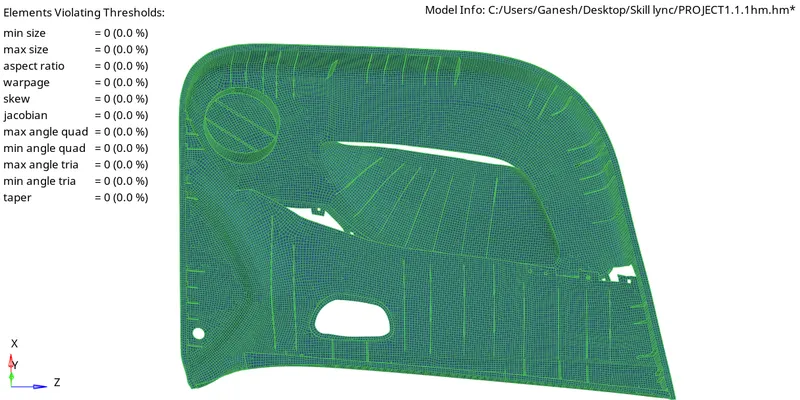
10) After completion of meshing we then give thickness to elements according to their thickness of their original component.
11) The table below shows the average and assigned thicknesses of the components which is given by creating property in model in browser column.
| Component | Average Thickness |
| Main body | 3 |
| Fillet surfaces | 3.5 |
| Ribs | 2 |
| Block like bodies | 20 |
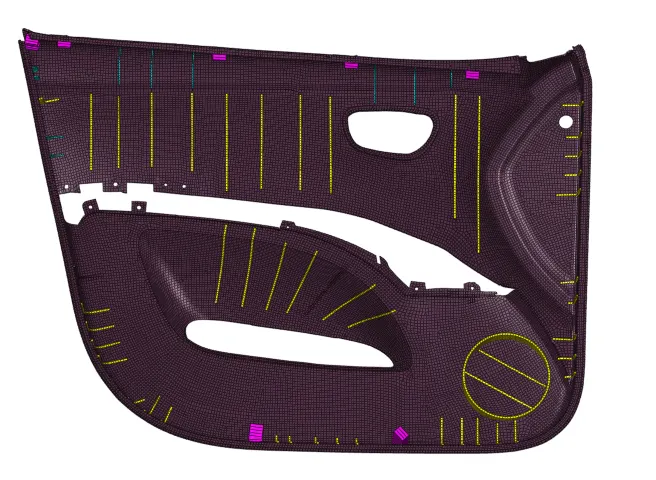
12) The Door inner panel is meshed and thickness is assigned.
CONCLUSION:
- Learnt how to do geoemtry cleanup and also how to do manual midsurfacing using appropriate side of the component.
- Also learnt how to defeature fillets and extracting a midsurface from a non-uniform body.
- Created a mesh which satisfies the given quality criteria and also assigned the appropriate thickness to the elements according the parent geoemetry.