Week 6-Meshing of Hood Challenge
WEEK 6 CHALLENGE
AIM: To mesh the given component using using following quality criteria
Target element length= 5
| S.N | Quality Criteria | Value |
| 1 | Aspect Ratio | 5 |
| 2 | Skewness | 45 |
| 3 | Warping | 15 |
| 4 | Taper | 0.5 |
| 5 | Min. Length | 2mm |
| 6 | Max. Length | 8mm |
| 7 | Min angle Quad | 45 |
| 8 | Max angle Quad | 135 |
| 9 | Min angle Tria | 20 |
| 10 | Max angle Tria | 120 |
| 10 | Tria % | 10 |
PROCEDURE:
1) Import the given model.
2) Delete all the solids using delete option.
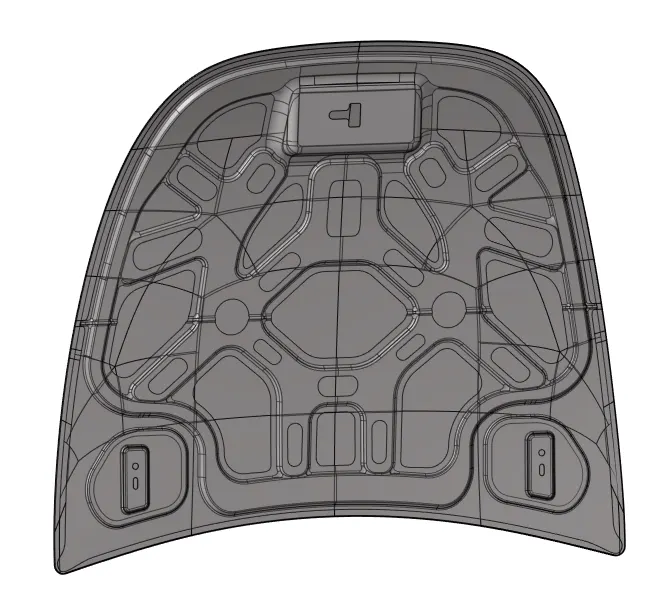
3) Now do the task on individual components.
4) For each component extracting midsurface using midsurface panel.
5) Doing geometry cleanup on the acquired midsurface.
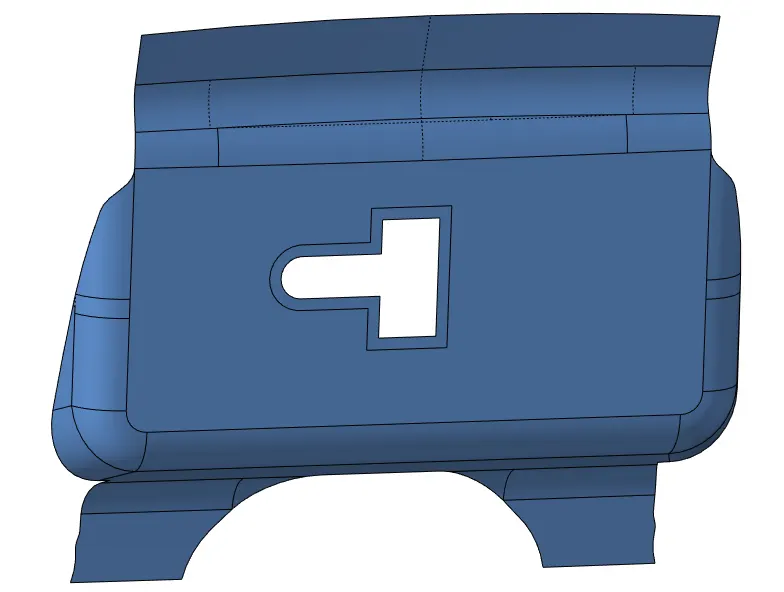
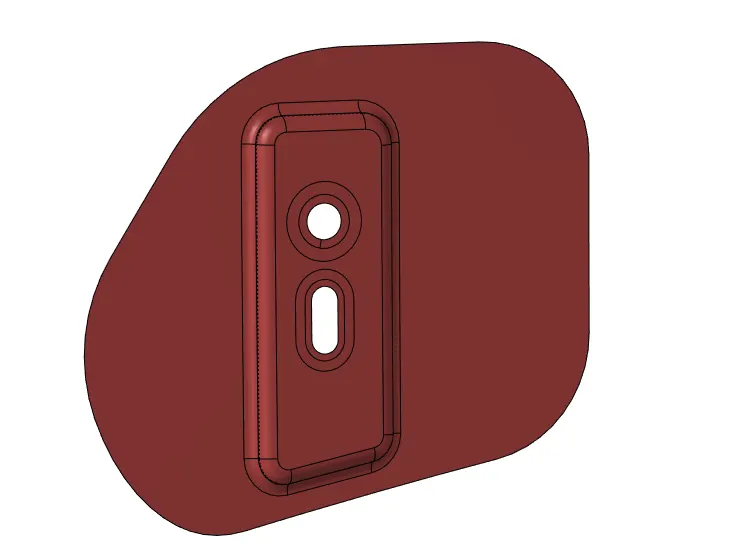
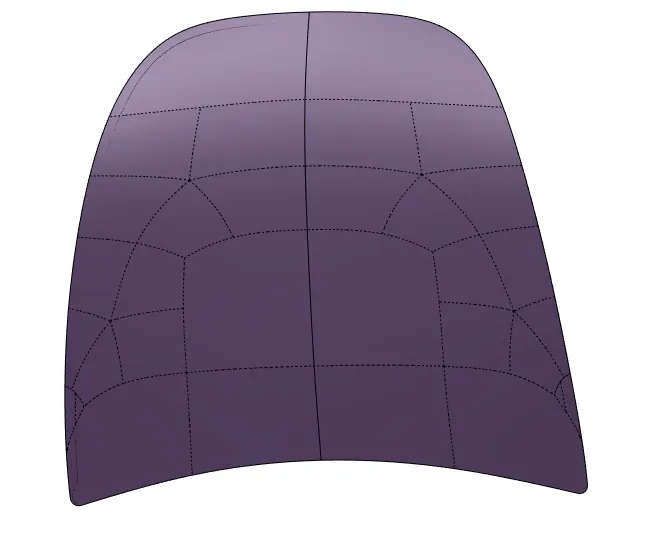
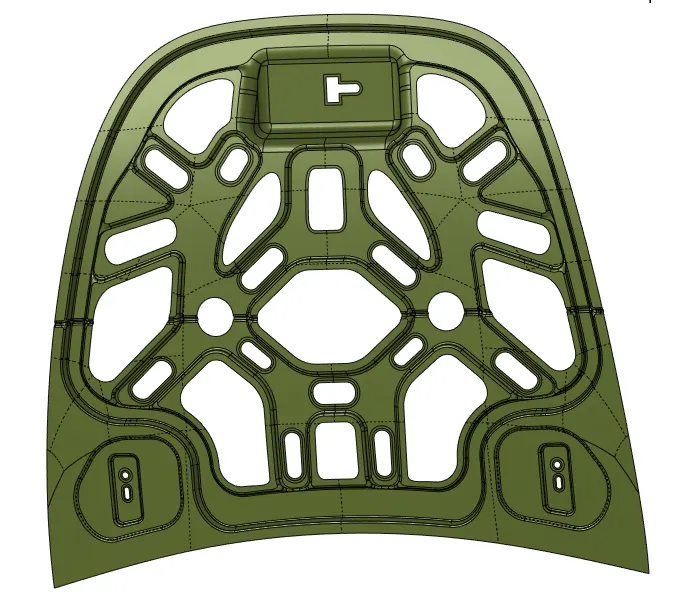
6) After doing geometry cleanup on each and every component, we mesh the component using automesh command from 2D section.We give target length of 5 and select quad element for meshing.For parts like hinges and outer extract we split the component into half due to its symmetry and perform the mesh on the half of part and later use reflect panel from tool section to reflect the mesh.
7) After meshing we check the quality criteria using quality index panel in 2D section and put the given values to check the quality of the mesh.
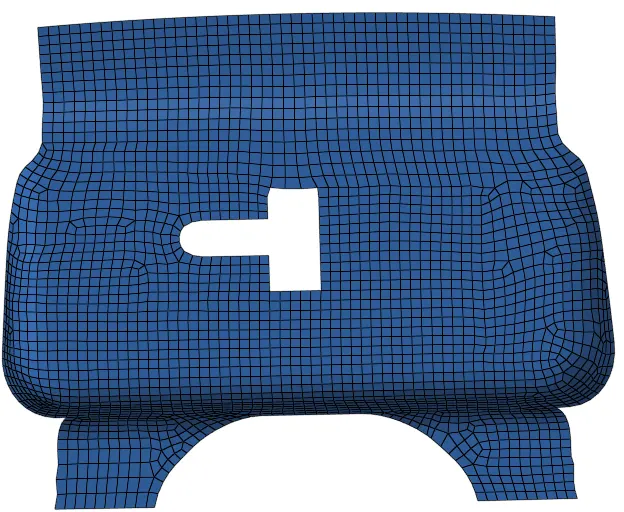
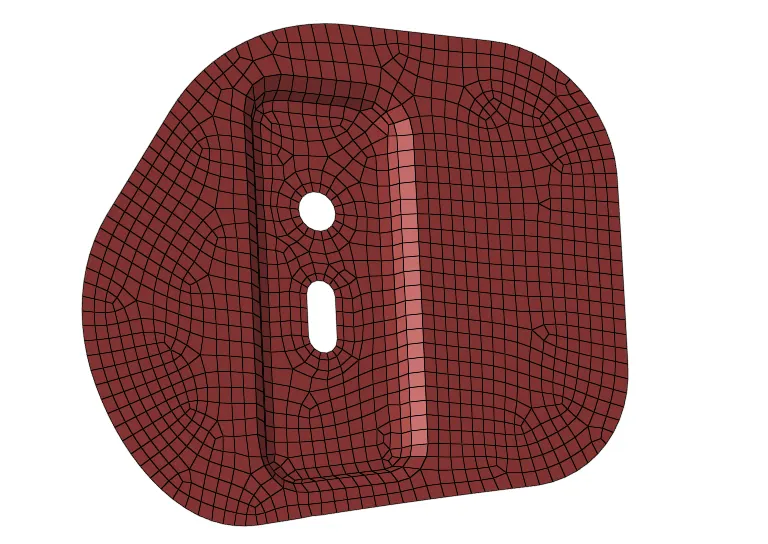
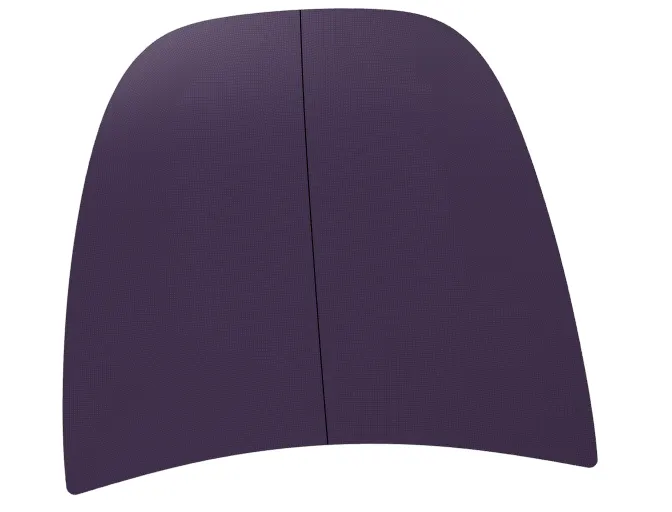
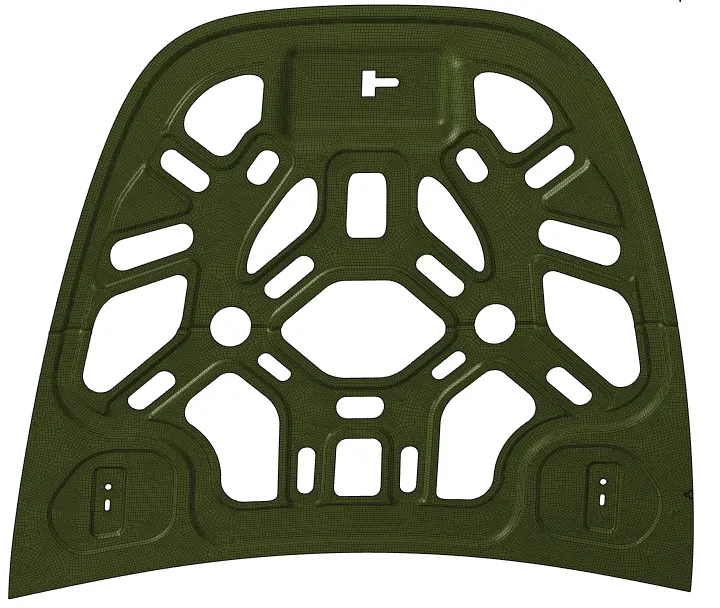
8) Failed mesh criterias can be corrected by remeshing the failed elements or also by element cleanup panel in 2D section.
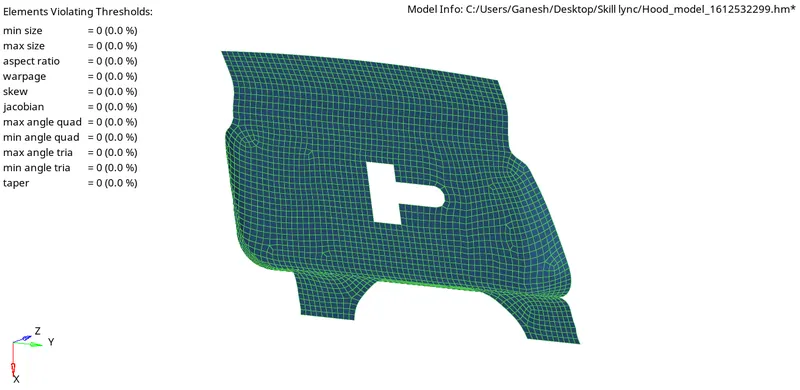
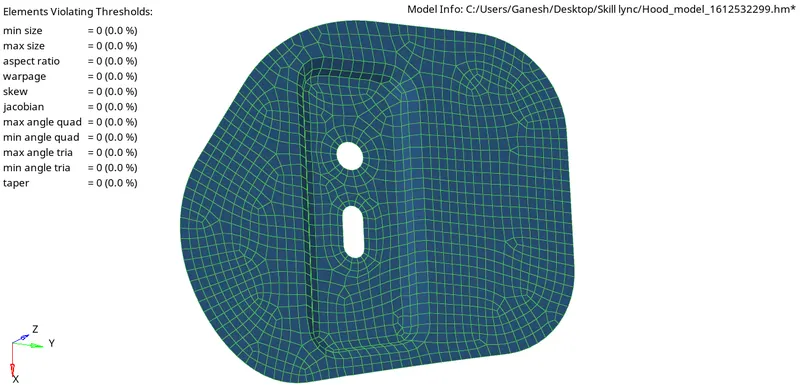
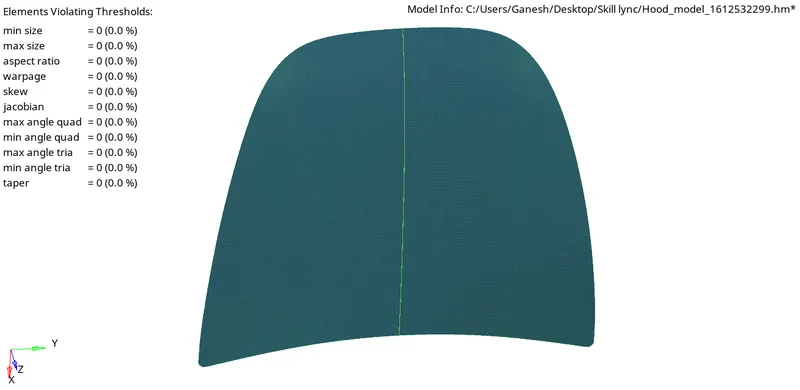
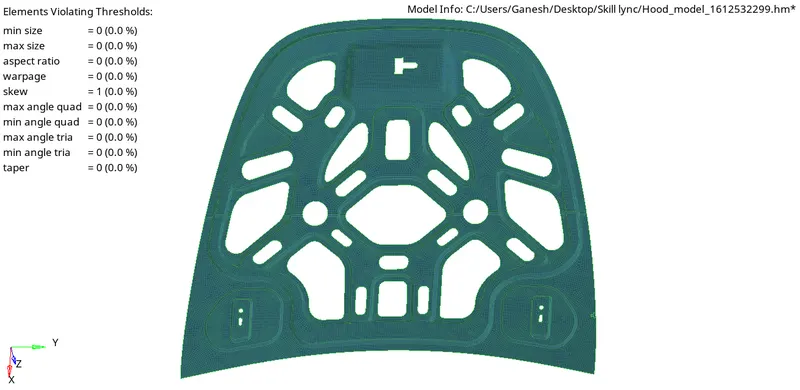
9) We get the required mesh for the given component.
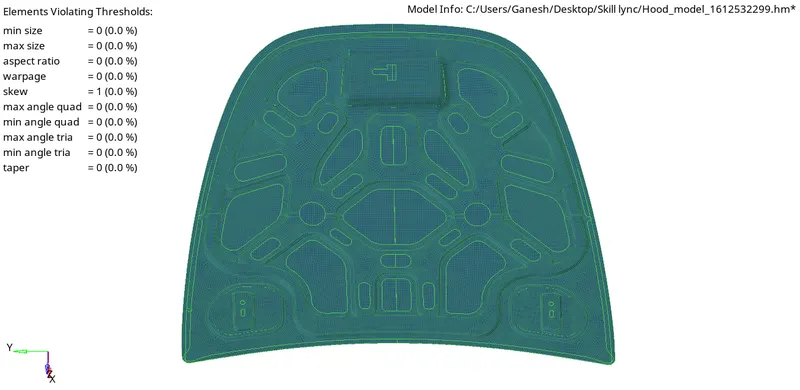
CONCLUSION:
- In this weekly challenge I learned how to do set, check and satisfy the given quality criteria.
- I also learned how to use reflect panel, masking panel.
- This challenge also helped to keep a track on number of nodes as student version only allows for 100,000 nodes.