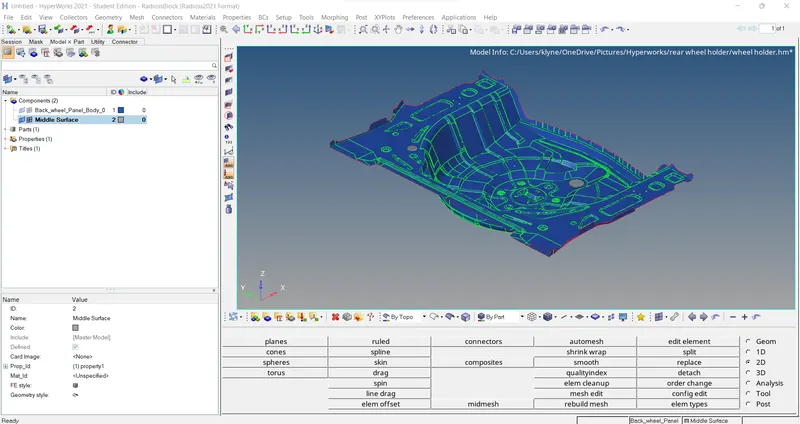
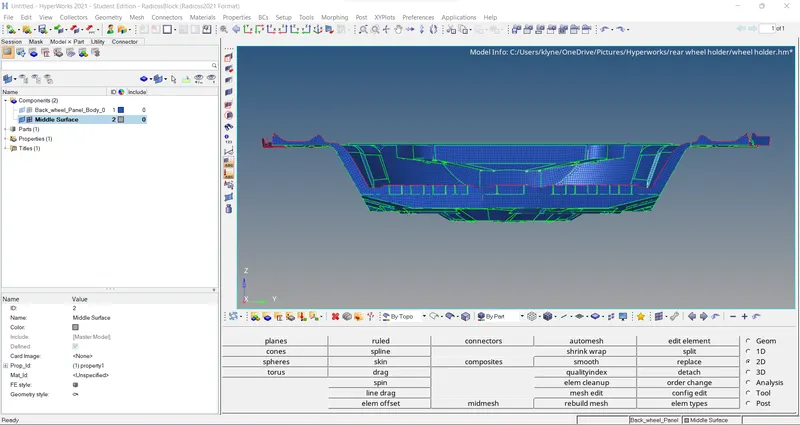
Week 12:Project 2-Meshing of Rear Wheel Holder challenge
Meshing of rear wheel holder
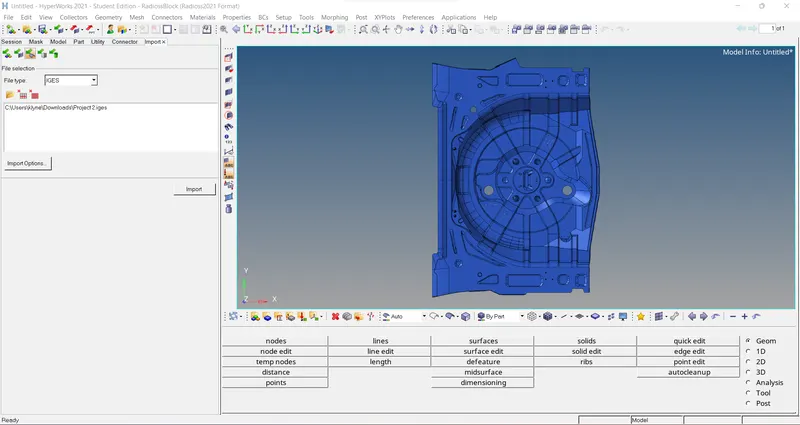
Import the given geometry in iges form.
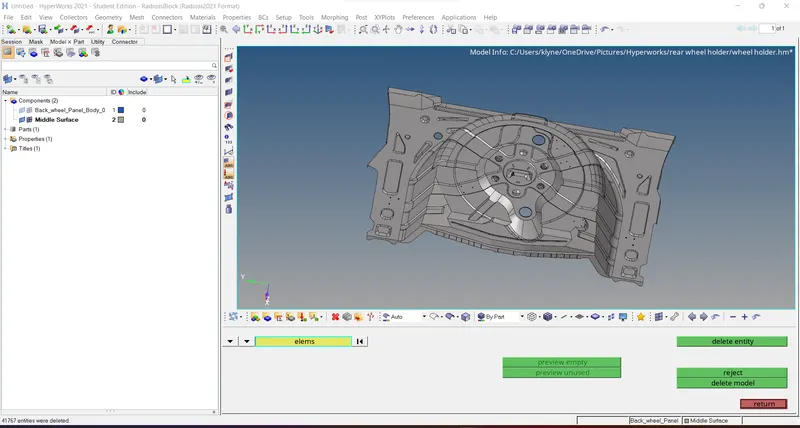
deleting the solid from the geometry by using the option delete>>solids>>delete entity.
Now we have to extract mid surface from the original component by using the option geometry>> midsurface>> extract.
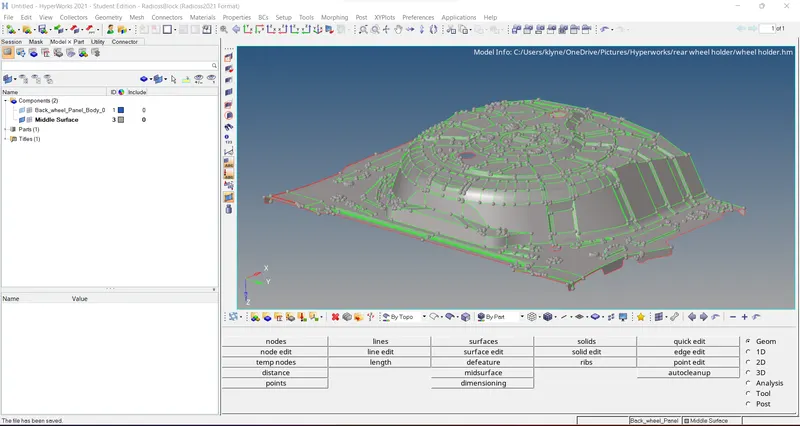
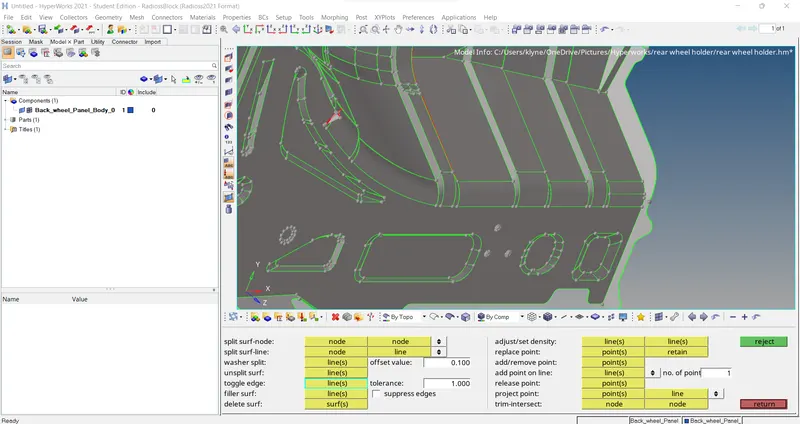
After the mid surface is done now we have to clean up gaps and errors on the mid surface by using the option geometry>> element edit>> toggle.
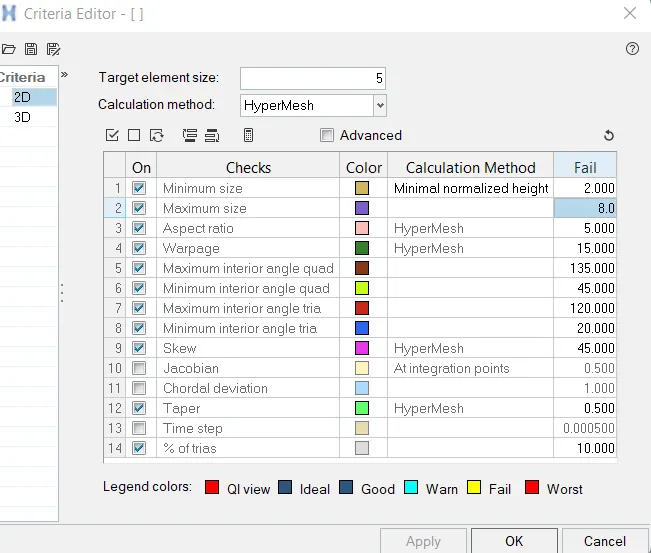
We have to assign criteria file in order to achieve proper mesh.
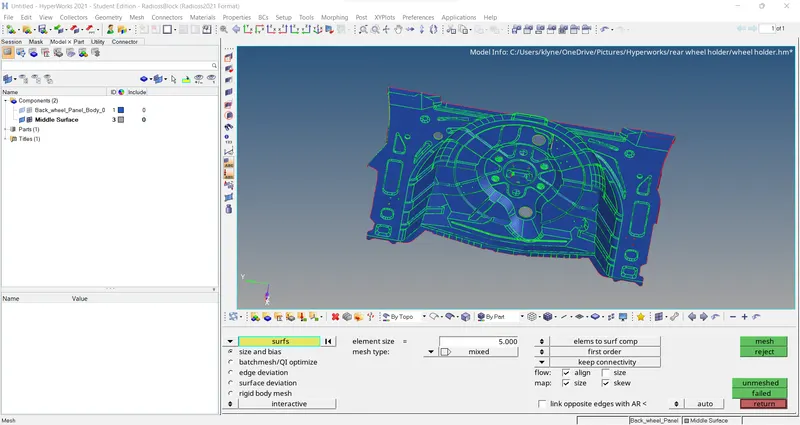
now we have to mesh the above surface with the relevant size of 5 mm and we have to use the option 2D>> auto mesh.
after the mesh is done, we have to check for failing elements by going to the option 2d>> element cleanup.
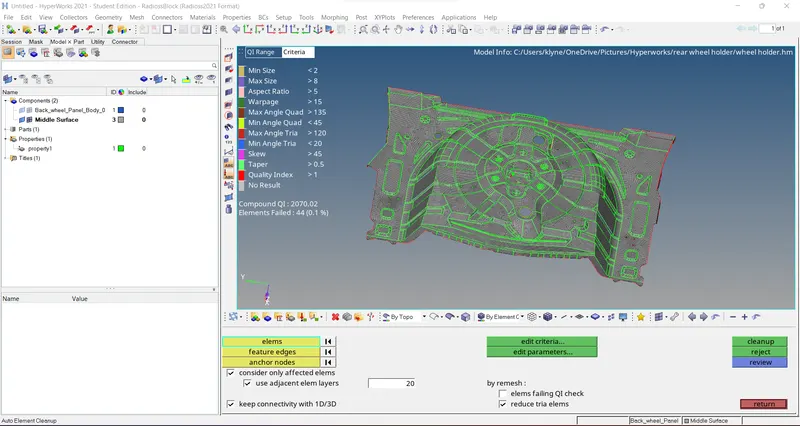
In the last we have to assign property for the mid surface it's done by creating property and assigning thickness for that.
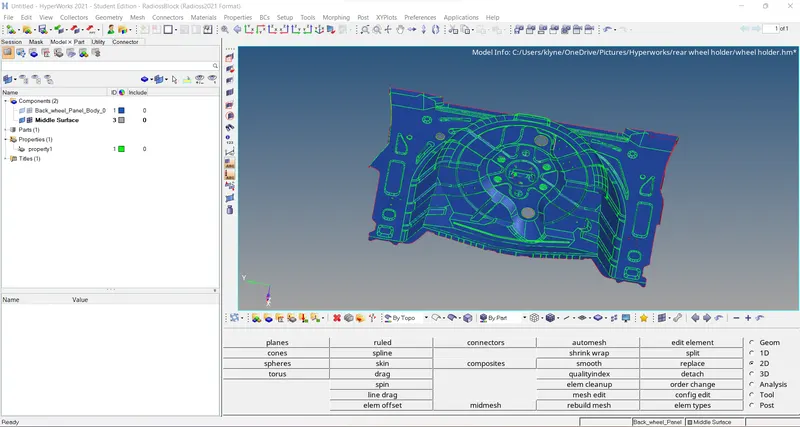
Final results