Week 12:Project 2-Meshing of Rear Wheel Holder challenge
AIM: To perform Meshing of Rear Wheel Holder with below parameters
Target Element Length = 5 Units
| S.N | Quality Criteria | Value |
| 1 | Aspect Ratio | 5 |
| 2 | Skewness | 45 |
| 3 | Warping | 15 |
| 4 | Taper | 0.5 |
| 5 | Min. Length | 2 Units |
| 6 | Max. Length | 8 Units |
| 7 | Min angle Quad | 45 |
| 8 | Max angle Quad | 135 |
| 9 | Min angle Tria | 20 |
| 10 | Max angle Tria | 120 |
| 10 | Tria % | 10 |
PROCEDURE :
Check for topological errors in all the components
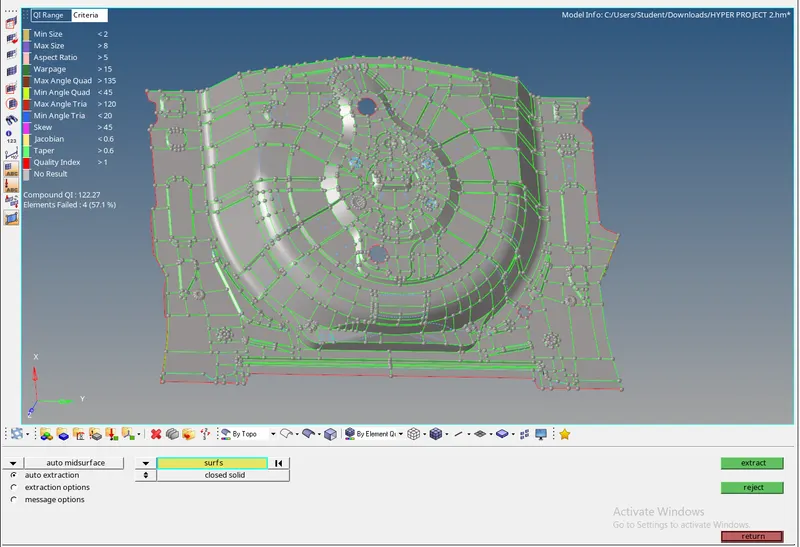
Extract mid surface of the component to be meshed.

AUTO EXTRACTED MID SURFACE
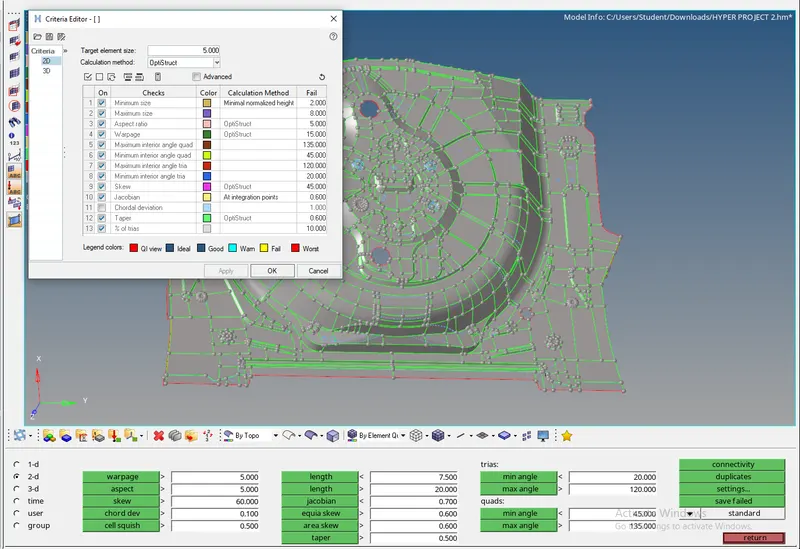
Set the quality criteria parameter
click F10 >> Settings >>> Criteria editor.]
MESHING :
Meshing is done to the model after cleaning the geometry with appropriate tools and meshed with the given parameters from above the mesh should satisfy the above parameters and we have to perform a mesh without errors in the elements
Steps to follow for a good mesh flow
Use Quality index clean up tools to removed meshing re- works.
Smooth option to smooth the mesh region and align accordingly.
"Edit element" from geometry to clean up surface and fix up surface issues.
Key "F6" to create, split, create and combine elements.
"Shift + F7" is used to align the mesh to the surface/line/plane/vector
Remesh model - Helps in remeshing
dvanced remesh - Equivalences the meshed region nearby when meshed.
Element clean up if all the method to optimize the element fails.
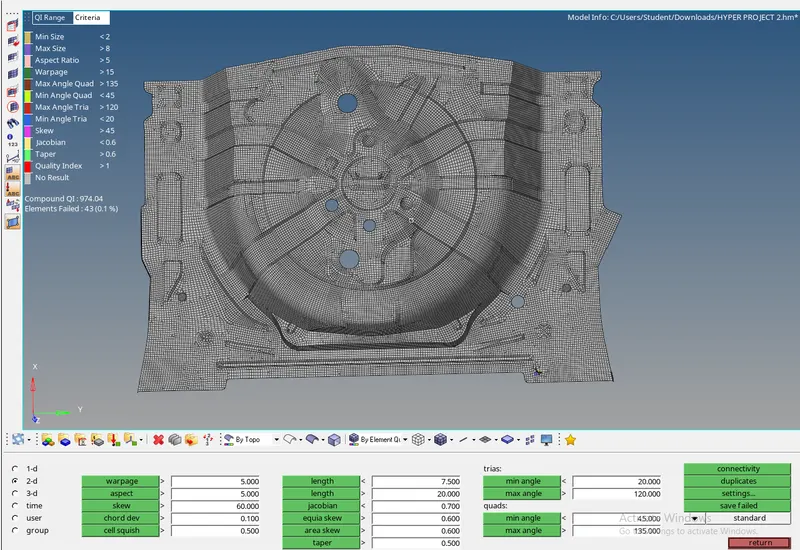
MESHED MODEL
The meshed part of the Model is as shown below,
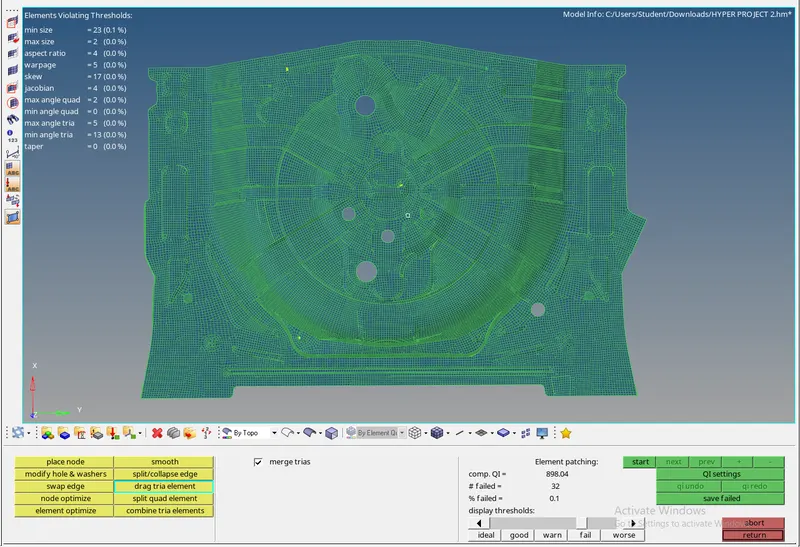
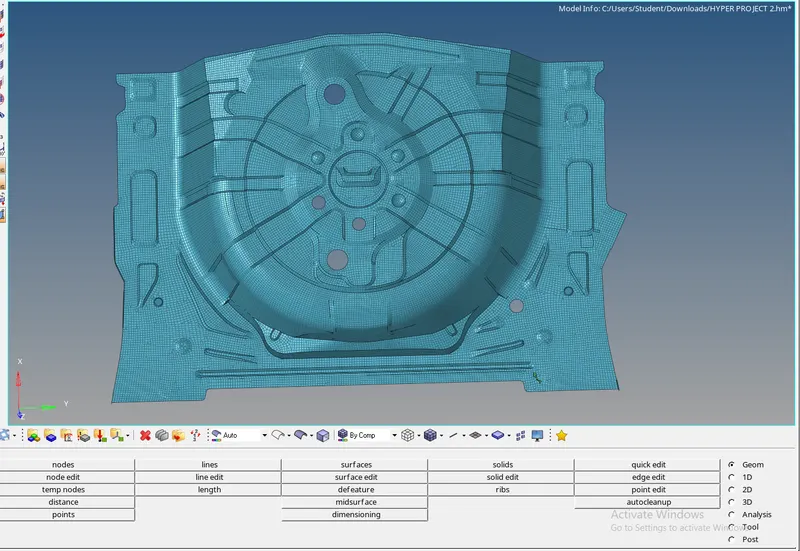
RESULT:
The component is meshed for the quality criteria assigned and the model is attached