Week 12:Project-1-Meshing of Door Inner Panel Challenge
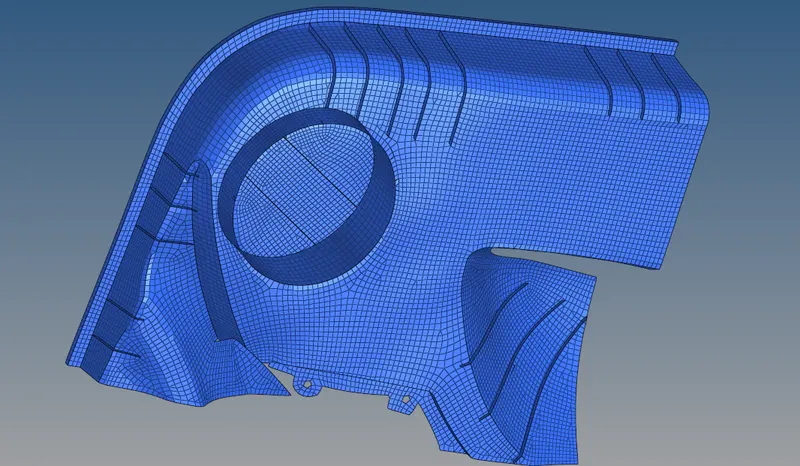
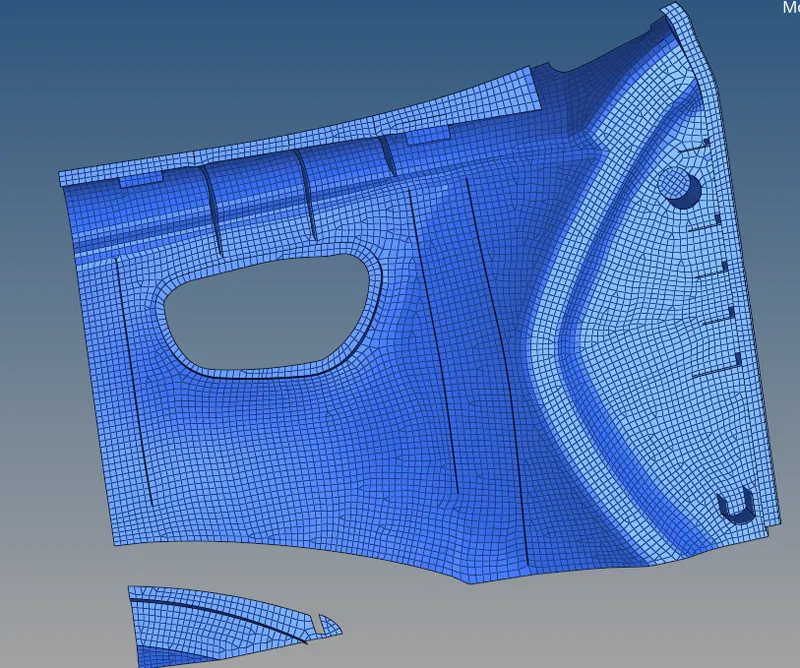
AIM : To create a 2D mesh in the side door plastic component according to the quality criteria , and apply thickness to the mesh .
model
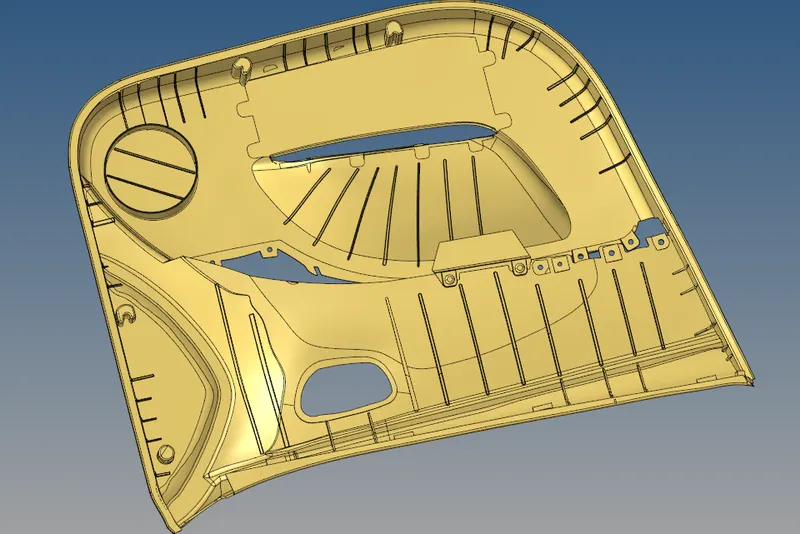
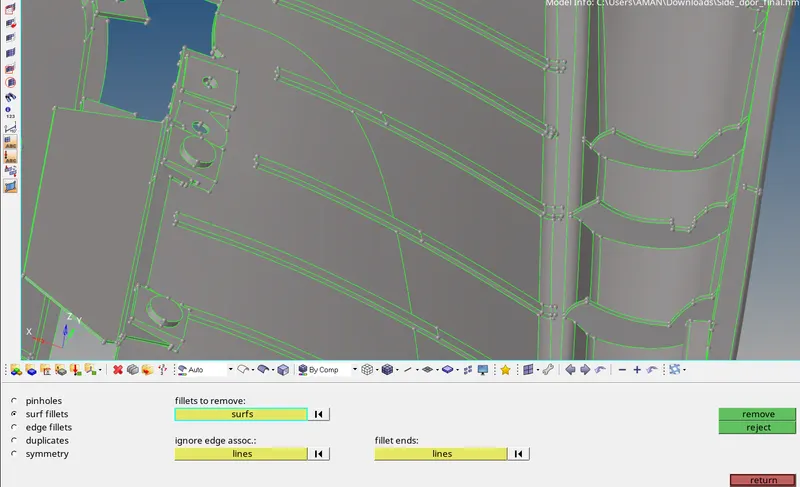
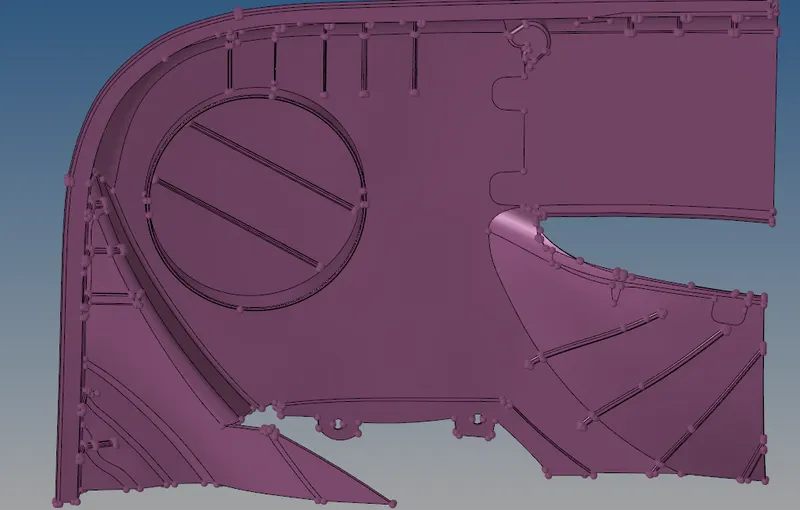
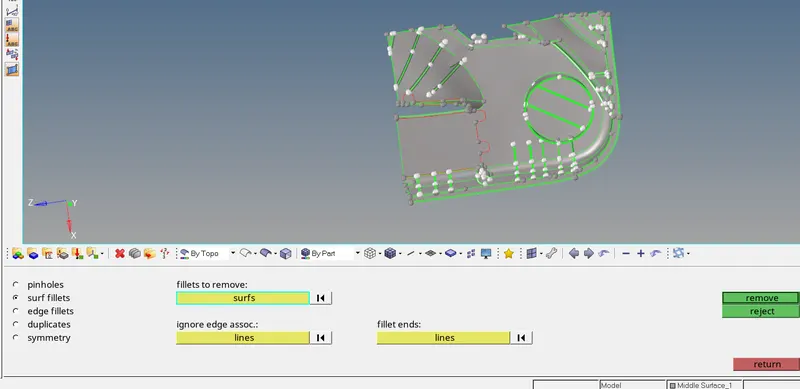
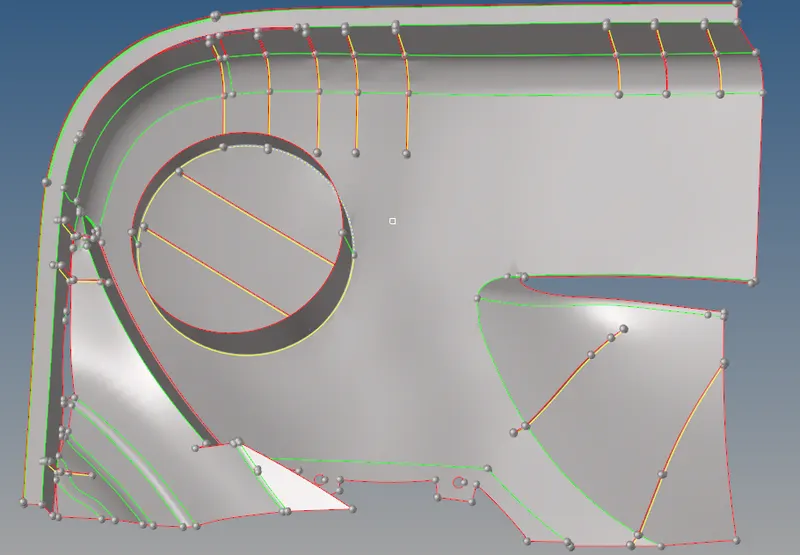
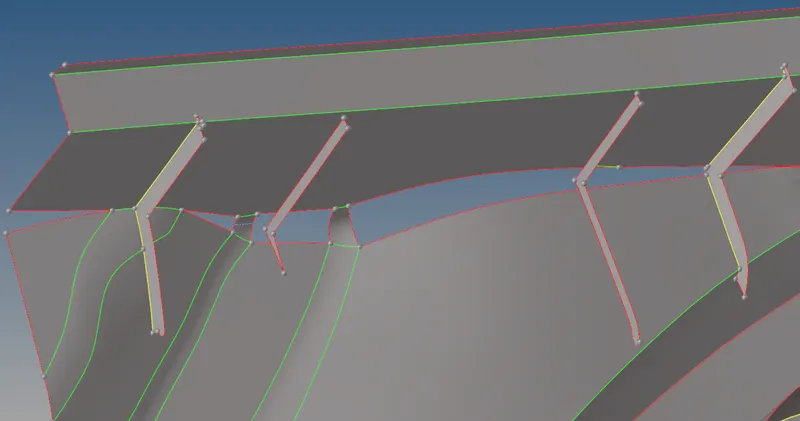
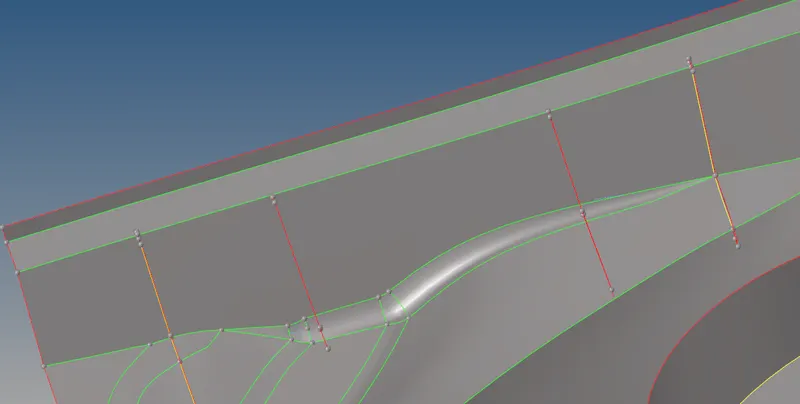
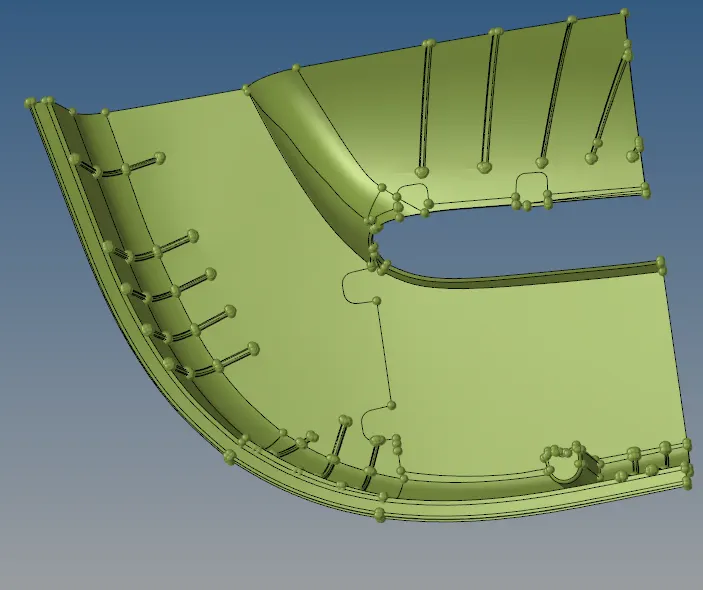
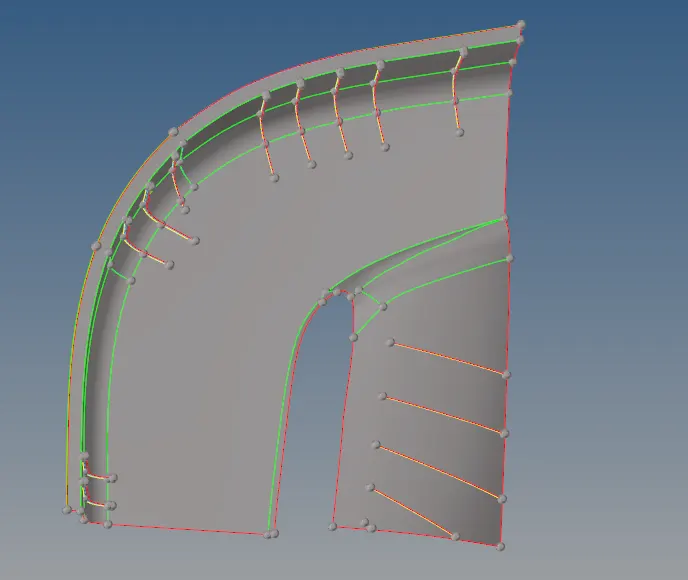
PROCEDURE : The side door plastic component has many ribs and fillets . these types of plastic component has varying thickness , we need to do 2D shell mesh on the component and asiign the thickness to the elements . before that we need to extract midsurface for the component since the thickness is varying , auto mid surface option will not capture all the ribs properly , so that we need to go for manual midsurface option Import the model in hypermesh
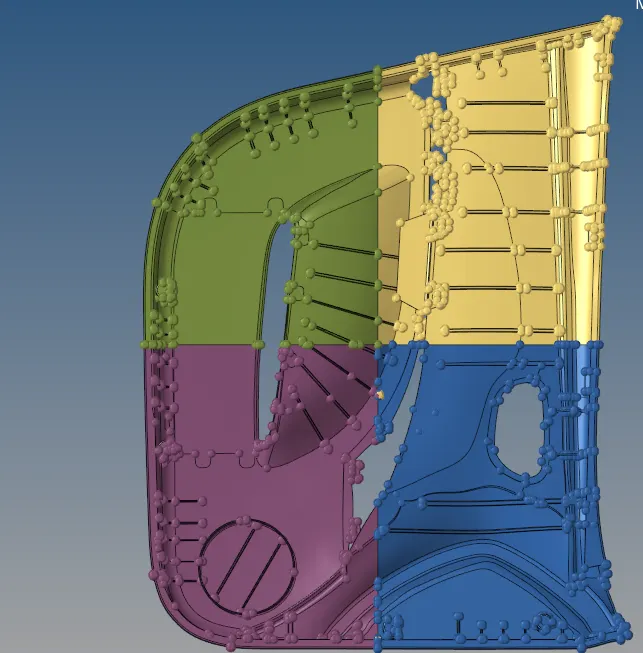
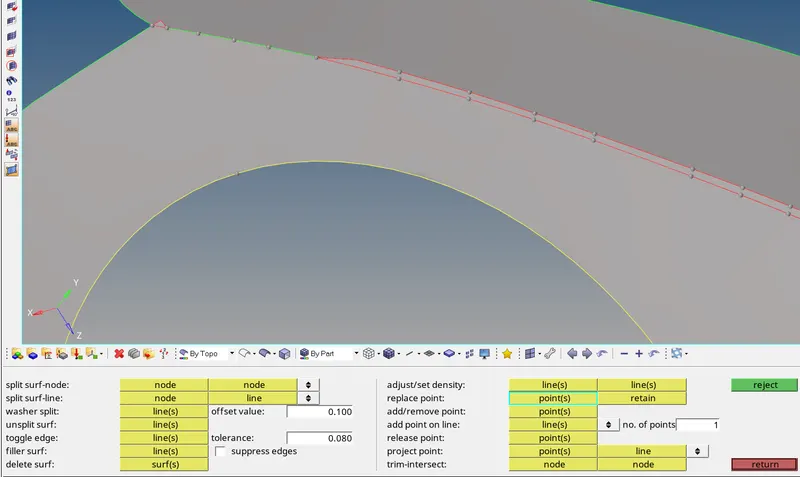
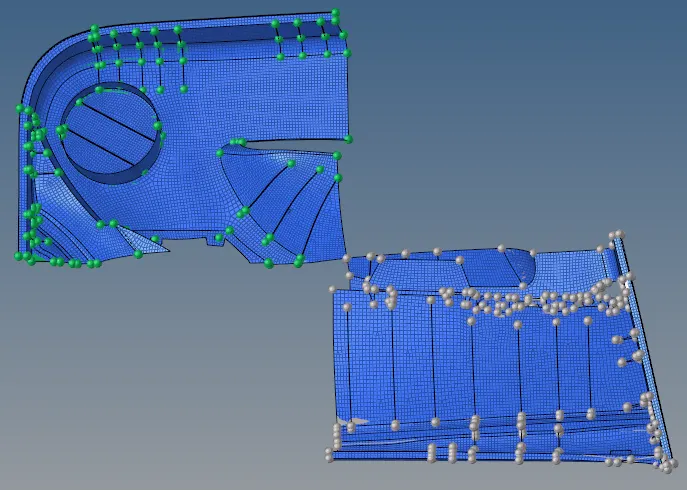
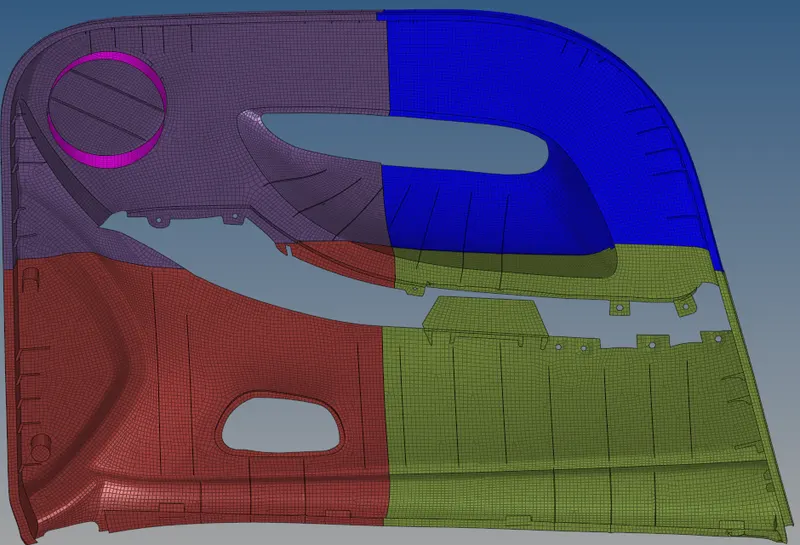
then split the space into four parts.
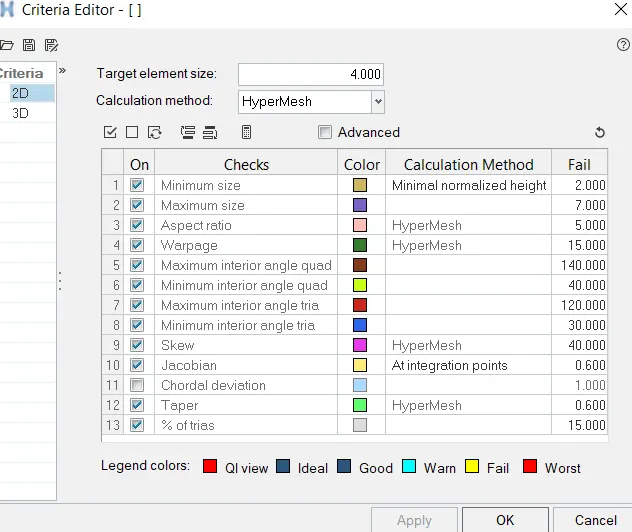
QUALITY CRITERIA SETUP:
We must assign quality parameters such that meshing elements will get measured from their ideal shape. The parameters like warping, skewness, aspect ratio, etc. have to be given in the quality criteria setup.meshing parameters also have to give before meshing such that surface will get mesh under given length
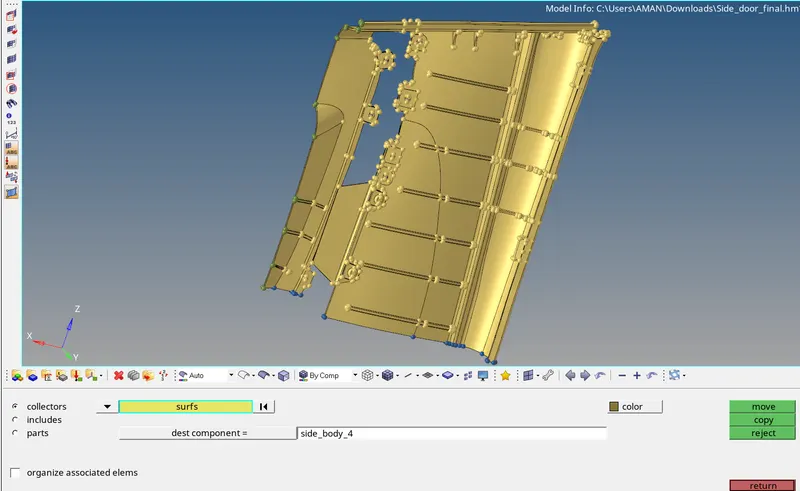
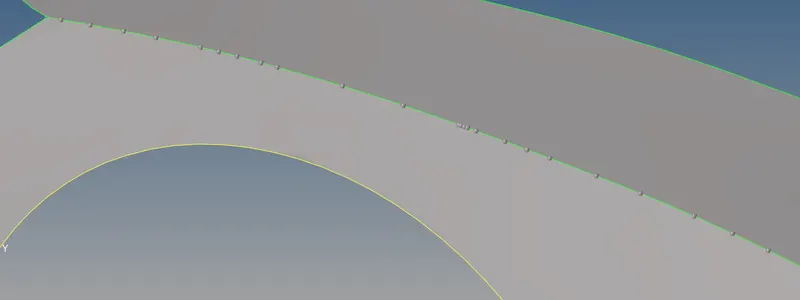
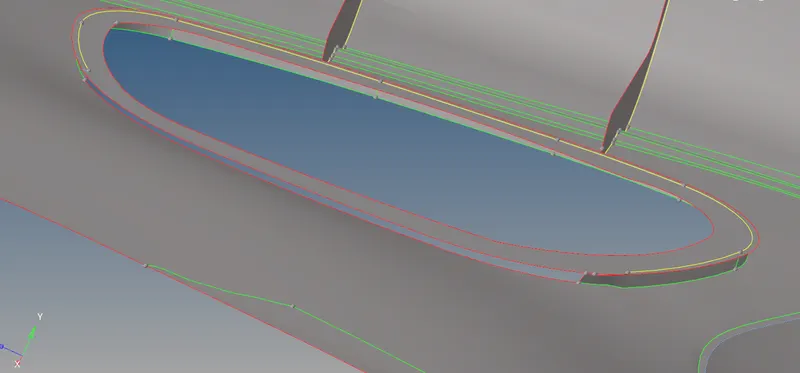
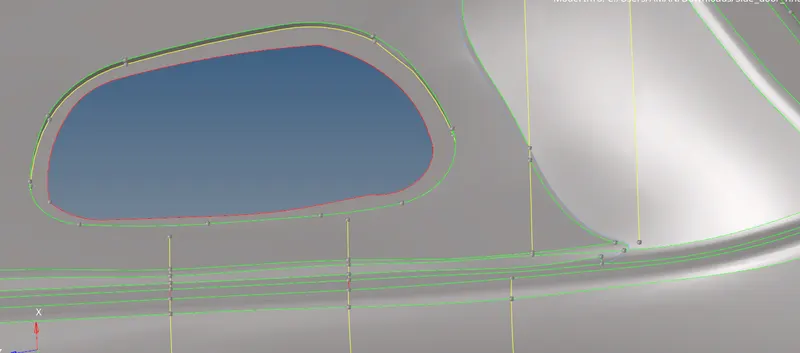
MIDSURFACE EXTRACTION : We have to take midsurface for the component so that we can do meshing on the component for that go to geom- midsurface - > select the component > extract since the component has varying thickness , the auto - midsurface option will not capture some ribs on the surface
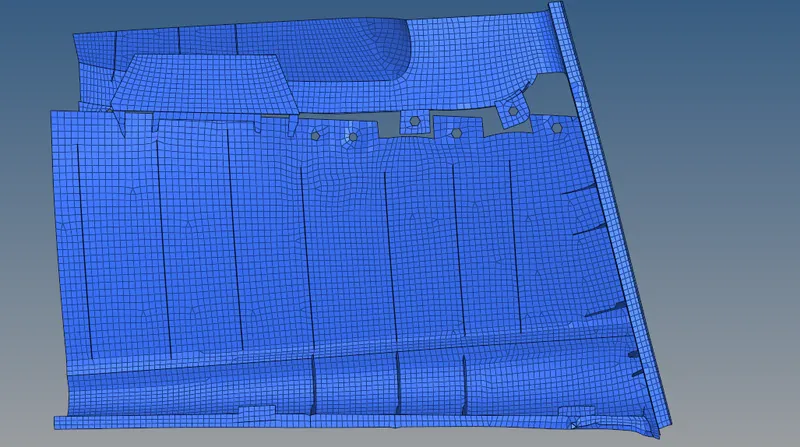
- If there are any opposite tras we should re - mesh these tras and thereby we can remove those tras
- • There should not be any mesh transition at the filet regions
- Smoothing command can be used to smoothen the mesh . For that go to TOOL panel > click on SMOOTH Select the elements needed to smoothClick on smooth until we get even mesh flow • Never place TRIA elements at the edges or inside the washer
- Adjacent TRIAS must be removed . For that we can use DRAG TRIA option in QUALITY INDEX tab in 2D panel . We can select the tra and drag it to any other position so that we can remove the adjacent tras • Rotating Quads are not acceptable in CRASH TEST but acceptable in structural analysis . Same directional following TRIA elements are acceptable in CRASH ANALYSIS but not permissible in structural analysis . Always mesh the component keeping in mind the quality requirements For fixing quality issues we use quality index in 2D panel
- Place node option is used to move the nodes freely to minimise the quality
- smooth option is used to smooth the mesh flow
- Element optimize is used to optimise the element quality
- Drag tria is used drag the tra elements from one side to another Split quad element option is used to split quad element into two tria element
• Combine the elements is that combining two tra into one quad element
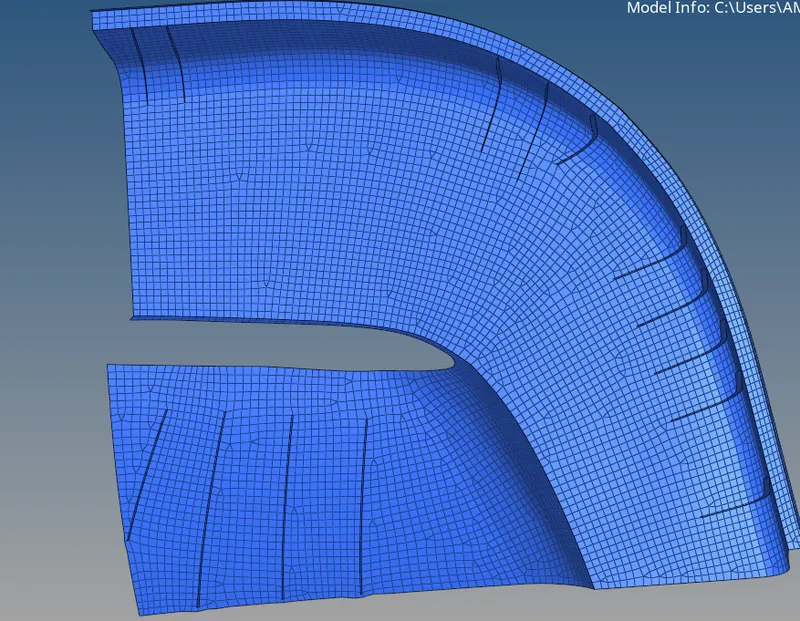
- Place node option is used to move the nodes freely to minimise the quality
- smooth option is used to smooth the mesh flow
- Element optimize is used to optimise the element quality
- Drag tria is used drag the tra elements from one side to another Split quad element option is used to split quad element into two tria element
- Combine the elements is that combining two tra into one quad element .
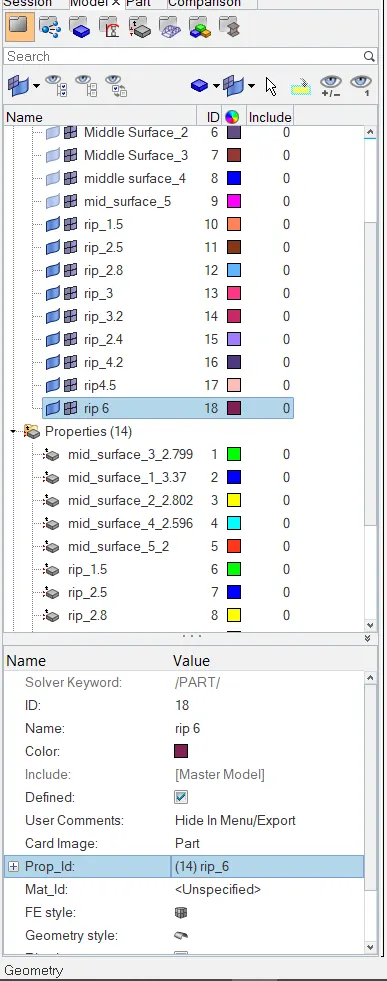
Assigning Thickness to component
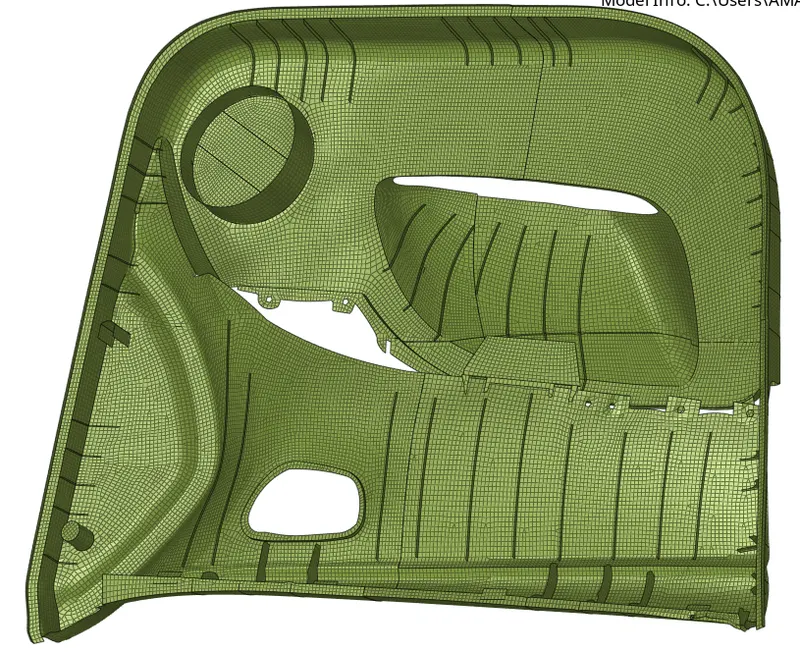
final model
Result
Process of meshing the complex plastic components is learned with this project in some plastic components, there may be waste parts present in model.CAE engineers should find out the exact geometry in the plastic components by properly removing those waste parts and then carry out the meshing step by step and at last we should apply the respective thicknesses to the respective parts of the plastic component