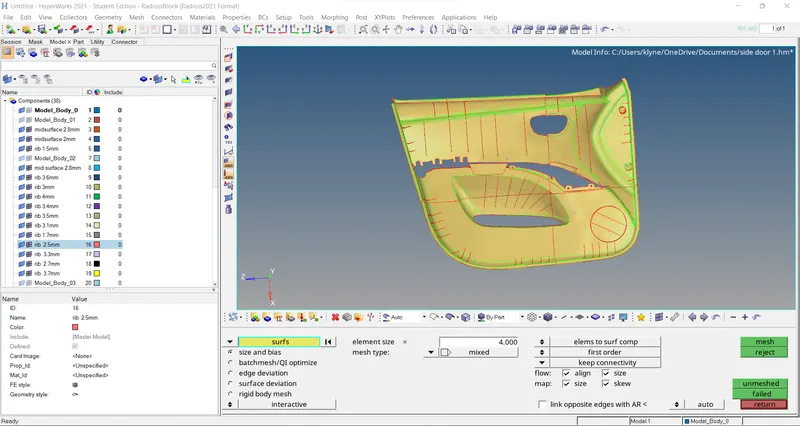
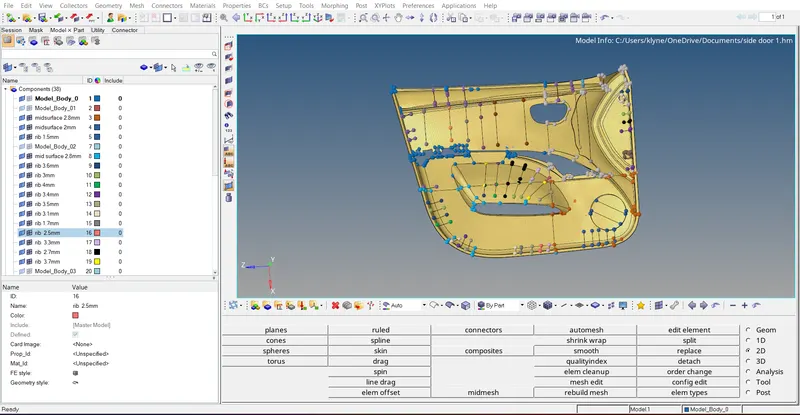
Week 12:Project-1-Meshing of Door Inner Panel Challenge
Meshing of door inner panel
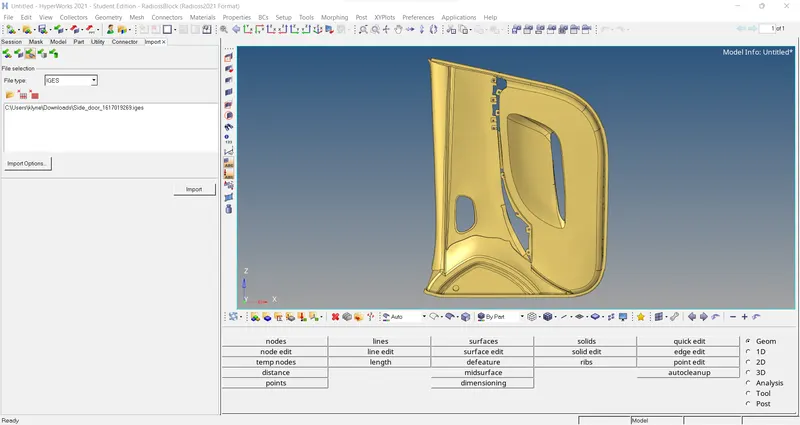
The first step is to import the given geometry in iges form.
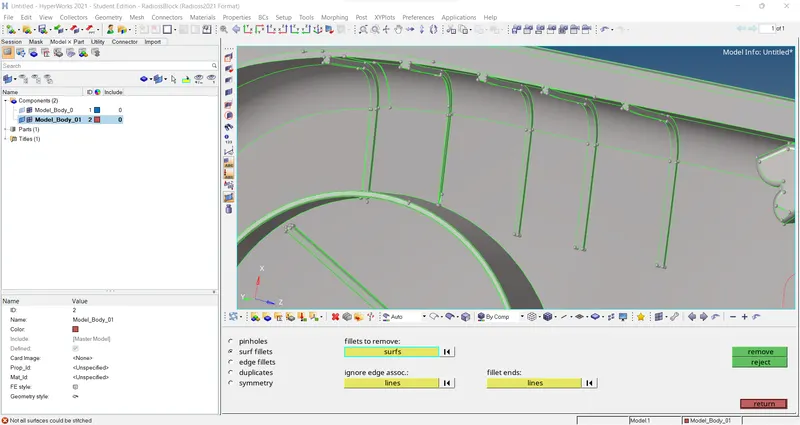
In order to perform mid surface we need to defeature the fillets and other surfaces So that proper meshing will be produced. Geometry>> Defeature>>surf fillet.
After Defeaturing We have to do an elemental cleanup.
Now we have to split surfaces into four different parts by using the option geometry>> surface edit>> trim with surface.
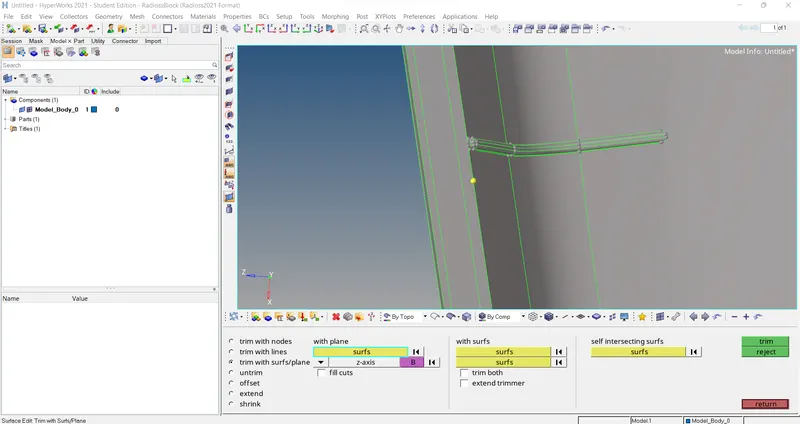
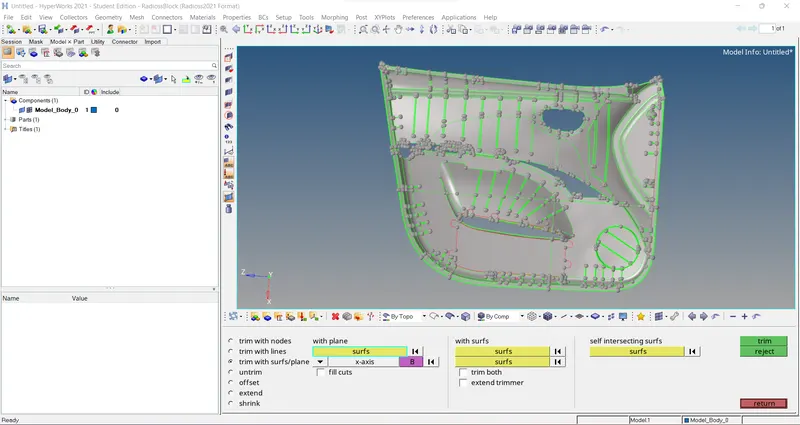
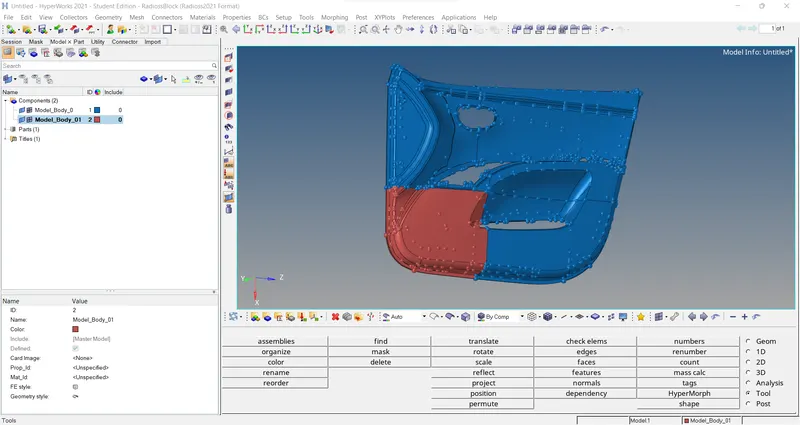
Now we have to separate each surface and work on them individually. Tools>> organize
In order to do mid surfacing we need to find the distance between the two nodes by using the option geometry>> distance>> two nodes.
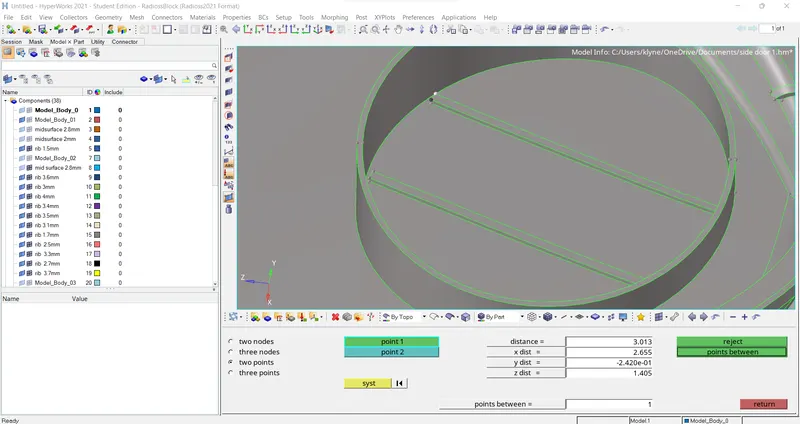
After finding the distance now we have to do a midsurface by using the option geometry>> surface edit>> offset.
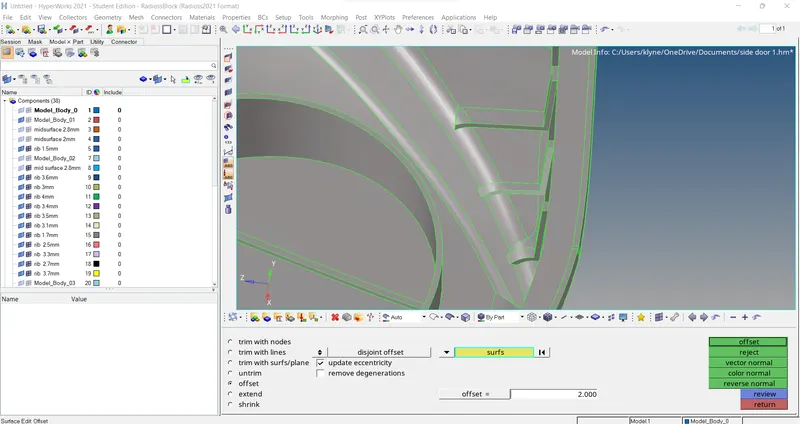
for ribs and cylinders we need to defeature them and do a mid surface in the same above option. we have to place each rib and each cylinder in the component folder so that we can assign the thickness,
after mid surface is done now we have two perform meshing by using the option 2D>> auto mesh>> element size as 4
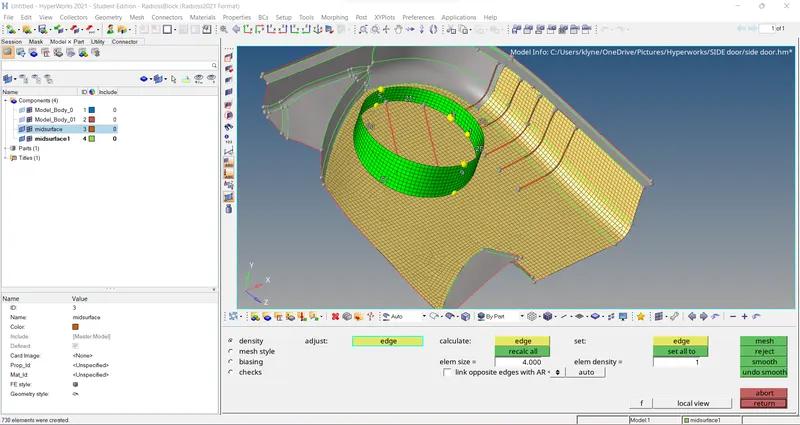
now we have to repeat the above procedure for another three surfaces and extract mid surface from them.
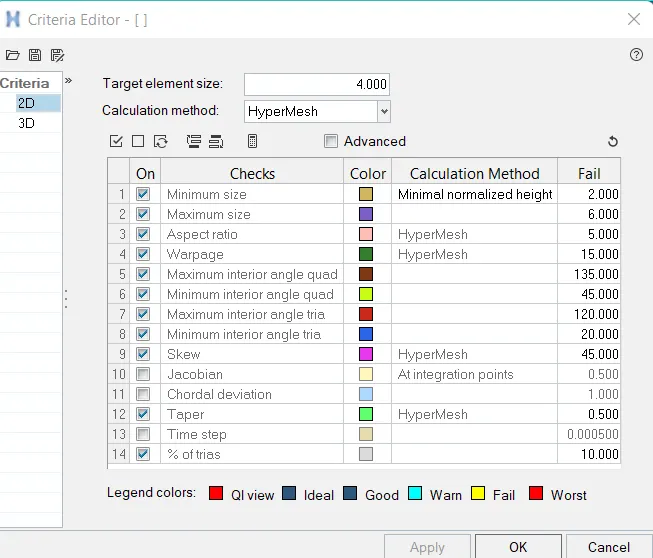
now we have to give a criteria file in order to check whether the elements are failing or not. Preference>> criteria file.
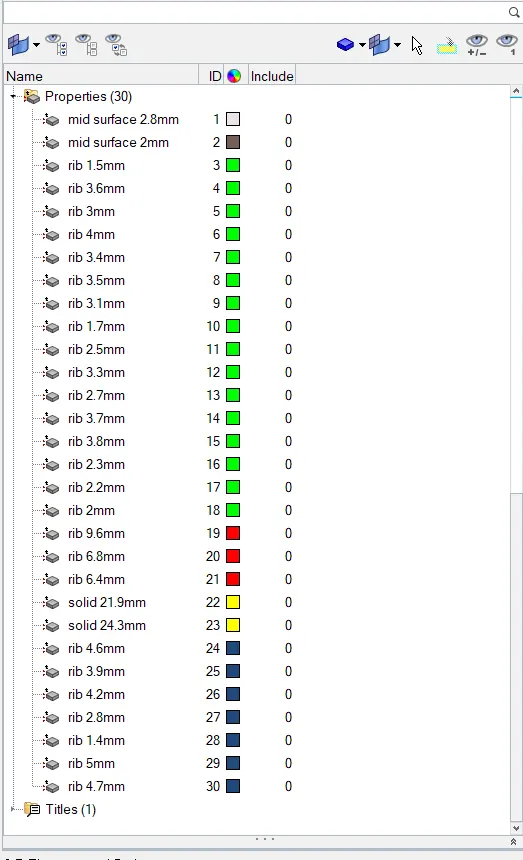
Now we have to assign thickness for each component by creating the property and mentioning its thickness.
Final product