Week 12:Project-1-Meshing of Door Inner Panel Challenge
REPORT
Objective:
To mesh the inner door panel, assign thickness to the model.
CAD Model Images:
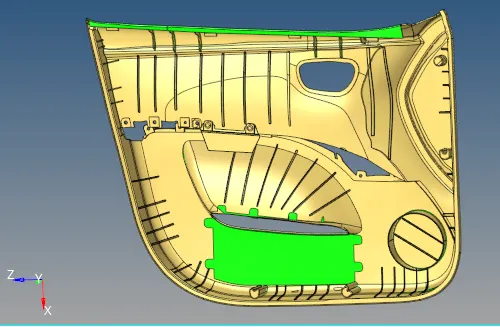
Model
Procedure:
1. The FE models were first imported into the Hyperworks software.
2. We begin by cleaning the models. The surfaces were cleaned of any irregularities.
3. We first begin by dividing the model into 4 parts. The first part is separated from the model by trimming the surfaces through lines. shift+f9>trim with surfaces.
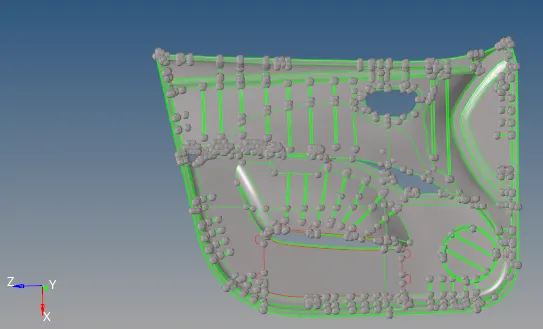
Model Trimming
4. Once the model is trimmed, we move the part to another collector. This is done by Tools> organize.
5. We begin to take out the model and defeature the fillets. geom>defesture>surf fillets.
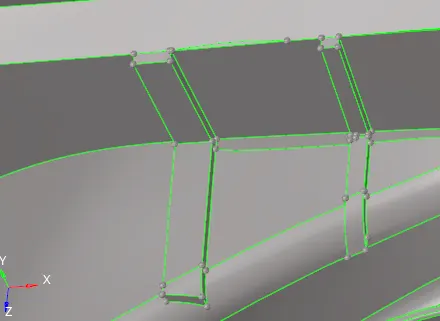
Fillet Defeaturing
6. After this step, we extract the mid-surface of the model. This can be done in both auto mid-surfacing as well as manual mid-surfacing. Both methods were tried but the manual mid-surfacing yielded good results and hence was adopted.
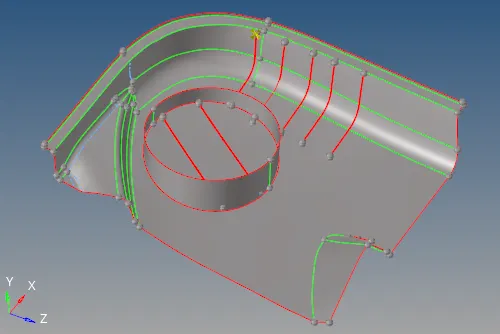
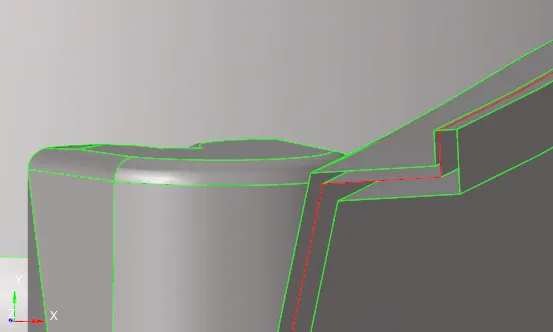
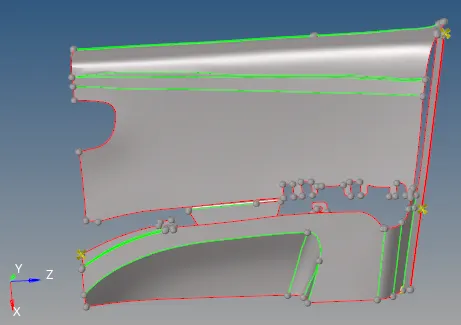
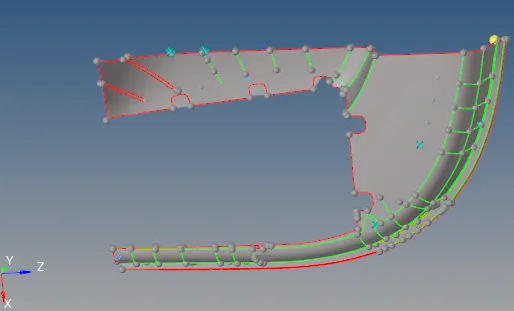
Mid-surface generation
7. Then we begin by meshing the surface and removing all trias possible. F12>surf>size:4>type: mixed>mesh.
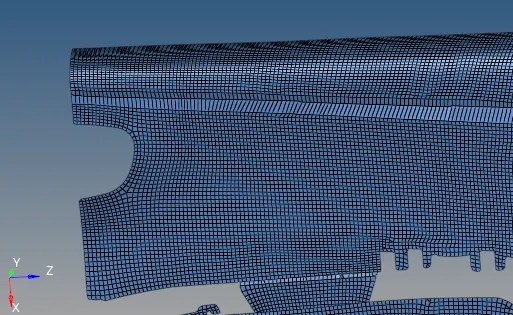
Meshed Surface
8. After the mesh is generated, the required thickness is assigned. To assign the thickness, we first need to create the property. Create>Property. Property>Thickness(value). To view the applied thickness, we enable the '2D detailed element representation' option.
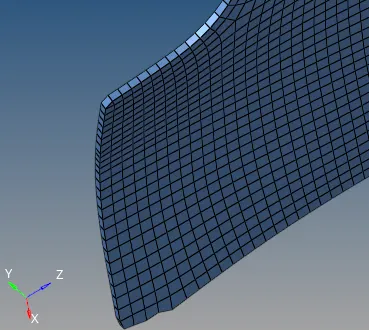
Thickness applied to model
9. All the similar steps were undertaken for all the other parts as well.
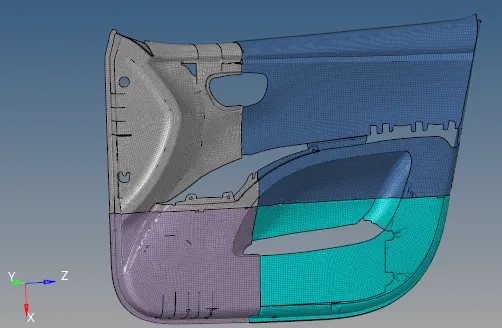
Final Meshed Model