Week 12:Project-1-Meshing of Door Inner Panel Challenge
AIM:- To extract the mid surface and generate the mesh on the Door Inner Panel in Hypermesh.
Quality Criteria:
Target Element Length = 4 Units
| S.N | Quality Criteria | Value |
| 1 | Aspect Ratio | 5 |
| 2 | Skewness | 45 |
| 3 | Warping | 15 |
| 4 | Taper | 0.5 |
| 5 | Min. Length | 2 Units |
| 6 | Max. Length | 6 Units |
| 7 | Min angle Quad | 45 |
| 8 | Max angle Quad | 135 |
| 9 | Min angle Tria | 20 |
| 10 | Max angle Tria | 120 |
| 10 | Tria % | 10 |
Procedure :
- Import the geometry
- Make in topo mode
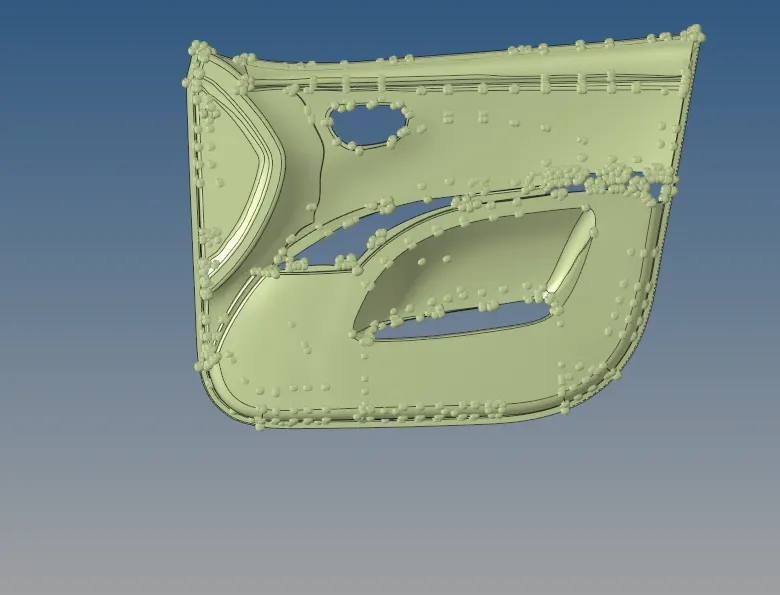
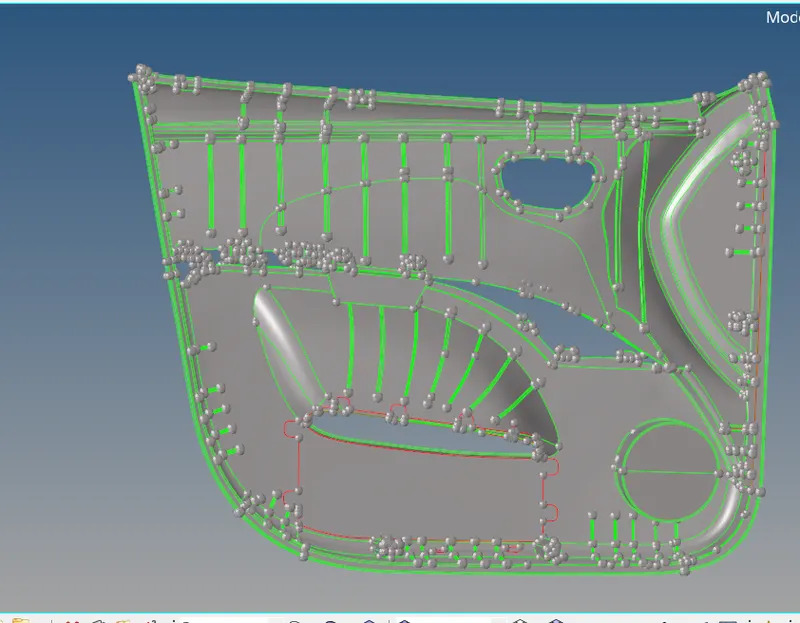
Mid surface:
- In this plastic component, thickness is not uniform so we want to extract parts manual
- Initially, we extract a base plate that has a uniform thickness, for that we go to surface edit and select on the surface of the base plate then select by phase and offset to half of the thickness
- After getting the baseplate to check any error in geometry and if any clean it with suitable components
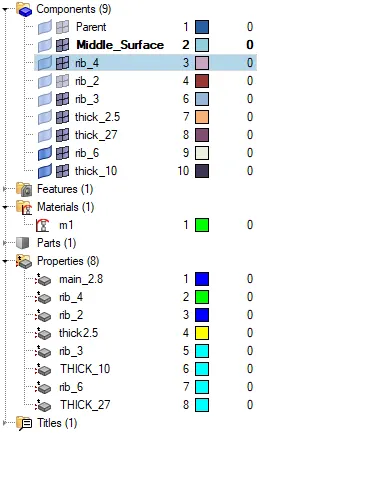
- Then inspect and offset each component into half of the thickness separately
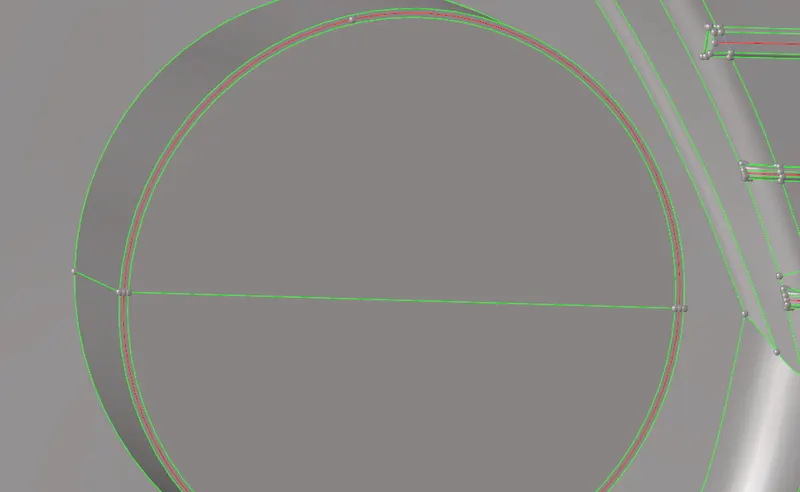
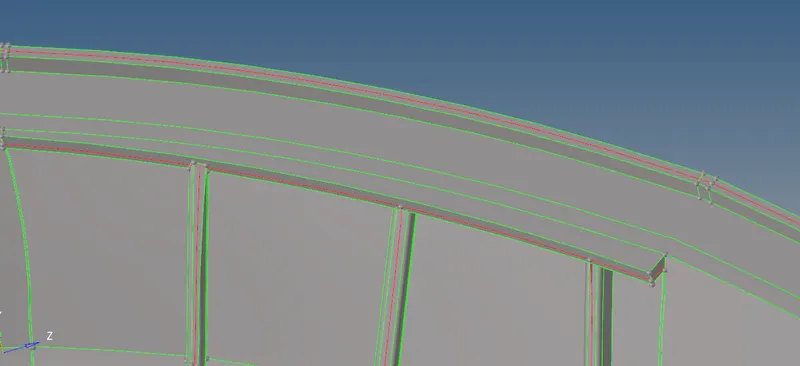
- Then we want to extract mid surface of the ribs that make a midline between the surface of ribs then trim it by trimming with line option, then make surface between it by ruled option in surfaces
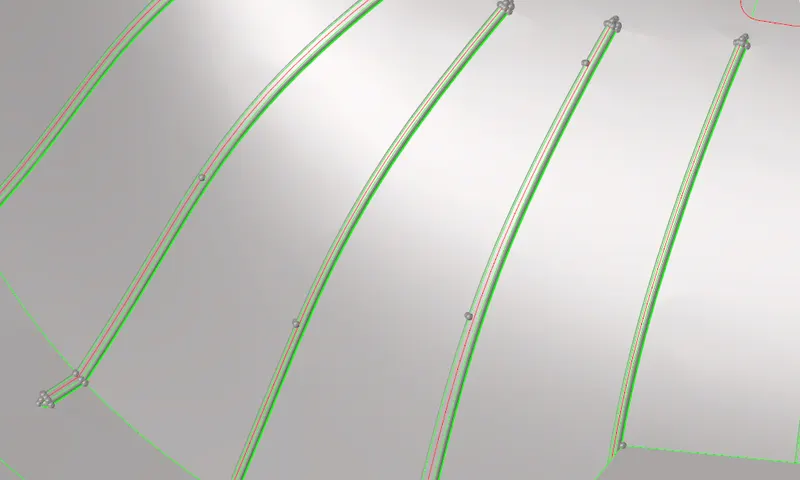
- If surfaces are not connected to surface use extent options for connectivity
extract the mid surface of remaining type ribs on the surface by offsetting option
Geometry cleanup:-
- After extracting mid surface all parts check the connectivity of all parts and do necessary geometric cleanups to toggle unwanted lines
Meshing:-
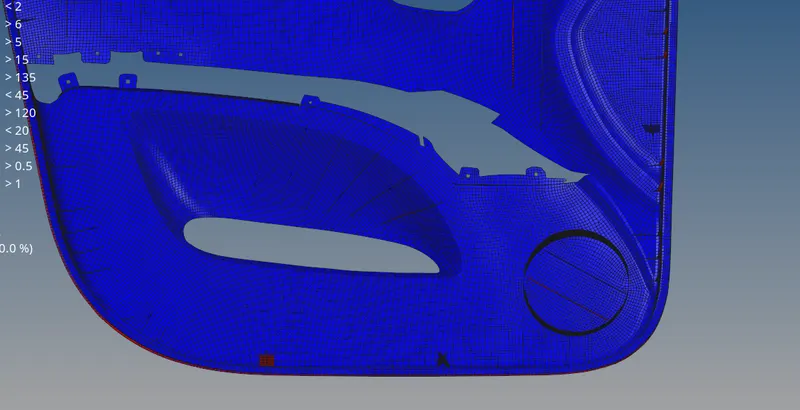
- Then start meshing from one side make cut lines on ribs for getting good quality mesh flow to minimize tria concentration as possible
- when in the meshing process always try to use rebuild option mesh for getting good quality mesh after using the drag tria option make sure to smooth the mesh remove warping by translating the deflected node from surface
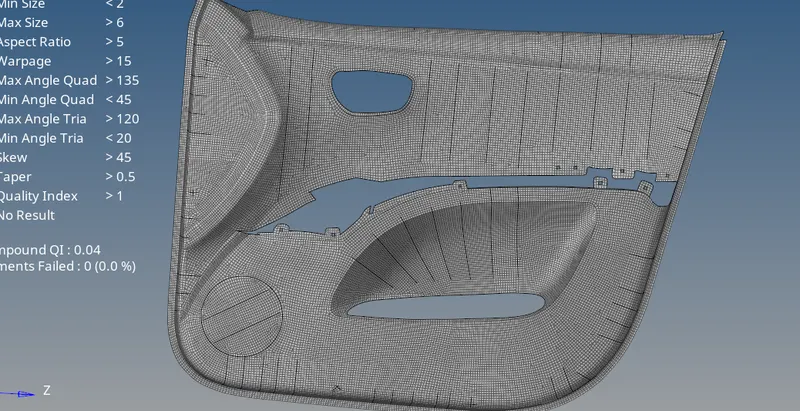
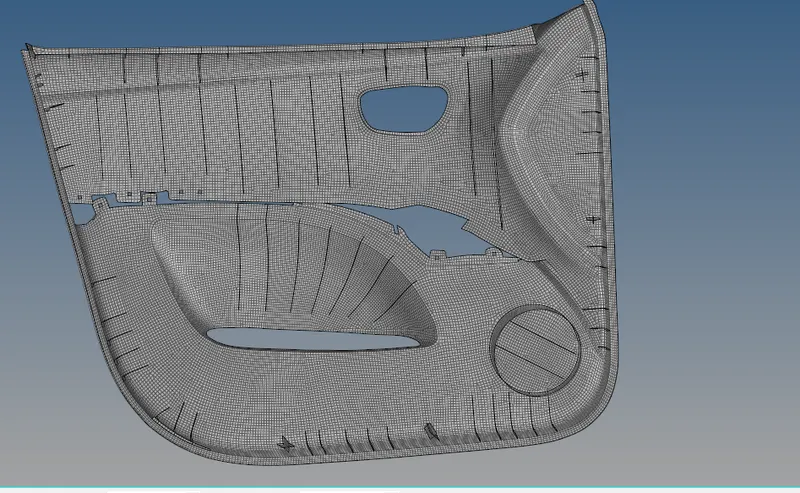
- After properly meshing all regions check for free edges in the edges option and equivalence all and get connected all nodes.
- If any nodes are not connected check it manually and connect those elements.
- After checking for edges check for normals in tools normal option.
Assign thickness:
- Plastic components have different thicknesses, for that, we have to assign different thicknesses to all parts.
- Create a property for different collectors and give thicknesses respectively.
- Assign property and thickness to the collector.