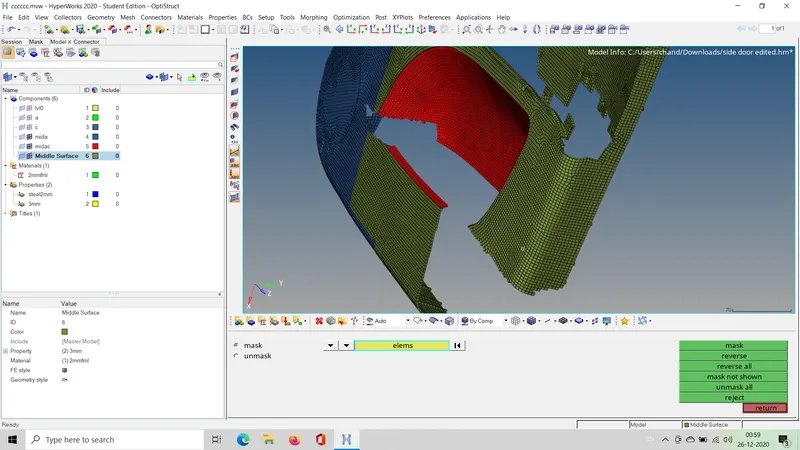
Week 12 - Project-1
OBJECTIVE- TO MESH THE GIVEN COMPONENT AND ASSIGNING THICKNESS
STEP1. IMPORT THE GEOMETRY
a. Go to open --> model--> select the file --> open
STEP2. create collector and move trimmed surface to another collector
b.Go to geometry-->surface edit -->trim with planes--> select respective plan and a base point--> and hit okay
STEP3.extract mid surface
c. go to mid surface --> skin offset or even using offset and organising them might be helpful
STEP 4 . GEOMETRICAL CLEANUP
d.All the given cretia should be uploaded in creteria file and hit okay
defeature all the surface fillets --> defeature--> surface fillets--> give the range of fillets and remove
e. creating offset of the features or ribs would be the best option and dont forget to create dublicate before translating ( go to tools --> translate--> surface--> select nodes (vector)--> give magnitude--> hit translate)
f. after creating surface hit organise and move it to the midsurface collector --> and mesh
STEP 5. MESHING
g. go to 2d --> automesh-->select surface and give element size as 4 and hit mesh
STEP 6. do same for all remaining surfaces
STEP7.giving thickness
add material in the column or down the dialogue tree , and add a property and assign thickness to it and assign it to the components according to thickness required
below are few pictures
1.trimming surface along with planes
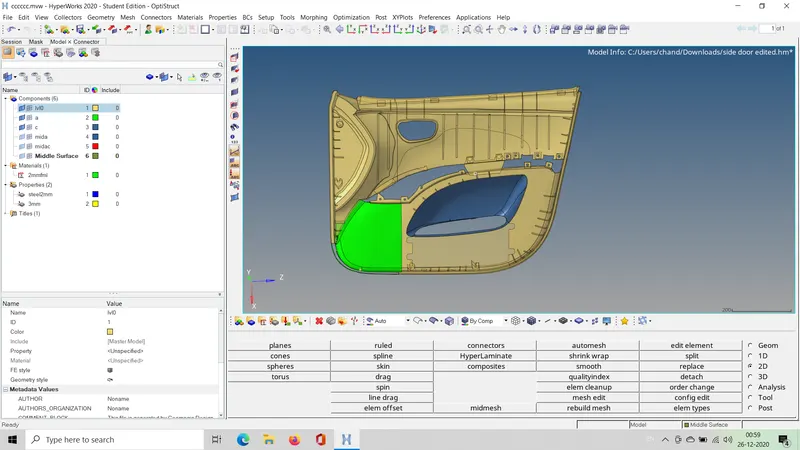
2.extracting midsurface
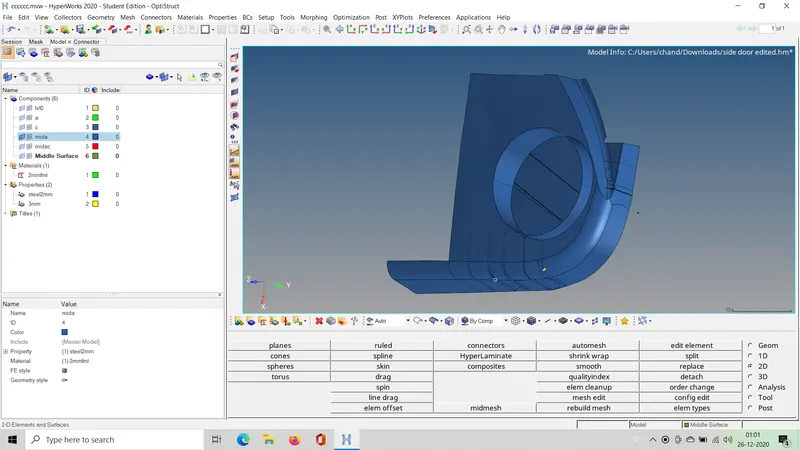
assembly of all collected mid surfaces
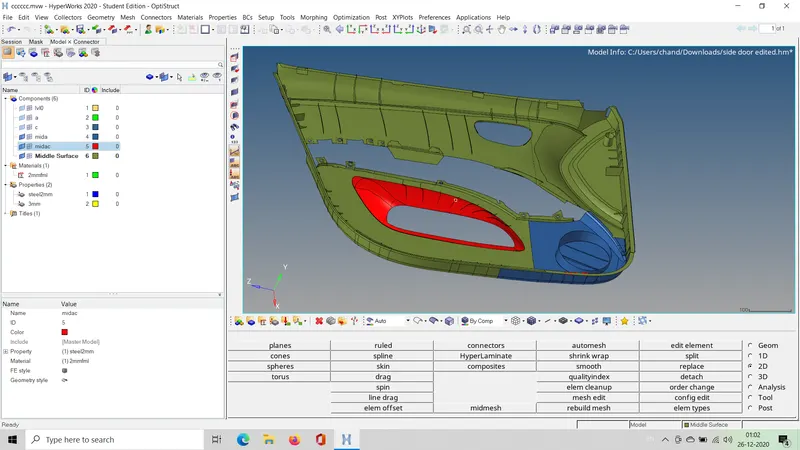
meshed surface
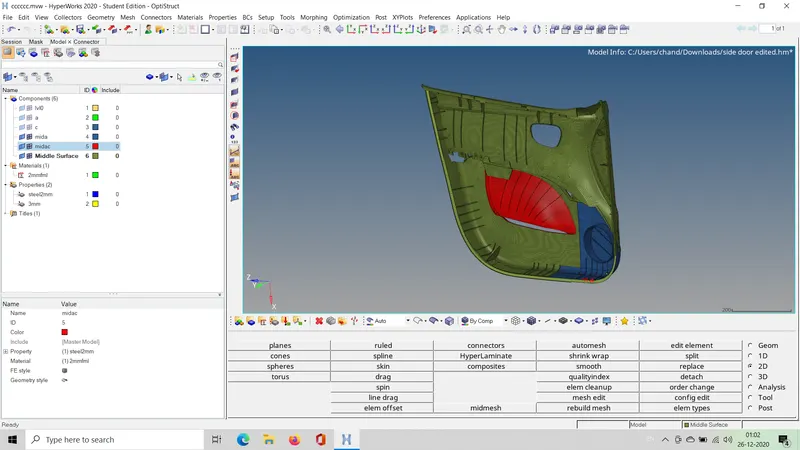
meshed component with assigned thickness