Week 12 Challenge
1. Generate a report for the steel building design from challenges 1 – 6 along with the loading summary
AIM : To generate report for the steel building design from challenge 1-6
TOOLS REQUIRE : Report, model report, show report
PROCEDURE :
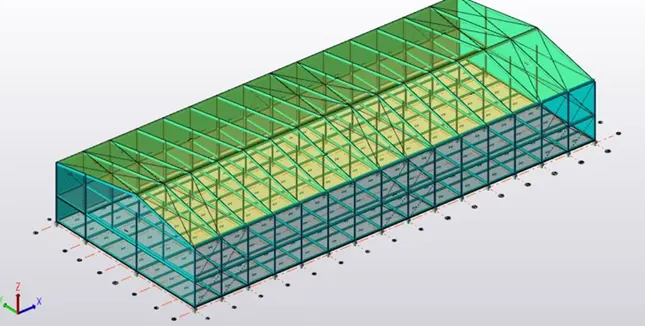
- Open the structure and analyze it
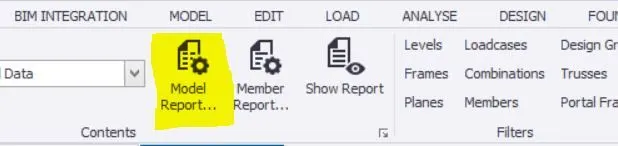
- Now click on report tab
- Now select model report option
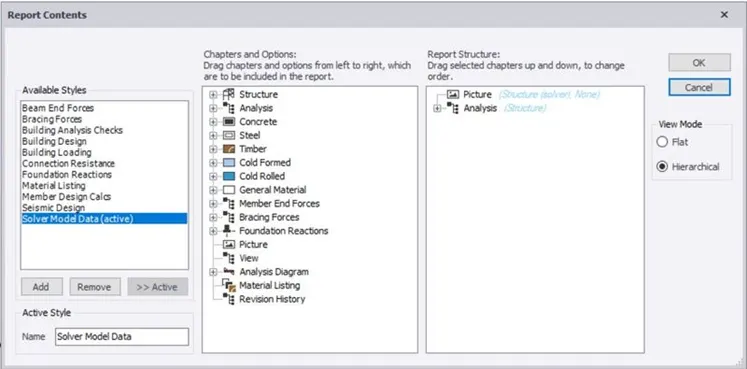
- Then new dialog box appears
- Now select the particular category and we can obtain the reports for each and every category separately
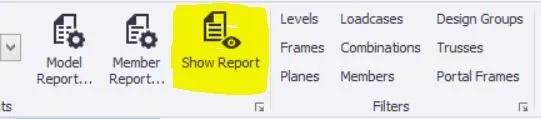
- Now click on show reports to view the selected member reports
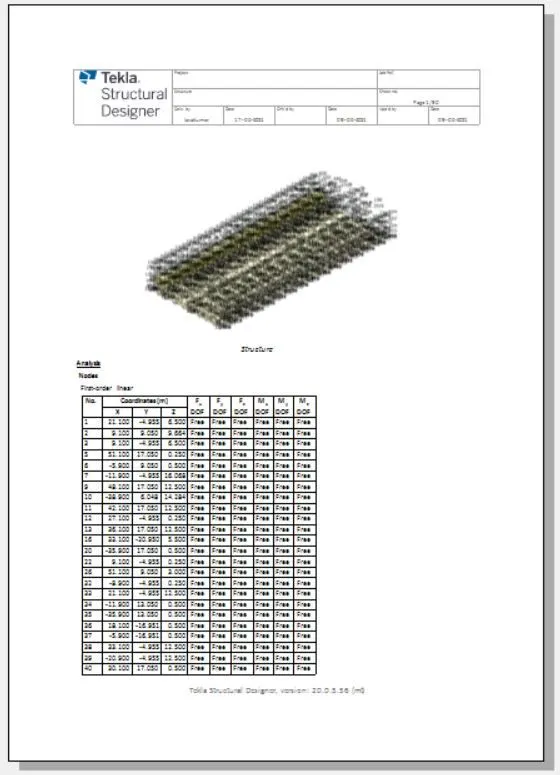
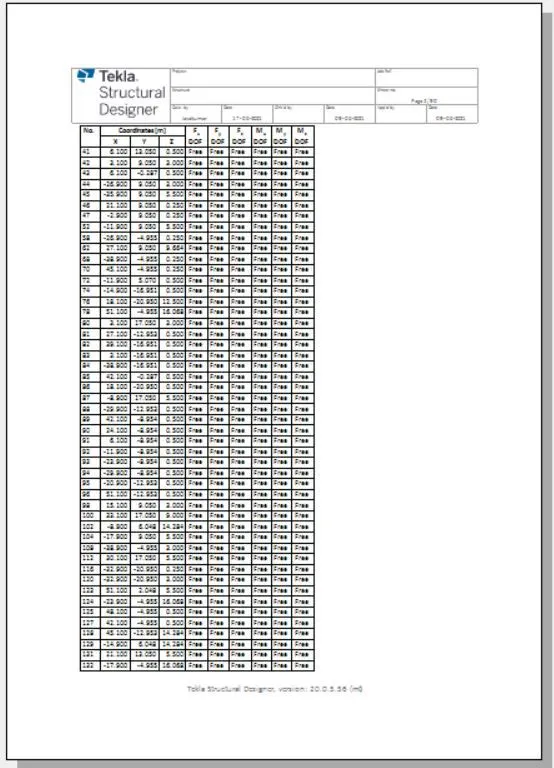
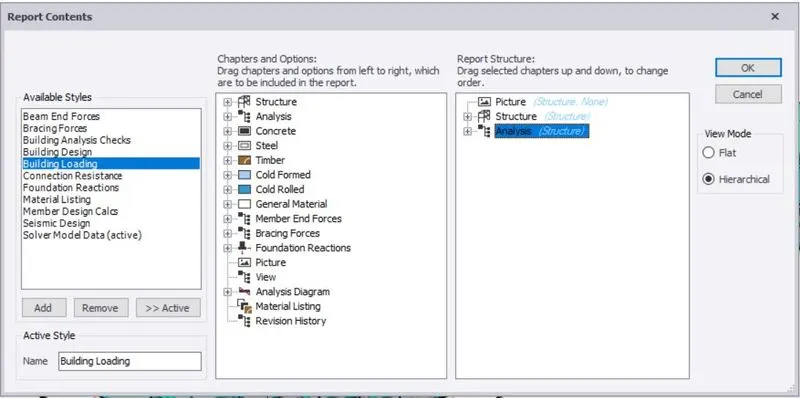
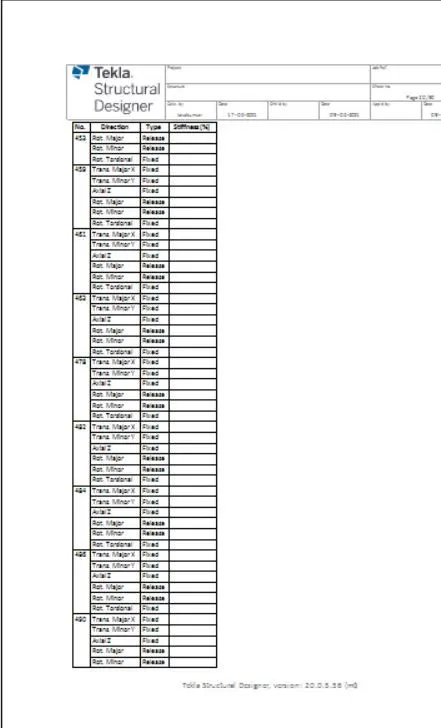
RESULT :
Therefore by using above procedure we can obtain the reports for the steel structure
2. Generate a report for RC structure along with the loading summary
AIM : To generate report for rc structure along with loading summary
TOOLS REQUIRE : Model report, show report, report
PROCEDURE :
- Open the structure and analyze it
- Now click on report tab
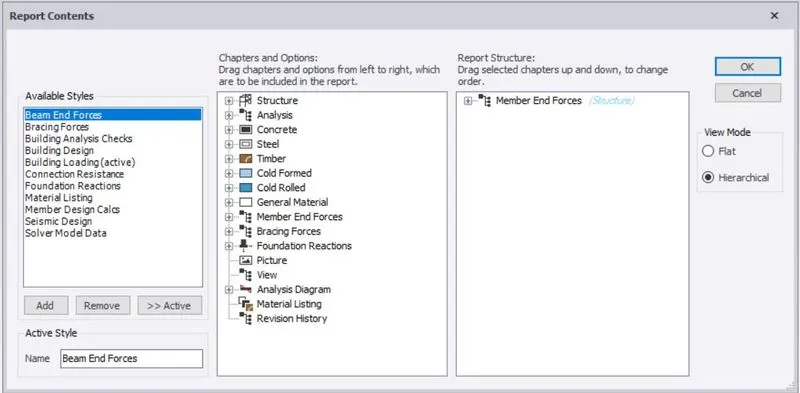
- Now select model report option
- Now new dialog box appears
- Now select the particular category and we can obtain the reports for each and every category separately
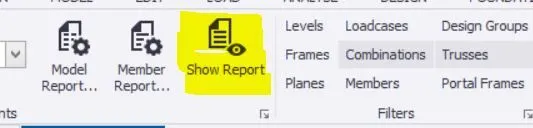
- Now click on show reports to view the selected member reports

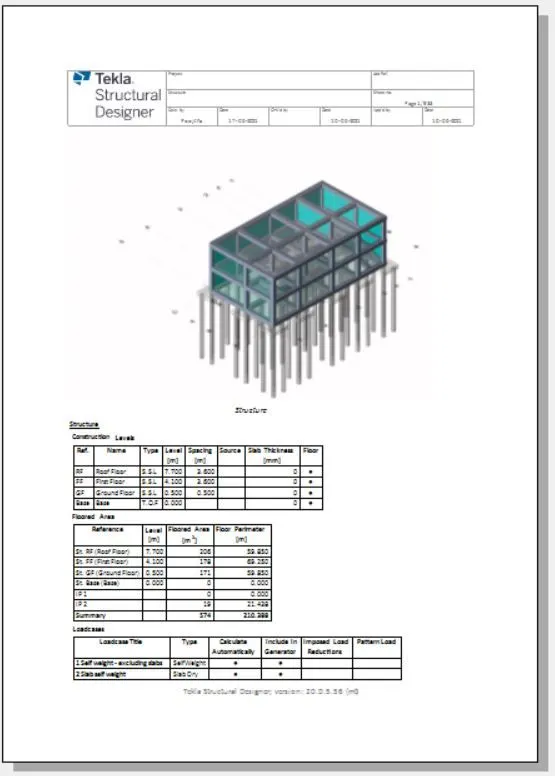
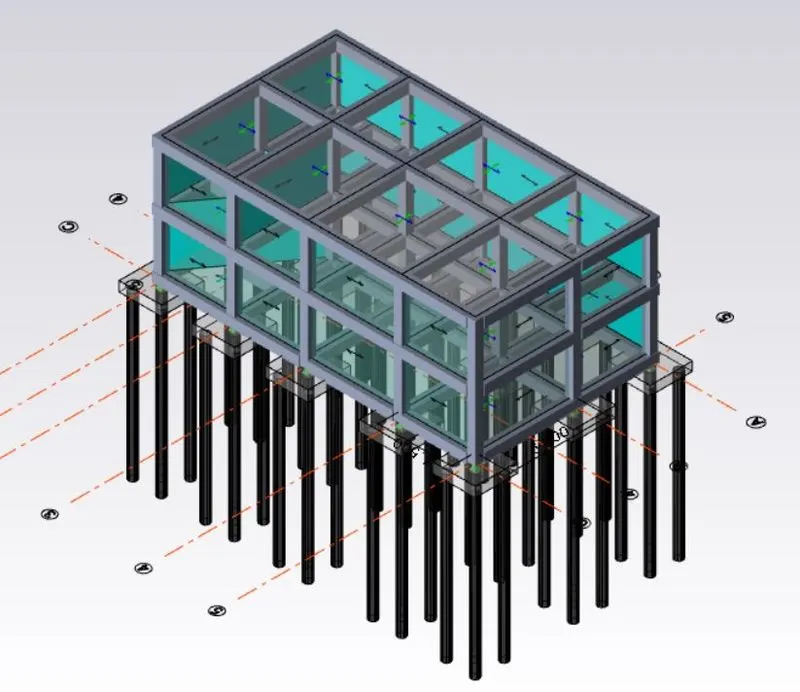
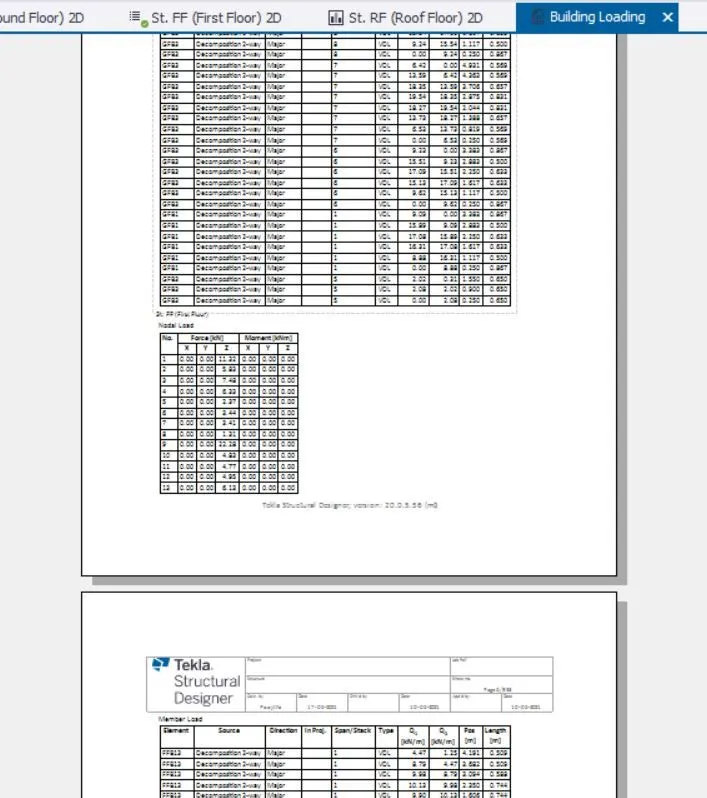
RESULT :
Therefore by using above procedure we can obtain the reports for the steel structure
3. Update the layers settings in the model and generate plan drawings and details from the model
AIM : To update the layer settings in the model and generate plan drawings and details from the model
TOOLS REQUIRE: Home, settings, layer styles, planer drawing
PROCEDURE :
- Now click on home tab
- Now go to settings
- Now in Settings a dialog box appears
- Now in the dialog box we have to select layer styles
- Now under layer styles select planer drawing.
- Now in that we can select colours for the members according to our will
- Now repeat the same steps for other members also
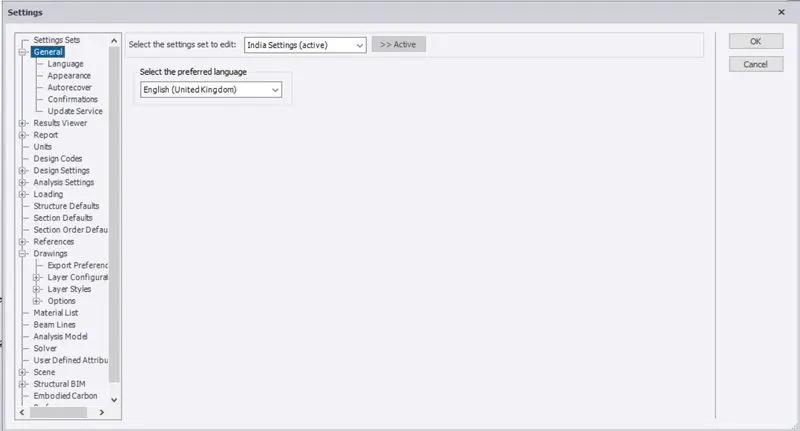
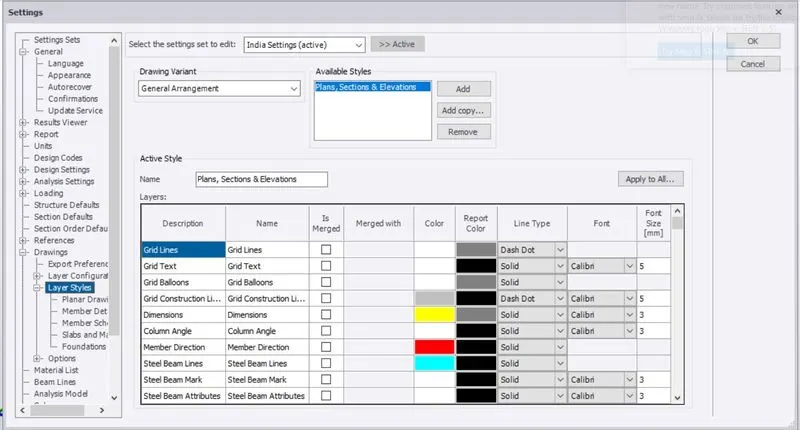
RESULT :
Therefore by using above procedure we can update the layer settings