Week 12 Challenge
Procedure for Plastic Knob Ejection system with Ejector pins and Plates, Runner and Gate system, Air vents and Cooling
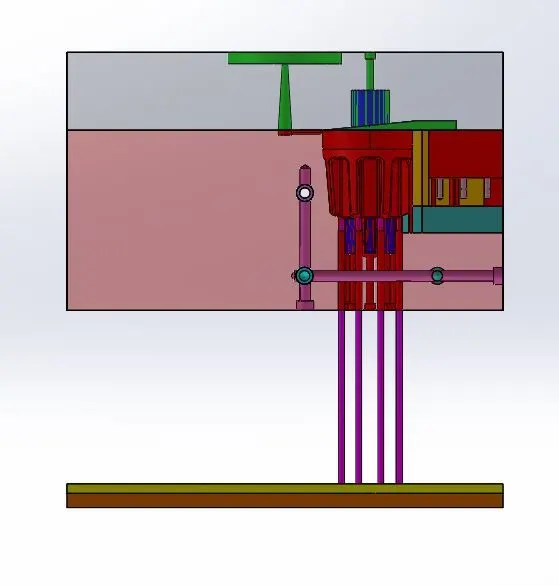
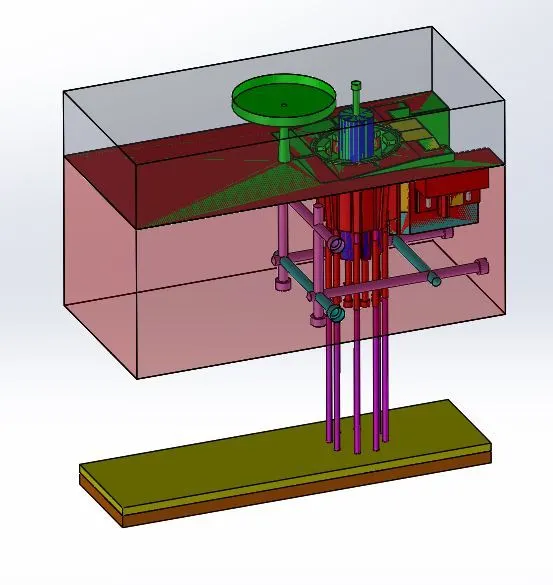
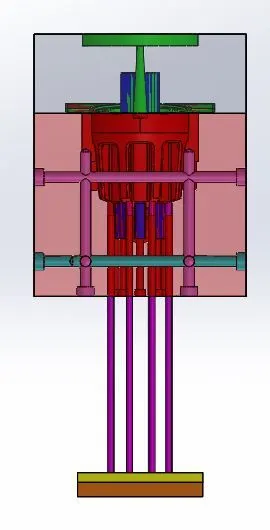
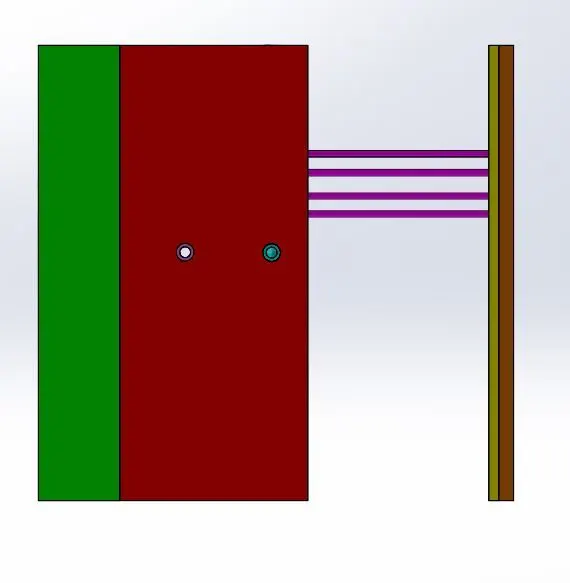
step-1:-Ejection system with Ejection Pins and Plates Ejection system is mainly used in ejection the component after the molten material fills the core and cavity to remove the final component the main components are Ejection pins, Ejection plats which connects the ejections pins and ejection system,
step-2:-Ejection pins for this component I am using 6mm ejection pins but mainly there are 2 types of pins are used they are 3mm &6mm pins mainly used it will change to the system to system and company to the company also. For creating the ejection pins I took the previous reference plane and start sketching on the plane. Sketch’s the pin dia 6mm where ever it required and extended up to 250mm and make the surface is the starting point and ends with 250mm length and in the of the pin are circular position there is no change in the pinhead for an angular pin the pinhead is a semi-circular pinhead and head dia 10mm and the thickness 3mm. and coming to the relief for the pins and pinheads for the pin relief as the 6.94mm and 12mm
step-3:-Draw the rec sketch at the top for ejecting pin plates with less than 45mm on the width of the core width and the length remains constant. And extrude the sketch up to 10mm below the sketch surface and create another sketch for the component and extrude 15mm above the pins guider and add the relief for the pins on the first plat and is 2mm.
step-4:-The next step is to create a runner and gate and spur for the component for start creating runner start sketching on cavity block on the top face as reference dia 120mm and the depth of cut is 12mm for the material injection slot and at the end of the runner sump and draw the 5.8mm circle and by using extrude cut option give the draft angle for the component is 3.50angle outside from the circle. And cut spur up to the end of the Cavity block. and also add the 5mm depth cut on the core block. Then the runner is completed.
step-5:-And start designing for the spur for that draw a line on the and use the extrude command and select the midplane and of depth 4mm and width of 4.75mm and add the gateway for the component add the sketch for the spur with the tapered triangle of 1.5mm and 8mm and extend to0.5mm and add Draft to the lower face of the spur. And the draft of 400.and trim the unwanted extra parts for the gate and combine the gate and spur and subtract the from the core block. Remove unwanted extra features in the core block.
step-6:-The next step is to create the Air vents in the core block it is useful to remove the unwanted air gaps in the core and cavity blocks. And it'is useful for free ejection and molding of the component. For the draw a sketch on the core face and make an offset of the end line of the component with 2mm and extrude the component on both sides and split the component with the core face and make a face offset of 1mm and add fillets for it and repeat the same steps for the attachment with 0.5 mm and add fillets and combine and separate from the core block
step-7:-The next step is to create the cooling system for the mold its plays an important role in the mold design for solidification of the mold for easy ejection of the mold. For that, we can use as hole wizard command in the features command prompt and use the M10 hole with18mm head with the required lengths in my case I am using the series type cooling system to connect all the pipes around the mole cavity with a specific distance.
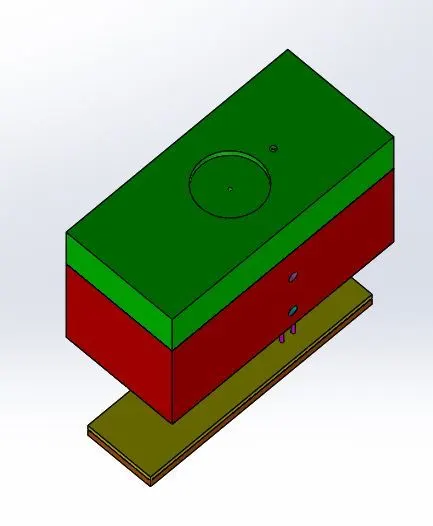
step-8:-after completing all the features add the New assembly in the assembly part and name as Mold part and Top product and Bottom Product
step-9:-This is the process of creating an ejection system with ejector pins and plates, runner and gate system, air vents, and cooling channels for the mold
Images