Week 11 - Project - A pillar Design with Master Section
Procedure to make Pillar Design with Master Section,
At First the Tooling Axis is Created on the Class A Surface and then the Side Tooling Axis is created on the Class A Surface for doing Analysis on Dog house. Then After the Tooling Axis is Created then the Class B Surface is Created on offseting above the Class A Surface with 2.5mm. Then the Class C surface is Created to form a gapless Surface.
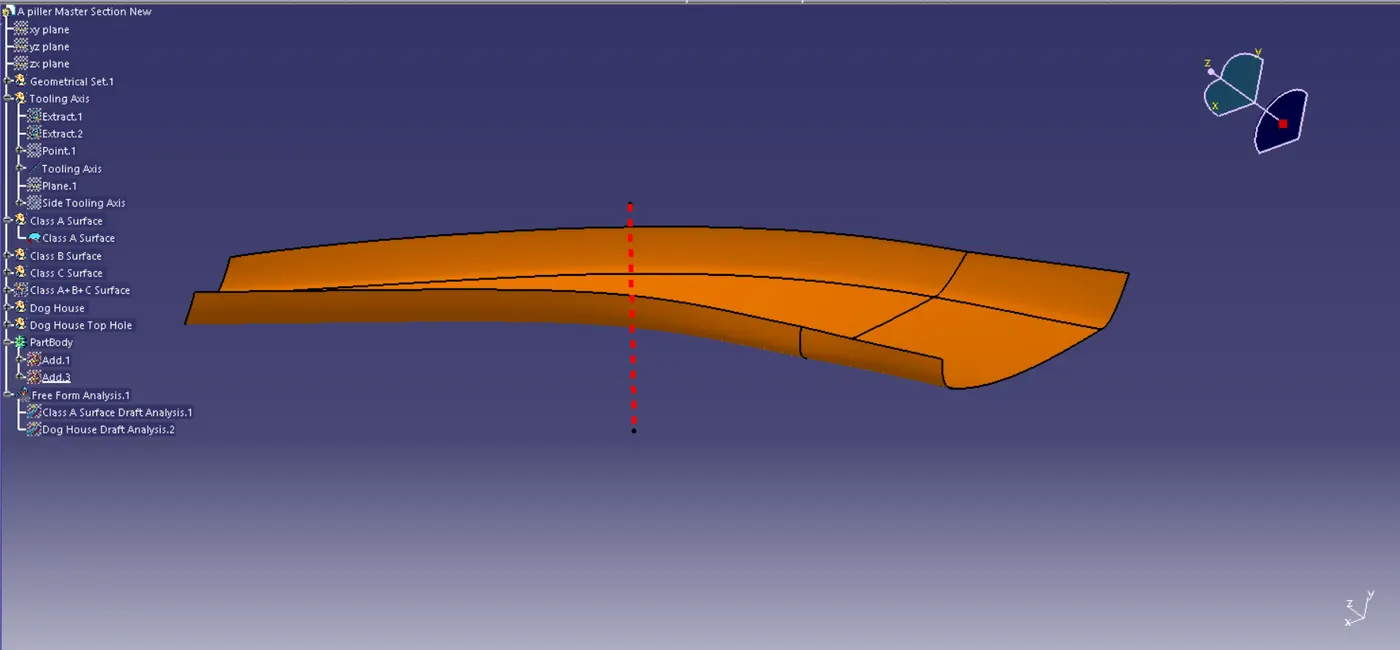
Fig 1. Tooling Axis
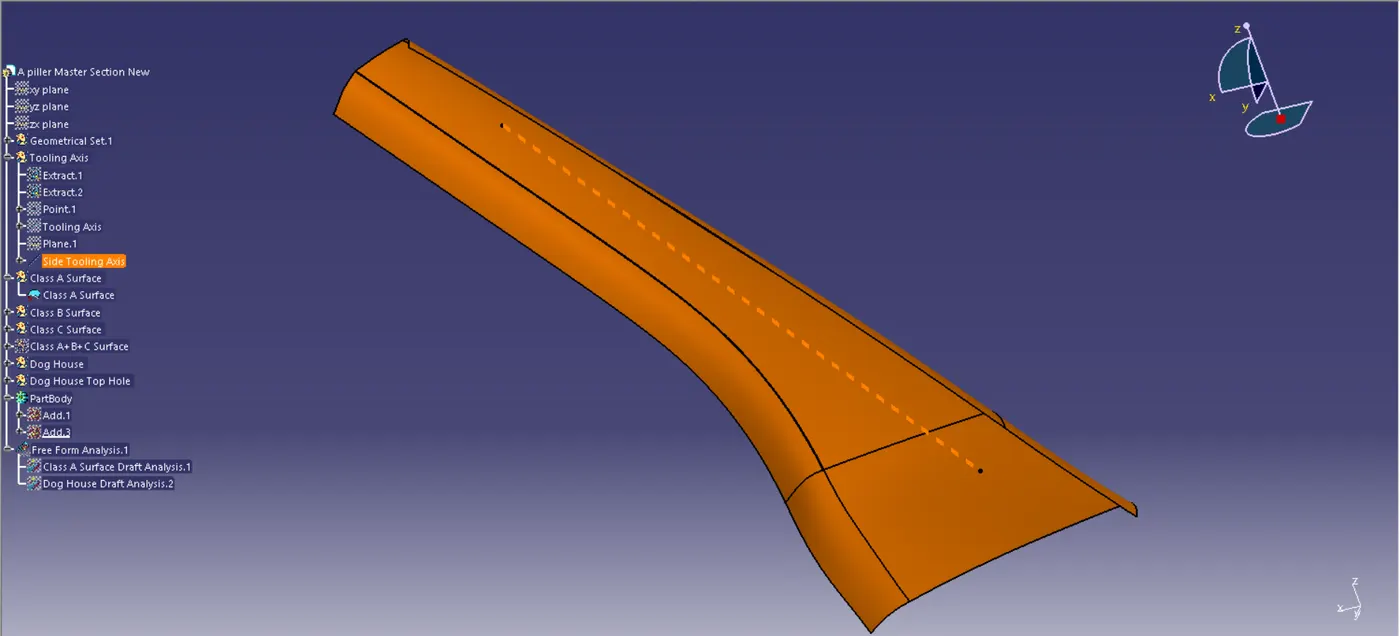
Fig 2. Side Tooling Axis
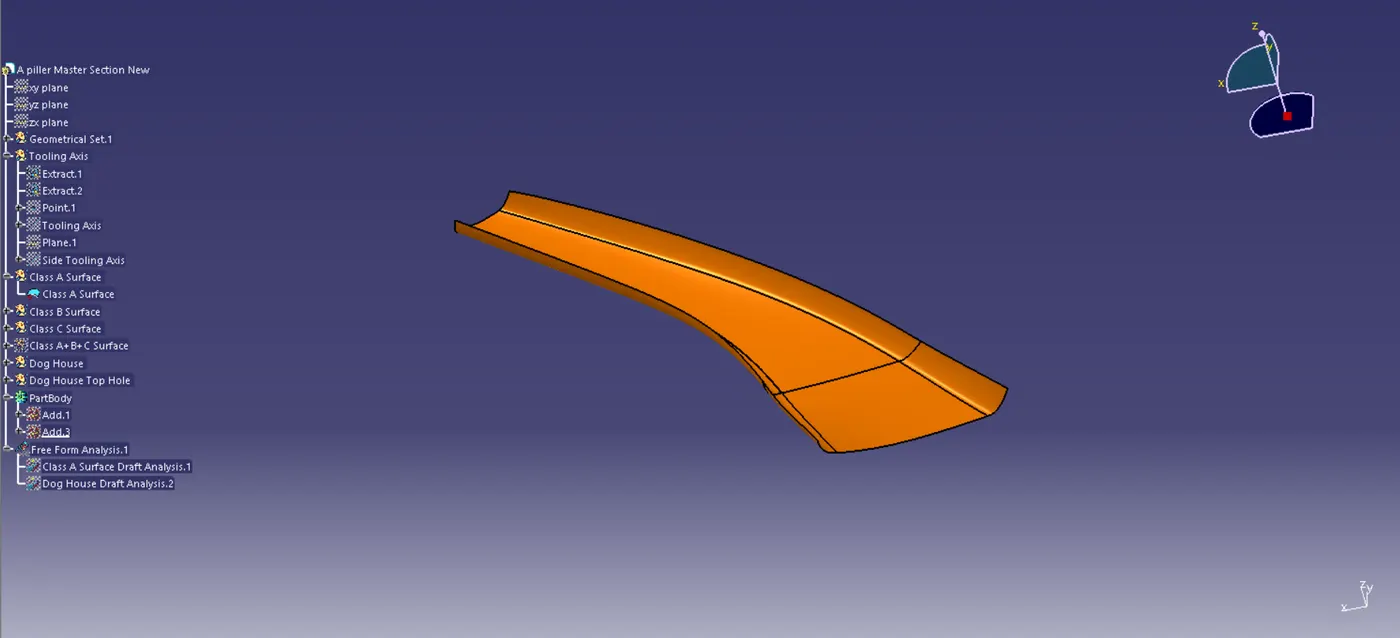
Fig 3. Class A Surface
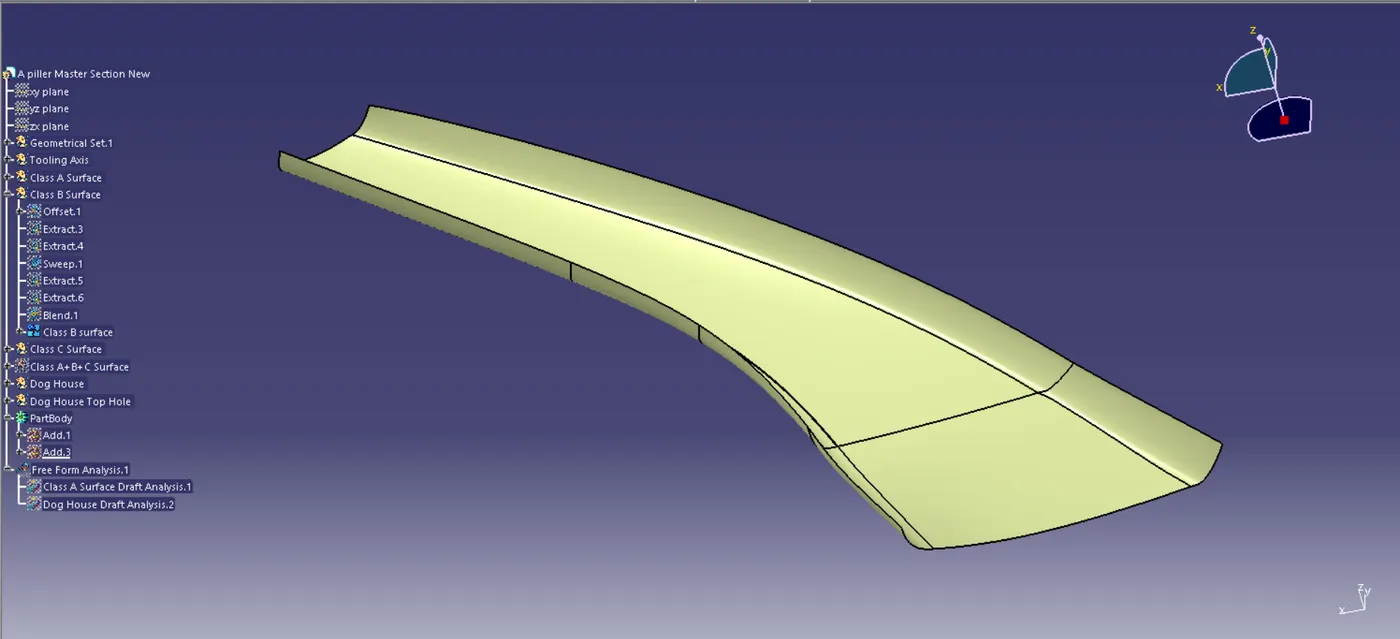
Fig 4. Class B Surface
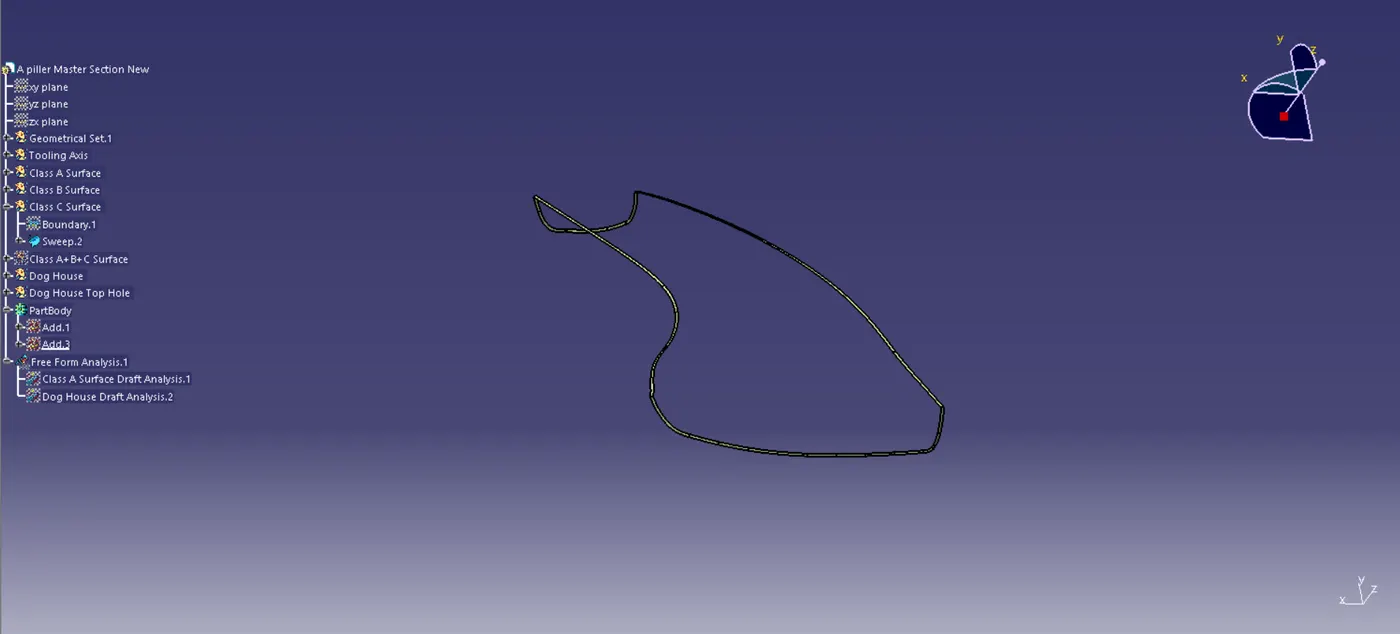
Fig 5. Class C Surface
Then after the Closed Surface is made the Dog House Sketch is Created in the required area on the Class A+B+C Surface. Then the Sketch is done with the Required dimension the Surface is created with the Extrude. Then the Surface is Thicken and Trimed to form a single Body. Then after the Dog House is created it was Added to Class A+B+C Body.
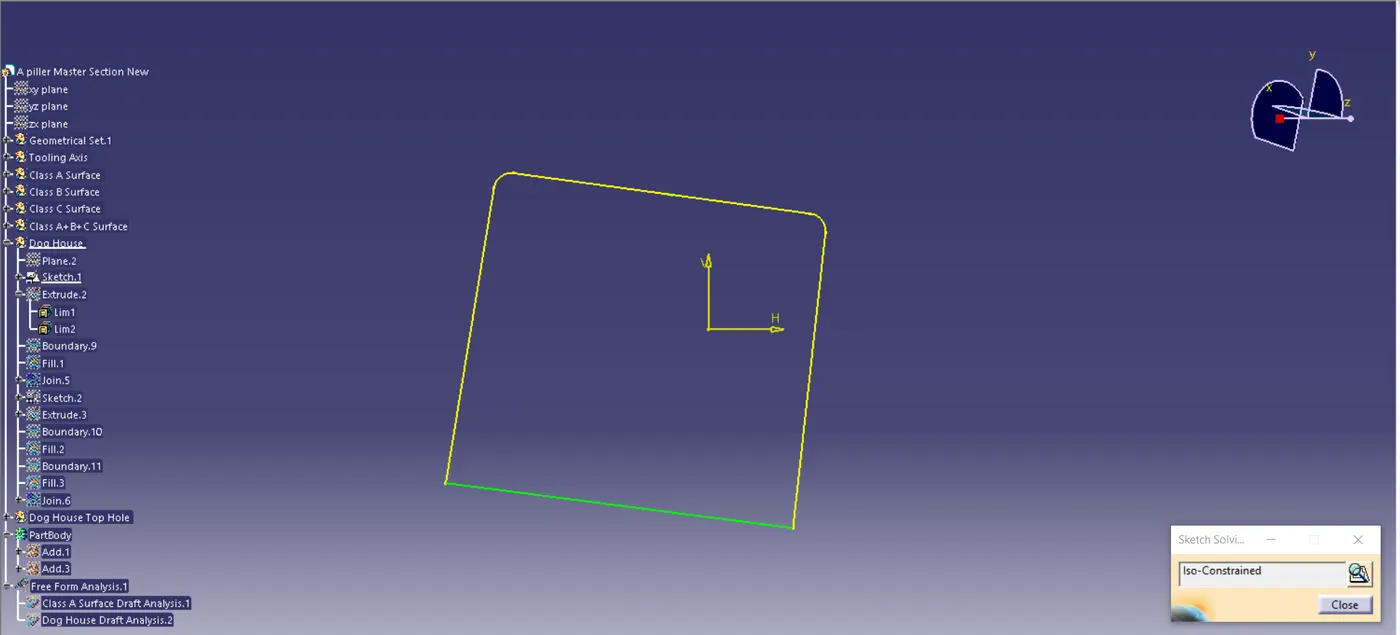
Fig 6. Dog House Simple Sketch 1
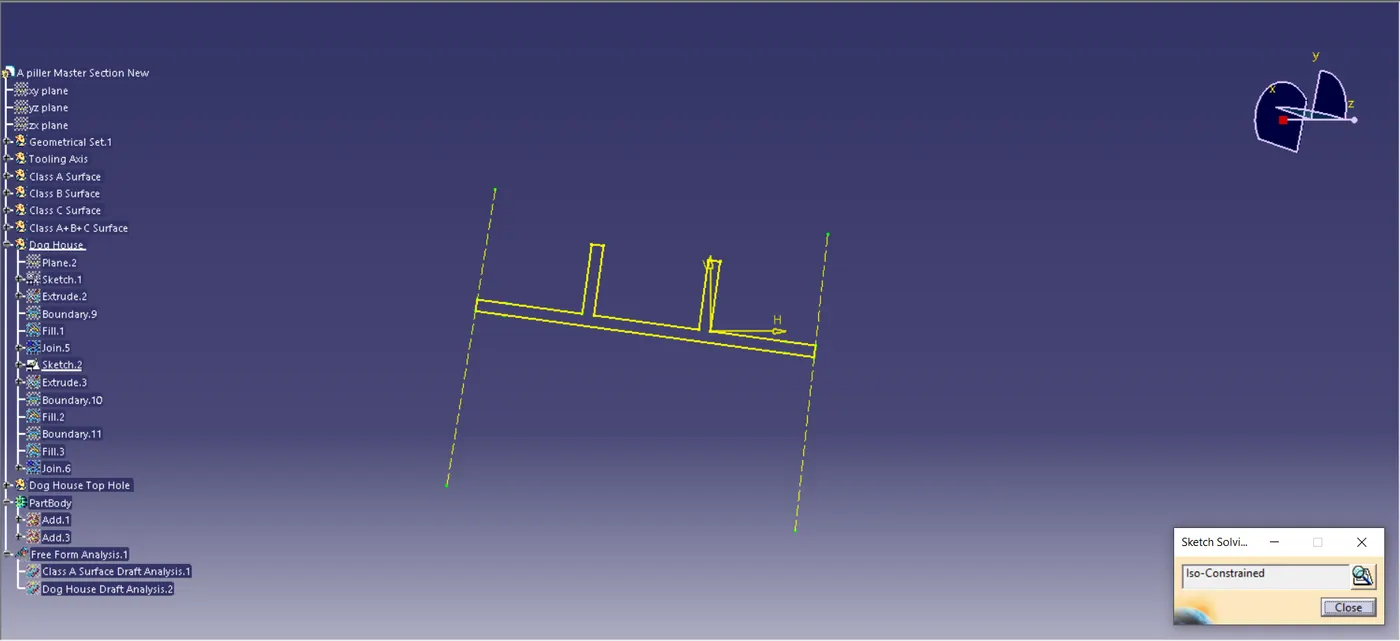
Fig 7. Dog House Simple Sketch 2
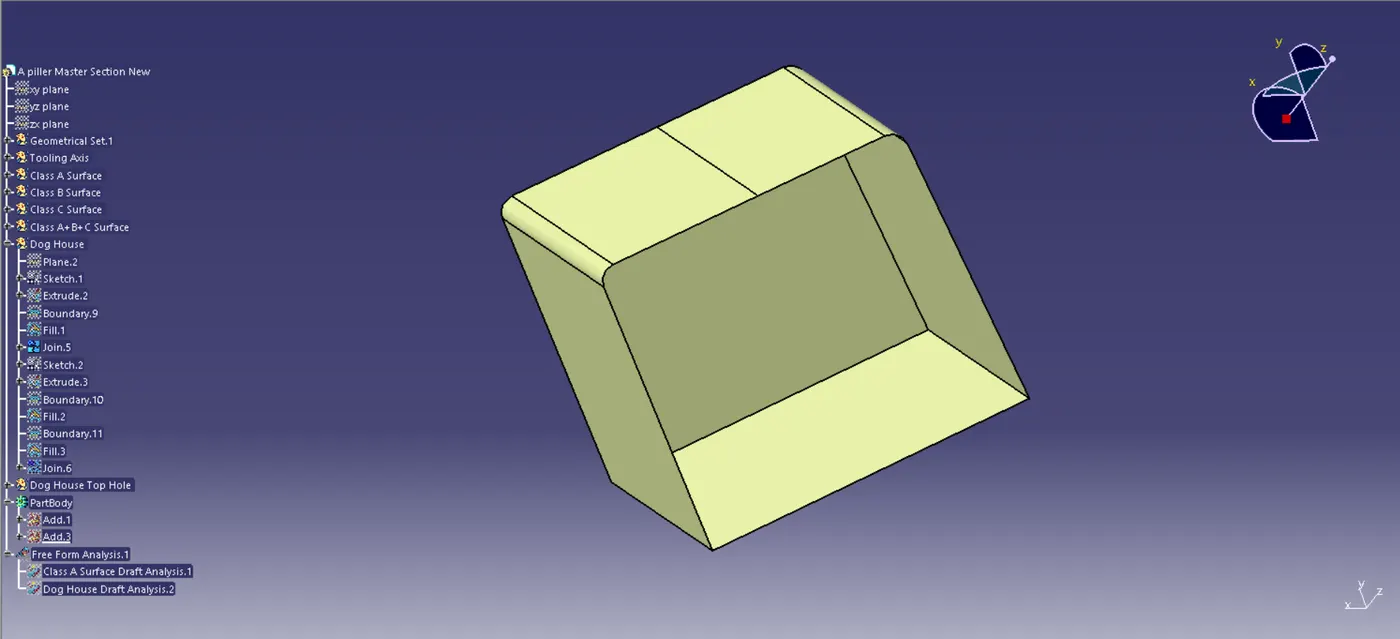
Fig 8. Dog house Surface 1
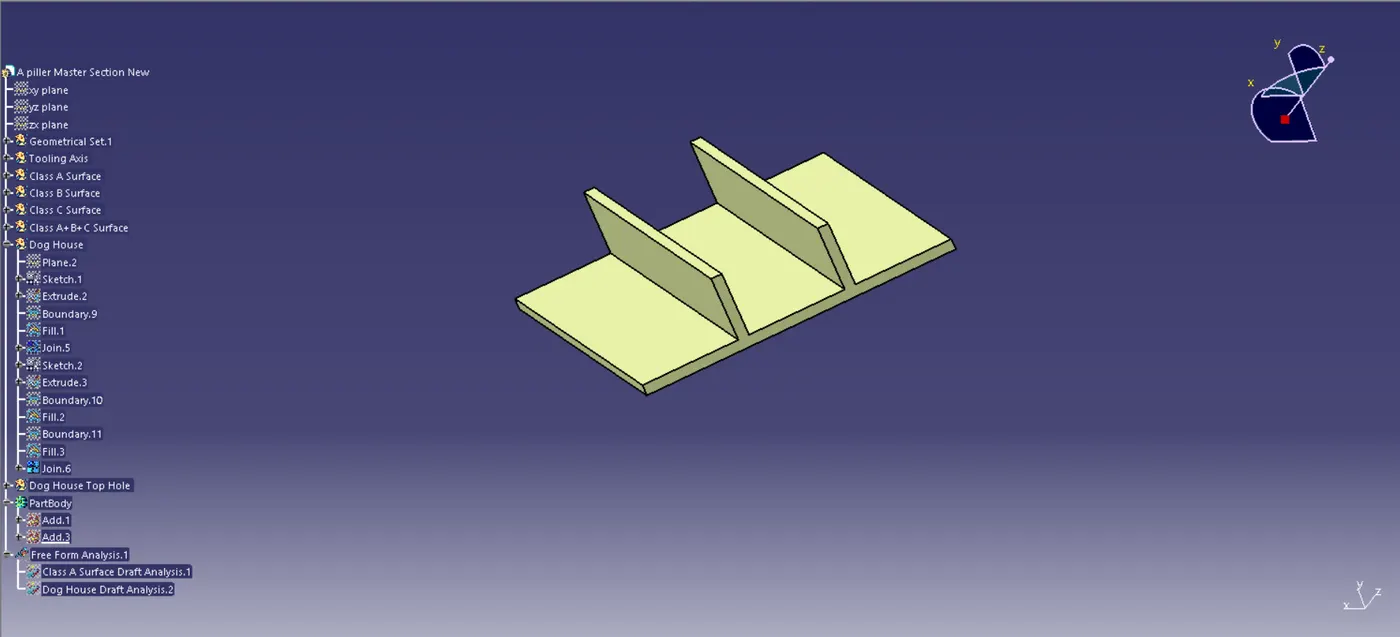
Fig 9. Dog House Surface 2
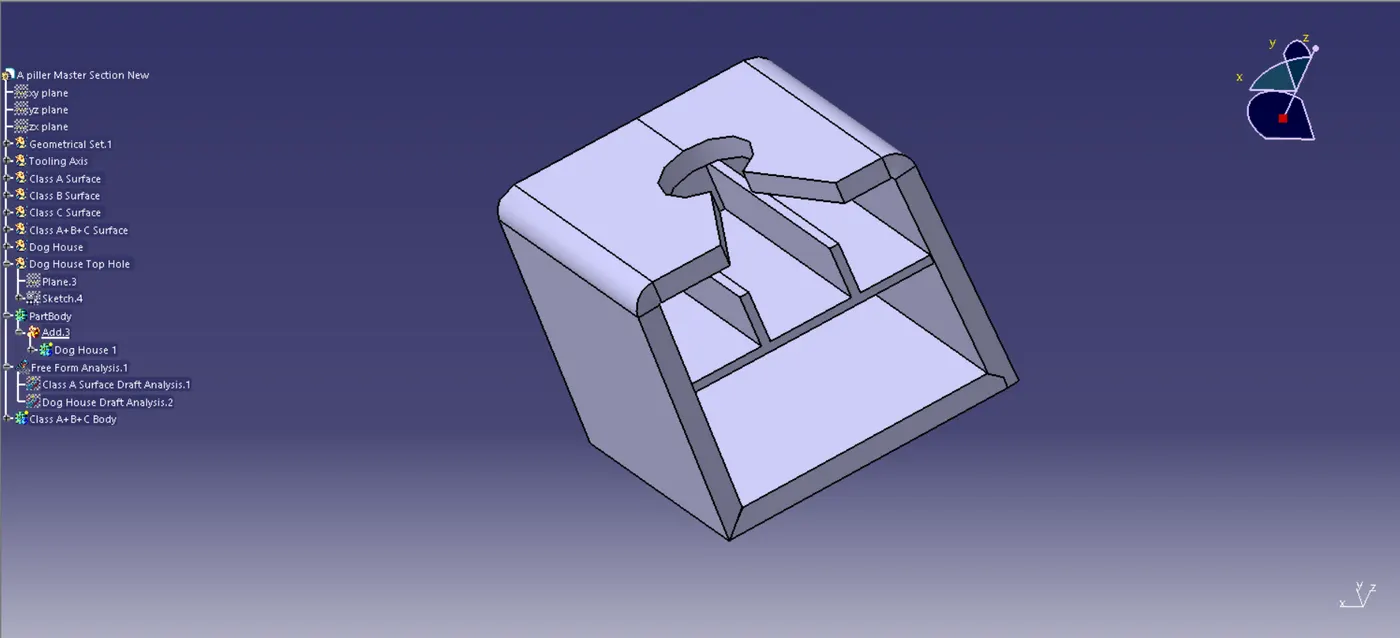
Fig 10. Dog House Solid Body
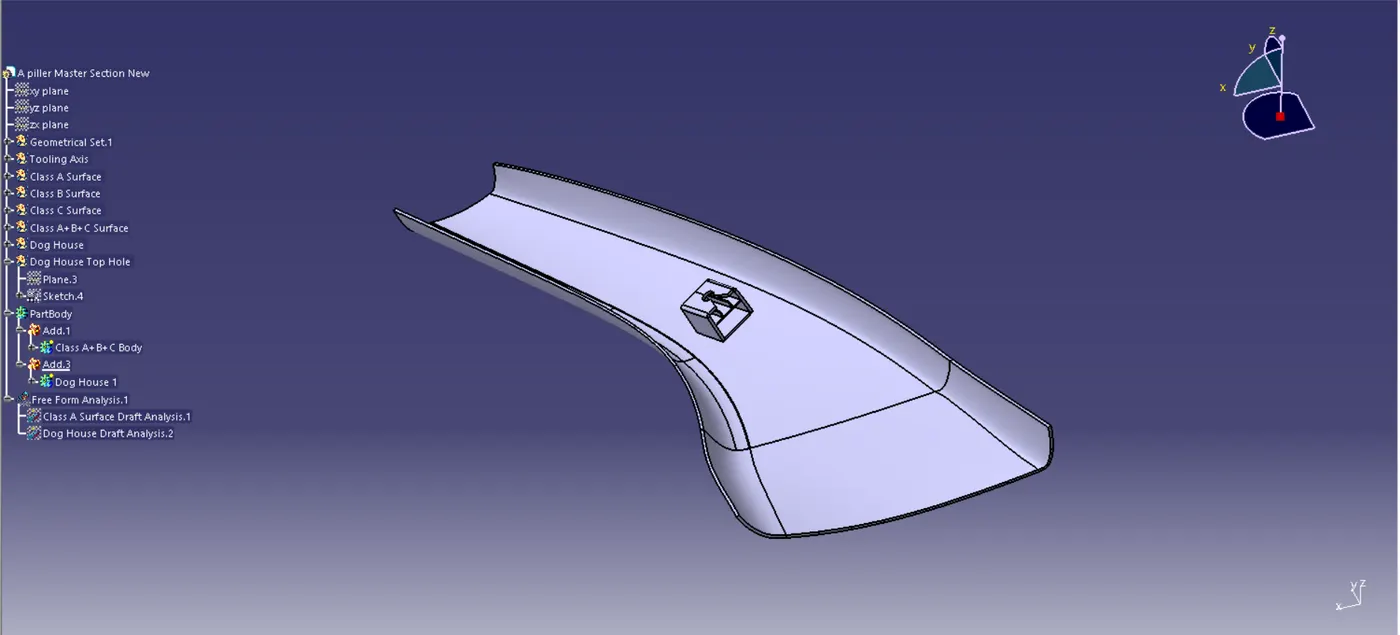
Fig 11. Final Solid Body
Then after the Solid Body is created the Analysis is done for the Dog House and the Class A Surface.
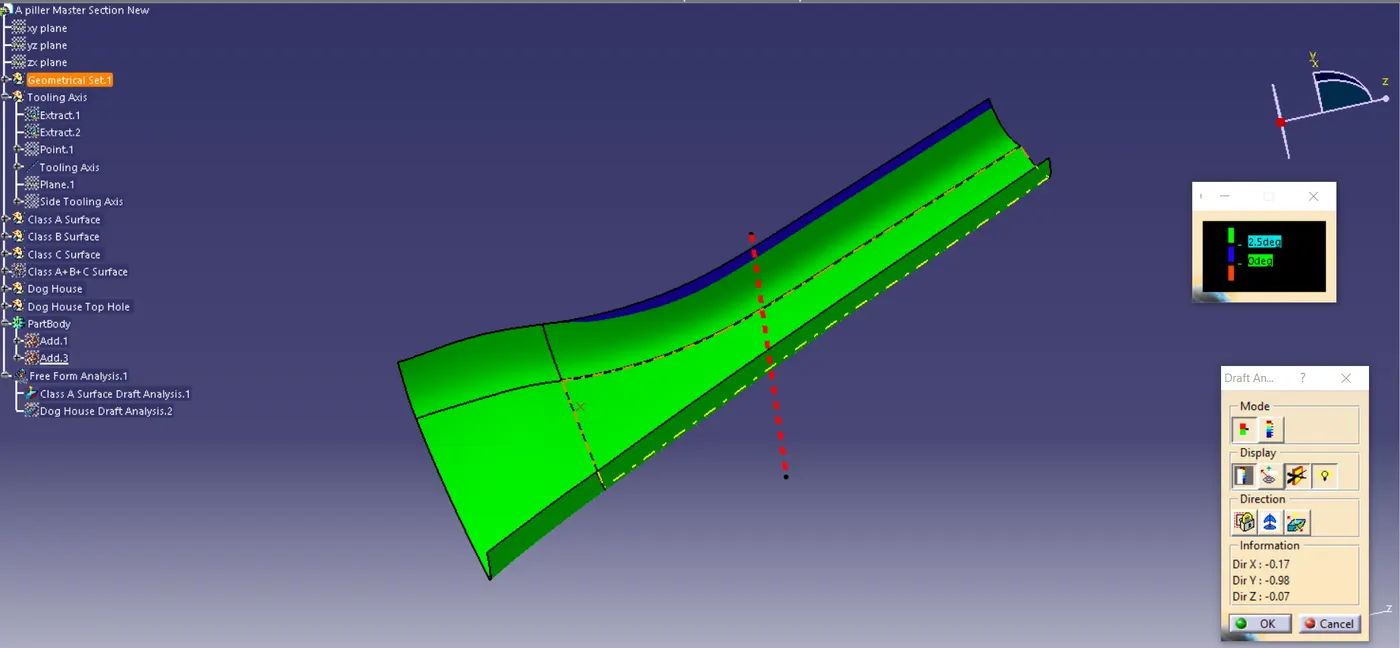
Fig 12. Class A Surface Analysis
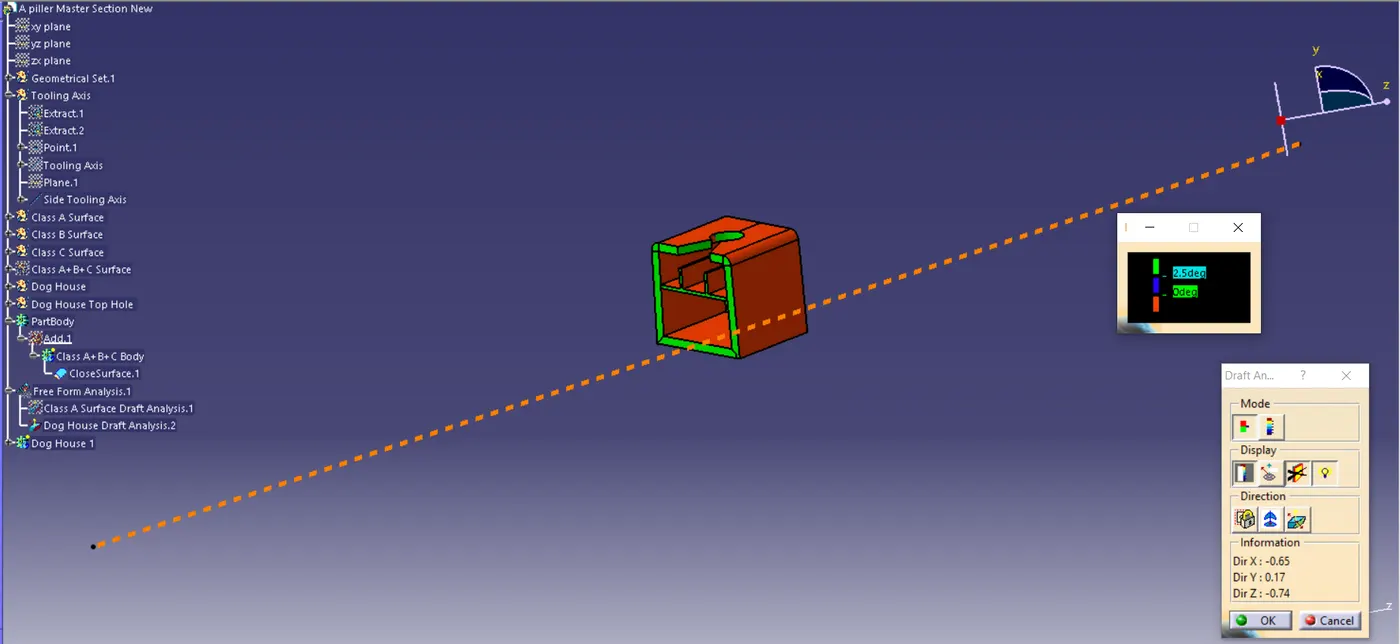
Fig 13. Dog House Analysis