Week 11 - Final project
Aim:
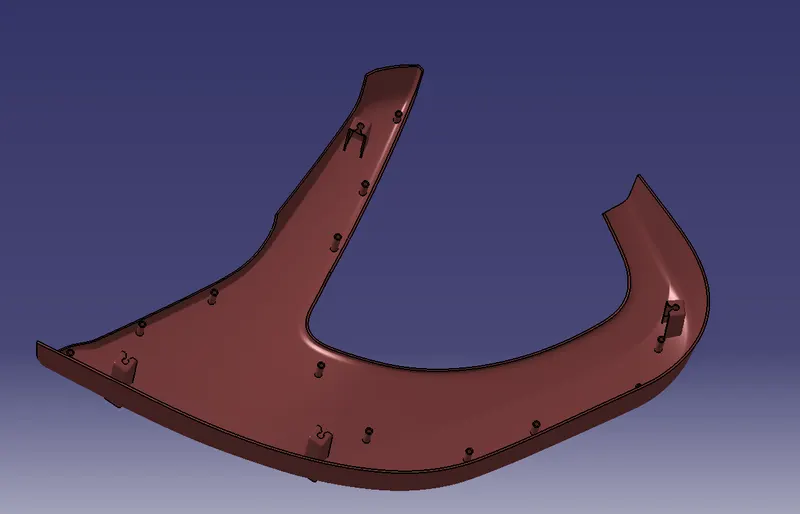
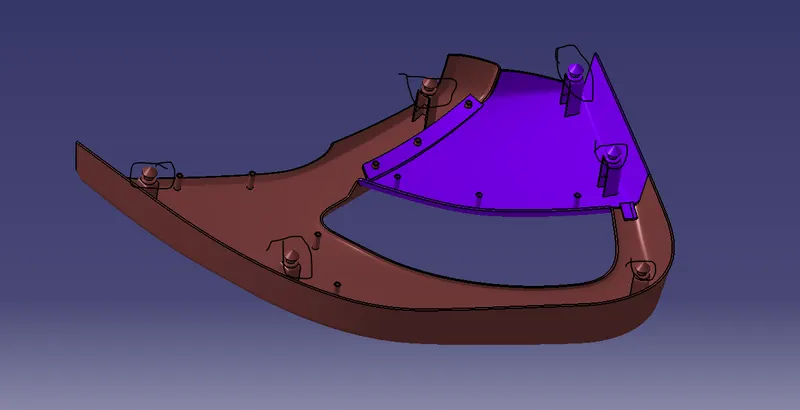
To create a door trim panel by creating Class-A, B & C surfaces, attaching parts using heat stakes and dog houses with pushpins on them.
Methodology:
Extracting Class-A surface.
Creating Class-B&C surface.
Creating flanges.
Creating a Solid body.
Creating Heat stakes.
Creating a Dog house.
Creating Pushpins.
Draft Analysis.
Procedure:
Initially, open the model.
CLASS-A SURFACE:
Extract the surfaces part by part from the given input.
Split the extra sections and save them in different geometrical sets.
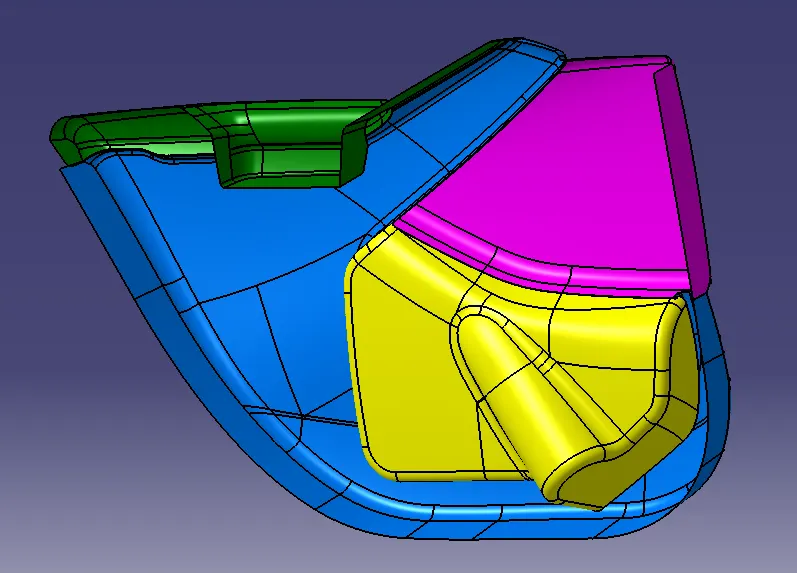
CLASS-B SURFACE:
To create-B surface, first, offset the class-A surface to 2.5mm.
During offset, the fillet patch gets deleted so create it using a multi-section.
Now join the patch of the fillet with the offset surface.
The B- the surface is created but they are outward flanges attached to the B-surface.
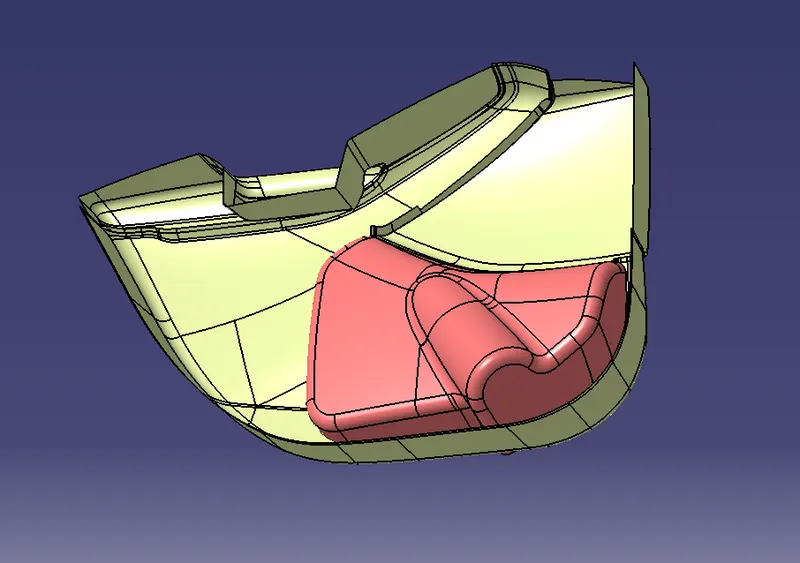
FLANGE:
To create a flange, extract the sidewall of the components and multi-extract the upper boundary and give a smooth curve to it.
Now use a swept command with a reference surface at an angle of 90 deg.
Similarly, create a flange on the other components. Extract the sidewall of the components and multi-extract the upper boundary and give a smooth curve to it.
Now use a swept command with a reference surface at an angle of 90deg.
Now attach the flanges to the B-surface.
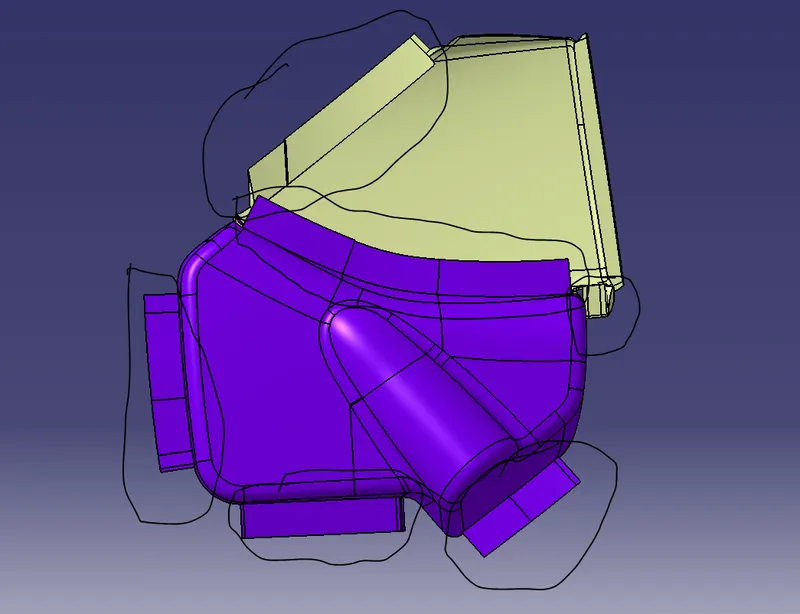
CLASS-A FLANGES:
To create the flanges, offset the B-surface flanges and trim with the A-surface.
CLASS-C SURFACE:
To create a Class-C surface, use the multi extract command and extract the boundaries of the Class-A surface.
Smooth the extracted curve using a smooth curve command.
Then use the sweep or use blend option command to create a surface using with draft direction option.
At the corners it a complicated curve so use the multi-section command to create the surface.
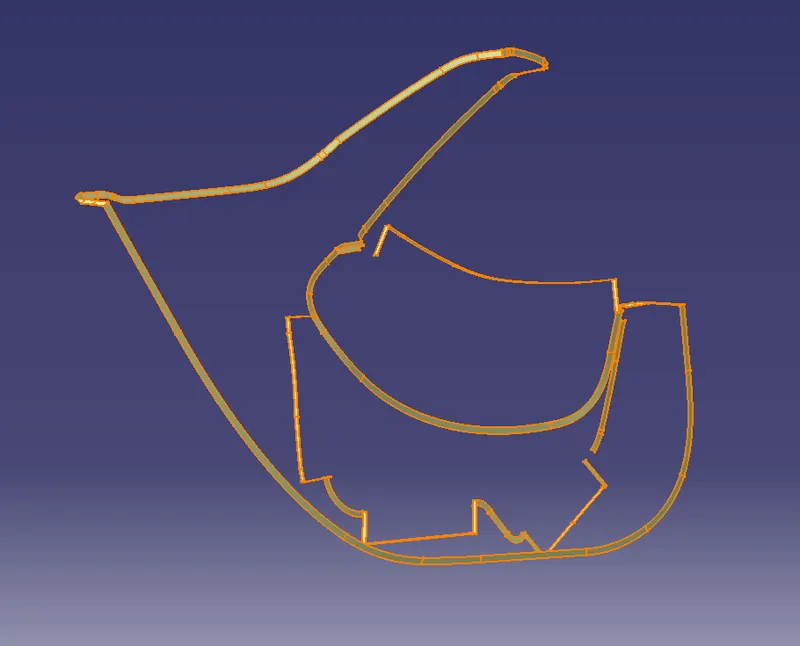
ATTACHING A-C-B:
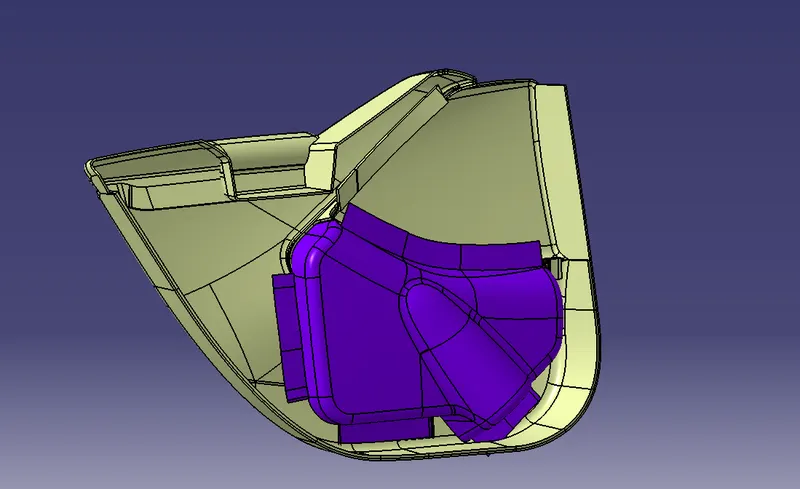
After all the surfaces are created Trim the Class-A and Class-C surfaces.
Now, trim it with a Class-B surface.
Now, Check for the boundaries if there’s any boundary close it.
Use a join option and sub-element to remove than extrapolate the surface and trim them.
Now join it with a Close surface.
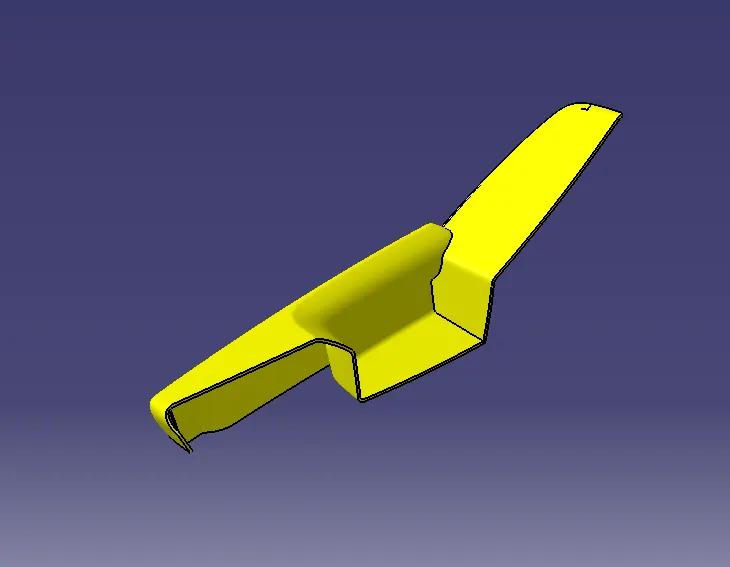
CREATING SOLID BODY:
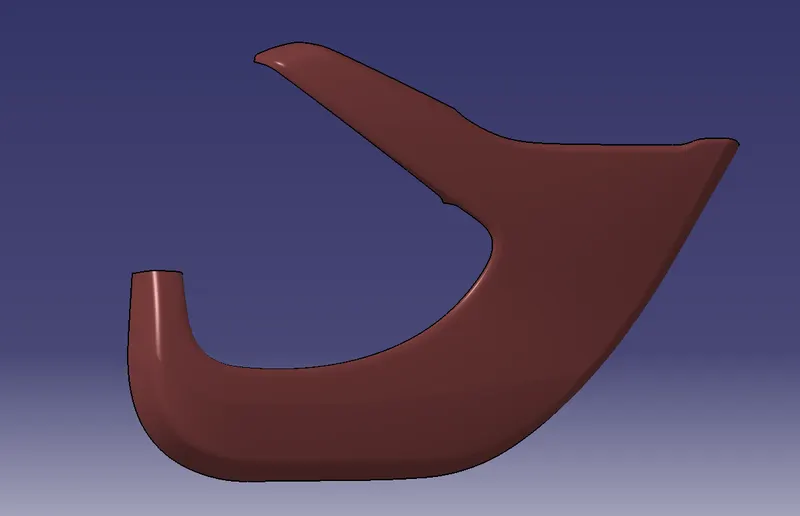
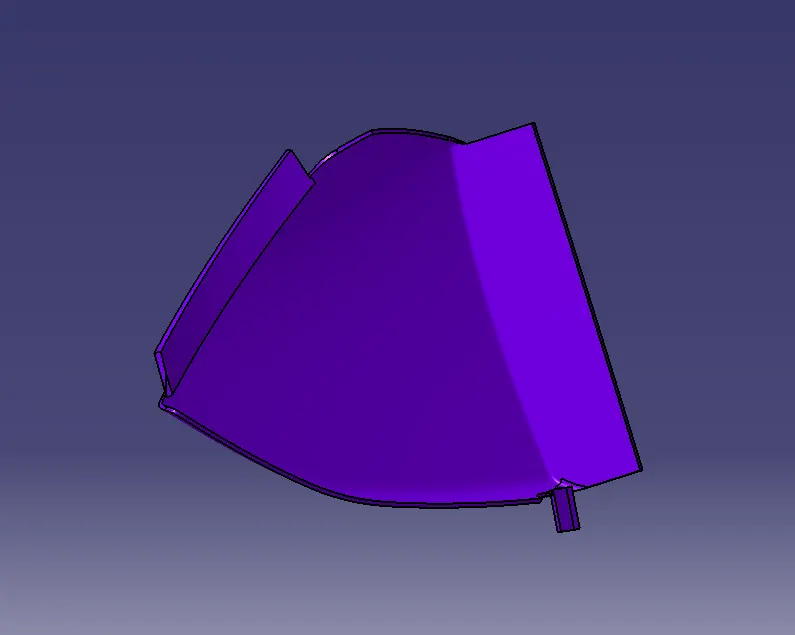
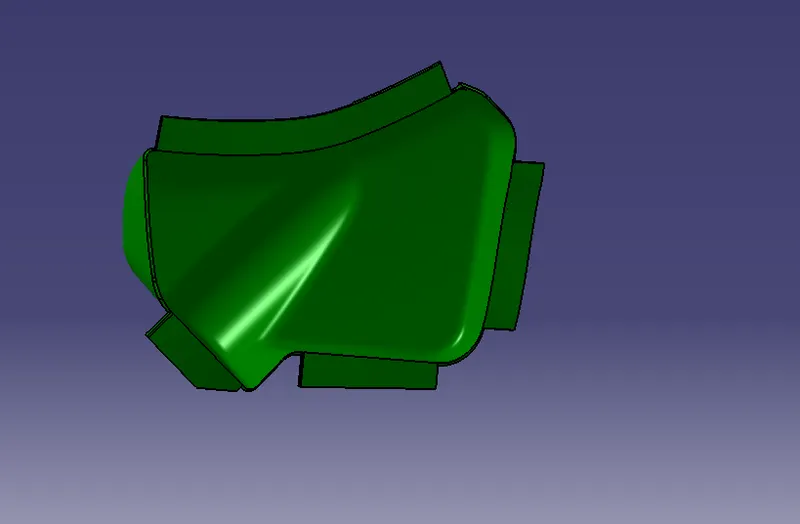
Now, create a part body and select a closed solid.
HEAT STAKES:
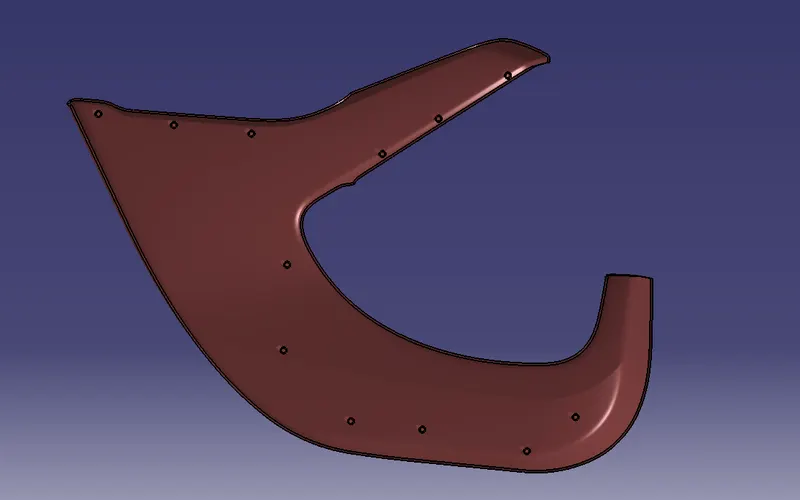
To create heat stakes, first, extract the Class-A surface using multiple extracts.
Now create a sketch at that point and Iso-constraint it.
Create a part body, pad the sketch.
Now copy the sketch and paste special with a link to the main part.
Remove it from the reference surface with a minimum clear less than 0.1mm.
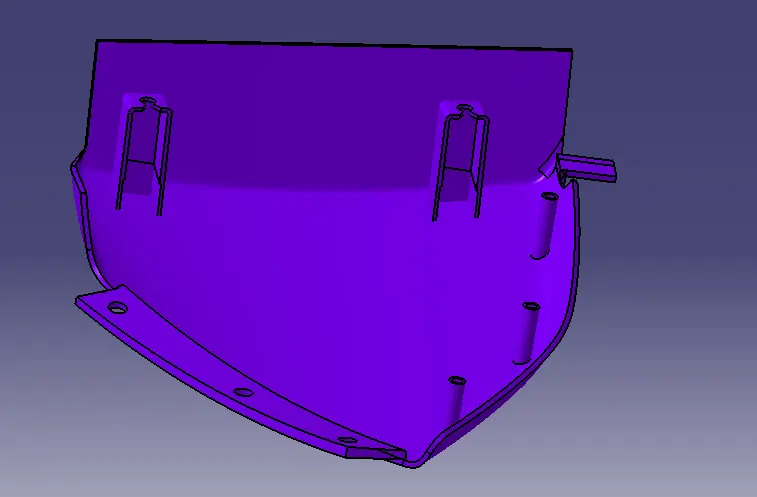
DOG HOUSE:
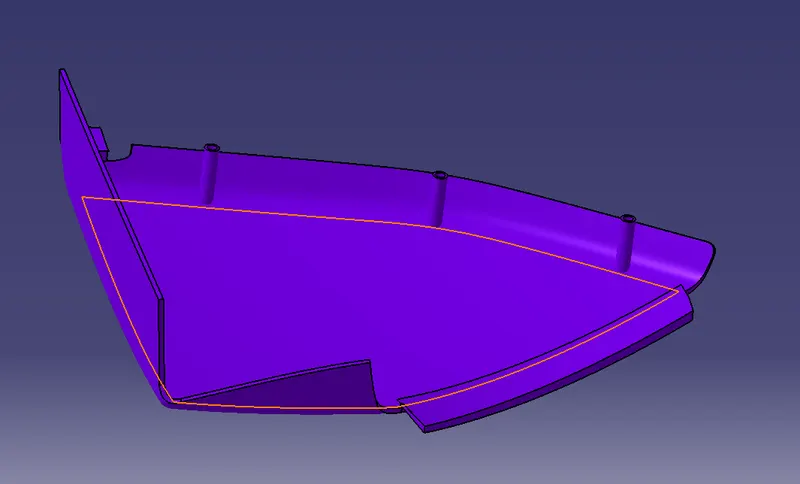
To create a dog house, offset a plane on the point created on the lower substrate.
Create a sketch, using the plane and Iso-constraint it.
Extrude the sketch and create another XY-plane and create a sketch constraint it.
Similarly, extrude it and trim with the previous extrude with a backward surface.
Now thicken the surface and split it with the front extruded surface.
Now, create a sink mark remover extract the sidewalls and offset to 40% of thickness i.e 1.2mm.
Now, offset the class-A surface to 15mm and trim it.
Now, split it with the solid body.
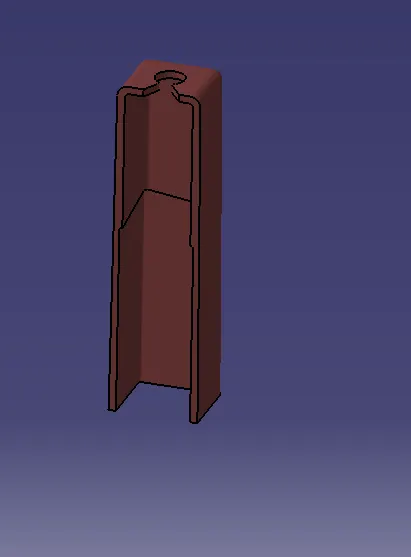
Now, union trim it with the lower substrate and upper part of the map pocket solid body.
PUSH PIN:
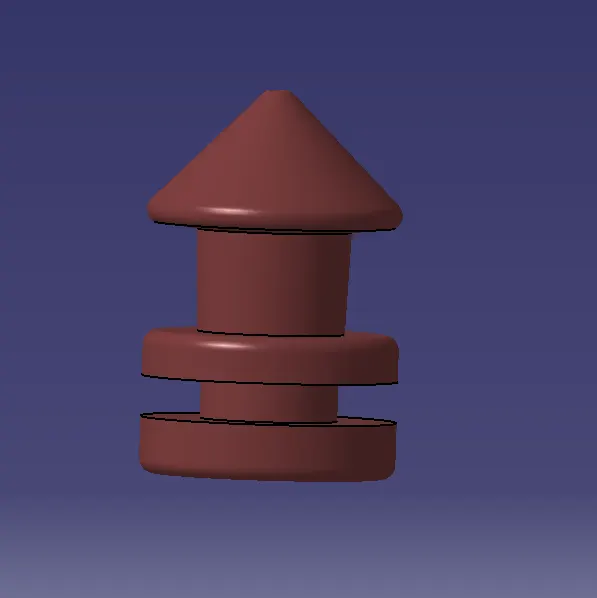
To create a push-pin create a sketch and constrained it.
Create a part body and use the shaft command to create a solid part.
By using a Boolean operation add it to the dog house by defining it in the work object.
DRAFT ANALYSIS:
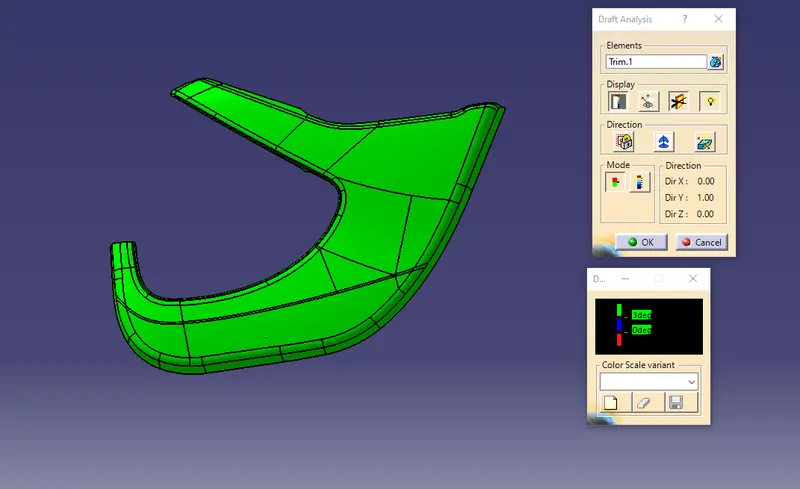
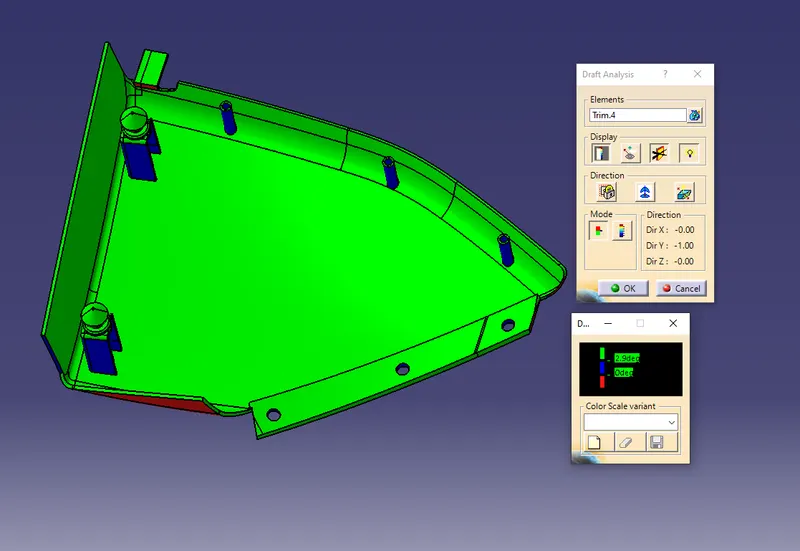
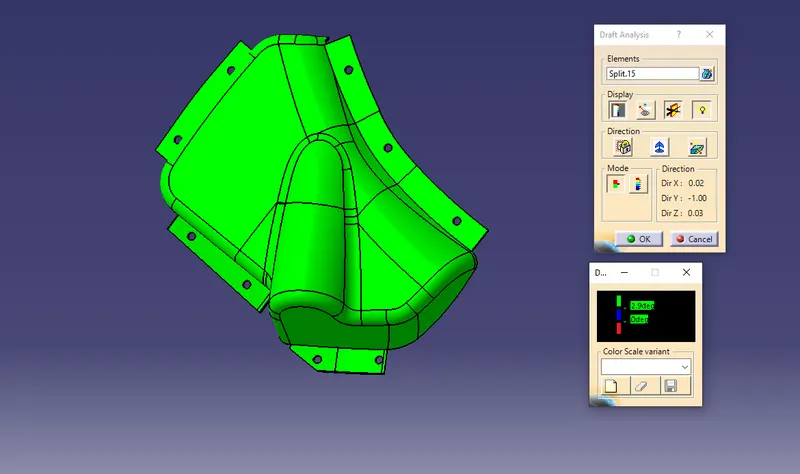
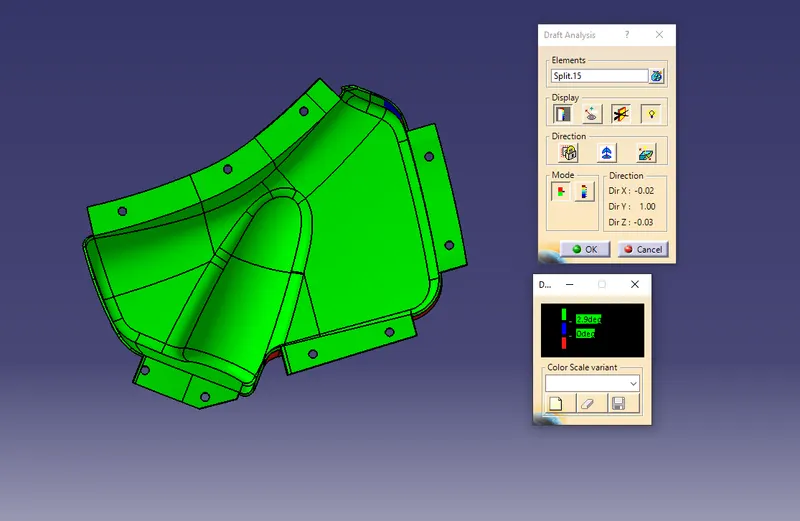
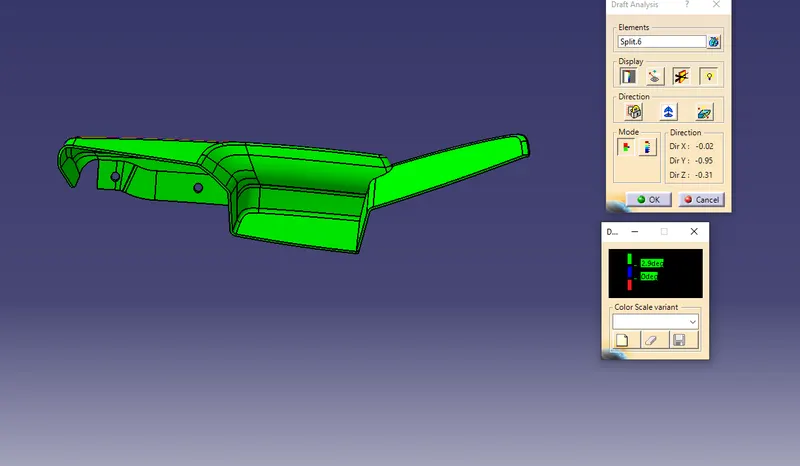
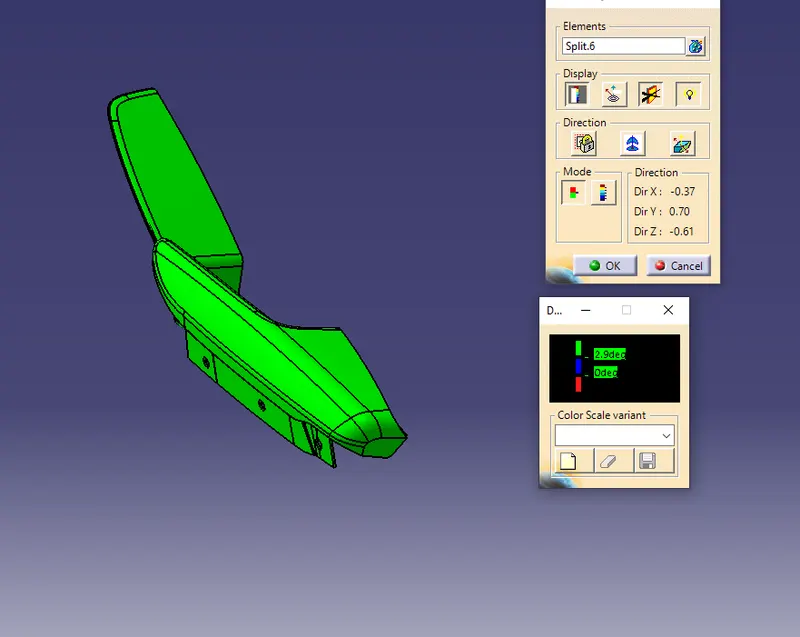
Draft Analysis is done on the solid body.
After the Tooling axis is created, the Draft analysis is done on the surface.
Select the Elements as the Class A Model and the Direction as the Tooling Axis using the Compass option to define a new
the direction of the draft.
Click OK to check if all the surface comes within the limits of 0 to 3 degrees.
If the draft is more than 3 Degree then the surface will be shown as green.
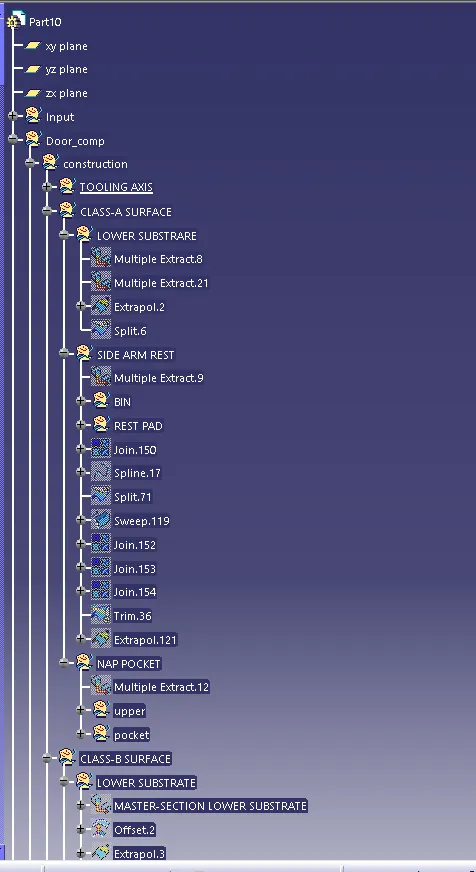
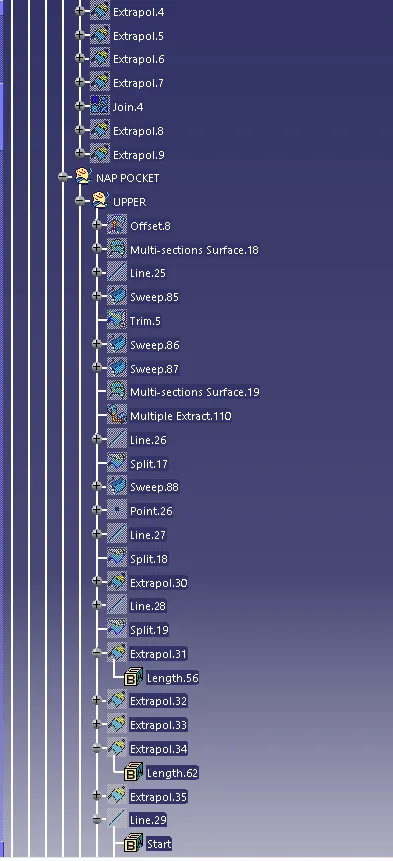
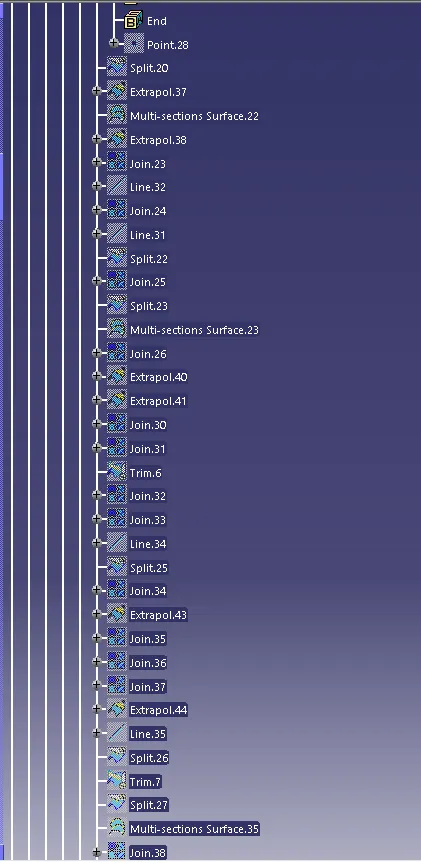
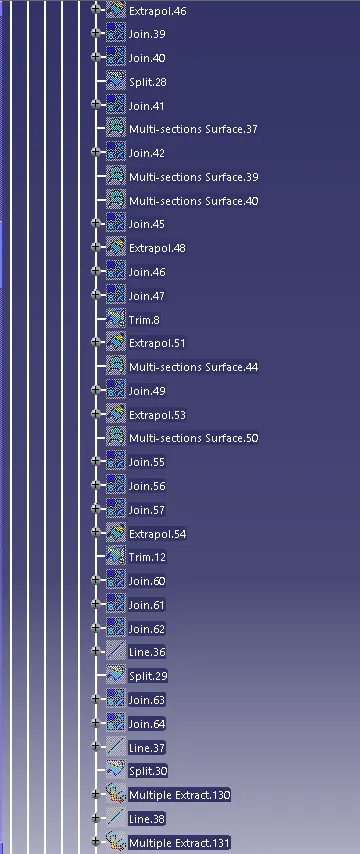
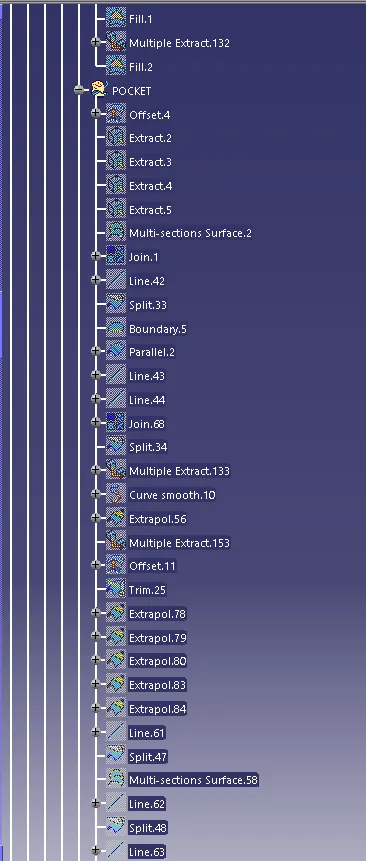
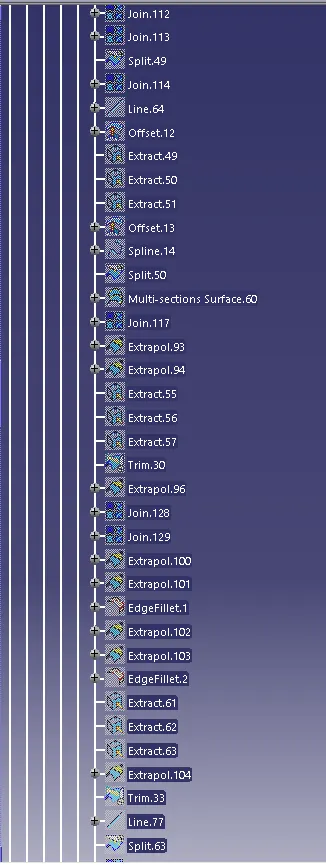
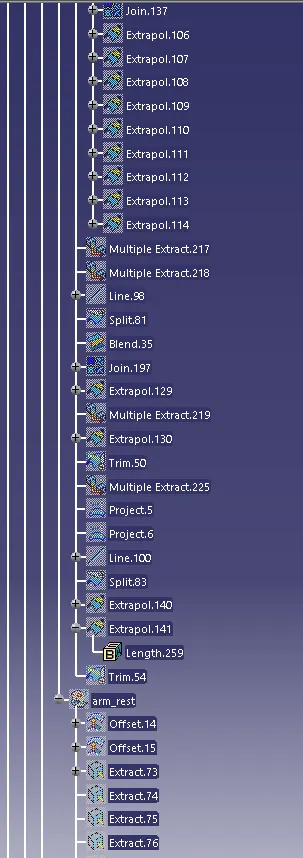
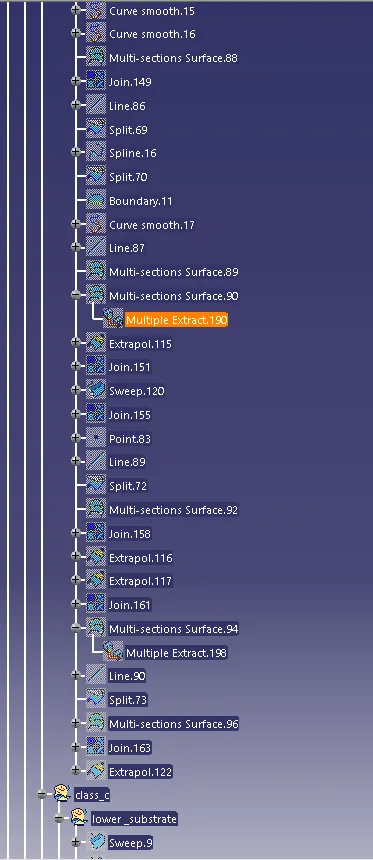
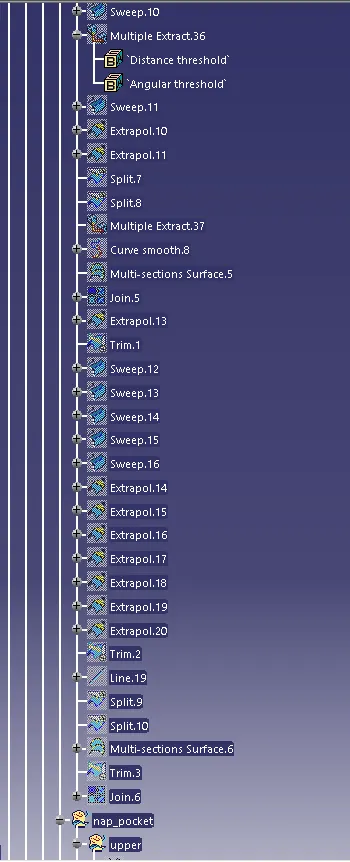
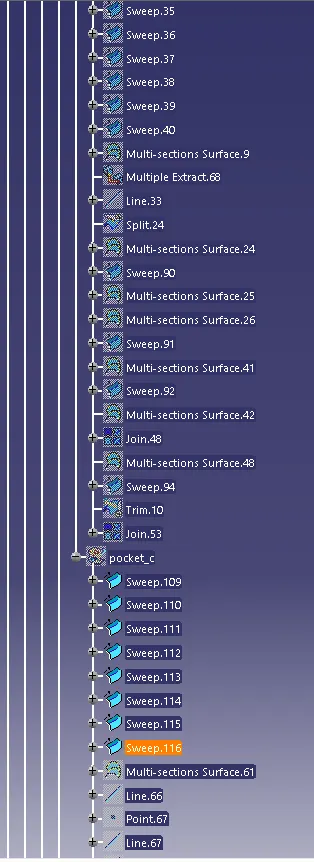
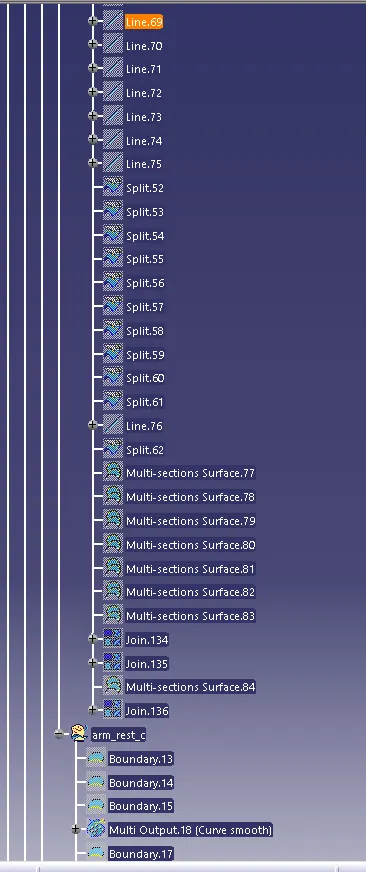
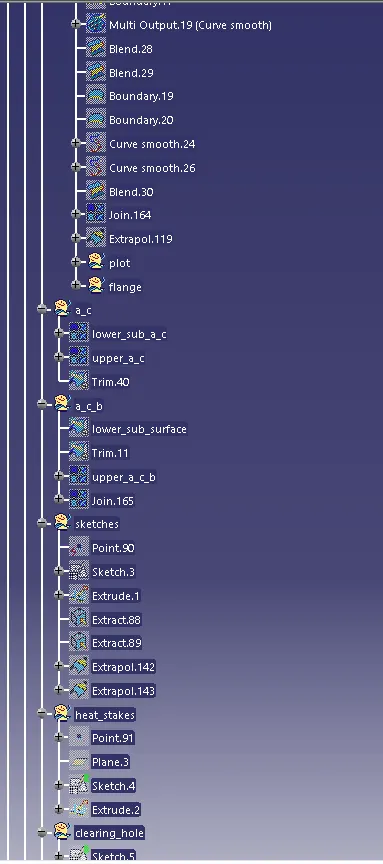
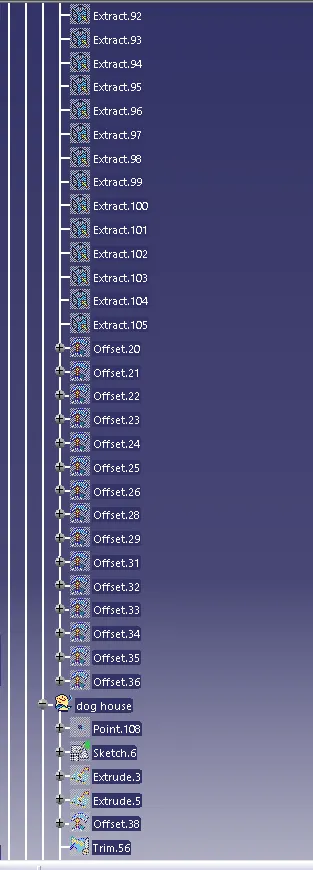
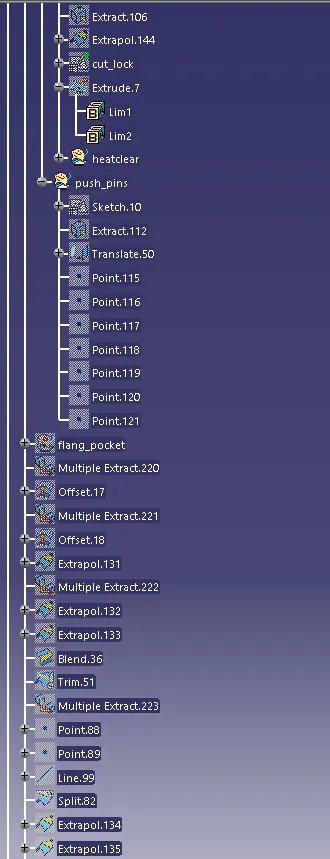
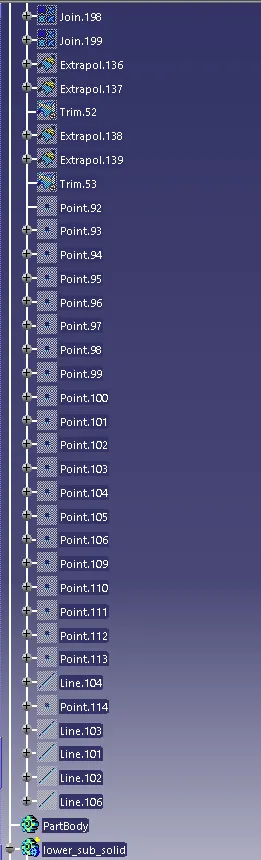
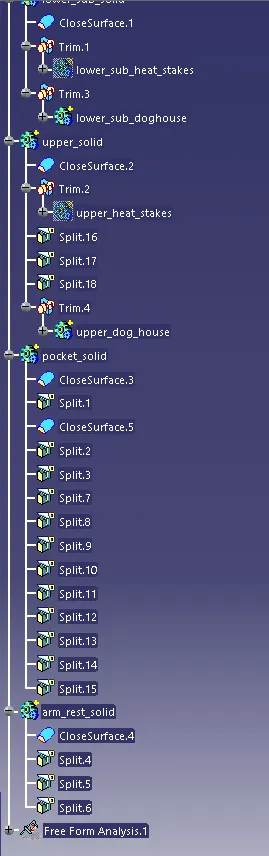
TREE STRUCTURE: