Week-11 : Discretization of 3D intake manifold using GEM-3D
AIM: Discretization of 3D intake manifold using GEM-3D
Objective:
1. Tutorial- single cyl DI add case 2 with discretization length 0.1 mm for intake runner and compare with default case 1
-
- Parameters-Torque, BSFC, max cylinder pressure
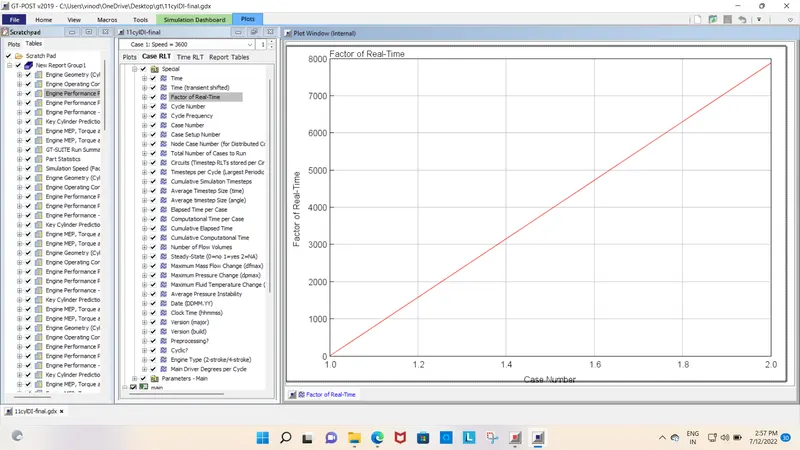
- simulation time
2. Explore tutorial no 2 (GEM3D) - “Building intake manifold from STL model”
1. To Explore the "Tutorial- single cyl DI".
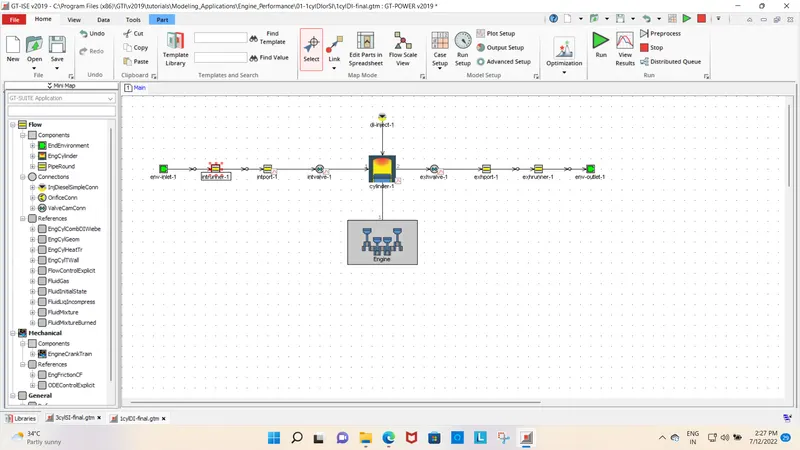
The first step is to create a discretization length as a parameter and then we can keep varying the discretization length for different cases in the CaseSetup.
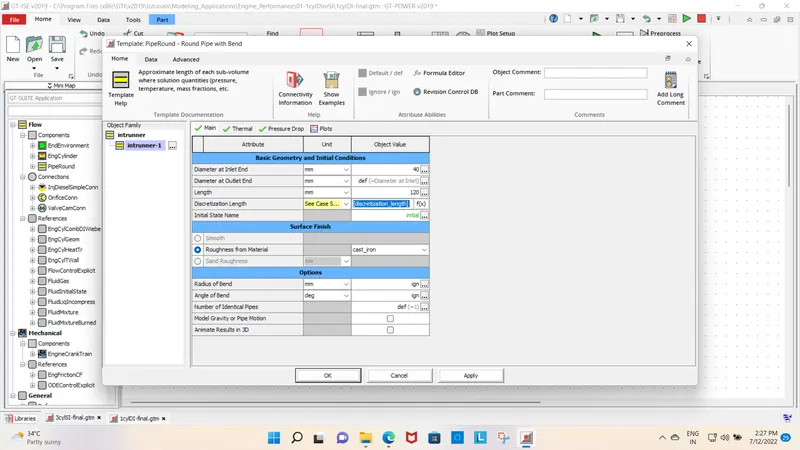
case set up
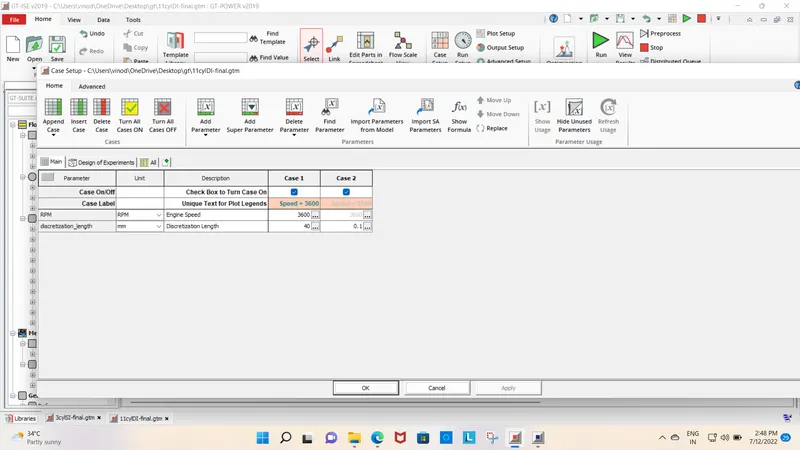
cases are created in which case-1 is set with default values i.e. RPM= 3600 and Length(Discretization Length)= 40 mm. For case-2, the RPM is constant i.e. 3600rpm and Length(Discretization Length)= 0.1 mm.
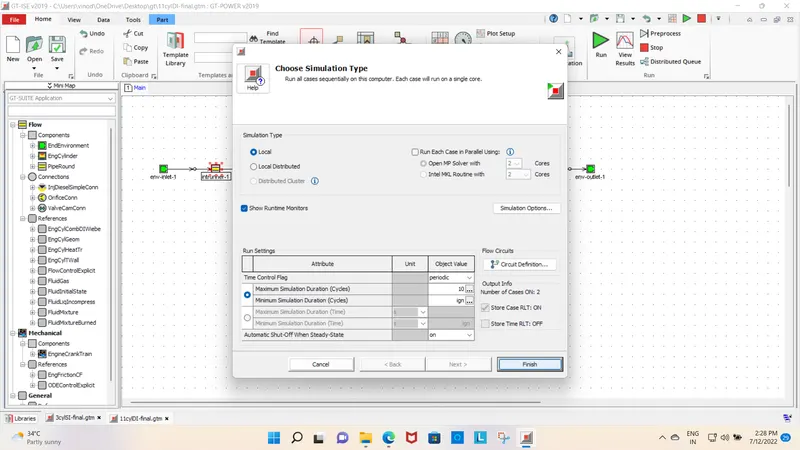
Run set up
Results:
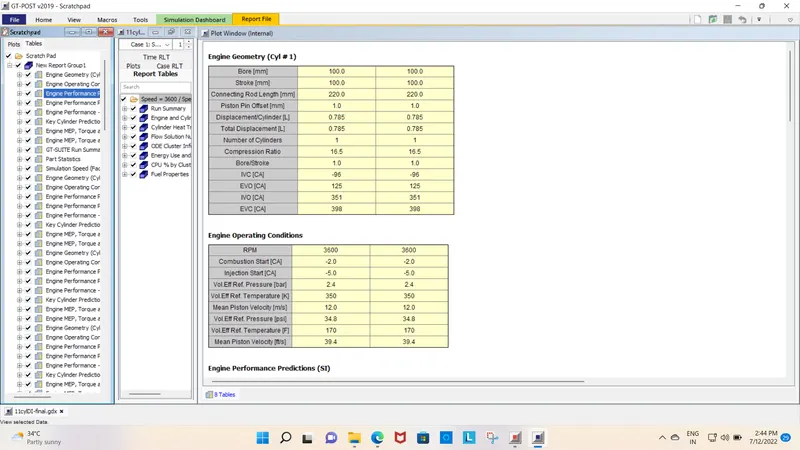
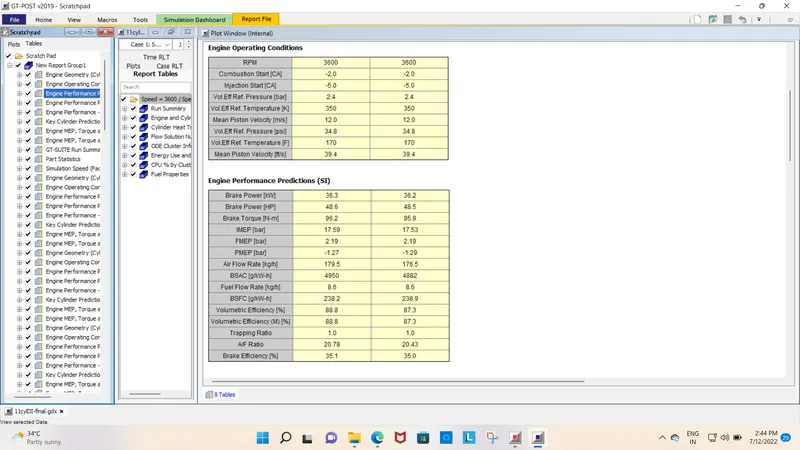
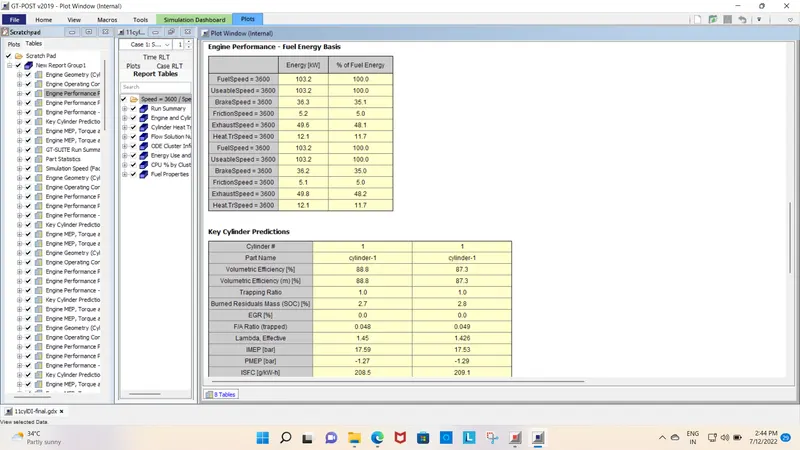
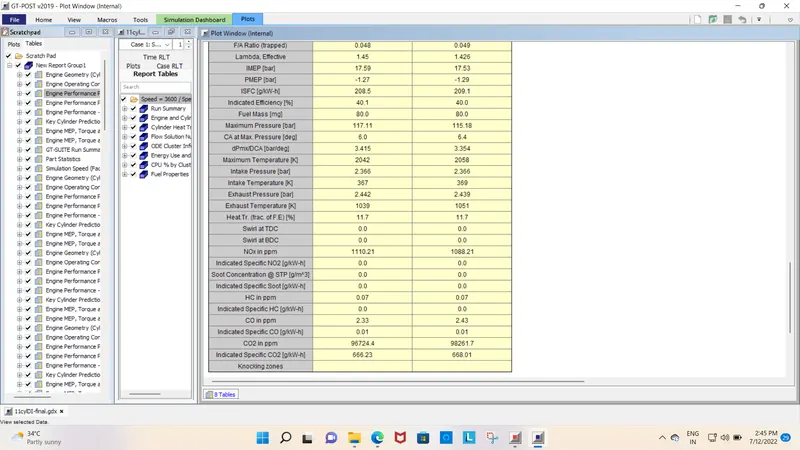
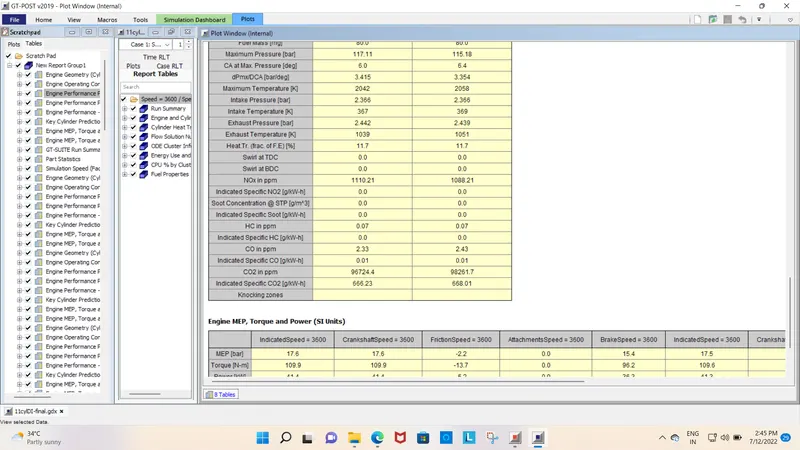
- From the below table we can observe that there is no much difference in the BrakePower value for both cases. There is a slight variation in the Air Flow Rate i.e. for 40mm=179.5kg/h and for 0.1mm=176.5kg/h. Also, the difference between the two cases for BSFC is also minimal.
Conclusion:
Discretization Length= 40mm Discretization Length= 0.1mm
Torque(N-m) 96.2 95.9
BSFC(g/kW-h) 238.2 238.9
Maximum Cylinder Pressure(bar) 115.18 117.11
2. To Explore tutorial No-2 (GEM3D) - “Building intake manifold from STL model”.
GTspace claim is software in which we can open other 3D file formats like Parasolid, Igs, Proe, CATIA, Solidworks, STL, etc formats. GTspace claim is used to repair 3d Files. Open Inletmanifold in GT space claim as shown below. GEM3D tool is used to divide this 3d Model into a small volume and convert it into the layout for GT Power.
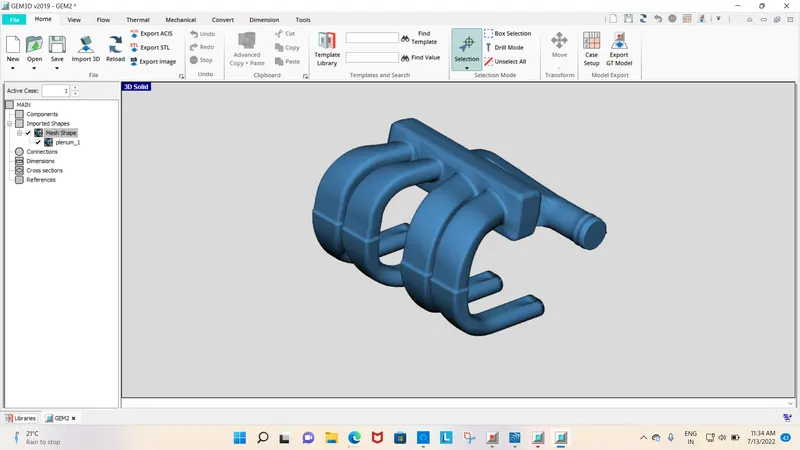
Open the Inletmanifold STL file in Gem3D in the surface file. The component comes as a single part in GEM3D and separate component into the small volume at places where there are abrupt changes.
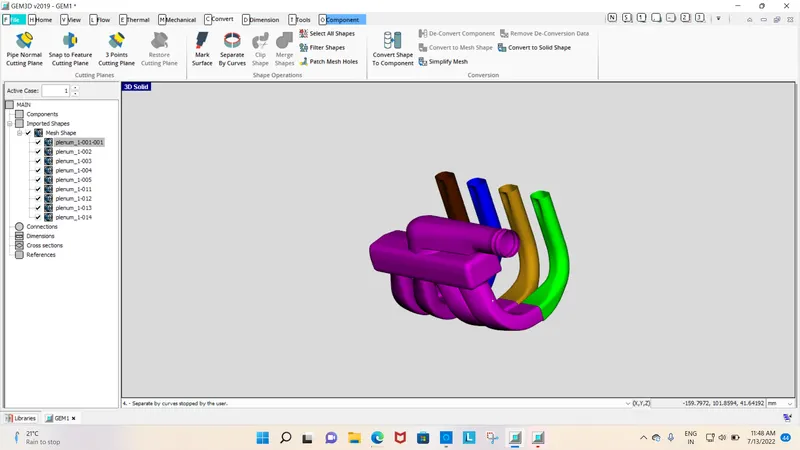
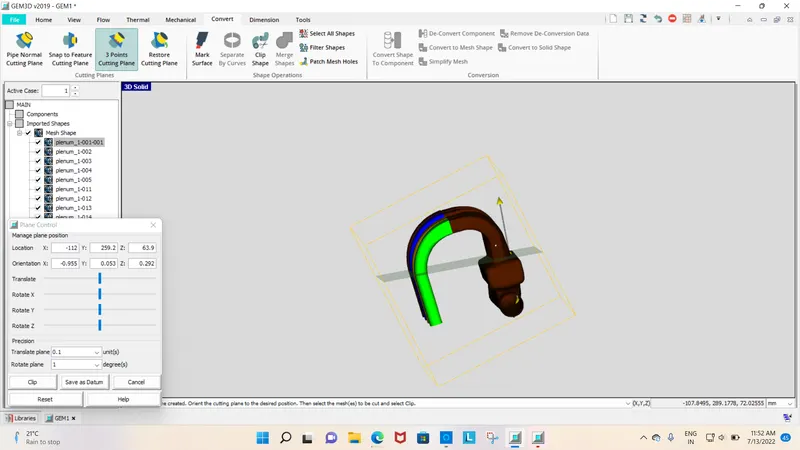
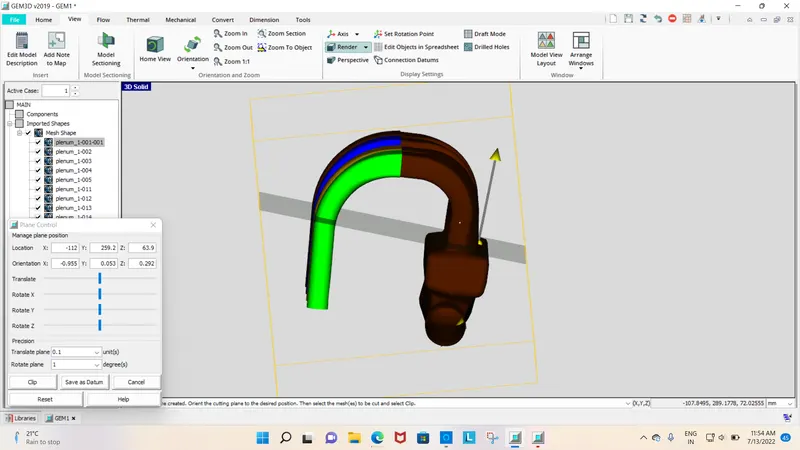
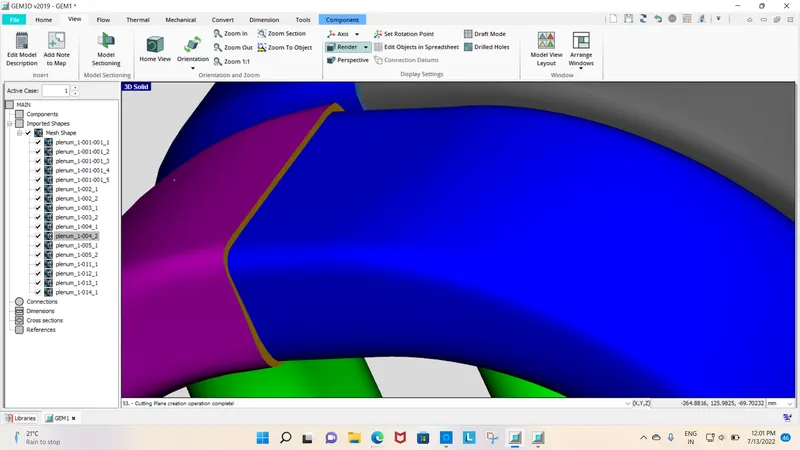
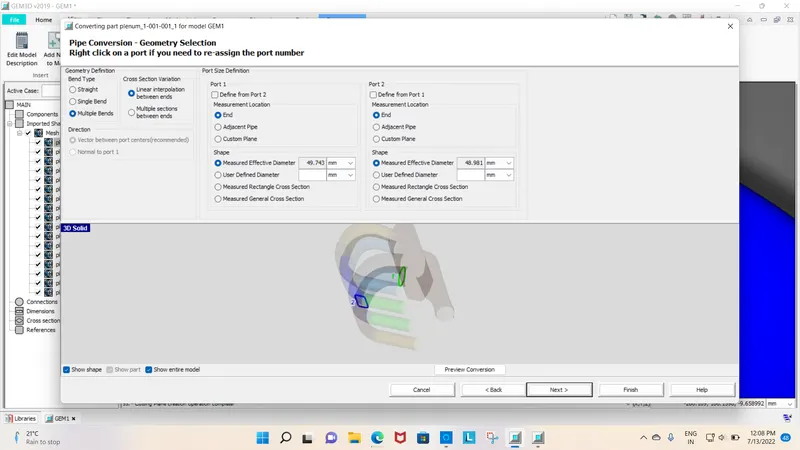
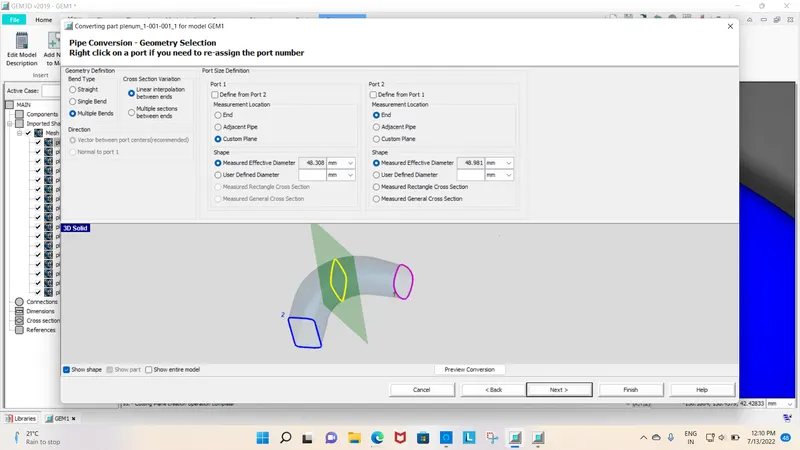
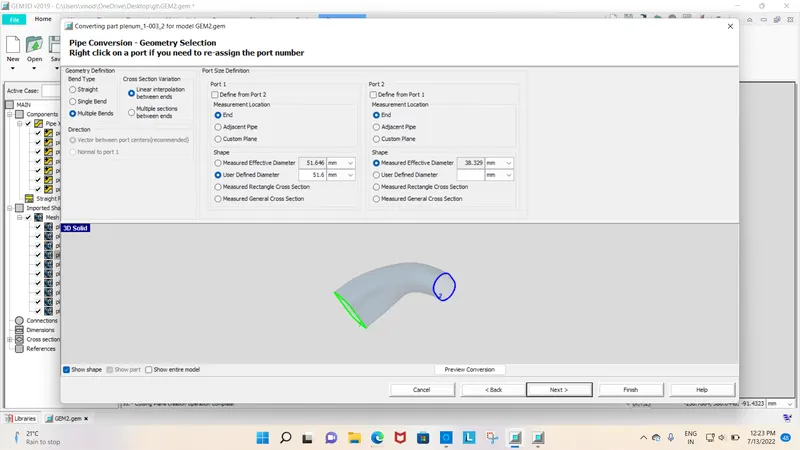
Right-click on the inlet manifold piece and select the option to convert the shape to the component, the below dialogue box will open. Select option pipe in flow volume. The marking of Port 1 and 2 should be along the inlet to outlet flow respectively. check to make accurately and convert making position if not ok.
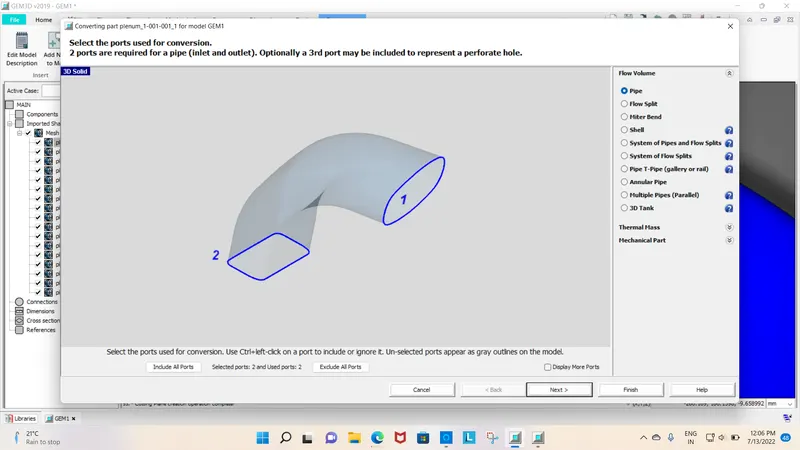
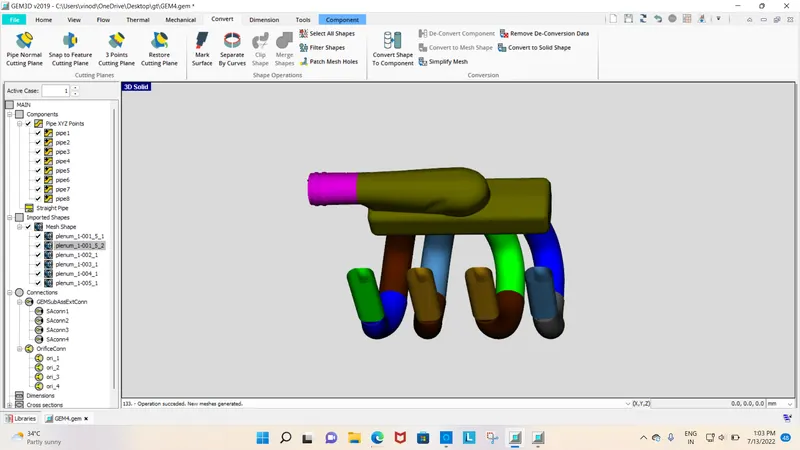
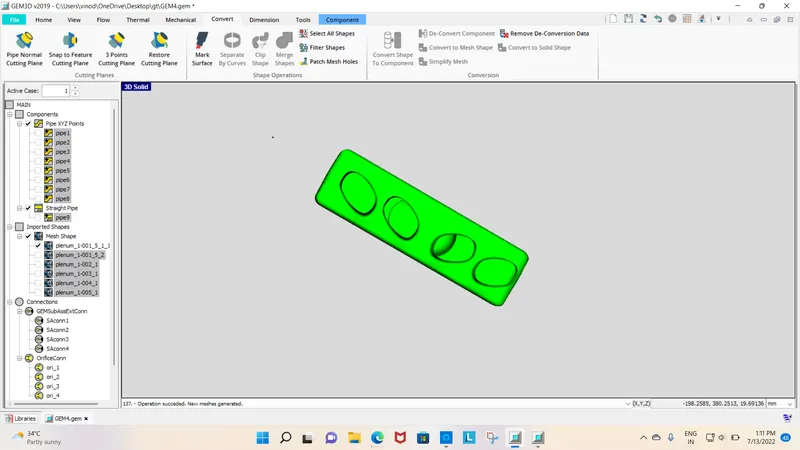
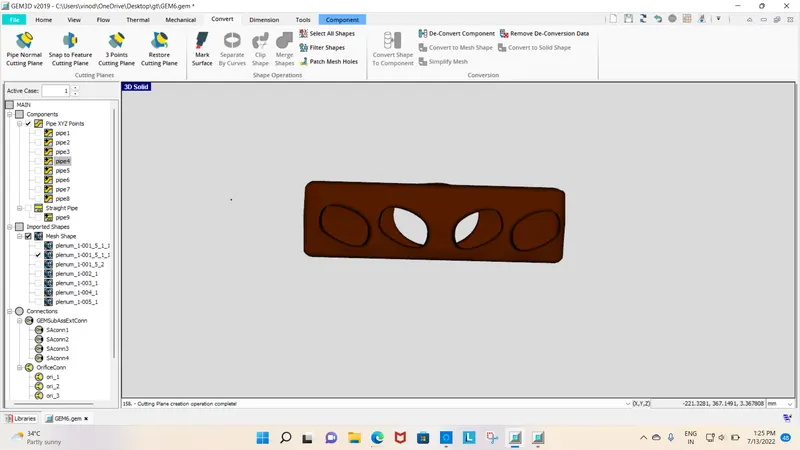
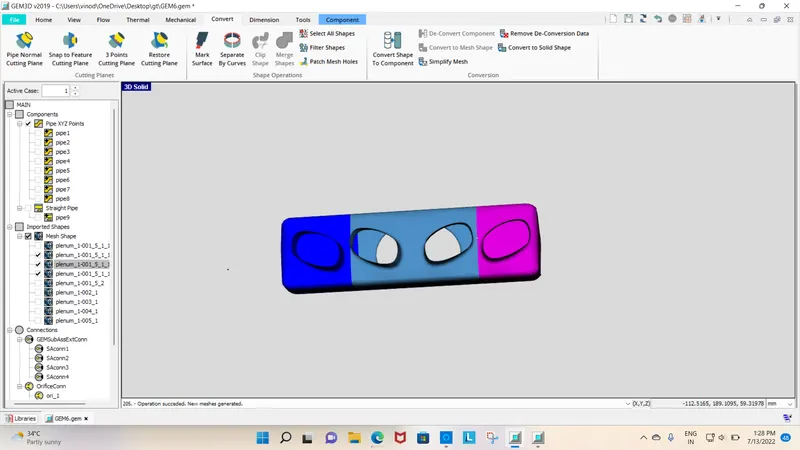
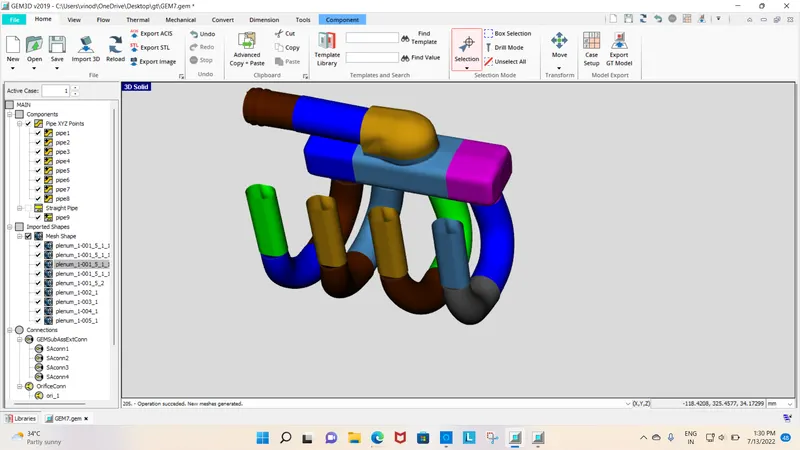
Arrange GT Model Layout as shown below , the 3D inlet manifold is converted into 1D model with discretization length of 40mm and inlet Parameters. Now GT power can used this model and get accurate result in simulation.
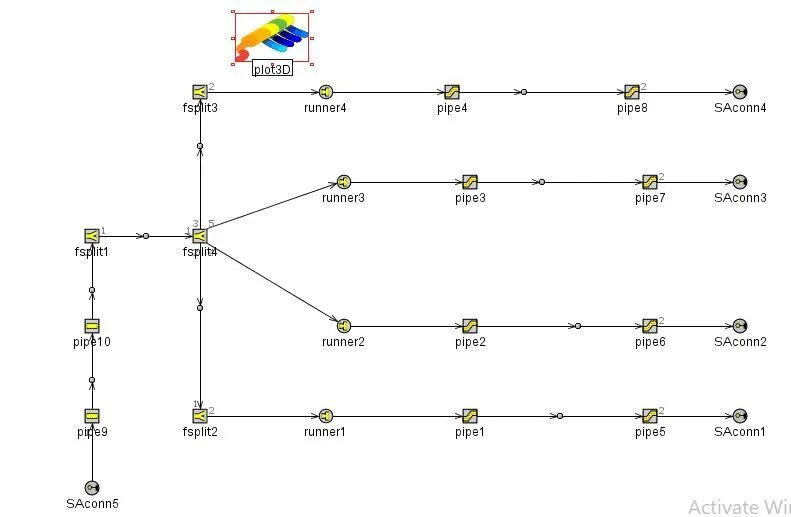
CONCLUSION:
The dissemble of parts in GMD 30 and the conversion of CAD model in GT suite is done successfully