Week 11 Challenge
DESIGN AND ANALYSIS OF A BRIDGE WITH TEMPERATURE LOAD
AIM
To Design and analyse a bridge with Temperature load using STAAD Pro. Software.
INTRODUCTION
As per the given data with standard formulas as per IRC 6 the temperature load is being calculated manually.
As the bridge has to be designed in Delhi the Maximum and Minimum temperature as per IRC 6 Isotherm is
Maximum Temperature = 47.5 °C
Minimum Temperature = -2.5 °C
Effective temperature difference = (47.5 - (-2.5))/2 + 10
= 35 °C
Stress due to temperature = α x ΔT x E
= 11.27 x 10^-6 x 35 x 5000√fck
= 11.27 x 10^-6 x 35 x 5000√40
= 12.47 KN
Maximum permissible stress = 2/3 x 0.7 x √40
= 2.95 KN/m2
Differential temperature top to bottom = 41.9 °C
PROCEDURE
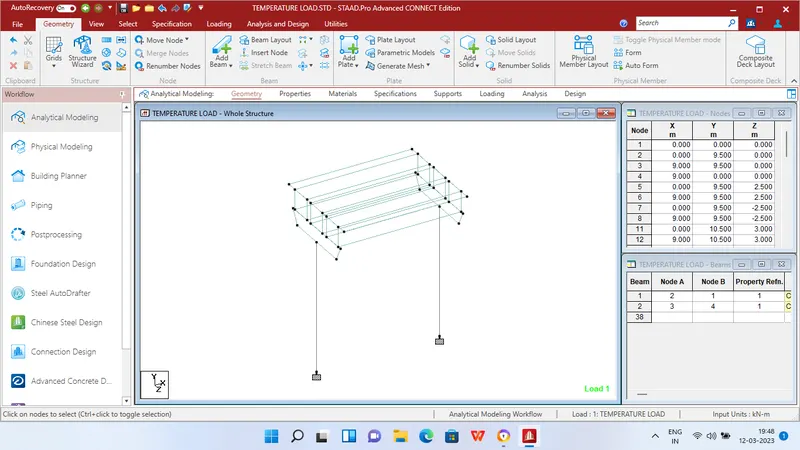
Step 1 - Create Nodes by entering the corresponding X/Y/Z values as 0 in the Node table 1st row and enter X = 0,Y = 10,Z = 0 for Creation of pier for bridge structure
Step 2 - Then connect the two created nodes with add beam option and copy the same till 9m in X axis.
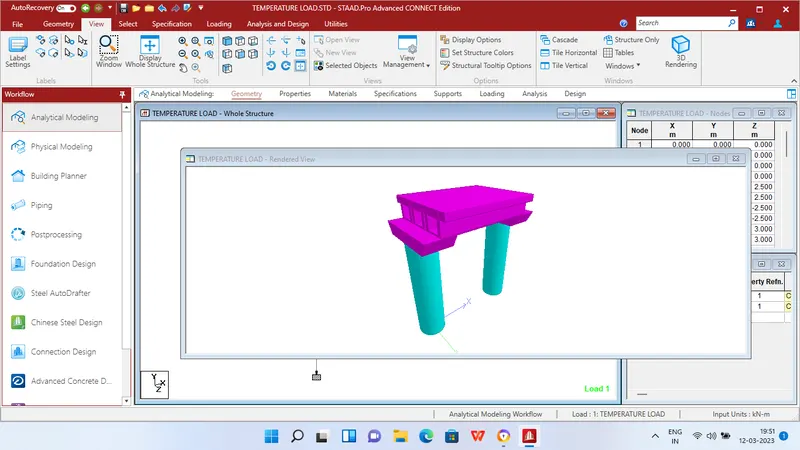
Step 3 - After creating the Piers as per given size of pier cap create it using nodes and connect it with add plates option.
Step 4 - Then add nodes for creation of 3 Box girders with the size of 1.5 x 1.5m in both the pier caps and connect the nodes with add plate option for Top,Bottom,Right and left side plates.
Step 5 - Then add nodes for creation of Deck slab with thickness of 550mm as given connecting the box girders in both the pier caps.
Step 6 - After that in create support dialog box add fixed support for all the piers in the geometry using assign for selected nodes option.
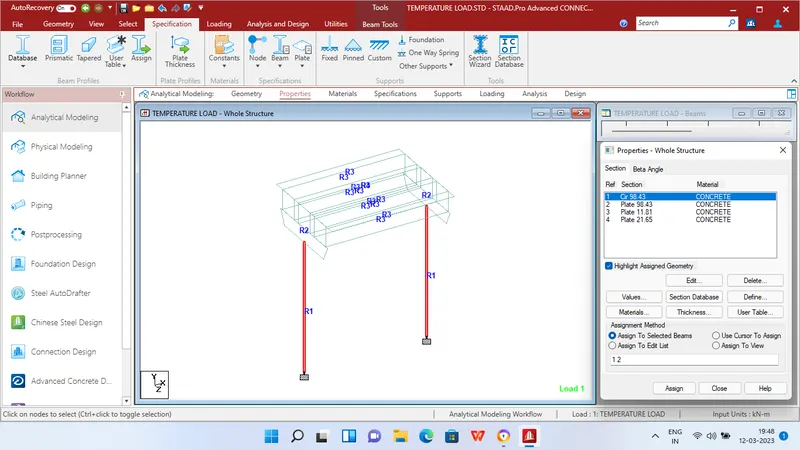
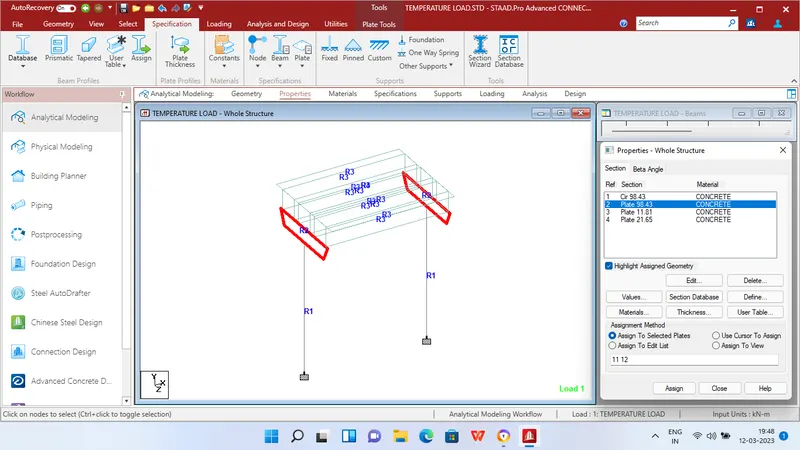
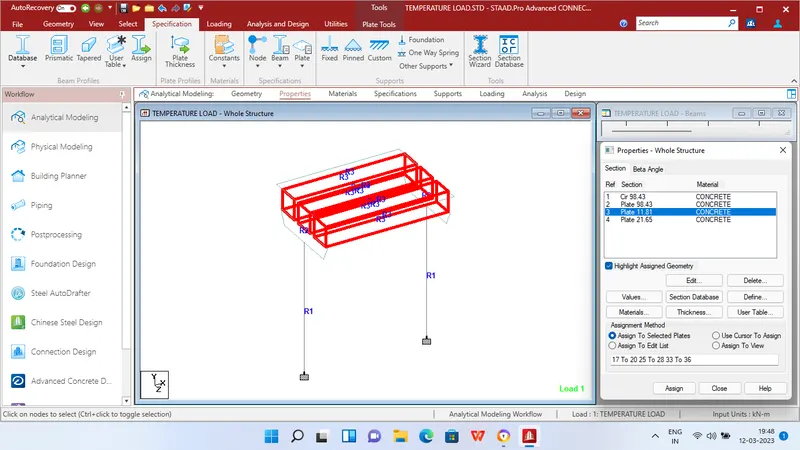
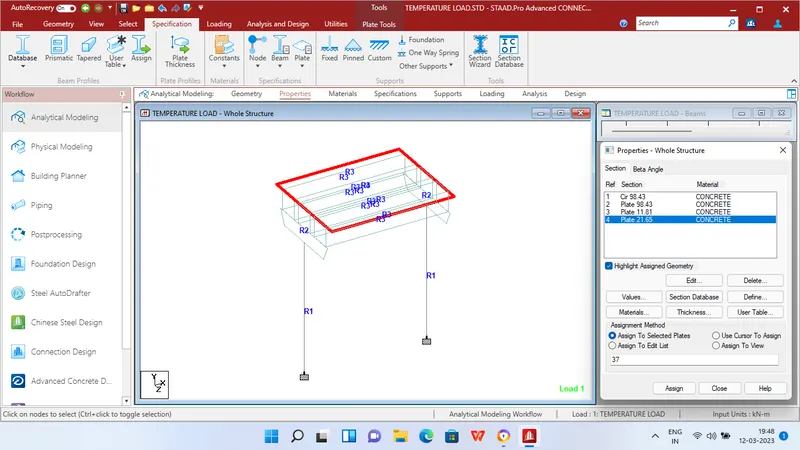
Step 7 - Then in Properties tab click Prismatic and add the Circular dimension for Piers - 2.5m,Piers cap concrete plate thickness = 2.5 m,Deck slab - 550mm Thick concrete plate,Box girder - 300mm concrete plate.
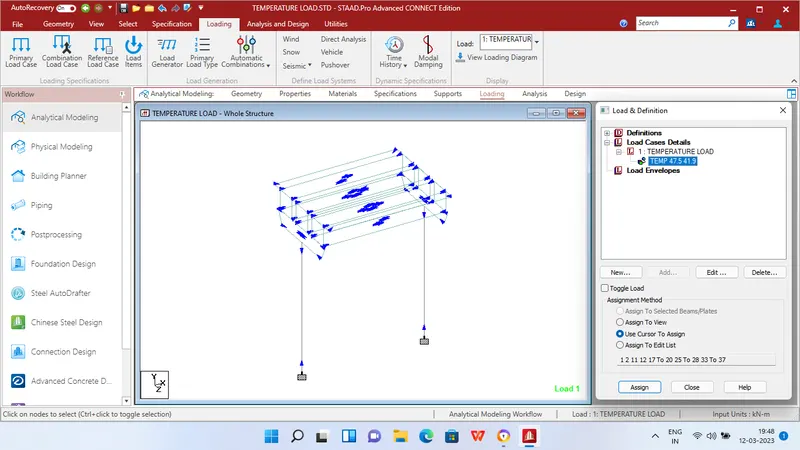
Step 8 - After adding the properties click Loading tab and add Temperature load under Load cases.
Step 9 - Then apply Temperature load of Differential temperature from Top to bottom the calculated value = 41.9 °C
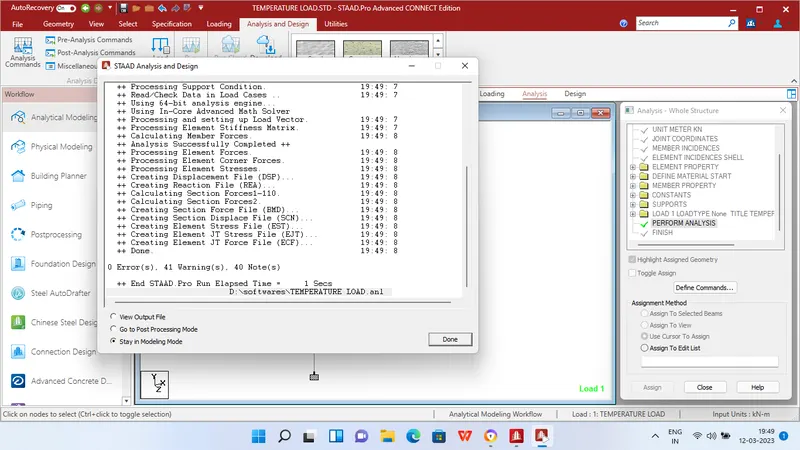
step 10 - Then in Analysis and design tab define commands for PERFORM ANALYSIS and click run analysis.
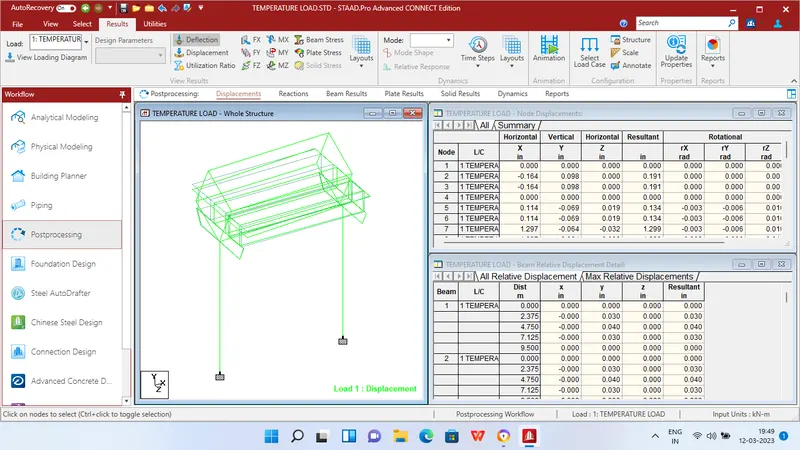
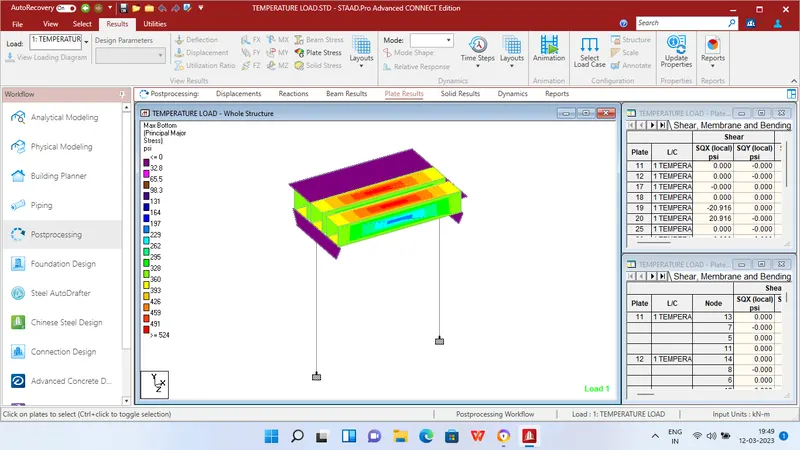
RESULTS
REPORTS