AIM & INTROUDUCTION:
To calculate the temperature load for the RC bridge with M40 grade to be constructed in Delhi.
- The Span of the bridge is 9 m.
- The Box girder dimension is 1500 x 1500 with a web thickness of 300mm.
- The diameter of the circular pier is 2.5m
- The width of Deck slab is 7m and width of piercap is 6m.
- The Thickness of Deck slab is 550mm.
Temperature Loads:
Daily and seasonal fluctuations in shade air temperature solar reduction etc cause the following.
- Effective bridge temperature changes in overall temperature of bridge.
- After a period , there will be a minimum and maximum with a range of effective bridge temperature.
- This results in loads or load effect.
The loads effects are due to
- Temperature restraint - Restraint offered for expansion or contraction by form of constructions.
eg. Portal frame ,arch,flexible pier,elastomeric bearings etc.
- Frictional bearing restraint - Friction at roller or sliding bearings.
Temperature difference - Difference in temperature between the top surface and other levels through the entire height of superstructure.
Calculations:
* Max temperature in the location as per IRC 6 Isotherm at the location=48.4°
* Min temperature in the location as per IRC 6 Isotherm at the location=-2.2°
* Effective Temperature Difference=(48.4-(-2.2))/2+10
Effective Temperature Difference=35.3°
* Stess due to temperature =α *ΔT*E
=11.27*10^-6/35.3*5000(40)^(1/2)
Stess due to temperature =12.58KN/m^2.
* Max Permissible Stress=(2/3)*0.7*(40)^(1/2).
Max Permissible Stress =2.95KN/m^2..
Hence the stress are restricted to 3KN/m^2.
Max temperature=48.4°
Min temperature=-2.2°
Positive temperature Difference ;
Temperature at Top=48.4°
Temperature at Bottom=(2.1/17.8)*48.4
Positive temperature Difference=5.71°
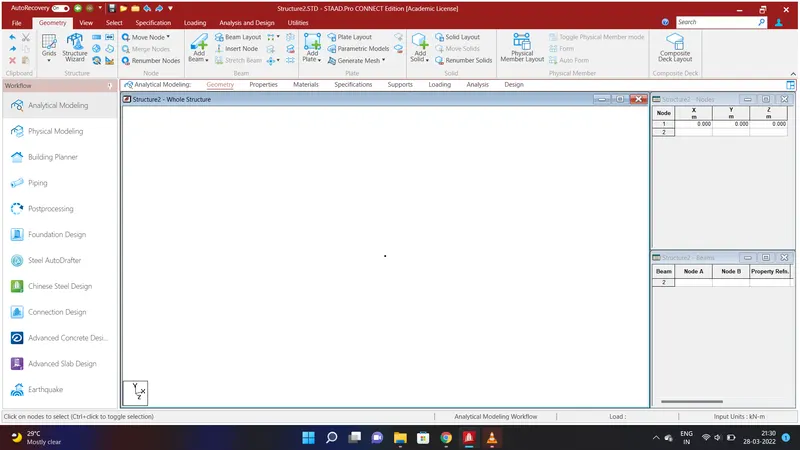
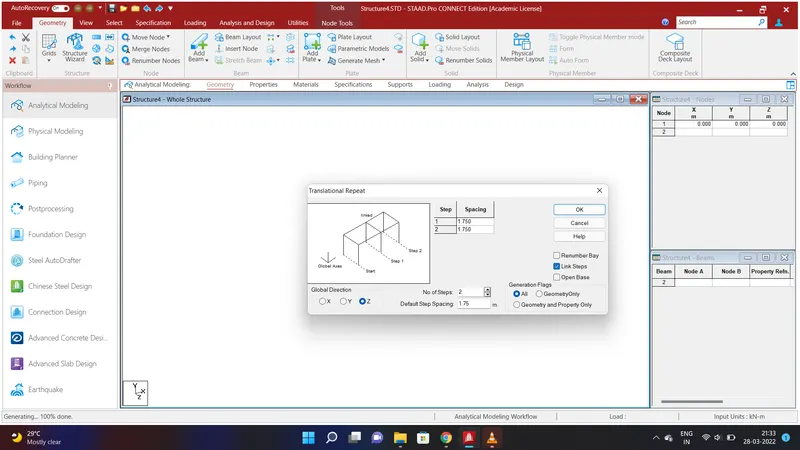
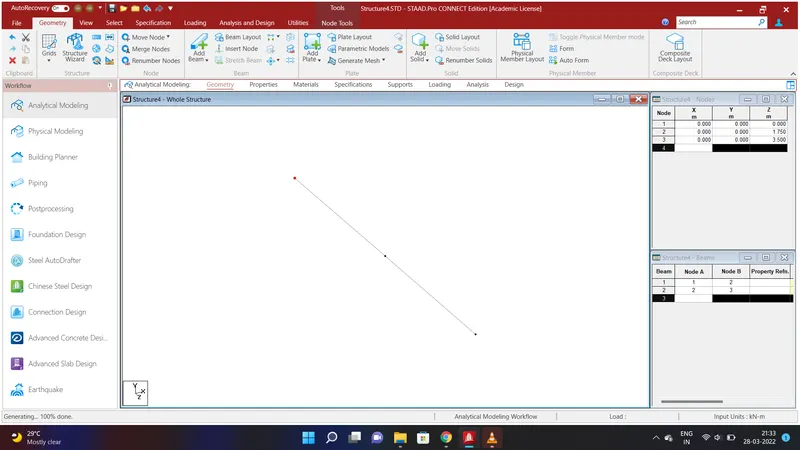
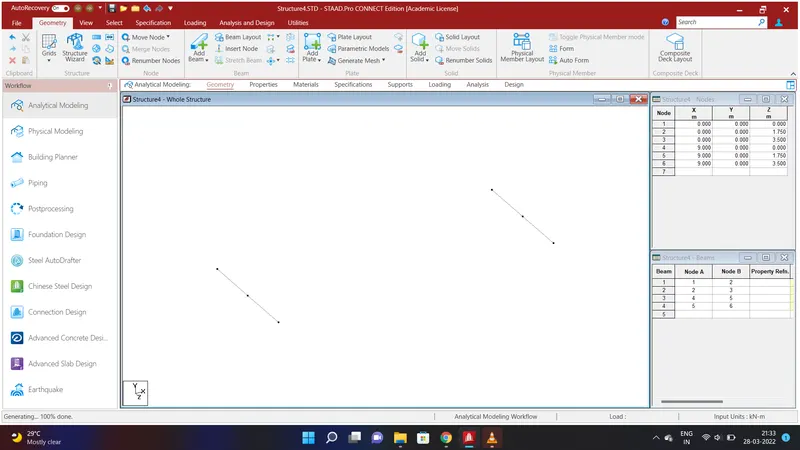
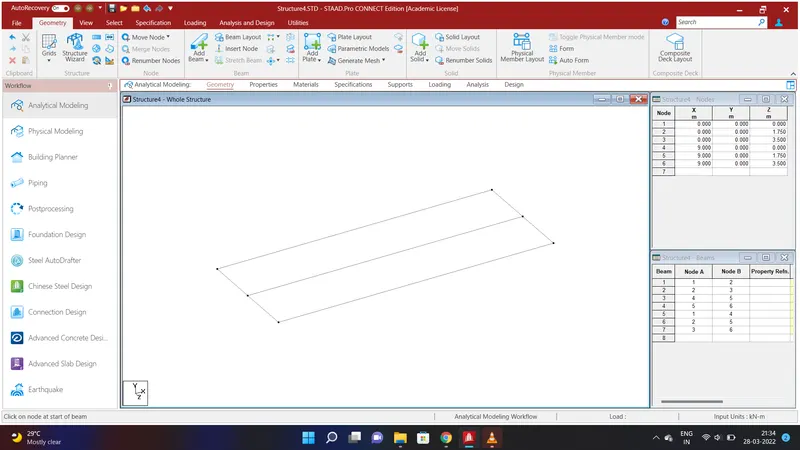
Create a node by assigning the values of Node 1 as X=0:Y=0;Z=0 . Select the Node using Node cursor and go to Geometry Option and slect Translational Repeat in Global Z Direction and give the values as No. of Steps=2;Default Step Spacing=1.75m and Link Steps and click OK.We shall have created a beam of length 3m.
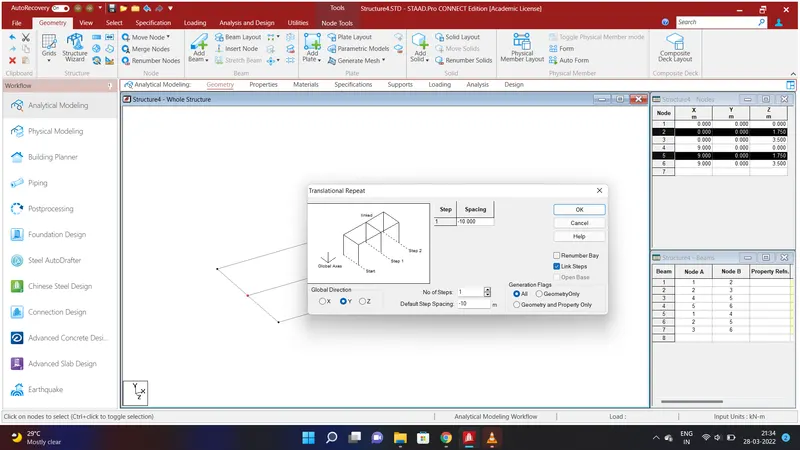
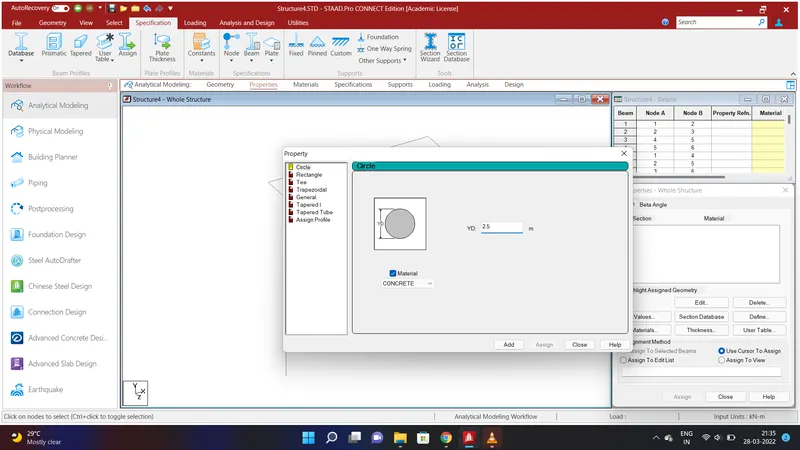
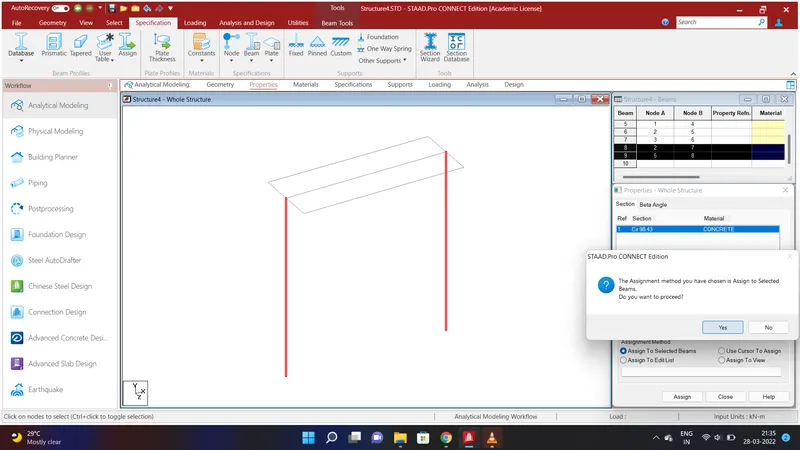
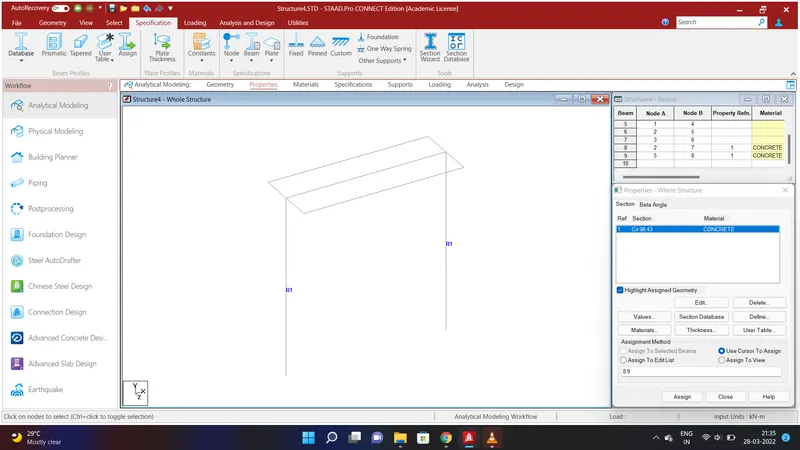
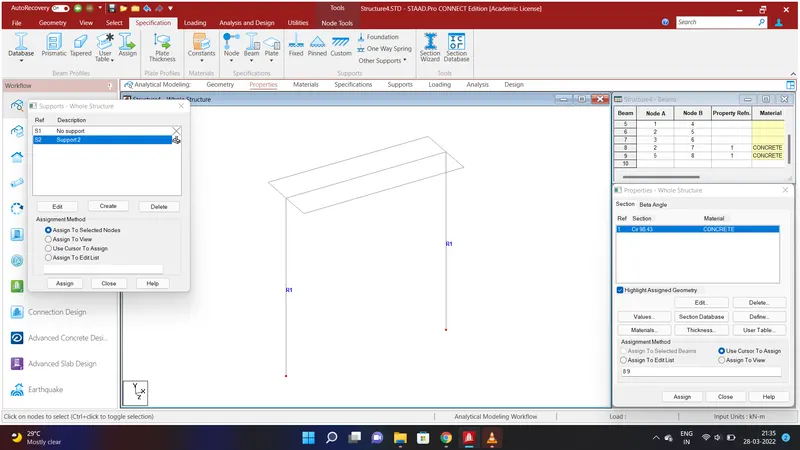
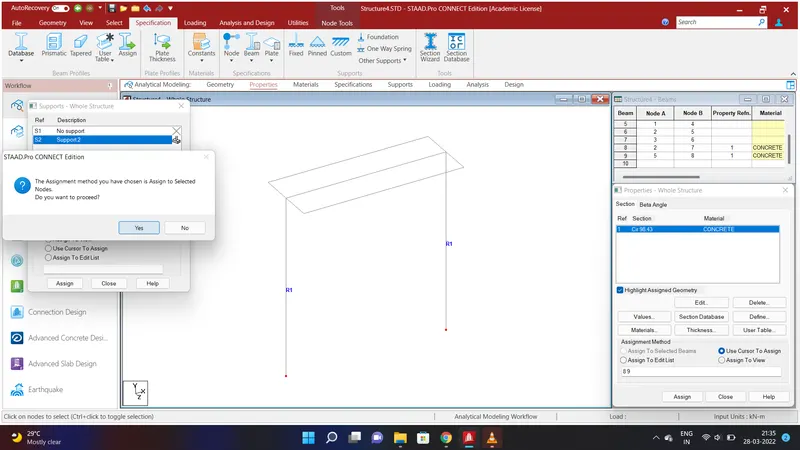
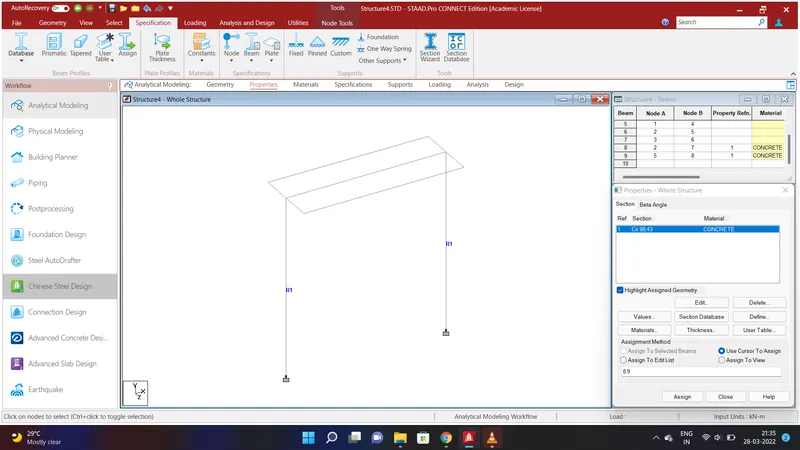
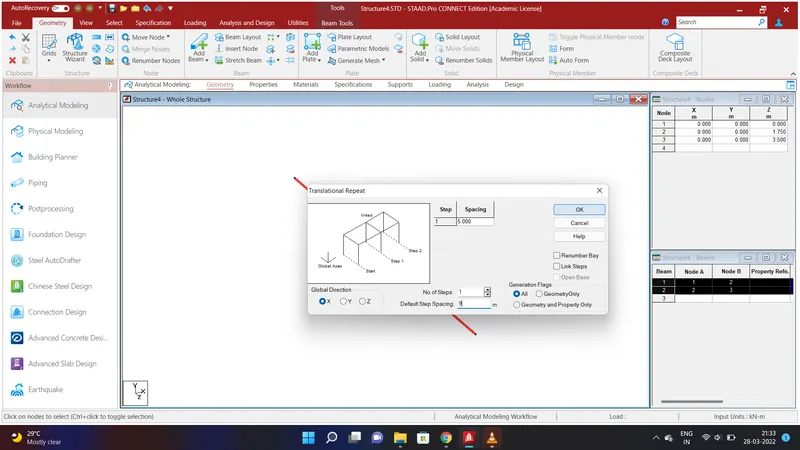
We shall assign piers to the beams . To do that select the node cursor in the select option and select the two nodes at 1.75 m and go to Geometry Option and slect Translational Repeat in Global Y Direction and give the values as No. of Steps=1;Default Step Spacing=-10m and Link Steps and click OK. We will have created a piers of Height 10m . Now we shall assign properties to the piers. To do that go to Specification Option and select Prismatic and give the values of ZD=2.5m in circle using Concrete Material and click Add. Now select the piers and click Assign to Selected Beams and Assign and click YES.After assigning the properties we have give fixed support to the piers. Go to Specification Option and select Fixed and add and select Support 2 and select the bottom nodes of the pier and click Assign to Selected Beams and Assign and click YES. Now the Fixed support is created.
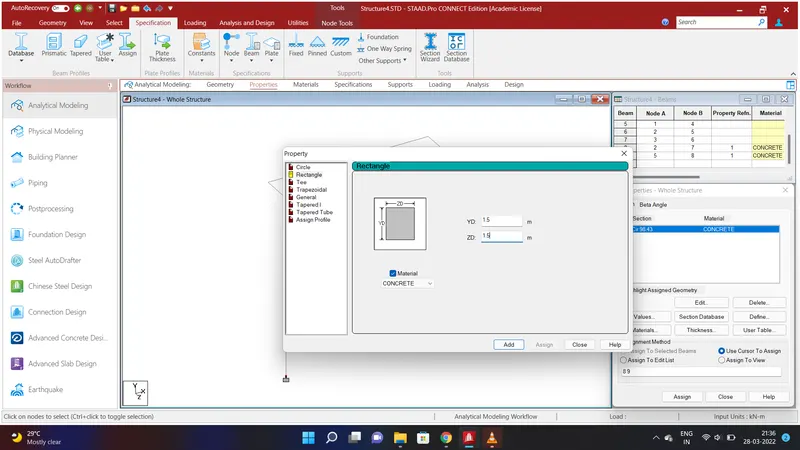
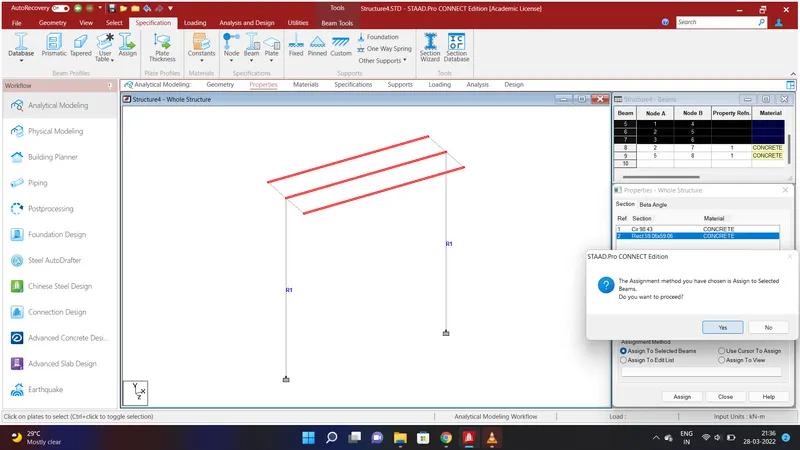
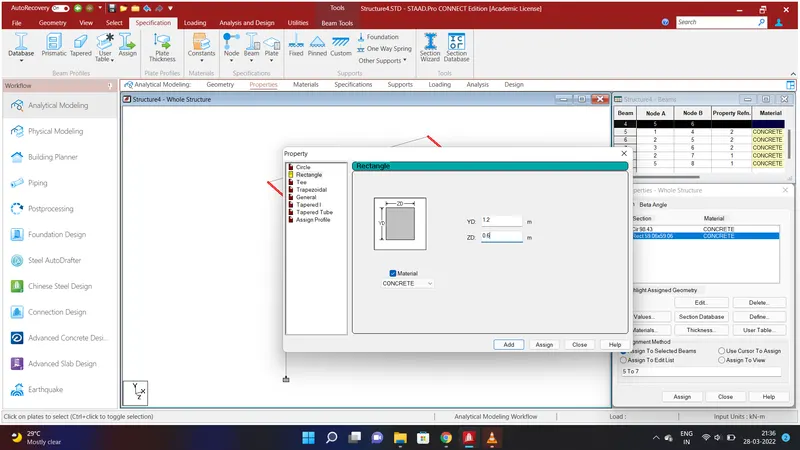
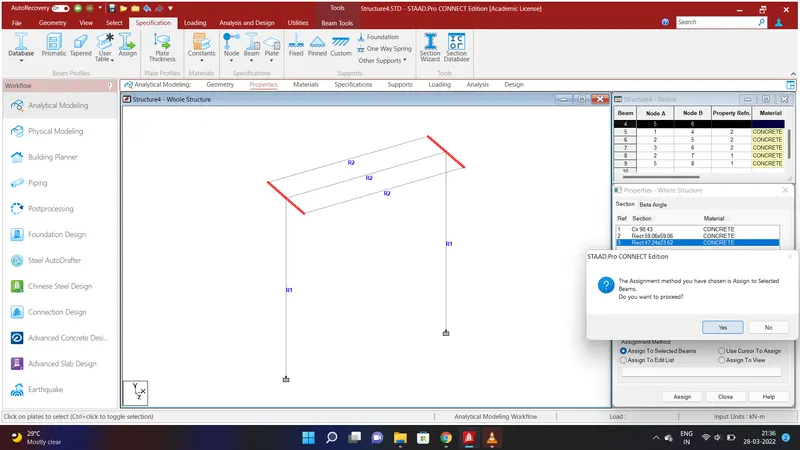
We shall assign properties to the Beams . To do that go to Specification Option and select Prismatic and give the values of YD=1.5m;ZD=1.5m in rectangle using Concrete Material and click Add.Select all the horizontal Beams and click assign to Selected Beams and Assign and click YES. Now we shall assign properties to the Cross Beams. To do that go to Specification Option and select Prismatic and give the values of YD=1.2m;ZD=0.6m in rectangle using Concrete Material and click Add.Select all the Cross Beams and click assign to Selected Beams and Assign and click YES.
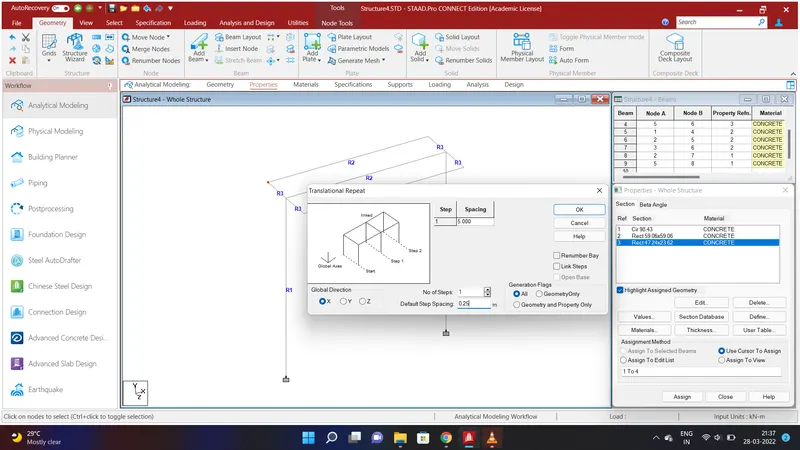
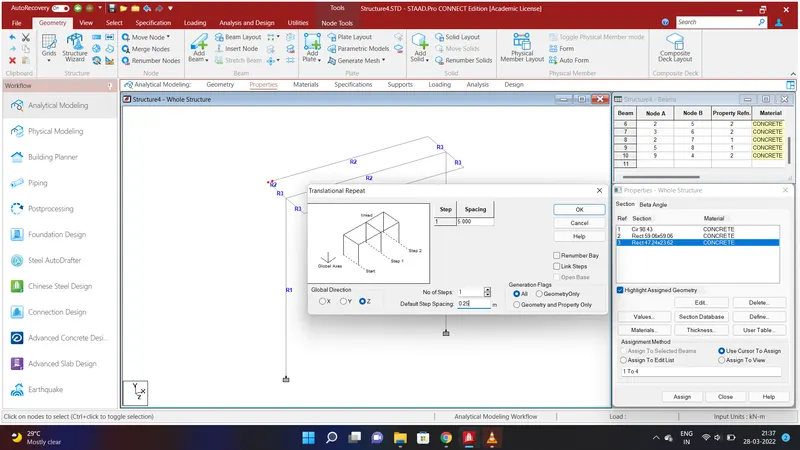
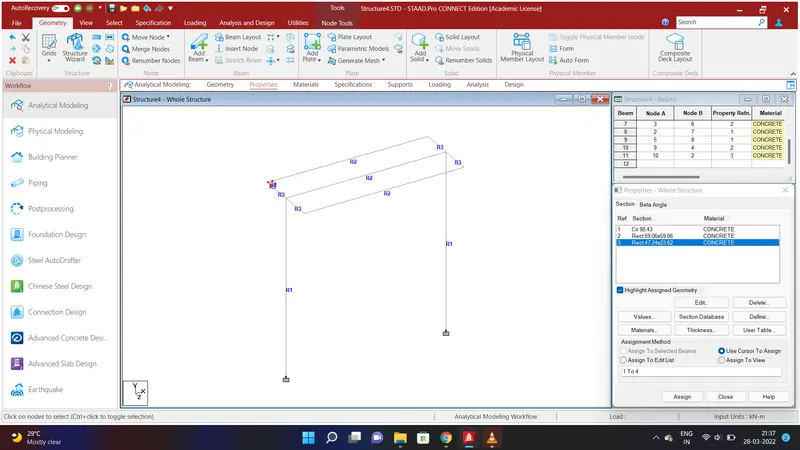
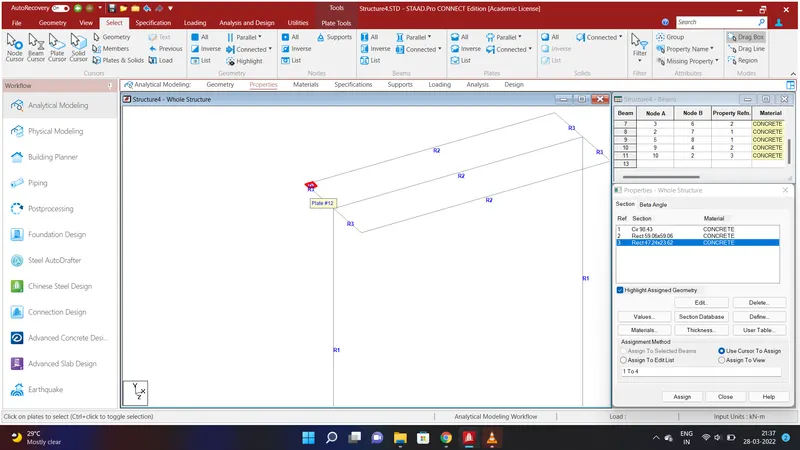
We have to create Deck slab to the structure . To do that go to select option and select the node cursor and click top node and go to Geometry Option and select Translational Repeat in Global X Direction and give the values as No. of Steps=1;Default Step Spacing=0.25m and click OK. again select the two nodes and go to Geometry Option and select Translational Repeat in Global Z Direction and give the values as No. of Steps=1;Default Step Spacing=0.25m and click OK. Select the nodes using add plate in the geometry option and select plate cursor and click on the plate.We shall created the plate.
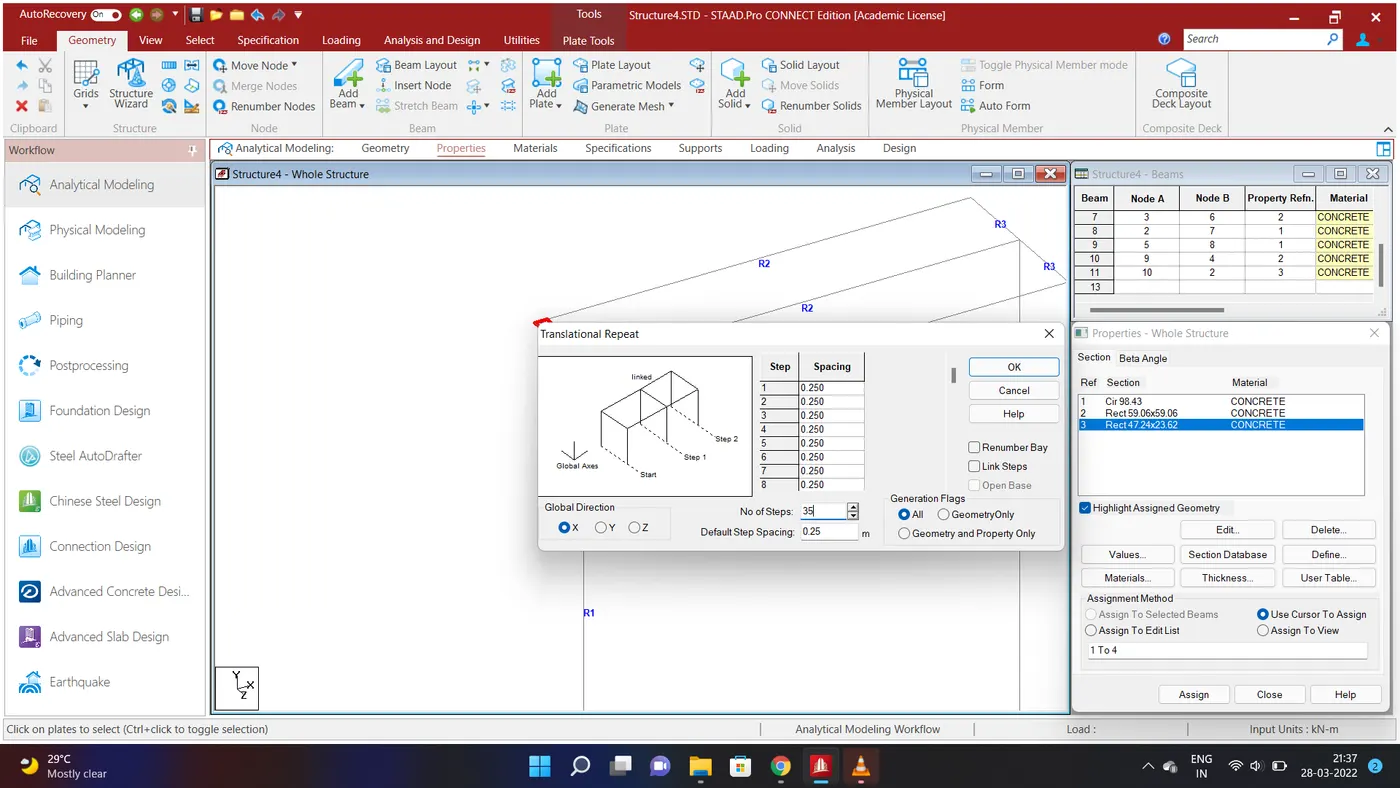
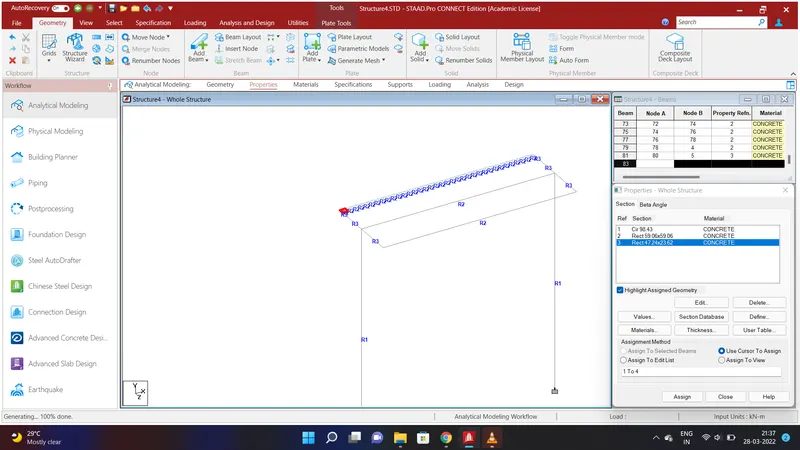
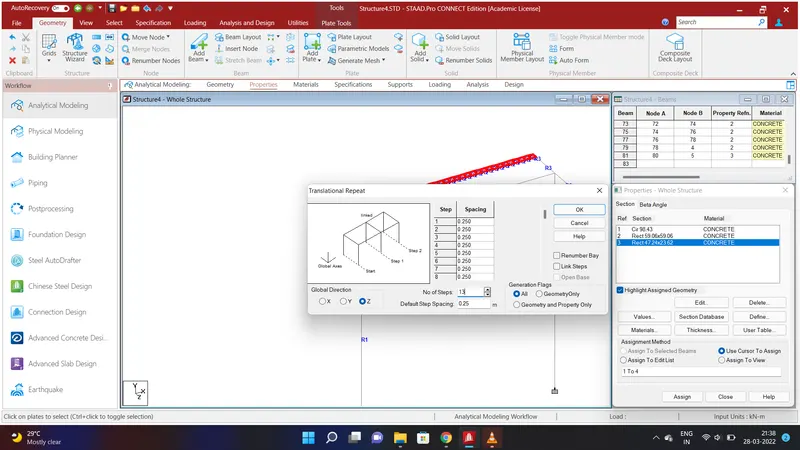
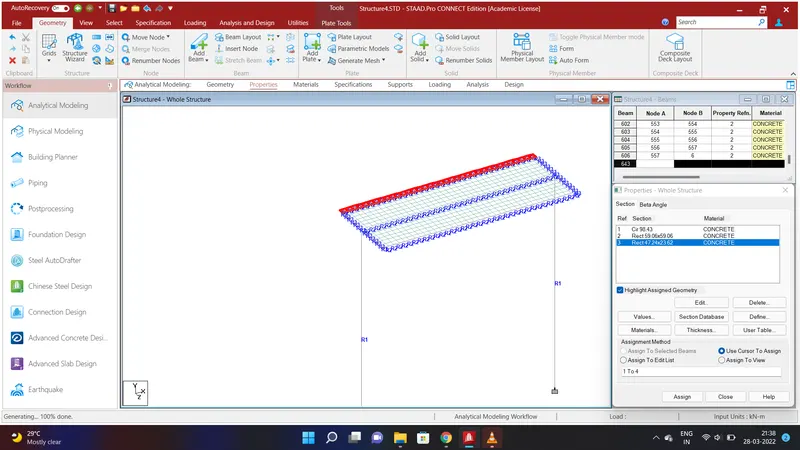
Now select the plate and go to Geometry Option and select Translational Repeat in Global X Direction and give the values as No. of Steps=35;Default Step Spacing=0.25m and click OK. Select all the plates and go to Geometry Option and select Translational Repeat in Global Z Direction and give the values as No. of Steps=13;Default Step Spacing=0.25m and click OK. We shall have created all the plates on the beams.
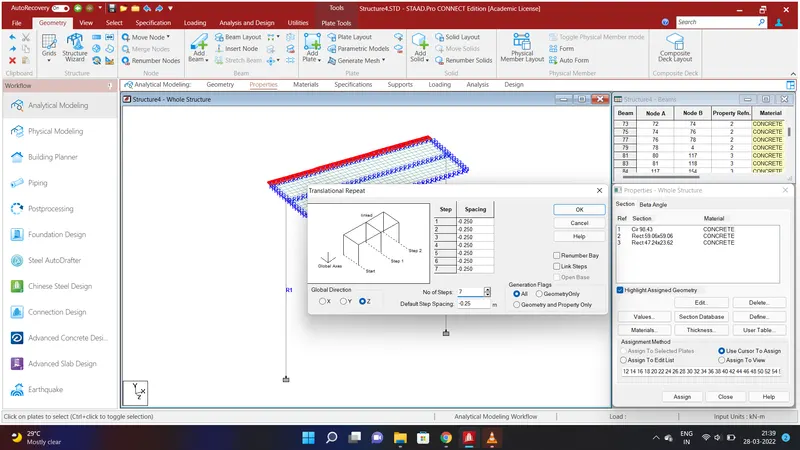
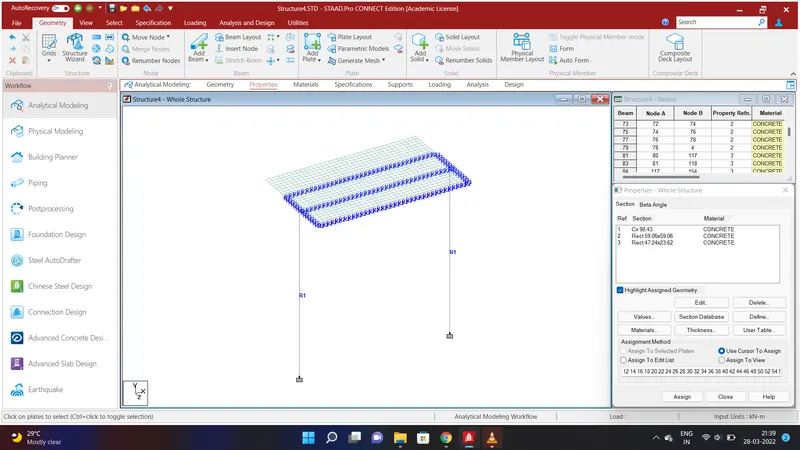
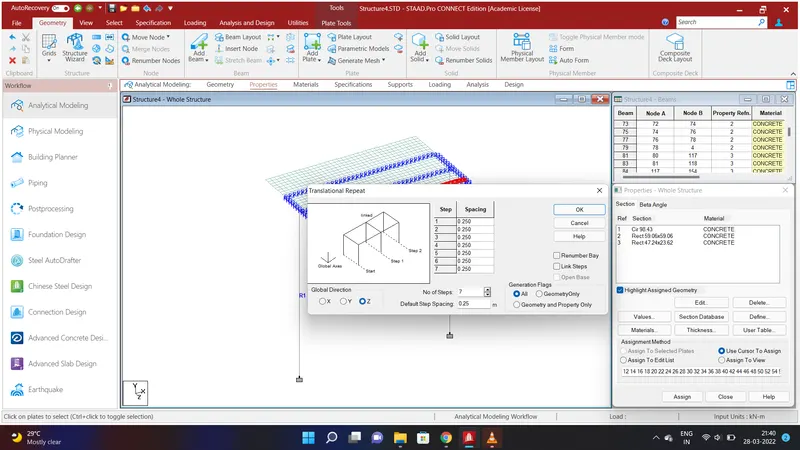
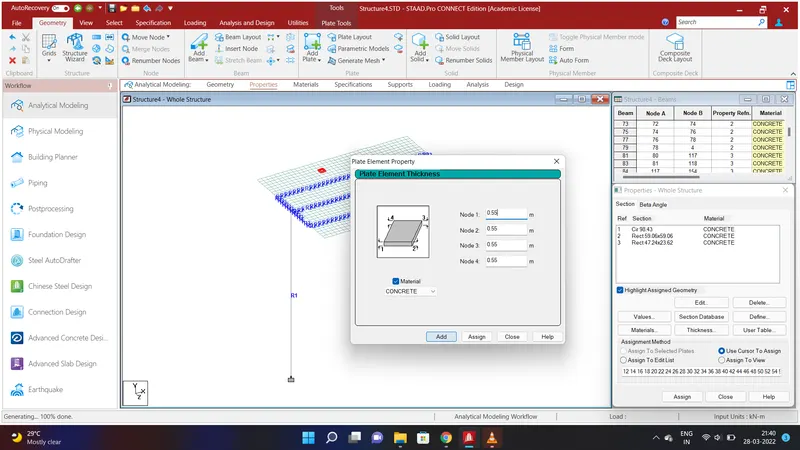
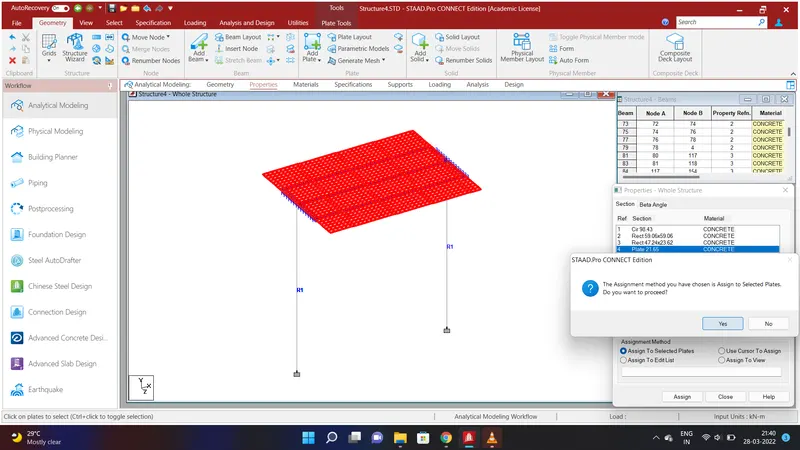
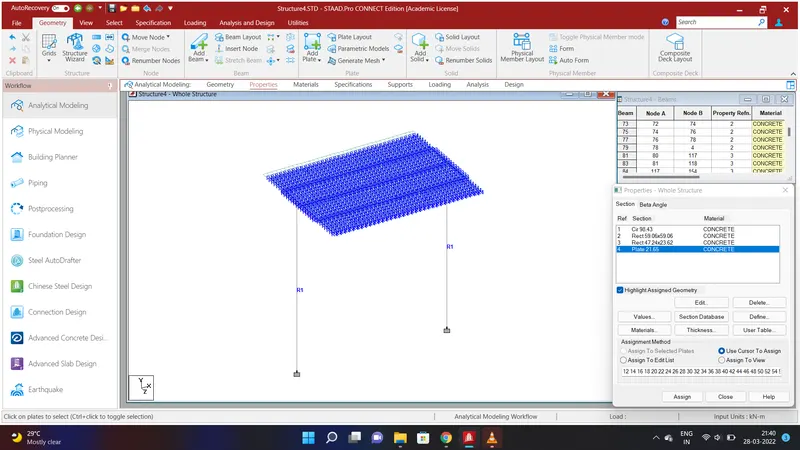
In the given probelm the deck slab is 7m. We have created a deck slab of 3.5m. To create the other 3.5m of deck slab select the horizontal plate along the span and go to Geometry Option and select Translational Repeat in Global Z Direction and give the values as No. of Steps=7;Default Step Spacing=-0.25m and click OK. Again select the horizontal plate at the right corner and go to Geometry Option and select Translational Repeat in Global Z Direction and give the values as No. of Steps=7;Default Step Spacing=0.25m and click OK. We shall have created a deck slab of width 7m. we shall assign properties to the slab. To do that go to Specification Option and select Plate Thickness and give the values of Node 1=0.55m;Node 2=0.55m;Node 3=0.55m;Node 4=0.55m using Concrete Material and click Add. Select all the plates and click assign to selected plates and assign and click ADD.
RESULT:
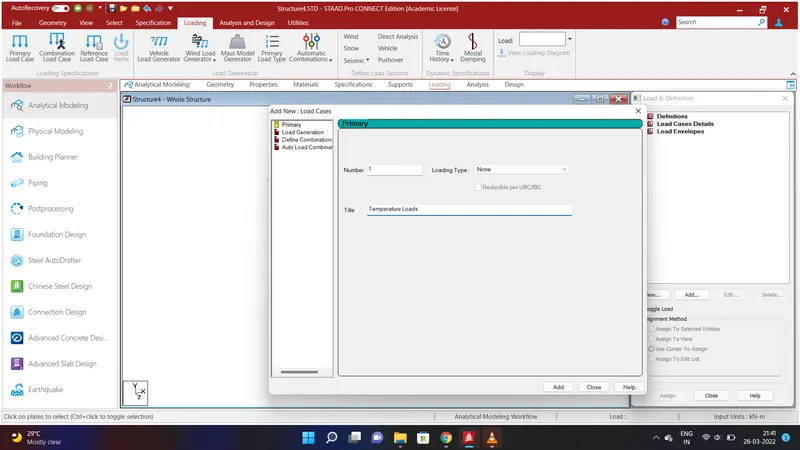
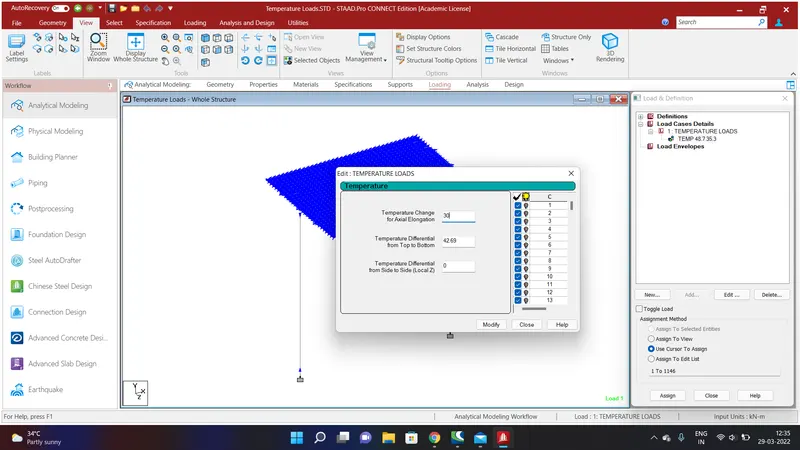
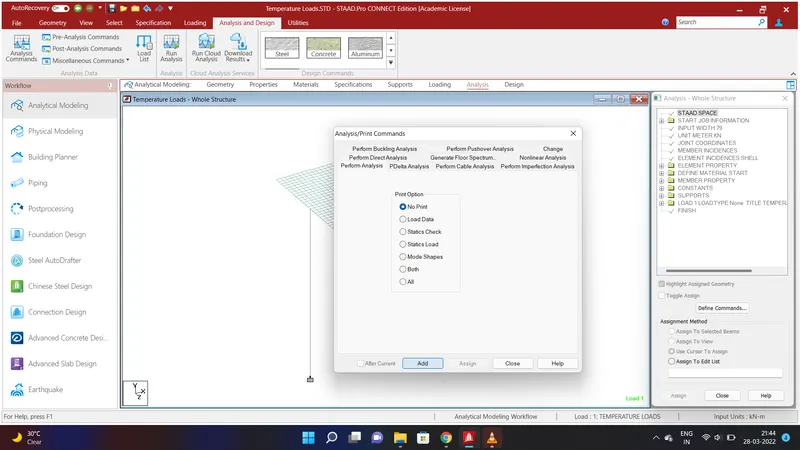
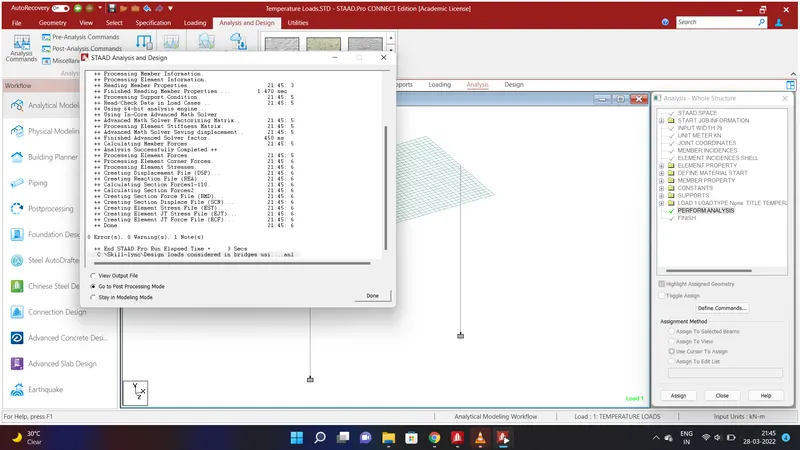
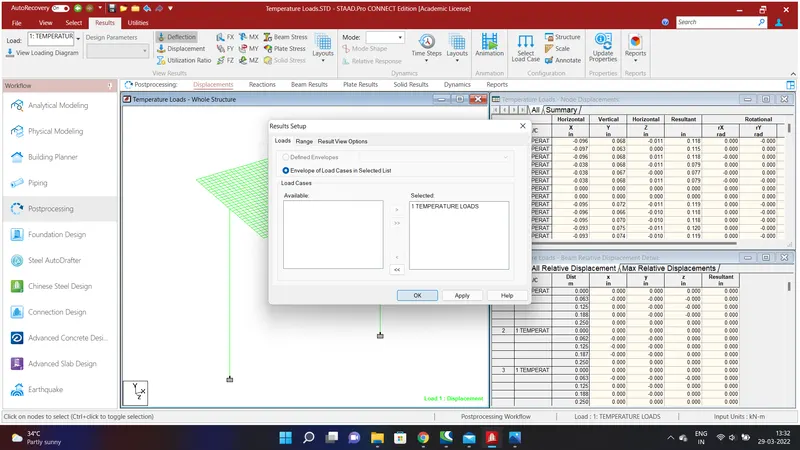
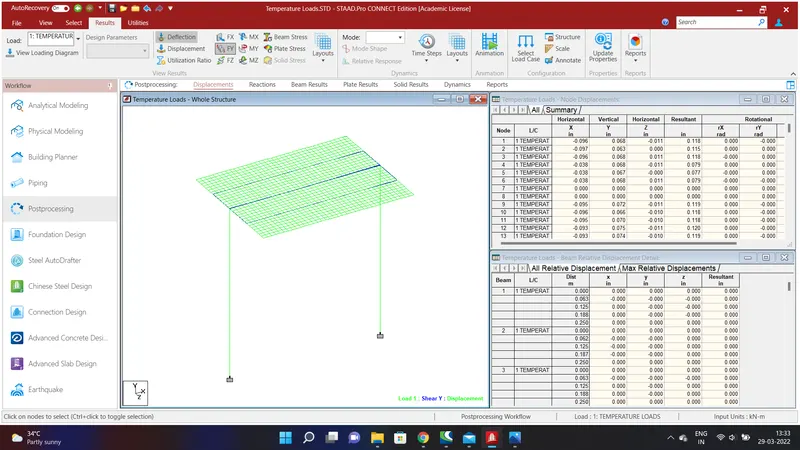
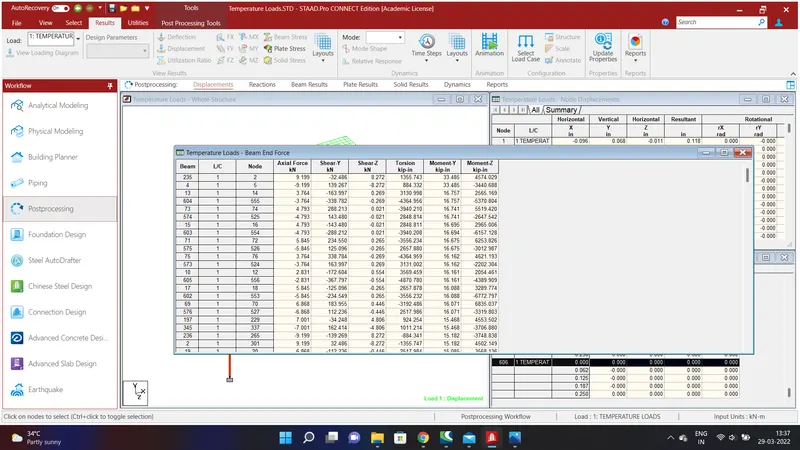
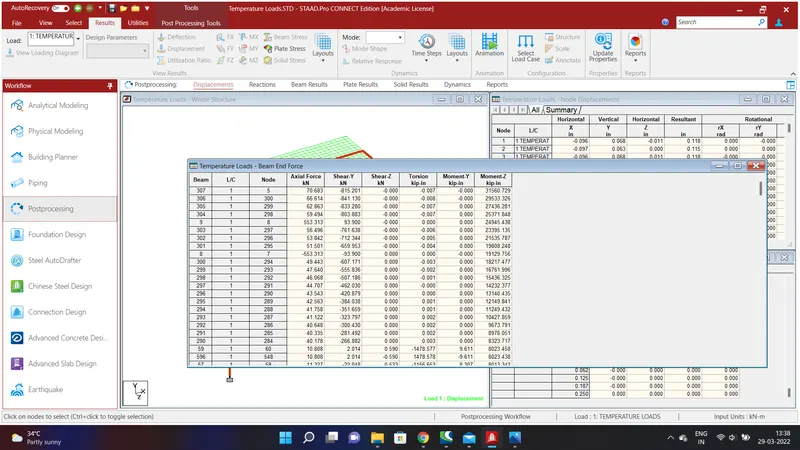
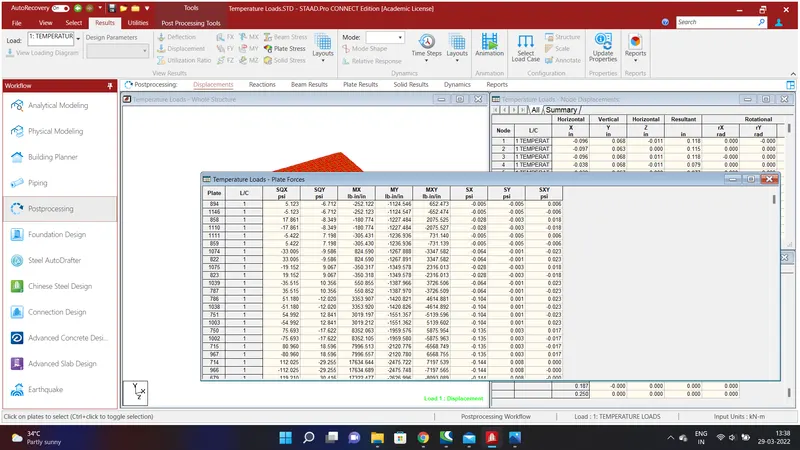
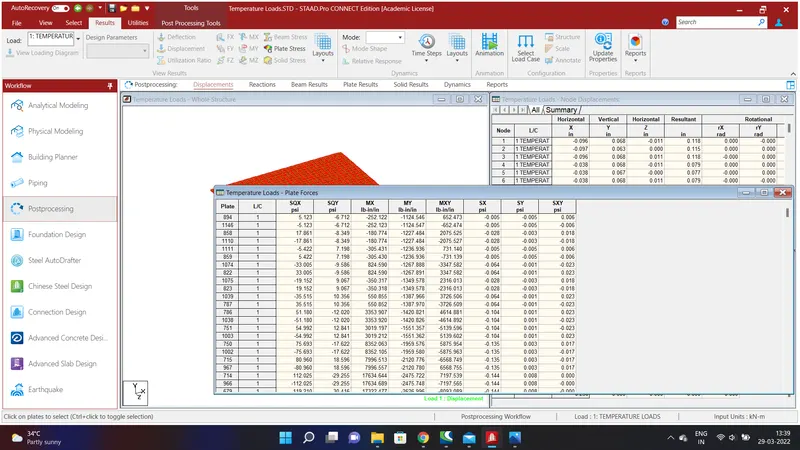
We shall apply the loading to the structure . To do that go to loading option and click Load Case Details and give the Title as TEMPERATURE LOADS and Add. Again go to Load Case Details and go to Temperature Loads and give the values of Temperature Change along Axial Elongation =30 and Temperature Differential from Top to Bottom=42.69. and Add. Go to loading and analysis menu and select Analysis Command and Add to Perform Analysis.After that Run the Analysis and go to Post Proccessing Mode.
REPORT:
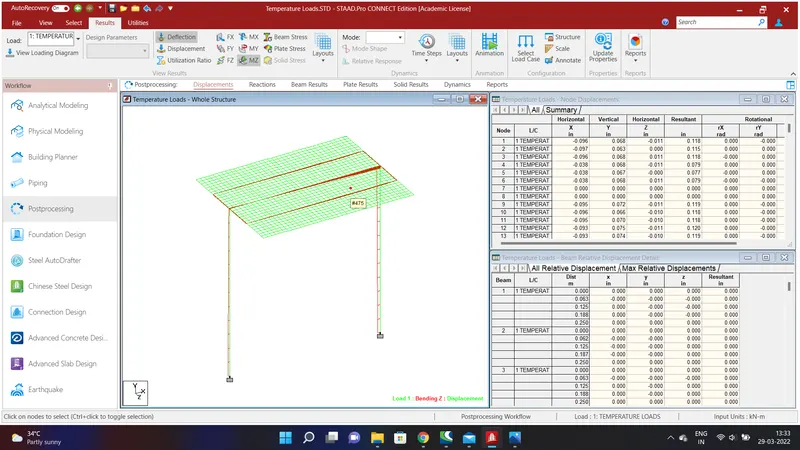
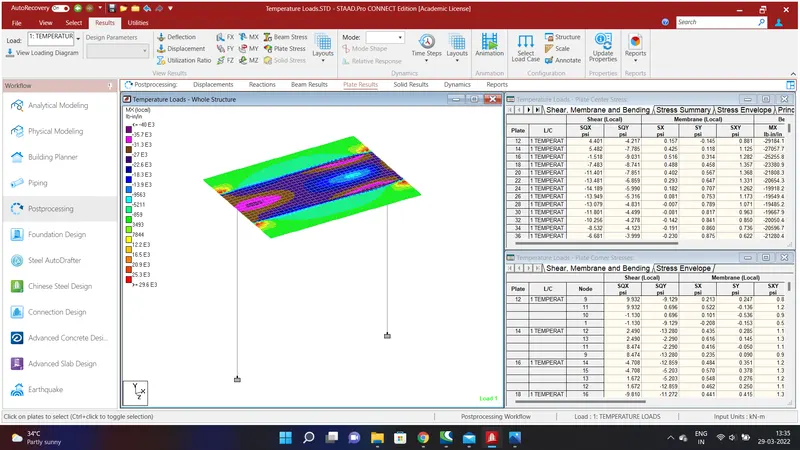
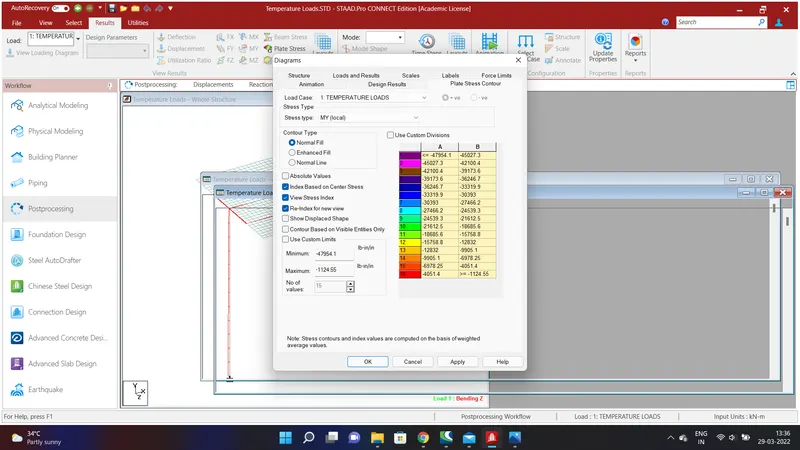
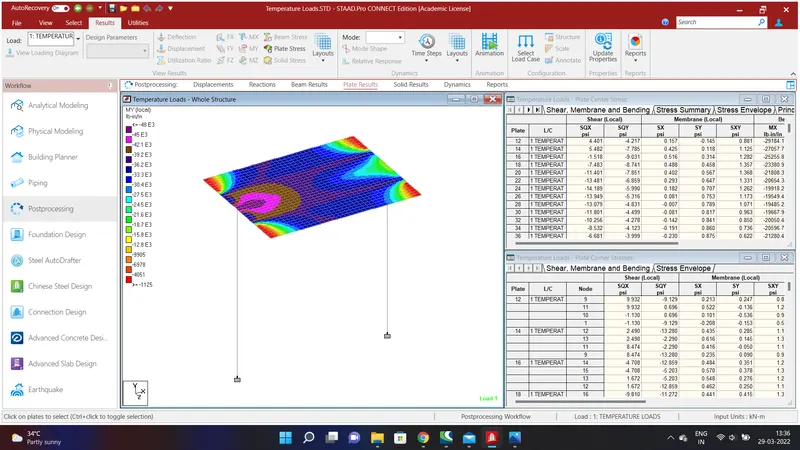
The Report are obtaines for the Bending Moment and Shear Stress.