Week 11 Challenge
- Design the slab and foundation of the model. Outline the thought process for designing of the elements (column, beam, slab, and foundations)
AIM: To design the slab and foundation of the model and outline the thought process for designing of the elements (column, beam, slab, and foundations)
Tools Used: Design, settings, Check panel, Catalogue, Pile cap column.
Procedure:
Step1: First open the saved file from the file toolbar.
Step2: After designing the columns now we have to design slabs.
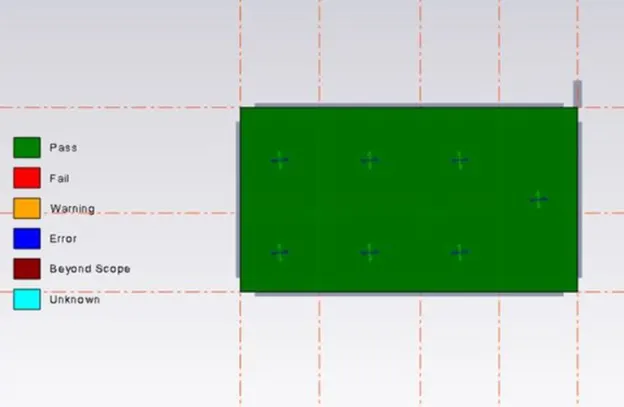
Step3: Now let us right-click on slab member and select check panel.
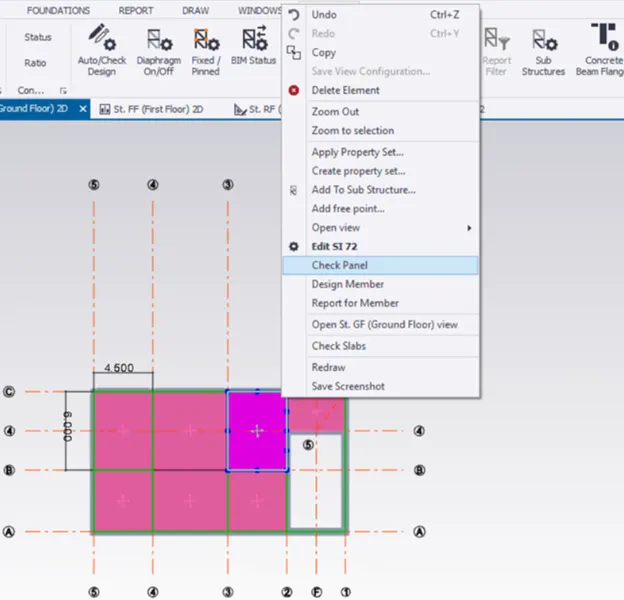
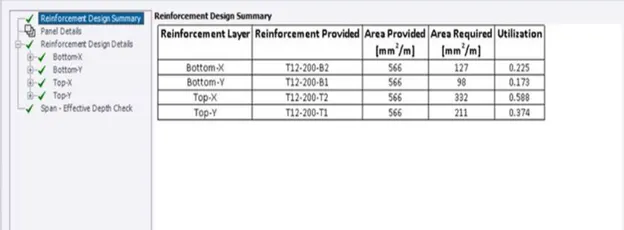
Step4: Now a window we can see the status of the member in one dialogue box whether the slab is having the requirements or not.
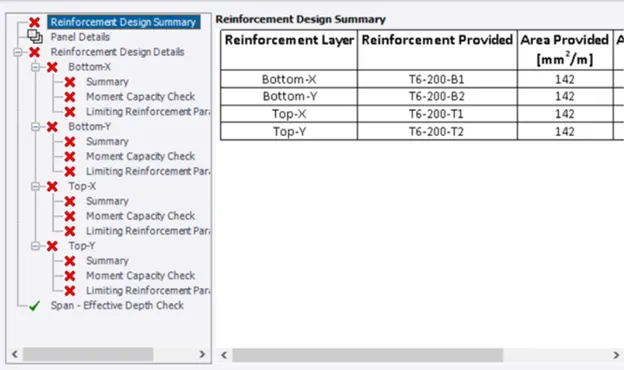
Step5: If it is not reached the requirements using properties, we can do so by changing the parameters, reinforcement to pass the slab under loading.
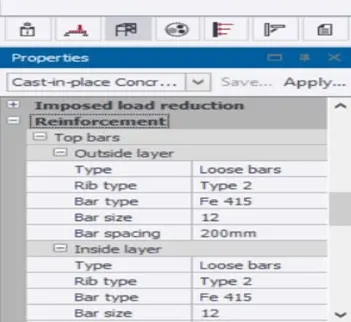
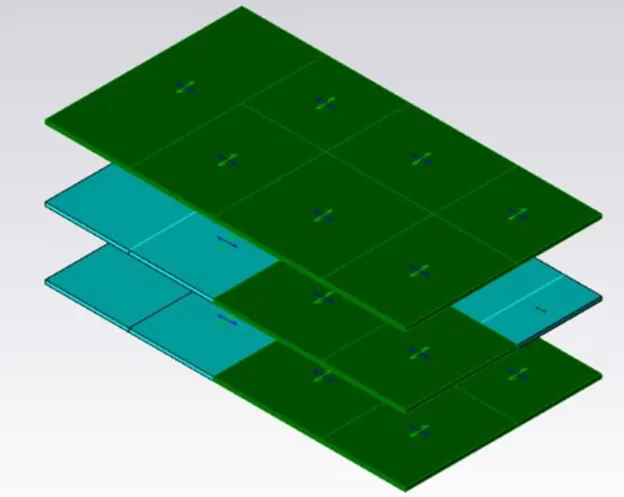
Step6: Repeat the same process to all the slab members having similar properties for this we can use the copy property icon present in the review view.
Step7: Now we have to design the foundation. For that, we have to go to the catalog option in the foundation tab. Then a dialogue box will appear and fill in the details as required.

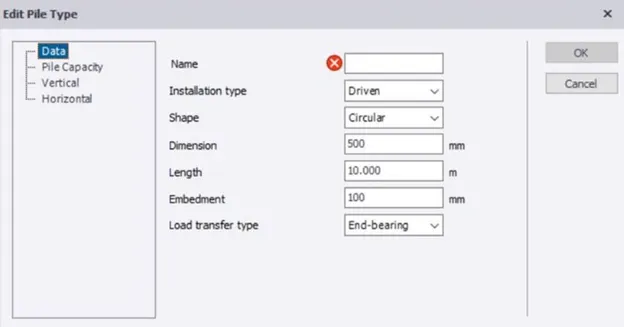
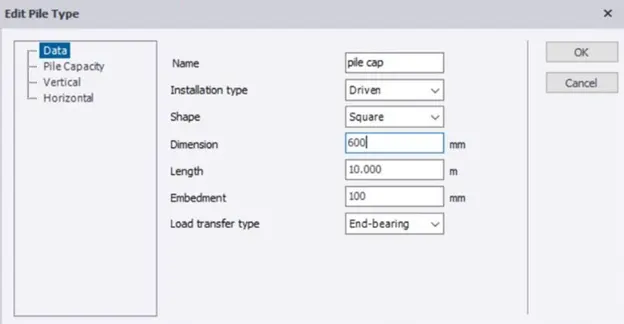
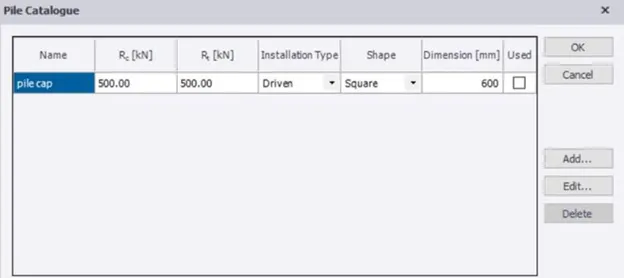
Step8: Now let us go to the base level using the project browser and select the pile cap column icon
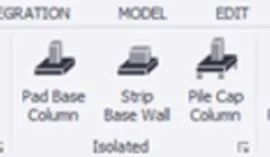
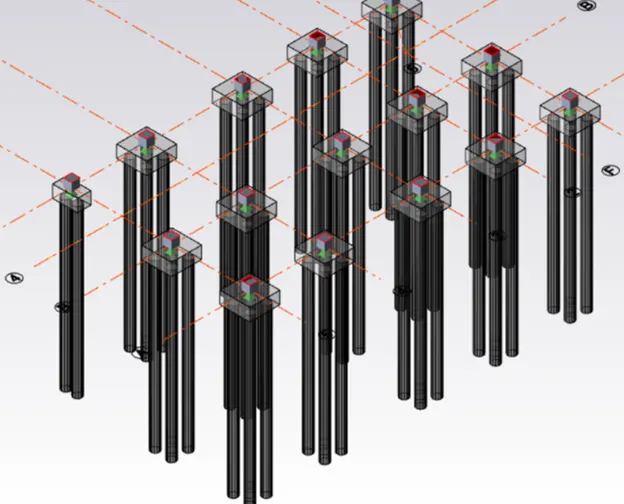
Step9: Now by just going to the base level and dragging the mouse near the column foundation is modeled.
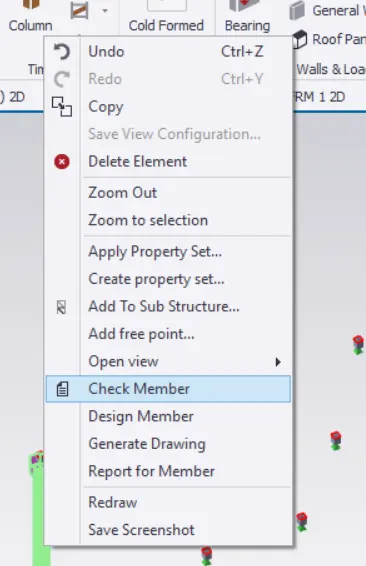
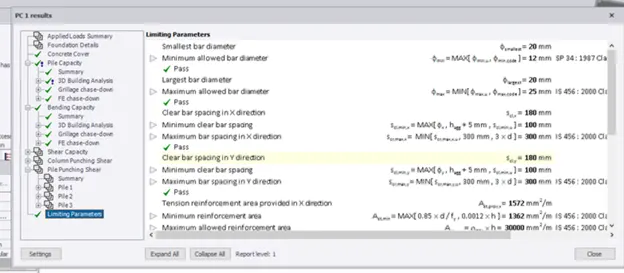
Step10: Right-click on the modeled member then click on check member then shows the member had cleared the test of requirements or not in a new dialogue box. If it is not passed just change the parameters using properties if it passed then design other foundation members.
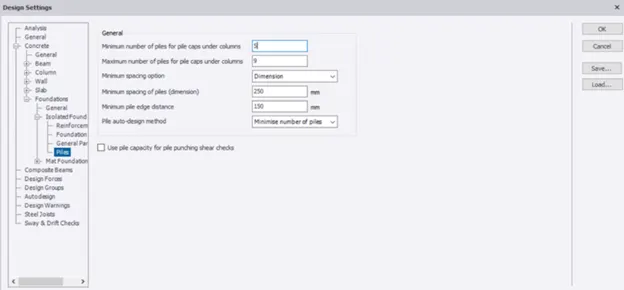
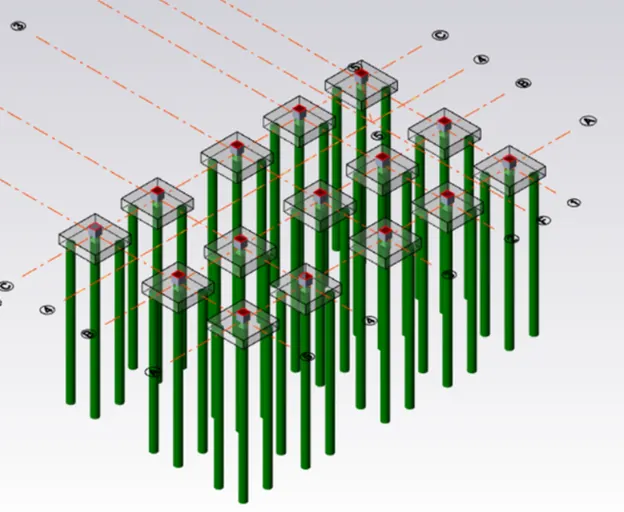
Step11: Check the errors, go to the settings option under that select the foundation option, and do the required changes. Finally, the structure should be error-free.
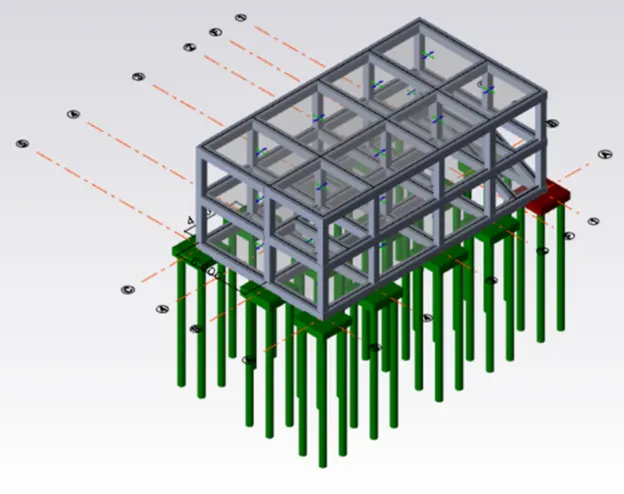
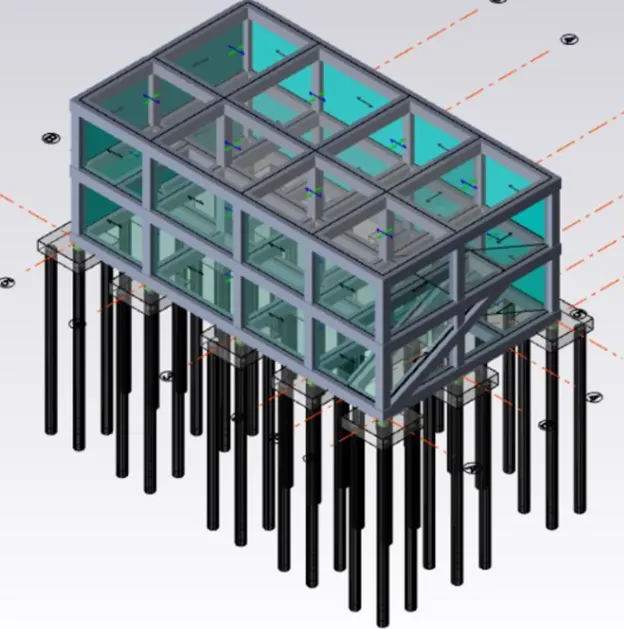
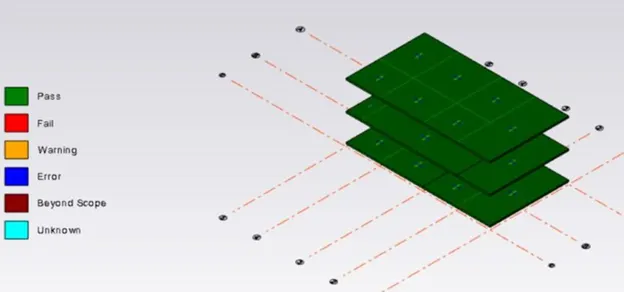
RESULT: By this, we had designed the slabs and foundation to our model.
The final output of the model is shown below after designing the slab and foundation.