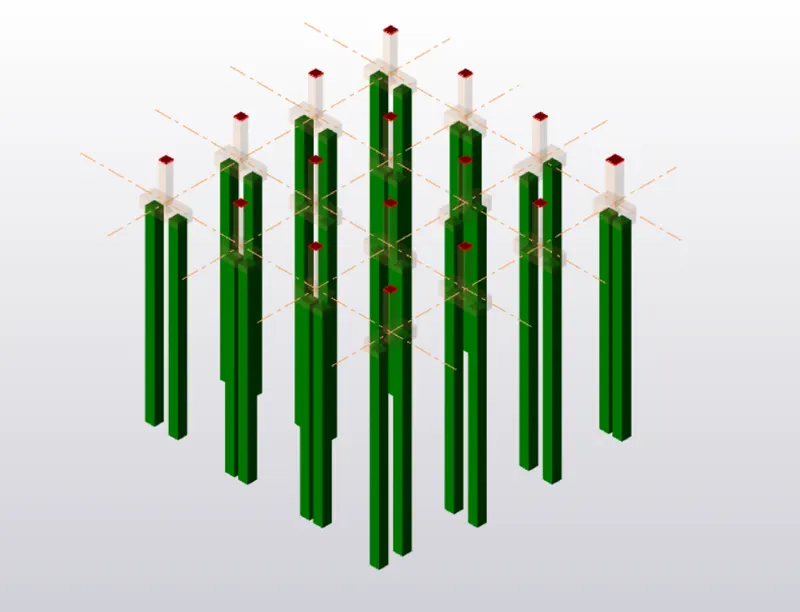
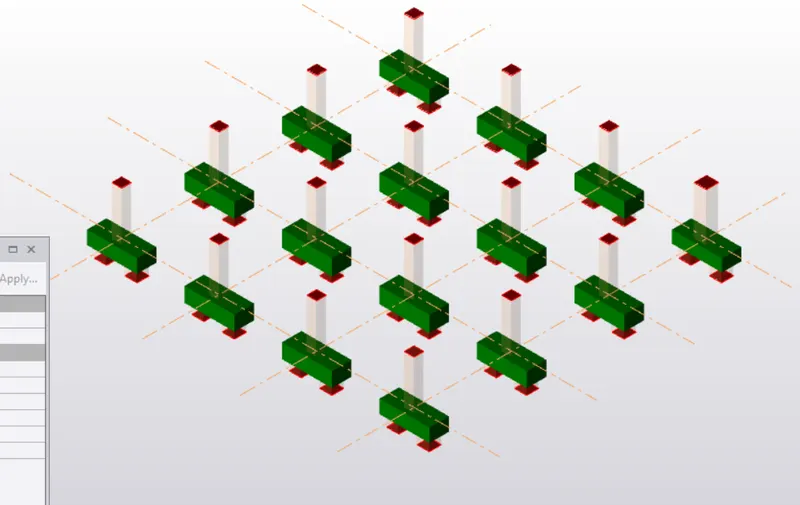
Week 11 Challenge
- Design the slab and foundation of the model. Outline the thought process for designing of the elements (column, beam, slab and foundations).
AIM:
To design the slab and foundaion of the model.
PROCEDURE:
Open the previous model in tekla and generate the same load combinations again.
now we have to design the slab.
click any one slab of the model and change its properties like
type - loose bars
rib type - type 2
bar size and spacing.
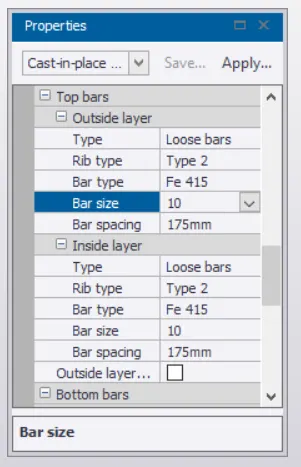
clikc on any one slab and right click,then select design member.
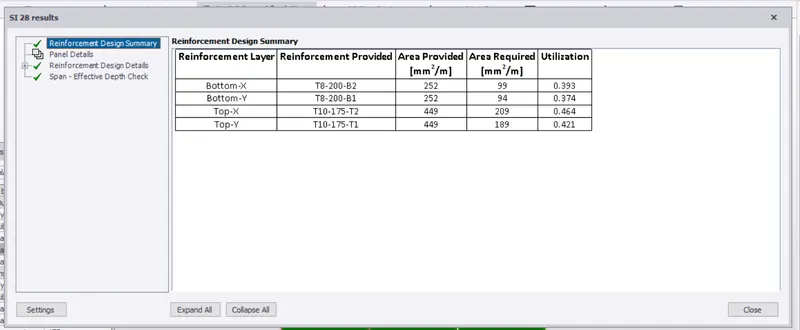
if the member shows an error ,then correct it according to the failure, if it passes, then proceed with
the design.
repeat this procedure for all the slabs and click on review, if it passes it will show green colour.
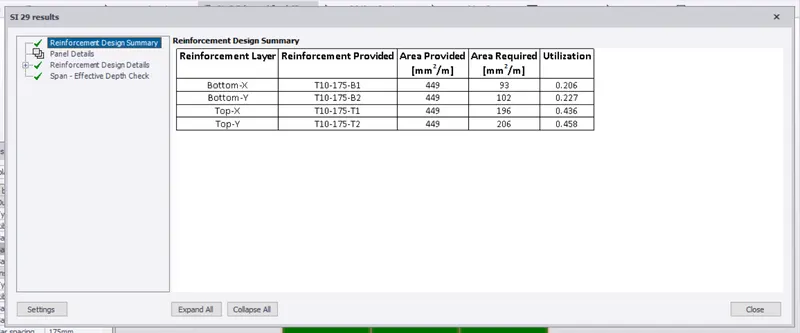
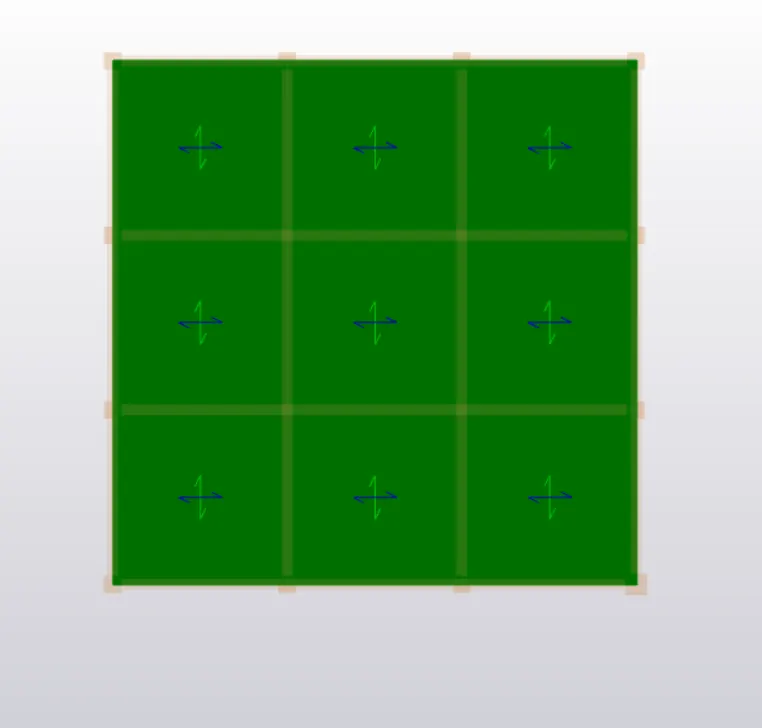
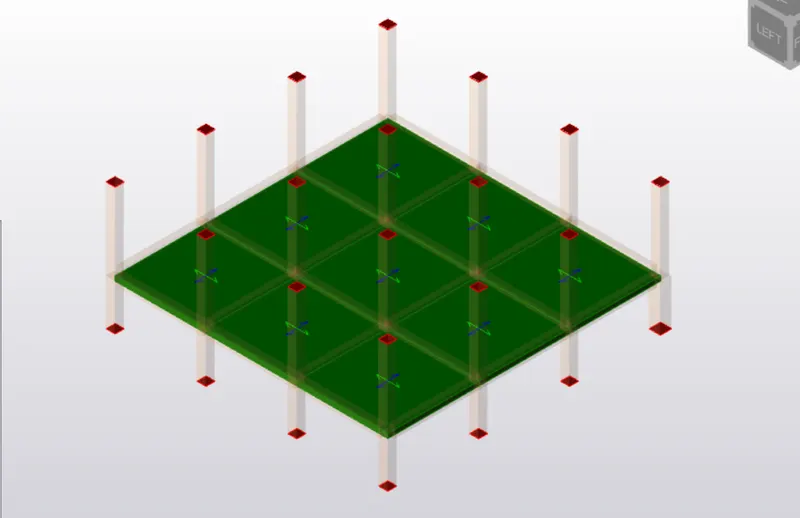
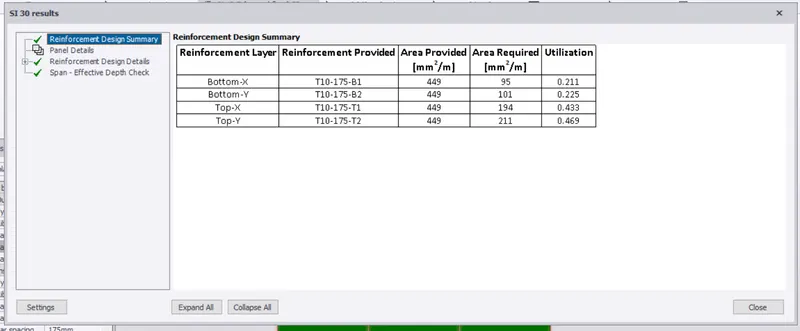
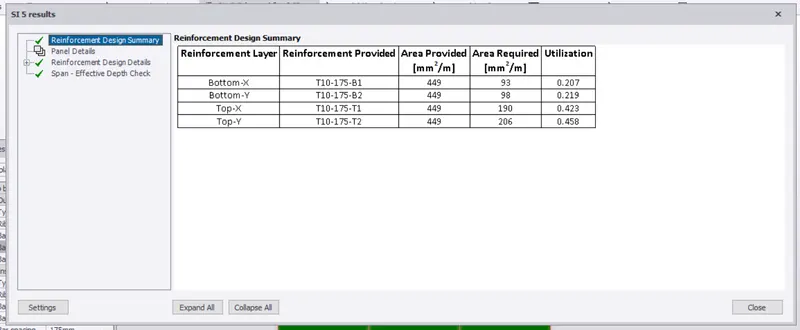
slab design is complete ,now we have to design the foundation.
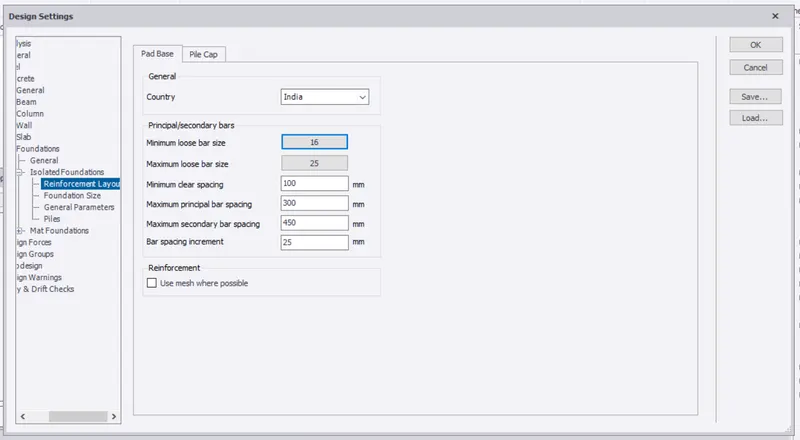
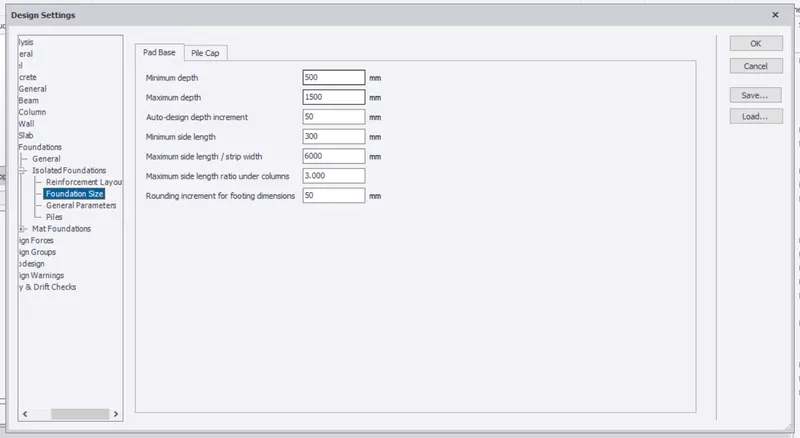
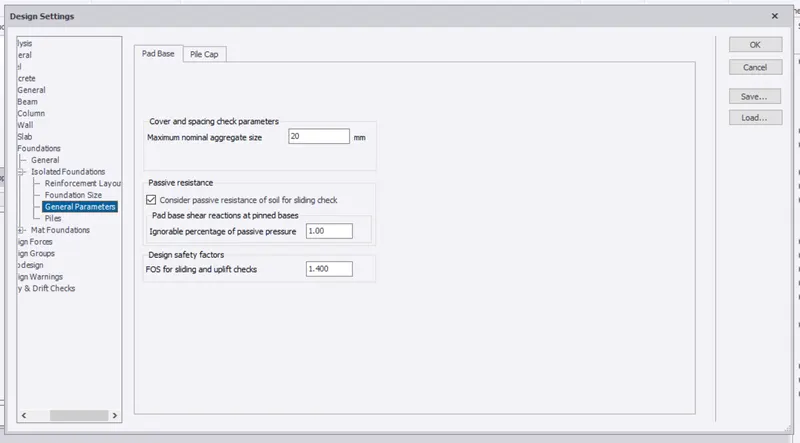
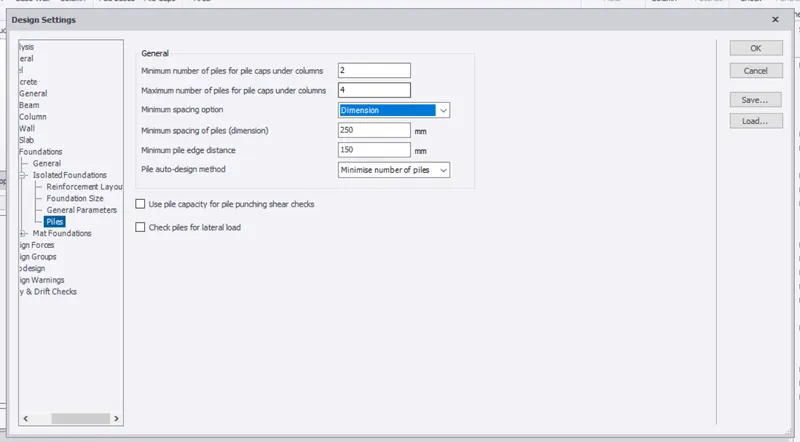
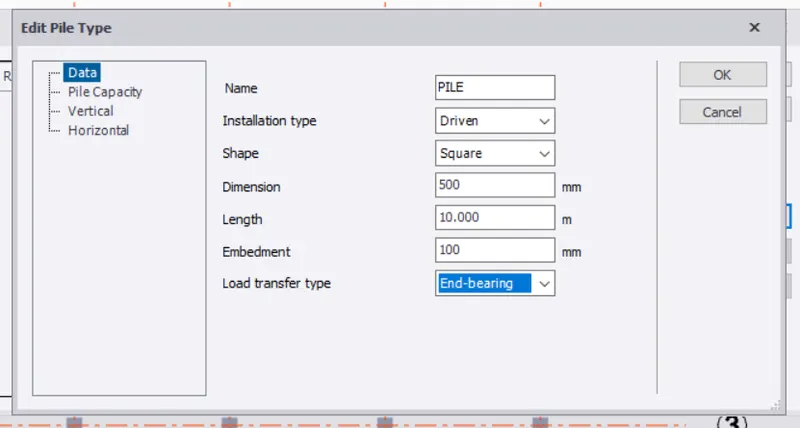
go to settings and make the settings for foundation as shown below.
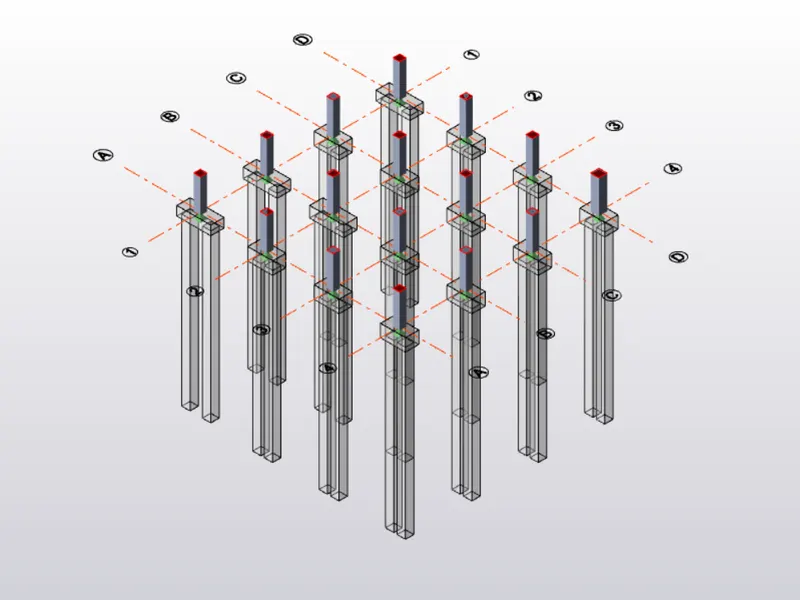
pile foundations are being used.
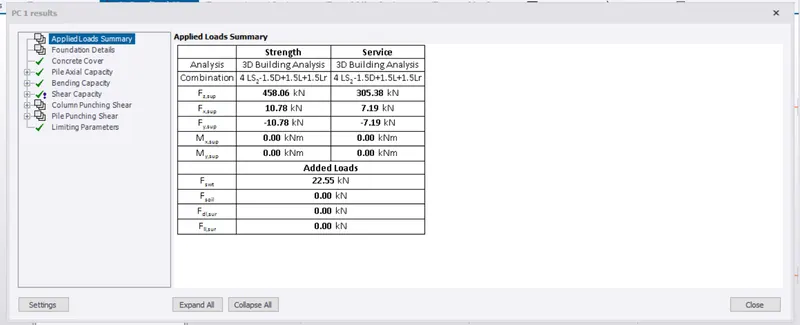
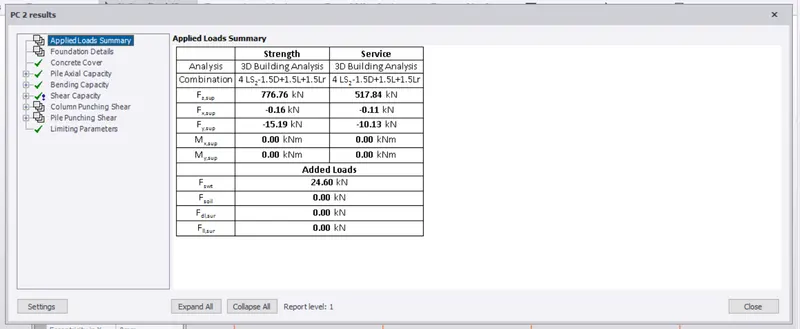
repeat the same procedure that was done for slabs ,just right click on the member and click on design.
if there are no errors, proceed with design.
click on review, if it shows green colour ,design is correct.