Week 11 Challenge
1. Design the slab and foundation of the model. Outline the thought process for designing of the elements (column, beam, slab and foundations)
AIM : To design the slab and foundation of the model and to Outline the thought process for designing of the elements
TOOLS REQUIRE : Slab, foundations, check panel, catalogue, design pile cap foundation, validate, design, settings, property browser etc.
PROCEDURE :
- Firstly open previous project or model file
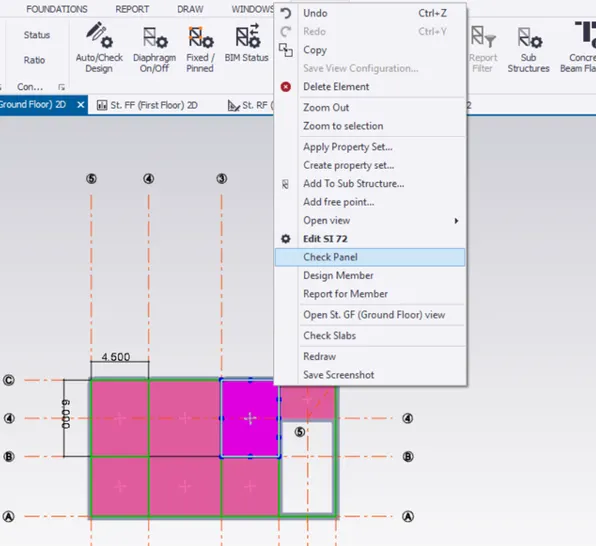
- Now select a Slab item and right click then a pop up box appears
- Now in that pop up box select the check panel option
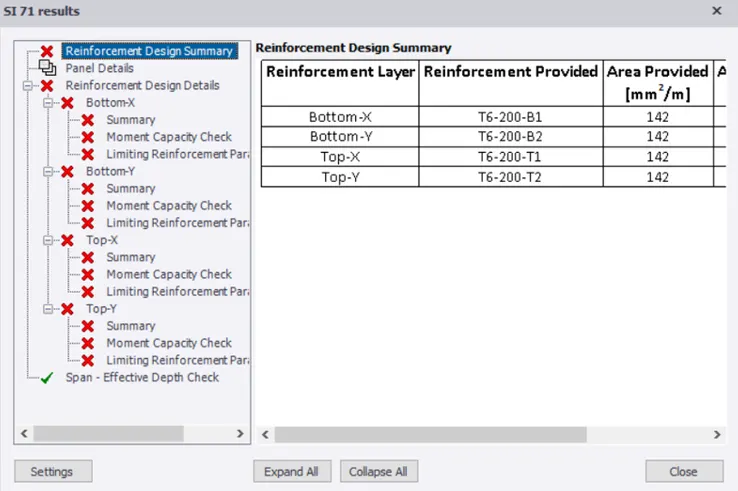
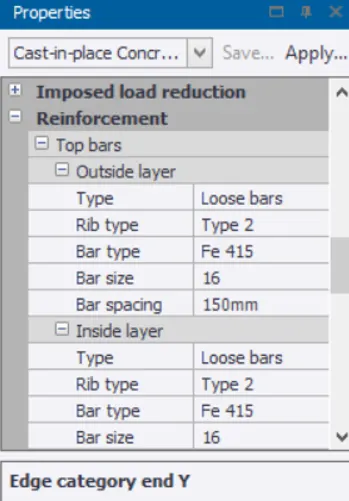
- Now a new pop up box appears with the properties of the slab item that we have selected
- Now we can see some errors
- Now correct the errors by changing the properties of different items in the property tab
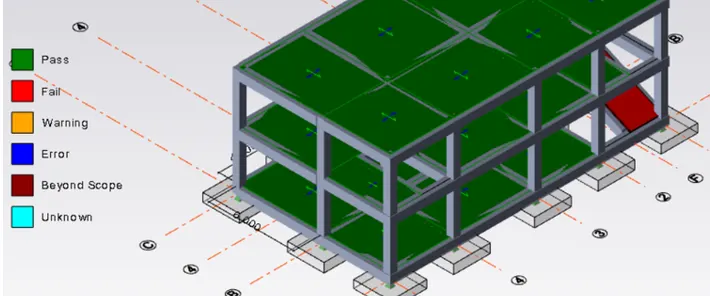
- Now once correction of errors is done follow the same procedure to design all the slabs
- Now to design foundations select the foundation tool
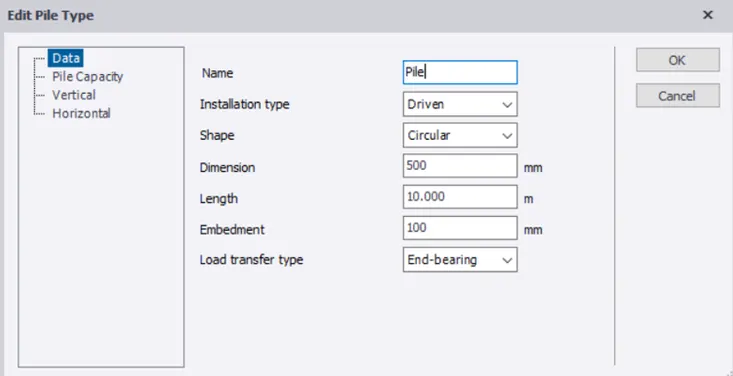
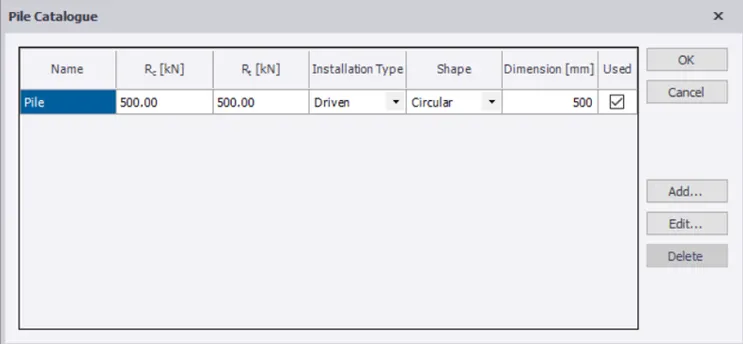
- Now we should select the catalogue option and add required foundation
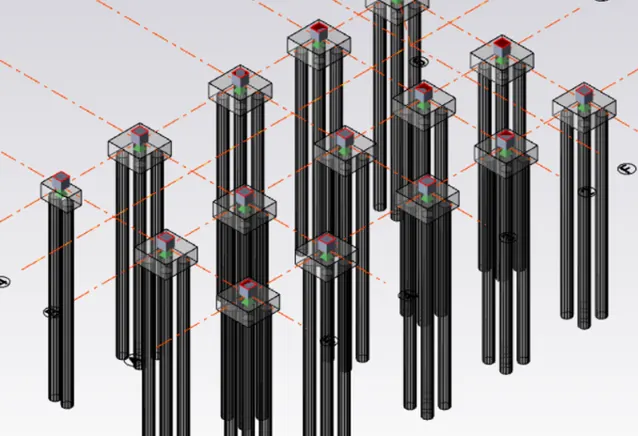
- Now select the pile cap column foundation option
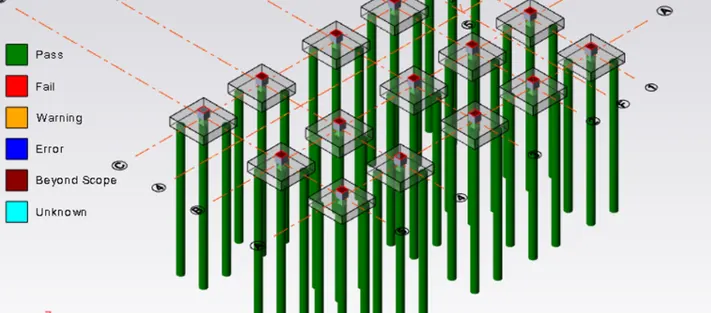
- Now add foundations for the structure
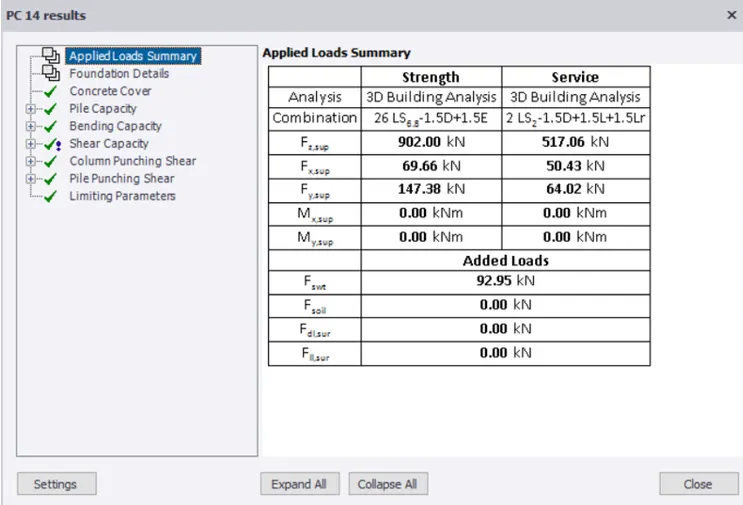
- Now design the foundation with the help of design pile cap option in the design isolated
- Now find out the errors
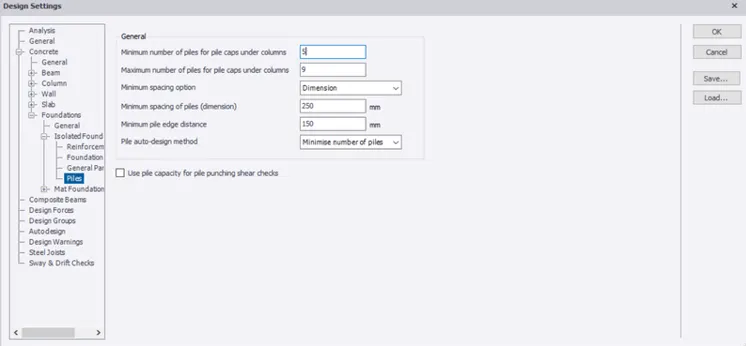
- Now go to the settings option and select the foundation option and do the required changes accordingly
- Now validate the model and check for any errors
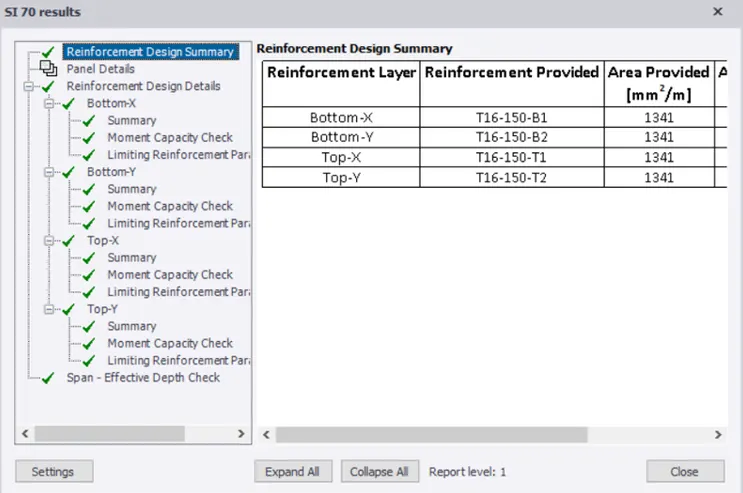
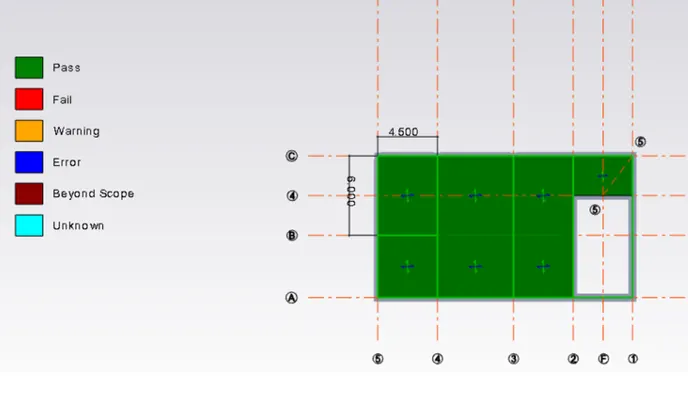
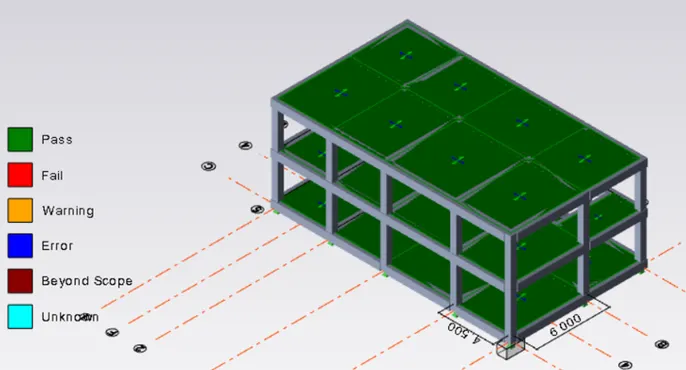
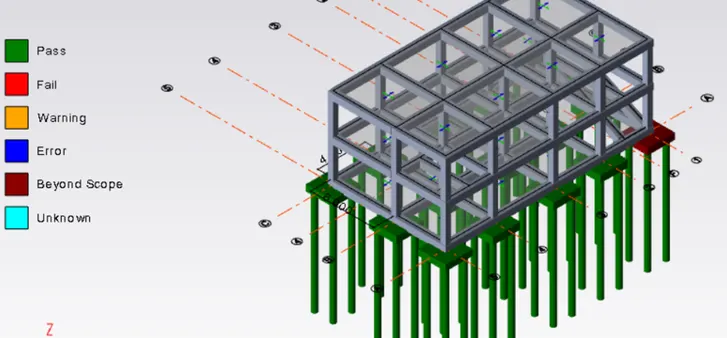
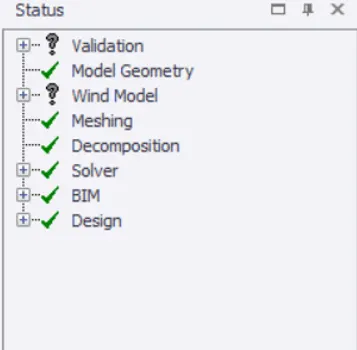
RESULT : Therefore by following the above procedure we can design the slab and foundation of the model successfully