Week 11- Assembly Workbench
Aim :
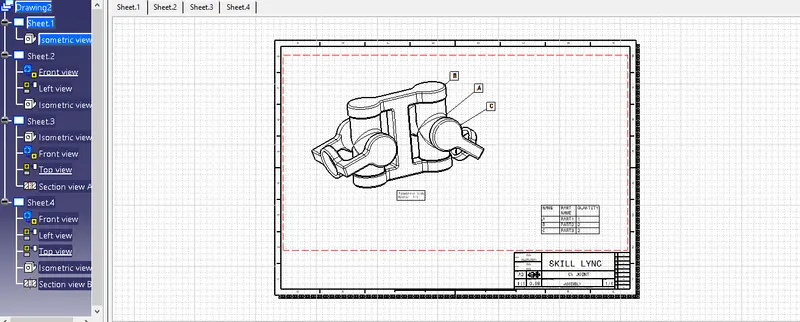
To create 2 assemblies according to the 2D diagrams of the components provided. Create the individual part files and then create a complete assembly of those part files in the assembly workbench. After creating the assembly with the help of drafting tools create a 2D drawing.
Report :
A. Quick return mechanism
B. CV joint
A. Quick return mechanism :
1. Creating the parts
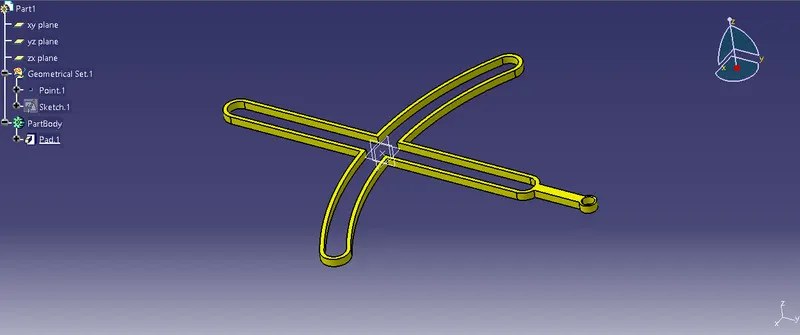
Part 1 :
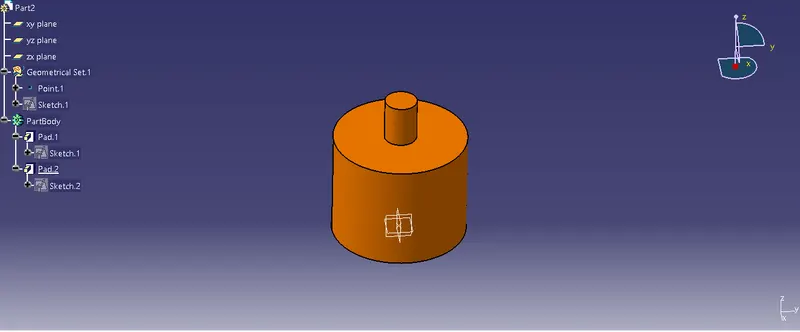
Part 2 :
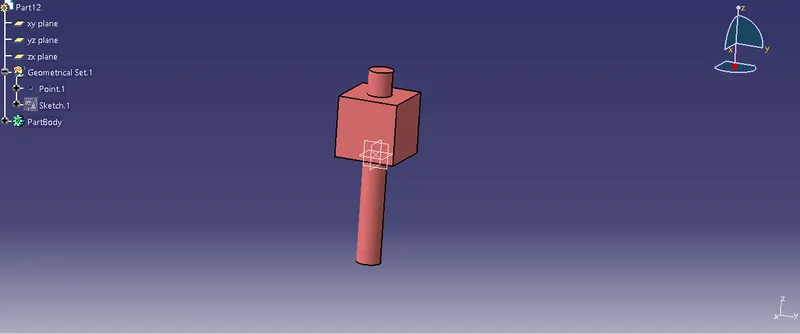
Part 3 :
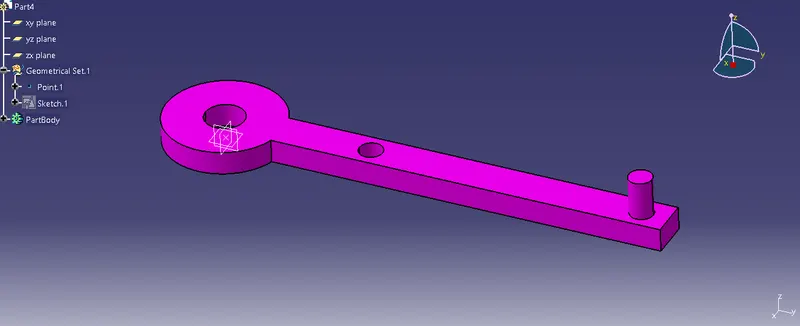
Part 4 :
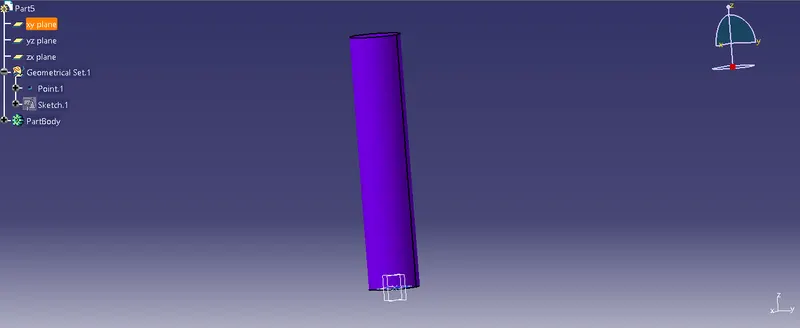
Part 5 :
2. Creating Assembly :
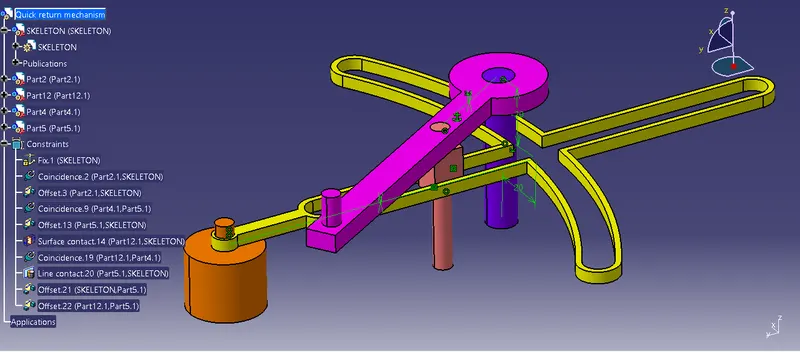
Open the Asssembly workbench to create the product
Import all the parts to be assembled and move them to the required places
Fix the Skeleton reference
Then using the conatraints tool bar coincide each part with the fixed component, later constrain each component accordingly with respect to the assembly provided
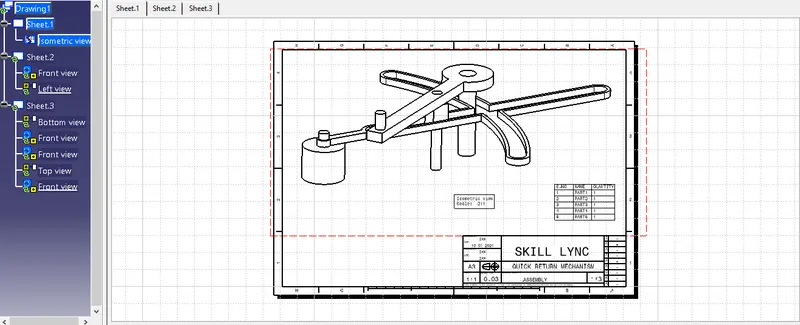
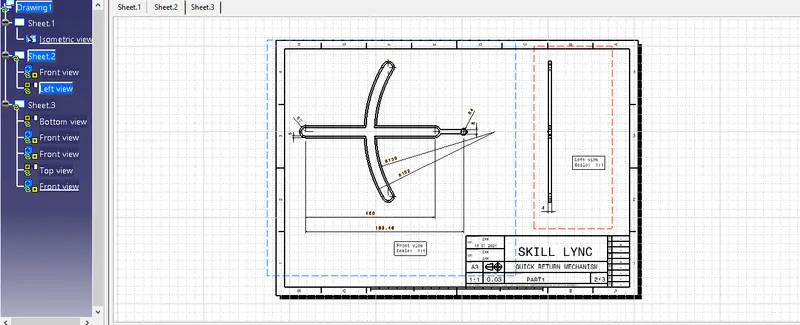
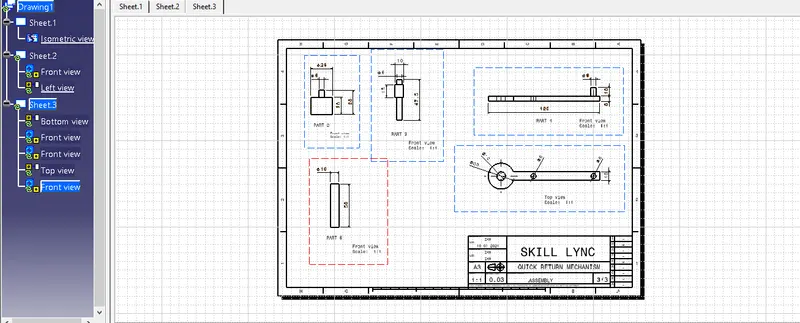
Create Draft sheet for the same
B. CV joint :
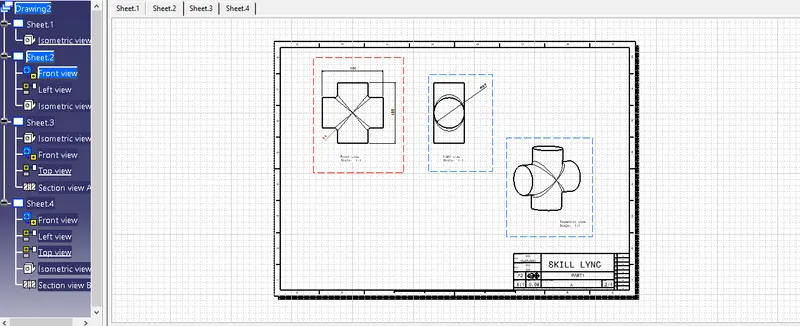
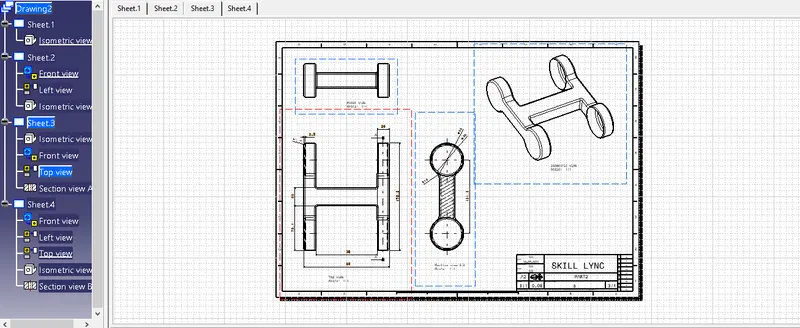
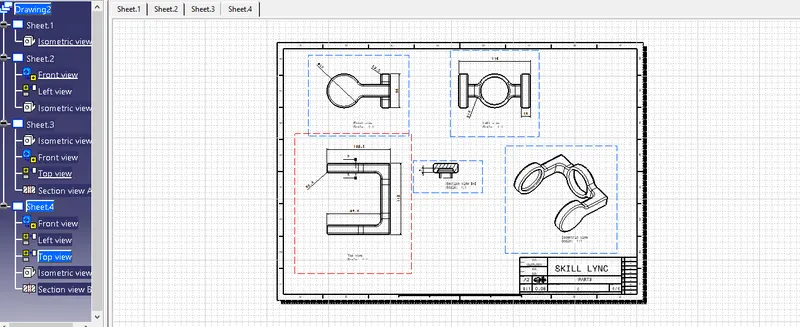
1. Creating the parts
Part 1 :
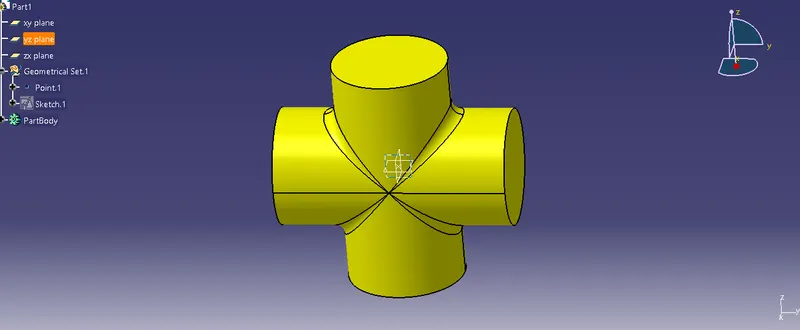
Part 2 :
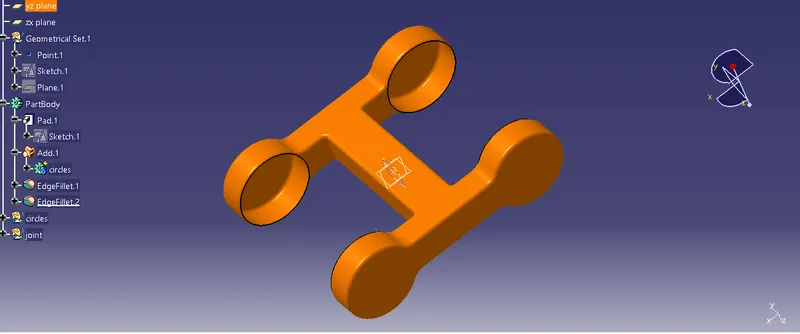
Part 3 :
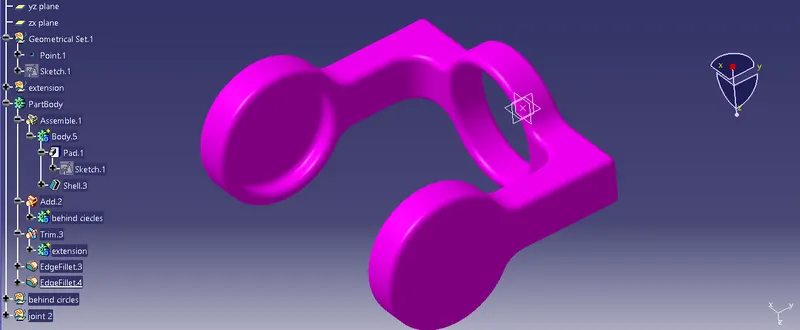
2. Creating Assembly :
Open the Asssembly workbench to create the product
Import all the parts to be assembled and move them to the required places
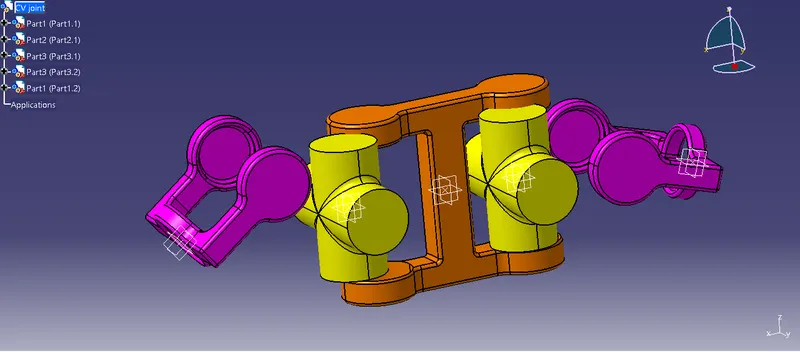
Fix the Skeleton reference
Then using the conatraints tool bar coincide each part with the fixed component, later constrain each component accordingly with respect to the assembly provided
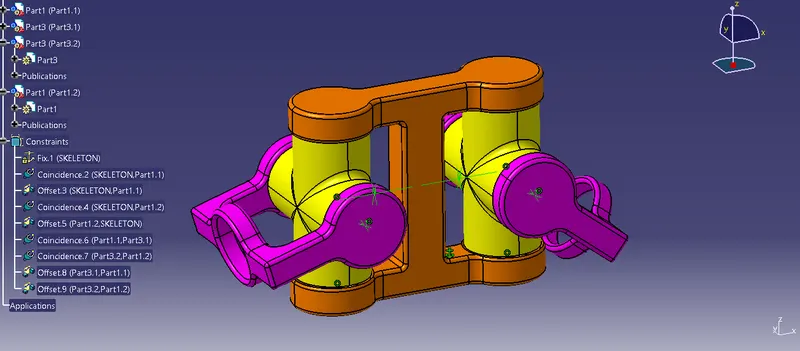
Create Draft sheet for the same